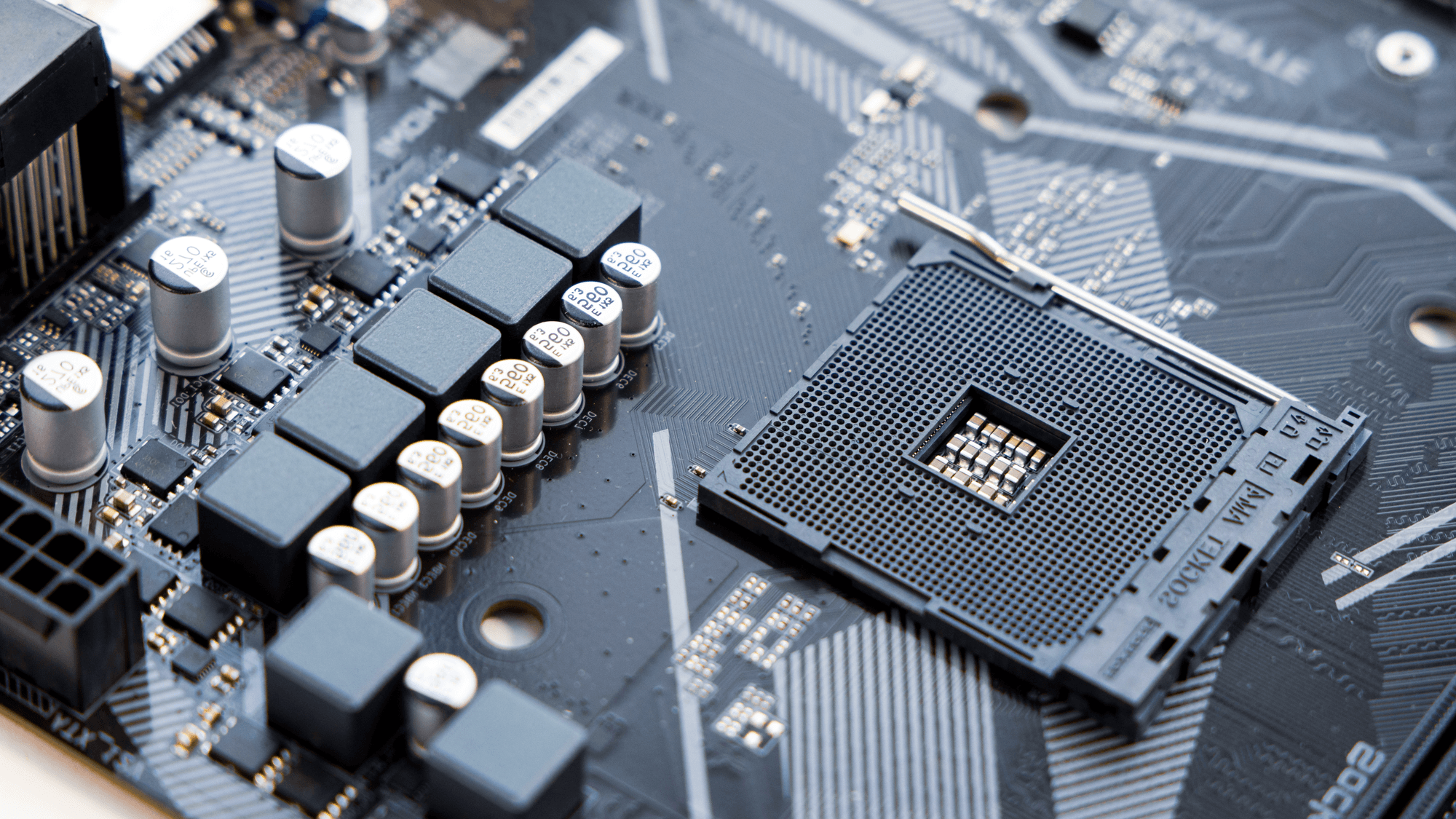
A motherboard is the main circuit board inside a PC. Intel calls it the PC's primary circuit board, and says it connects hardware to the processor, distributes power and determines which types of components are compatible. MSI describes it as the part that connects the processor, memory, graphics card, storage, power supply and peripherals.
Sockets and chipsets decide which processor fits
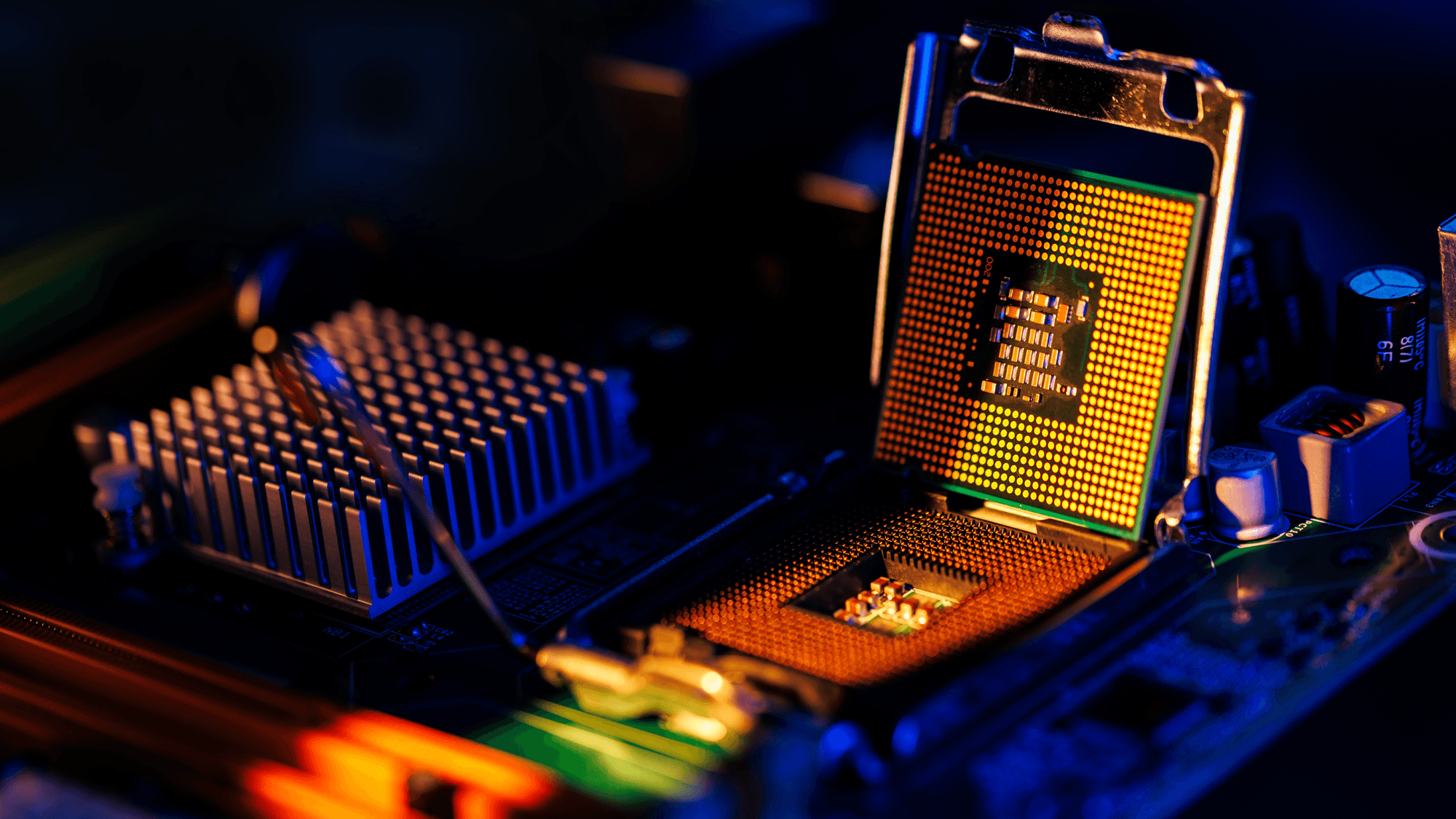
In its motherboard guide, Intel says the chipset relays communications between the CPU and connected devices, and controls additional PCIe connections, storage and external ports. RAM and some PCIe devices connect directly to the CPU instead.
AMD's Socket AM5 is one example. AMD says AM5 boards with its 600 and 800 series chipsets support Ryzen 7000, 8000 and 9000 processors, though a BIOS update may be required to run a Ryzen 8000 or 9000 chip on a 600 series board. AMD's AM5 chipset page lists X870E, X870, B850 and B840, alongside the earlier X670E, X670 and A620 family. For X870E, AMD specifies DDR5 memory, USB4 and PCIe 5.0 support for graphics and NVMe storage.
For Intel, Core Ultra desktop processors Series 2 require a motherboard with the LGA1851 socket. An Intel support article last reviewed on November 22, 2024 says these chips do not work in LGA1700 boards, even though the two sockets share the same physical dimensions. Intel pairs them with its 800 series desktop chipsets, a family that includes Z890, B860 and H810. Its 600 and 700 series chipsets are not compatible.
ATX, micro-ATX and Mini-ITX sizes
MSI's motherboard size table lists ATX, micro-ATX and Mini-ITX among its form factors. ASUS and Gigabyte also list sizes for individual boards on their spec pages.
- ATX: 30.5 by 24.4 cm in MSI's motherboard size table.
- Micro-ATX: 24.4 by 24.4 cm in the same MSI table. ASUS lists its PRIME B840M-A WIFI as a micro-ATX board at that size.
- Mini-ITX: 17 by 17 cm on Gigabyte's spec page for the B850I AORUS PRO (rev. 1.0).
Slot counts differ from board to board. That Gigabyte Mini-ITX board has two DDR5 memory sockets supporting up to 128GB in total, one PCIe x16 slot and two M.2 storage connectors. MSI's MAG X870 TOMAHAWK WIFI lists four DDR5 memory slots with a 256GB maximum, three physical x16 slots and four M.2 storage slots.
Slots and ports
Intel says PCIe expansion slots take devices such as graphics cards, solid-state drives, network adapters and capture cards, over connections with lane counts such as x1, x4, x8 and x16. M.2 is a compact form factor for devices including NVMe SSDs and Wi-Fi cards. Intel notes that connector keys determine compatibility, and that M.2 devices can use different interfaces, including PCIe or SATA.
The three x16-size slots on the MSI board top out at PCIe 5.0 x16, PCIe 3.0 x1 and PCIe 4.0 x4, and MSI attaches CPU and shared-lane conditions. The single slot on the Gigabyte board supports PCIe 5.0 x16 with Ryzen 9000 and 7000 processors, while specified Ryzen 8000 variants run it at PCIe 4.0 x8 or x4.
ASUS says USB port counts and speeds vary by motherboard model. Its AMD 800 series boards have USB Type-A and Type-C ports on the rear, plus headers for a case's front-panel USB ports. The MSI board lists two rear USB 40Gbps Type-C ports and an internal connection for one front USB 20Gbps Type-C port.
Features can also share resources. On that MSI board, the rear USB 40Gbps ports and the M2_2 slot share PCIe bandwidth, and selecting PCIe 5.0 x4 for M2_2 in the BIOS disables those USB ports. MSI also lists M2_2 as unavailable with Ryzen 8500 and 8300 processors.
What BIOS and UEFI do
ASUS defines BIOS, short for Basic Input/Output System, as firmware preinstalled on the motherboard. It initializes the hardware, performs the Power-On Self-Test (POST) and hands control to the operating system.
Intel says modern motherboard firmware is typically UEFI, the Unified Extensible Firmware Interface, although users and motherboard labels commonly still call it BIOS. ASUS documents UEFI controls for memory profiles, fan settings and boot priority, along with screens that show motherboard, BIOS, CPU and memory information.
What to check before you buy or upgrade
If you already own a processor, start with the socket and chipset, because Intel and AMD both tie processor support to them. If you plan to put a Ryzen 8000 or 9000 chip in a 600 series AM5 board, check for a BIOS update first, since AMD says one may be required. See How to Update the BIOS on an MSI Motherboard.
If you need several drives or fast USB ports, read the board's full spec page, because slot speeds and shared bandwidth depend on the model and the processor. See also How to Check What Motherboard You Have and PC Stuck on Motherboard Screen? Fix the Boot Freeze.