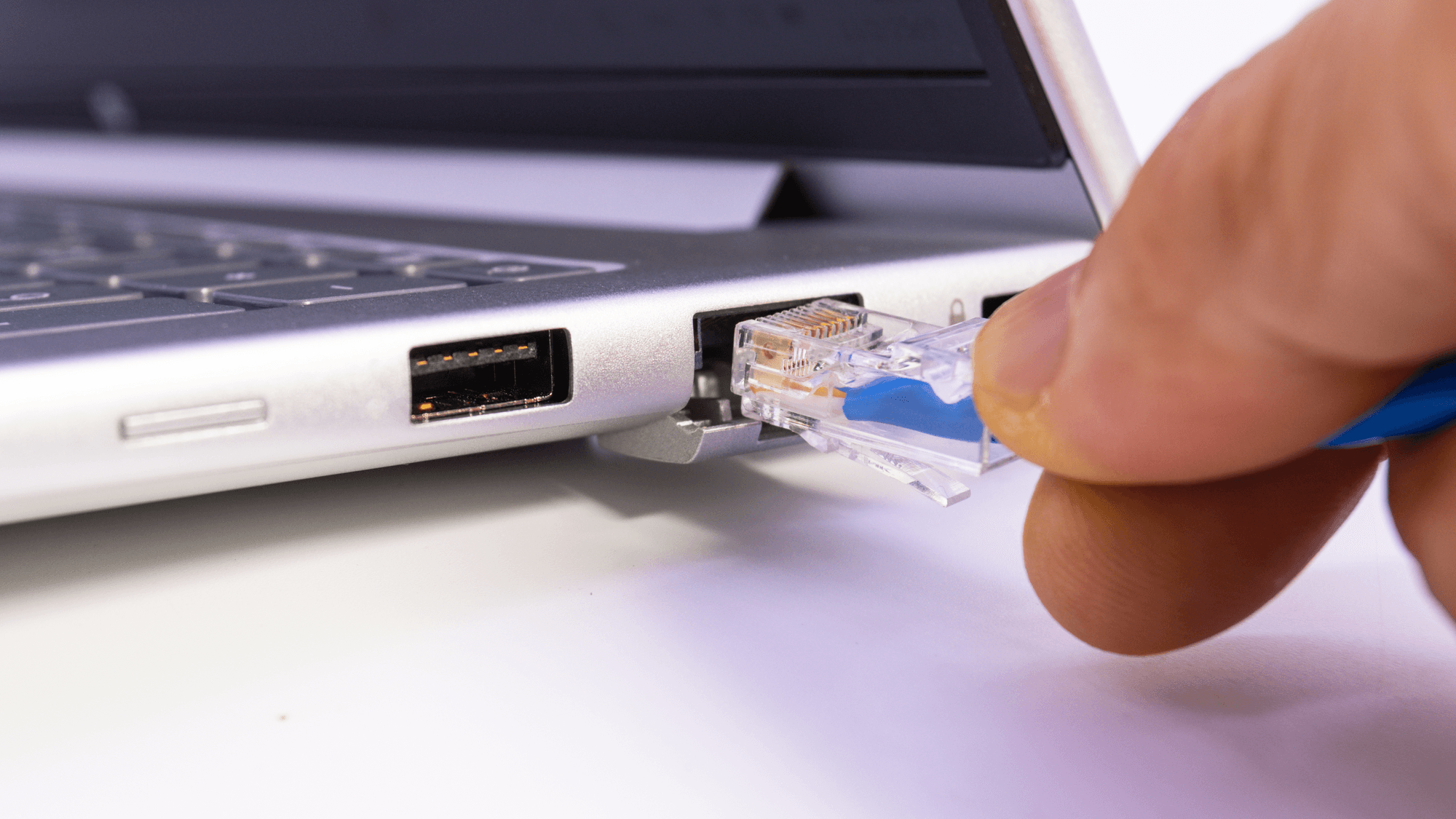
Ethernet is a wired way to connect devices on a local network. It is defined by the IEEE 802.3 standard, which the Ethernet Alliance says was first created for communication across local area networks (LANs). On a home router such as TP-Link's Archer BE550, the manual says the LAN ports are for connecting a PC or other wired devices.
How Ethernet works
IEEE 802.3 specifies how an Ethernet LAN operates using a common media access control (MAC) specification. The standard covers several kinds of physical wiring, including twisted-pair copper, coaxial cable, optical fiber and electrical backplanes.
Data travels in frames. Cisco explains that an Ethernet frame's MAC header carries the source and destination MAC addresses, which is how a frame is marked with where it came from and where it is going.
Ethernet also sits behind wireless networks. The Ethernet Alliance describes it as the primary form of connectivity that links wireless networks to a LAN, a metropolitan area network or the internet.
Ethernet cable categories and speeds
Ethernet cables are listed by category, with a speed and a distance for each. The Cat5e, Cat6 and Cat6a figures come from NETGEAR's cable table.
- Cat5e: 1 Gbps up to 100 meters.
- Cat6: 10 Gbps up to 55 meters.
- Cat6a: 10 Gbps up to 100 meters.
- Cat8: a cabling presentation published on the IEEE 802.3 site ties Cat8 channels to 25 Gbps and 40 Gbps, with a frequency range of 2 GHz and a length limited to 30 meters.
The Cat5e line is a table entry, not a hard ceiling for every use. Intel's product guide specifies its I226-T1 adapter for 2.5GbE over Cat5e, Cat6 or Cat6a cabling up to 100 meters. For 10GbE, Intel specifies its X550-T2 adapter over Cat6 up to 55 meters, or Cat6a or better up to 100 meters.
Ethernet vs Wi-Fi
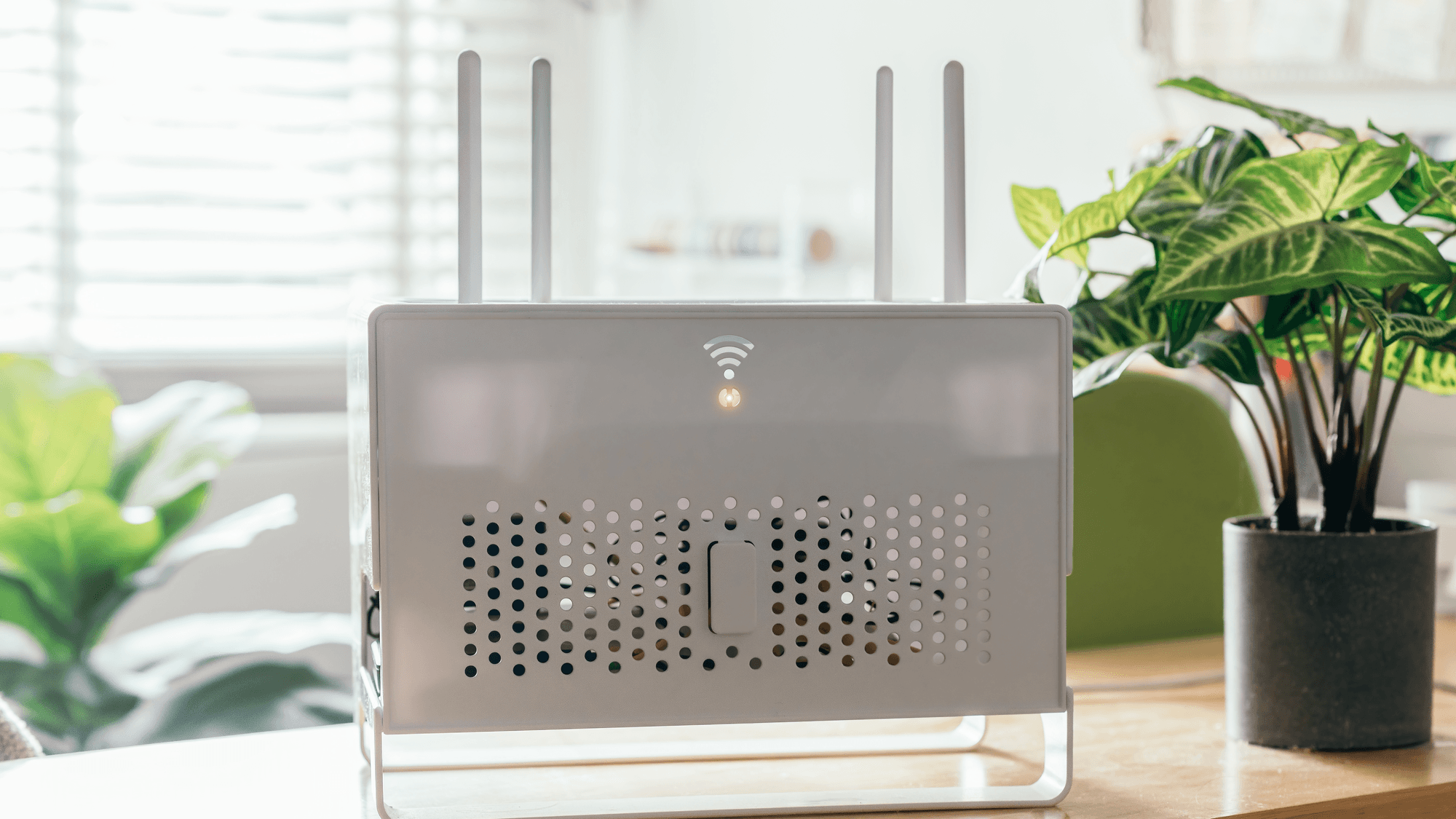
Wi-Fi transmits information over radio waves, according to Cisco. TP-Link names radio-frequency interference and physical obstructions as causes of Wi-Fi problems, and says walls between the router and your devices can reduce signal quality. NETGEAR states that with a wired Ethernet connection to an access point, data can transmit back and forth simultaneously.
Ethernet is not always the faster link on paper, though. NETGEAR gives an example of Wi-Fi 6 at 1,200 Mbps per wireless stream in ideal conditions, against 1,000 Mbps for a Gigabit Ethernet connection.
Ethernet ports and their speeds
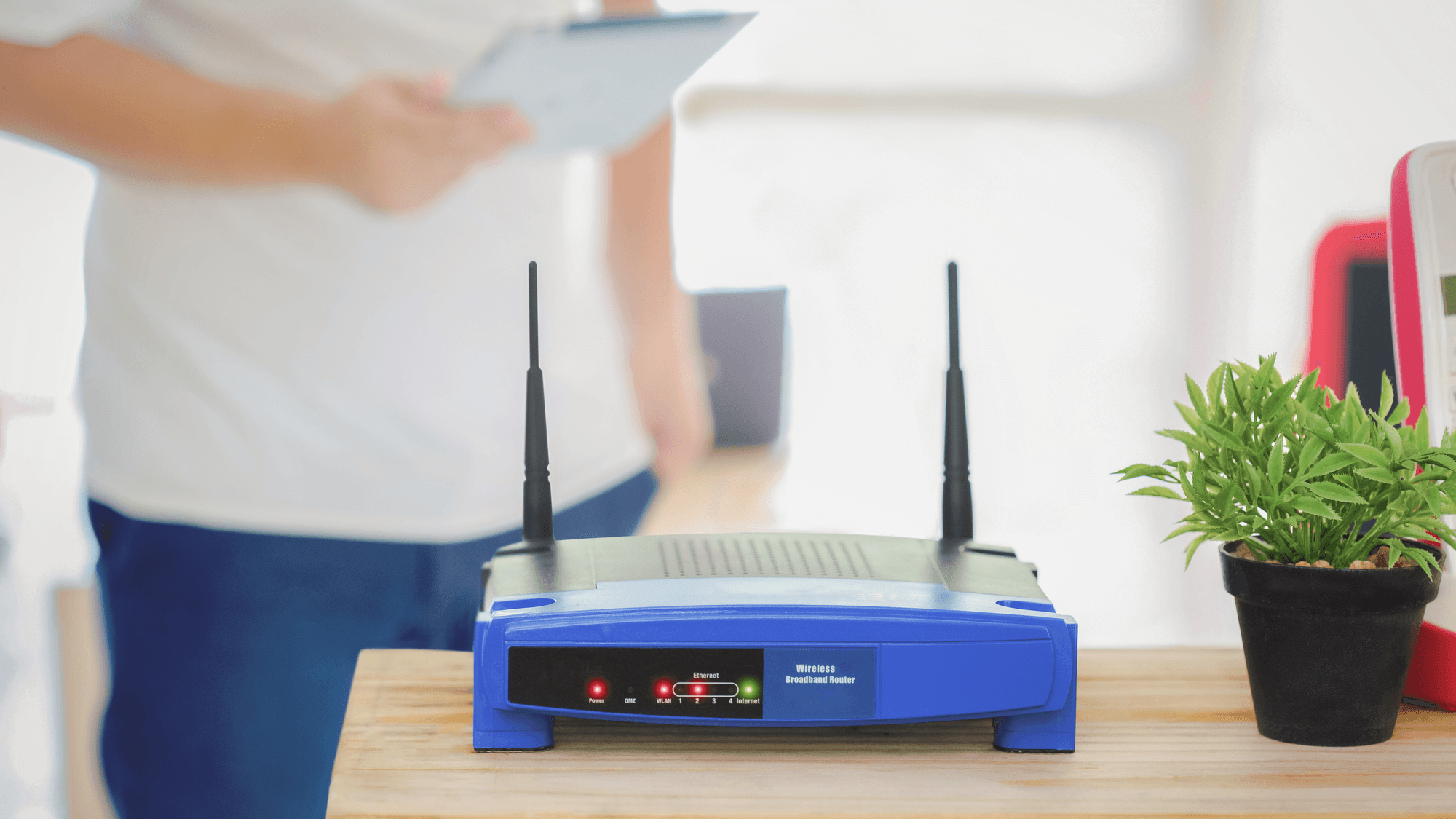
A router can have two kinds of Ethernet port. On TP-Link's Archer BE550, for example, the manual says the WAN port is for connecting to your modem or an Ethernet outlet, and the LAN ports are for a PC or other wired devices. That model has one 2.5 Gbps WAN port and four 2.5 Gbps LAN ports.
A PC can gain an Ethernet port through an adapter. TP-Link's UE300C is a USB-C adapter with one RJ45 Ethernet port that supports 10, 100 and 1,000 Mbps. For a desktop, TP-Link's TX401 V2 is a PCIe 3.0 x4 card with one 10 Gigabit RJ45 port.
IEEE approved 802.3bz-2016, the 2.5G/5GBASE-T standard, on September 22, 2016. Intel's I226 controllers support speeds up to 2.5GbE on a single port, along with 1000BASE-T and 100BASE-TX.
Makers describe faster ports as working with slower gear. NETGEAR says its Multi-Gig and 2.5G Multi-Gig ports are backward compatible with standard 100 Mbps and Gigabit devices, and TP-Link's TX401 V2 supports 10, 5, 2.5 and 1 Gbps as well as 100 Mbps connections.
A slower port can still hold a fast connection back. NETGEAR states that if a modem and router have only Gigabit ports, a multi-gig internet connection is limited to 1 Gbps unless ports are aggregated. TP-Link adds that advertised wired rates are physical rates derived from IEEE 802.3, and that actual throughput is not guaranteed. It varies with environmental factors, cable class and computer performance.
What to do
If your internet plan is faster than 1 Gbps, check the port speeds on both the modem and the router, because NETGEAR says a multi-gig connection is limited to 1 Gbps when both have only Gigabit ports, unless ports are aggregated. If you are buying a cable for a 10GbE link, Cat6a fits longer runs because it is listed for 10 Gbps up to 100 meters, while Cat6 is listed up to 55 meters.
If walls sit between your router and a PC or other wired device, a cable may be worth trying, since TP-Link says walls can reduce Wi-Fi signal quality. For troubleshooting, see Ethernet Cable Not Working? How to Fix It and Ethernet Ports In-Wall Not Working?.