DNS stands for Domain Name System. It connects domain names to IP addresses, so people can type a text name to reach a site or service on the internet. Cloudflare describes it as the internet's phonebook, translating human-readable domain names into IP addresses.
How a DNS lookup works
A lookup starts with a recursive resolver. This server takes the request from your device, queries other DNS servers as needed and returns the result.
In a typical lookup with no saved answer, the resolver first queries a root nameserver. IANA describes the root zone as the highest level of the naming hierarchy, and it mainly holds delegations of top-level domains such as .edu and .in. The root nameserver refers the resolver to the right top-level domain (TLD) nameserver, such as a .com nameserver.
The TLD nameserver then points the resolver to the domain's authoritative nameserver. ICANN defines that as the server hosting the official resource records for a DNS zone and answering queries about that zone. In Cloudflare's example.com walkthrough, the domain's nameserver returns the IP address to the resolver, and the resolver hands it to the browser.
The resolver does not repeat all of this every time. It can reuse a cached answer without querying the other nameservers again. Cached answers have a retention period called Time-To-Live, or TTL.
Which DNS server your devices use
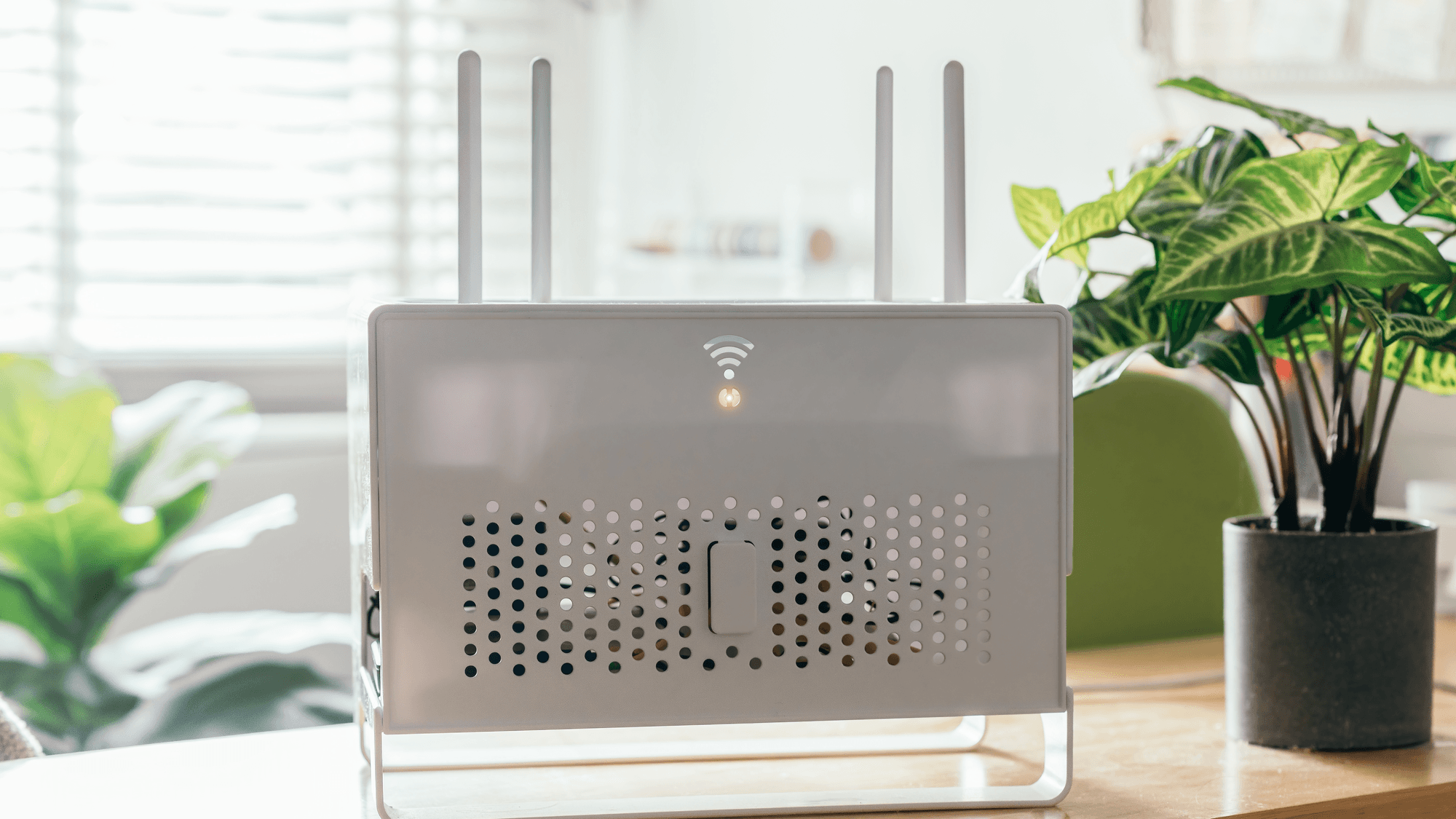
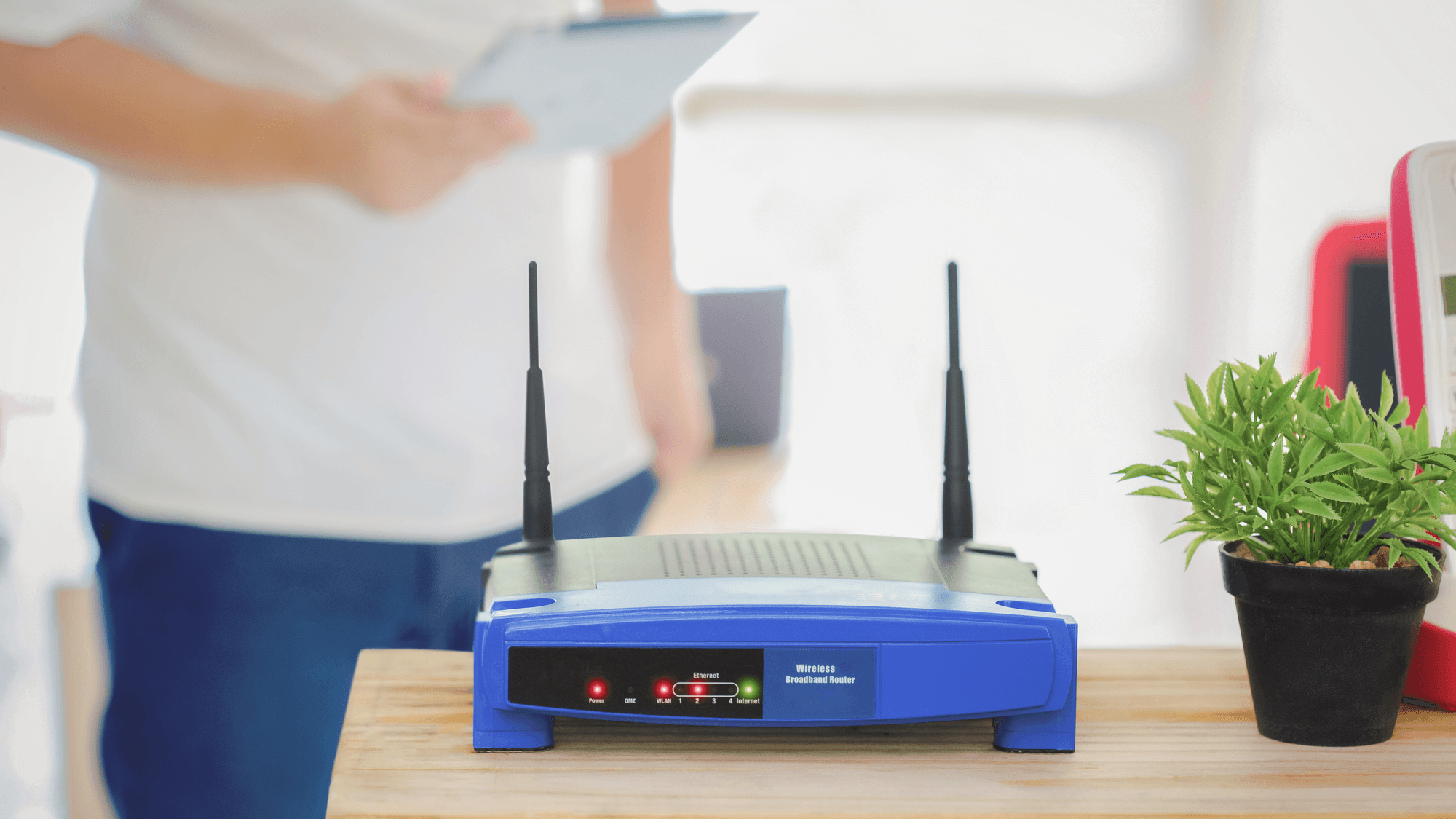
Apple's support page on router settings says a router uses the DNS server of its internet service provider by default. If another DNS server is set on the router, connected devices use that server by default. Three public resolvers publish their addresses, and each maker describes its service as free as of November 2026.
- Cloudflare: 1.1.1.1 and 1.0.0.1 on IPv4, plus 2606:4700:4700::1111 and 2606:4700:4700::1001 on IPv6. Cloudflare describes this standard resolver as having no content filtering.
- Google Public DNS: 8.8.8.8 and 8.8.4.4 on IPv4, plus 2001:4860:4860::8888 and 2001:4860:4860::8844 on IPv6.
- Quad9: 9.9.9.9 and 149.112.112.112 on IPv4, plus 2620:fe::fe and 2620:fe::9 on IPv6. Quad9 lists this service as malware blocking with DNSSEC validation.
Encrypted DNS, DoT and DoH
Google's documentation says traditional DNS queries and responses are sent over UDP or TCP without encryption. Two other methods add it. DNS over TLS (DoT) carries DNS traffic inside a TLS-encrypted TCP connection, and Cloudflare supports it on standard port 853. DNS over HTTPS (DoH) wraps DNS queries inside regular HTTPS requests, and Cloudflare documents port 443 for that traffic.
DNSSEC is a different tool. Cloudflare says it provides authentication and integrity protections for DNS data, and it does not encrypt communications.
All three resolvers above document encrypted options. For DoT, the hostnames are one.one.one.one for Cloudflare, dns.google for Google and dns.quad9.net for Quad9's malware-blocking service. For DoH, the endpoints are https://cloudflare-dns.com/dns-query, https://dns.google/dns-query and https://dns.quad9.net/dns-query.
Where the DNS setting lives
- Windows: Microsoft's network settings guide goes through Settings, then Network & internet. Pick Wi-Fi, Manage known networks and your network, or Ethernet and the connected network. Next to IP assignment, select Edit, choose Manual, turn on IPv4 or IPv6, fill in the required IP settings, enter the addresses under Preferred DNS and Alternate DNS, then select Save.
- iPhone: Cloudflare's setup guide lists Settings, Wi-Fi, the information icon beside the connected network, Configure DNS, Manual, then Add Server. For its standard resolver you enter 1.1.1.1 and 1.0.0.1 and select Save.
- Android: Google's Private DNS help page lists Settings, Network & internet, Private DNS. The options are Off, Automatic and Private DNS provider hostname. If the setting is missing, Google says to search Settings for Private DNS.
Microsoft documents automatic and manual template options for DNS over HTTPS, with plaintext fallback that can be turned on or off, and says the DoH setting is not available in Windows 10. Cloudflare says the manual iPhone change applies only to the current Wi-Fi network, has to be repeated on other Wi-Fi networks and does not work for cellular connections.
On Android 9 or higher, Google's resolver guide says Private DNS uses DoT, and its example enters dns.google as the provider hostname. Google also states that Private DNS helps secure only DNS questions and answers, not other traffic.
What to do
If you want to set a DNS server in one place for the devices on your home network, the router setting fits, because Apple says connected devices use the DNS server set on the router by default. If you only want to change a single iPhone, keep in mind that Cloudflare's manual method stays tied to one Wi-Fi network. If you want malware blocking at the DNS level, Quad9 lists malware blocking for its 9.9.9.9 service.
If encrypted lookups matter to you, check what your system offers first. Android's Private DNS takes a provider hostname such as dns.google, and on Windows the documented DoH setting is not available in Windows 10. See How to Change DNS on Windows, Mac, iPhone, and Android, How to Set Up Google Public DNS and Best DNS Services for Privacy and Filtering.