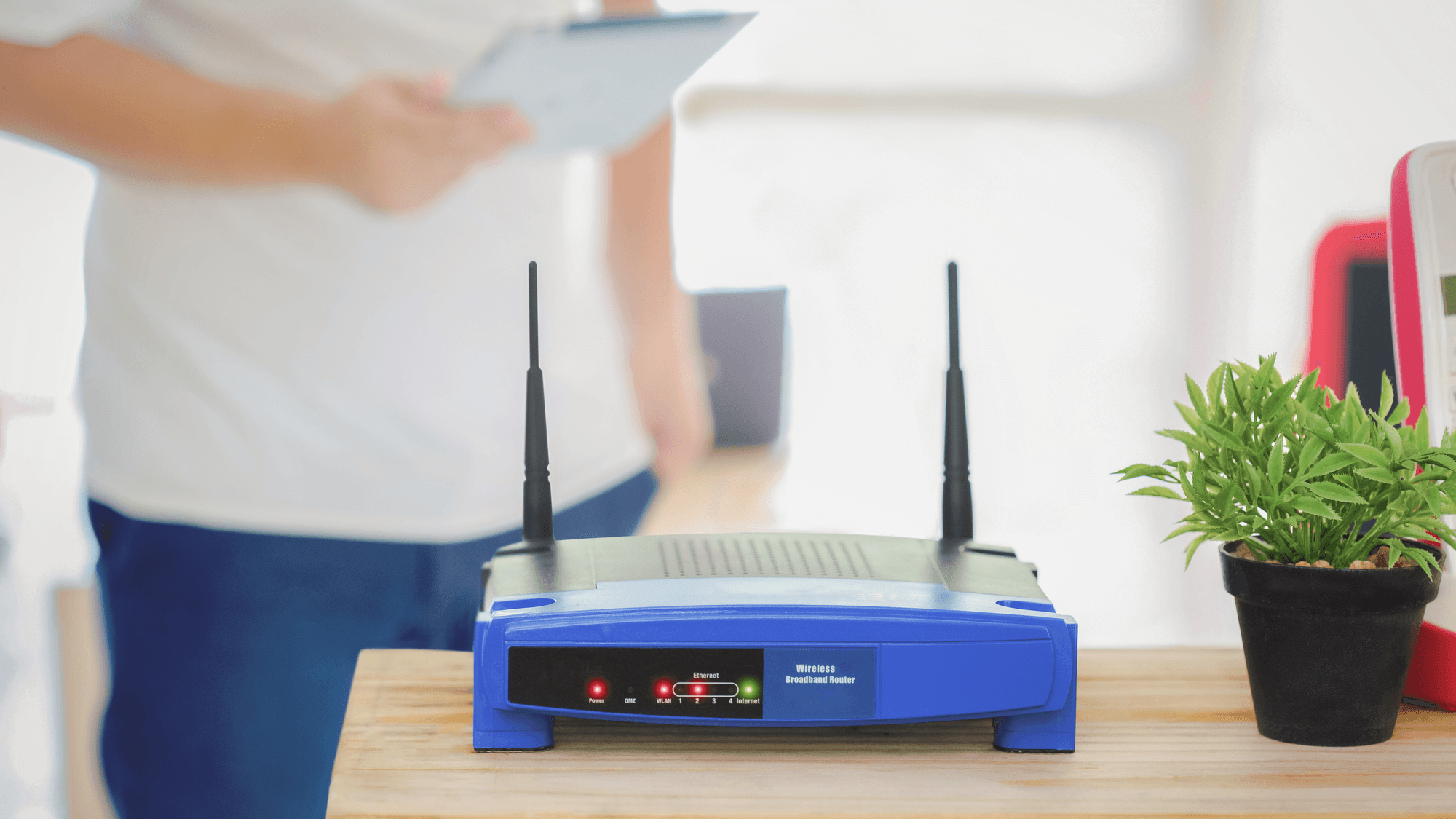
A VPN router is a router with VPN functions built in, so the VPN runs on the router instead of on each phone or laptop. GL.iNet describes it as letting connected devices share a configured VPN connection, and ASUS says its router VPN feature gives home-network devices VPN access without installing VPN software on each one. Depending on the model, the router can act as a VPN client, a VPN server, or either.
VPN client vs VPN server on a router
The two roles do different jobs. TP-Link's VPN help page describes a VPN client as the side that connects to a VPN server. A VPN server acts as a gateway that accepts client connections and provides access to a network. TP-Link notes that some of its models support only the server function, while GL.iNet states that its VPN routers can be configured as either a VPN server or a client.
NETGEAR documents its router VPN service as a way to securely access your home network remotely. Its Windows guide requires OpenVPN software on each remote Windows computer, and its Android guide says the service works with OpenVPN clients only.
Which devices it covers
A router VPN reaches devices that do not support VPN software. ASUS names set-top boxes, smart TVs and Blu-ray players as examples, and Proton VPN's router help page lists smart TVs and game consoles.
Coverage is not always all or nothing. TP-Link's VPN client routes selected devices through a third-party VPN server, and devices left off the VPN Device List keep using the regular internet connection. ExpressVPN says devices connected to Aircove, Aircove Go and supported routers running its router app use the VPN by default, and that Device Groups can set devices to bypass the VPN. GL.iNet's guide describes both an all-clients setup and a custom VPN policy.
Proton VPN's router page says a router VPN encrypts traffic between the router and the internet. The VPN itself does not encrypt connections between your devices and the router, or local Bluetooth connections.
Protocols and setup
WireGuard and OpenVPN are the two protocols that appear across the makers' pages, and support depends on the model and firmware.
- ASUS: documents an OpenVPN client on supported routers and firmware, a WireGuard client on specified models with firmware later than 3.0.0.4.388.23000, and a separate WireGuard server mode on supported routers.
- TP-Link: lists PPTP, L2TP/IPsec, OpenVPN and WireGuard across its VPN routers and Deco devices, with compatibility varying by model.
- GL.iNet: states that its VPN routers support WireGuard and OpenVPN.
- NETGEAR: the release notes for PR30SG firmware 3.2.0.50, released October 27, 2026, list OpenVPN and WireGuard servers for that model.
On ASUS, you log into the router, add a VPN Fusion profile, import the provider's .ovpn file or upload a WireGuard configuration, then apply and enable it. TP-Link's steps are to confirm the model is compatible, get the VPN credentials, the configuration files or both, enable VPN Client, add a server profile and select the devices that should use it. For OpenVPN, TP-Link's setup uploads the provider's configuration file.
Starting with firmware v4.9, GL.iNet combines its OpenVPN and WireGuard clients into one VPN Client Profile page. There you sign into an integrated provider or upload configuration files, pick a server and start the connection.
For server mode, ASUS has you enable WireGuard under VPN Server, add a profile, then export the configuration or scan its QR code into the WireGuard client on the remote device. NETGEAR's Windows guide has you enable Dynamic DNS and the VPN service on the router, then install OpenVPN on the remote computer with the downloaded configuration files.
The speed trade-off
GL.iNet says VPN encryption and decryption can slow a connection, and it names server distance, server load, the server's upload bandwidth and the protocol as other factors. An ASUS help page states that routing traffic through a VPN server can slow browsing.
GL.iNet also says its listed VPN speeds are measured on a local network in client mode, that real-world speeds can differ, and that OpenVPN and WireGuard will be slower when the router runs as a server. NETGEAR warns that accessing the internet remotely through a home-router VPN might be slower than accessing it directly.
What to check before you set one up
If the goal is to send home devices through a VPN provider, check for client support first. Proton VPN requires a router that supports OpenVPN or WireGuard as a client, and NordVPN's router help says to look for OpenVPN client support in the router manual. If the goal is reaching your home network while away, look for the server function instead.
If only a smart TV or console needs the VPN, look for per-device selection. TP-Link, ExpressVPN and GL.iNet each document a way to choose which devices use the VPN. See What Is a VPN and How Does It Work? and How to Set Up a VPN on Your Router.