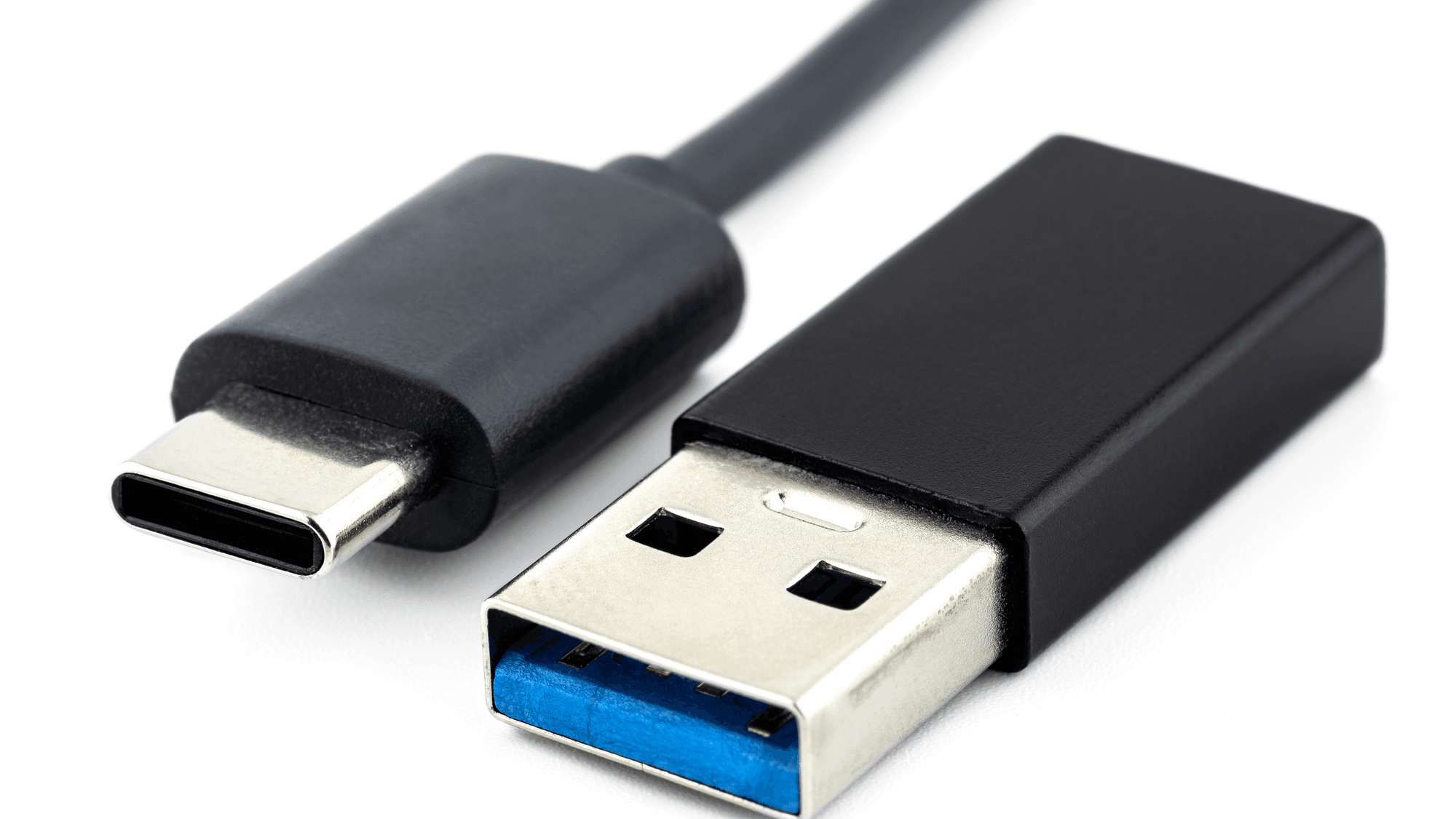
USB-A and USB-C are connector shapes, and the shape alone does not tell you how fast a port is. USB-A is the rectangular plug that goes in one way, and USB-C is the rounded plug that goes in either way. If you want USB4 speeds or high-wattage charging, USB-C is the connector that carries them, with USB4 at up to 80 Gbps and USB Power Delivery at up to 240W, but only when the port and the cable are built for it.
Shape and orientation
Based on the USB Implementers Forum (USB-IF) engineering drawings, USB-A has a rectangular mating face and is keyed, so it has a single mating orientation. USB-C has an elongated, rounded rectangular profile.
USB-IF lists reversible plug orientation and cable direction among USB-C's features. A USB-C plug works in either insertion orientation, and a cable with USB-C on both ends works in either direction.
What data speeds each connector carries
- USB 2.0: 480 Mbps. USB-A is among the connectors it uses.
- USB 3.2: Gen 1 signals at 5 Gbps, Gen 2 at 10 Gbps and Gen 2x2 at 20 Gbps.
- USB-A: can carry USB 3.2 Gen 2 at 10 Gbps. USB-IF's compliance pages list Type-A cable assemblies at that rate.
- USB-C with USB 3.2: 5 Gbps and 10 Gbps when implemented. The 20 Gbps mode uses two 10 Gbps lanes, and USB-IF says USB-C cables were designed from the outset for multi-lane operation.
- USB-C with USB4: 20, 40 and 80 Gbps performance levels, depending on the implementation.
The 80 Gbps figure describes symmetric operation. USB4 Version 2.0 can optionally run asymmetrically, at 120 Gbps in one direction and 40 Gbps in the other. Whatever the ports support, USB-IF says backward-compatible USB 3.2 connections operate at the lowest common speed.
USB-C does not guarantee speed or power
USB-C names a connector type. Support for USB 3.2, USB4 and USB Power Delivery depends on the implementation, and USB-IF's guidelines say it is not required for every USB-C product.
Cables show the gap clearly. USB-IF's logo guidelines say a USB 2.0 USB-C cable can be rated for 60W or 240W while carrying data at only 480 Mbps, and its charging logo does not reflect the data speed. Apple's 240W USB-C Charge Cable (2 m) is an example. Apple says it charges at up to 240 watts and transfers data at USB 2 rates, and it lists at $29 as of November 2026.
Charging and the logos to look for
USB Power Delivery Revision 3.1 enables up to 240W over USB-C cables and connectors that meet the applicable requirements. USB-IF's certified cable power logos identify 60W or 240W capability.
For data, USB-IF's consumer-facing names are USB 5Gbps, USB 10Gbps, USB 20Gbps, USB 40Gbps and USB 80Gbps. To pass USB-IF compliance testing, a USB-C to USB-C cable must carry the applicable data rate and wattage logo, with a data rate exception for USB 2.0 cables. A product has to pass that testing to qualify to display the certified USB logo.
The EU common charger rule
In the European Union, USB-C is the common charging port for covered equipment. The European Commission says the requirements have applied since December 28, 2024 to covered mobile phones, tablets, digital cameras, headphones, headsets, portable speakers, handheld videogame consoles, e-readers, earbuds, keyboards, mice and portable navigation systems. They have applied to covered laptops since April 28, 2026.
The rules cover listed categories of radio equipment with rechargeable batteries that can be recharged by wire. Covered equipment that charges above 5V, 3A or 15W must also incorporate USB Power Delivery. The directive does not require anyone to dispose of existing devices, cables or chargers. This is EU law, and it applies to covered products first placed on the EU market from the applicable date.
Which one fits
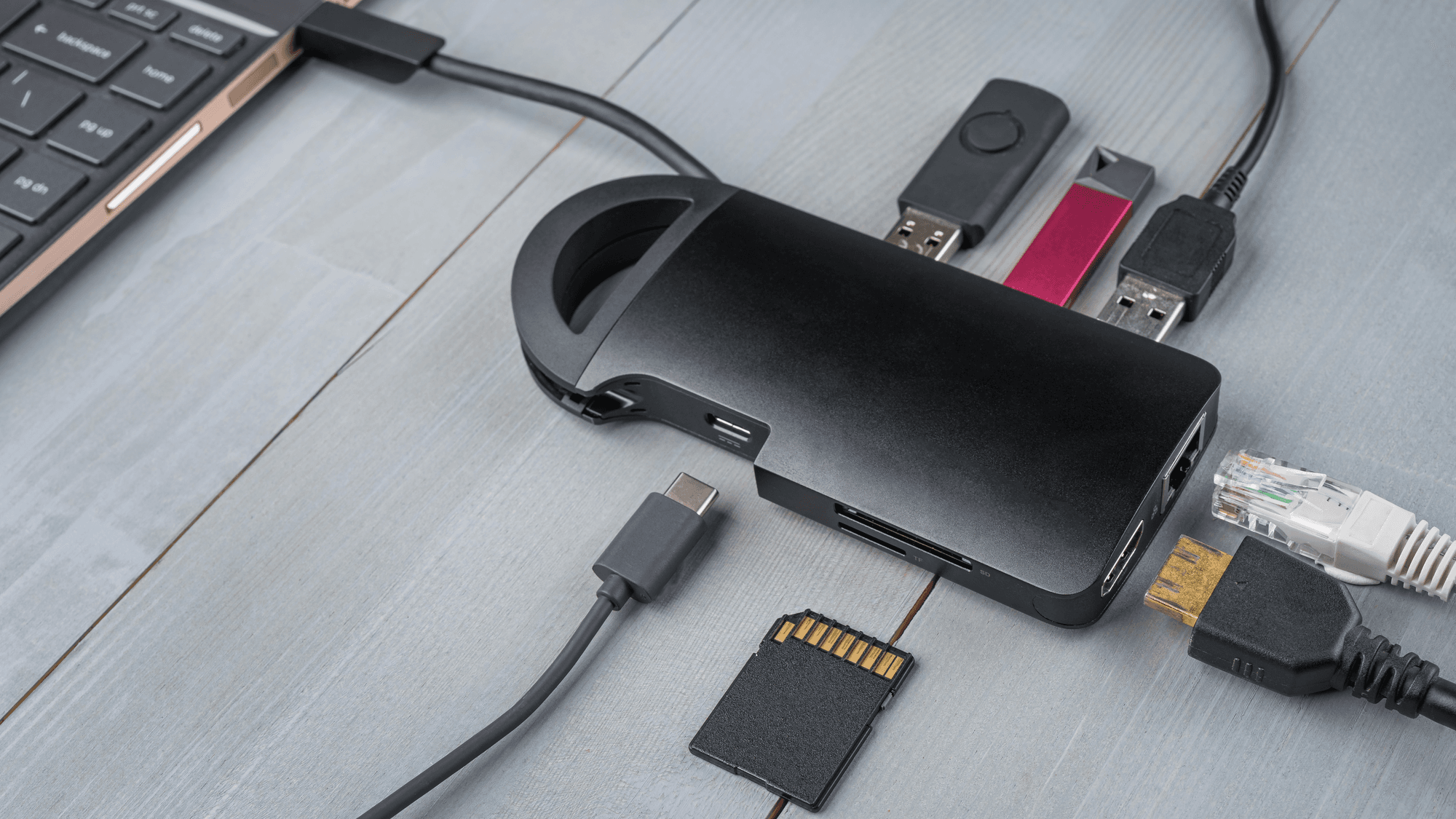
If your accessories are USB-A and your computer or tablet has only USB-C, an adapter bridges the two. Apple's USB-C to USB Adapter, which lists at $19, connects standard USB accessories such as flash drives and cameras to compatible USB-C devices.
If you are buying a cable for fast transfers or high-wattage charging, USB-C is the connector to look for, because the USB4 speeds and 240W charging run over that connector. Read the data rate and wattage logos first, since a USB-C cable can be a 480 Mbps one. If the port in question is USB-A, 10 Gbps is the rate USB-IF's pages list for it, and the connection is still limited by the slower of the two ends and by the cable.
For how Thunderbolt relates to the same connector, see USB-C vs Thunderbolt.