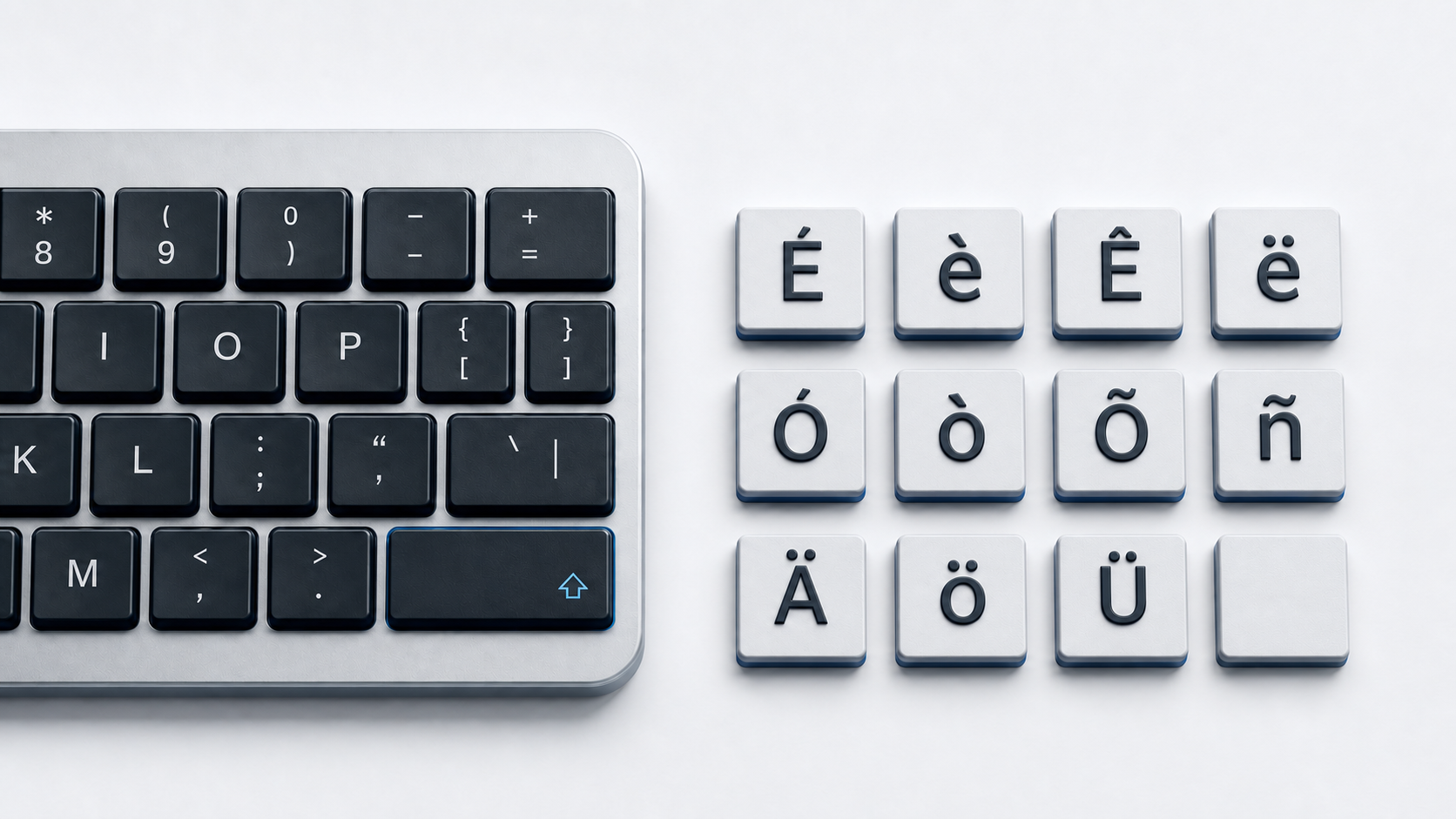
Copy the I variant you need from the panel above. In Word or Outlook on Windows, Microsoft documents four accent sequences that cover Ì/ì, Í/í, Î/î, and Ï/ï, and the same four marks are available on a Chromebook with the English (US) with International keyboard.
Identify the correct I character
This page covers eight precomposed characters, four lowercase and four uppercase, carrying the acute, grave, circumflex, and diaeresis marks. Unicode gives each one its own name and code point in the Latin-1 Supplement block. The lowercase forms are í at U+00ED, ì at U+00EC, î at U+00EE, and ï at U+00EF, and the uppercase forms are Í at U+00CD, Ì at U+00CC, Î at U+00CE, and Ï at U+00CF.
Each listed character also has a canonical decomposition made from plain I or i plus a combining mark, such as U+0069 followed by U+0301 for í. A precomposed letter and its decomposed sequence can look identical on screen while holding different code points, so two strings that appear equal can still fail a comparison before normalization.
Two nearby characters are not part of this set. The dotless ı is LATIN SMALL LETTER DOTLESS I at U+0131, and İ is LATIN CAPITAL LETTER I WITH DOT ABOVE at U+0130. Both belong to the Latin Extended-A block, neither carries one of the four marks listed above, and neither is a substitute for a marked I. Language and spelling decide which character is correct.
Type I accents in Word and Outlook
Microsoft pairs one sequence with each mark, and the letter typed last receives it. Press Ctrl and the grave key, release, then type I or i for Ì or ì. Press Ctrl and apostrophe, release, then type the letter for Í or í. Press Ctrl, Shift, and the caret, release, then type the letter for Î or î. Press Ctrl, Shift, and the colon key, release, then type the letter for Ï or ï. Microsoft says to hold the modifier keys together and release them before typing the letter, and the case of that final letter sets the case of the result.
Because the sequence is tied to the mark rather than to one vowel, the same four combinations also produce the characters in the A with accent guide, the E with accent guide, and the O with accent reference. Microsoft documents these sequences for Word and Outlook, so a field in another app may ignore them.
Enter any I variant in Word by Unicode
Type the hexadecimal code without U+ and press Alt and X. Use 00ED for í, 00EC for ì, 00EE for î, and 00EF for ï. The capitals use 00CD, 00CC, 00CE, and 00CF. Microsoft notes that some Office programs, including PowerPoint, cannot convert Unicode codes to characters.
Windows Character Map is the fallback for those cases. Open it, choose a font that contains the character, select the letter, copy it, and paste it into the destination app.
Type I accents on Mac
Press and hold I in a supported app to open the accent menu, then click the character you want, press the number shown beneath it, or move to it with the arrow keys and press Space. Apple states that accent marks are not available in all apps, and the modifier combinations it documents depend on the active input source. Keyboard Viewer shows which keys the current layout treats as dead keys.
Use Character Viewer when the press-and-hold menu does not offer the exact letter. Apple documents opening it with Fn and E, the Globe key and E, or by choosing Edit and then Emoji & Symbols, and its search field finds a character by name.
Type I accents on iPhone or iPad
Touch and hold the I key on the onscreen keyboard, slide to the variant you want, and release. Apple describes the same gesture in its iPhone and iPad guides and uses é as its example. The alternatives that appear depend on the active language keyboard, so a keyboard configured for one language may not show every mark listed above.
Type I accents on Chromebook
Select the English (US) with International keyboard, then press the apostrophe key for acute, the grave key for grave, Shift and 6 for circumflex, or Shift and apostrophe for diaeresis, and type I or i afterward. Google also documents an accents menu on the physical keyboard. Hold the letter key, press Tab or the right arrow to enter the menu, highlight the mark with the arrow keys, and press Enter or Space to insert it.
Google notes that accents are not available for all characters, but the dead-key sequences above cover all four marks on this page.
Insert I accents in Google Docs or Slides
On a computer, click Insert, then Symbols, then Special characters. Find the character by category, by entering its Unicode value, or by drawing it in the box, then click the result to add it to the file. Google states that special characters cannot be inserted directly in Sheets, so copy the character and paste it into a cell there.
Use I accents in HTML and Unicode data
A UTF-8 document can contain these letters directly. The HTML standard also defines the named references Ì, Í, Î, and Ï along with their lowercase forms, and numeric references work from the code point, such as í for í and Ï for Ï.
Apply Unicode normalization when an application has to treat canonically equivalent text as equal. It reconciles the precomposed letter with its decomposed sequence, and it is the correct fix when a search, filename, or form field mishandles the mark.
Fix missing or wrong I accents
- 1.Check that the shortcut is documented for the app you are using, because Microsoft's sequences are scoped to Word and Outlook.
- 2.Release Ctrl and Shift before typing the letter, and type that final letter in the case you want.
- 3.Confirm the active Mac input source or Chromebook input method when a dead key produces nothing.
- 4.Use Character Map, Character Viewer, or the Google Docs special characters picker when an accent menu omits the character.
- 5.Confirm that you copied a marked I rather than the dotless ı at U+0131.
- 6.Compare code points and normalize the strings when identical-looking text fails a data comparison.
When the problem affects several letters rather than one, the general accented letters guide collects the cross-device methods that apply to any vowel.
Common questions
Is there one I-accent shortcut for every app?
No. Microsoft documents its sequences for Word and Outlook, Apple's accent menu depends on the app and the active input source, and the Chromebook sequences depend on the selected input method.
Does í match an i followed by a separate accent?
The two spellings are canonically equivalent but are not the same sequence of code points. An application has to normalize the text before the comparison to treat them as equal.
Can I use ı or İ in place of an accented I?
No. U+0131 and U+0130 are separate characters with their own Unicode names, and neither carries the acute, grave, circumflex, or diaeresis mark.
Official references
- Unicode Latin-1 Supplement chart
- Unicode Latin Extended-A chart
- Unicode Combining Diacritical Marks chart
- Unicode Normalization Forms
- Microsoft accent shortcuts for Word and Outlook
- Microsoft Unicode character entry and Character Map
- Apple guide to accent marks on Mac
- Apple guide to Character Viewer
- Apple guide to onscreen keyboard accents on iPhone
- Apple guide to onscreen keyboard accents on iPad
- Google Chromebook keyboard languages and special characters
- Google Docs and Slides special characters
- WHATWG named character references