The answer depends on what the computer has to run. As of November 2026, Microsoft requires 4GB of RAM for Windows 11 and 16GB for a Copilot+ PC, Google lists 8GB or more for Chromebook Plus, and Apple's current MacBook Air, MacBook Pro, Mac mini and iMac all start at 16GB of unified memory, while the MacBook Neo lists 8GB. Games and creative apps publish their own floors, and several of them ask for 16GB or more.
The published numbers at a glance
- Windows 11: 4GB minimum.
- Copilot+ PC: at least 16GB of DDR5 or LPDDR5 RAM.
- Chromebook Plus: 8GB or more.
- Current Mac base models: 16GB of unified memory on MacBook Air, the entry 14-inch MacBook Pro, Mac mini and iMac. The MacBook Neo lists 8GB.
- Fortnite: 8GB minimum, 16GB or higher recommended.
- Cyberpunk 2077: 12GB minimum, 16GB recommended, without ray tracing.
- Battlefield 6: 16GB minimum and recommended.
- Photoshop 28.x: 8GB minimum.
- Premiere 27.0 on Intel or AMD Windows PCs: 8GB minimum, 16GB recommended for HD media, 32GB or more for 4K and higher.
Windows PCs and Chromebooks
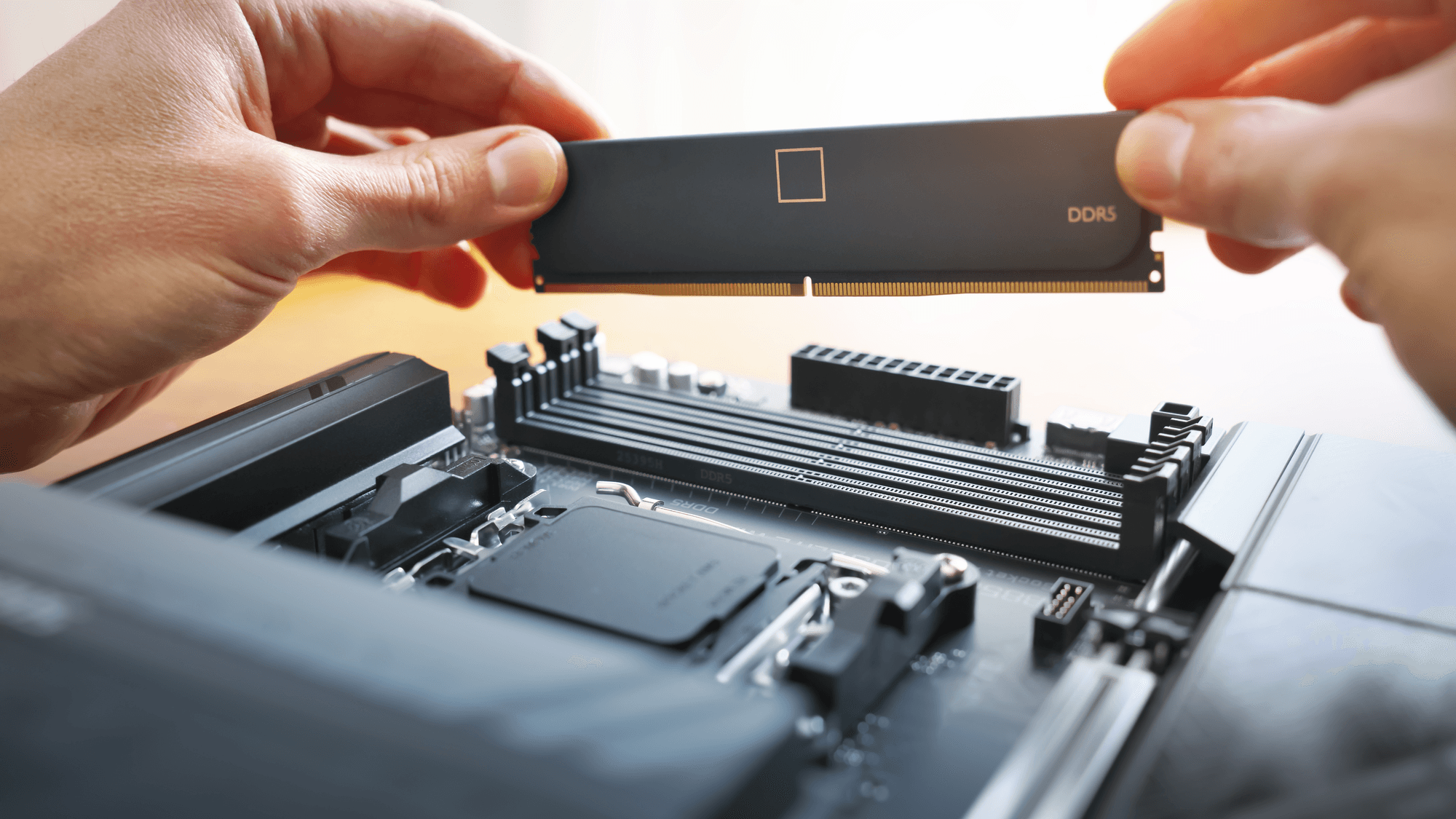
Microsoft's Windows 11 specifications page lists 4GB as the minimum RAM for the operating system. The same page sets a much higher bar for Copilot+ PCs: at least 16GB of DDR5 or LPDDR5 RAM, alongside separate processor and storage requirements.
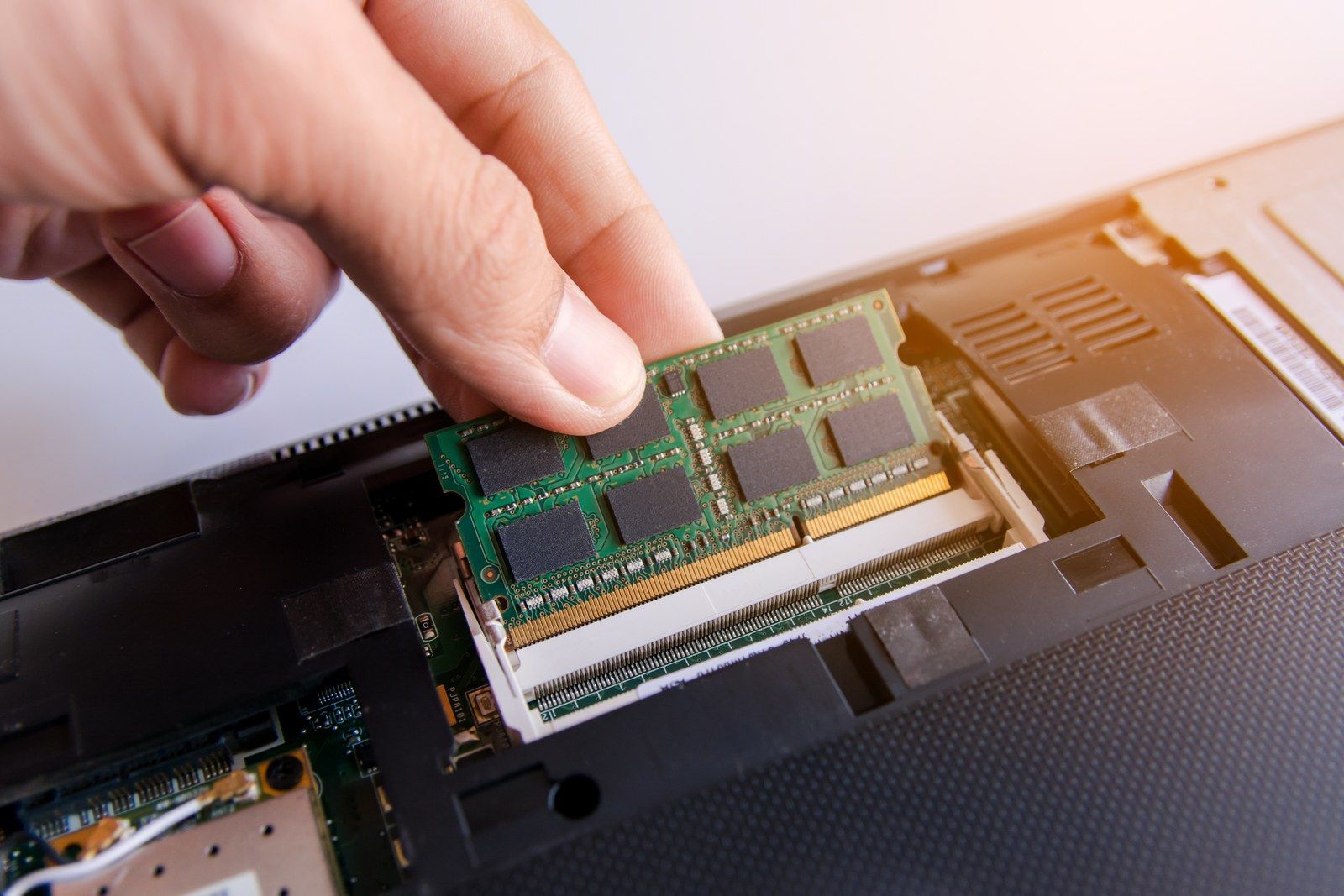
That 16GB figure is one of the hardware requirements behind some Windows AI features. Microsoft says improved Windows search and Click to Do need a PC that meets all of the Copilot+ hardware requirements. The Copilot app is a different matter. Microsoft states that a PC running Windows 11 is already compatible with Copilot, and that the Copilot+ requirements apply to the additional Copilot+ experiences.
On the ChromeOS side, Google lists 8GB or more of RAM for Chromebook Plus.
Most Macs start at 16GB, and have since late 2024
Apple lists memory on its Macs as unified memory. The current 13-inch and 15-inch MacBook Air with M5, the entry 14-inch MacBook Pro with M6, the M6 Mac mini and the 24-inch M6 iMac all start at 16GB. MacBook Pro models with M5 Pro start at 24GB, as does the Mac mini with M5 Pro. M5 Max configurations of the MacBook Pro start at 36GB with the 32-core GPU or 48GB with the 40-core GPU.
The 16GB base dates to the last days of October 2024. Apple announced the M4 iMac with 16GB on October 28, the M4 Mac mini on October 29, and the entry 14-inch M4 MacBook Pro on October 30, with all three available from November 8, 2024. On October 30, Apple also said MacBook Air models with M2 and M3 doubled their starting memory to 16GB.
Apple Intelligence adds one more number. Apple's eligibility list covers Macs with M1 or later, but its most powerful on-device model, which includes expressive voices and more advanced dictation, calls for a Mac with M3 or later and at least 12GB of unified memory. Apple's support page also lists up to 14GB for those Macs and up to 8GB for other eligible Macs. Those two figures are storage space, not memory.
What games ask for
Publisher requirements vary by title. Epic Games lists 8GB of RAM as the Fortnite minimum on PC and 16GB or higher as the recommendation. EA lists 16GB for Battlefield 6 in both its minimum and recommended PC requirements.
CD Projekt Red ties its Cyberpunk 2077 numbers to specific targets. For Update 2.0 onward, including Phantom Liberty, the minimum without ray tracing is 12GB for 1080p at Low settings and 30 FPS. The recommendation is 16GB for 1080p at High settings and 60 FPS.
What Adobe asks for
Adobe lists 8GB as the minimum RAM for Photoshop 28.x and later on Windows and macOS. On Windows on Arm, the same version lists 8GB minimum and 16GB or more recommended. The separate tables for Photoshop 27.x list 8GB minimum and 16GB or more recommended on both Windows and macOS.
Premiere's recommendations climb with the media you edit. Adobe's Premiere requirements page lists 8GB as the Premiere 27.0 minimum on Windows, with 16GB recommended for HD media and 32GB or more for 4K and higher resolutions. Windows on Arm PCs need at least 16GB of shared memory. On Apple silicon Macs, the minimum is 8GB of unified memory and the recommendation is 16GB.
How to pick a number
If you want the Copilot+ features on a Windows laptop, 16GB is the figure to look for, because Microsoft sets it as the floor for that class of PC. If you are buying a current MacBook Air, Mac mini or iMac, the base model already has 16GB, which matches Adobe's recommended memory for Premiere on Apple silicon. If you play Battlefield 6 or want Cyberpunk 2077 at its recommended settings, 16GB is what the publishers list. If you edit 4K video in Premiere on Windows, Adobe's 32GB recommendation is the one that applies.
To see what your current machine has, these guides show how to check RAM on your computer and how to check RAM usage on a Mac. For editing machines specifically, see Technobezz's buying guide to the best laptops for video editing.