
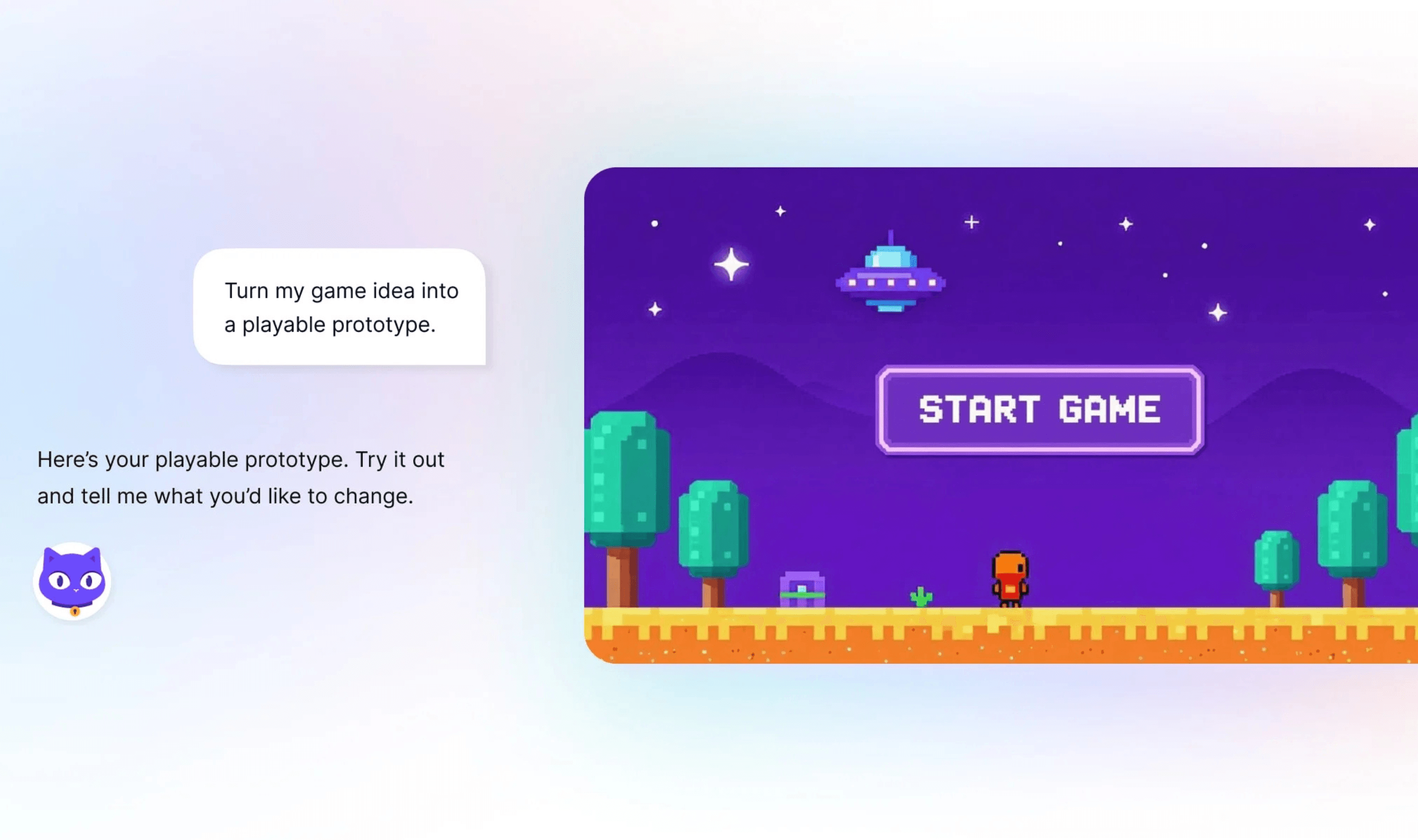
Proton’s Lumo can now make documents, code and interactive web pages in a separate canvas beside the conversation, letting users discuss revisions while viewing their work. The Creations feature is available now to all Lumo users. Documents support direct editing, while changes to other creation types must go through Lumo.
The canvas replaces a workflow in which generated reports and code appeared within chat replies, leaving users to search through messages for earlier work. Lumo automatically decides whether a request belongs in the conversation or should produce a creation, with reports, code files and web pages eligible for the canvas. Users can turn that behavior off for an individual conversation through Tools in the chat box, or through Settings.
For targeted revisions, users can highlight part of a document and ask Lumo to change that passage instead of requesting a rewrite of the whole draft. Selecting code brings up Improve and Explain options, while documents offer formatting controls and access to Markdown source for manual edits. Lumo supplies information about the kind of content it creates so the app can display a formatted document or an interactive web preview.
Every Lumo revision and saved manual change produces another version, preserving earlier work for review, copying, downloading or saving to Proton Drive. Further changes apply to the newest version. The Library’s Creations area collects work from different conversations, and opening an item returns users to its original chat with the latest version displayed.
Document export conversion takes place on the user’s device, with Word output built locally from Markdown and PDF downloads handled through the browser’s print dialog. The Drive PDF option has a practical limitation: it currently produces PDFs made from images, so their text cannot be selected. For selectable text in Drive, users must first save a PDF through the browser’s print dialog and then upload it.
Proton says creations use zero-access encryption that prevents the company from reading them, and that Lumo neither logs conversations nor trains models on them. To populate the Library, Lumo keeps an encrypted copy of each creation’s newest version, which the user’s device decrypts as needed; older versions stay in encrypted chat history. Proton also says presentations are coming soon, with slide development still underway.