If you edit video professionally or as a serious hobby, you need a laptop that won't choke on 4K footage or leave you waiting during exports. The right machine balances raw power with practical features like a good screen and comfortable keyboard. This list helps you find that balance, whether you're cutting documentaries or YouTube content.
Technobezz is supported by its audience. We may get a commission from retail offers.
8 Best Laptops for Video Editing in 2026
Discover the 8 best laptops for 2026, led by the Apple MacBook Pro 14.
T
Technobezz
Editorial Team
Updated June 15, 2026Jun 15, 2026
•9 min read

Get Deals Like These in Your Inbox
The best prices, checked by our editors.
At a Glance
| Category | Product | Why We Picked It |
|---|---|---|
| Best overall | Apple MacBook Pro 14 (2025) | Exceptional performance and battery life |
| Best value | Acer Nitro V 15 | Capable gaming specs at a reasonable price |
| Best ultraportable | Asus ProArt PX13 | Serious power in a travel-friendly package |
| Best convertible | LG Gram Pro 2-in-1 16 (2025) | Versatile for quick edits on the go |
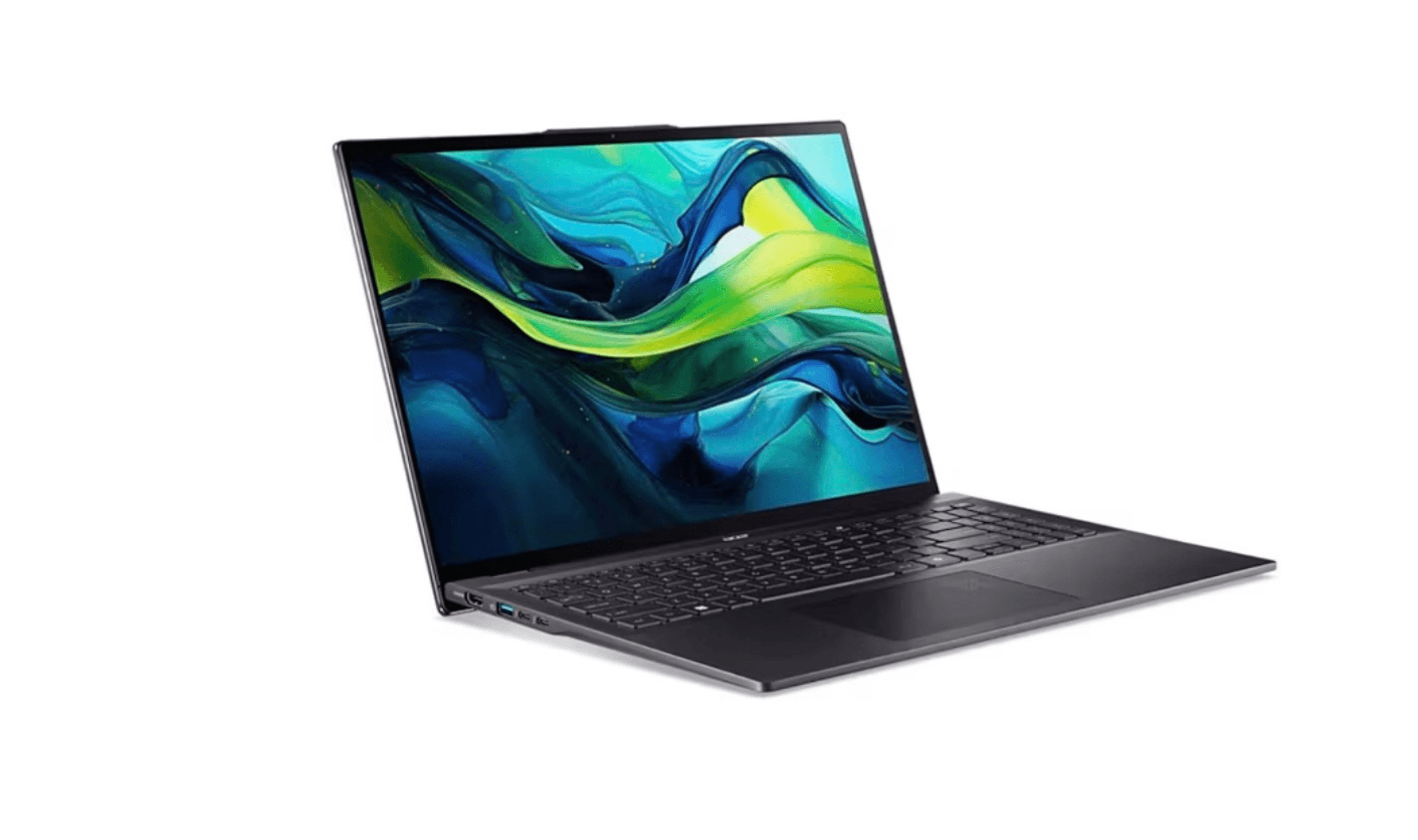
| Best mid-size | Acer Swift 16 AI | Balanced performance and screen real estate |
| Also recommended | Razer Blade 16 | Premium windows pick with a stunning 4k display |
| Also recommended | Apple MacBook Pro 16 | Bigger screen for more timeline and power |
| Also recommended | Dell XPS 15 | Reliable windows workhorse with great build quality |
How we chose
To find the best laptops for video editing, we prioritized raw performance for smooth 4K editing and fast exports, along with color-accurate displays and practical designs built for long sessions. Our selections balance powerful specs with the comfort and connectivity a real editor needs.
The best laptops for video editing right now
Apple MacBook Pro 14 (2025) - Best overall
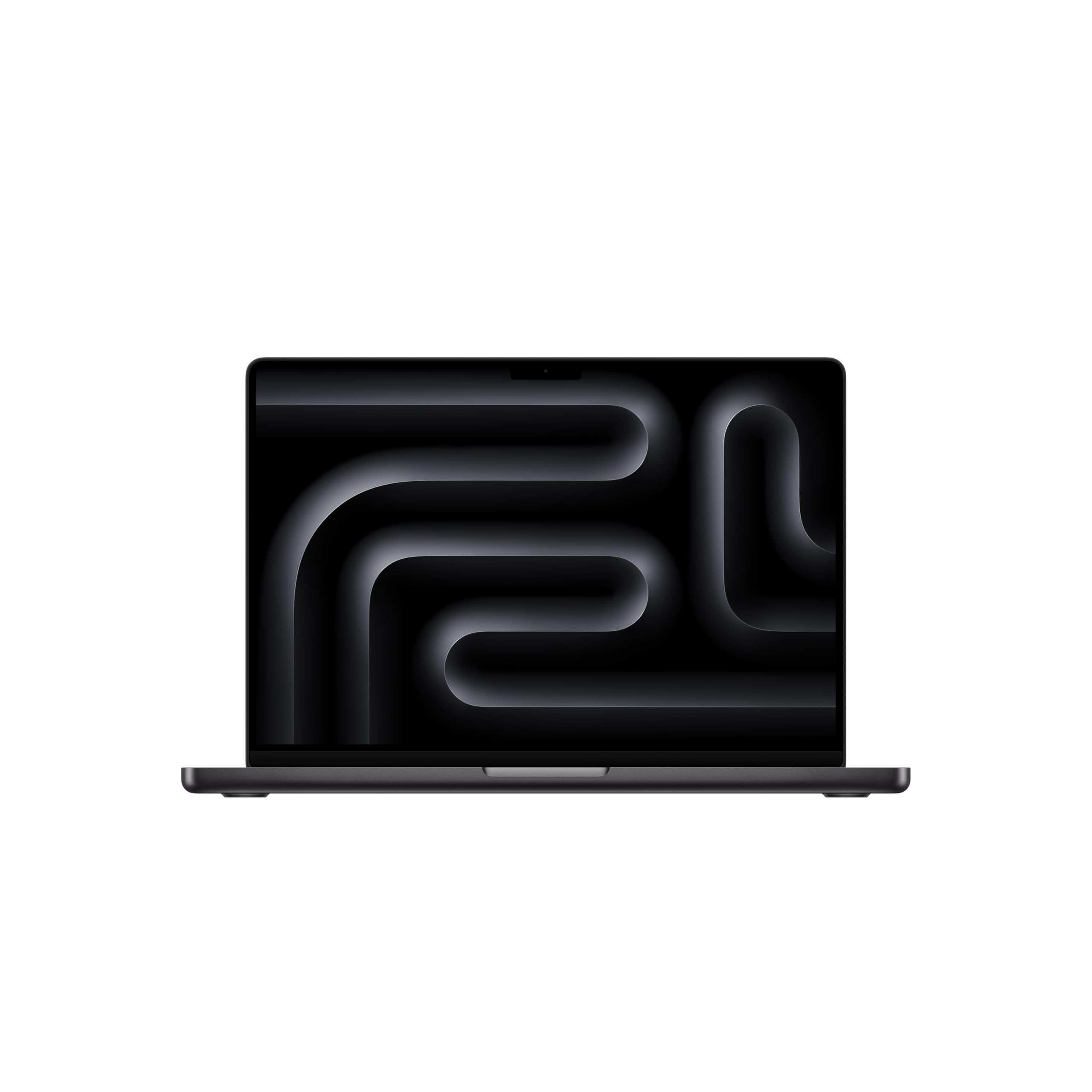
This machine sets the standard with Apple's silicon delivering exceptional performance while sipping battery. It handles 4K and 8K editing smoothly in Final Cut Pro and DaVinci Resolve.
Key highlights
- Apple M5 chip with 10‑core CPU and 10‑core GPU with dedicated media engines
- Stunning 14-inch Liquid Retina XDR display with excellent color accuracy
- long battery life for mobile editing
- Excellent thermal management for sustained performance
- macOS optimization for professional video applications
Pros
- Outstanding performance per watt efficiency
- Best-in-class display for color-critical work
- Industry-leading battery life for mobile editing
- Quiet operation even under heavy loads
Cons
- Limited port selection (mostly Thunderbolt)
- macOS only, not ideal for Windows-specific workflows
- Premium pricing compared to Windows alternatives
Who it is for: Professional editors who need reliable performance, excellent color accuracy, and true mobility.
Skip if
You're locked into Windows-only software or need extensive port connectivity without dongles.
Acer Nitro V 15 - Best value
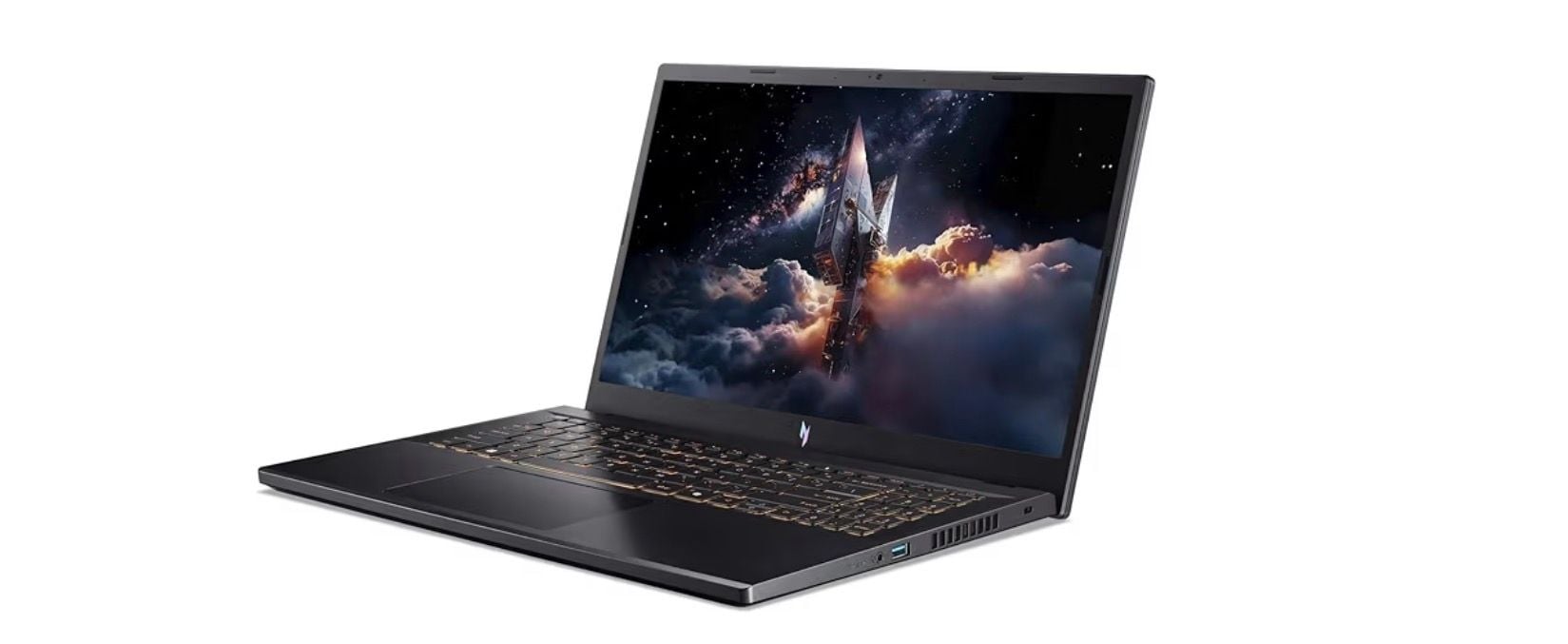
You get capable gaming hardware repurposed for video editing at a price that won't break the bank. It offers capable gaming hardware at a budget-friendly price.
Key highlights
- NVIDIA GeForce RTX 40-series GPU for accelerated rendering
- 15.6-inch display with good color coverage for the price
- Solid CPU performance from Intel or AMD H-series processors
- Upgradeable RAM and storage options
- Gaming heritage means good cooling under load
Pros
- Excellent price-to-performance ratio
- Good GPU acceleration for supported applications
- Upgradeable components extend lifespan
- Handles both editing and light gaming well
Cons
- Display color accuracy lags behind premium models
- Battery life is limited during intensive work
- Build quality feels more utilitarian than premium
Who it is for: Budget-conscious editors and students who need capable hardware without premium pricing.
Skip if
You need perfect color accuracy or plan to edit unplugged for extended periods.
Asus ProArt PX13 - Best ultraportable
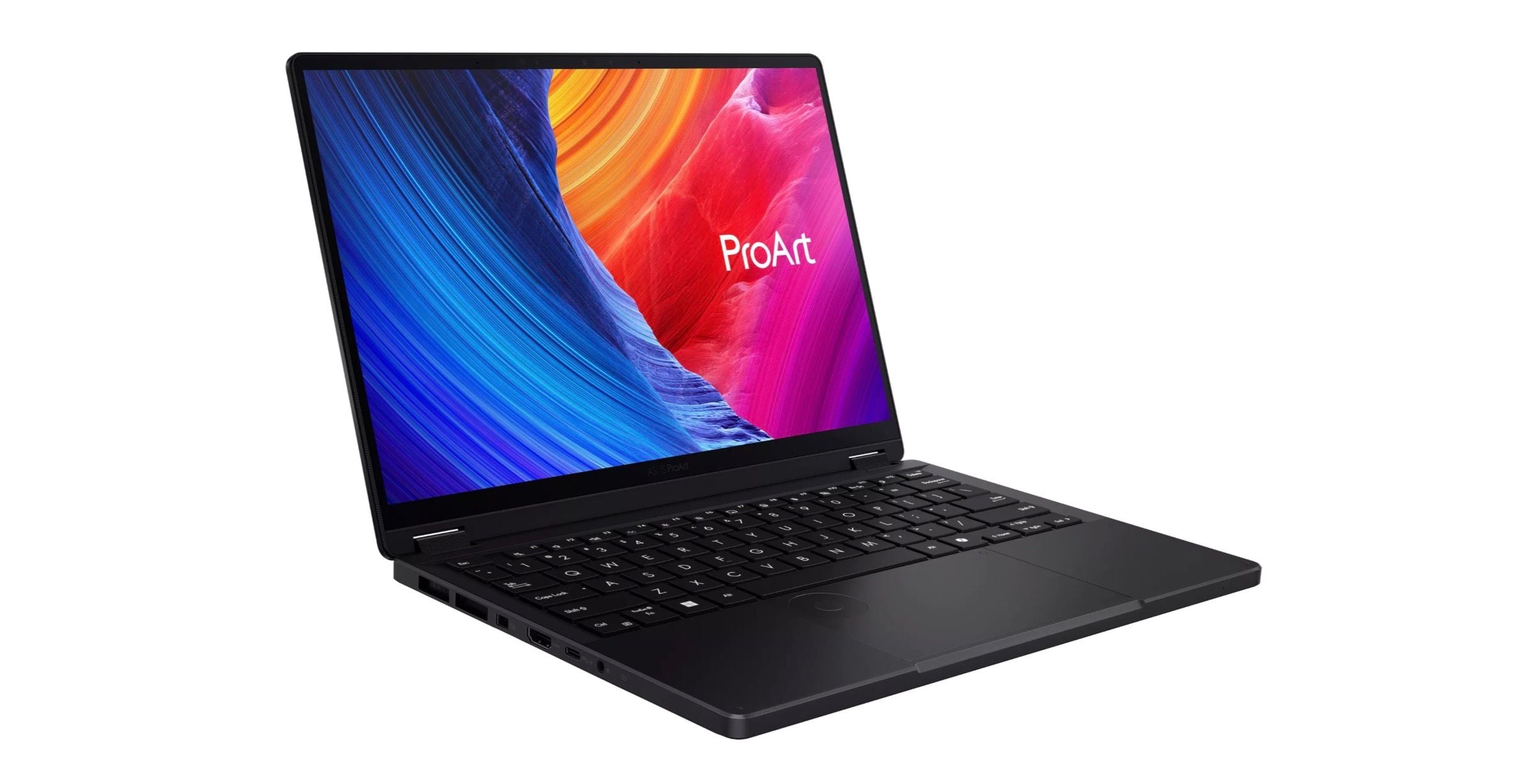
When you need serious editing power in a package that fits in a small bag, this 13-inch workstation delivers. It's designed specifically for creative professionals on the move.
Key highlights
- Compact 13.3" AMOLED 2.8K (2880x1800) Touchscreen Display form factor with professional-grade components
- Calibrated display with excellent color accuracy
- Dedicated NVIDIA graphics in a surprisingly small chassis
- Good port selection including Thunderbolt
- Military-grade durability for travel
Pros
- Genuine workstation performance in ultraportable size
- Excellent display calibration out of the box
- Durable construction withstands travel
- Good thermal design for sustained performance
Cons
- Small screen requires external monitor for complex timelines
- Premium pricing for the compact form factor
- Keyboard may feel cramped for extended typing sessions
Who it is for: Traveling professionals who need maximum power in minimum space.
Skip if
You work primarily at a desk with external monitors or prefer larger screens.
LG Gram Pro 2 - in-1 16 (2025) - Best convertible
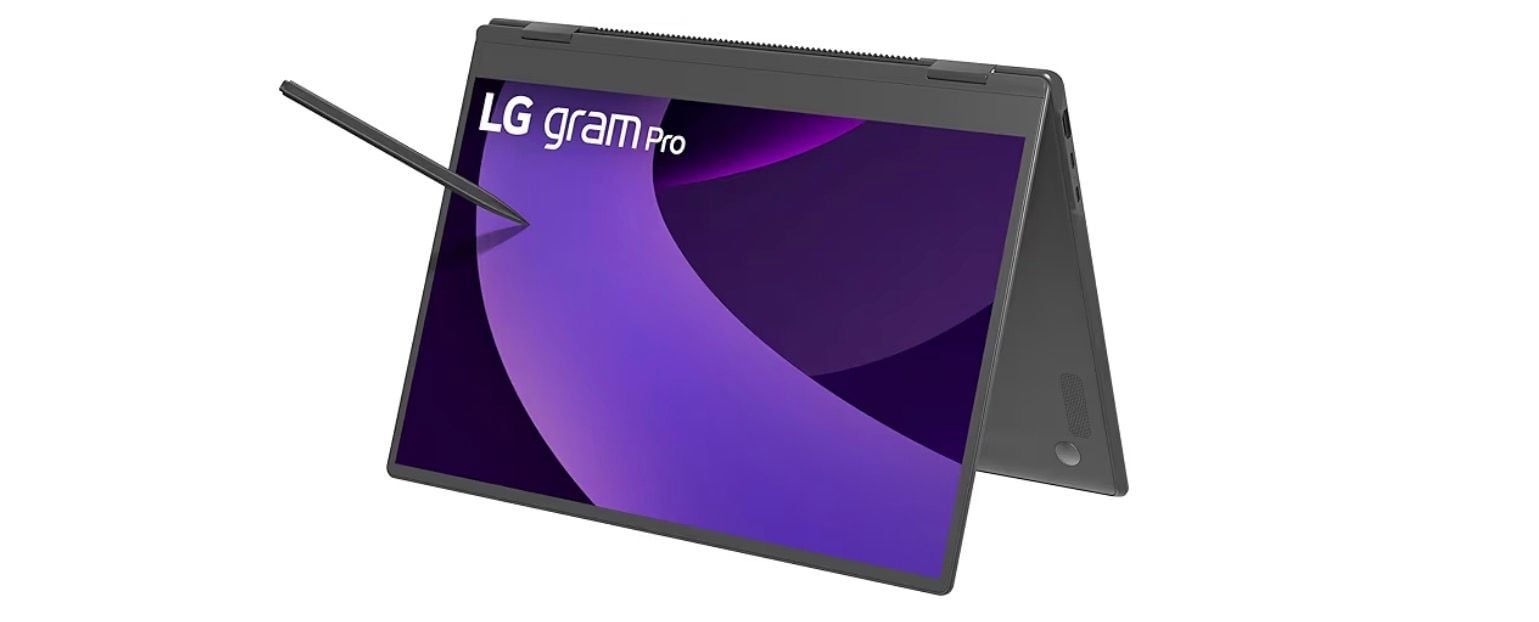
This versatile machine lets you edit on the laptop, then flip to tablet mode for precise timeline scrubbing or client presentations. The 2-in-1 flexibility is genuinely useful for video workflows.
Key highlights
- 16-inch touchscreen with excellent color reproduction
- 360-degree hinge enables laptop, tablet, and tent modes
- Weighing just 1.39 kg and measuring 12.9mm thin, the magnesium-alloy chassis
- Good battery life for a 2-in-1 of this size
- Includes stylus support for precise editing
Pros
- Versatile form factor enhances editing workflow
- Excellent screen quality with touch capability
- Surprisingly lightweight for a 16-inch machine
- Good performance for quick edits and reviews
Cons
- Not as powerful as dedicated workstation laptops
- Thermal constraints limit sustained heavy rendering
- Premium price for the convertible feature set
Who it is for: Editors who value flexibility for client presentations, on-set reviews, or varied working positions.
Skip if
You primarily do heavy rendering or work exclusively in traditional laptop mode.
Acer Swift 16 AI - Best mid-size
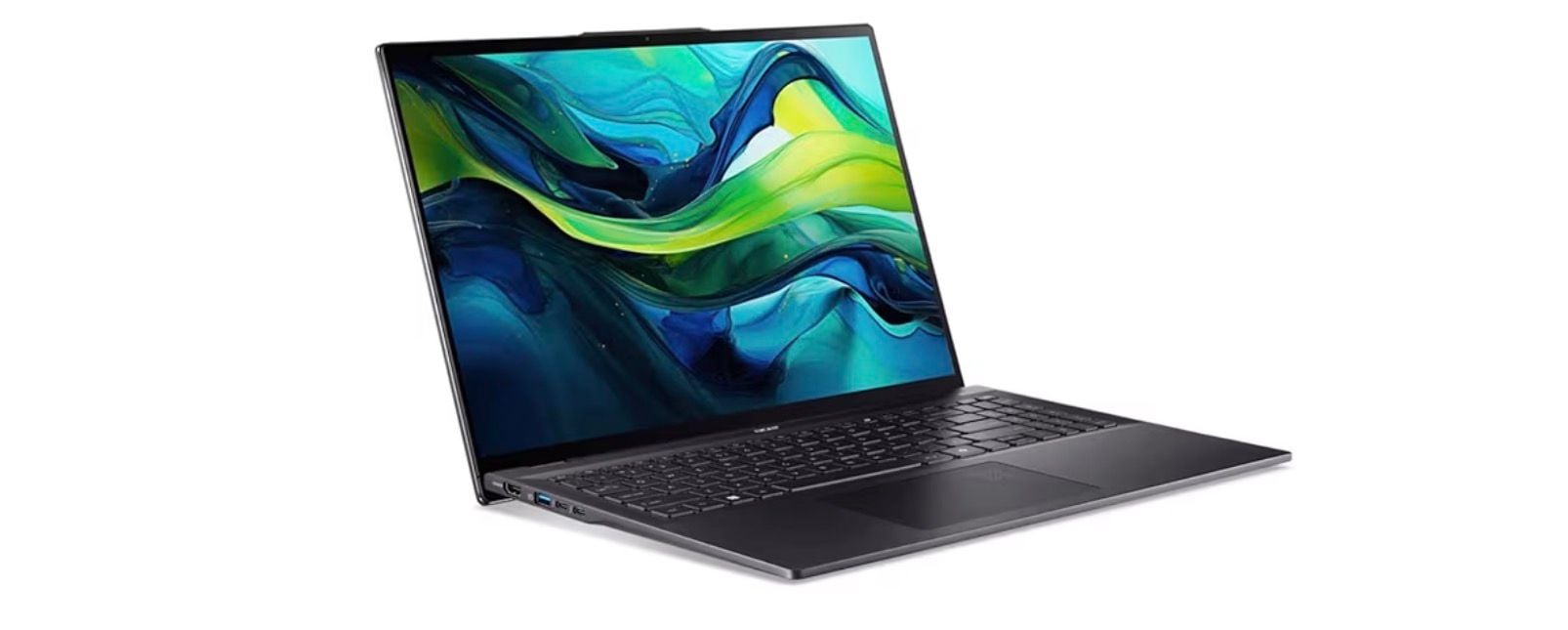
This laptop hits the sweet spot between screen real estate and portability. The 16-inch display gives you room to work while remaining reasonably portable.
Key highlights
- 16-inch display with good color coverage and brightness
- Latest AI-accelerated processors for optimized performance
- Balanced performance for both CPU and GPU tasks
- Good keyboard and trackpad for extended editing sessions
- Modern connectivity including Thunderbolt and Wi-Fi 7
Pros
- Ideal screen size for editing without external monitor
- Good balance of performance and portability
- Modern connectivity future-proofs your investment
- Comfortable typing experience for long sessions
Cons
- Not the most powerful option in its class
- Display quality good but not exceptional
- Battery life varies significantly with workload
Who it is for: Editors who want a good-sized screen for mobile work without carrying an external monitor.
Skip if
You need maximum rendering power or perfect color accuracy for professional grading.
Also Good
- Razer Blade 16 - premium windows pick with a stunning 4k display.
- Apple MacBook Pro 16 - bigger screen for more timeline and power.
- Dell XPS 15 - reliable windows workhorse with great build quality.
How to Choose
Focus on these factors based on your actual workflow:
- 1.CPU and GPU: Look for H-series processors (Intel or AMD) for sustained performance. A dedicated GPU accelerates rendering in supported applications, but isn't always necessary for basic editing.
- 2.Display quality: Color accuracy (measured in DCI-P3 or Adobe RGB coverage) matters for professional work. Size affects timeline visibility, 14-16 inches is the sweet spot for portability and usability.
- 3.Memory and storage: 32GB RAM handles 4K editing comfortably. SSDs are non-negotiable for modern editing, they dramatically improve application loading and timeline performance.
- 4.Portability vs. power: Smaller laptops travel better but may thermal throttle during long renders. Larger machines offer better cooling and often more powerful components.
- 5.Software ecosystem: macOS excels with Final Cut Pro and optimized applications. Windows offers broader software choice but more configuration variables. Choose based on your preferred applications.
FAQ
Do I really need a dedicated GPU for video editing?
It depends on your software and workflow. Applications like DaVinci Resolve and Premiere Pro benefit significantly from GPU acceleration, especially for effects and color grading. For basic cutting in Final Cut Pro or simpler applications, integrated graphics may suffice.
How much RAM do I actually need?
16GB is generally sufficient for video editing, with 32GB as a stretch goal for more demanding projects. It allows smooth timeline scrubbing with multiple layers and effects. 16GB works for 1080p or simple 4K projects, while 64GB+ benefits complex compositions with many effects or 8K footage.
Is battery life important for video editing laptops?
Less than you might think. Video editing consumes substantial power, so most professionals work plugged in. However, good battery life matters for reviewing footage, client meetings, or light editing between charges.
Should I consider a gaming laptop for video editing?
Yes, often. Gaming laptops typically have powerful CPUs and GPUs, good cooling, and high refresh rate displays. Many offer excellent value for video editing performance, though color accuracy may not match dedicated creative laptops.
Mac or Windows for video editing?
Both work well. Macs offer optimized performance with Final Cut Pro and generally better battery life. Windows provides more hardware choice and often better value for raw performance. Choose based on your preferred software and ecosystem.
Published February 3, 2026 Last updated June 15, 2026
Share this article
More in News
8 Best Chromebooks for Students in 2026
The best Chromebooks for students in 2026, from the Samsung Galaxy Chromebook Plus to budget picks under $200 and rugged, all-day classroom models.
3 min read
Top 7 High-End Laptops for 2026
MacBook Air M4 leads our 2026 high-end laptop picks. See the top 9 premium models for professionals and creators, including Dell XPS 14 and more.
3 min read
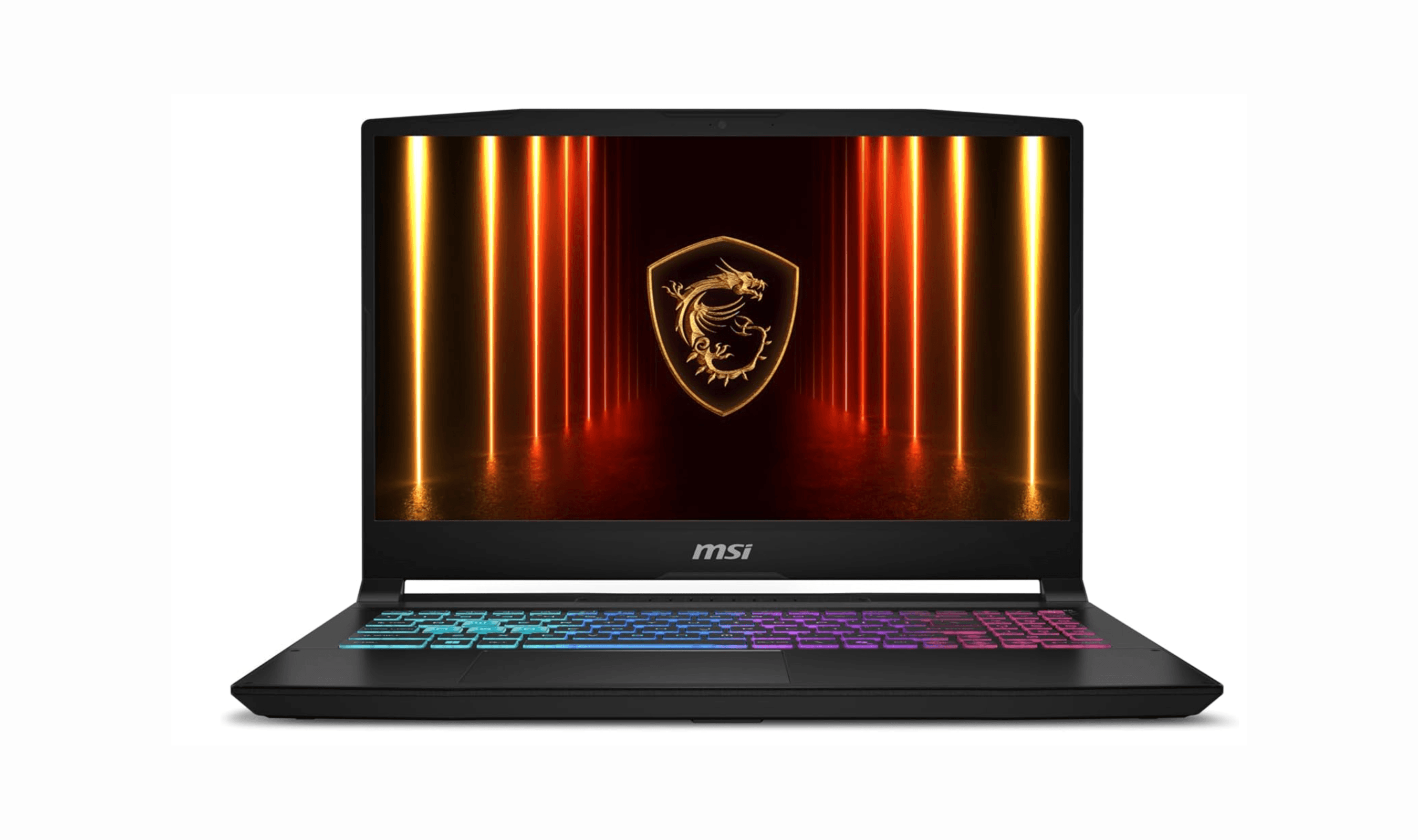
7 Best Budget Gaming Laptops for 2026
We rank the 8 best budget gaming laptops for 2026, from the $799 Acer Nitro V 15 to the RTX 5070 MSI Katana 15 HX, our top pick, plus an OLED Lenovo Legion 5i.
5 min read
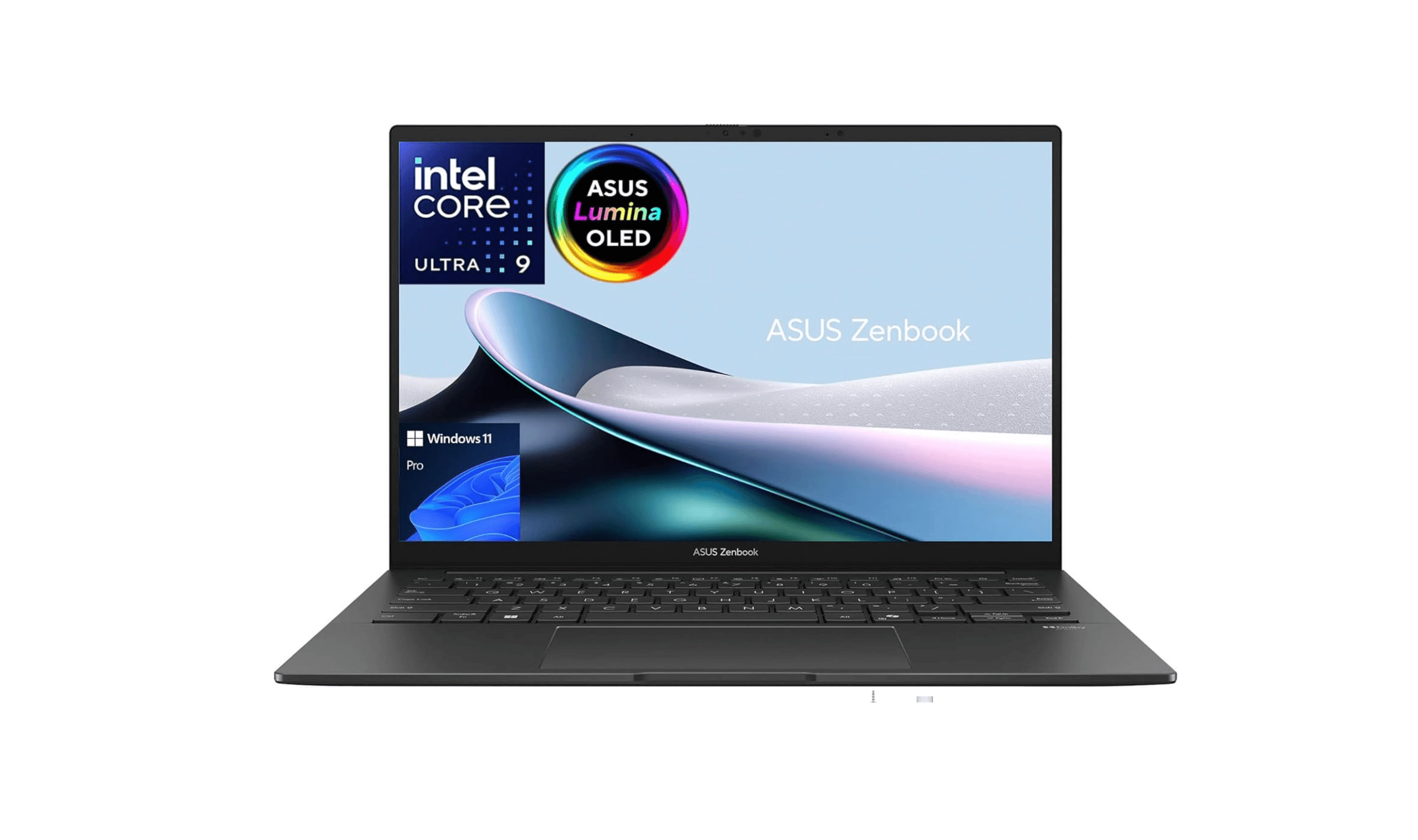
6 Best Laptops for Engineering Students in 2026
Discover the best laptops for engineering students in 2026. Our top pick, the Asus ProArt P16, delivers workstation power in a portable form.
3 min read
7 Best Laptops for Stock Trading in 2026
5 min read
6 Best Laptops for Teachers in 2026
4 min read

AKG K 701 Ultra Reference Class Stereo discounted to $247.37
5 min read

Apple Watch SE 3 GPS 40mm Smartwatch discounted to $189.97
5 min read

Cleer Audio Enduro ANC Noise Canceling Headphones price drops to $94.99
3 min read

Lenovo coupon codes and deals
5 min read

Woot coupon codes and deals
3 min read

Samsung coupon codes and deals
5 min read