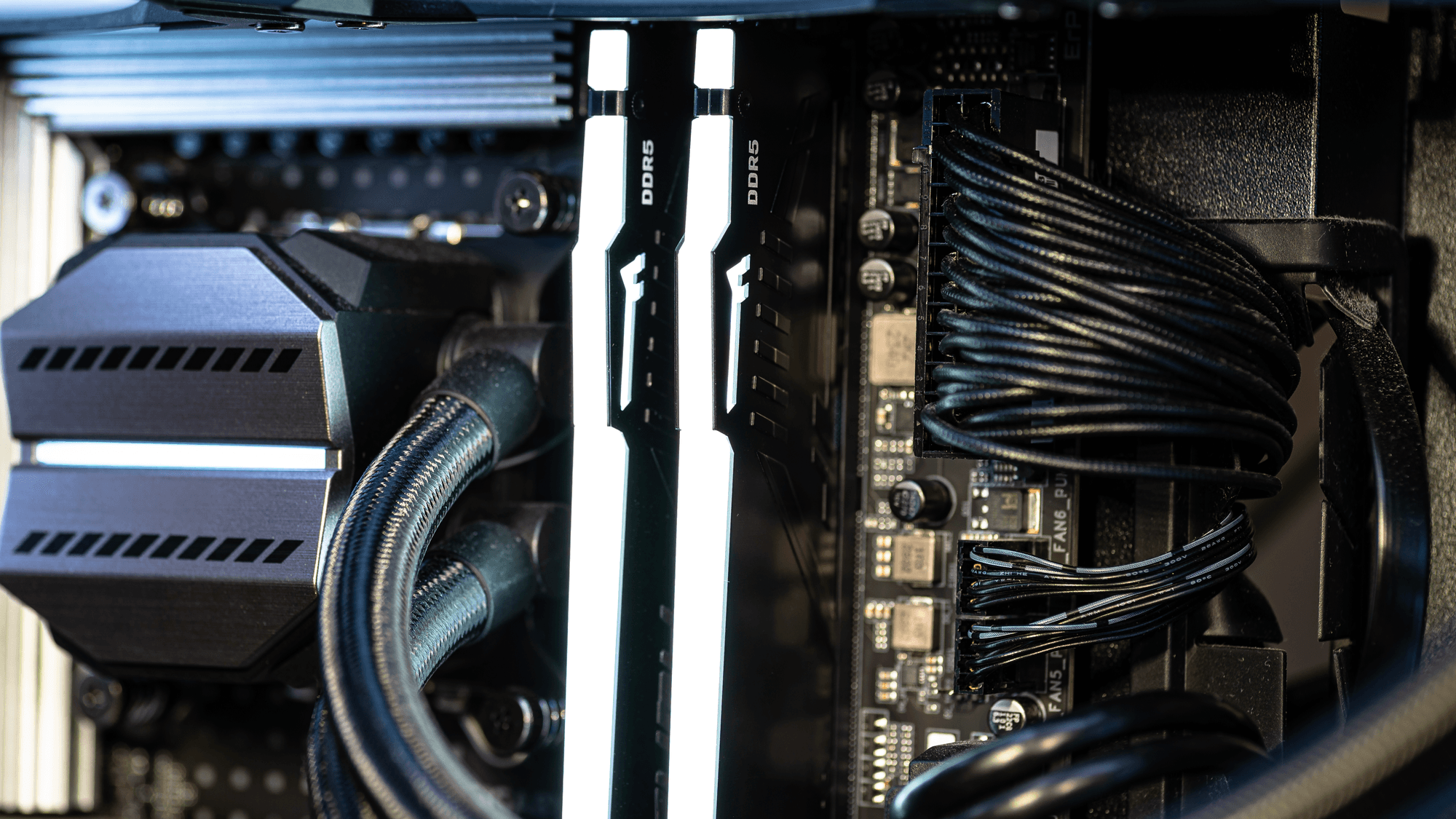
DDR4 and DDR5 are two generations of PC memory, and you cannot swap one for the other. DDR5 moves the key notch on the module so it will not go into an incompatible socket, which means the motherboard decides which type you buy. If your board takes DDR4, you stay on DDR4, and if you are building on a platform that lists only DDR5, the choice is already made.
Key differences at a glance
- Voltage: Kingston lists DDR4 at 1.2V. Intel specifies 1.1V for DDR5.
- Standard speeds: Kingston's glossary lists DDR4 data rates from 1600 to 3200 MT/s. Its DDR5 technical document lists JEDEC rates of 4000, 4400, 4800, 5200, 5600, 6000 and 6400 MT/s. That DDR5 table is an older one, so it does not show where the standard tops out in November 2026.
- Power management: DDR5 puts a power management integrated circuit, or PMIC, on the memory module itself.
- Error correction: DDR5 on-die ECC corrects errors inside the DRAM chip. It cannot correct errors outside that chip, including errors on the bus between the module and the CPU's memory controller.
- Data layout: DDR5 splits the module's 64-bit data width into two independently addressable 32-bit subchannels.
- Notch position: the two module types are not physically interchangeable.
Which Intel platforms take which memory
Intel's support pages tie memory type to processor generation. Eighth- and ninth-generation desktop Core processors use the LGA1151 socket with 300-series chipsets and support DDR4 only. Tenth-generation desktop processors, on LGA1200, are also DDR4 only, and the specification for the eleventh-generation Core i9-11900K lists DDR4-3200.
The overlap sits on LGA1700. Twelfth-, thirteenth- and fourteenth-generation desktop Core processors use that socket with 600- or 700-series chipsets, and Intel documents both memory types for them. Twelfth-generation chips support up to DDR4-3200 and DDR5-4800, while the thirteenth and fourteenth generations support up to DDR4-3200 and DDR5-4800 or 5600, depending on the processor.
A processor that supports both does not make the two types interchangeable on a board. Corsair's memory catalog tells buyers to check the motherboard's supported memory type, because the board must support the type you pick. Intel's Core Ultra desktop processors Series 2 use LGA1851 with 800-series chipsets, and the memory type Intel lists for them is DDR5.
Which AMD platforms take which memory
AMD draws the line by socket. It specifies DDR4 for Socket AM4, and its chipset page lists X570, B550, A520, X470, B450, X370, B350 and A320. For Socket AM5, AMD documents DDR5 support on the X870E, X870, B850, B840, X670E, X670 and A620 chipsets, and its AM5 reference guide includes B650 and B650E in the DDR5 platform table.
Module sizes listed
Maker product pages, as accessed on November 16, 2026, list larger single modules for DDR5. Kingston's FURY Beast DDR4 page lists single modules of 8GB, 16GB and 32GB. Its FURY Beast DDR5 page lists 8GB, 16GB, 32GB and 64GB singles, and the FURY Renegade DDR5 page adds the in-between sizes of 24GB and 48GB.
Corsair's VENGEANCE DDR5 selector lists configurations that work out to 8GB, 16GB, 24GB, 32GB, 48GB and 64GB per module, though a selector entry does not confirm stock. On that date, Corsair marked its 64GB DDR5-4800 kit of two 32GB modules as in stock and one 128GB kit of two 64GB modules as out of stock. On the DDR4 side, Corsair lists a VENGEANCE LPX kit with two 32GB modules.
Crucial is a special case. Micron announced on December 3, 2025 that it was exiting the Crucial consumer business, and said shipments to the consumer channel would continue through February 2026.
Which one fits
If you are upgrading a PC on Socket AM4 or on an eighth- to tenth-generation Intel desktop processor, DDR4 fits, because that is the memory AMD and Intel list for those platforms. If you are building on Socket AM5 or on a Core Ultra Series 2 desktop chip, DDR5 fits for the same reason.
If you are on LGA1700, either type can apply, so read the motherboard's specification before you order. If you want more than 32GB on a single module, the Kingston pages point to DDR5, where 48GB and 64GB singles are listed.
For specific kits, see the RAM kit picks. After you install new memory, this guide covers how to use the Windows Memory Diagnostic tool to check your RAM.