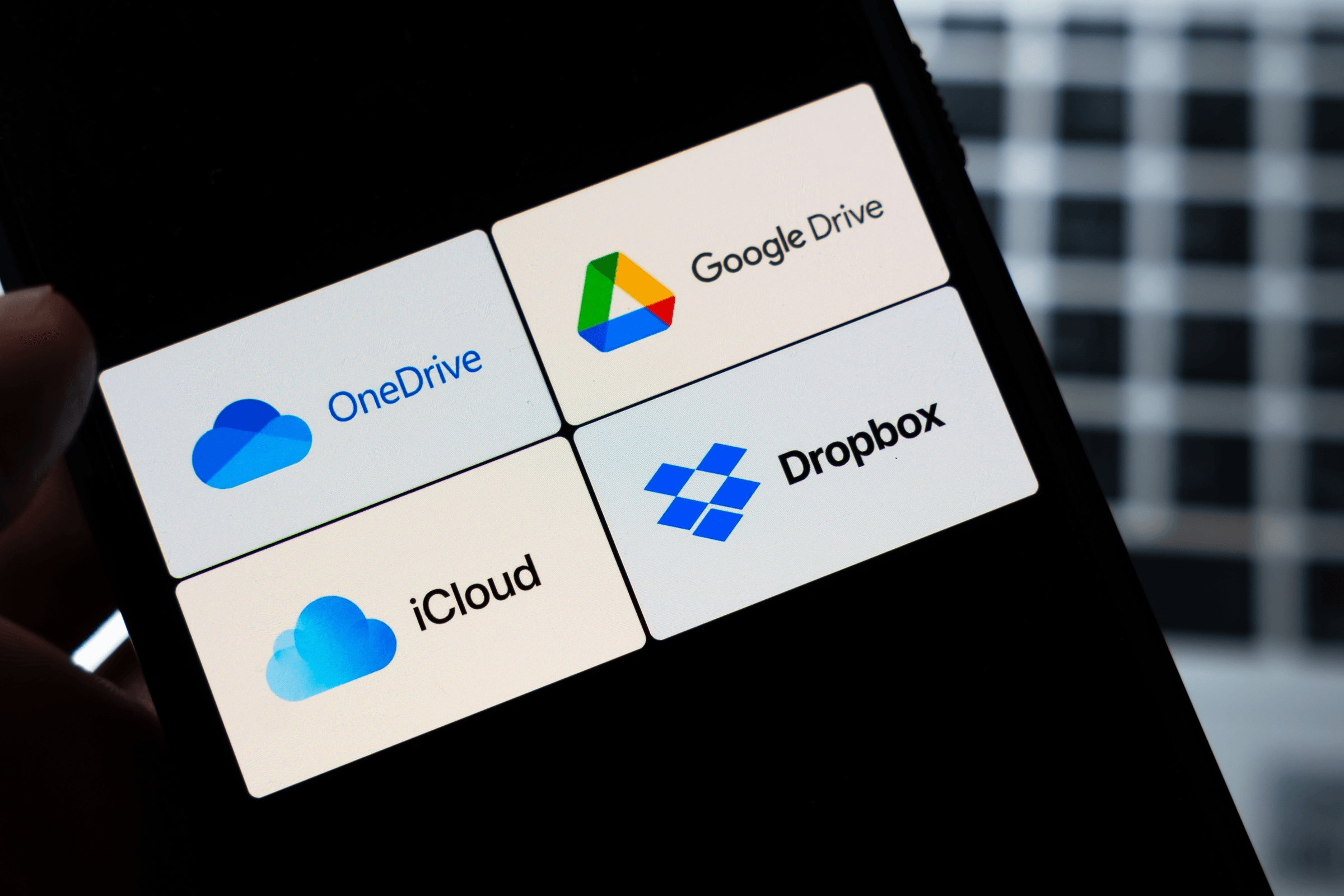
Google Drive gives every Google Account up to 15 GB at no charge, while Dropbox Basic starts with 2 GB for free. On paid plans, Dropbox Plus lists 2 TB for $11.99 a month, and Google lists 100 GB for $1.99 a month and 2 TB for $9.99 a month. Dropbox lists a Linux desktop app, while Google says Drive for desktop is not available on Linux.
What each one costs
These are the regular US list prices before tax, as of November 2026, as Dropbox and Google publish them on their own pricing and product pages, including Dropbox's plans page and Google's storage plans page.
- Dropbox Basic: free, with 2 GB of starting storage.
- Dropbox Plus: 2 TB for one person at $11.99 a month on monthly billing. With annual billing, Dropbox advertises $9.99 a month.
- Dropbox Essentials: 3 TB. The Dropbox + Sign Essentials product page advertises $18 a month, billed yearly, for one user.
- Google free tier: up to 15 GB.
- Google One Basic: 100 GB total for $1.99 a month.
- Google AI Plus: 2 TB total for $9.99 a month.
- Google AI Pro: 5 TB for $19.99 a month or $199.99 a year.
- Google AI Ultra: 20 TB for $99.99 a month. Google says Ultra plans are billed monthly only.
Google's storage is one pool for Google Drive, Gmail and Google Photos, and the free 15 GB counts inside a paid plan's total. Google's US overview also lists a Standard plan with 200 GB and a 400 GB version of AI Plus. Google One storage can be shared with up to five other people at no extra cost, and Google says your content remains private to you.
File size limits and recovery windows
Dropbox says the maximum file size you can upload is 2 TB, within your account's storage allowance. Browser uploads larger than 375 GB may time out or be interrupted, and Dropbox points to its desktop app or API for large uploads. Google Drive stores ordinary files of up to 5 TB.
Dropbox Basic and Plus can recover file versions and deleted files from the last 30 days. Essentials stretches both windows to 180 days, and Dropbox says add-ons can extend recovery periods. Dropbox says files marked for permanent deletion cannot be recovered. Dropbox version history does not apply to web-based files such as Google Docs, Sheets and Slides.
In Google Drive, deleted files stay in Trash for 30 days and can be restored before they are deleted forever. An older version of an ordinary file might be permanently deleted after 30 days or once 100 newer versions exist, unless you mark it Keep forever.
Desktop apps and sync
Dropbox's help center lists Windows, macOS and Linux on the desktop, plus Android, iPhone, iPad and most modern web browsers. Drive for desktop supports Windows and macOS, and Google documents Drive apps for Android, iPhone and iPad. On Linux, Google says to use Drive on the web.
Both can keep files off your computer's disk. Dropbox offers online-only files, and selective sync is available on every plan, including Basic. Drive for desktop offers streaming, which uses little local space, and mirroring, which downloads full local copies. See How to Restart Google Drive for Desktop.
Dropbox Basic normally allows three devices logged in to its apps at a time, and browser logins do not count. Plus and Essentials allow unlimited devices.
Sharing and encryption
Dropbox links can grant edit or view-only access, and people without a Dropbox account can preview files through a view-only link. Dropbox's link settings help page lists shared-link passwords, expiration dates and disabled downloads for Essentials, and Basic and Plus are not on its list of eligible plans. Dropbox Transfer sends up to 50 GB on Plus and up to 100 GB on Essentials.
Google Drive uses Viewer, Commenter and Editor roles. "Anyone with the link" sharing works without signing in to a Google Account, while Restricted limits access to people you add. See How to Add People to Google Drive Files and Folders. Google documents sharing expiration for work and school accounts.
Dropbox states that files at rest are encrypted with 256-bit AES, and that transfers between its apps and servers use SSL/TLS. Google states that Drive files are encrypted in transit and at rest with AES256. Google's client-side encryption is an additional layer that requires a Workspace account.
Which one fits
If you want free storage or a small paid plan, Google Drive may fit, because Google lists up to 15 GB at no charge and 100 GB for $1.99 a month. Keep in mind that Gmail and Google Photos draw from the same pool.
If you sync to a Linux computer, Dropbox may fit, because Dropbox lists a Linux desktop app and Google says Drive for desktop is not available on Linux. If you need password-protected links or a 180-day recovery window, Dropbox lists both on Essentials.
Google also lists 5 TB and 20 TB plans. See also OneDrive vs Google Drive.