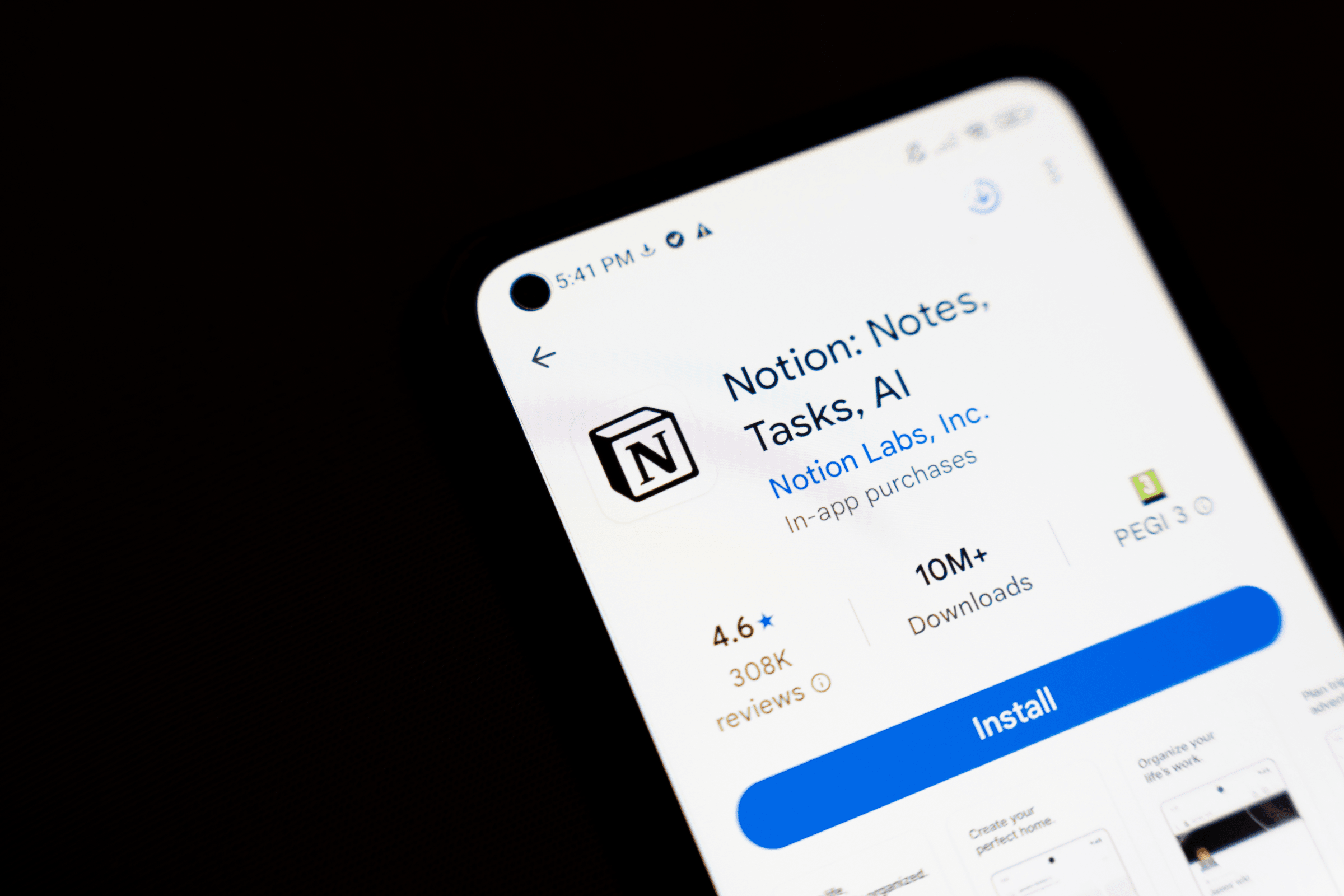
Notion and Obsidian both hold your notes, but they keep them in different places. Notion stores workspace content in the cloud, while Obsidian stores notes as Markdown-formatted plain-text files in a folder on your own device.
Notion vs Obsidian at a glance
- Starting price: Notion has a Free plan at $0 per member. The Obsidian app is free, including for commercial use, and needs no signup.
- Offline: Notion works offline in its desktop and mobile apps on pages you have downloaded. Obsidian works without an internet connection.
- Collaboration: Notion lets people edit the same page at the same time. Obsidian says it does not yet support collaborative live editing on the same file.
- Platforms: Notion lists desktop apps for Mac and Windows, mobile apps for iOS and Android, and browser access. Obsidian lists macOS, Windows, Linux, iOS and Android.
What each one costs
As of November 2026, Notion's US pricing page shows Free at $0 per member and Plus at $10 per member per month. Notion's June 2024 pricing announcement lists that $10 as the annual billing rate, with Plus at $12 per member per month on monthly billing. Business is $20 per member per month at the annual billing rate, and Enterprise uses custom pricing through the sales team.
The Obsidian app is free, and its paid services are optional. On Obsidian's pricing pages in November 2026, Sync Standard is $4 per user per month billed annually, or $5 billed monthly, with one synced vault and 1 GB of storage. Sync Plus is $8 per user per month billed annually, or $10 billed monthly, with ten synced vaults and 10 GB of storage.
Publish, an optional service for putting notes online, is $8 per site per month billed annually, or $10 billed monthly. An optional Commercial license costs $50 per user per year, and Obsidian says it is not required for work use.
Notion's pricing page also lists its AI features by plan. Free and Plus show a trial of Notion AI. The Business card includes Notion Agent, AI Meeting Notes and Enterprise Search Beta, and Enterprise includes the Business features. Custom Agents are listed as free to try, then $10 per 1,000 monthly Notion credits, and Workers Beta is listed as requiring Notion credits.
Where your notes live and what happens offline
Notion says it keeps per-minute backups of page content on its servers, and content syncs automatically while you are connected to the internet. Offline use in Notion is available on all plans, in the desktop and mobile apps but not in a browser. You download individual pages, and you can then view or edit them and create new pages while offline. Plus, Business and Enterprise automatically download recently visited and favorited pages, though subpages must be downloaded individually.
Downloading a database includes only the first 50 rows of its first view, and more rows need individual downloads. Some advanced blocks need a connection, and sharing or changing permissions is unavailable offline.
Obsidian calls its notes folder a vault. Obsidian says the app works without an internet connection. With Obsidian Sync, changes merge when the connection returns.
Encryption and sync
Notion states that data is encrypted in transit using TLS 1.2 or higher and at rest using AES-256. Obsidian says Sync offers end-to-end encryption by default and uses AES-256, and that with this setting even Obsidian cannot access your notes. A separate standard encryption option uses a key that Obsidian manages. The encryption choice applies to the remote vault, and Obsidian says it does not encrypt the local vault on your device.
Working with other people
In Notion, people can collaborate on the same page at the same time. Notion shows collaborators' avatars beside the blocks they are viewing or editing, and it supports page permissions for people, groups and teamspaces.
Obsidian supports shared vaults through Sync, but every collaborator needs an active Sync subscription, and a shared vault tops out at 20 collaborators. Edits appear after syncing, and simultaneous changes are merged during the sync. Obsidian says fine-grained permissions are not available. Collaborators get the owner's permissions, except that only the owner can invite others.
Which one fits
If you mostly work with a team on shared pages, Notion fits that use, because Notion's help pages document simultaneous editing and permissions by person, group and teamspace. See How to Use the Notion App as a Beginner.
If you mostly write alone and want your notes as files on your own device, Obsidian fits that use, because Obsidian says the app is free and stores notes as plain-text Markdown in a local folder. Sync is the piece to budget for if you want Obsidian's own end-to-end encrypted syncing. See How to Sync an Obsidian Vault With Google Drive.
If you often work without a connection, check Notion's offline limits against how you use databases, since a download covers the first 50 rows of the first view. See Best Notion Alternatives for Notes, Projects and Local Files.