Google Drive gives away more free space: up to 15 GB, against 5 GB on Microsoft's free OneDrive plan. Google's 15 GB is shared among Drive, Gmail and Google Photos, though. Once you pay, both start at $1.99 a month for 100 GB as of November 2026.
OneDrive vs Google Drive at a glance
- Free storage: OneDrive includes 5 GB for one person. A personal Google Account includes up to 15 GB shared among Drive, Gmail and Photos.
- Apps: Microsoft lists OneDrive for Windows, macOS, iOS and Android, plus browser access. Google's Drive for desktop supports Windows and macOS, and Google offers Android, iPhone and iPad apps for Drive, Docs, Sheets and Slides.
- Linux: Google says Drive for desktop is not available for Linux and points Linux users to Drive on the web.
- Largest single file: OneDrive caps an individual file at 250 GB for upload, download and sync. Google lists up to 5 TB for files outside its document formats.
- Family sharing: Microsoft 365 Family covers one to six people. Google One members can share plan features with up to five family members.
What each one costs
These are regular US list prices before tax, as of November 2026. Microsoft sells OneDrive storage through Microsoft 365 plans. Basic lists at $1.99 a month or $19.99 a year with 100 GB for one person.
Personal lists at $9.99 a month or $99.99 a year with 1 TB for one person. Family lists at $12.99 a month or $129.99 a year, and Microsoft's US store page shows 2 TB of shared cloud storage for it.
Google sells storage through Google One. Basic lists at $1.99 a month with 100 GB across Photos, Drive and Gmail. Google's US overview also lists a Standard plan with 200 GB.
Google also lists storage with its AI plans. The pricing page lists Google AI Plus with 2 TB at $9.99 a month, and Google AI Pro includes 5 TB at $19.99 a month or $199.99 a year. Google's US AI plans page also advertises a 400 GB version of Google AI Plus, which differs from the 2 TB version on the pricing page.
Office files and Google Docs
Microsoft's free plan lists web and mobile versions of Word, Excel, PowerPoint, OneNote and OneDrive, and Microsoft advertises real-time collaboration on Microsoft 365 files. The Personal and Family plans list desktop versions of Word, Excel, PowerPoint, Outlook and OneNote with Microsoft Copilot. On Family, Microsoft says the AI features are available only to the subscription owner, cannot be shared and have usage limits.
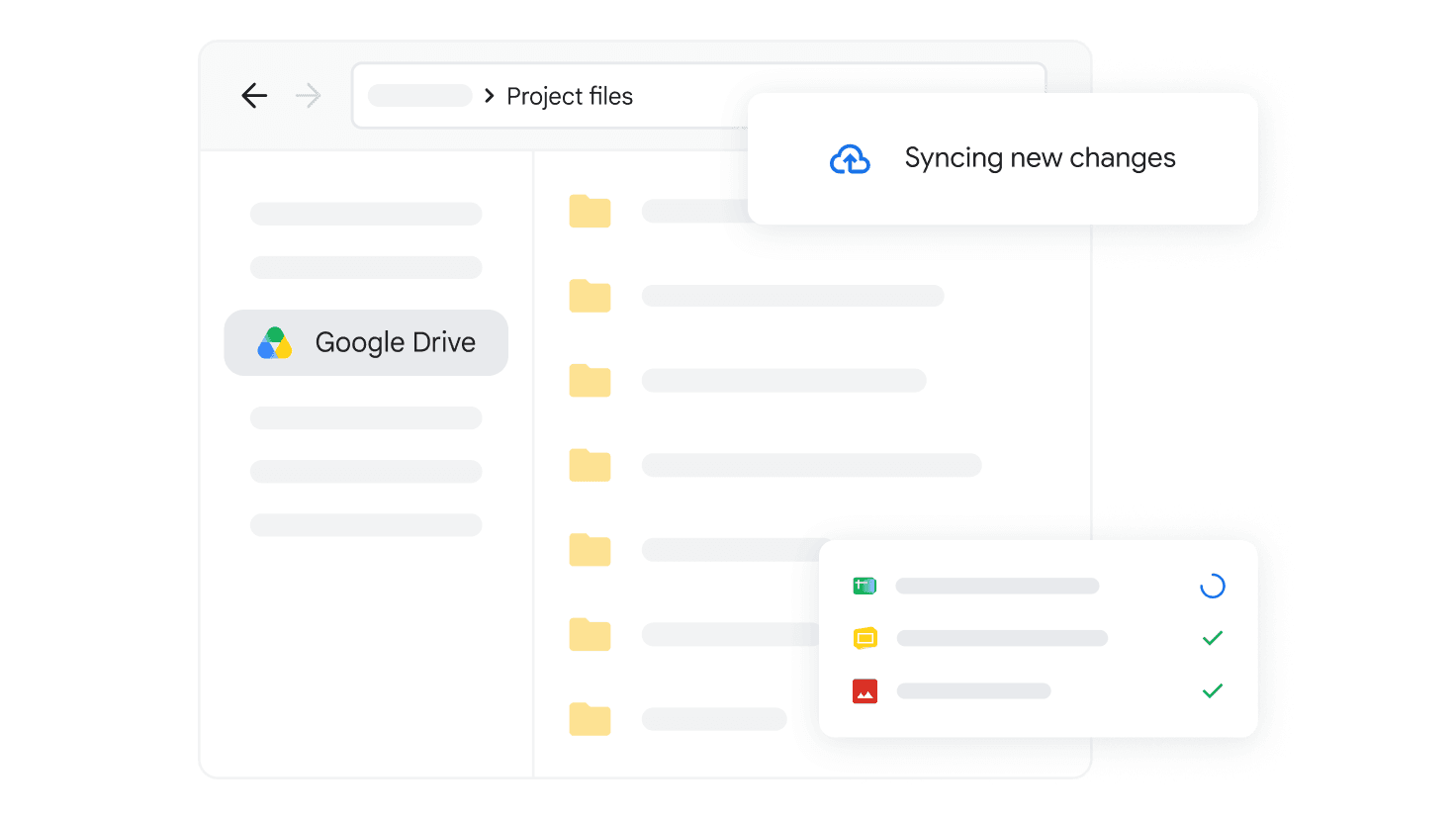
In Google Drive, My Drive holds the files you upload or sync alongside the Docs, Sheets, Slides and Forms you create. Google says Docs, Sheets and Slides can edit, download and convert Microsoft Office files, and that Office files can be edited together in real time. It also lists features that are unsupported when editing Office files, including macros and linked spreadsheets in Excel files.
Sharing and Personal Vault
On a personal OneDrive account you can copy a sharing link or invite specific people by email with view or edit permission. Microsoft 365 subscribers can also set a password and an expiration date on a sharing link. See How to Create a OneDrive Sharing Link.
Google Drive offers Viewer, Commenter and Editor roles, sharing with specific people or groups, and access for anyone with the link, which can work without signing in to a Google Account. Google's sharing help describes access expiration dates as available for work and school accounts.
OneDrive also has Personal Vault, a protected area that asks for a strong authentication method or a second identity step such as a fingerprint, face, PIN or verification code. Free accounts can keep up to three files in it. Microsoft's Basic FAQ lists unlimited Personal Vault files, and its Vault help page says Personal and Family subscribers can store files up to their storage limit. Files cannot be shared directly from the Vault.
Which one fits
If you want the most space without paying, Google Drive fits because it includes up to 15 GB against OneDrive's 5 GB. Keep in mind that Gmail and Photos draw from the same pool. See How to Check a Folder's Size in Google Drive.
If your work lives in Excel files with macros or linked spreadsheets, note that Google lists both as unsupported when editing Office files, while Microsoft 365 Personal lists the desktop Excel app and 1 TB of storage. If you need more than 2 TB, Google AI Pro's 5 TB is the larger figure here. As of November 2026, it lists at $19.99 a month, against $9.99 a month for Microsoft 365 Personal.
If you want a few sensitive documents behind an extra identity check, OneDrive's Personal Vault covers that, with three files on the free plan. If several people will share one plan, compare Microsoft 365 Family's 2 TB for up to six people with Google One family sharing, where storage is pooled and each member's content stays private.