
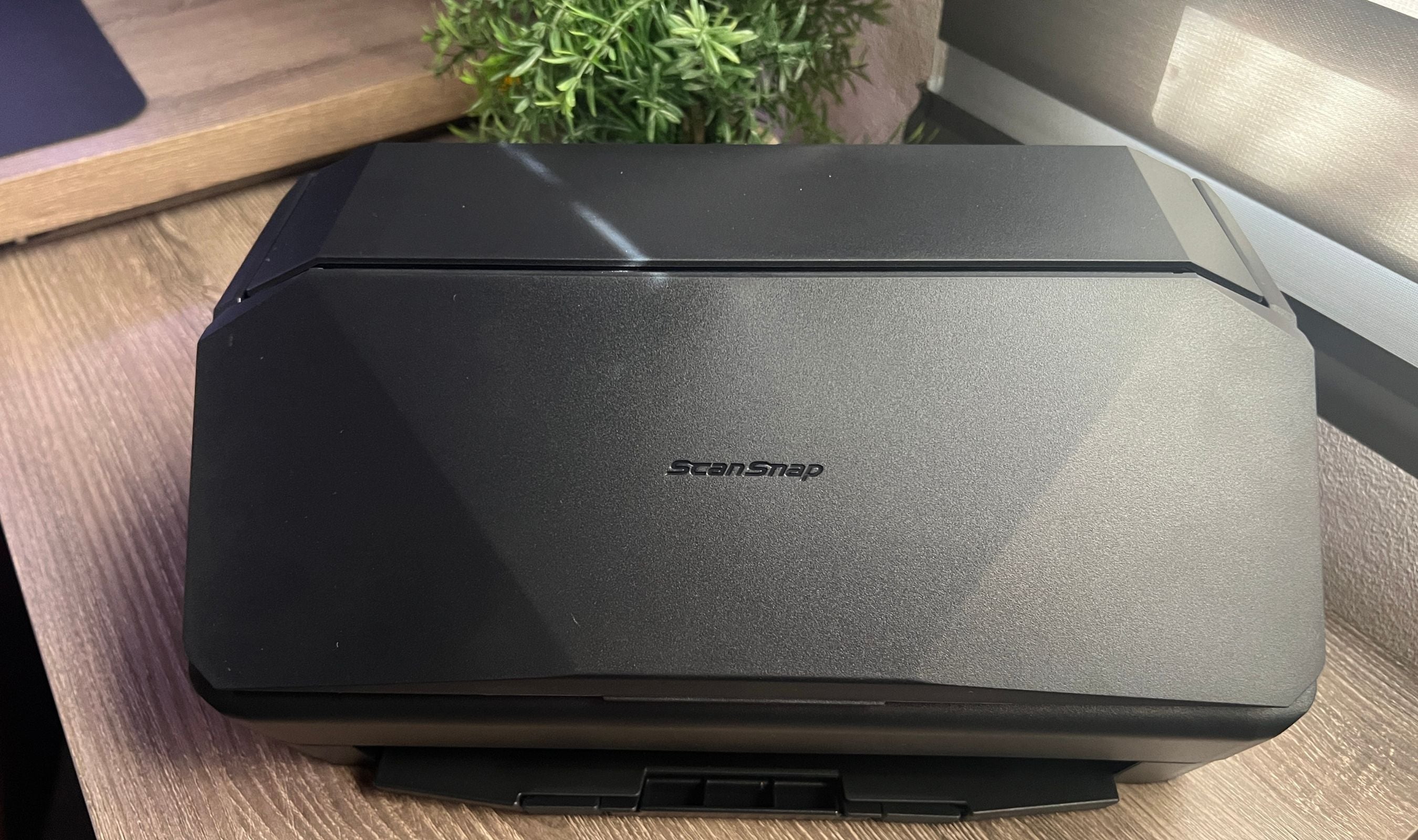
I've been running the ScanSnap iX2500 in my office for the past two weeks, and it has quietly become one of the most used devices on my desk. Not because scanning is exciting, but because this scanner makes it so fast and effortless that I actually want to digitize everything. Receipts, contracts, tax documents, photos, business cards. If it's paper, the iX2500 eats through it at 45 pages per minute, both sides at once, and spits out perfectly organized, searchable PDFs before I can even think about filing.
Technobezz is supported by its audience. We may get a commission from retail offers. Reviews ethics statement.
ScanSnap iX2500 Review: The Fastest Way to Make Paper Disappear
The Ricoh ScanSnap iX2500 scans 45 pages per minute with duplex scanning, a 100-sheet ADF, and a touchscreen that makes going paperless genuinely effortless. After two weeks of daily use, here is…
Updated March 21, 2026Mar 21, 2026
•12 min read

Credit: Technobezz
Get Deals Like These in Your Inbox
The best prices, reviewed weekly.
In This Review
9/ 10
Best for Small business owners, accountants, legal professionals, and anyone who needs to digitize high volumes of paper quickly and reliably
ScanSnap iX2500
Scanning Speed45 ppm simplex / 90 ipm duplex
ADF Capacity100 sheets
DuplexYes, simultaneous two-sided scanning
Optical Resolution600 DPI
SensorCIS (Contact Image Sensor)
ConnectivityWi-Fi + USB-C
Ricoh's ScanSnap line has been the gold standard for desktop document scanners for years, and the iX2500 is the new flagship. After testing it extensively with everything from single receipts to 100-page stacks, I can say it earns that position. The speed is real, the scan quality is excellent, and the touchscreen interface makes the whole experience feel modern in a category that hasn't always kept up with the times.
ScanSnap iX2500 - Best high-speed document scanner for home and office
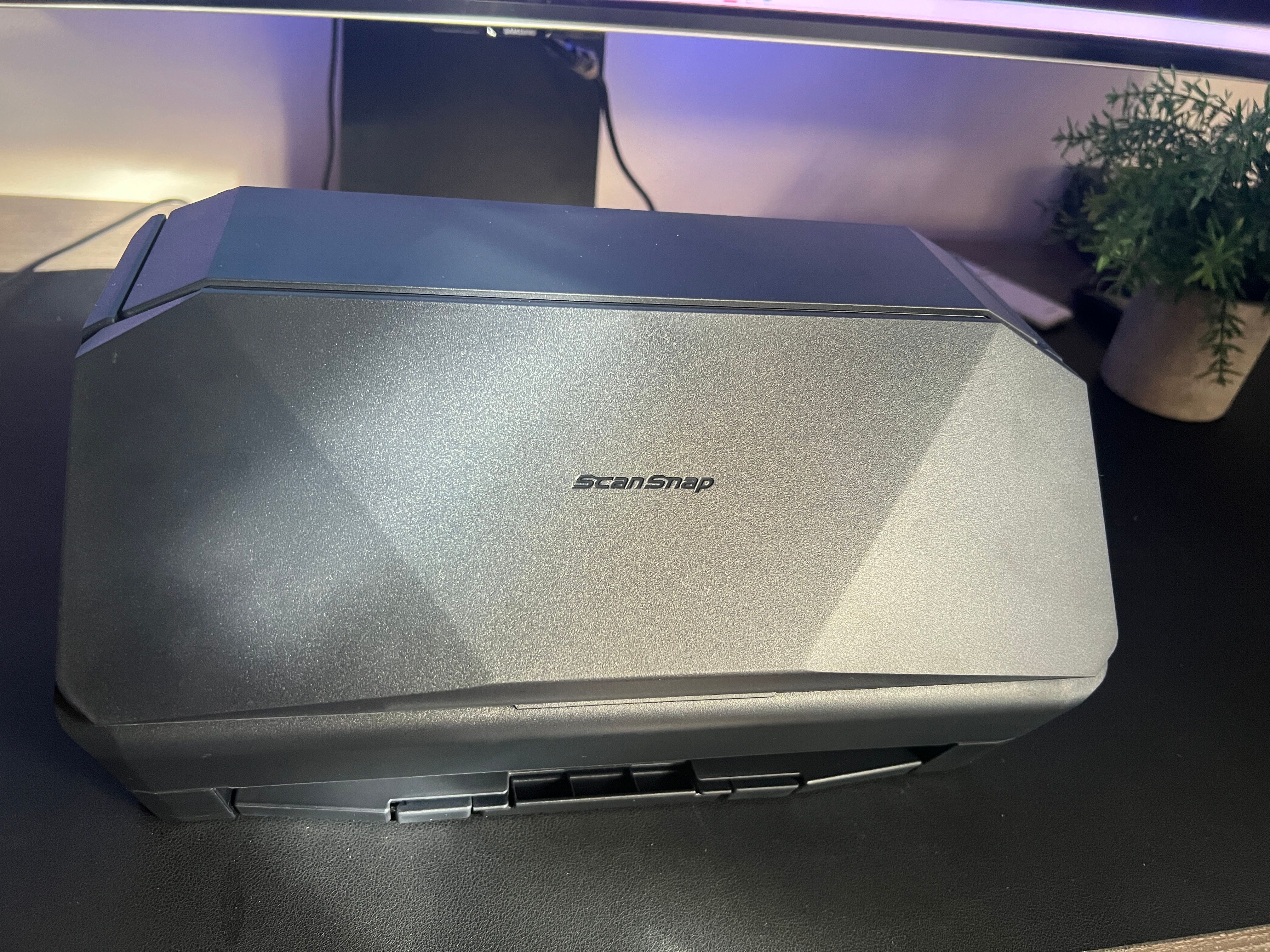
The ScanSnap iX2500 is Ricoh's fastest desktop scanner, delivering 45 pages per minute with duplex (two-sided) scanning, a 100-sheet automatic document feeder, and a color touchscreen for one-tap profile selection. It connects via Wi-Fi or USB-C, scans directly to cloud services without a computer, and produces searchable PDFs with built-in OCR. Available in Standard, Receipt, Photo, and Premium editions. At around $400 on Amazon, the Standard edition delivers everything most users need.
Key highlights
- 45 pages per minute simplex, 90 images per minute duplex (both sides simultaneously)
- 100-sheet automatic document feeder (ADF) for high-volume batch scanning
- Color touchscreen for selecting scan profiles, destinations, and settings without a PC
- 600 DPI optical resolution with CIS (Contact Image Sensor) technology
- Wi-Fi and USB-C connectivity for flexible setup options
- Direct scan-to-cloud: Box, Dropbox, Google Drive, OneDrive, SharePoint, iCloud, and more
- Built-in OCR creates searchable PDFs and editable Word, Excel, and PowerPoint files
- Scans documents, receipts, business cards, photos, plastic cards, and folded A3 documents
- Multiple user profiles accessible from the touchscreen for shared office environments
- ScanSnap Home software for PC, Mac, iOS, and Android
- Brake roller system and multi-feed detection to prevent jams and page damage
- Skew detection to straighten misaligned pages automatically
- Manual Feed mode for envelopes, plastic cards, and documents with sticky notes
- Quick Menu for drag-and-drop scanning to your favorite apps
- Compact footprint: 11.5" W x 6.26" D x 6.34" H
Pros
- Scanning speed is genuinely impressive. 100 pages, both sides, done in just over two minutes
- Touchscreen makes profile selection and destination routing effortless
- Duplex scanning works flawlessly with no alignment issues
- Build quality feels durable and designed to handle daily heavy use
- Setup was straightforward, connected via Wi-Fi and ready to scan in under 10 minutes
- OCR accuracy is strong, producing clean searchable PDFs and editable documents
- Cloud integration works seamlessly with Google Drive, Dropbox, OneDrive, and others
- Mobile app lets you drive the scanner from your phone or tablet
- 100-sheet ADF means fewer reloads for large batch jobs
- Handles mixed document sizes (receipts, cards, letter, legal) in the same batch
- Compact enough to fit on a desk without dominating your workspace
- Multi-user profiles on the touchscreen are perfect for shared office setups
Cons
- No flatbed scanning option, so bound books or fragile originals require carrier sheets
- Photo scanning resolution is adequate but not exceptional for archival quality
- No TWAIN driver support, which may matter for specialized scanning workflows
Who it's for
Small business owners, accountants, legal professionals, real estate agents, and anyone drowning in paper who needs to go digital fast. The multi-user touchscreen profiles make it ideal for shared offices, and the cloud integration is perfect for remote and hybrid teams who need documents accessible from anywhere.
Skip if
You primarily need to scan bound books or fragile originals (a flatbed scanner would serve you better), you only scan a few pages per week (the ScanSnap iX1300 is a more compact, affordable option), or you need TWAIN driver compatibility for specialized software.
Design and Build Quality
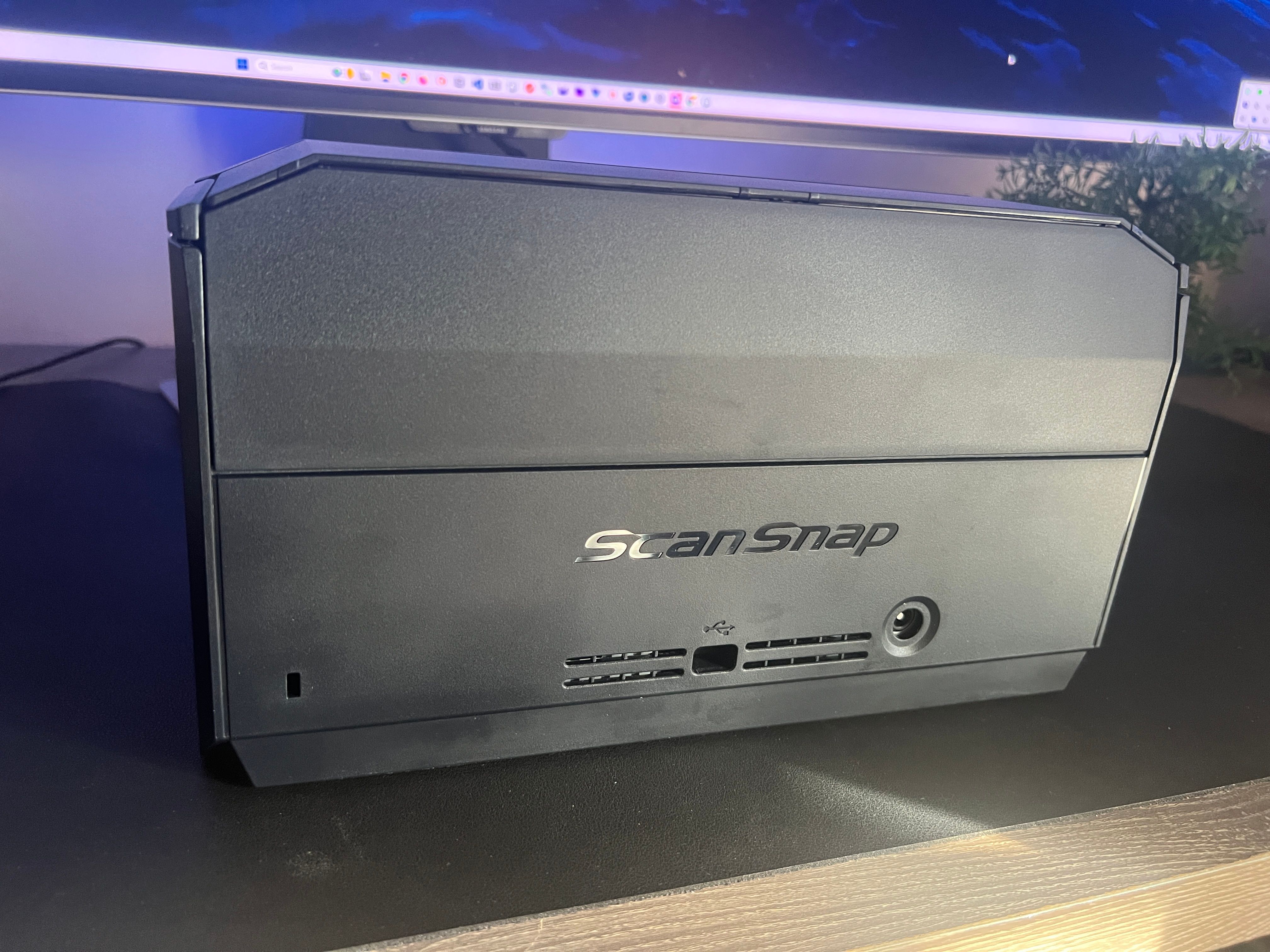
The iX2500 is compact at 11.5 x 6.26 x 6.34 inches and weighs 7.7 pounds. It's small enough to sit beside a laptop without crowding your desk, but substantial enough to feel solid when you're feeding 100 pages through it. The build quality is immediately noticeable. This doesn't feel like a consumer device that'll give out after a year. The plastic housing is sturdy, the hinges that open the feeder and output trays are firm, and the overall fit and finish says "office workhorse."
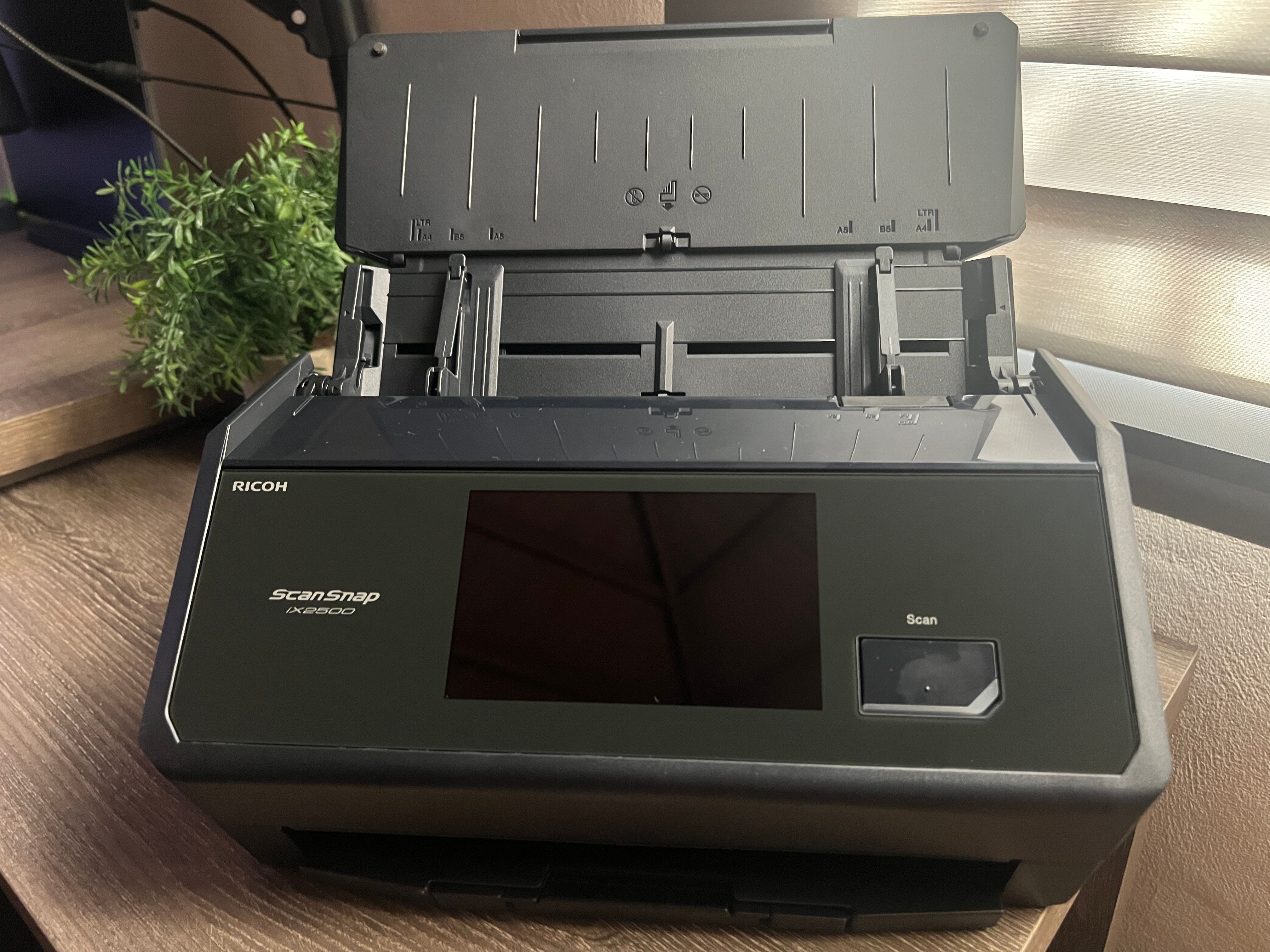
The folding design is practical. When the lid is closed, it keeps dust out of the scanner mechanism, which is great for longevity. Open the lid and the ADF tray extends upward to accept documents, while the output tray slides out from the front. The whole setup takes about three seconds. Close it when you're done, and it tucks away neatly.
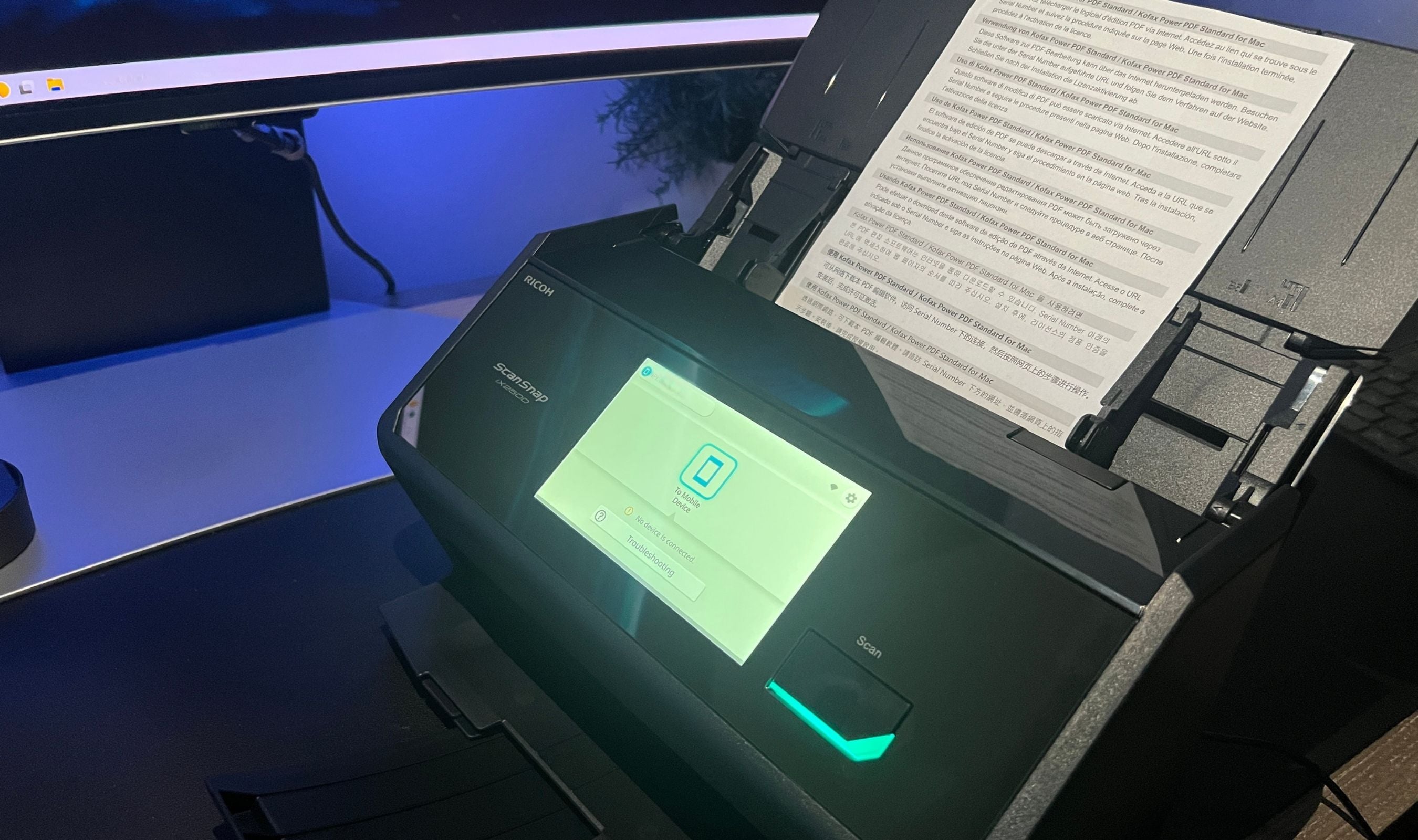
The color touchscreen on the front is a standout. It's responsive, easy to read, and genuinely useful. You can select your scan profile, choose a destination (local folder, cloud service, email), adjust settings, and start scanning without ever touching a computer.
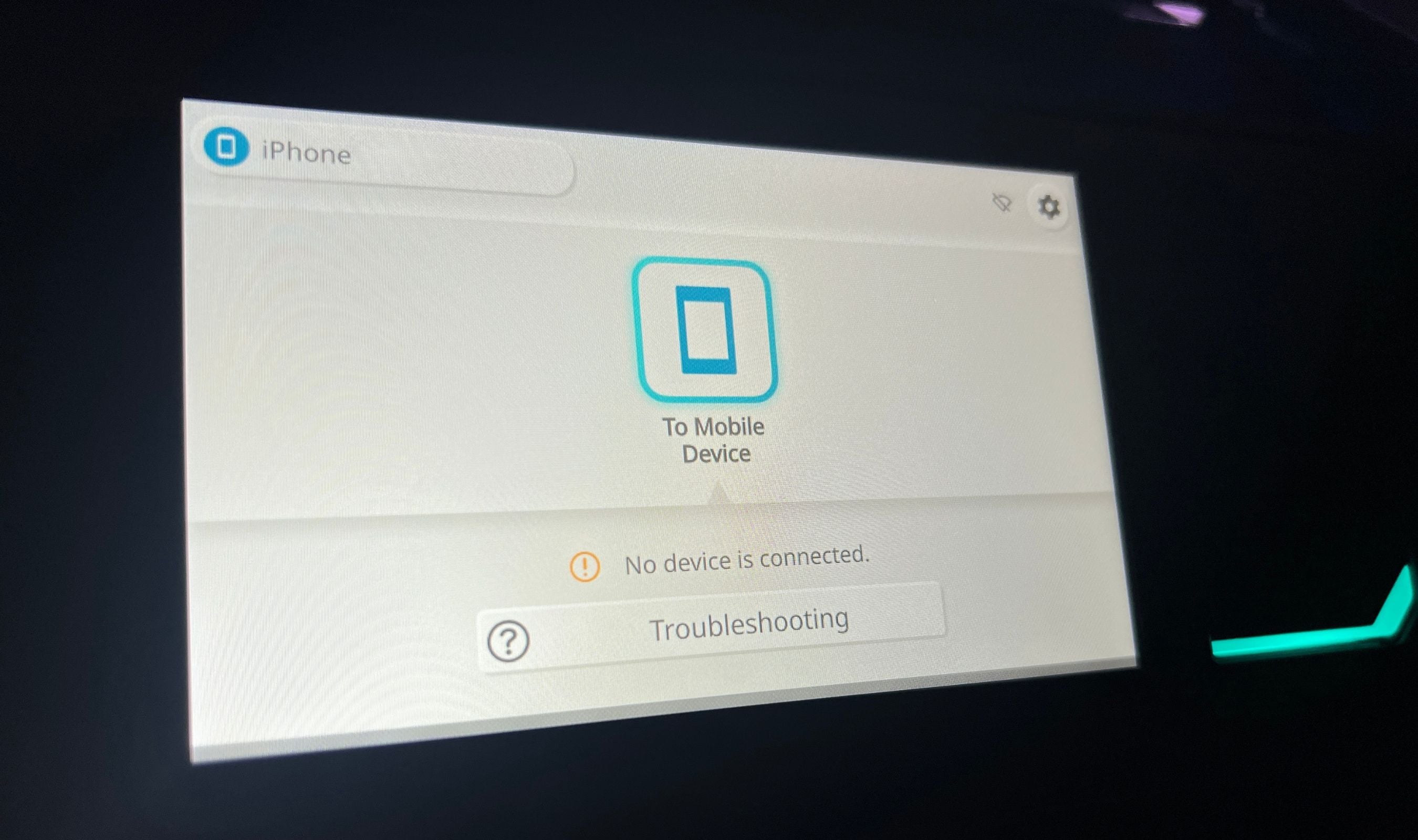
In a shared office, each user can have their own profile with personalized scan settings and destinations, all accessible from the touchscreen. It's the kind of feature that sounds minor until you use it daily, then you can't imagine going back.
Setup and Connectivity
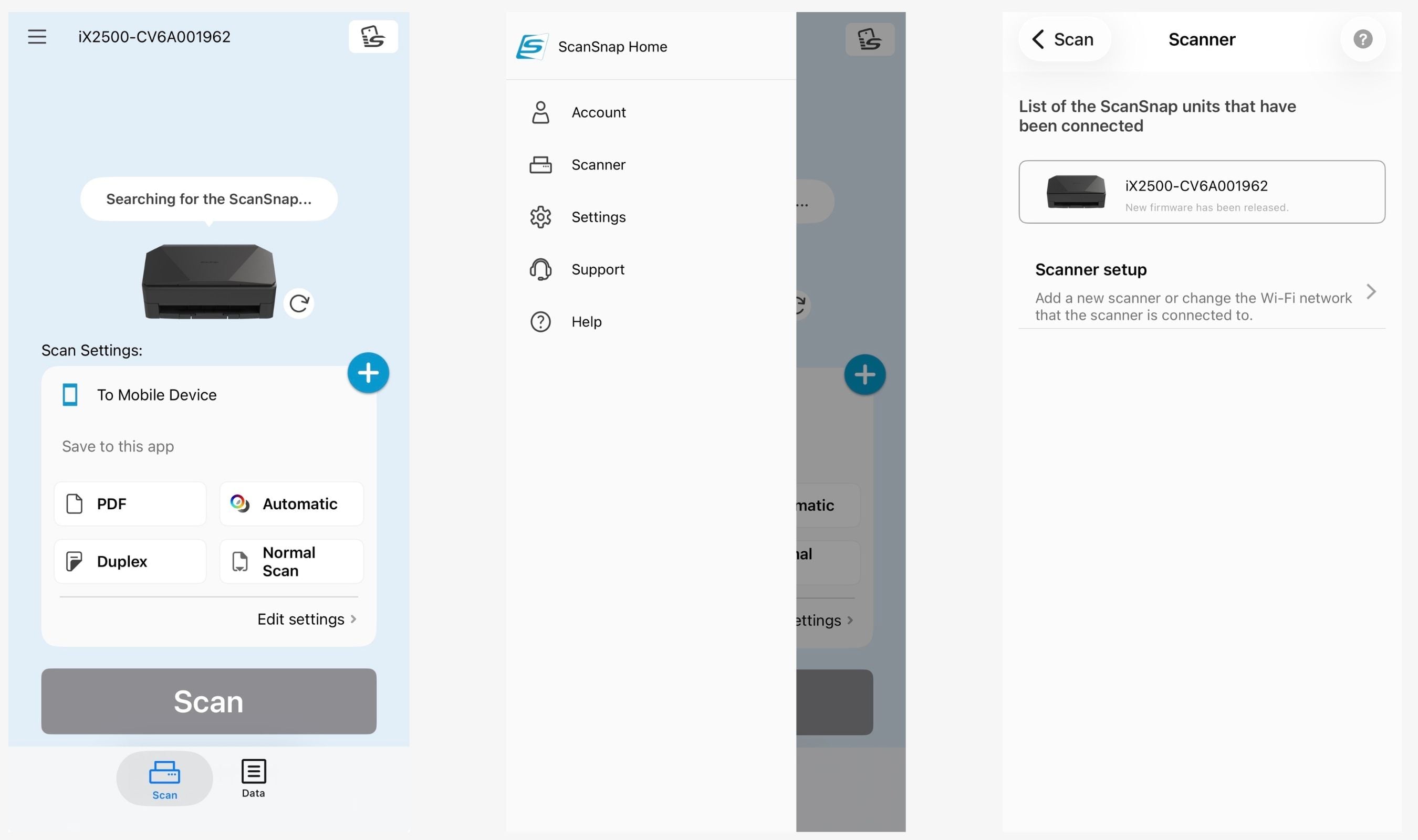
Getting the iX2500 up and running was one of the smoothest setup experiences I've had with any peripheral. Unbox it, remove the shipping tape, plug in the power cable, turn it on, and the touchscreen walks you through Wi-Fi setup. Download the ScanSnap Home software on your computer and it finds the scanner on your network automatically. I was scanning my first document within about 10 minutes of opening the box.
Connectivity options cover all the bases. Wi-Fi lets you place the scanner anywhere in your office without running cables to your computer. USB-C provides a direct wired connection when you want maximum speed or don't have Wi-Fi. You can also scan directly to cloud services like Google Drive, Dropbox, OneDrive, Box, SharePoint, iCloud, and more through ScanSnap Cloud, no computer required at all. Just select the cloud profile on the touchscreen, feed your documents, and they appear in your cloud storage.
The ScanSnap Home mobile app for iOS and Android lets you drive the scanner from your phone or tablet. It handles scan settings, destination selection, and file management. It's clean and functional, and it works reliably over Wi-Fi.
Scanning Performance
This is where the iX2500 really shines. The rated speed is 45 pages per minute simplex and 90 images per minute duplex, and in my testing, it hits those numbers consistently. I loaded 100 pages into the ADF, selected a duplex PDF profile, and the scanner chewed through the entire stack in just over two minutes. Both sides of every page, perfectly aligned, zero jams.
The duplex scanning deserves emphasis. The iX2500 scans both sides of every page simultaneously, not one side at a time. This means a 100-page double-sided stack produces 200 scanned images in that same two-minute window. For anyone dealing with contracts, legal documents, medical records, or any paperwork that uses both sides of the page, this is a massive time saver.
Scan quality at the default automatic resolution is excellent for documents. Text is sharp and clean, graphics reproduce accurately, and the automatic image processing handles things like blank page removal, auto-rotation, and color detection without intervention. At 600 DPI optical resolution, you can get highly detailed scans when you need them, though scanning slows down at maximum resolution.
The brake roller system and multi-feed detection work well. In two weeks of daily use with stacks ranging from 5 to 100 pages, I experienced zero paper jams. The multi-feed sensor catches double feeds before they happen, pausing the scan and alerting you. The skew detection automatically straightens pages that go in slightly crooked, which means the output consistently looks professional even when you're feeding pages quickly.
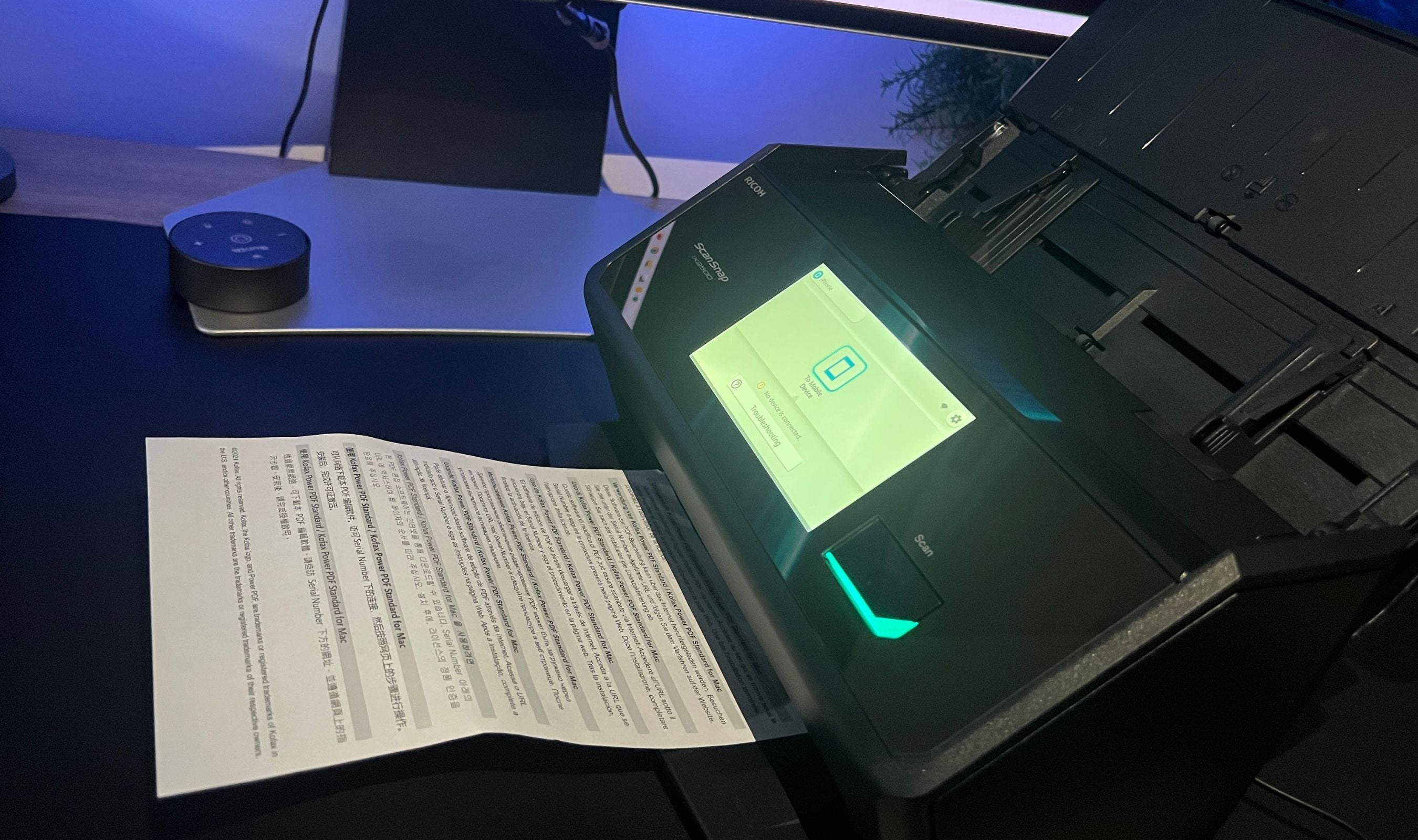
Mixed batch scanning is another strength. You can load a stack with letter-size documents, smaller receipts, and business cards all together, and the scanner handles the size transitions seamlessly. The three separate guide positions on the feeder tray accommodate different document widths.
OCR and File Output
The built-in OCR is accurate and genuinely useful. Scanned documents automatically become searchable PDFs, which means you can find specific text within a document using your computer's search function. This alone transforms the scanner from a "digitize paper" tool into an "organize your entire filing system" tool.
Beyond searchable PDFs, the iX2500 can output editable Microsoft Word, Excel, and PowerPoint files. The Word conversion is surprisingly clean for text-heavy documents. Tables convert to Excel reasonably well. These aren't perfect reproductions, but they're functional starting points that save significant re-typing.
JPEG output is available for photos and images. The automatic photo features, including facial orientation detection and red-eye reduction, work well for quickly digitizing physical photo collections, though dedicated photo scanners still offer superior quality for archival purposes.
Software: ScanSnap Home
ScanSnap Home is the companion software for PC and Mac, and it handles scan management, file organization, and profile configuration. It's comprehensive but has a learning curve. First-time users may find the interface busier than expected, with more options and menus than a simple "scan to PDF" workflow requires. Once you set up your profiles and preferred destinations, though, the daily experience is smooth.
The Quick Menu feature is worth highlighting. When you scan without selecting a specific profile, the Quick Menu pops up on your computer showing your scanned documents with drag-and-drop options to send them to various apps and destinations. It's a fast, flexible way to handle one-off scans without pre-configuring a profile.
Integration with third-party apps is solid. The scanner works with accounting tools like QuickBooks Online, Concur, Shoeboxed, and Hubdoc. Business collaboration tools like Microsoft Teams, Notion, and Google Photos are also supported. For most common workflows, there's a direct path from the scanner to where the document needs to end up.
Other Editions Worth Knowing About
The iX2500 comes in four editions. The Standard edition (reviewed here) covers the core scanning needs for most users. The Receipt Edition adds QuickBooks integration and optimized receipt data extraction. The Photo Edition includes carrier sheets and photo-focused features for digitizing physical photo collections. The Premium Edition bundles everything with a 4-year warranty instead of the standard 1-year. All four share the same scanner hardware.
This product was provided to Technobezz for review. We independently select what we review. The manufacturer had no input on this article and did not see it before publication. All opinions are our own.
FAQ
Is the iX2500 a duplex scanner?
Yes. It scans both sides of every page simultaneously at full speed. A 100-page double-sided stack produces 200 scanned images in about two minutes.
Do I need a computer to use it?
No. With Wi-Fi and a ScanSnap Cloud account, you can scan directly to cloud services like Google Drive, Dropbox, and OneDrive from the touchscreen without any computer or mobile device connected.
What file types can it create?
Searchable PDFs, JPEGs, and editable Microsoft Word, Excel, and PowerPoint files. The OCR processing happens automatically.
Can multiple people use it in an office?
Yes. Each user can set up their own profile on the touchscreen with personalized scan settings and destinations. Everyone in the office can access their profile directly from the scanner.
How does the Standard edition differ from the Receipt edition?
The hardware is identical. The Receipt Edition comes with QuickBooks integration pre-configured and optimized receipt data extraction features. If you don't use QuickBooks, the Standard edition is the better value.
Does it have a flatbed?
No. The iX2500 is strictly a sheet-fed scanner with an ADF. For bound books or very fragile documents, you'll need carrier sheets or a separate flatbed scanner.
Is it TWAIN compatible?
No. The iX2500 does not include a TWAIN driver. If your workflow requires TWAIN, look at the RICOH fi-8040 or SP-1130Ne instead.
How does it compare to the iX1600 it replaces?
The iX2500 is faster (45ppm vs 40ppm), has a larger 100-sheet ADF (vs 50 sheets on the iX1600), includes USB-C (vs USB-A), has improved skew detection and multi-feed prevention, and features a larger touchscreen. It's a meaningful upgrade across the board.
Can it scan photos?
Yes. It scans 4x6 photos in under a second with automatic facial orientation and red-eye reduction. For casual photo digitization it works well, but dedicated photo scanners offer better quality for archival work.
Final Thoughts
The ScanSnap iX2500 does exactly what a flagship scanner should do. It scans fast, it scans clean, and it gets out of your way. The 45-page-per-minute duplex speed with a 100-sheet ADF means you can digitize an entire filing cabinet drawer in a single sitting. The touchscreen makes the whole process feel modern and effortless. The cloud integration, OCR, and multi-user profiles turn it into something more than a scanner. It becomes the hub for your office's entire document workflow.
At $400, it's not cheap for a scanner. But this isn't a device you buy to scan a few pages once a month. It's built for daily use, for offices that process real volume, and for anyone who's serious about going paperless. The build quality suggests it'll last for years, and the ScanSnap ecosystem of software and cloud services means it'll stay useful as your workflow evolves. If you deal with paper regularly and you want it dealt with fast, the iX2500 is the scanner to get.
Share this article
More in News
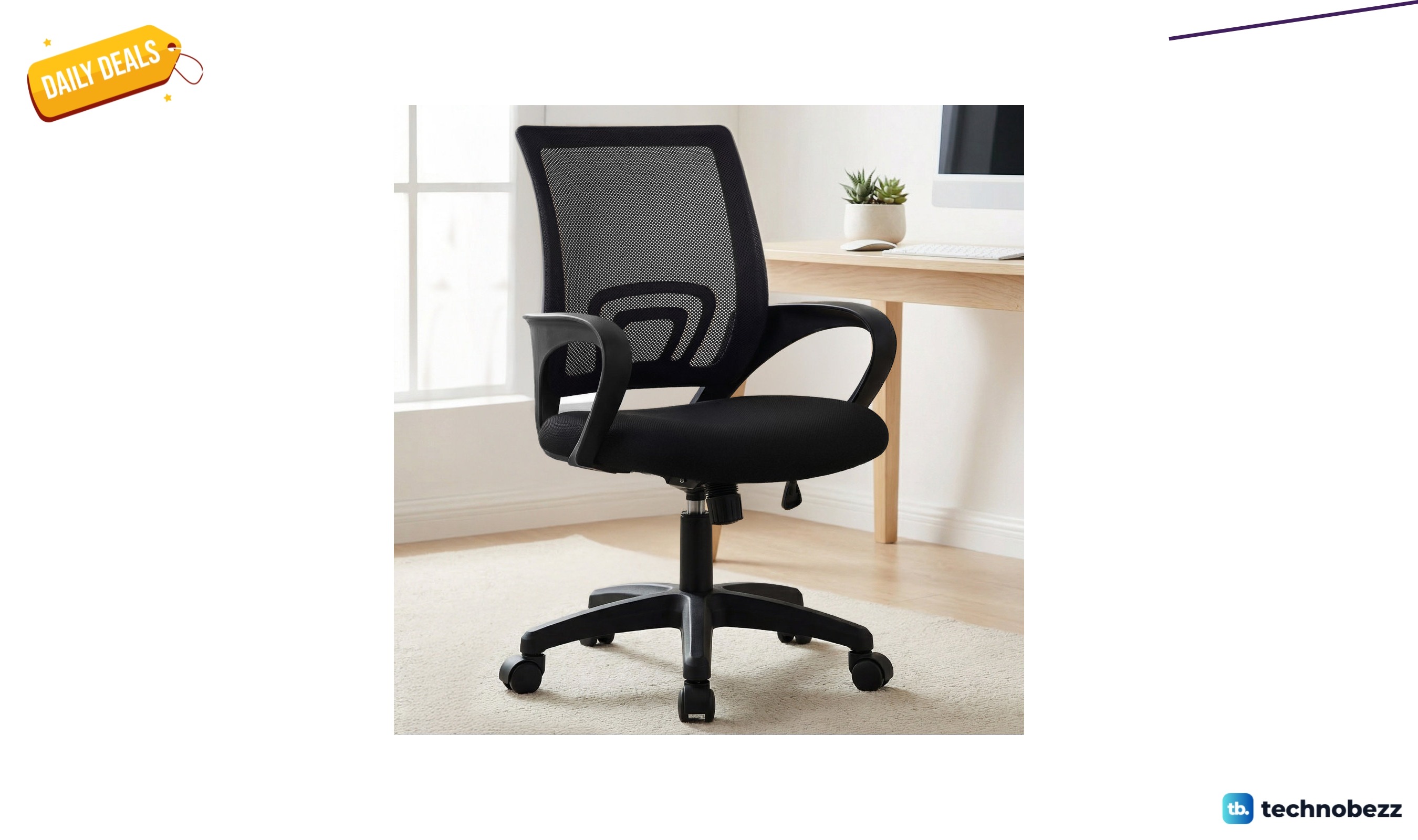
Inbox Zero mesh office task chair for $45.99 at Wayfair
Inbox Zero mesh office task chair costs $45.99 at Wayfair, saving $49.97 against its listed previous price. See the features and buyer fit.
4 min read
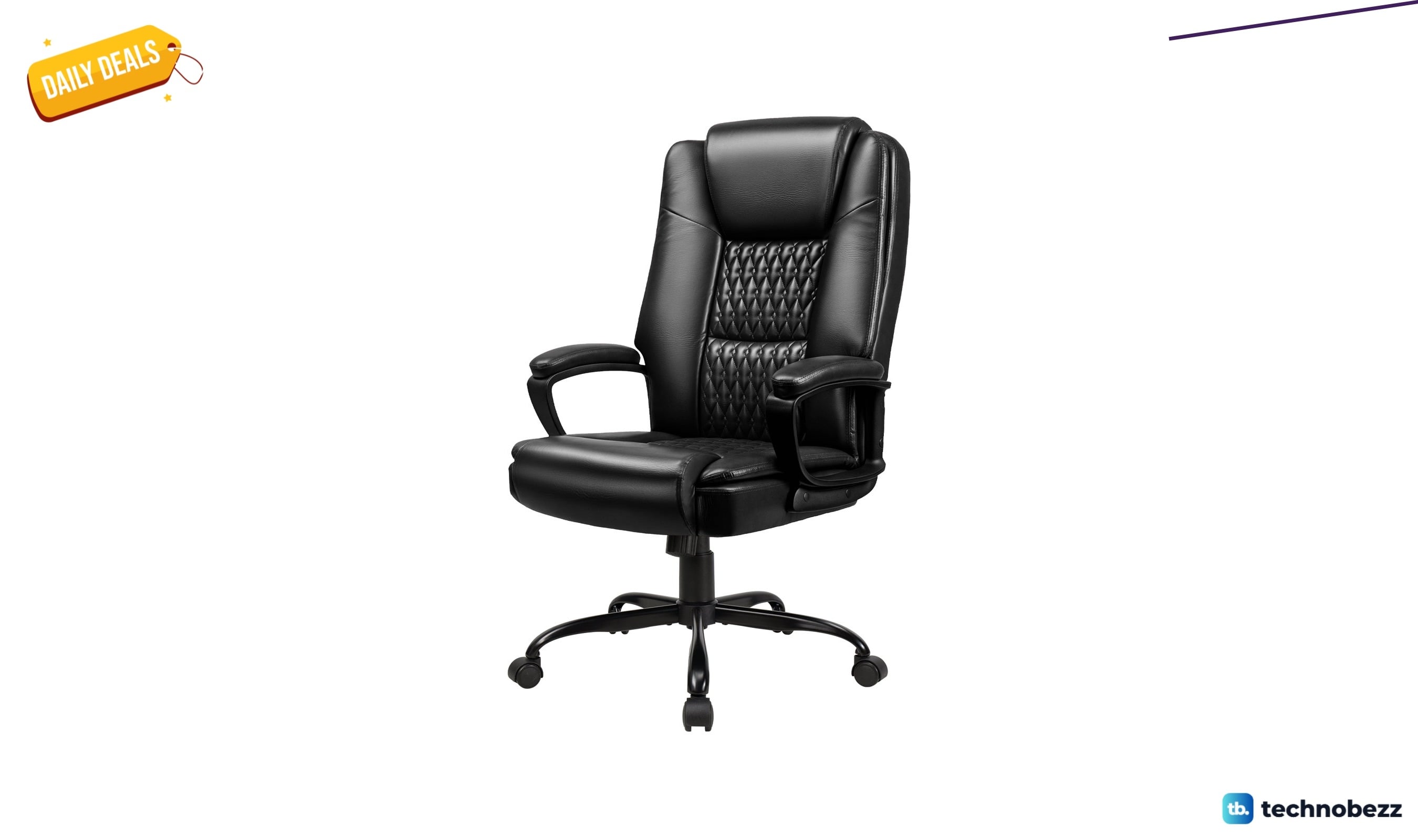
Inbox Zero big-and-tall office chair for $119.99 at Wayfair
Inbox Zero big-and-tall office chair costs $119.99 at Wayfair, saving $14.00 against its listed previous price. See the features and buyer fit.
3 min read
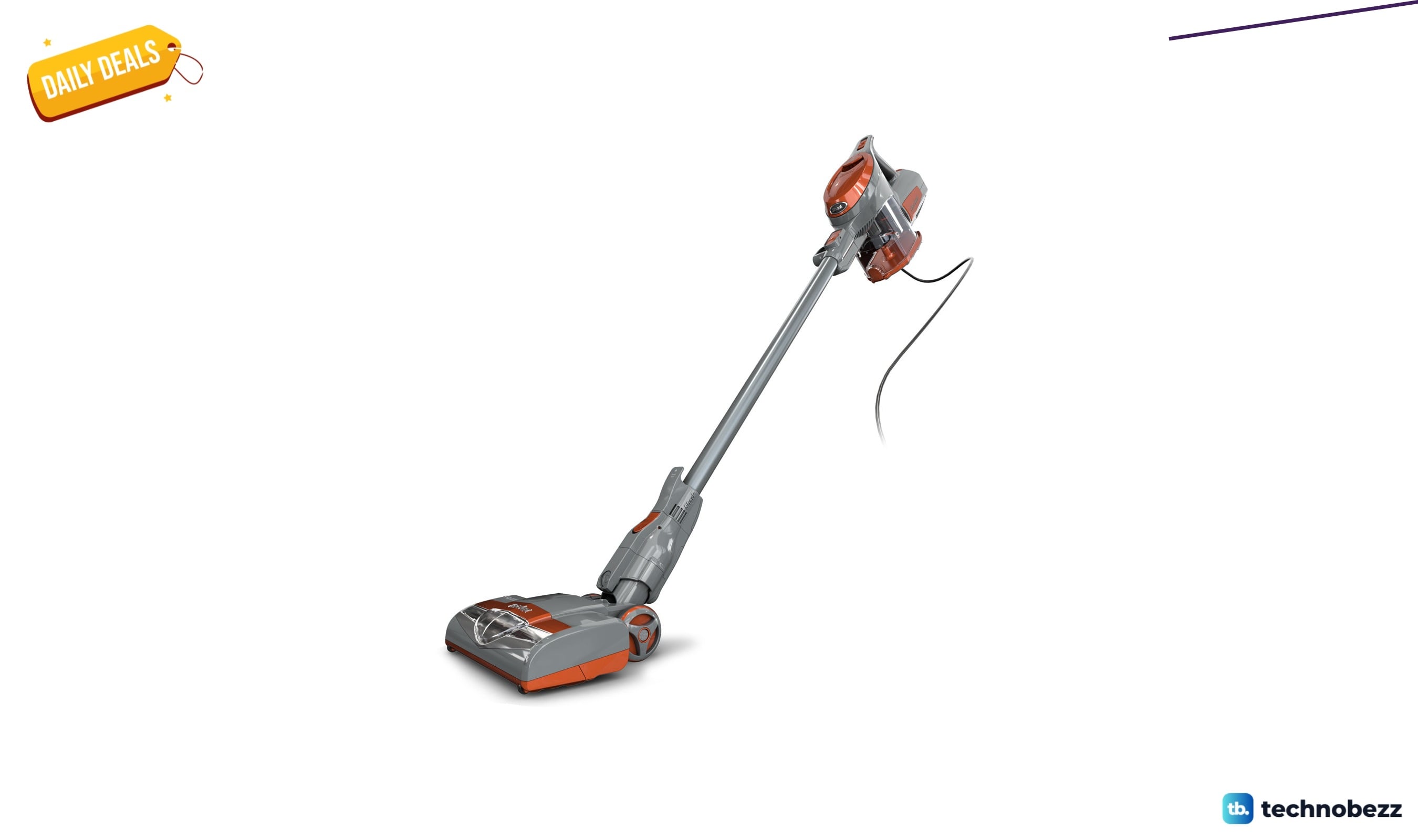
Shark Rocket HV301 corded stick vacuum for $199.99 at Wayfair
Shark Rocket HV301 corded stick vacuum costs $199.99 at Wayfair. Explore its supported features, practical uses and key buying considerations.
5 min read
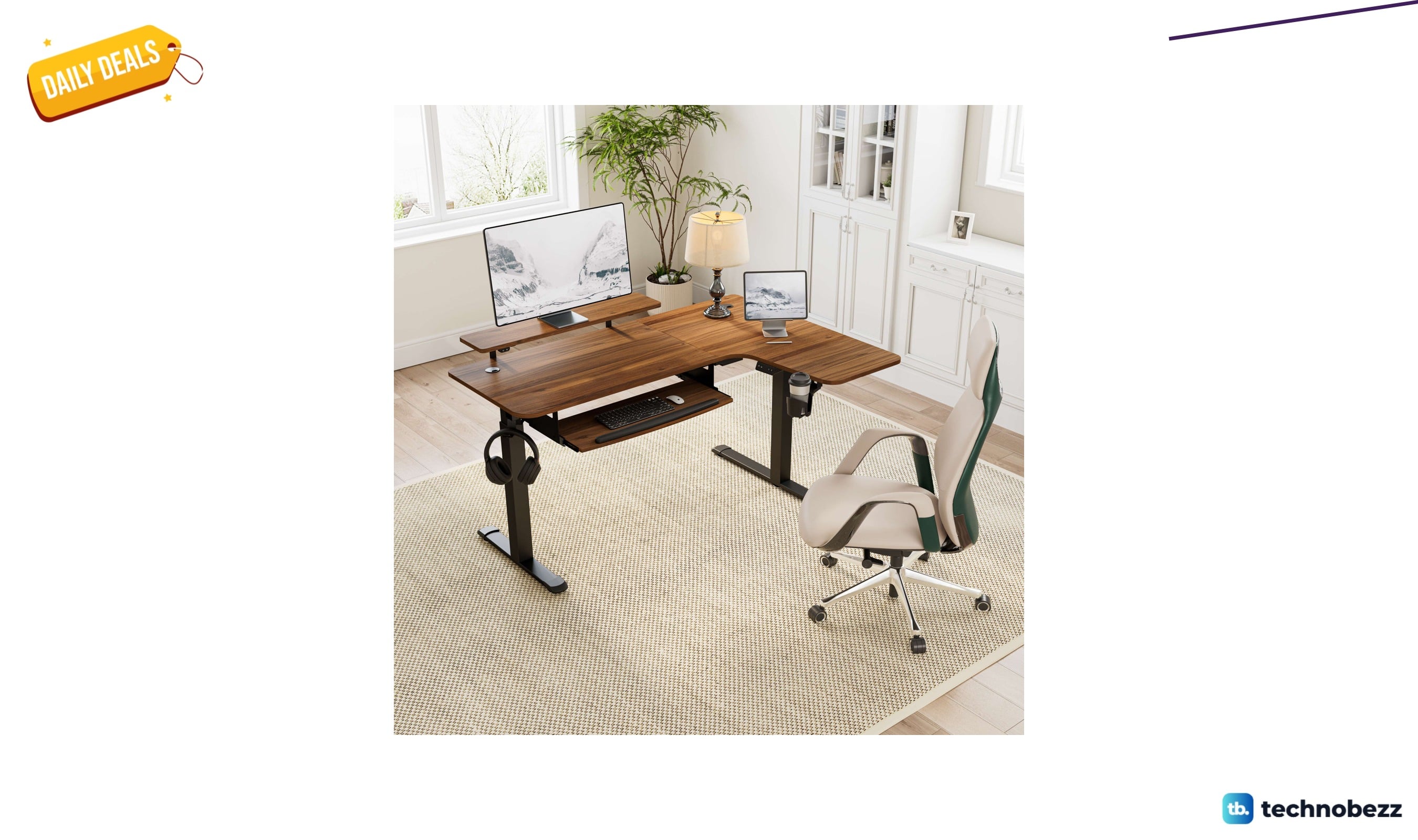
Inbox Zero Marquasha L-shaped standing desk for $459.99 at Wayfair
Inbox Zero Marquasha L-shaped standing desk costs $459.99 at Wayfair, saving $339.01 against its listed previous price. See the features and buyer fit.
4 min read
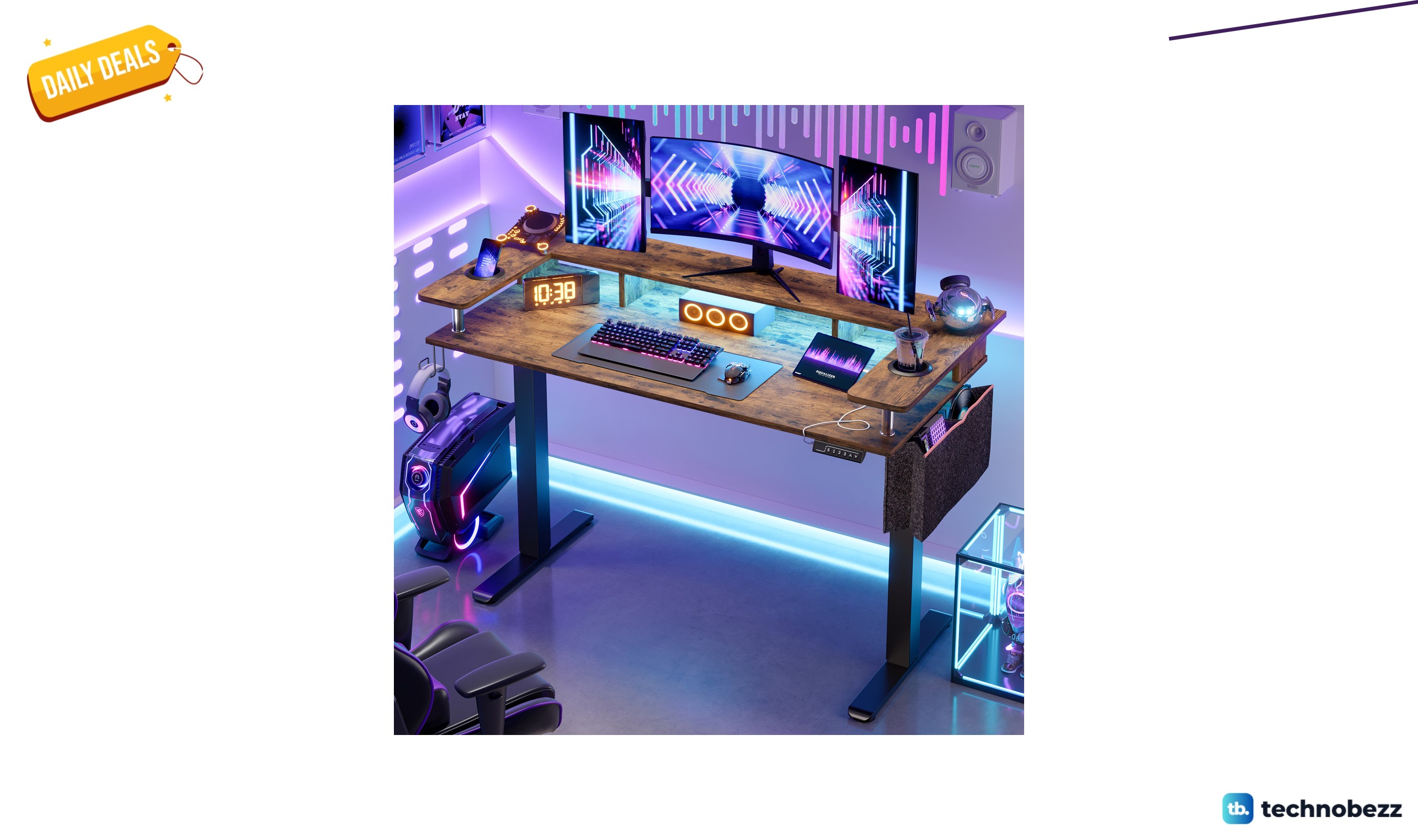
Steelside Labelle standing desk for $220.00 at Wayfair
3 min read
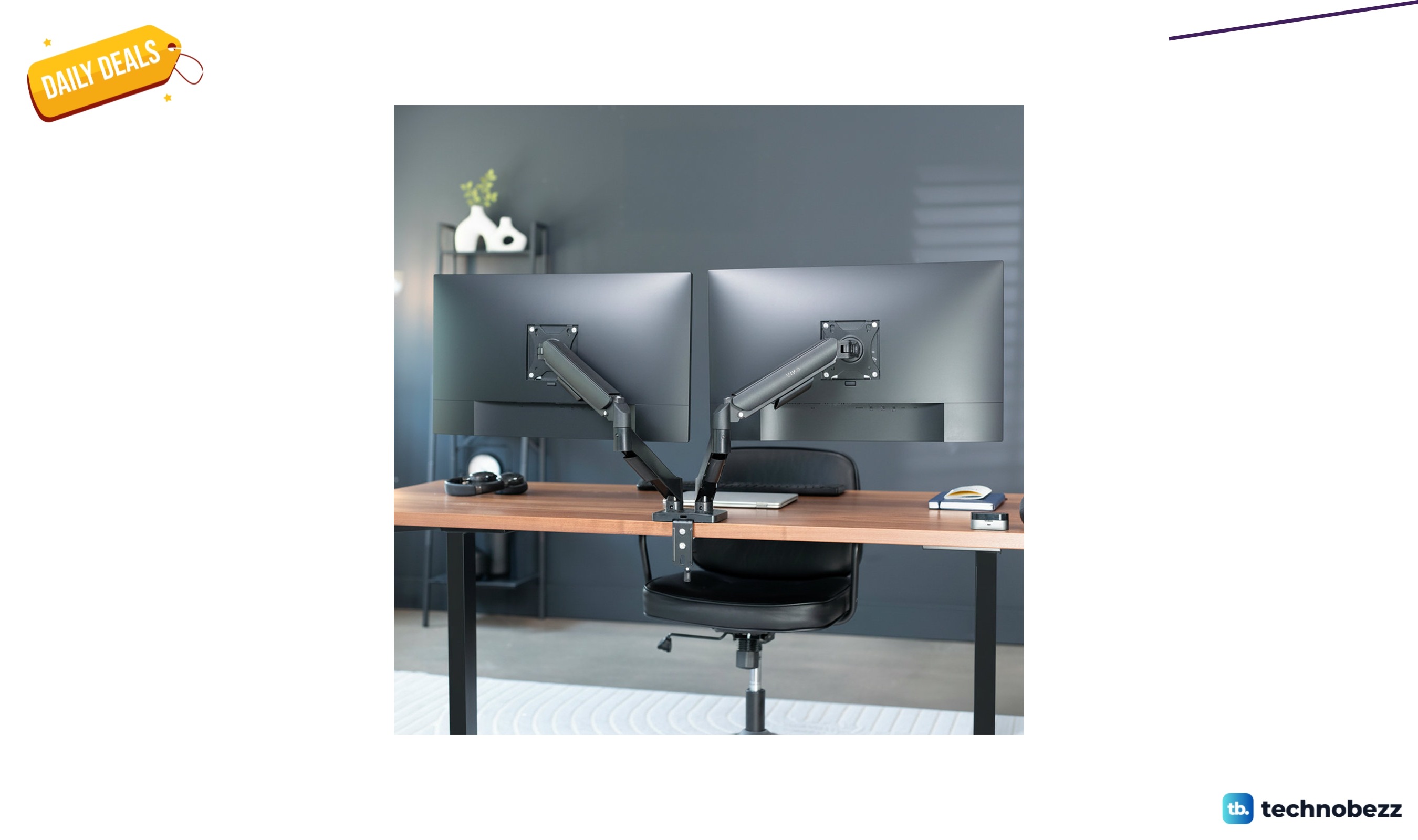
VIVO STAND-V002O dual monitor mount for $59.99 at Wayfair
5 min read
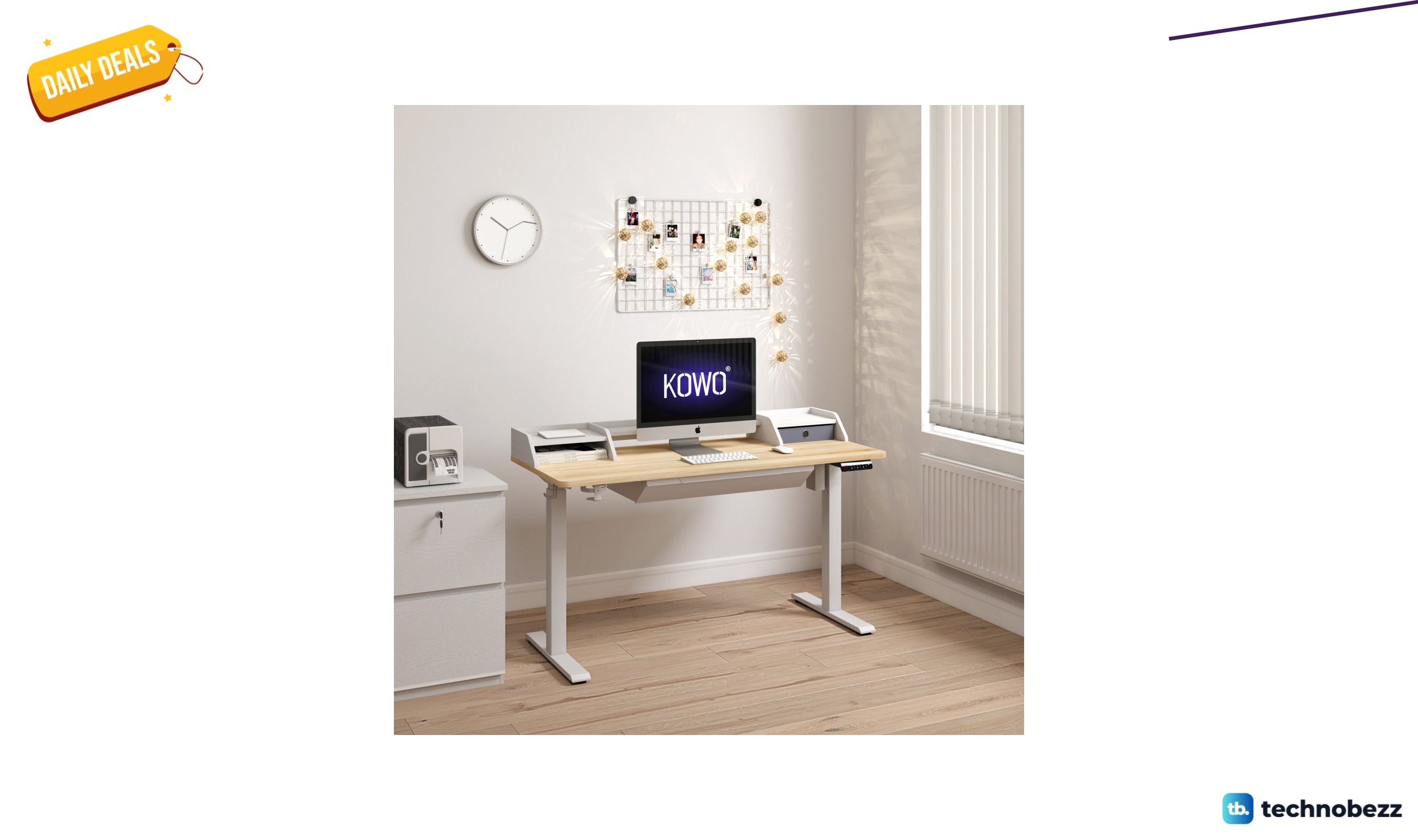
Inbox Zero Larreon electric standing desk for $309.99 at Wayfair
4 min read
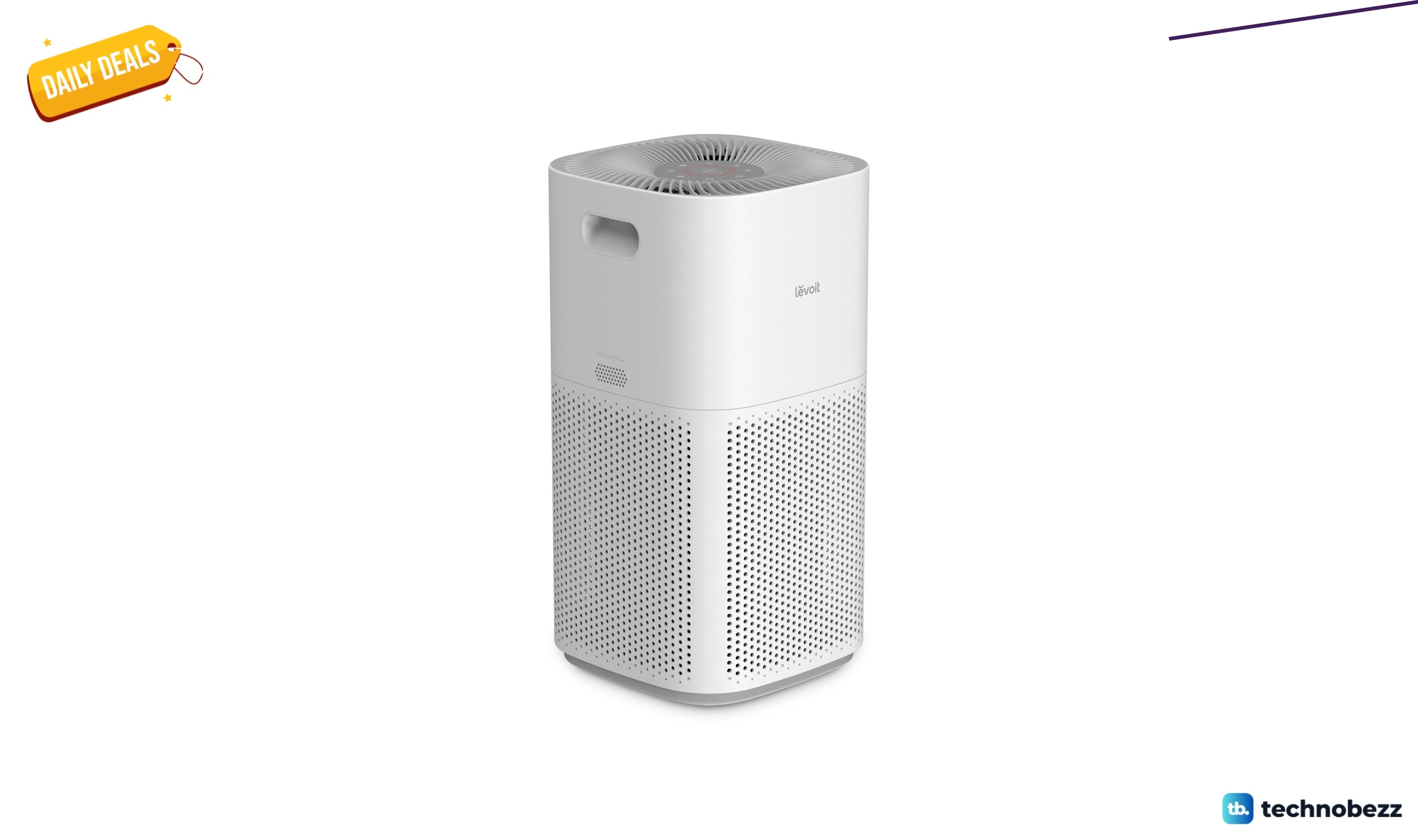
Levoit PlasmaPro 600S-P smart air purifier for $299.99 at Wayfair
3 min read
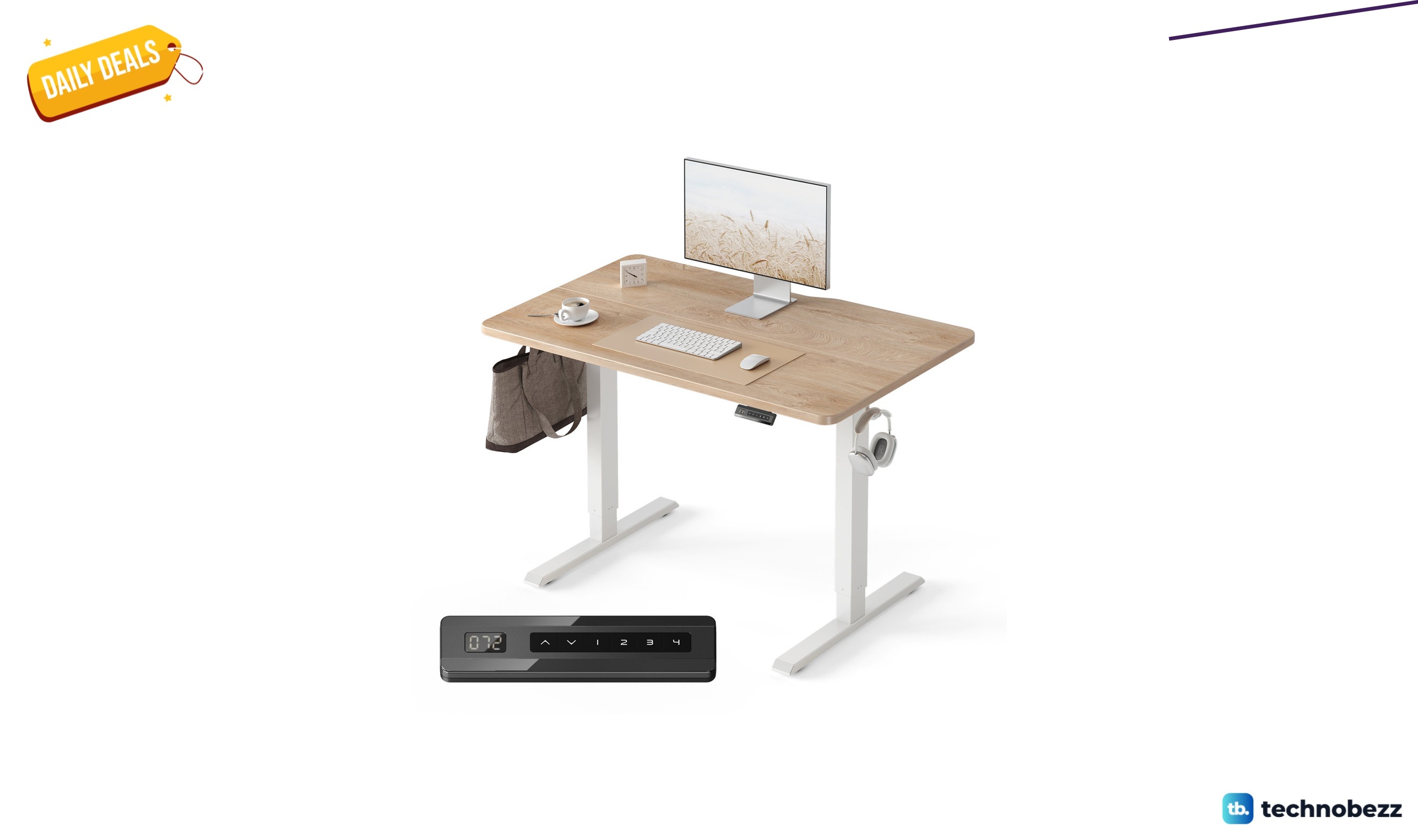
Inbox Zero electric sit-stand desk for $102.99 at Wayfair
5 min read
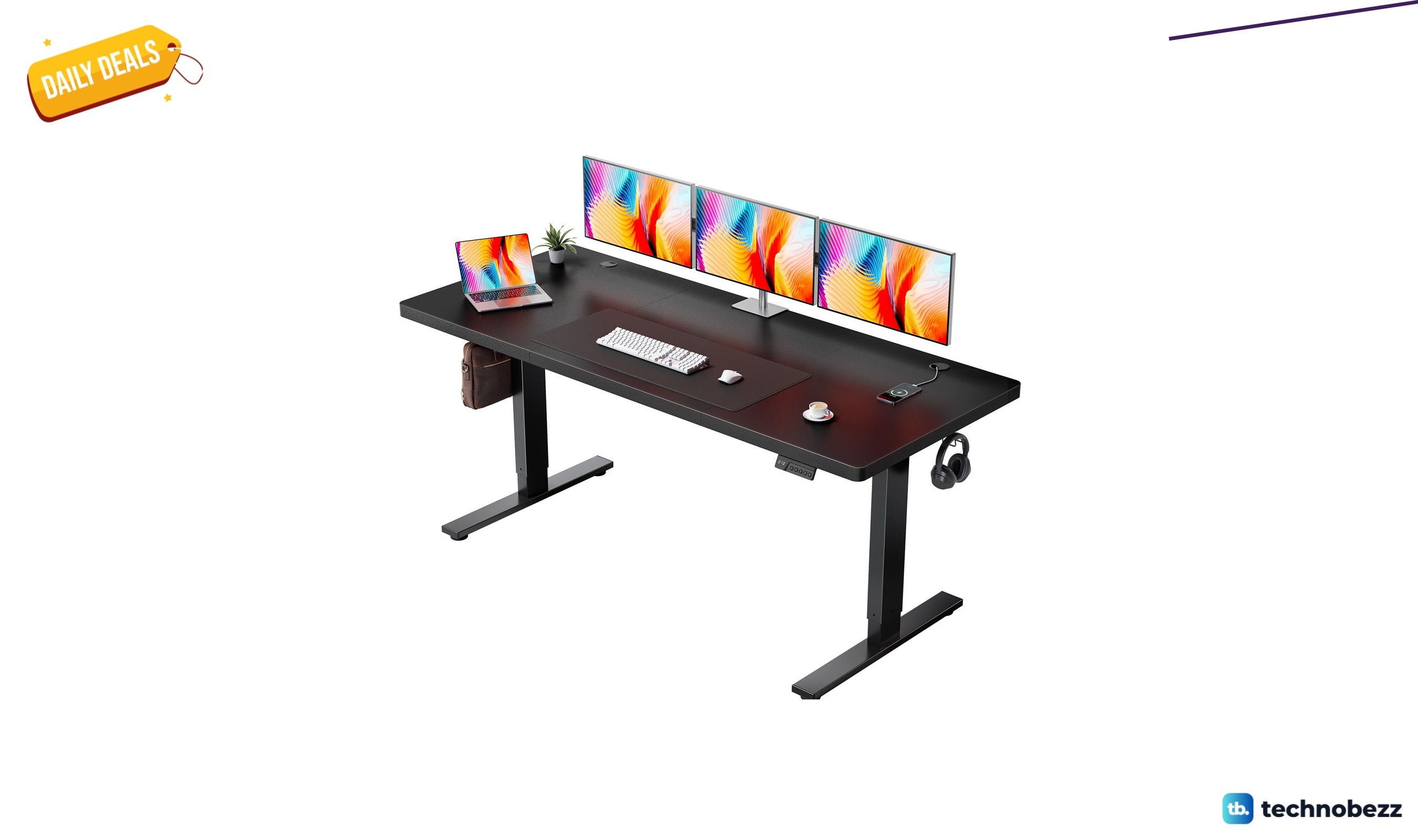
Inbox Zero electric standing desk with memory controller for $203.99 at Wayfair
4 min read
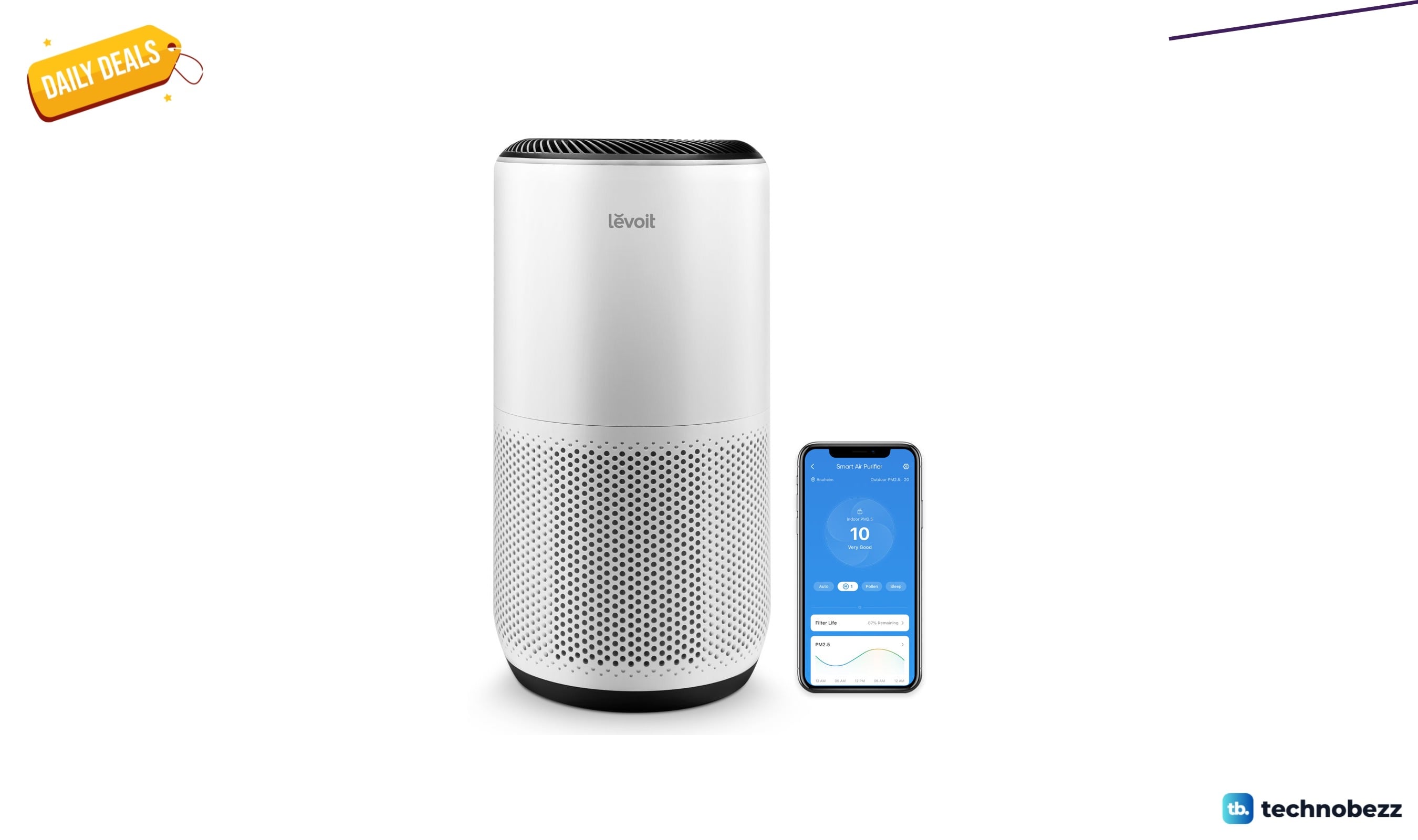
Levoit PlasmaPro 400S-P smart air purifier for $289.99 at Wayfair
3 min read
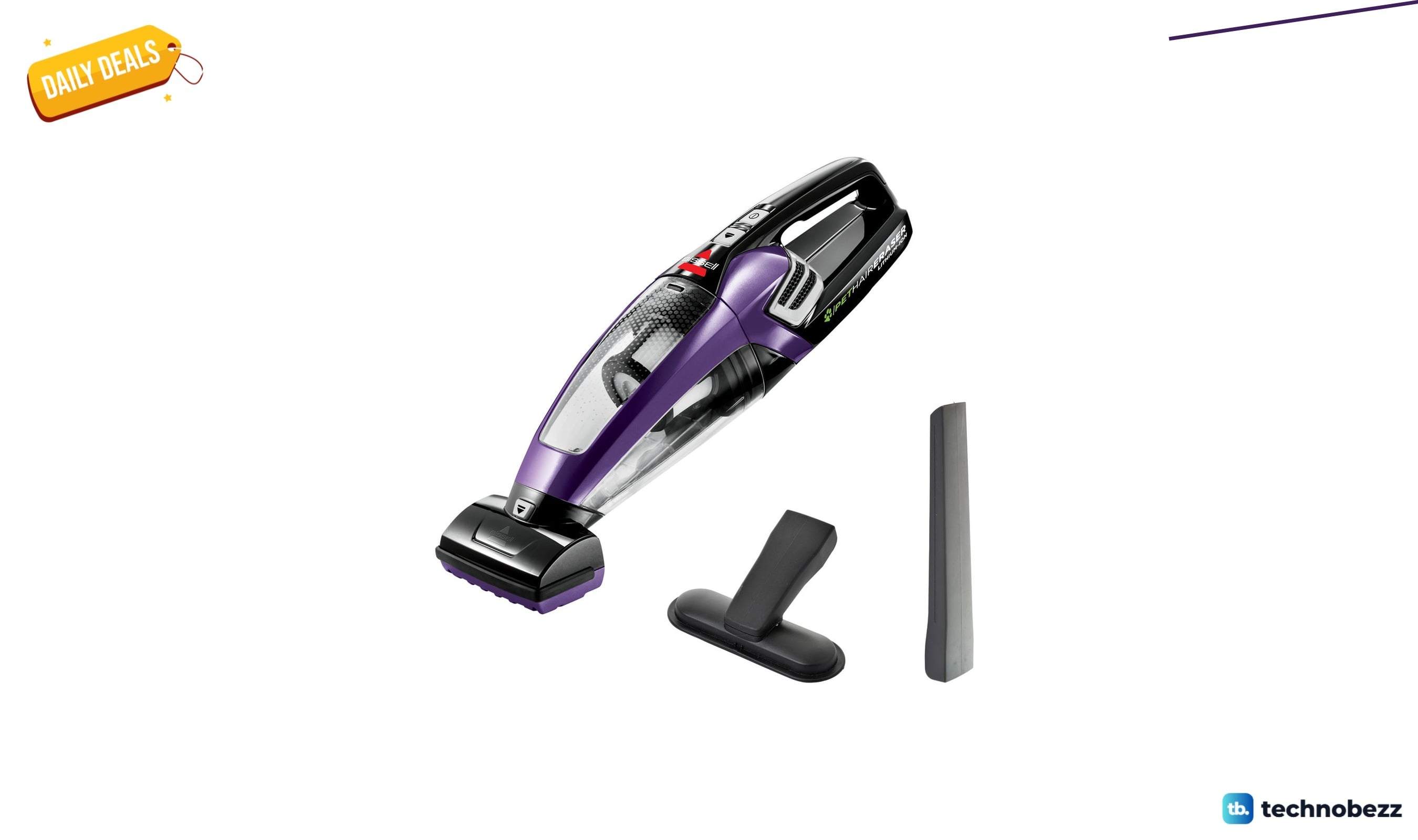
Bissell 2390 handheld vacuum for $89.99 at Wayfair
5 min read