
The Mac mini deserves a display chosen for macOS, not just a large panel with a familiar logo. Pixel density, scaling comfort, color coverage, refresh rate, and port layout decide how good the setup feels every day.
Technobezz is supported by its audience. We may get a commission from retail offers.
7 Best Monitors for Mac Mini in 2026
BenQ PD2730S 27-inch leads this Mac mini monitor guide with crisp 5K text, strong P3 color, and Thunderbolt 4.
T
Technobezz
Editorial Team
Updated September 11, 2026Sep 11, 2026
•12 min read


Get Deals Like These in Your Inbox
The best prices, straight to your inbox.
The BenQ PD2730S 27-inch is the best overall pick because it combines a 27-inch 5K panel, 218 ppi density, 98% P3 color, 2000 to 1 contrast, and Thunderbolt 4. It is the strongest fit here for design, UI work, photography, and clean desk connectivity.
The rest of the list covers a sharper value 4K option, a large 6K creative display, a compact Thunderbolt hub monitor, an ultrawide productivity screen, a Mac-matched 32-inch 4K model, and a QD-OLED pick for gaming and media.
At a Glance
| Category | Product | Why We Picked It |
|---|---|---|
| Best overall | BenQ PD2730S 27-inch | 5K Mac-friendly sharpness with Thunderbolt 4 and strong P3 color |
| Best value | Dell S2725QC 27-inch | A sharp 27-inch 4K USB-C monitor with smoother 120Hz motion |
| Best 6K option | LG UltraFine evo 32U990A 32-inch | A large 32-inch 6K canvas with Thunderbolt 5 and wide color coverage |
| Best compact Thunderbolt hub | Dell UltraSharp U2725QE 27-inch | A premium 27-inch 4K productivity monitor with dock-style connectivity |
| Best ultrawide | Dell UltraSharp U4025QW 40-inch | A wide 5K2K workspace that can replace a dual-monitor desk |
| Best Mac-matched 32-inch 4K | BenQ MA320U 32-inch | A roomy 32-inch 4K display tuned for Apple color and controls |
| Best for gaming and media | Alienware AW3225QF 32-inch | A 32-inch 4K QD-OLED with 240Hz speed for games and video |
How we chose
We ranked these Mac mini monitors by the criteria that shape daily use: macOS text clarity, resolution, pixel density, color coverage, Thunderbolt or USB-C connectivity, refresh rate, panel type, HDR level, audio features, and desk fit. The strongest picks solve clear buying problems, from 5K creative sharpness and hub-style connectivity to roomy 4K workspaces, ultrawide multitasking, and OLED entertainment performance.
The best monitors for mac mini right now
BenQ PD2730S 27-inch - Best overall

For a Mac mini desk built around sharp text and creative work, the BenQ PD2730S 27-inch has the right foundation: a 5120 x 2880 5K panel at 218 ppi. That density is the spec that makes layouts, menus, and text look clean in macOS.
Color is another major strength, with 98% P3 coverage and a 2000 to 1 contrast rating. Thunderbolt 4 and HDMI give it a cleaner high-end connection setup than basic USB-C office displays.
The 60Hz refresh rate keeps it focused on design, UI work, photography, and print-adjacent production. It is not the pick for gaming-first Mac mini desks.
Key highlights
- 27-inch 5K, 5120 x 2880
- 218 ppi pixel density
- 98% P3 color
- 2000 to 1 contrast
- Thunderbolt 4 and HDMI connectivity
Pros
- 5K 218 ppi panel is ideal for macOS text and layout work.
- Designer-oriented color modes and P3 coverage are stronger than general office monitors.
- Matte screen and ergonomic stand suit long work sessions.
- Thunderbolt 4 is cleaner for high-end Mac desks than basic USB-C.
Cons
- 60Hz panel is not for gaming-first buyers.
- No Apple-style camera/speaker integration.
Who it's for
Choose it for a Mac mini used mainly for design, UI work, photography, or print-adjacent creative production.
Skip if
Look elsewhere if you want the cheapest 5K option or high-refresh gaming performance.
Dell S2725QC 27-inch - Best value

Dell’s S2725QC 27-inch gives a Mac mini setup the core specs most people need without moving into premium 5K pricing territory. The 27-inch 3840 x 2160 panel works out to 163 ppi, which is sharp for office apps, browsing, and light creative work.
Its up to 120Hz refresh rate is the standout upgrade over older 60Hz 4K budget monitors, especially for scrolling and window movement. USB-C also keeps the setup cleaner than an HDMI-only display.
This is a value pick, not a pro creative hub. It lacks Thunderbolt hub features and 5K Retina density, but 99% sRGB color and dual 5W speakers make it practical for everyday Mac mini use.
Key highlights
- 27-inch 4K UHD, 3840 x 2160
- 163 ppi pixel density
- Up to 120Hz refresh rate
- 99% sRGB color
- Dual 5W speakers
- USB-C monitor design
Pros
- Very sharp 27-inch 4K panel for the money.
- 120Hz makes desktop motion smoother than older 60Hz budget 4K monitors.
- USB-C keeps a Mac mini setup simpler than HDMI-only budget displays.
- Integrated speakers are useful for casual audio.
Cons
- Not true 5K Retina density like BenQ 5K options.
- Limited creative color features compared with ProArt and ColorPro-class displays.
- No Thunderbolt hub features.
Who it's for
Choose it for an affordable, current 27-inch 4K USB-C monitor for office work, browsing, and light creative use.
Skip if
Look elsewhere if you are sensitive to macOS scaling sharpness and want 218 ppi 5K text.
LG UltraFine evo 32U990A 32-inch - Best 6K option

The LG UltraFine evo 32U990A 32-inch is the sharpest large-screen option in this group. Its 6144 x 3456 6K resolution reaches 224 ppi, giving a Mac mini a bigger canvas than 27-inch 5K while keeping Retina-like density.
The Nano IPS Black panel is matched with up to 98% DCI-P3 and 99.5% Adobe RGB coverage, which suits photo, print, and other color-aware creative workflows. VESA DisplayHDR 600 adds a higher brightness tier than basic office monitors.
Ports are another reason to choose it: Thunderbolt 5, DisplayPort 2.1, HDMI, and USB-C are all listed. The main limits are simple: it is expensive next to 4K and 5K monitors, and it remains a 60Hz display.
Key highlights
- 32-inch 6K, 6144 x 3456
- 224 ppi pixel density
- Nano IPS Black panel
- Thunderbolt 5, DisplayPort 2.1, HDMI, and USB-C
- VESA DisplayHDR 600
- Up to 98% DCI-P3 and 99.5% Adobe RGB
Pros
- Higher resolution than 5K with excellent pixel density for a 32-inch Mac workspace.
- Thunderbolt 5 makes it especially relevant for newer Mac mini Pro models.
- Wide Adobe RGB and DCI-P3 coverage is compelling for photo and print workflows.
- Much more desktop space than 27-inch 5K without dropping below Retina-like density.
Cons
- Very expensive versus 4K and 5K monitors.
- 60Hz refresh rate despite the premium price.
- HDR is DisplayHDR 600, not mini-LED HDR.
Who it's for
Choose it for a large, very sharp canvas for pro creative work where 6K resolution is worth the premium.
Skip if
Look elsewhere if your work is mostly office apps and a good 27-inch 4K or 5K monitor is enough.
Dell UltraSharp U2725QE 27-inch - Best compact Thunderbolt hub

The Dell UltraSharp U2725QE 27-inch is the compact productivity pick for a Mac mini desk with peripherals. It uses a 27-inch 3840 x 2160 panel and is positioned as a Thunderbolt hub monitor, which makes the display part of the desk setup rather than just a screen.
Its Enhanced IPS Black panel brings a 3000 to 1 native contrast rating, a useful advantage for a productivity LCD. The refresh rate reaches up to 120Hz, so everyday macOS movement feels smoother than it does on standard 60Hz work monitors.
Brightness is listed at 450 cd/m2 typical with a 600 cd/m2 HDR peak. The tradeoff is sharpness relative to 5K: 27-inch 4K is crisp, but it does not match a 218 ppi 5K panel.
Key highlights
- 27-inch 4K, 3840 x 2160
- Up to 120Hz refresh rate
- Enhanced IPS Black panel
- 3000 to 1 native contrast
- 450 cd/m2 typical brightness
- 600 cd/m2 HDR peak
Pros
- Excellent dock-style connectivity for a Mac mini plus peripherals.
- 120Hz and IPS Black are meaningful upgrades over older U2723QE-class monitors.
- Strong contrast for an IPS productivity display.
- Ergonomics and business support are better than many consumer monitors.
Cons
- 4K at 27 inches is sharp but not as crisp as 5K 218 ppi.
- Costs much more than budget 27-inch 4K displays.
- No built-in camera or speakers like Apple’s display.
Who it's for
Choose it for a premium 27-inch 4K work monitor that can also function as a desk hub.
Skip if
Look elsewhere if Retina-like 5K scaling matters more than Thunderbolt hub features.
Dell UltraSharp U4025QW 40-inch - Best ultrawide

The Dell UltraSharp U4025QW 40-inch is for Mac mini users who want one broad workspace instead of a dual-monitor setup. Its 39.7-inch curved ultrawide panel uses a 5120 x 2160 resolution, preserving more vertical space than many smaller ultrawides.
Dell backs the size with IPS Black Technology, 120Hz refresh, and wide gamut coverage: DCI-P3 99%, Display P3 99%, sRGB 100%, and BT.709 100%. It also lists 450 cd/m2 typical brightness, 600 cd/m2 HDR peak brightness, and 2000 to 1 contrast.
The appeal is workflow width and hub convenience, not Retina-grade text. At 140 ppi, it is much less dense than 27-inch 5K or 32-inch 6K, and the large curved panel needs real desk depth.
Key highlights
- 39.7-inch curved ultrawide
- 5120 x 2160 resolution
- 120Hz refresh rate
- IPS Black Technology
- DCI-P3 99%, Display P3 99%, sRGB 100%, BT.709 100%
- 450 cd/m2 typical, 600 cd/m2 HDR peak, 2000 to 1 contrast
Pros
- Huge workspace can replace a dual-monitor Mac mini setup.
- 5K2K resolution preserves useful vertical space unlike many 34-inch ultrawides.
- 120Hz and Thunderbolt hub features make it unusually complete for productivity.
- Strong gamut coverage for mixed office and creative work.
Cons
- 140 ppi is much less crisp than 27-inch 5K or 32-inch 6K.
- Large curved panel needs a deep desk.
- Not a fast gaming panel despite 120Hz.
Who it's for
Choose it for multitasking-heavy Mac mini work where one wide, dock-equipped display is the goal.
Skip if
Look elsewhere if you prioritize Retina-like text density or have a small desk.
BenQ MA320U 32-inch - Best Mac-matched 32-inch 4K

The BenQ MA320U 32-inch takes the roomy 4K route for Mac mini users who want more physical screen area without an ultrawide panel. Its 31.5-inch 3840 x 2160 display gives documents, timelines, and side-by-side windows more breathing room than a 27-inch screen.
BenQ tunes this model around Apple users with Mac color matching plus Mac brightness and volume control. The spec list includes 99% sRGB, 97% P3, 550 nits typical brightness, HDR10, DisplayHDR 600, and one USB-C with 90W Power Delivery plus a USB-C downstream port with 15W charging.
The main limitation is density. A 32-inch 4K panel is comfortable and spacious, but it is not Retina-class sharp at normal desk distance, and the 60Hz refresh rate keeps motion basic.
Key highlights
- 31.5-inch 4K, 3840 x 2160
- 550 nits typical brightness
- 600 nits HDR peak
- HDR10 and DisplayHDR 600
- 99% sRGB and 97% P3
- One USB-C with 90W Power Delivery plus one USB-C downstream port with 15W charging
Pros
- Designed around Mac color matching and Mac brightness/volume control.
- 32-inch 4K size gives more room than a 27-inch display without ultrawide width.
- Nano Matte panel helps with glare in bright rooms.
- Good P3 coverage and higher brightness than many office 4K monitors.
Cons
- 60Hz only.
- 32-inch 4K is not Retina-class sharp at normal desk distance.
- MacBook-oriented power delivery matters less for a Mac mini.
Who it's for
Choose it for a comfortable 32-inch 4K monitor tuned for Apple users without Dell business-hub pricing.
Skip if
Look elsewhere if you want 5K sharpness or high refresh.
Alienware AW3225QF 32-inch - Best for gaming and media

The Alienware AW3225QF 32-inch is the pick for a Mac mini desk that also serves as a gaming or media station. It uses a 31.6-inch curved QD-OLED panel with 3840 x 2160 resolution.
Speed is the reason it stands apart: the 240Hz refresh rate gives it far more motion headroom than productivity-focused displays. Dell also lists Dolby Vision, NVIDIA G-SYNC Compatible support, and VESA AdaptiveSync Display certification.
OLED contrast and pixel response make it excellent for games and movies. For all-day work, the compromises are burn-in risk with static menus, less-clean text rendering from the QD-OLED subpixel structure, and no Thunderbolt hub or Mac-specific features.
Key highlights
- 31.6-inch 4K UHD, 3840 x 2160
- Curved QD-OLED panel
- 240Hz refresh rate
- Dolby Vision listed by Dell
- NVIDIA G-SYNC Compatible listed by Dell
- VESA AdaptiveSync Display Certified listed by Dell
Pros
- OLED contrast and pixel response are excellent for games and movies.
- 4K 240Hz gives much more headroom than productivity monitors.
- Strong HDR entertainment experience for a desk display.
- Works well as a mixed Mac mini and console/PC gaming screen.
Cons
- OLED burn-in risk is a real concern with static menus and all-day productivity.
- Text rendering can be less clean than LCD due to QD-OLED subpixel structure.
- No Thunderbolt hub or Mac-specific features.
Who it's for
Choose it for a Mac mini desk that doubles as a gaming or media station and where OLED care habits are acceptable.
Skip if
Look elsewhere for all-day spreadsheet, coding, or menu-heavy work where burn-in and text clarity matter more.
How to Choose
- Prioritize pixel density. Mac mini users notice scaling quality more than raw screen size. A 27-inch 5K panel at about 218 ppi gives Retina-style desktop sharpness, while 27-inch 4K remains sharp and 32-inch 4K trades density for room.
- Match resolution to your workload. 5K is the cleanest 27-inch choice for creative work and text-heavy macOS use. 6K makes sense for a larger 32-inch pro canvas, while 4K is the practical value choice for office work, browsing, and lighter creative tasks.
- Plan your ports. A Mac mini can use Thunderbolt, USB-C, or HDMI. Thunderbolt monitors are best when you want hub features and a cleaner peripheral setup, while basic USB-C or HDMI works well when your accessories connect directly to the Mac mini.
- Treat HDR as a workflow feature. Most office and web work does not gain much from HDR. OLED brings the clearest entertainment benefit, while DisplayHDR 600 monitors are better viewed as bright productivity displays unless HDR is central to your work.
- Choose refresh rate by use case. 60Hz fits static creative and office work. 120Hz makes scrolling and window movement smoother, and 240Hz is the better match for gaming-focused desks that can accept OLED tradeoffs.
- Account for camera and audio. The Mac mini has no built-in webcam, and most third-party monitors do not replace a dedicated camera, microphone, or speaker setup. Built-in speakers are useful for casual audio, but they should not be the only reason to buy.
Is 5K really better than 4K for a Mac mini?
Yes, especially at 27 inches. A 27-inch 5K panel is about 218 ppi, which gives macOS Retina-like text; 27-inch 4K is about 163 ppi and still sharp, but not as clean at common scaled settings.
Can a Mac mini run two monitors?
Yes. Current Apple silicon Mac mini models support multiple external displays, but the exact number, resolution, and refresh rate depend on the chip generation and whether you use Thunderbolt or HDMI.
Should I buy a Thunderbolt monitor or a USB-C monitor?
Choose Thunderbolt if you want hub features, daisy chaining, or a cleaner premium desk setup. Choose basic USB-C or HDMI if the monitor is only a display and your peripherals plug into the Mac mini directly.
Is a 32-inch 4K monitor sharp enough for Mac mini?
It is usable and spacious, but it is not Retina-like. Choose 32-inch 4K for room and value; choose 27-inch 5K or 32-inch 6K when text sharpness is the priority.
Are OLED monitors good for Mac mini productivity?
OLED is excellent for gaming and video because of contrast and response time. LCD is the better fit for all-day static desktop work because OLED can bring burn-in risk and less-clean text rendering.
Share this article
More on monitors
Deal
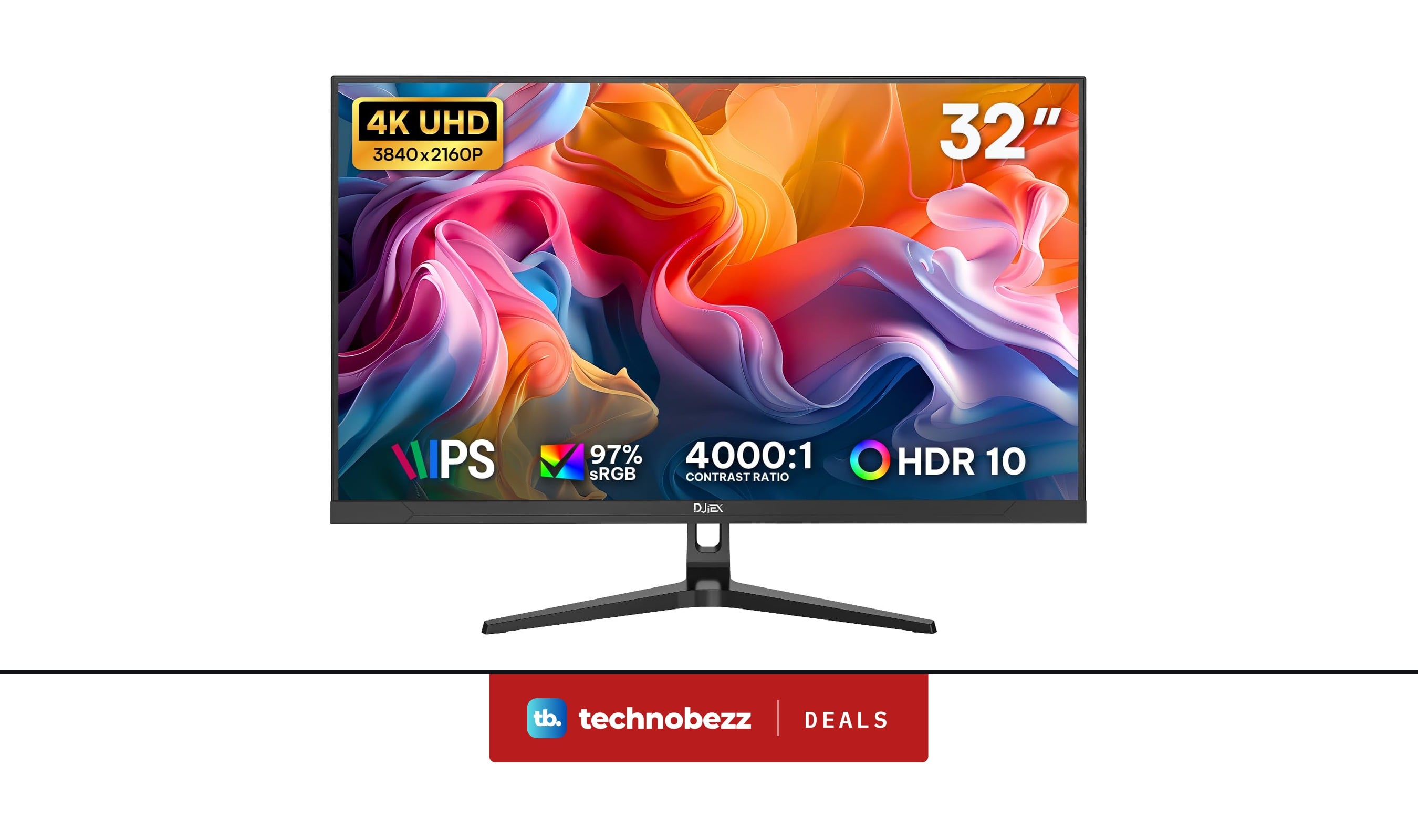
4K Computer Monitor UHD 3840 x2160P marked down to $172.98
Deal
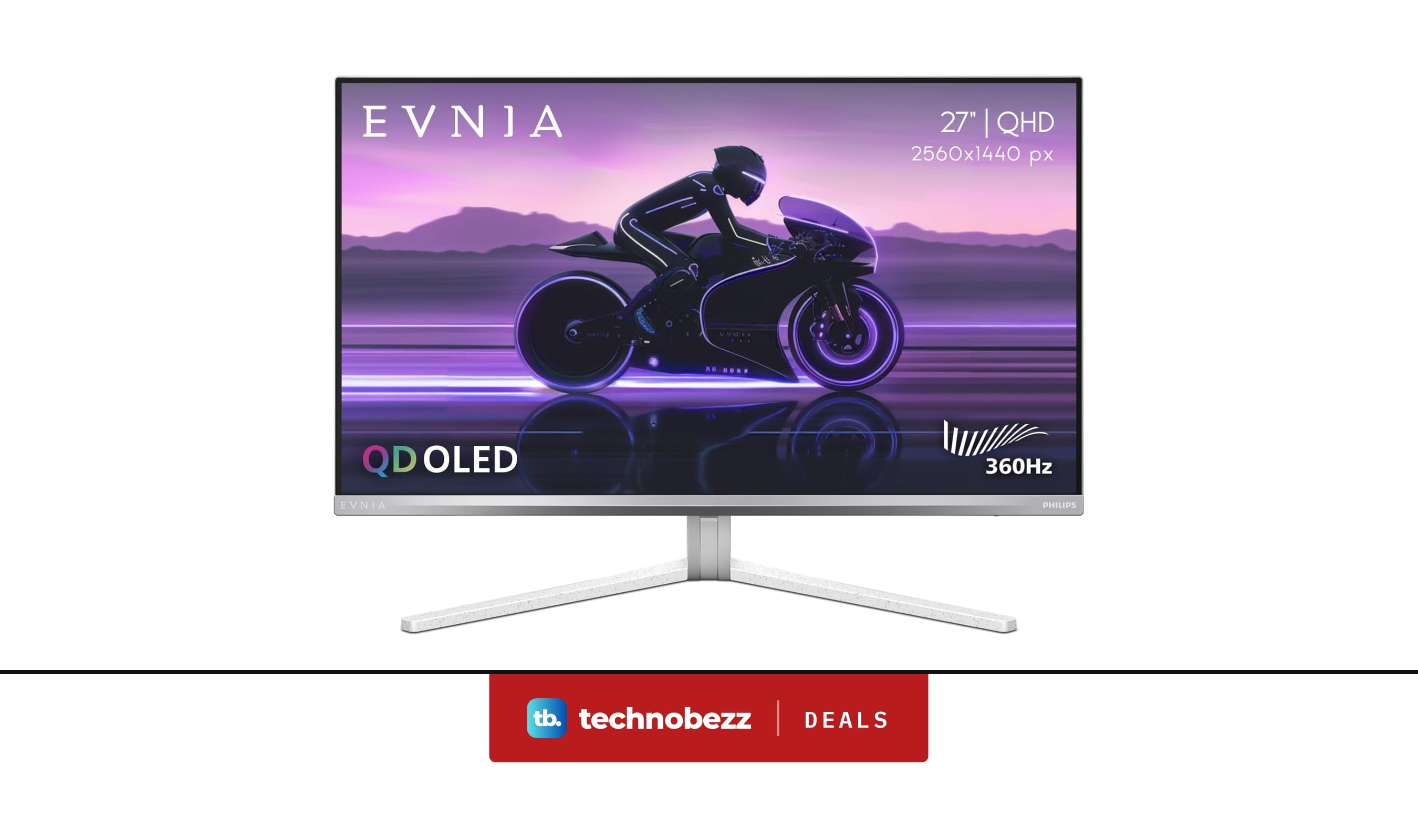
PHILIPS Evnia Gaming Monitor QHD QD OLED now $399.99, down from $436.01
Deal
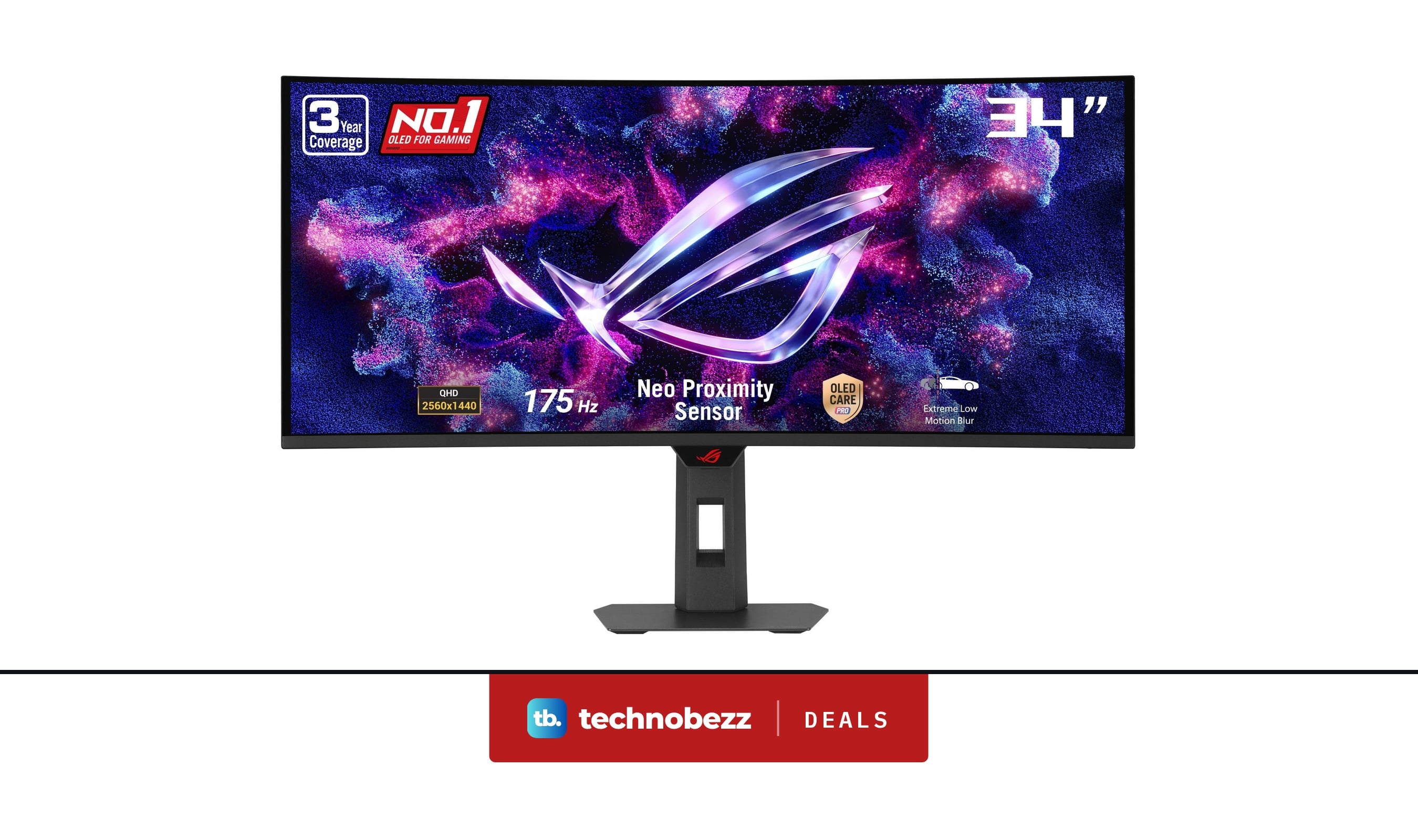
ASUS ROG XG34WCDG 1440p Ultrawide OLED G-SYNC Monitor gets a $120 price cut to $629

Deal
Marshall Monitor III ANC Wireless Over-Ear Headphones drops to $199.99, its lowest price yet
More buying guides
Buying guide5 Best Detachable Laptops and 2-in-1s for 2026Buying guide4 Best Smartphones With the Longest Battery Life for 2026Buying guideBest Laptops with CD Drives in 2026Buying guide4 Best Smartphones for Gaming in 2026Buying guide8 Best Anti-Glare TVs for 2026Buying guide9 Best Gaming Steering Wheels for 2026Buying guideThe 8 Best Smart TVs of 2026Buying guideBest Desktop Computers for Home Use in 2026