Finding the right smart TV means balancing picture quality, smart features, and price. The Samsung S90H combines OLED contrast, reflection control, and up to 165Hz PC gaming, while the LG C6 OLED adds Dolby Vision and Filmmaker Mode for movie nights. Whether you're upgrading your living room or setting up a bedroom TV, this list helps you cut through the technical jargon to find what actually matters.
Technobezz is supported by its audience. We may get a commission from retail offers.
The 8 Best Smart TVs of 2026
Samsung S90F leads our picks for the best smart TVs of 2026. Compare top models for picture quality, gaming, and value to find your perfect screen.
T
Technobezz
Editorial Team
Updated September 5, 2026Sep 5, 2026
•7 min read

Get Deals Like These in Your Inbox
The best prices, reviewed weekly.
At a Glance
| Category | Product | Why We Picked It |
|---|---|---|
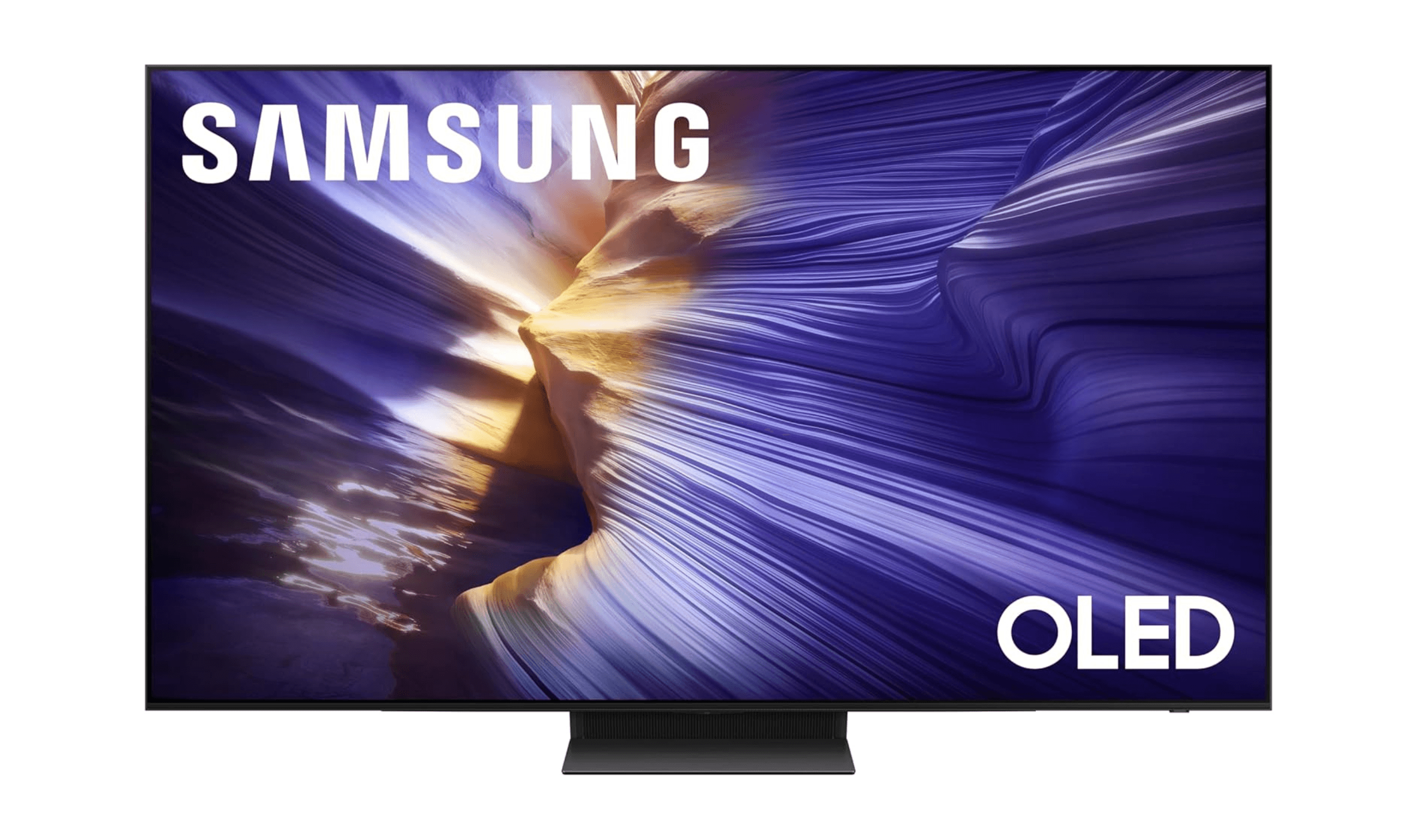
| Best overall | Samsung S90H | OLED contrast, Glare Free screen, and up to 165Hz PC gaming |
| Best value OLED | LG C6 OLED | OLED contrast, Dolby Vision, and up to 165Hz PC gaming |
| Best budget-friendly | Hisense U6SF Pro | 144Hz Mini-LED with reflection control and a built-in subwoofer |
| Best for gaming | TCL QM9K | High refresh rates and VRR support |
| Best Roku experience | Roku Pro Series OLED | 120Hz OLED with a simple interface and remote finder |
| Also recommended | Sony Bravia 8 II | Upgraded QD-OLED with exceptional brightness for cinephiles |
| Also recommended | Amazon Ember Mini-LED | Great Alexa integration at a good price |
| Also recommended | LG G5 OLED | A brighter, premium OLED for the best picture |
How we chose
We evaluated TVs based on real-world performance across different viewing scenarios. Picture quality was assessed in both bright and dark room conditions, with attention to color accuracy, contrast, and motion handling. Smart platforms were compared for ease of use, app selection, and voice control responsiveness. Gaming features like refresh rates and variable refresh rate support were also evaluated. Price-to-performance ratio was a key factor in every recommendation.
The best smart TVs right now
Samsung S90H - Best overall
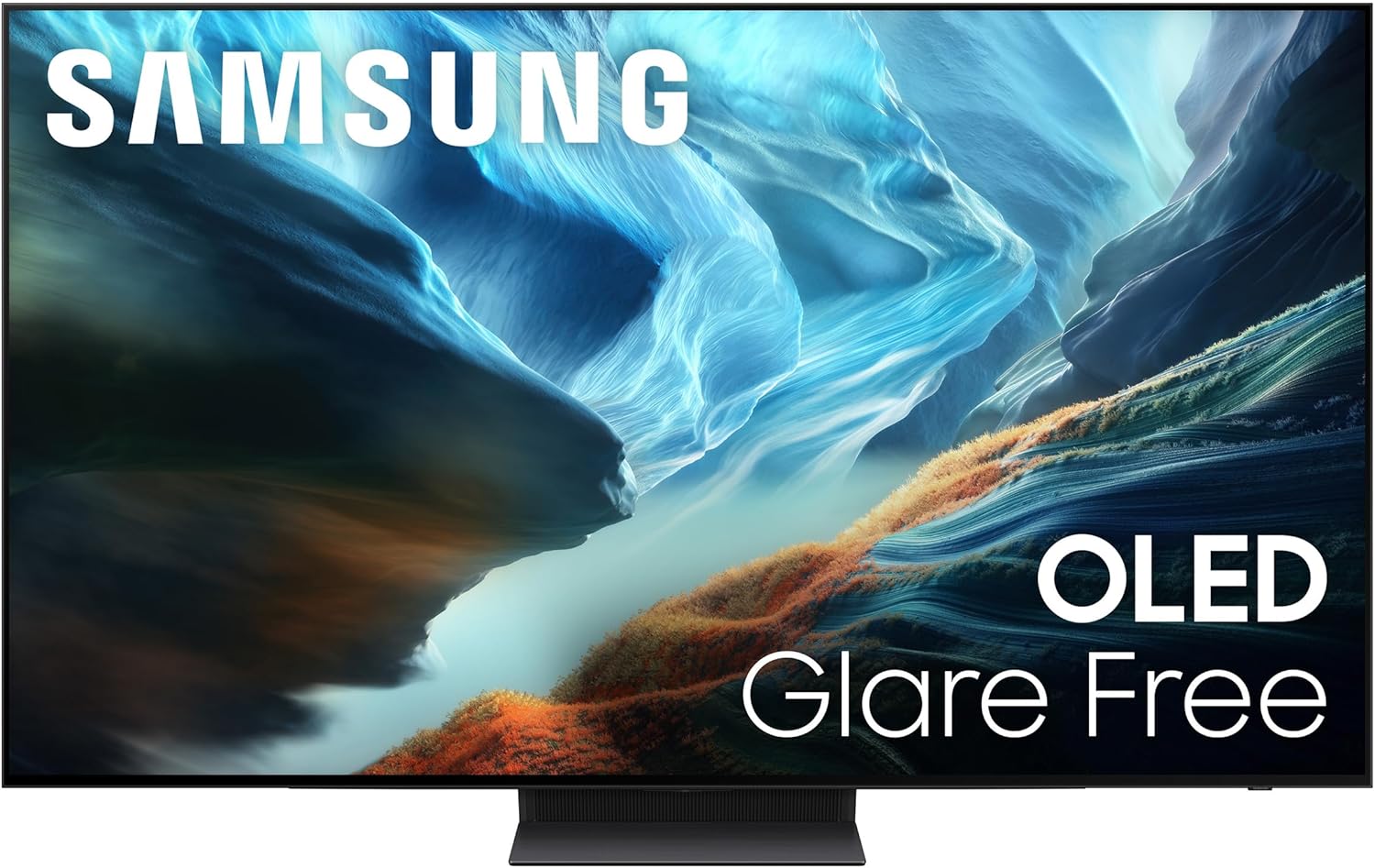
The Samsung S90H combines OLED contrast with a Glare Free screen and up to 165Hz gaming on a compatible PC. Its NQ4 AI Gen3 processor handles 4K upscaling, making it a versatile choice for streaming, sports, and games.
Key highlights
- OLED display with Glare Free technology
- Up to 4K 165Hz with a compatible gaming PC
- NQ4 AI Gen3 processor with 4K AI Upscaling Pro
- NVIDIA G-SYNC compatibility and AMD FreeSync Premium Pro
- Tizen smart platform with voice control
Pros
- Glare Free screen helps reduce distracting reflections
- 165Hz support for compatible PC games
- OLED contrast and AI-assisted upscaling
Cons
- 165Hz requires a compatible PC and game
- No Dolby Vision HDR support
Who it is for: Viewers who want OLED contrast, reflection control, and high-refresh-rate PC gaming.
Skip if
You need Dolby Vision support.
LG C6 OLED - Best value OLED
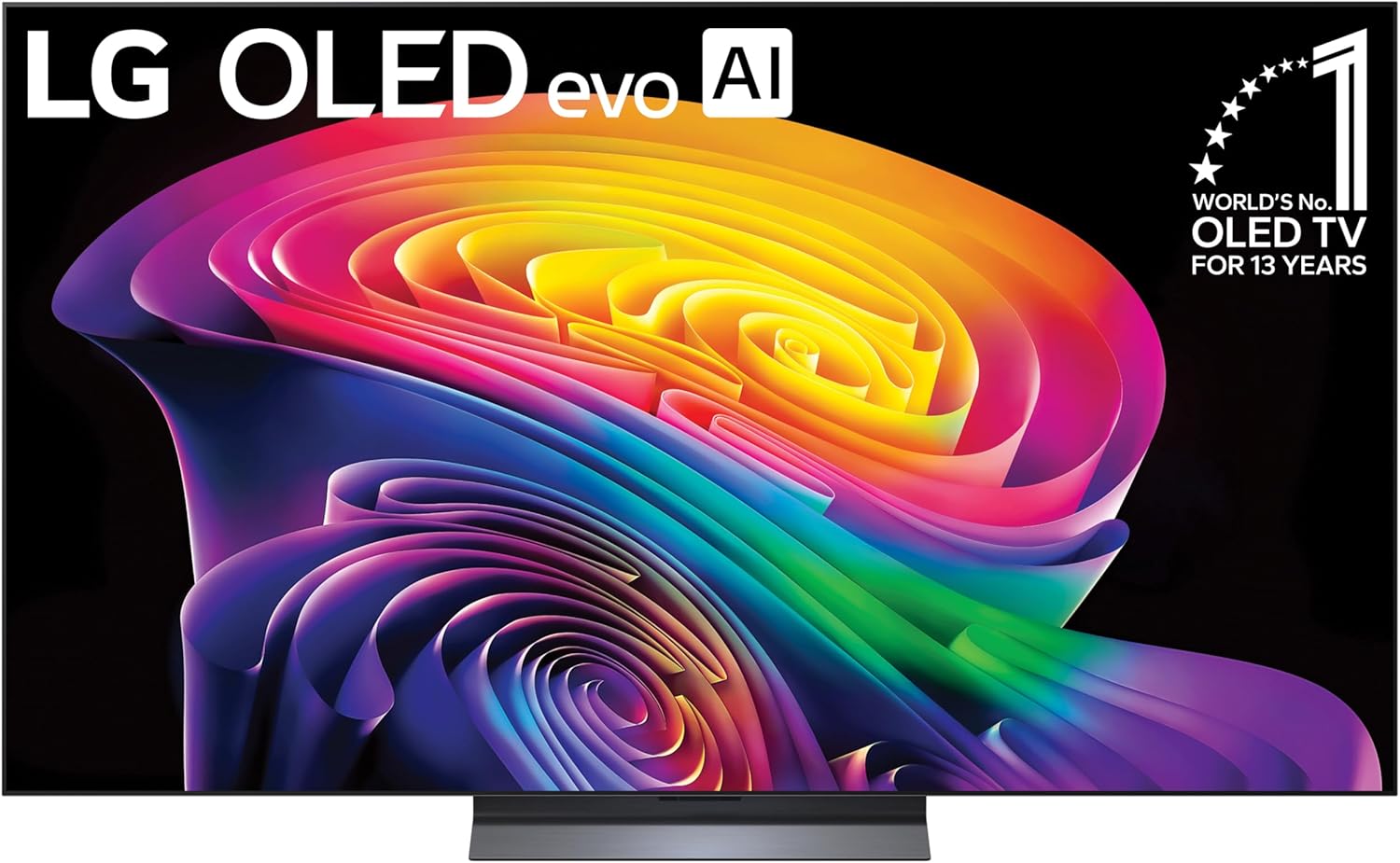
The LG C6 OLED pairs self-lit OLED pixels with Dolby Vision and the Alpha 11 AI Processor Gen3. It keeps the C-series focus on movies and gaming, with Brightness Booster and up to 165Hz support for compatible PCs.
Key highlights
- OLED display with over 8.3 million self-lit pixels
- Alpha 11 AI Processor Gen3 and Brightness Booster
- Dolby Vision, Dolby Atmos, and Filmmaker Mode
- Up to 165Hz with a compatible PC
- webOS smart platform
Pros
- Self-lit pixels deliver deep black levels
- Dolby Vision and Filmmaker Mode for movies
- NVIDIA G-SYNC and AMD FreeSync Premium support
Cons
- 165Hz requires a compatible PC graphics card
- LG account required for network-based smart services
Who it is for: Movie fans who also want high-refresh-rate PC gaming in an OLED TV.
Skip if
You want to use network-based smart services without an LG account.
Hisense U6SF Pro - Best budget-friendly
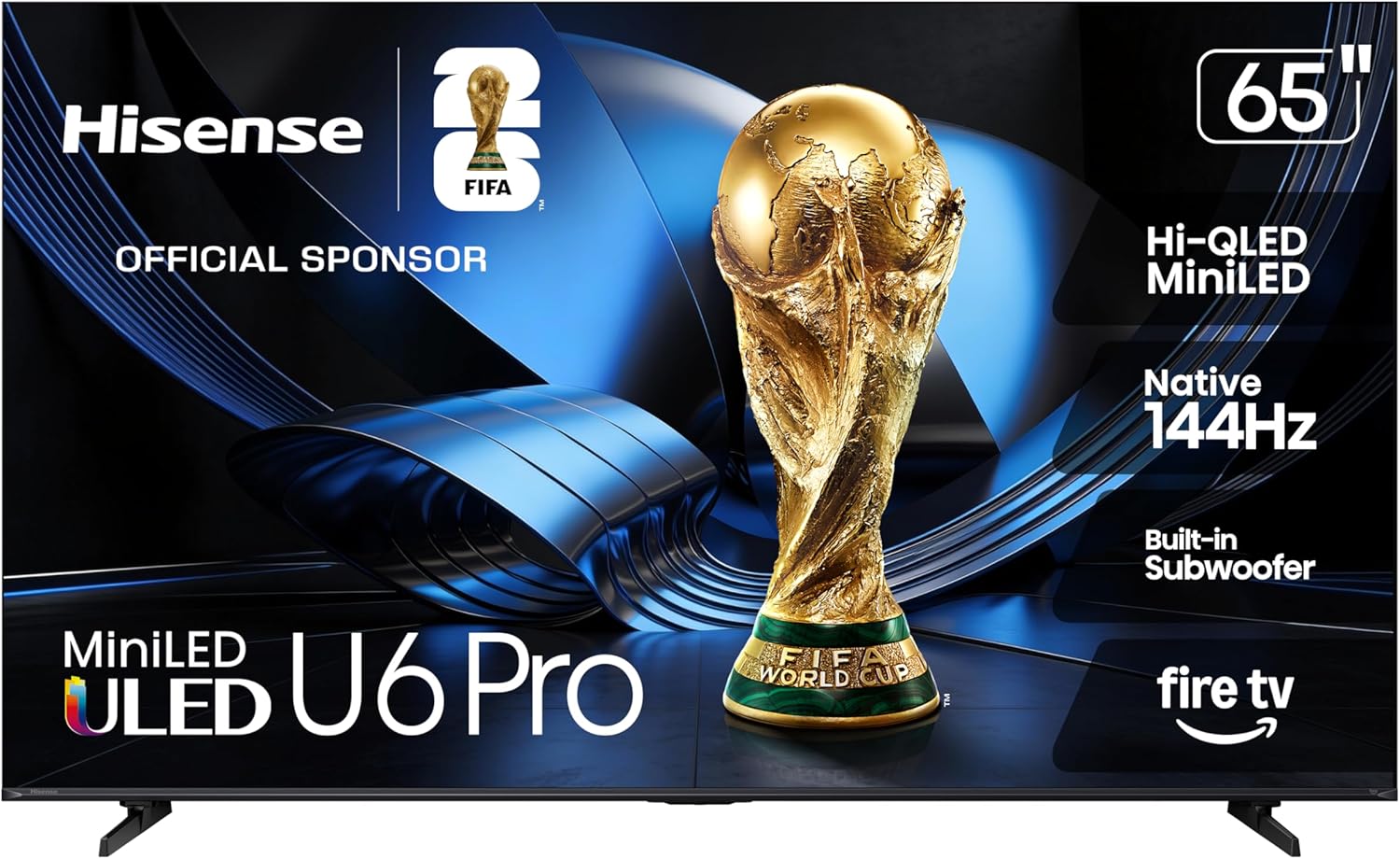
The Hisense U6SF Pro brings Mini-LED local dimming, a native 144Hz panel, and an anti-reflection screen to a budget-friendly price. The built-in subwoofer and Fire TV platform make it a practical option for everyday streaming and gaming.
Key highlights
- Hi-QLED Mini-LED display with local dimming
- Native 144Hz refresh rate
- Anti-reflection and Glare-Free screen treatment
- Built-in subwoofer
- Fire TV with Alexa+ and Dolby Vision IQ support
Pros
- 144Hz panel for fast-moving games and sports
- Screen treatment helps reduce reflections
- Built-in subwoofer adds bass
- Dolby Vision IQ and HDR10+ Adaptive support
Cons
- Local dimming controls zones rather than individual pixels
- 144Hz maximum falls short of 165Hz PC displays
Who it is for: Budget-conscious viewers who want Mini-LED contrast, 144Hz gaming, and Fire TV.
Skip if
You need OLED pixel-level light control or PC refresh rates above 144Hz.
TCL QM9K - Best for gaming
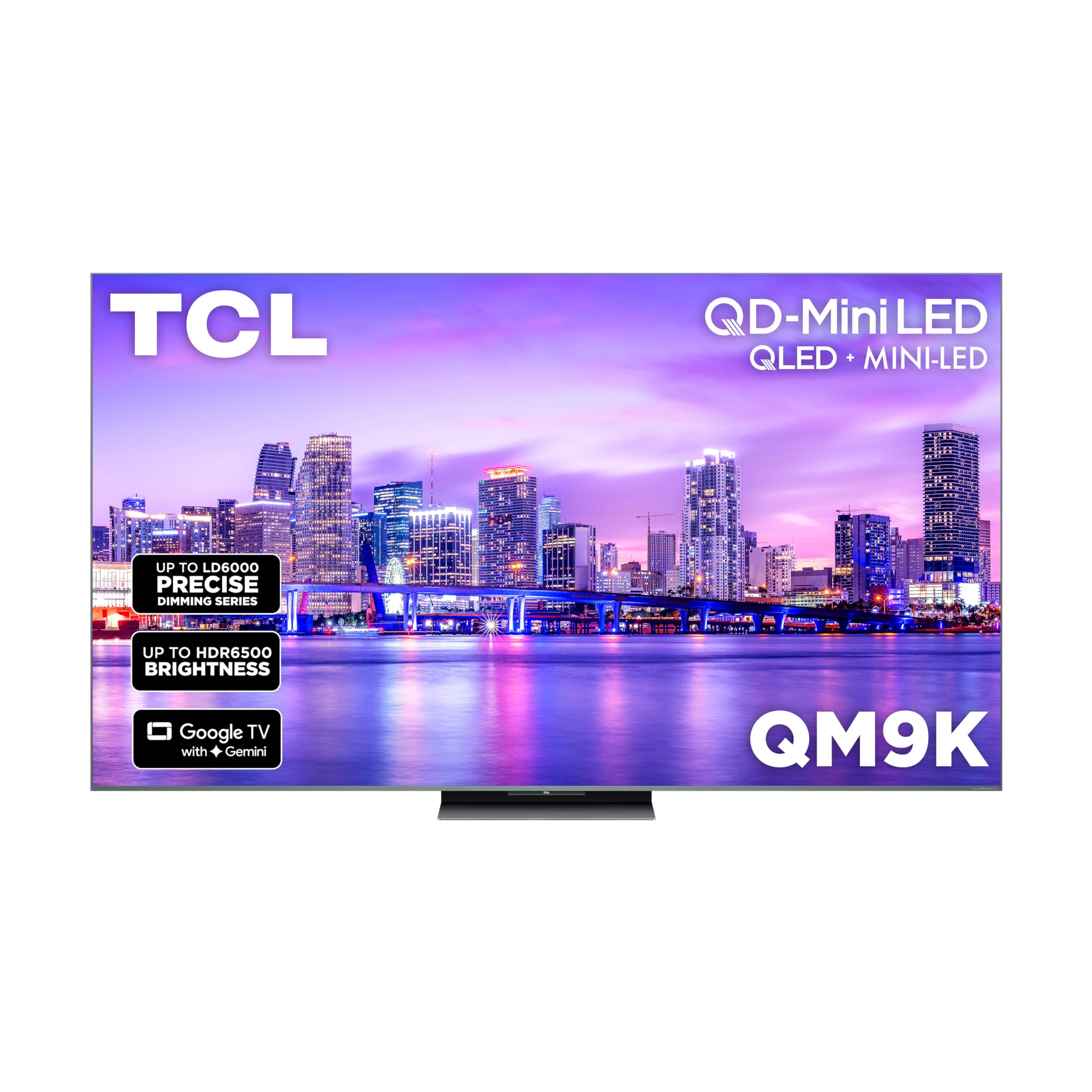
The TCL QM9K combines high brightness with excellent gaming features, making it a top choice for console and PC gamers who want smooth performance without sacrificing picture quality. Its Mini-LED backlight delivers impressive HDR impact, paired with a native 144Hz panel.
Key highlights
- Very bright Mini-LED display with strong HDR impact
- High refresh rates with gaming-focused features
- Good local dimming for improved contrast
- Google TV with broad app support
- Useful connectivity for consoles and gaming PCs
Pros
- Excellent brightness for HDR content
- Smooth gaming performance
- Strong color performance for the price
- Good smart-platform feature set
Cons
- Can be pricier than some similarly sized alternatives
- Smart interface may feel sluggish at times
- Black levels still trail OLED models
Who it is for: Gamers who want high refresh rates combined with bright, colorful HDR performance.
Skip if
You prioritize perfect black levels over brightness or want the simplest possible smart interface.
Roku Pro Series OLED - Best Roku experience
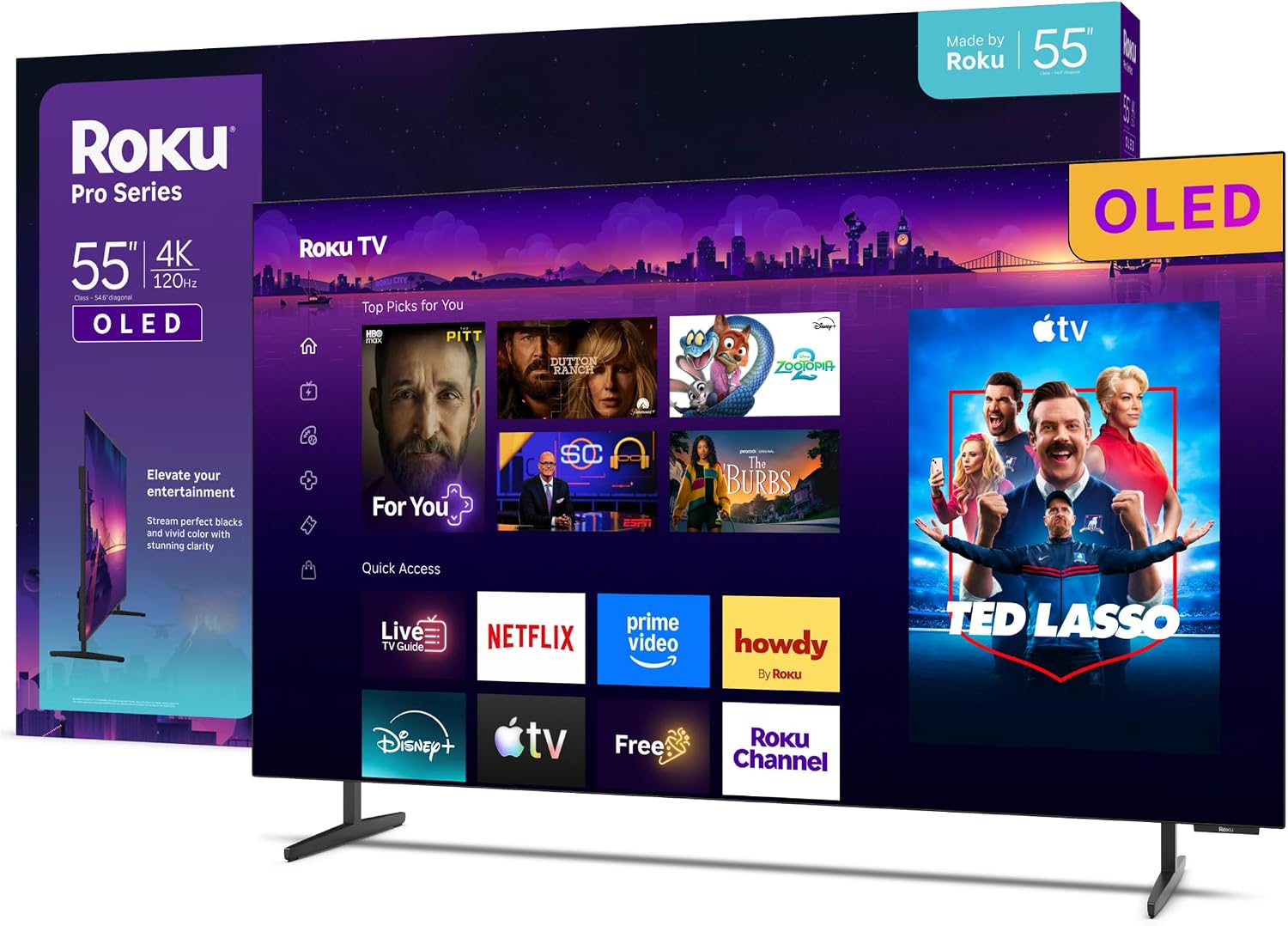
The Roku Pro Series OLED pairs the simple Roku interface with a 120Hz OLED display and Dolby Vision. Automatic picture adjustment and a backlit voice remote with a finder button keep everyday use straightforward.
Key highlights
- 4K OLED display with a 120Hz refresh rate
- Dolby Vision and Dolby Atmos support
- Roku Smart Picture Max automatically adjusts the picture
- Backlit voice remote with an on-TV remote finder button
- Variable refresh rate and AMD FreeSync Premium
Pros
- OLED pixels provide deep black levels
- Simple Roku interface and automatic picture adjustment
- Practical remote finder and backlit buttons
- 120Hz panel with VRR for gaming
Cons
- Limited to 120Hz rather than 144Hz or 165Hz
- Available only in 55-inch and 65-inch sizes
Who it is for: Viewers who want the Roku interface with OLED picture quality and straightforward gaming support.
Skip if
You need a screen larger than 65 inches or PC gaming above 120Hz.
Also Good
- Sony Bravia 8 II - stunning QD-OLED upgrade with Dolby Vision for dedicated home theater viewers.
- Amazon Ember Mini-LED - great Alexa integration at a good price.
- LG G5 OLED - a brighter, premium OLED for the best picture.
How to Choose
Picture technology matters most
OLED delivers perfect blacks but can struggle in bright rooms, while QLED and Mini-LED offer more brightness at the expense of some contrast.
Smart platform preferences vary
Roku and Google TV prioritize simplicity, while webOS and Tizen add deeper feature sets.
Gaming features help long-term value
HDMI 2.1, VRR, and 120Hz support are worth prioritizing if you use modern consoles or gaming PCs.
Choose size for your space
A 55-inch model fits most rooms, while 65-inch and larger sets deliver a more cinematic experience.
Check HDR format support
Dolby Vision and HDR10+ support can affect how your favorite streaming apps look on different TVs.
FAQ
What's the difference between OLED and QLED?
OLED pixels produce their own light, allowing perfect blacks and infinite contrast. QLED uses a backlight with quantum dots for color enhancement, offering higher brightness but less perfect blacks.
Do I need HDMI 2.1?
HDMI 2.1 supports higher bandwidth for 4K at 120Hz, variable refresh rate, and other gaming features. If you use a PS5, Xbox Series X, or gaming PC, it's worth having at least one HDMI 2.1 port.
How important is the smart TV platform?
The platform determines which apps are available and how easy they are to use. Most major streaming services work on all platforms, but some have exclusive features or better integration with specific ecosystems.
What size TV should I get for my room?
A general guideline is to sit 1.5 to 2.5 times the diagonal screen size away from the TV. For a 65-inch TV, that's 8 to 13 feet. Consider both your seating distance and room layout.
Are more expensive TVs worth it?
Higher-priced TVs offer better picture quality, more features, and often better build quality. However, mid-range models provide excellent value, and budget options have improved significantly in recent years.
Published February 23, 2026 Last updated September 5, 2026
Share this article
More in News
Best Portable Monitors for 2026
Discover the best portable monitors for 2026. Our top pick is the HP Series 5 Pro 514pn for premium build and image quality. Find the perfect travel or home office screen.
4 min read
Best Ultrawide Monitors to Buy in 2026
Dell UltraSharp U3425WE leads our 2026 picks for the best ultrawide monitors, from premium productivity to immersive OLED gaming.
5 min read
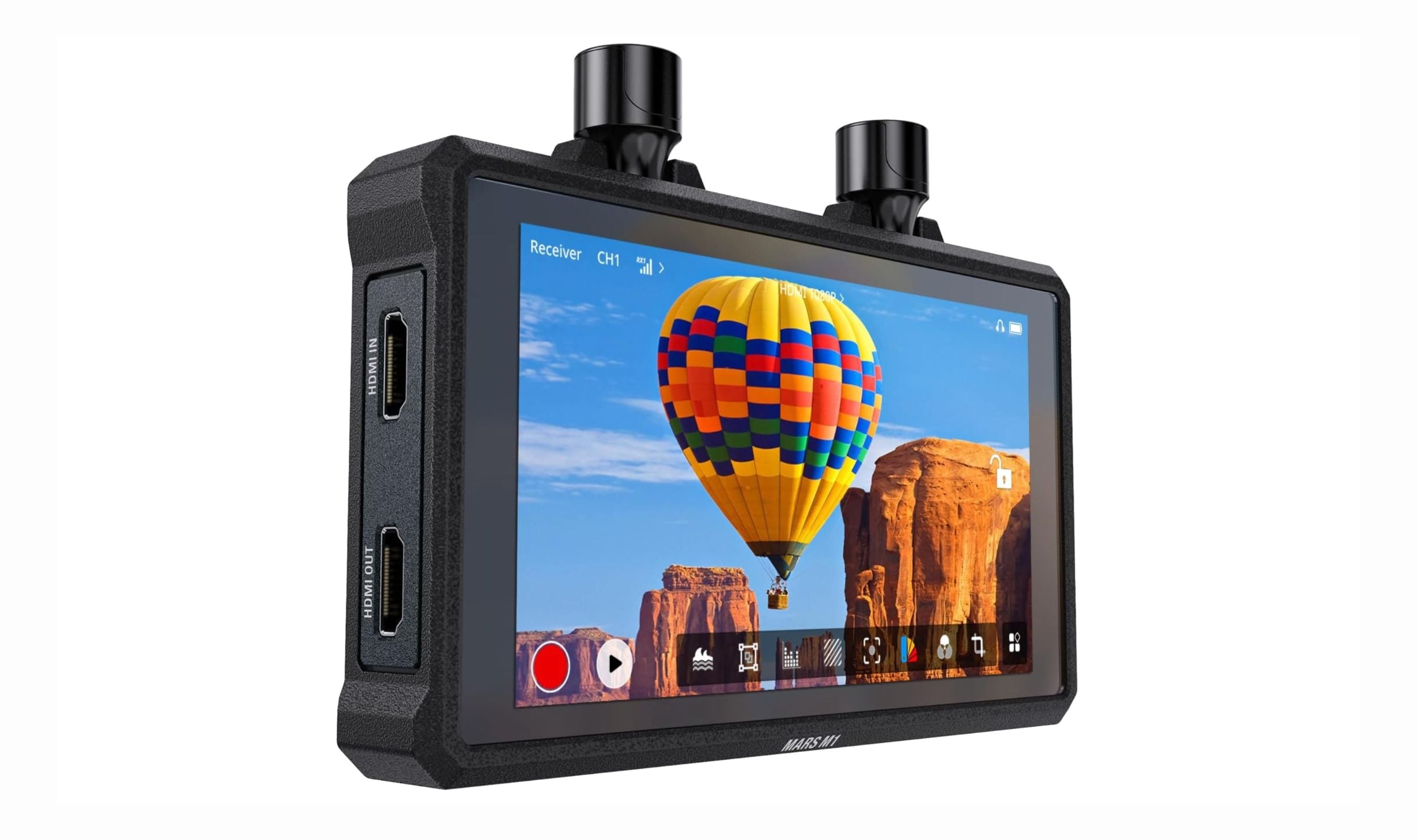
Best Wireless and Wired Camera Monitors for 2026
The Hollyland Mars M1 tops our list of the 3 best wireless camera monitors in 2026, combining TX, RX, and a bright 5.5-inch display for cable-free video.
5 min read
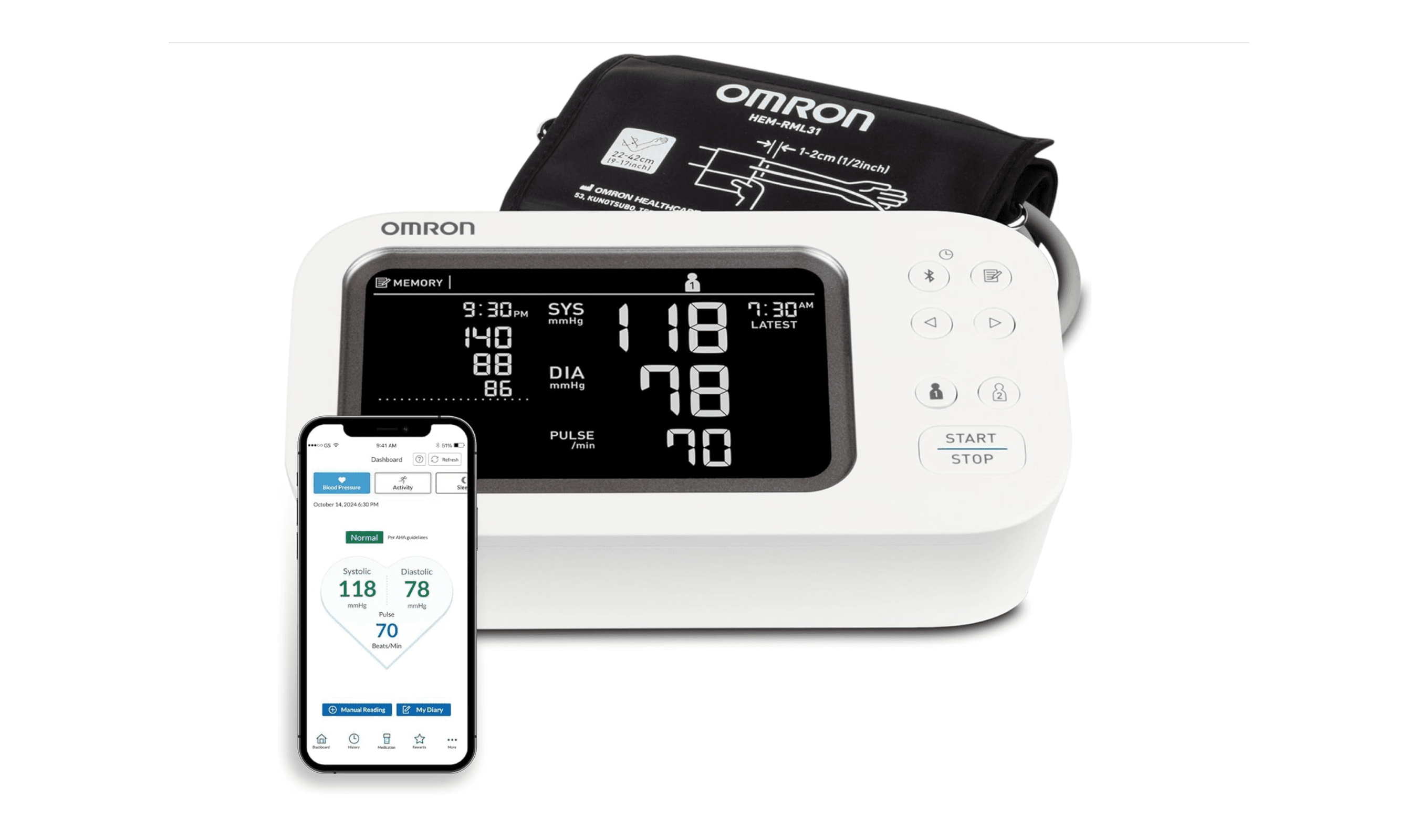
8 Best Blood Pressure Monitors for Home Use in 2026
We tested clinically validated blood pressure monitors from Omron, Withings, and more. The Omron Platinum leads our picks, with options from $40 to $140.
3 min read
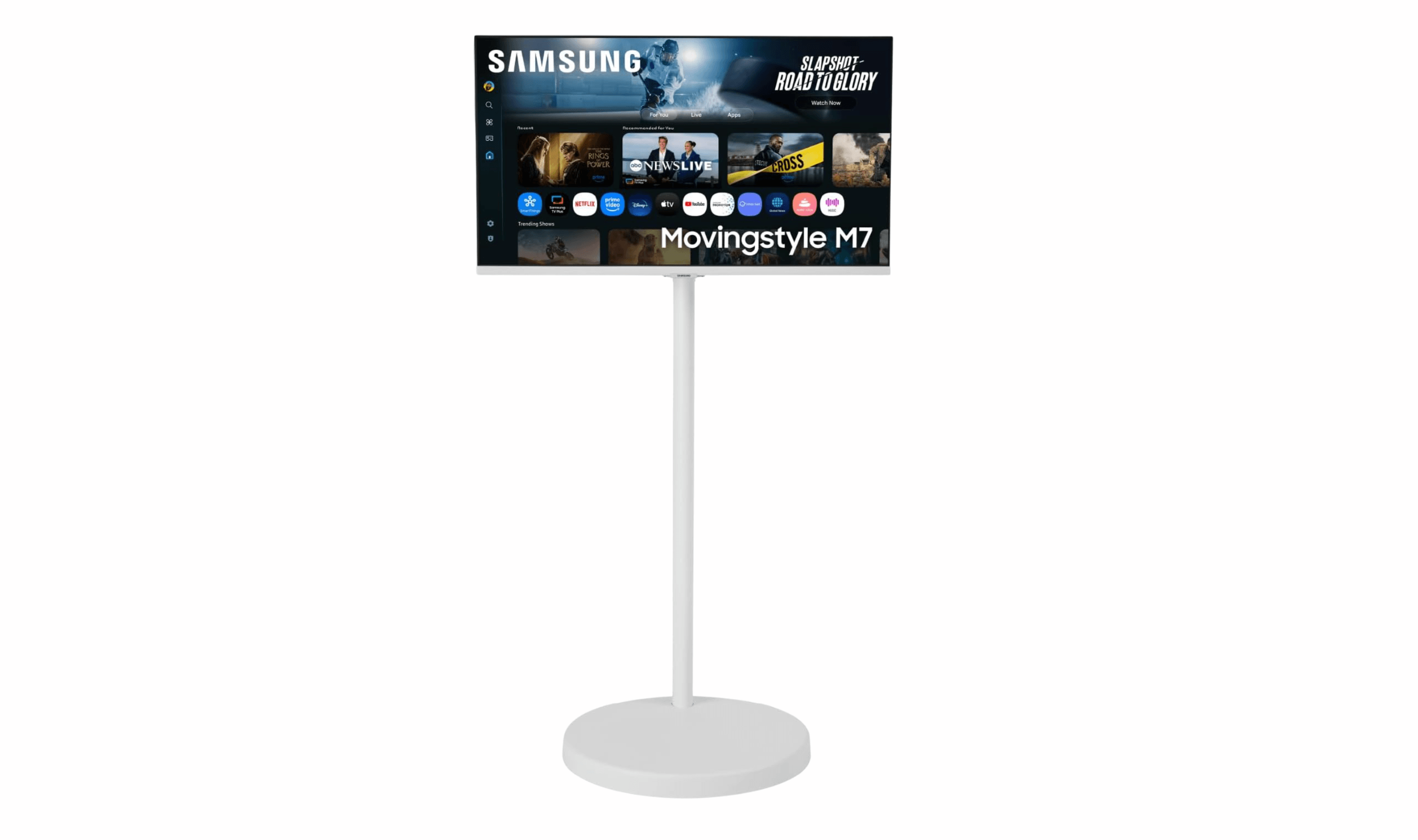
3 Best Rolling TV Monitors You Can Buy Right Now
3 min read
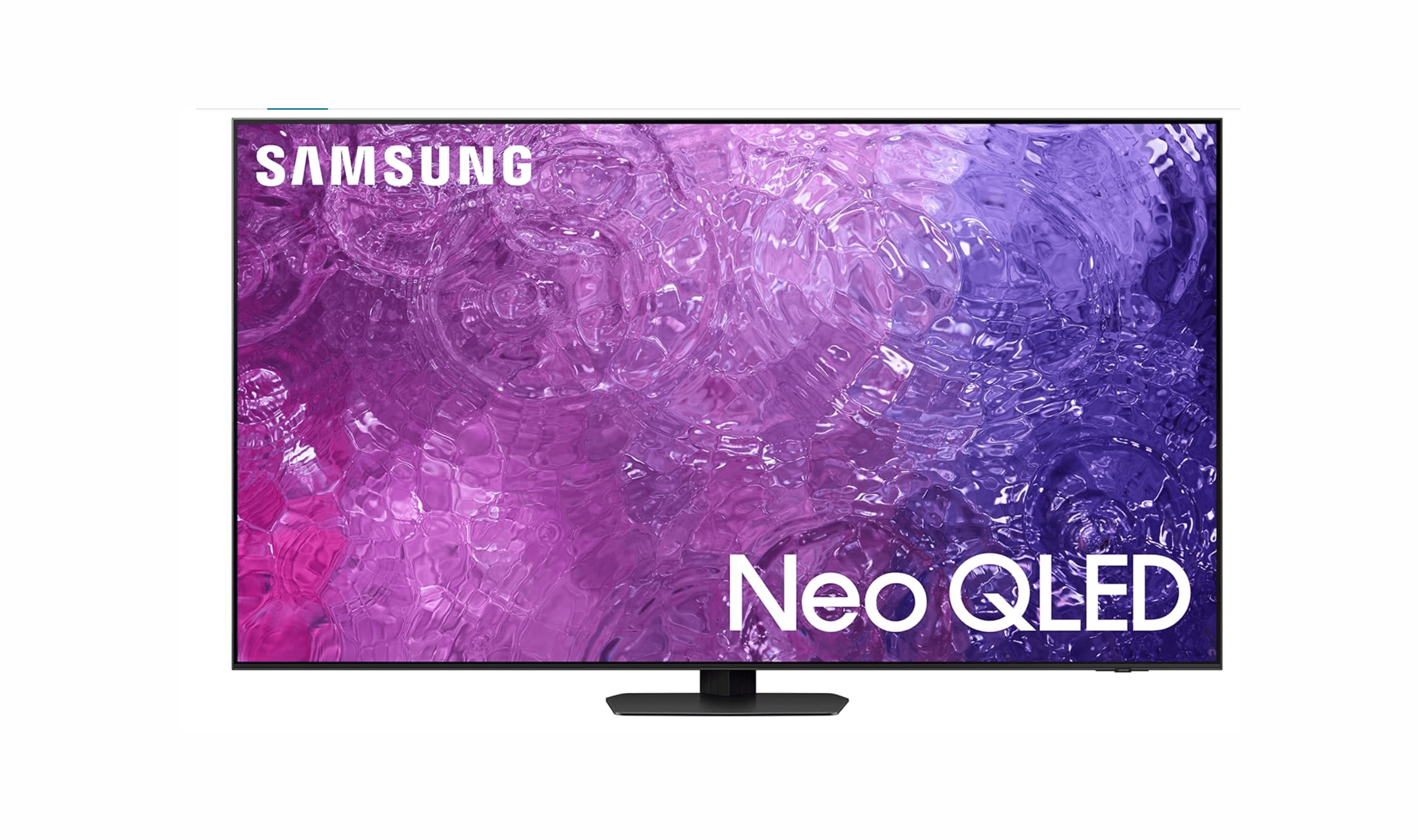
8 Best Anti-Glare TVs for 2026
3 min read
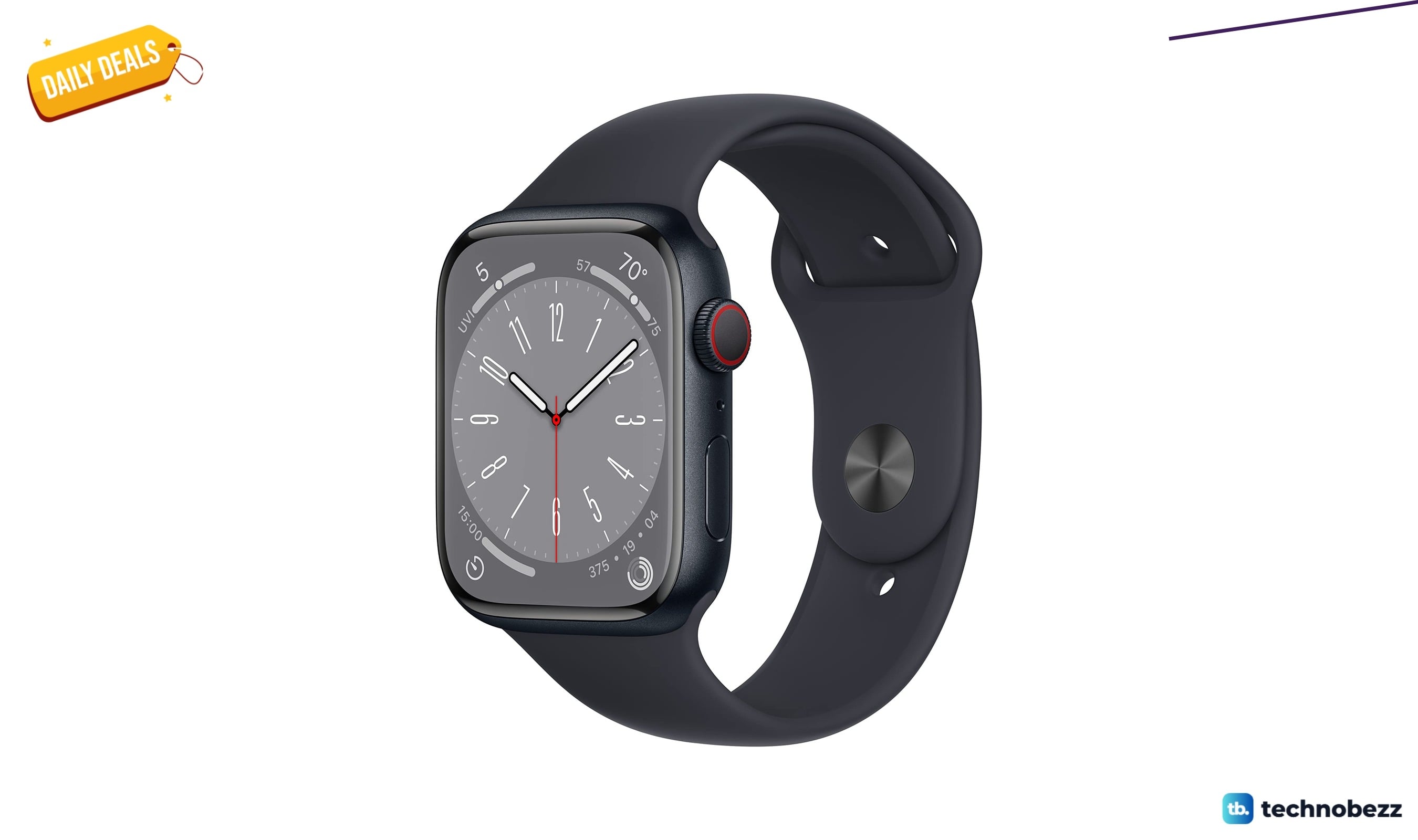
Apple Watch Series 8 [GPS + Cellular slips to $437.69
5 min read
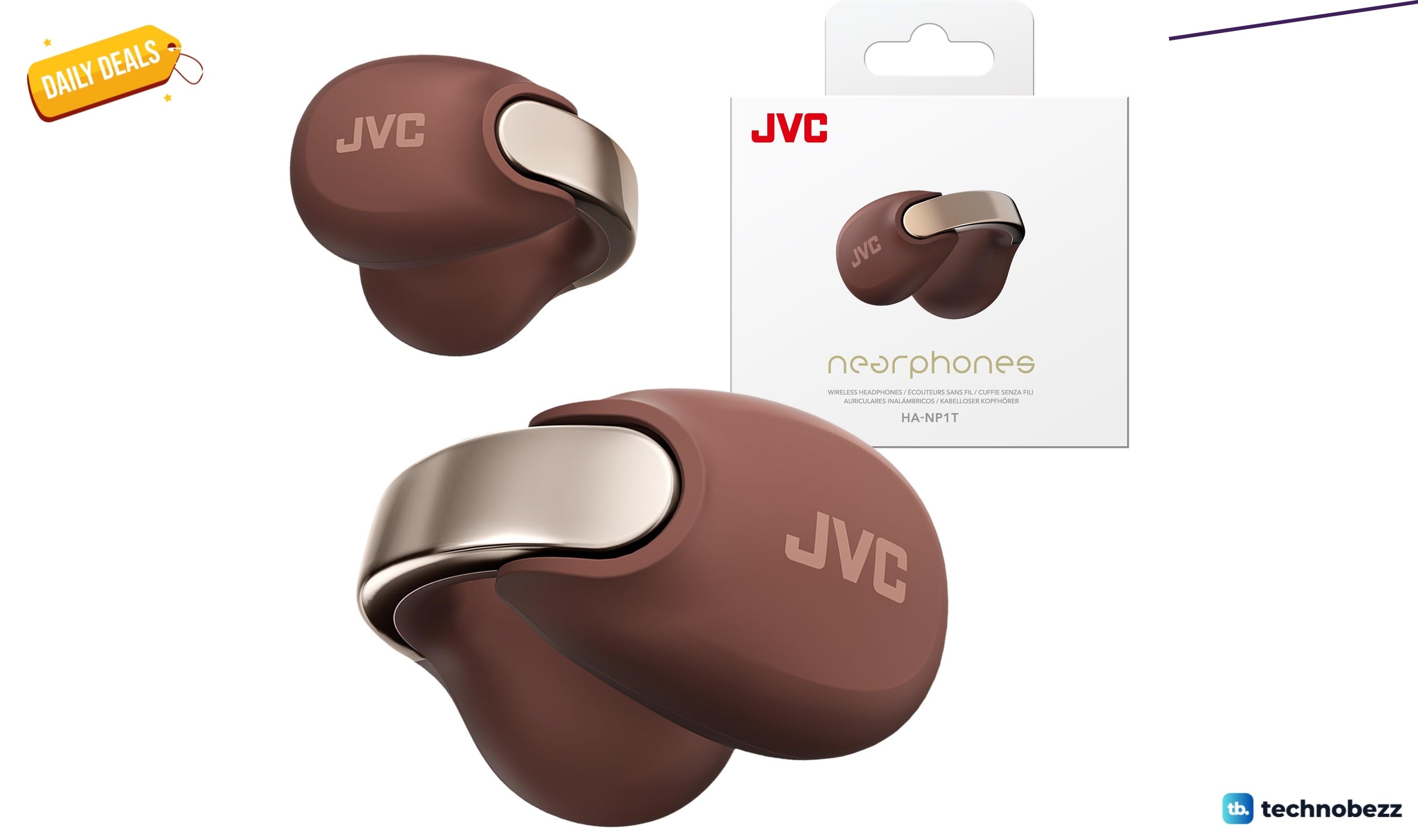
JVC Nearphones Open Ear True Wireless Headphones on sale for $99.99
4 min read
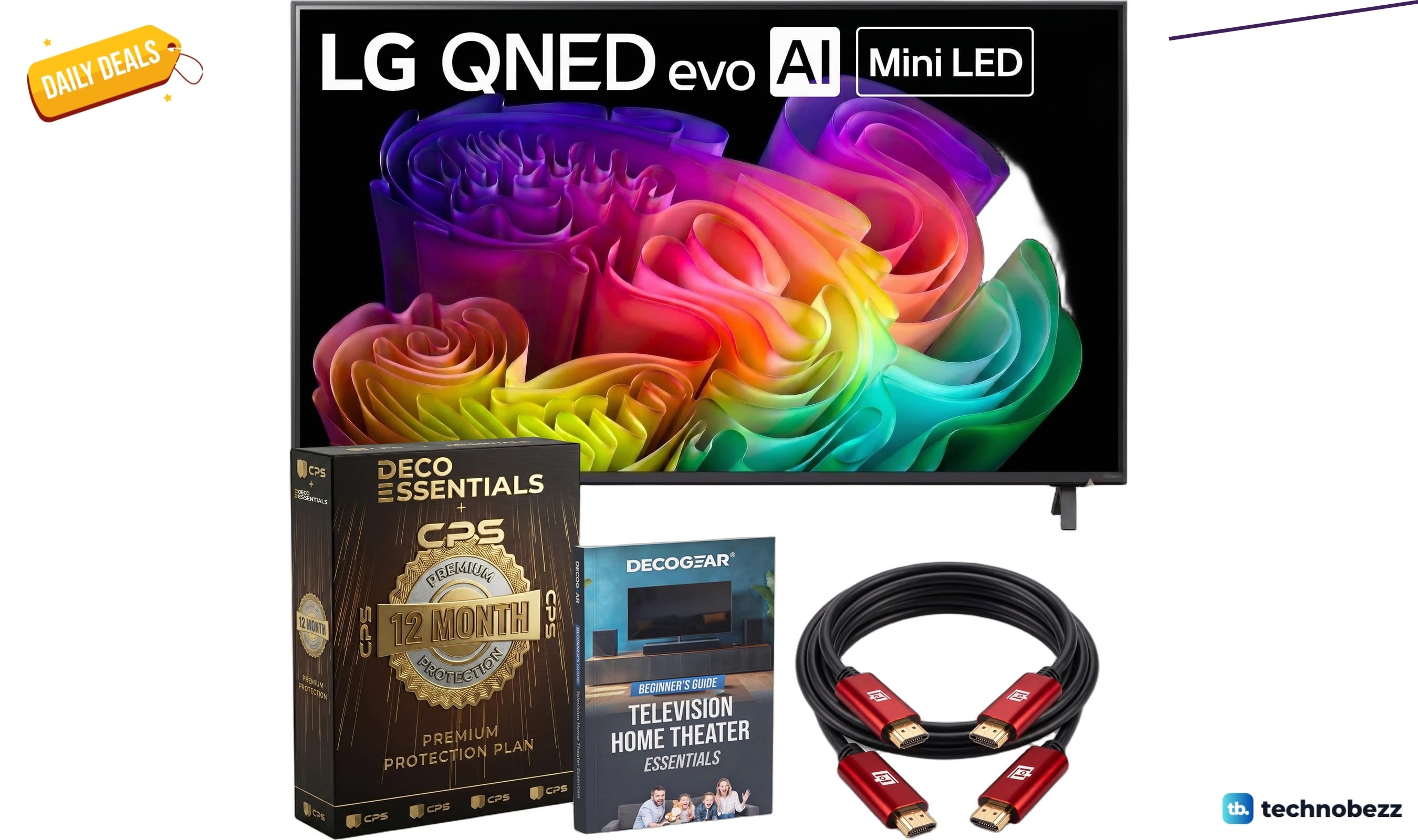
LG 55-inch QNED evo AI Mini LED on sale for $699.99
3 min read
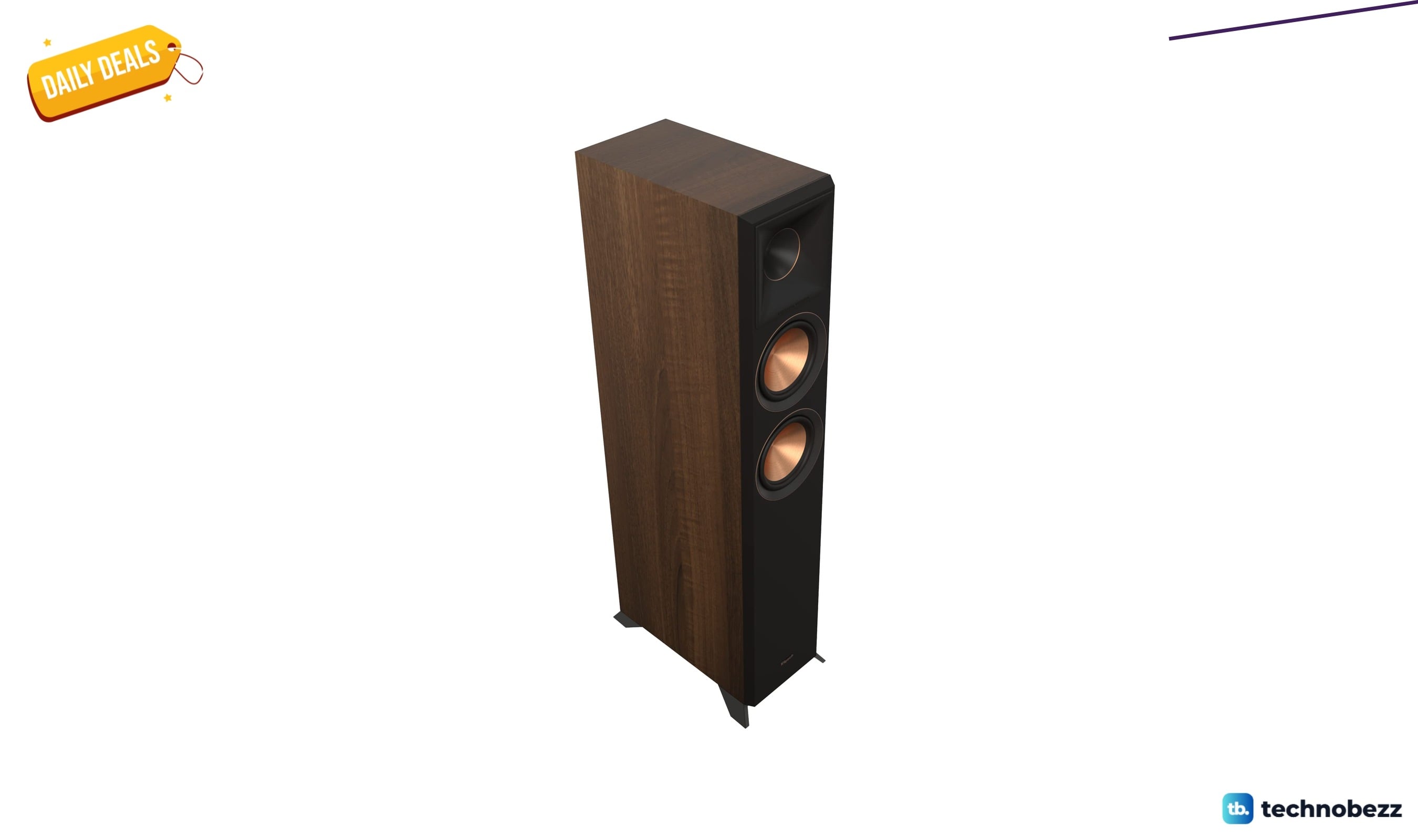
Klipsch Reference Premiere RP-8060FA II Home Theater slips to $899.99
5 min read
Windmill smart air circulator fan for $59.00 at Wayfair
5 min read
Inbox Zero Norrin mesh office chair for $88.99 at Wayfair
4 min read