Finding the right monitor for your PS5 can transform your gaming experience. The MSI MPG 272URX QD-OLED is our top overall pick for its 4K QD-OLED panel, HDMI VRR and 4K 120Hz console support. This list helps you choose between premium OLED displays, budget-friendly options, and everything in between.
Technobezz is supported by its audience. We may get a commission from retail offers.
The 7 Best Monitors for PS5 in 2026
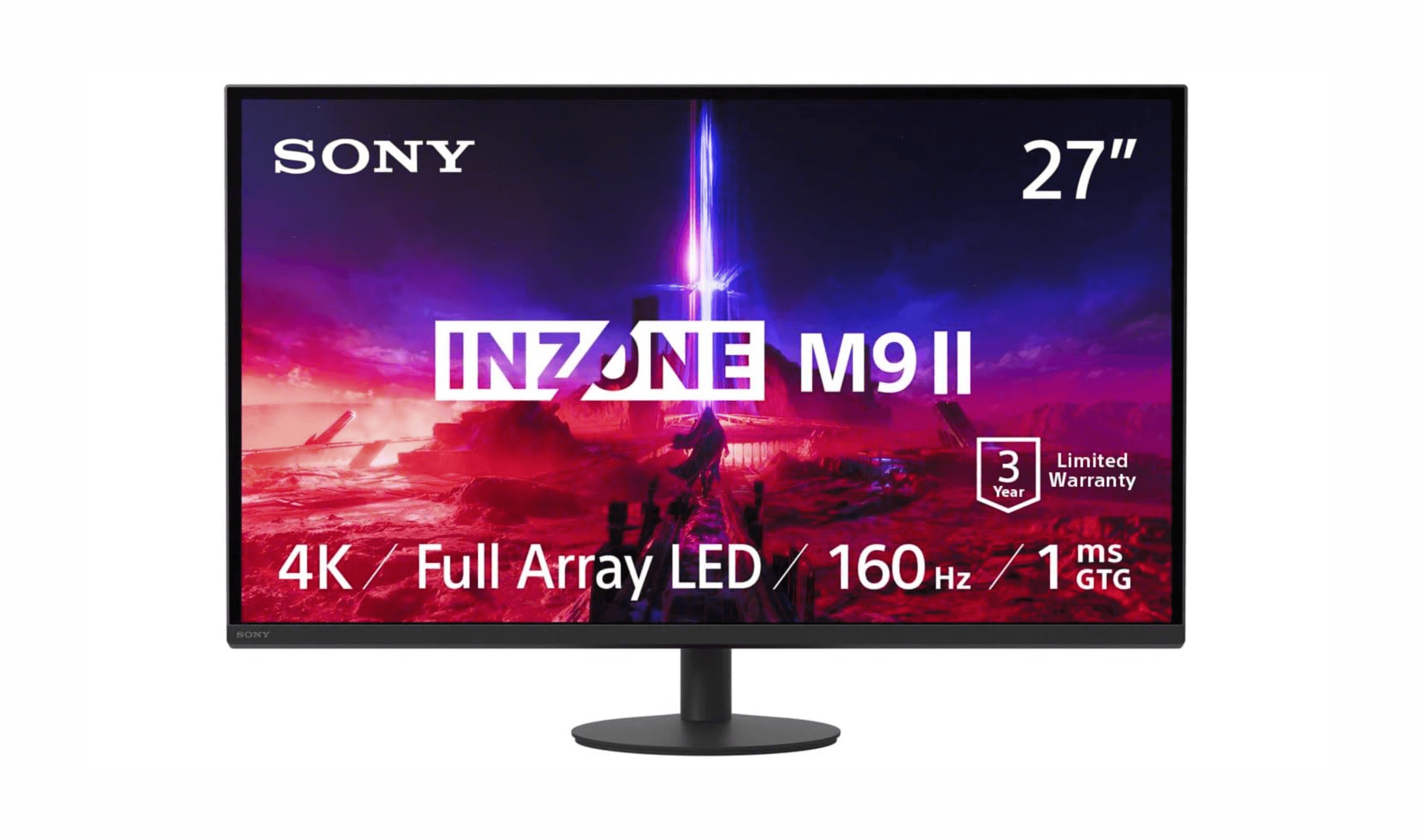
Sony InZone M9 II leads our picks for the best PS5 monitors. Get perfect integration, auto HDR, and top value or OLED options for 2026.
T
Technobezz
Senior Editor
Updated September 4, 2026Sep 4, 2026
•7 min read

Get Deals Like These in Your Inbox
The best prices, reviewed weekly.
At a Glance
| Category | Product | Why We Picked It |
|---|---|---|
| Best overall | MSI MPG 272URX QD-OLED | 4K QD-OLED with 120Hz console support and HDMI VRR |
| Best value | ViewSonic XG275D-4K | Excellent 4K performance at a reasonable price |
| Best for competitive gaming | Alienware AW2725DM | QHD Fast IPS panel with a dedicated console mode |
| Best OLED experience | ASUS ROG Swift PG27UCDM | Stunning 4K OLED with 240Hz refresh |
| Best budget option | LG UltraGear G6 27G64NA-B | 27-inch QHD IPS panel with HDMI 2.1 and an adjustable stand |
| Also recommended | MSI MPG 321URX QD-OLED | Top-tier 4K OLED with great burn-in protection |
| Also recommended | AOC 24G42HE | 23.8-inch 1080p IPS panel with G-SYNC compatibility |
How we chose and tested
Our selection prioritized monitors that fully unlock the PS5's capabilities. Our criteria included essential features like HDMI 2.1 for 4K 120Hz, VRR support, and low input lag. We also valued strong HDR performance and versatility for multi-purpose setups.
The best monitors for PS5 right now
MSI MPG 272URX QD-OLED - Best overall
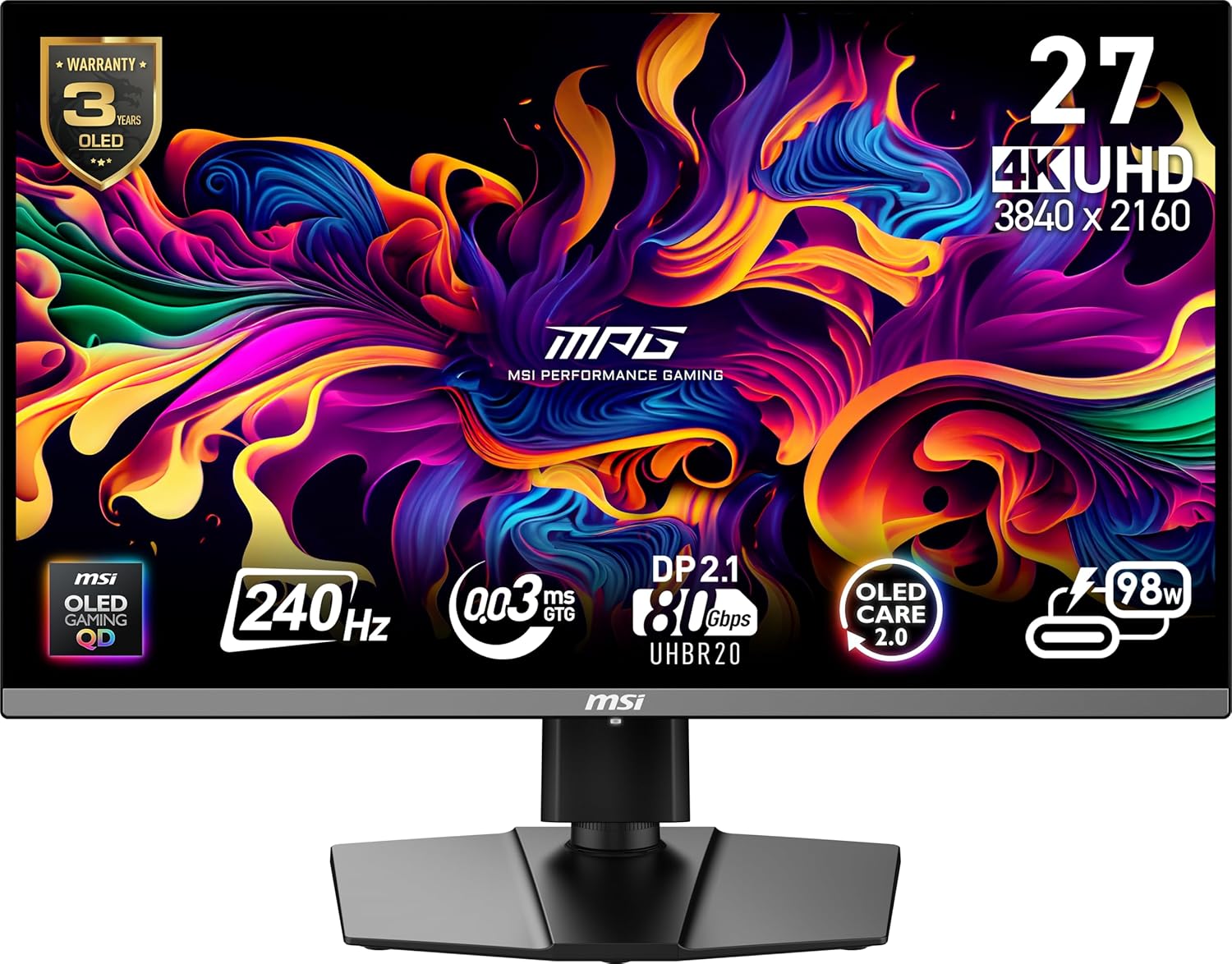
The MSI MPG 272URX QD-OLED combines a 26.5-inch 4K QD-OLED panel with HDMI 2.1 support for 4K 120Hz, VRR and ALLM on compatible consoles. Its 240Hz mode and 98W USB-C connection also suit a shared PC or laptop setup.
Previous INZONE M9 II pick: Check Price on Sony
Key highlights
- 26.5-inch 3840 x 2160 QD-OLED panel
- Up to 240Hz on compatible PCs; PS5 output tops out at 120Hz
- Manufacturer-rated 0.03ms GtG response time
- HDMI 2.1 with 4K 120Hz console support, VRR and ALLM
- USB-C with up to 98W power delivery and a KVM switch
- OLED Care 2.0 and a three-year warranty covering burn-in
Pros
- 4K OLED detail and contrast for console games
- HDMI VRR and ALLM support
- USB-C charging and KVM support for a shared desk
- Stand adjusts for height, tilt, swivel and pivot
Cons
- OLED still requires burn-in care
- PS5 cannot use the panel's full 240Hz refresh rate
Who it is for: PS5 players who want 4K OLED picture quality and also connect a PC or USB-C laptop.
Skip if
You prefer an LCD panel for long sessions with static content.
ViewSonic XG275D-4K - Best value
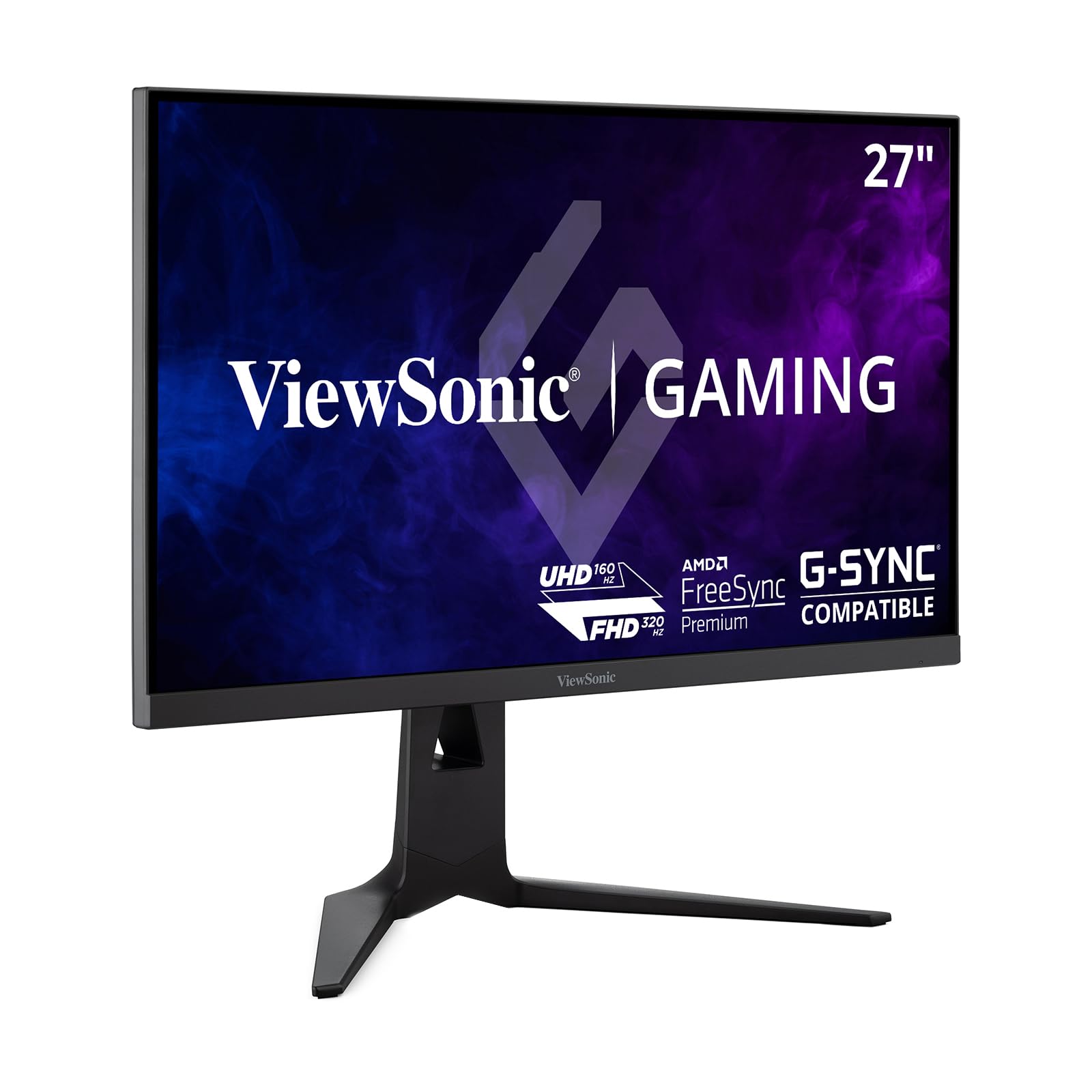
The ViewSonic XG275D-4K offers exceptional 4K gaming performance at a price that won't break the bank. Its 160Hz 4K and 320Hz Full HD modes are for compatible PCs; PS5 output tops out at 120Hz.
Key highlights
- 27-inch 4K IPS panel with switchable refresh rate up to 320Hz at Full HD or 160Hz at 4K
- Supports 4K 160Hz and 1080p 320Hz modes
- HDMI 2.1 connectivity for full PS5 compatibility
- 94% DCI-P3 color gamut coverage
- Fully adjustable stand with height, tilt, and swivel
Pros
- Excellent price-to-performance ratio
- Good color accuracy and wide viewing angles
- Versatile refresh rate support for different game types
- Solid build quality with good ergonomics
Cons
- HDR performance is decent but not exceptional
- No local dimming for better contrast
- Can get warm during extended gaming sessions
Who it is for: Gamers who want solid 4K performance without spending a fortune, especially those who play both cinematic and competitive titles.
Skip if
You need the absolute best HDR performance or want an OLED display.
Alienware 27 Gaming Monitor - AW2725DM - Best for competitive gaming
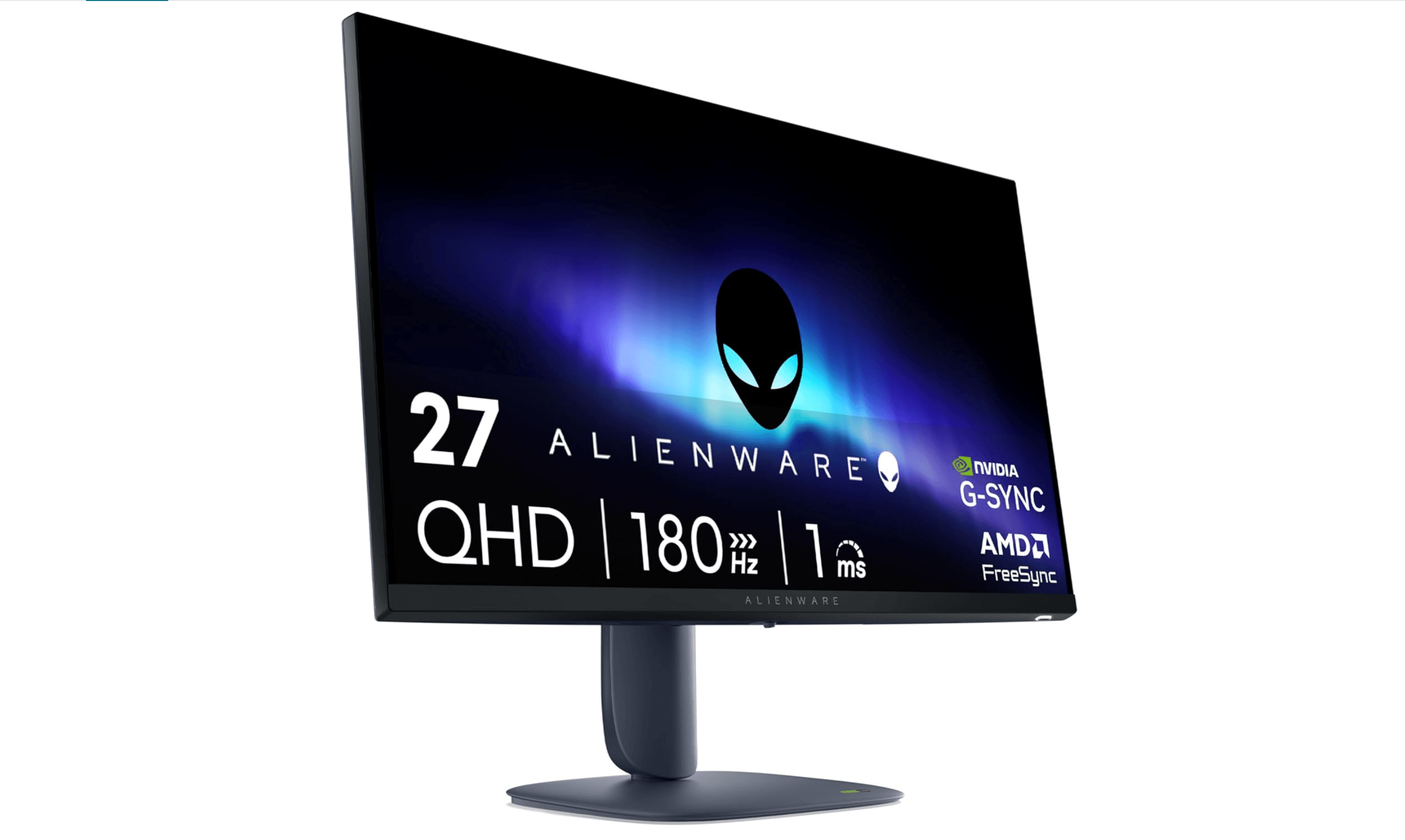
The Alienware 27 Gaming Monitor - AW2725DM delivers a smooth 180Hz refresh rate perfect for fast-paced competitive games. While the PS5 can't fully utilize 180Hz, the monitor's exceptional response times and low input lag make it ideal for esports titles.
Key highlights
- 27-inch QHD 180Hz 1ms Display, IPS
- Fast IPS panel with 1ms response time
- HDMI 2.1 support for console compatibility
- Alienware's premium design and build quality
- Fully adjustable stand with cable management
Pros
- Extremely low input lag for competitive advantage
- Excellent motion clarity with minimal blur
- Premium build quality and design
- Good color accuracy for a fast gaming monitor
Cons
- QHD resolution may be demanding for some systems
- HDR performance is weak
- No built-in speakers
Who it is for: Competitive gamers who prioritize response time and motion clarity, especially those who also play on PC.
Skip if
You primarily play cinematic single-player games or want 4K resolution for media consumption.
ASUS ROG Swift PG27UCDM - Best OLED experience
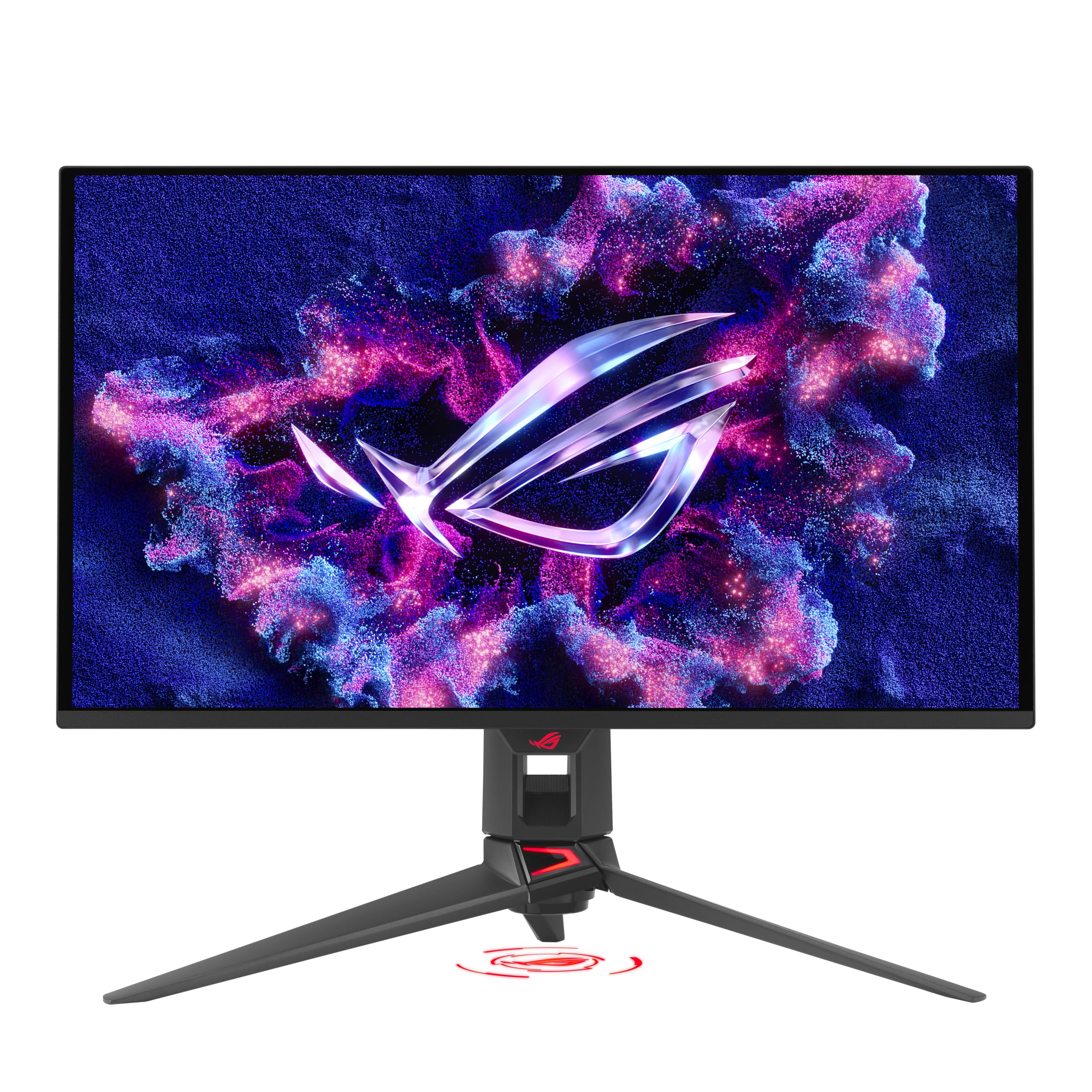
The ASUS ROG Swift PG27UCDM combines stunning OLED picture quality with high refresh rates for an immersive gaming experience. Its 4K panel suits PS5 gaming, while the 240Hz refresh rate is intended for compatible PCs; PS5 output tops out at 120Hz.
Key highlights
- 27-inch 4K QD-OLED panel with 240Hz refresh rate
- Near-instantaneous response times with perfect blacks
- 99% DCI-P3 color gamut coverage
- HDMI 2.1 support with VRR compatibility
- Comprehensive OLED burn-in protection features
Pros
- Exceptional picture quality with perfect contrast
- Fast response times with minimal motion blur
- Excellent HDR performance with wide color gamut
- Good brightness for an OLED display
Cons
- Higher risk of burn-in compared to traditional panels
- Premium price point
- Requires careful usage habits for longevity
Who it is for: Gamers who want the best possible picture quality and don't mind paying for it, especially those who value contrast and color accuracy.
Skip if
You're concerned about OLED burn-in or need maximum brightness for very bright rooms.
LG UltraGear G6 27G64NA-B - Best budget option
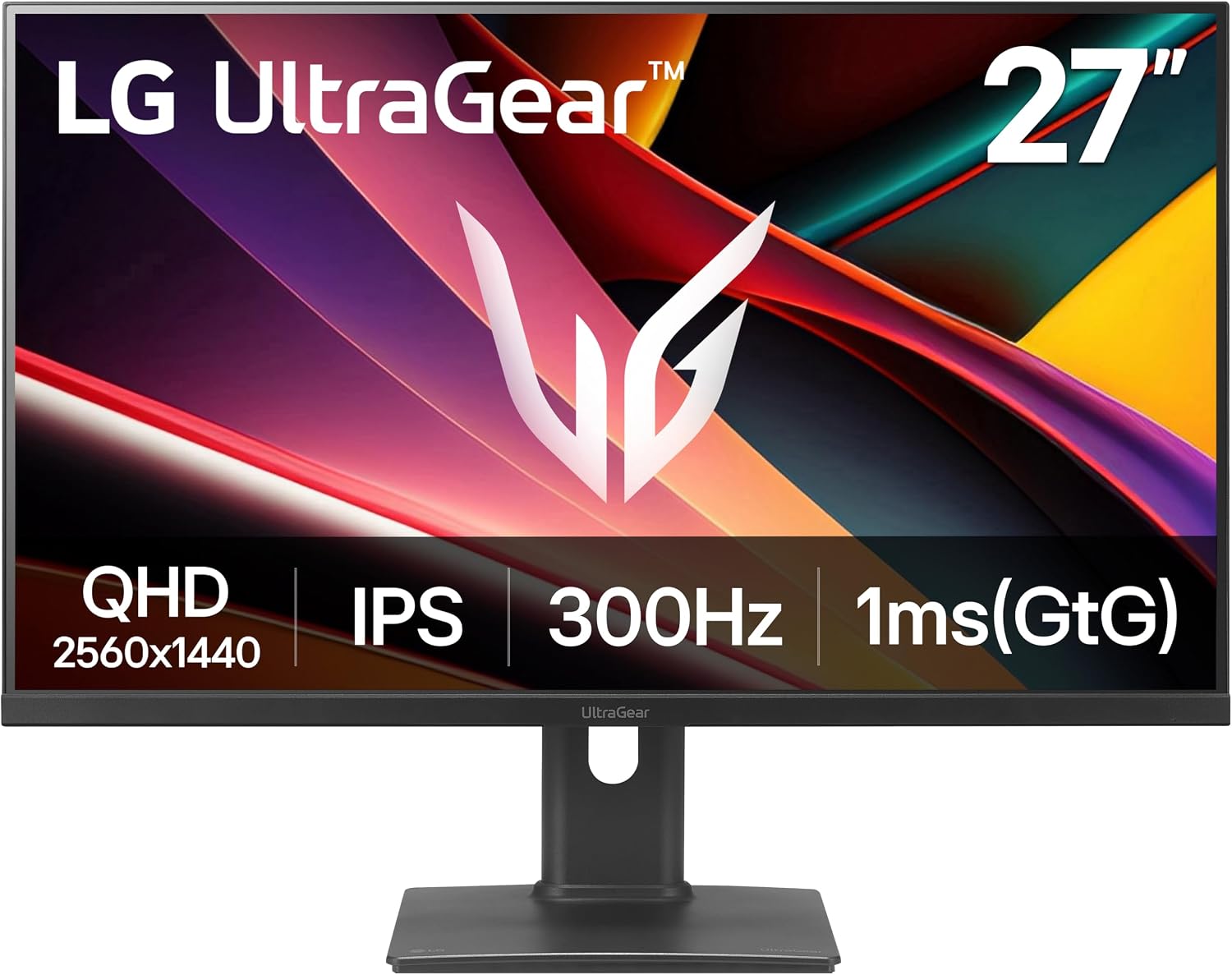
The LG UltraGear G6 27G64NA-B covers the essentials for a budget PS5 setup with a 27-inch QHD IPS panel and HDMI 2.1 connections. Its 300Hz maximum benefits compatible PCs; PS5 output tops out at 120Hz.
Previous LG UltraGear 27GP850-B pick: Check Price on LG
Key highlights
- 27-inch 2560 x 1440 IPS panel
- Up to 300Hz with a compatible PC
- Manufacturer-rated 1ms GtG response time
- VESA DisplayHDR 400 certification
- HDMI 2.1 and DisplayPort connections
- Stand adjusts for height, tilt and pivot
Pros
- QHD resolution on a 27-inch IPS screen
- HDMI 2.1 for console connections
- Height, tilt and pivot adjustments
- G-SYNC compatibility and FreeSync Premium for compatible PCs
Cons
- No native 4K resolution
- PS5 cannot use the panel's full 300Hz refresh rate
Who it is for: Budget-conscious PS5 players who want a 27-inch 1440p screen, especially for a shared console and PC setup.
Skip if
You want native 4K resolution or OLED contrast.
Also Good
- MSI MPG 321URX QD-OLED - top-tier 4K OLED with great burn-in protection.
- AOC 24G42HE - a 23.8-inch 1080p IPS gaming monitor with G-SYNC compatibility and a three-year warranty. Its 200Hz maximum is for compatible PCs; consoles run up to 120Hz.
How to Choose
Consider these factors when selecting a PS5 monitor:
Resolution and refresh rate balance: 4K 120Hz monitors offer the best visual fidelity but cost more. 1440p 120Hz provides a good middle ground, while 1080p 120Hz can suit competitive gaming. PS5 output tops out at 120Hz; faster monitor modes are for compatible PCs.
HDMI 2.1 support: Essential for 4K 120Hz gaming on PS5. HDMI 2.0 works for 1440p 120Hz, but you'll miss out on some features.
Panel type: OLED offers perfect blacks and fast response but risks burn-in. IPS provides good colors and viewing angles. VA has better contrast but slower response times.
HDR performance: Look for monitors with good peak brightness and local dimming for proper HDR. Many budget monitors claim HDR support but don't deliver meaningful improvements.
Size and viewing distance: 27-inch works well for desk setups, while 32-inch or larger monitors need more viewing distance. Consider your available space before choosing.
FAQ
Do I need HDMI 2.1 for PS5 gaming?
HDMI 2.1 is required for 4K 120Hz gaming. If you're using 1440p or 1080p, HDMI 2.0 works fine for 120Hz. For the full PS5 feature set, HDMI 2.1 is recommended.
Is 60Hz enough for PS5 gaming?
While 60Hz works, 120Hz provides noticeably smoother motion, especially in fast-paced games. The PS5 supports 120Hz in many titles, so a higher refresh rate monitor makes sense for most gamers.
Do ultrawide monitors work with PS5?
The PS5 doesn't natively support ultrawide resolutions. Ultrawide monitors will display black bars on the sides or stretch the image, so standard 16:9 monitors are better for console gaming.
Should I get an OLED monitor for PS5?
OLED monitors offer exceptional picture quality with perfect blacks and fast response times. However, they're more expensive and require careful usage to prevent burn-in. They're worth it if you prioritize visual quality and can afford the premium.
What size monitor is best for PS5 gaming?
27-inch monitors work well for most desk setups, providing good pixel density at 4K. 32-inch offers more immersion but needs more viewing distance. Consider your available space and viewing distance when choosing size.
Published February 23, 2026 Last updated September 5, 2026
Share this article
More in News
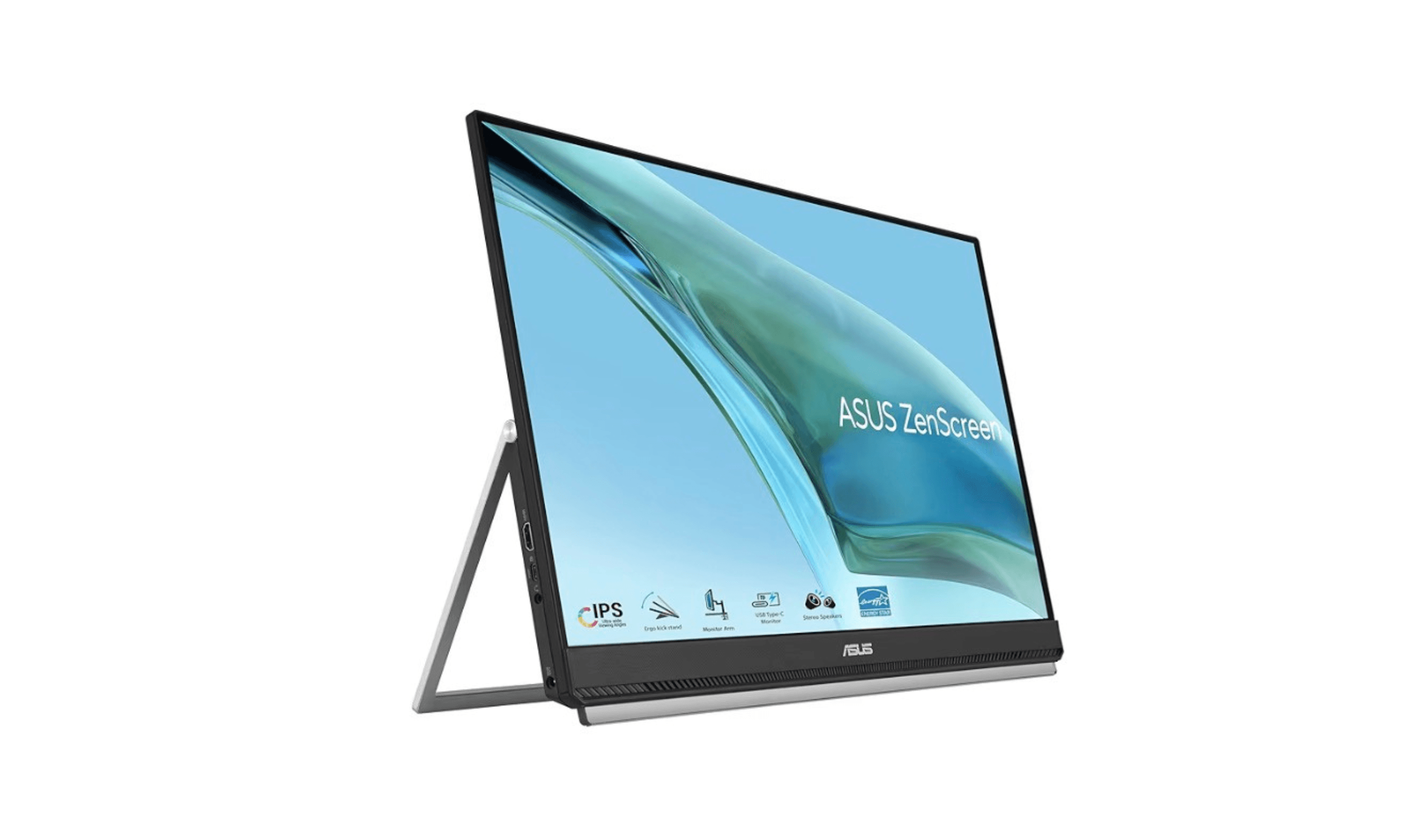
Best Portable Monitors for 2026
Discover the best portable monitors for 2026. Our top pick is the HP Series 5 Pro 514pn for premium build and image quality. Find the perfect travel or home office screen.
4 min read
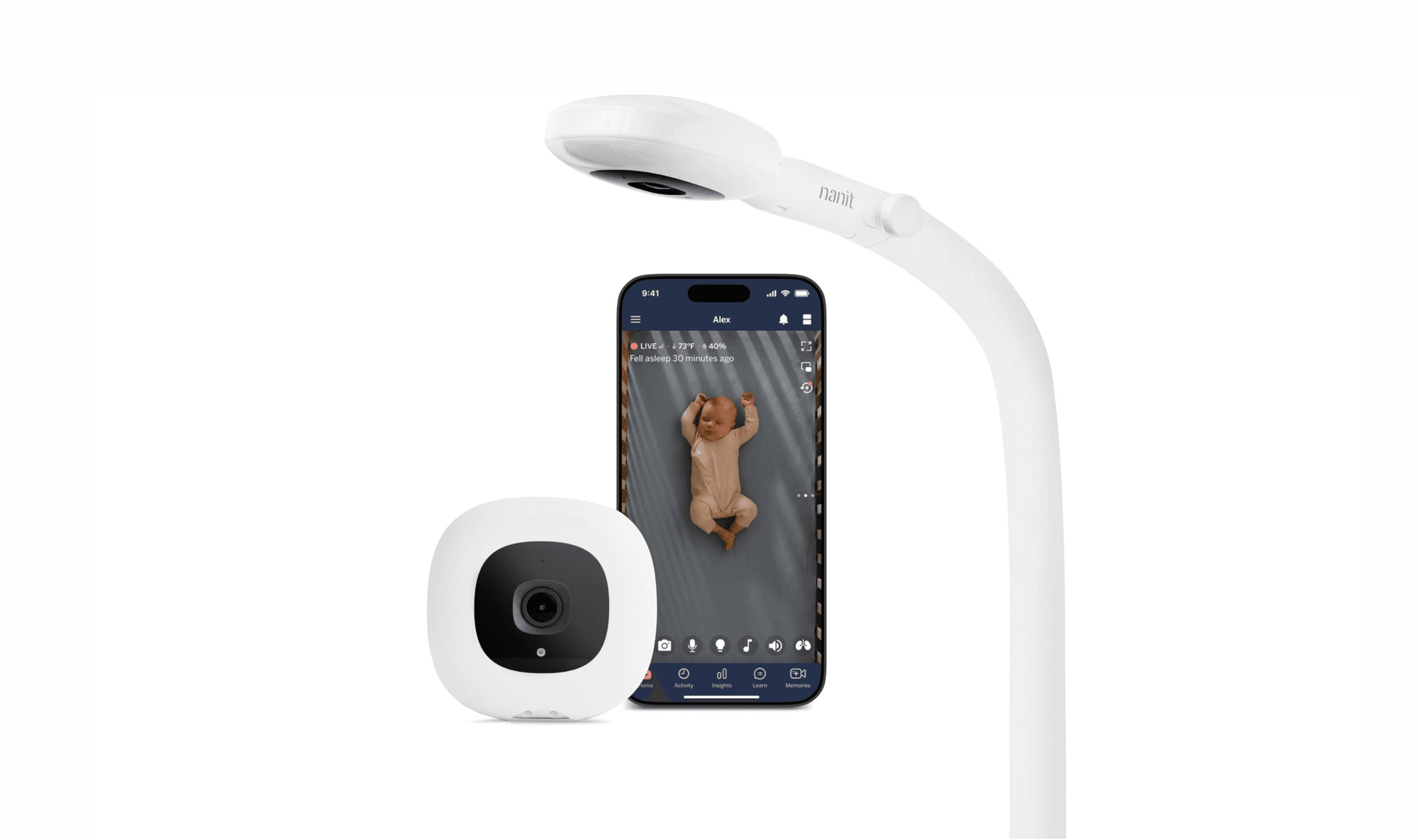
7 Best Smart Baby Monitors in 2026
The 7 best smart baby monitors of 2026, from the Nanit Pro for sleep and breathing tracking to budget VTech and FDA-cleared Owlet picks, $112 to $380.
3 min read
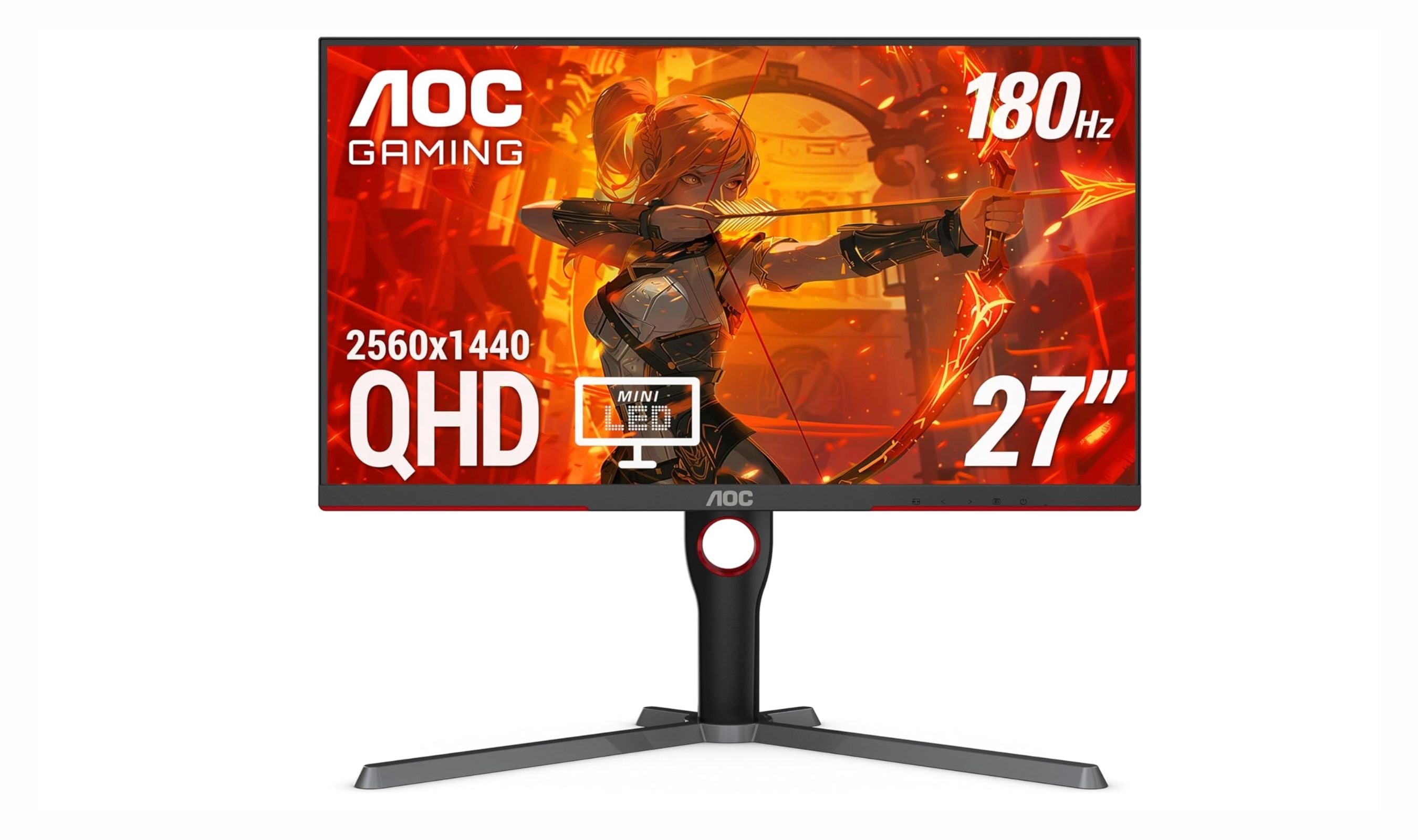
Best Monitors Under $300 for 2026
The AOC Q27G3XMN tops our list of the 4 best monitors under $300 for 2026, with Mini-LED HDR and 180Hz performance.
4 min read
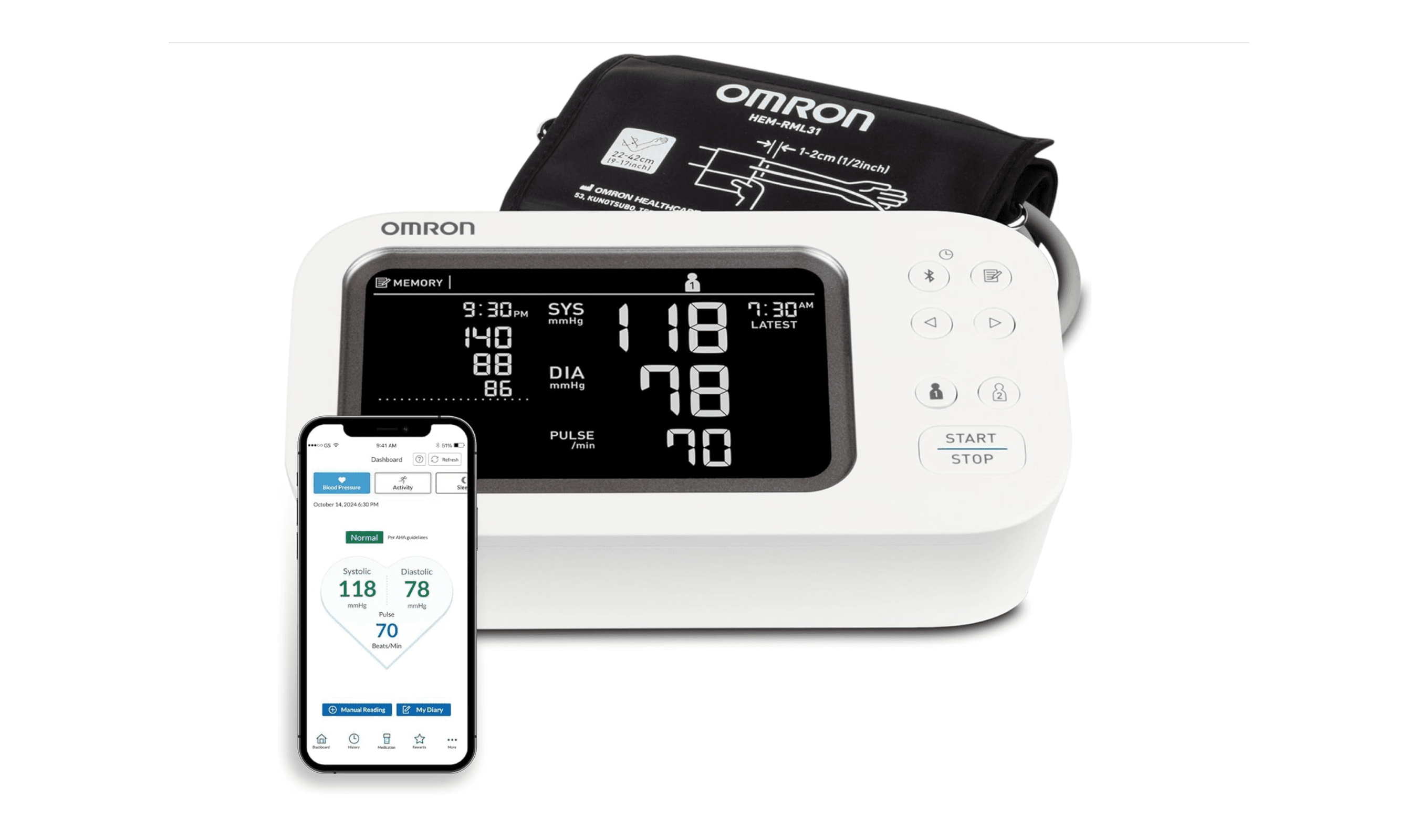
8 Best Blood Pressure Monitors for Home Use in 2026
We tested clinically validated blood pressure monitors from Omron, Withings, and more. The Omron Platinum leads our picks, with options from $40 to $140.
3 min read
Best TVs Under $300 for 2026
4 min read
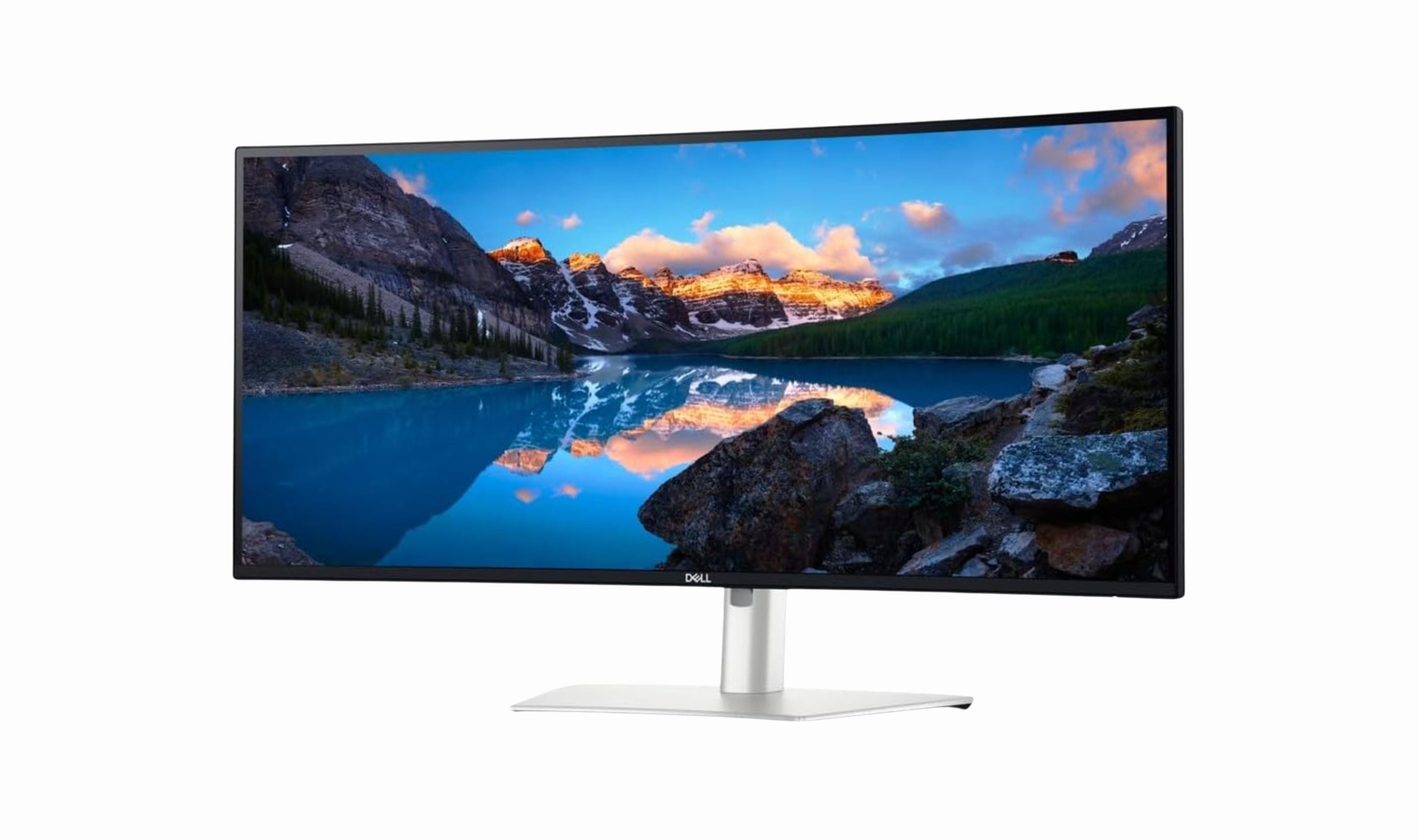
Best Ultrawide Monitors to Buy in 2026
5 min read
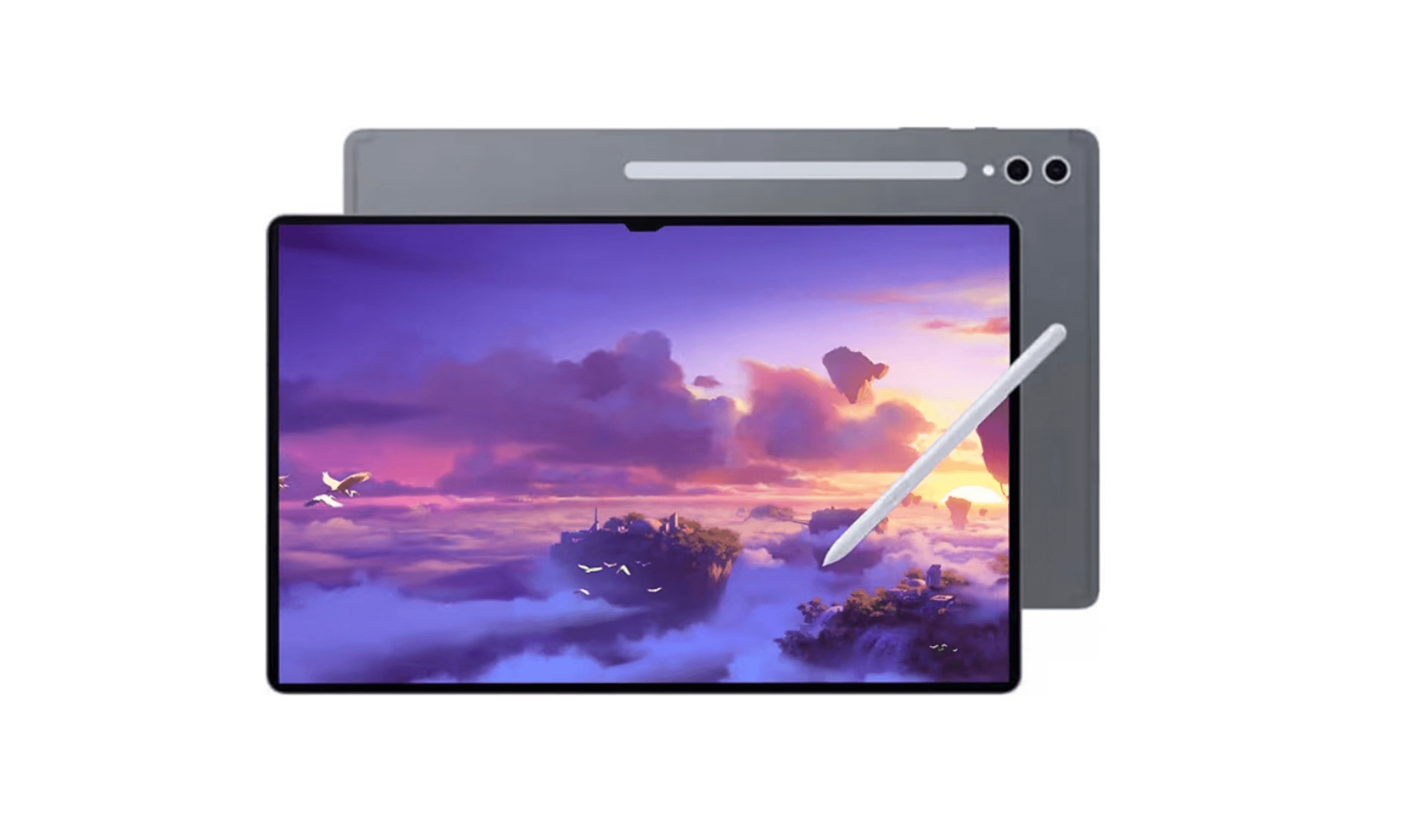
7 Best Tablets for Gaming in 2026
4 min read

Best Mobile Workstations for 2026
4 min read
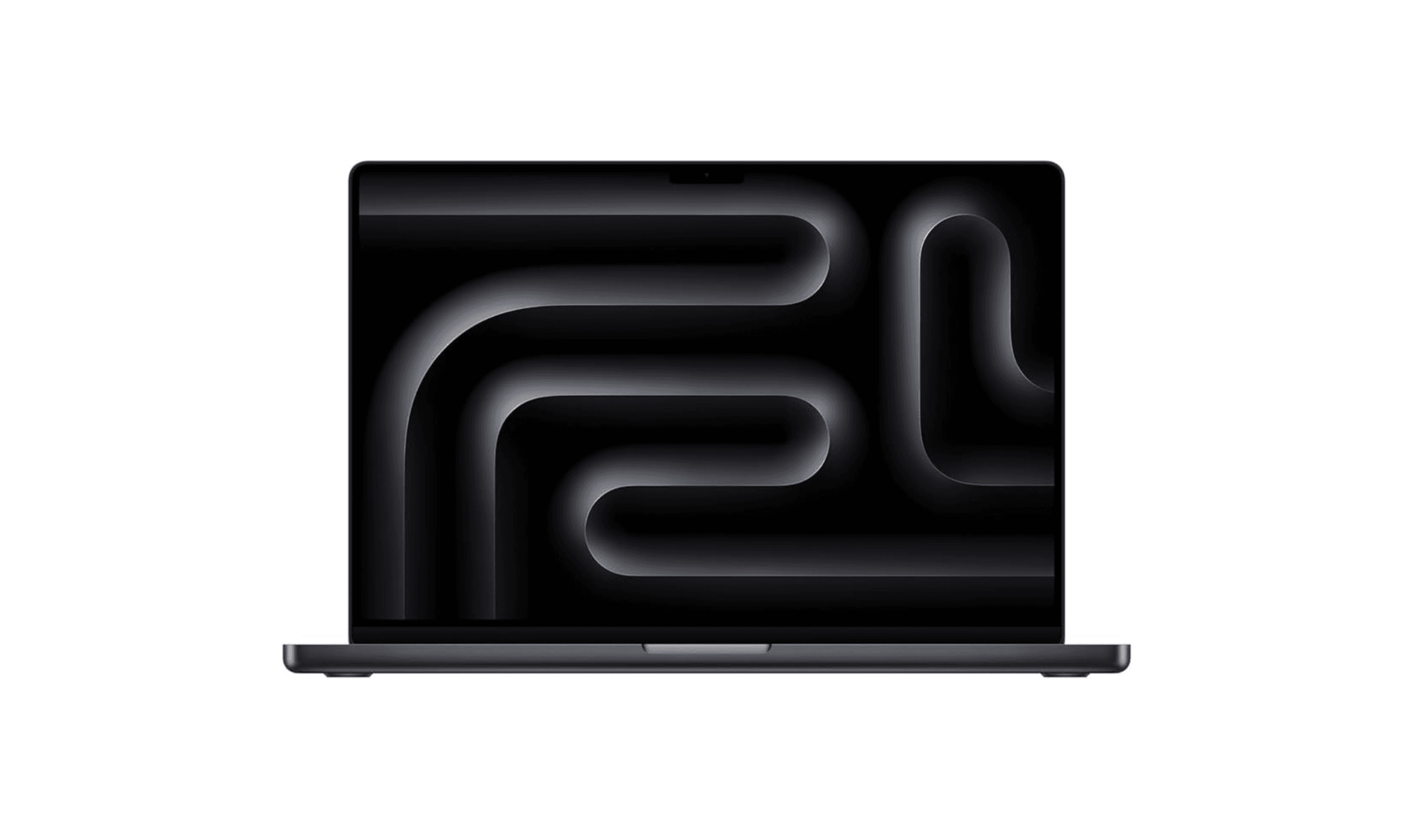
7 Best Laptops for Music Production in 2026
4 min read
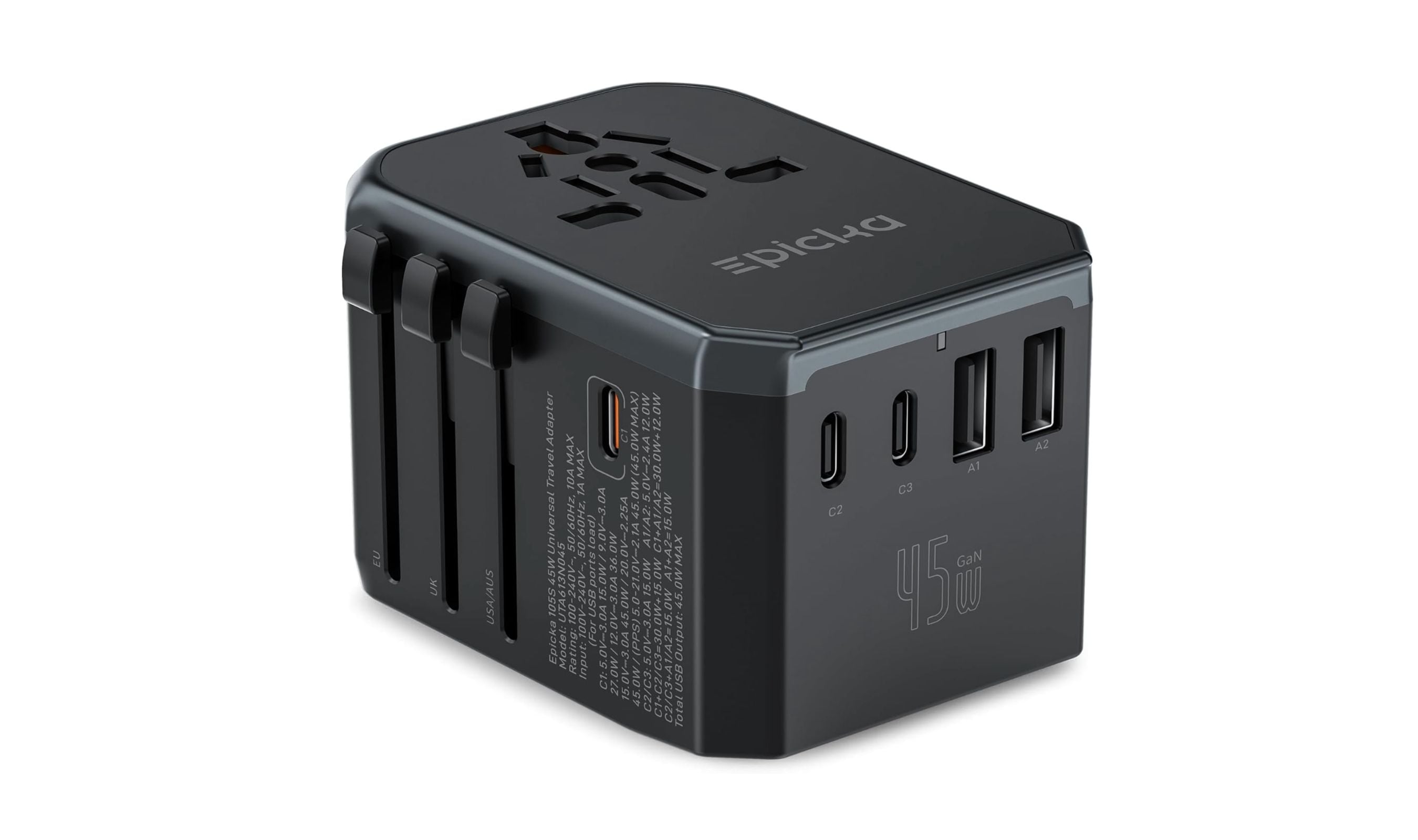
Best Universal Travel Adapters for 2026
3 min read
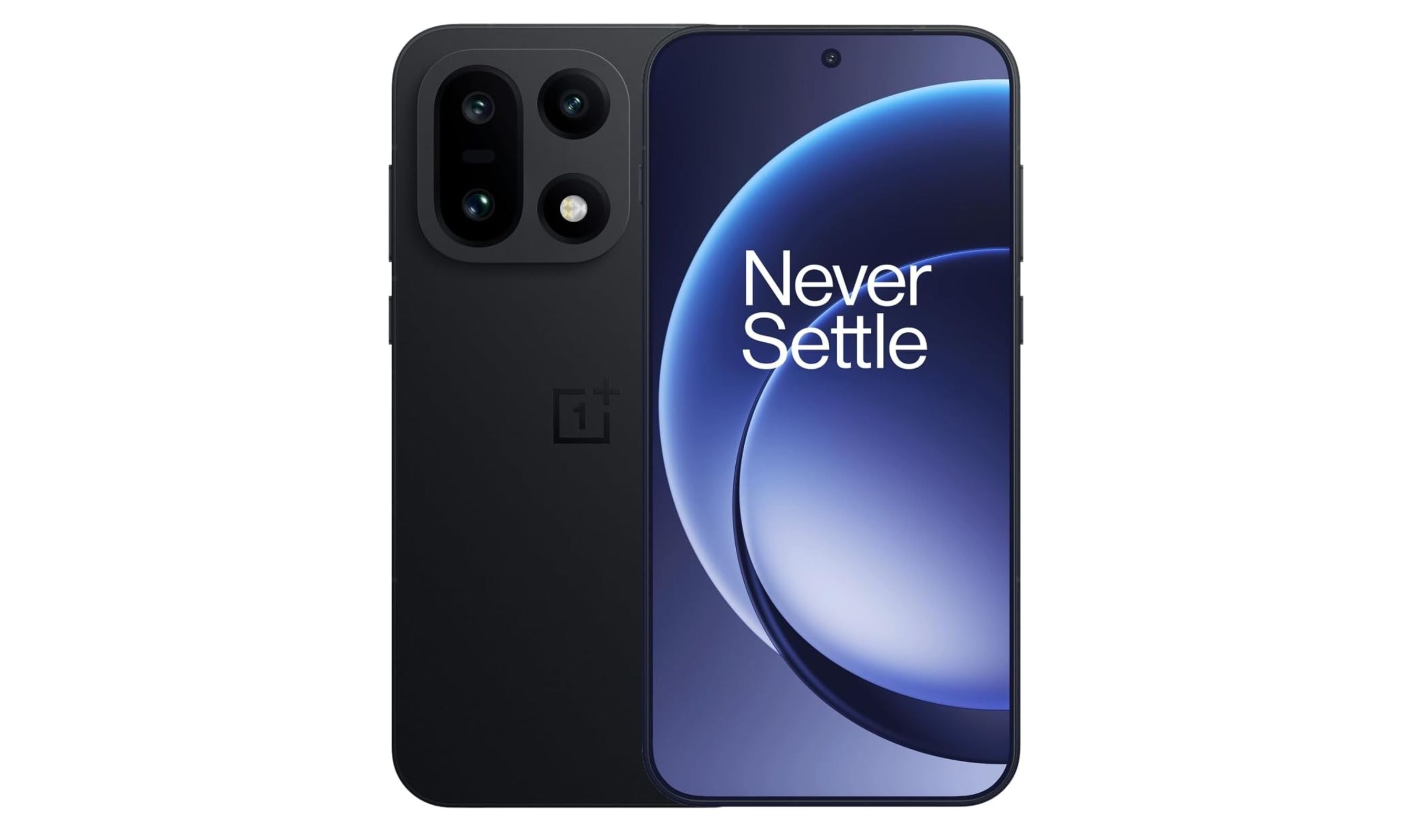
9 Best Smartphones With the Longest Battery Life for 2026
3 min read
8 Best Smartwatches for Seniors in 2026
5 min read