The Apple Mac mini M4 is the best mini PC for most office workers, combining blazing performance with whisper-quiet operation in a tiny five-inch frame. But if you prefer Windows or need to stretch your budget further, the Geekom A9 Max and Beelink EQR6 offer strong alternatives. This list focuses on machines that handle spreadsheets, video calls, document editing, and multitasking without taking over your desk.
Technobezz is supported by its audience. We may get a commission from retail offers.
Best Mini PCs for 2026
The Apple Mac mini M4 tops our list of the best mini PCs for 2026, offering blazing performance in a compact design, with strong Windows alternatives from Geekom and Beelink.
T
Technobezz
Senior Editor
Updated June 15, 2026Jun 15, 2026
•9 min read

Get Deals Like These in Your Inbox
The best prices, reviewed weekly.
At a Glance
| Category | Product | Why We Picked It |
|---|---|---|
| Best overall | Apple Mac mini (M4) | Unmatched performance per dollar in a compact, silent design |
| Best Windows alternative | Geekom A9 Max | Powerful Ryzen AI chip with extensive ports |
| Best value | Beelink EQR6 | Solid productivity performance at roughly half the cost |
| Best for budget offices | GMKtec G10 | Capable light-duty machine at a low price |
| Best business pick | Asus NUC 15 Pro+ | Enterprise-ready with Thunderbolt 4 and Wi-Fi 7 |
| Also recommended | Lenovo ThinkCentre Neo 50q Tiny | Enterprise build with triple 4K support |
| Also recommended | Geekom A5 (2025 Edition) | Colorful budget pick with quad monitors |
| Also recommended | HP Z2 Mini G1a | Workstation power for serious pro workloads |
How we chose and tested
We evaluated the most-reviewed mini PCs on the market, focusing on models suited for office productivity. Our assessment considers processor performance, RAM and storage configurations, port selection for multi-monitor setups, noise levels, upgradeability, and overall value. We prioritized products that strike a balance between power and price for typical office workloads like web browsing, document editing, spreadsheets, video conferencing, and light creative tasks.
The best mini PCs for office right now
Apple Mac mini (M4) - Best overall
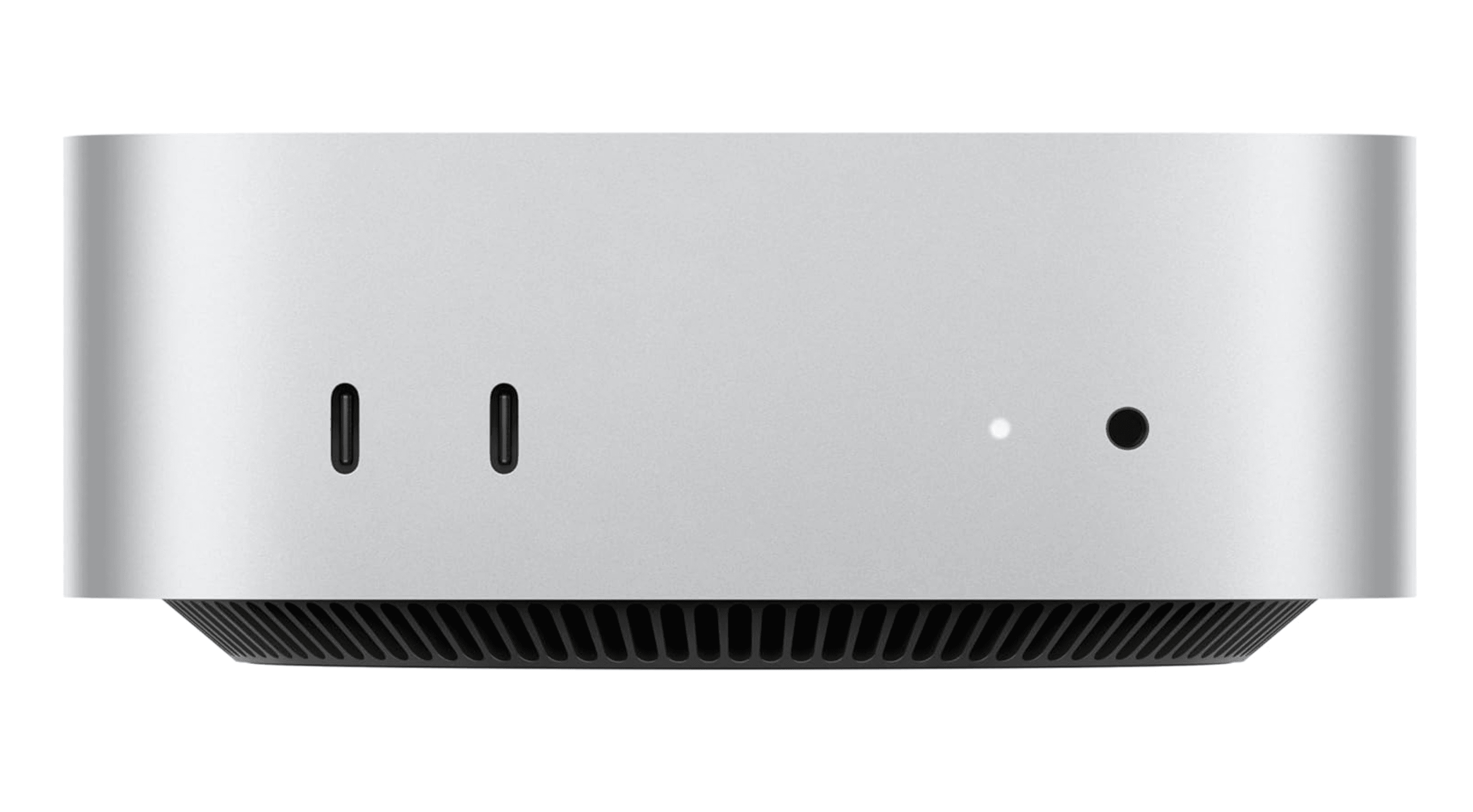
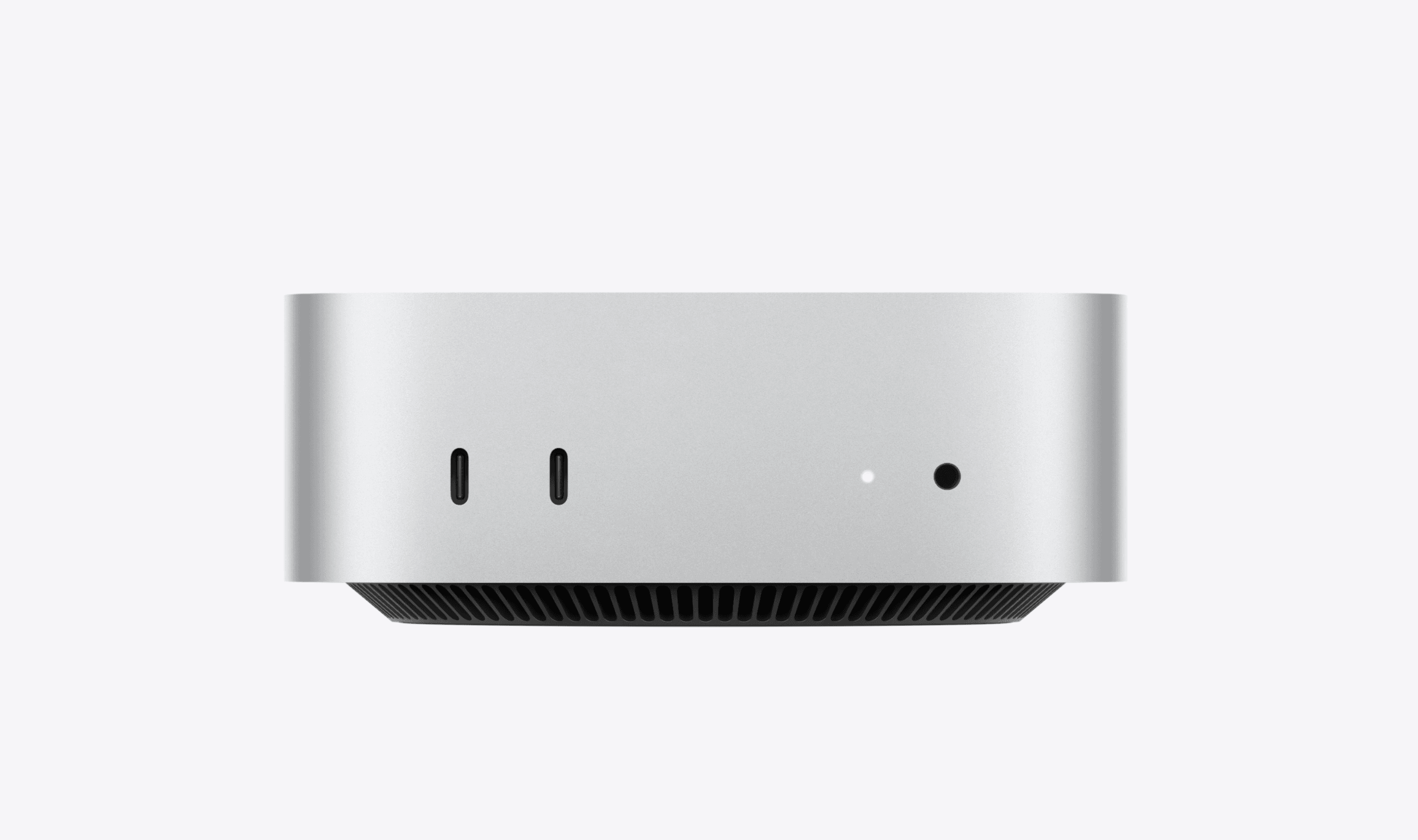
Apple's M4-powered Mac mini is the gold standard for compact office computing. It delivers desktop-class performance in a 5x5x2-inch chassis that runs cool and nearly silent. The base model comes with 16GB of unified memory, and the M4 chip handles everything from dozens of browser tabs to 4K video editing without breaking a sweat. Five USB-C ports (three Thunderbolt 4 on the back, two on the front), HDMI, and Ethernet give you plenty of connectivity for a multi-monitor setup.
Key highlights
- Apple M4 chip with 10-core CPU and 10-core GPU
- 16GB unified memory (configurable up to 32GB)
- 512GB SSD storage (configurable up to 2TB)
- Five USB-C ports including three Thunderbolt 4
- Supports up to three 5K displays
Pros
- Blazing fast performance for office and creative work
- Runs nearly silent even under load
- Compact footprint that disappears on a desk
- Excellent energy efficiency
Cons
- No internal upgrade options after purchase
- Apple's storage upgrades are expensive
- Power button placement on the underside is inconvenient
- macOS not ideal for Windows-only workflows
Who it is for: Office workers who want a powerful, quiet, and compact desktop and are comfortable with macOS. Great for anyone already in the Apple ecosystem.
Skip if
You need Windows-specific software, want to upgrade components down the line, or prefer a lower upfront cost.
Geekom A9 Max - Best Windows alternative
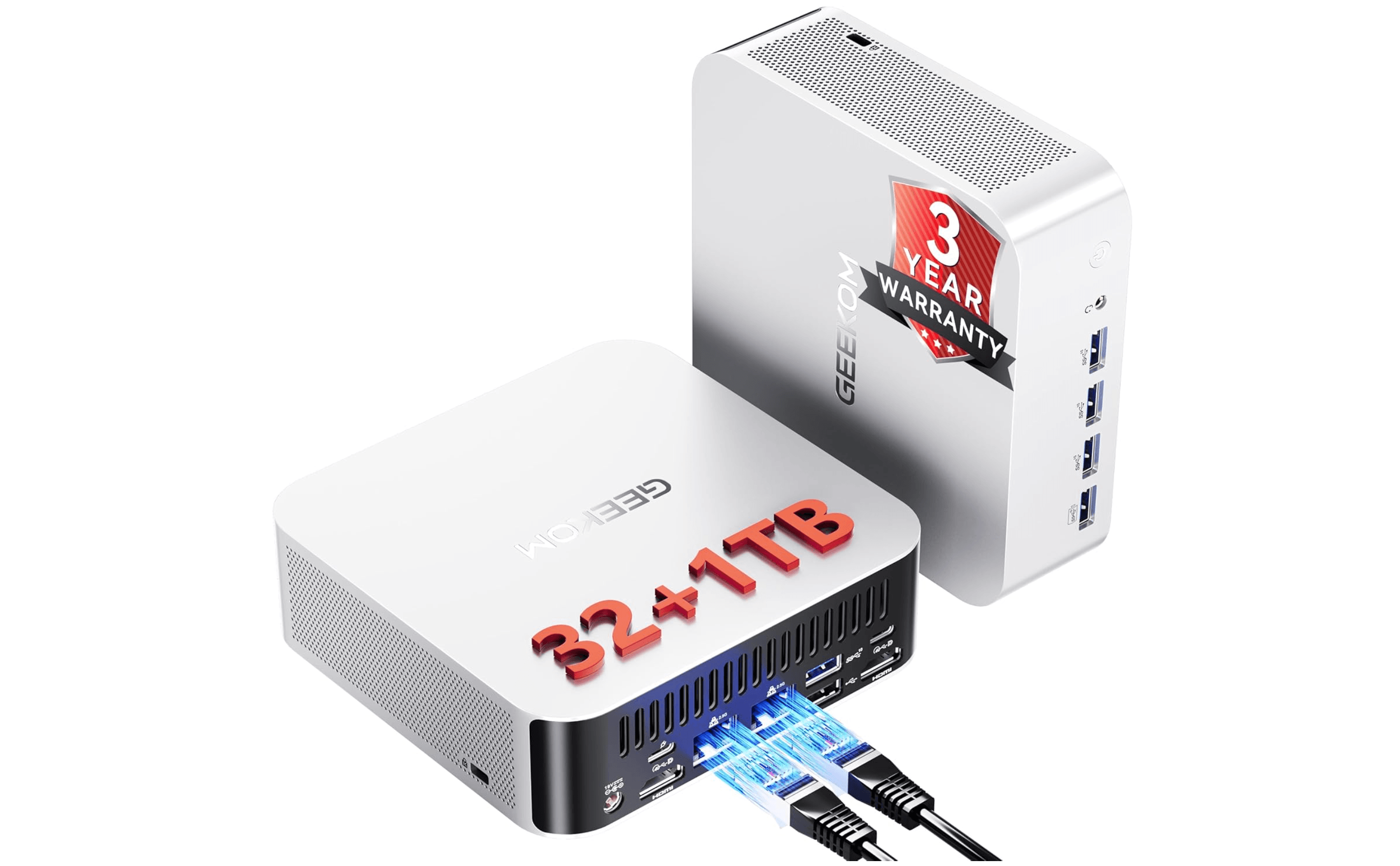
The Geekom A9 Max is the closest Windows competitor to the Mac mini, packing an AMD Ryzen AI 9 HX 370 processor with Radeon 890M graphics into a sleek all-metal chassis. It comes fully loaded with 32GB of DDR5 RAM and a 2TB SSD right out of the box. Port selection is generous: six USB-A ports, two USB4 ports, dual HDMI 2.1, dual 2.5GbE Ethernet, and an SD card reader. It can drive up to four monitors, making it a strong choice for power users who need Windows.
Key highlights
- AMD Ryzen AI 9 HX 370 (12 cores, Zen 5 architecture)
- AMD Radeon 890M integrated graphics
- 32GB DDR5 RAM (expandable to 128GB)
- 2TB PCIe 4.0 SSD
- Dual USB4, dual HDMI 2.1, dual 2.5GbE LAN
Pros
- Excellent multi-core performance for demanding office tasks
- Extensive port selection with USB4 and dual Ethernet
- Upgradeable RAM and storage
- Premium all-metal design
Cons
- Higher price point than many office-focused mini PCs
- Can get noisy under sustained heavy loads
- Internal access is trickier than some competitors
- Overkill for basic office tasks like email and browsing
Who it is for: Windows users who need serious processing power for tasks like video editing, data analysis, or running virtual machines, and want a premium compact desktop.
Skip if
Your office work is limited to documents, spreadsheets, and email. You will pay for power you will not use.
Beelink EQR6 - Best value
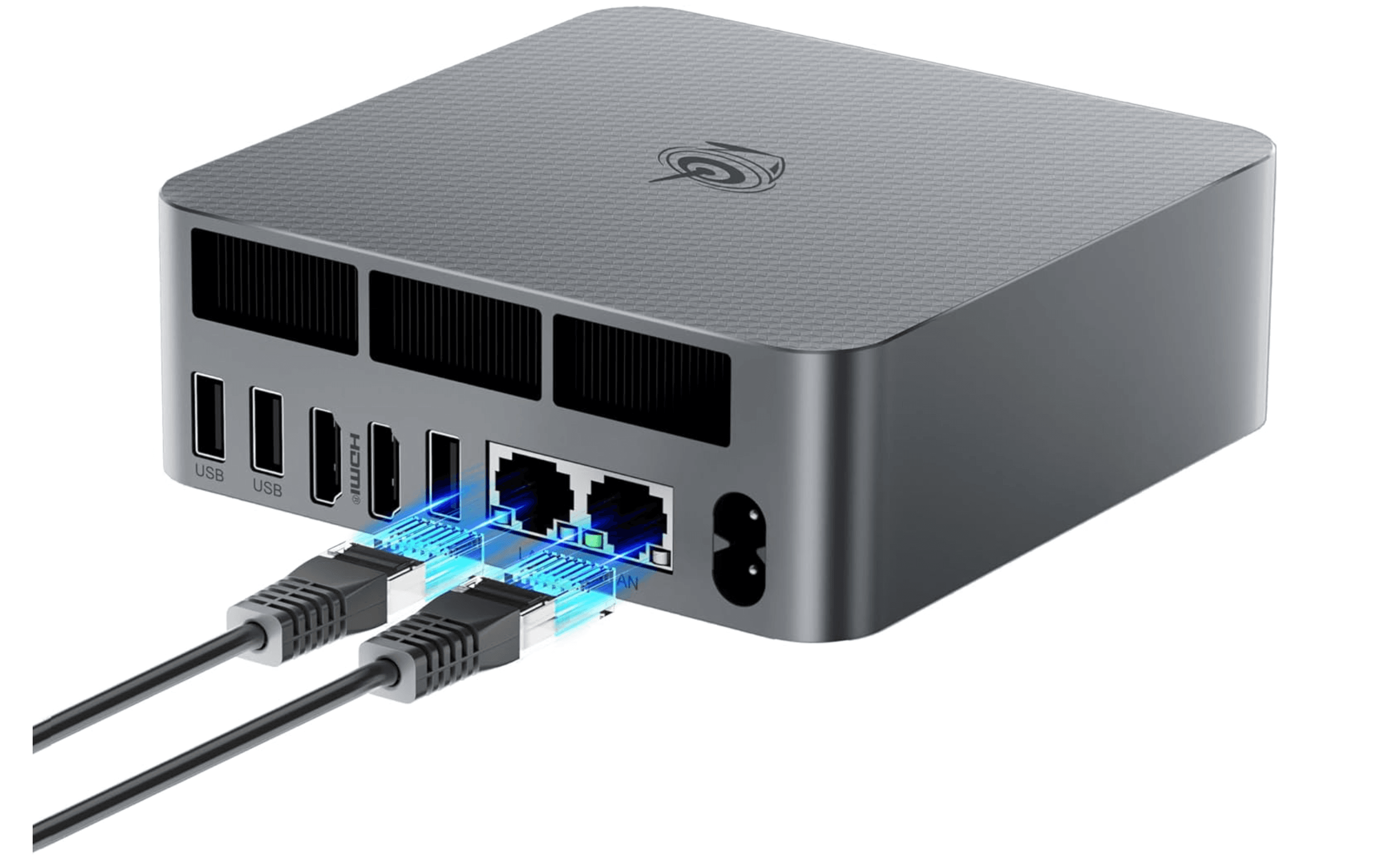
The Beelink EQR6 delivers excellent productivity performance at a price that is hard to beat. Powered by an AMD Ryzen 5 6600U processor with 24GB of LPDDR5 RAM and a 500GB SSD, it handles multitasking, office applications, and light photo editing with ease. It includes dual HDMI ports for multi-monitor setups, dual LAN ports, and multiple USB-A connections. The built-in power supply means no bulky external brick on your desk.
Key highlights
- AMD Ryzen 5 6600U processor
- 24GB LPDDR5 RAM
- 500GB M.2 NVMe SSD
- Dual HDMI, dual LAN, USB-C, four USB-A
- Built-in power supply
Pros
- Strong performance for the price
- Quiet operation even under load
- Dual HDMI makes multi-monitor setup easy
- Compact design with integrated PSU
Cons
- Supports dual M.2 storage slots (one PCIe NVMe + one SATA)
- No Thunderbolt or USB4 support
- Integrated graphics not meant for gaming
- Plastic chassis feels less premium
Who it is for: Budget-conscious office workers and small businesses who need reliable performance for daily productivity tasks without overspending.
Skip if
You need Thunderbolt connectivity, plan to do heavy video editing, or want a premium metal chassis.
GMKtec G10 - Best budget pick
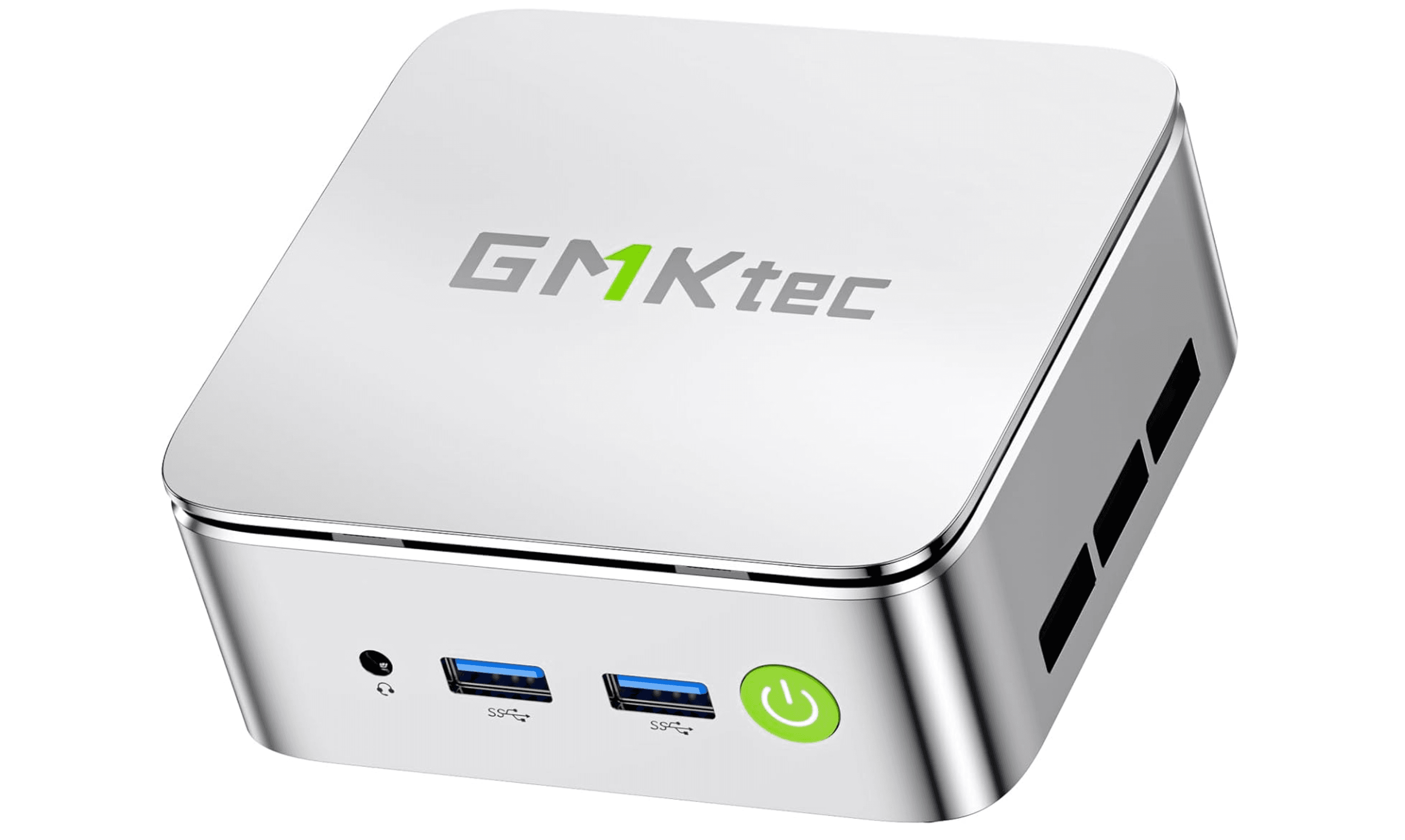
The GMKtec G10 proves you do not need to spend much for a capable office machine. It handles web browsing, document editing, streaming, and light multitasking without issue. The real standout is its upgradeability: it is exceptionally easy to open and access the internals, and you can expand the RAM up to 64GB and storage up to 16TB. Available in barebones or pre-configured versions, it gives budget buyers room to grow.
Key highlights
- AMD processor (configurable)
- 16GB DDR4 RAM (expandable to 64GB)
- 512GB or 1TB SSD options (expandable to 16TB)
- Tool-free access to internal components
- VESA mount compatible
Pros
- Very affordable entry point
- Excellent upgradeability for the price
- Easy to open and service
- Quiet operation for basic tasks
Cons
- No USB4 or Thunderbolt ports
- Performance is modest, not for heavy workloads
- Plastic build quality
- Limited port selection compared to pricier models
Who it is for: Budget-focused buyers, students, or home office users who need a basic computer for everyday tasks and want the option to upgrade later.
Skip if
You regularly work with large spreadsheets, edit video, or run demanding applications. This machine is best for light duty.
Asus NUC 15 Pro+ - Best for business
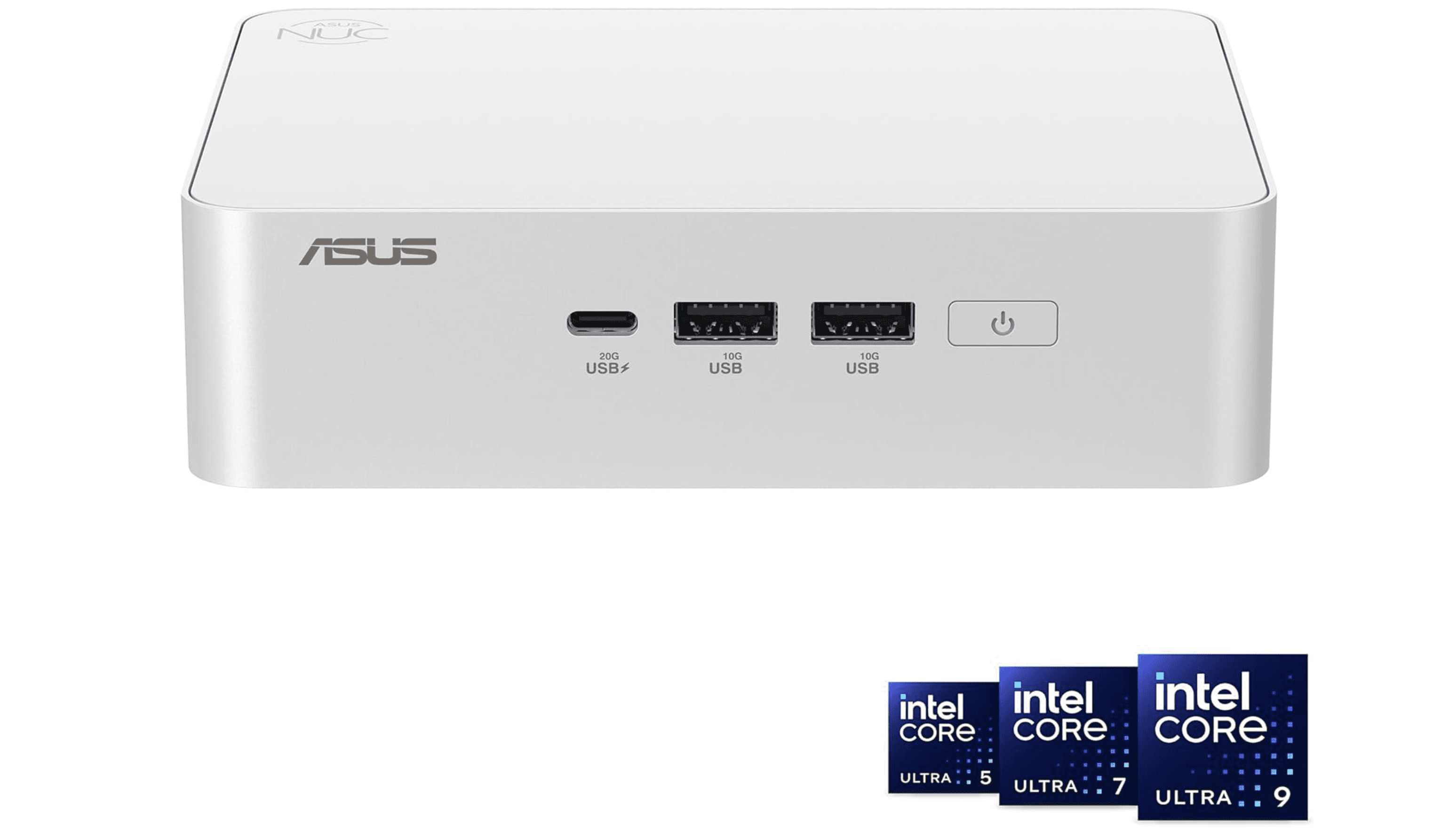
The Asus NUC 15 Pro+ brings Intel's latest Core Ultra processing to a compact 0.7-liter chassis designed for professional environments. It features Thunderbolt 4, Wi-Fi 7, Bluetooth 5.4, and dual HDMI 2.1 ports. The tool-free chassis makes upgrades simple, and the three-year warranty adds peace of mind for business buyers. It supports up to 96GB of RAM and includes Intel Arc graphics for handling light creative work alongside office tasks.
Key highlights
- Intel Core Ultra 5/7 processor (Series 2)
- Intel Arc integrated graphics
- Up to 96GB DDR5 RAM support
- Thunderbolt 4, Wi-Fi 7, Bluetooth 5.4
- 0.7-liter tool-free chassis
Pros
- Business-grade build quality and warranty
- Cutting-edge connectivity with Thunderbolt 4 and Wi-Fi 7
- Easy tool-free upgrades
- Compact size with VESA mount support
Cons
- Higher cost for the performance tier
- No discrete GPU option
- Base configurations may need RAM/storage upgrades
- Limited availability compared to consumer brands
Who it is for: IT managers equipping offices, professionals who need reliable hardware with strong support, and anyone who wants the latest connectivity standards.
Skip if
You are on a tight budget or need a mini PC for light home office use. The NUC 15 Pro+ is built for business deployments.
Also Good
- Lenovo ThinkCentre Neo 50q Tiny - enterprise build with triple 4K support. Check Price on Lenovo
- Geekom A5 (2025 Edition) - colorful budget pick with quad monitors.
- HP Z2 Mini G1a - workstation power for serious pro workloads. Check Price on HP
How to Choose
Processor matters, but not as much as you think. For office work like documents, spreadsheets, and email, a mid-range Ryzen 5 or Core i5 is plenty. Save your money unless you are doing video editing, data analysis, or running VMs.
RAM is the real bottleneck. 16GB is the sweet spot for smooth multitasking. Avoid 8GB models if you keep many tabs and apps open. Some mini PCs let you upgrade later, which is worth checking.
Port selection determines your setup. If you use two or three monitors, make sure the mini PC has enough HDMI or DisplayPort outputs. USB-C with DisplayPort Alt Mode can also drive displays. Think about whether you need Ethernet, SD card slots, or USB4.
Noise matters in shared spaces. Some mini PCs run loud under load. If your desk is in an open office or quiet room, look for models praised for silent operation, like the Mac mini or Beelink EQR6.
Upgradeability extends the lifespan. Many budget and mid-range mini PCs let you swap RAM and storage. Higher-end options like the Mac mini do not. If you want to keep the same machine for five years, upgradability is a real advantage.
FAQ
Can a mini PC handle dual monitors for office work?
Yes. Most mini PCs on this list support at least two 4K displays. Models with dual HDMI, DisplayPort, or USB-C with Alt Mode can drive three or even four monitors.
Are mini PCs quiet enough for an open office?
It depends on the model. The Apple Mac mini M4 is nearly silent. The Beelink EQR6 and GMKtec G10 are also quiet under normal office workloads. Higher-performance models like the Geekom A9 Max can get audible under load.
How long do mini PCs typically last?
With adequate ventilation, a mini PC should last 3 to 5 years for standard office work. Models with upgradeable RAM and storage can stay relevant longer since you can swap in faster components as needed.
Is 8GB of RAM enough for office use?
16GB is the recommended minimum for comfortable multitasking with multiple browser tabs, Office apps, and video conferencing running at the same time. 8GB works for very light use but will feel cramped.
Do mini PCs use less power than desktop towers?
Yes, significantly. Mini PCs use mobile or low-power processors that draw 15W to 65W under load, compared to 300W to 500W for a traditional desktop tower. This translates to noticeably lower electricity costs over time.
Published May 2, 2026 Last updated June 15, 2026
Share this article
More in News
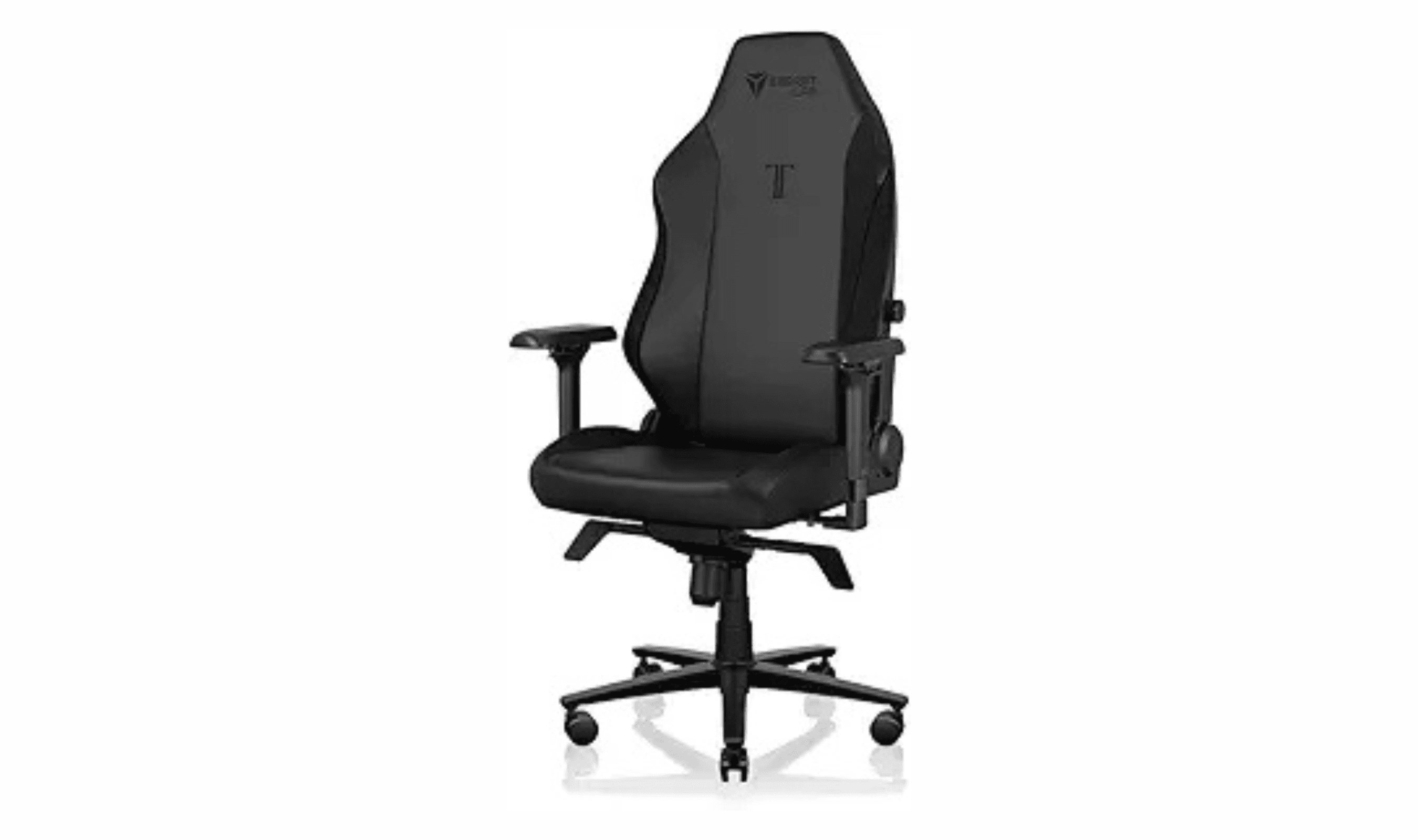
9 Best Computer Chairs for 2026
The 9 best computer chairs for 2026, from the premium Secretlab Titan Evo to the budget Ticova Ergonomic and Herman Miller Aeron, picked for all-day comfort.
5 min read
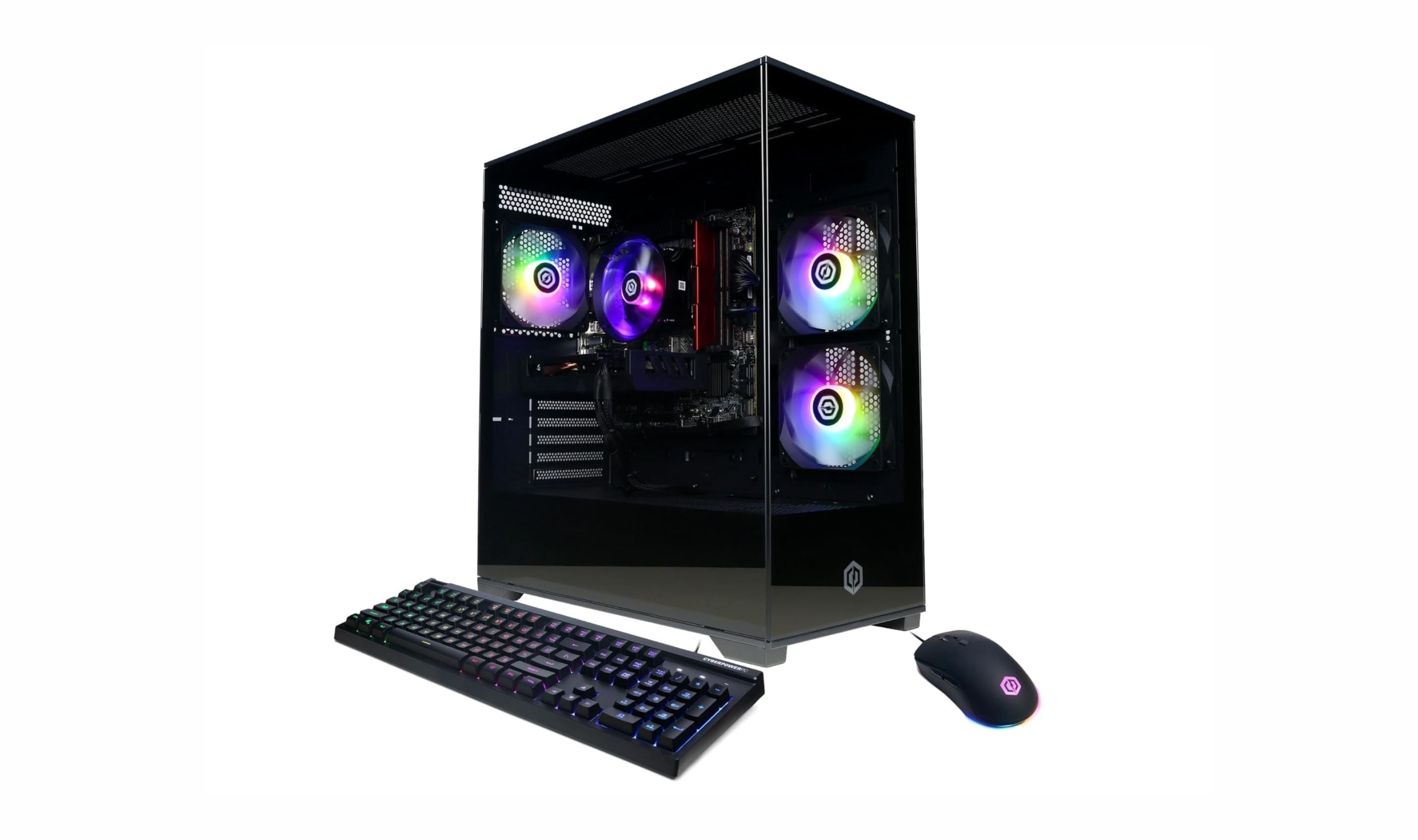
9 Best Desktops Under $1500 for 2026
The best desktops under $1500 for gaming, work, and compact setups. Our top pick is the CyberPowerPC Gamer Xtreme VR with an RTX 5060, plus value and mini picks.
3 min read
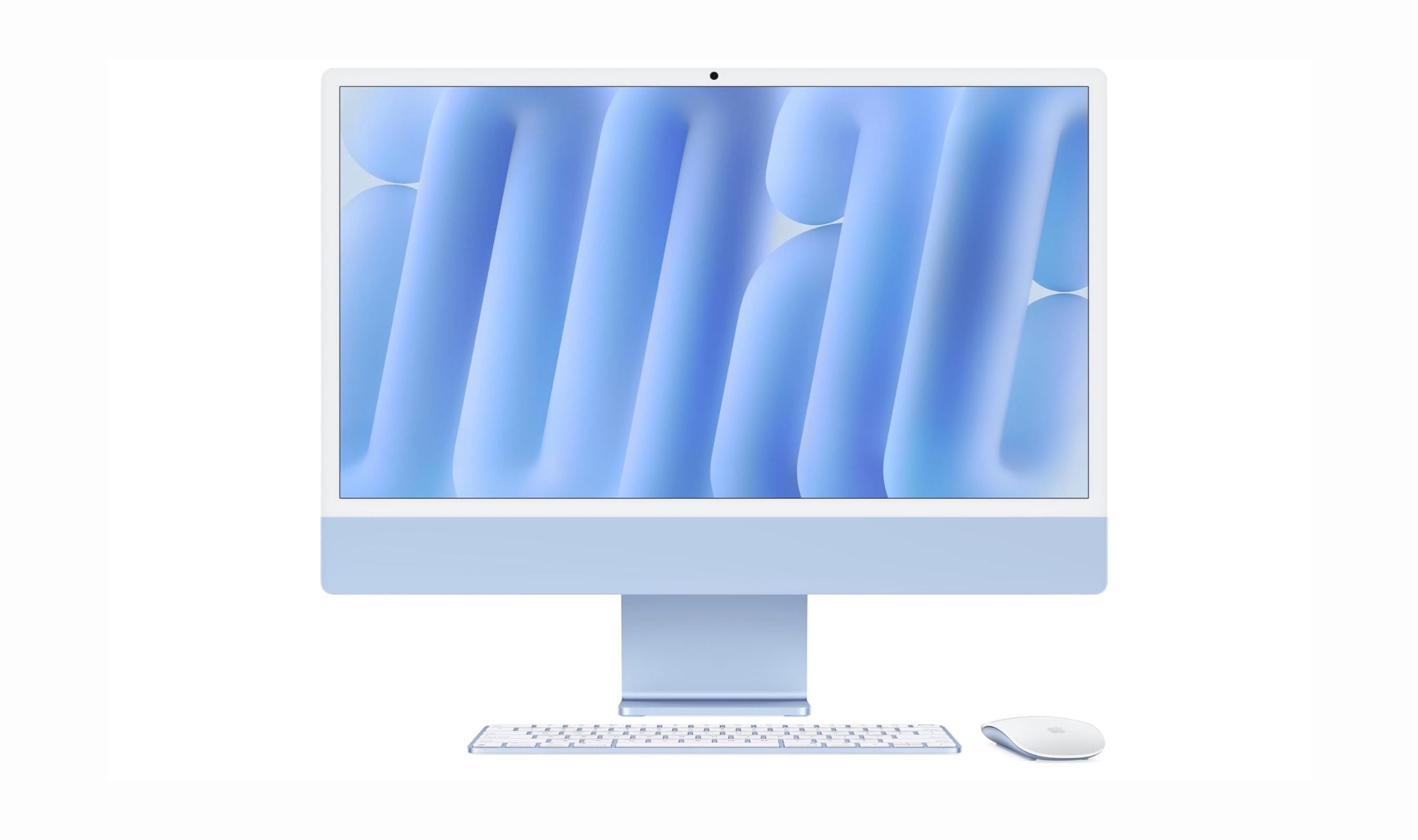
5 Best All-in-One Desktops for 2026
Our top all-in-one desktops for 2026, led by the Apple iMac M4. Plus the best Windows AIOs from Lenovo, HP, and Dell from around $870 to $2,300.
3 min read
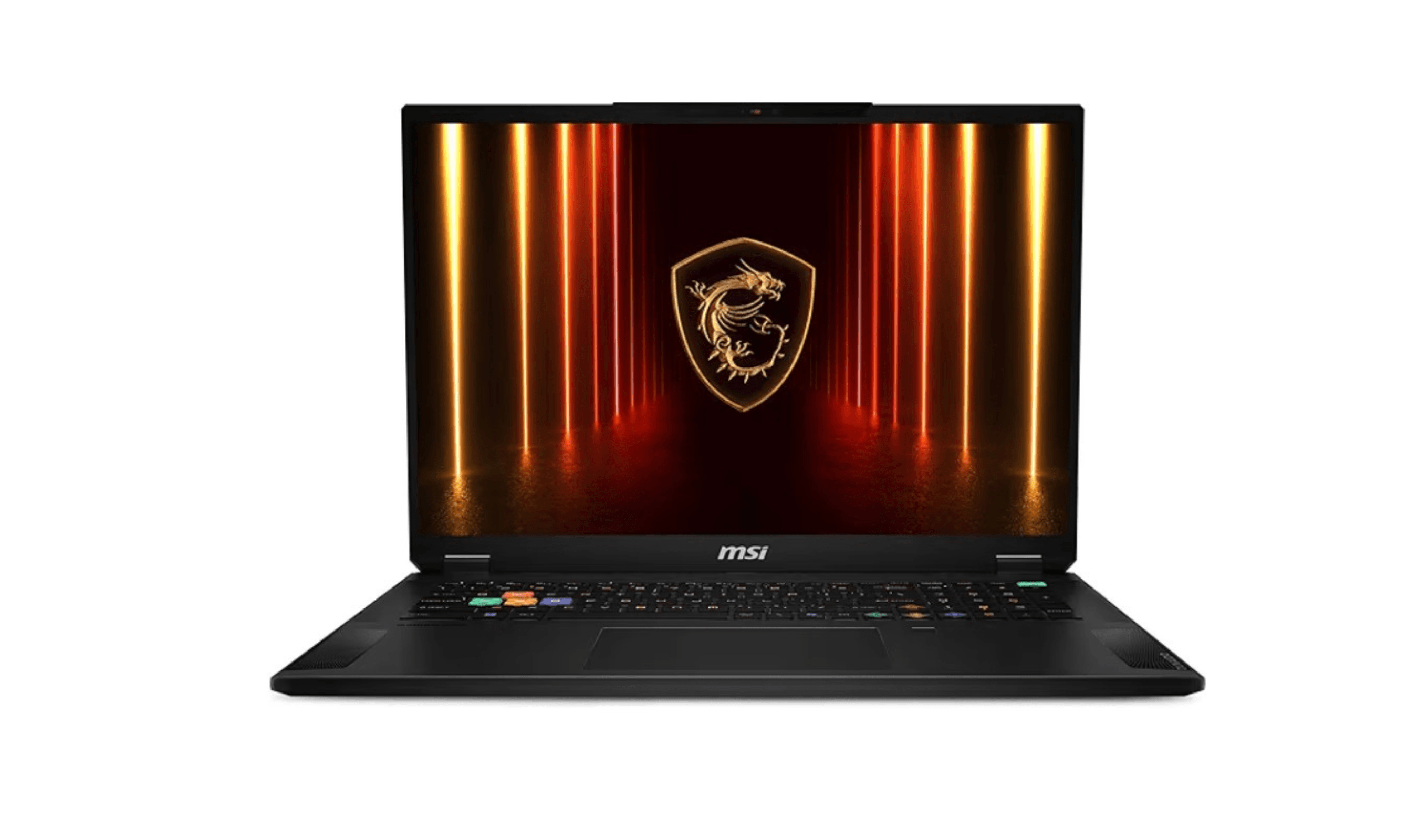
3 Best Computers for AutoCAD in 2026
Discover the best computers for AutoCAD in 2026. Our top pick is the powerful ASUS ProArt P16 for architects and engineers.
3 min read
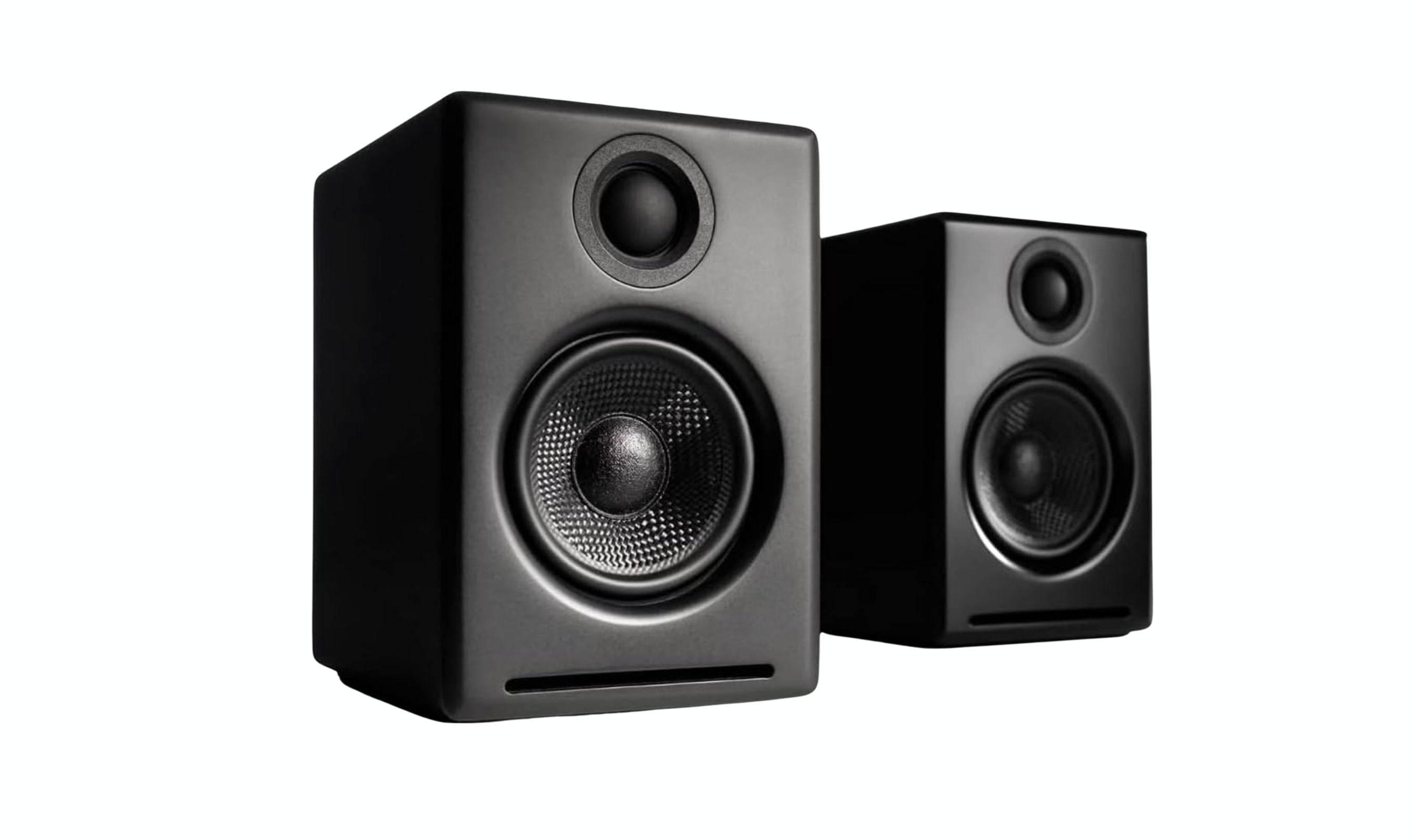
Best Computer Speakers for 2026
3 min read
Top 7 High-Performance Desktops for Every Budget (2026)
4 min read
JBL Clip 5 Bluetooth Speaker is $49.95 at Woot
3 min read
ASUS Vivobook S16 16-inch price drops to $1159.99
3 min read
msi PRO MAX 271PHW E14 IPS 1920 now $169.99, down from $199.99
5 min read
JBL Reflect Flow Wireless Sport Earbuds Green now $93.66, down from $112.88
4 min read
Denon PerL True Wireless Earbuds, 24Hr Battery discounted to $119.76
5 min read
Samsung Class QN80H Series, Neo QLED Mini sees price cut to $1499.99
4 min read