A good portable monitor turns any workspace into a productive dual-screen setup. The RICOH 150 leads our picks with its stunning OLED panel, incredibly light 1.23-pound build, and USB-C connectivity. Whether you need a second screen for remote work, creative projects, or travel, this list helps you find the right balance of display quality, portability, and features.
Technobezz is supported by its audience. We may get a commission from retail offers.
Best Portable Monitors for 2026
Discover the best portable monitors for 2026. Our top pick is the HP Series 5 Pro 514pn for premium build and image quality. Find the perfect travel or home office screen.
T
Technobezz
Senior Editor
Updated September 14, 2026Sep 14, 2026
•8 min read

Get Deals Like These in Your Inbox
The best prices, reviewed weekly.
At a Glance
| Category | Product | Why We Picked It |
|---|---|---|
| Best overall | RICOH 150 Portable Monitor | Stunning OLED display at just 1.23 lbs with touchscreen |
| Best value | Arzopa Z1FC | Reliable performance at an affordable price |
| Best for touch | Lenovo ThinkVision M14t Gen2 | High-resolution touchscreen with stylus support |
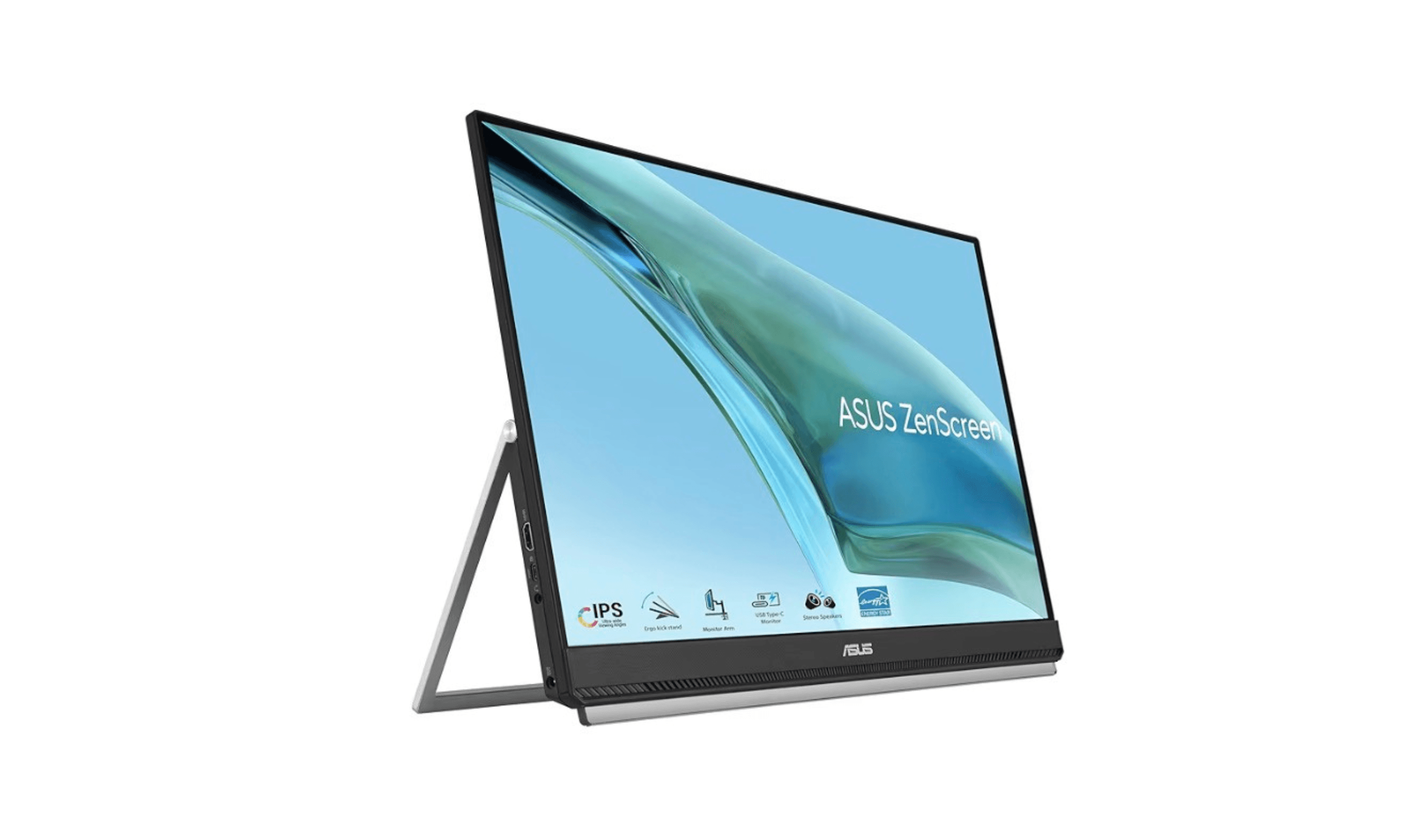
| Best for Mac users | Asus ZenScreen MB249C | Versatile 24-inch option with multiple stand options |
| Best for dual-screen | Asus ZenScreen Duo OLED | Two OLED panels in one portable package |
| Also recommended | ViewSonic TD1656-2K | Sharp 2K screen with accurate colors |
| Also recommended | Espresso Displays 15 | Premium ultra-thin 1080p display for Mac users |
| Also recommended | Acer PM191Q Ebimiuux | Large 18.5-inch FHD screen with 100Hz |
How we chose and tested
We evaluated portable monitors based on display quality, build construction, connectivity options, and overall portability. Our assessment considers how each monitor performs across different use cases, from creative work requiring color accuracy to basic productivity tasks. We prioritize products that balance screen quality with practical travel-friendly designs, focusing on real-world performance and value.
The best portable monitors right now
RICOH 150 Portable Monitor - Best overall
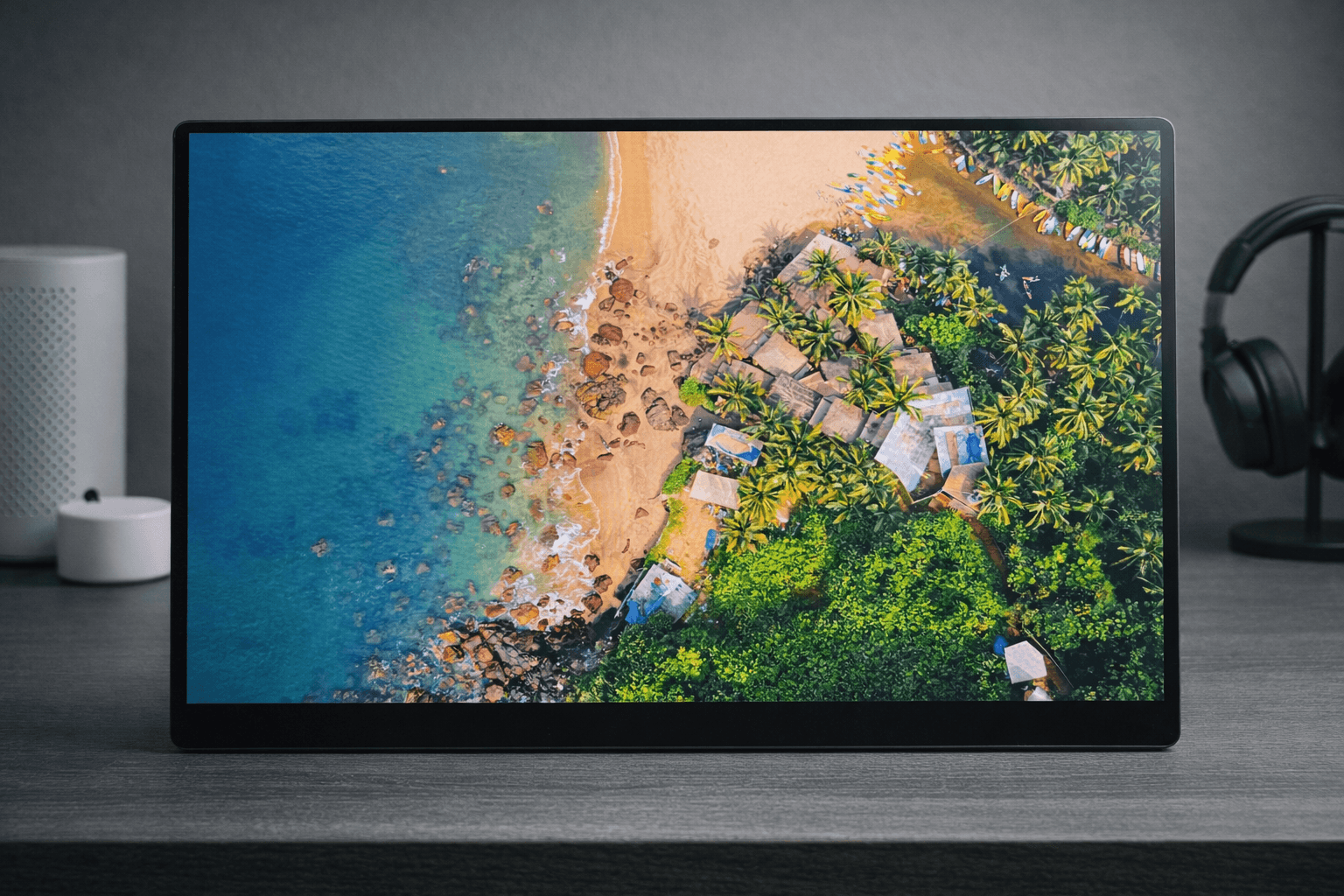
The RICOH 150 takes everything you want in a portable monitor and strips away the excess. A stunning 15.6-inch OLED panel, a build so light you forget it's in your bag, and a design so thin it practically disappears when viewed from the side.
Key highlights
- 15.6-inch OLED display with Full HD (1920 x 1080) resolution and 1ms response time
- World's lightest 15.6-inch touchscreen portable monitor at just 1.23 lbs (19.8 oz)
- Ultra-thin profile at only 0.19 inches at its slimmest point
- 10-point multi-touch display with optional stylus pen support (4,096 pressure levels)
- 100,000:1 contrast ratio with true blacks and 100% DCI-P3 coverage
- 300 nits maximum brightness with Eye Care Display certification
- Dual USB-C ports with DisplayPort Alt Mode for clean cable routing from the back
- Integrated flexible kickstand with wide tilt range (approximately 16 to 75 degrees)
- Built-in dual 1.5W speakers
- Includes protective carrying sleeve, USB-C cable, and cable management clamps
Pros
- Exceptional build quality that feels premium and solid without adding weight
- Incredibly lightweight at 1.23 lbs, making it effortless to carry alongside a laptop
- OLED panel delivers stunning colors, true blacks, and excellent contrast that IPS monitors cannot match
- Ultra-thin design barely adds any bulk to your bag
- Touchscreen is responsive and accurate, adding genuine utility for navigation and creative work
- USB-C ports mounted on the center back keep cables tidy and out of sight
- Kickstand is sturdy with a wide range of tilt angles for comfortable viewing
- Plug-and-play setup with no drivers needed for Windows, macOS, and Android
- 100% DCI-P3 coverage supports a wide color gamut for creative work
Cons
- Glossy screen coating can produce reflections in bright environments
- Built-in speakers are functional but lack bass and volume for anything beyond basic audio
- USB-C only connectivity means no HDMI, which may limit compatibility with older devices
Who it is for: Anyone who needs a high-quality second screen that travels well. Ideal for remote workers, digital nomads, business professionals who present in meetings, and creatives who want a color-accurate OLED display for photo and video work on the go.
Skip if
You need HDMI connectivity, want an anti-glare display for outdoor use, or require a wireless/battery-powered monitor.
Arzopa Z1FC - Best value
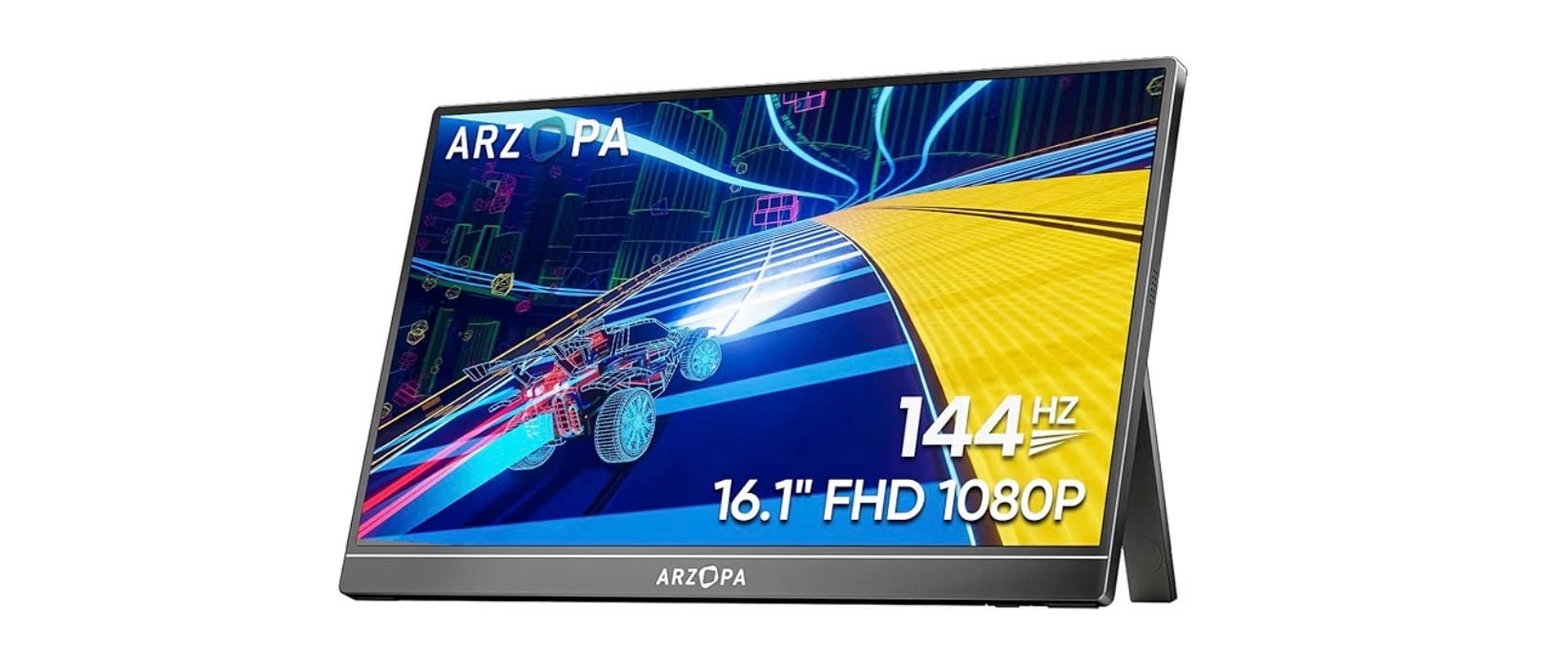
This monitor offers a 144Hz display with a simple plug-and-play setup. It's the practical choice when you need extra screen space without breaking the bank.
Key highlights
- 16.1-inch 1080p IPS display with a 144Hz refresh rate
- Single USB-C connection handles both power and video
- Lightweight design at around 1.7 pounds
- Compatible with laptops, phones, and gaming consoles
- Built-in adjustable kickstand and two 1W speakers
Pros
- Extremely affordable for what you get
- Simple setup with minimal cables
- Works with a wide range of devices
- Light enough for daily commuting
Cons
- Basic color accuracy compared to premium models
- No adaptive sync or FreeSync
- Stand options are limited
Who it is for: Students, budget-conscious travelers, or anyone who needs a basic second screen occasionally.
Skip if
You need precise color work or frequently work in bright environments.
Lenovo ThinkVision M14t Gen2 - Best for touch
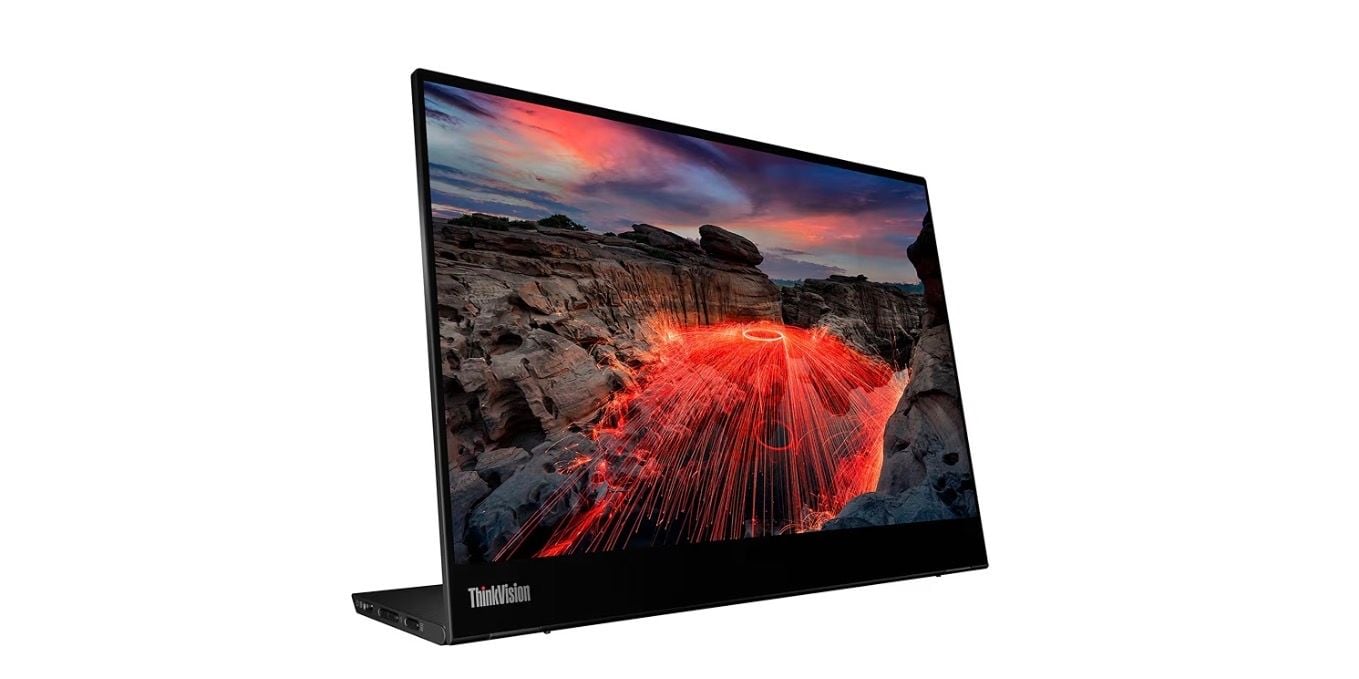
This 14-inch touchscreen monitor offers 2K resolution and stylus support, making it ideal for note-taking, drawing, or presentations. The higher resolution provides extra vertical space that's perfect for productivity.
Key highlights
- 2240x1400 resolution offers more vertical workspace
- 10-point touch support with included stylus
- USB-C connectivity with 65W power delivery
- Foldable stand with multiple viewing angles
- Compatible with Windows, macOS, and mobile devices
Pros
- High resolution is great for multitasking
- Responsive touchscreen works well for presentations
- Included stylus adds creative possibilities
- Solid build quality from a trusted brand
Cons
- Bulkier than non-touch alternatives
- Higher price point for touch capability
- Can be heavy for some travel scenarios
Who it is for: Presenters, digital note-takers, or creative professionals who benefit from touch interaction.
Skip if
You never use touch features or prioritize maximum portability.
Asus ZenScreen MB249C - Best for Mac users
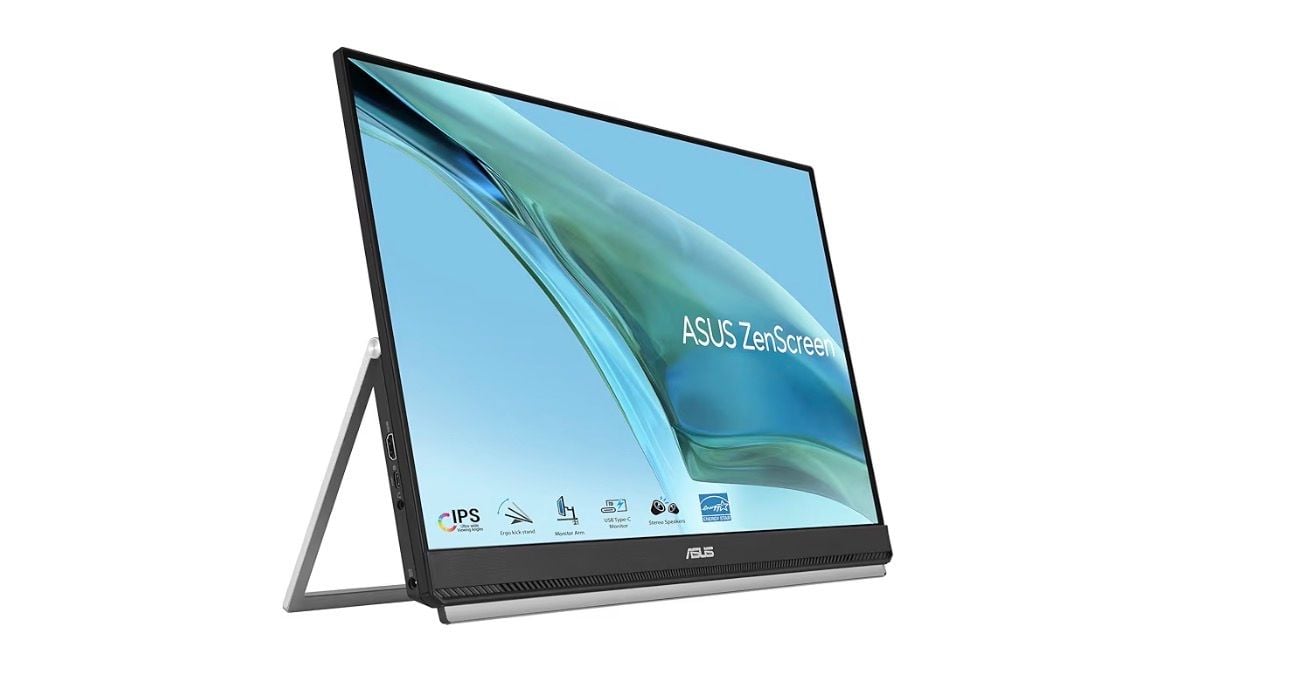
At 24 inches, this larger portable monitor bridges the gap between portable and desktop displays while offering versatile mounting options. It's bright enough for most environments and scores well in contrast and color accuracy tests.
Key highlights
- 24-inch 1080p display provides substantial screen space
- Multiple stand options including kickstand/handle design
- 250 nits brightness suitable for office environments
- USB-C supports up to 60W power delivery to a connected laptop
- USB-C and HDMI connectivity options
Pros
- Large screen size without sacrificing portability
- Versatile stand options work in various scenarios
- Good color accuracy for general use
- Compatible with both Mac and Windows systems
Cons
- Lower pixel density than smaller high-res displays
- Heavier than typical portable monitors
- Requires its included power adapter
Who it is for: Remote workers who want a larger secondary screen or presenters who need visibility in meeting rooms.
Skip if
You need ultra-portability or work primarily with high-resolution content.
Asus ZenScreen Duo OLED - Best for dual-screen
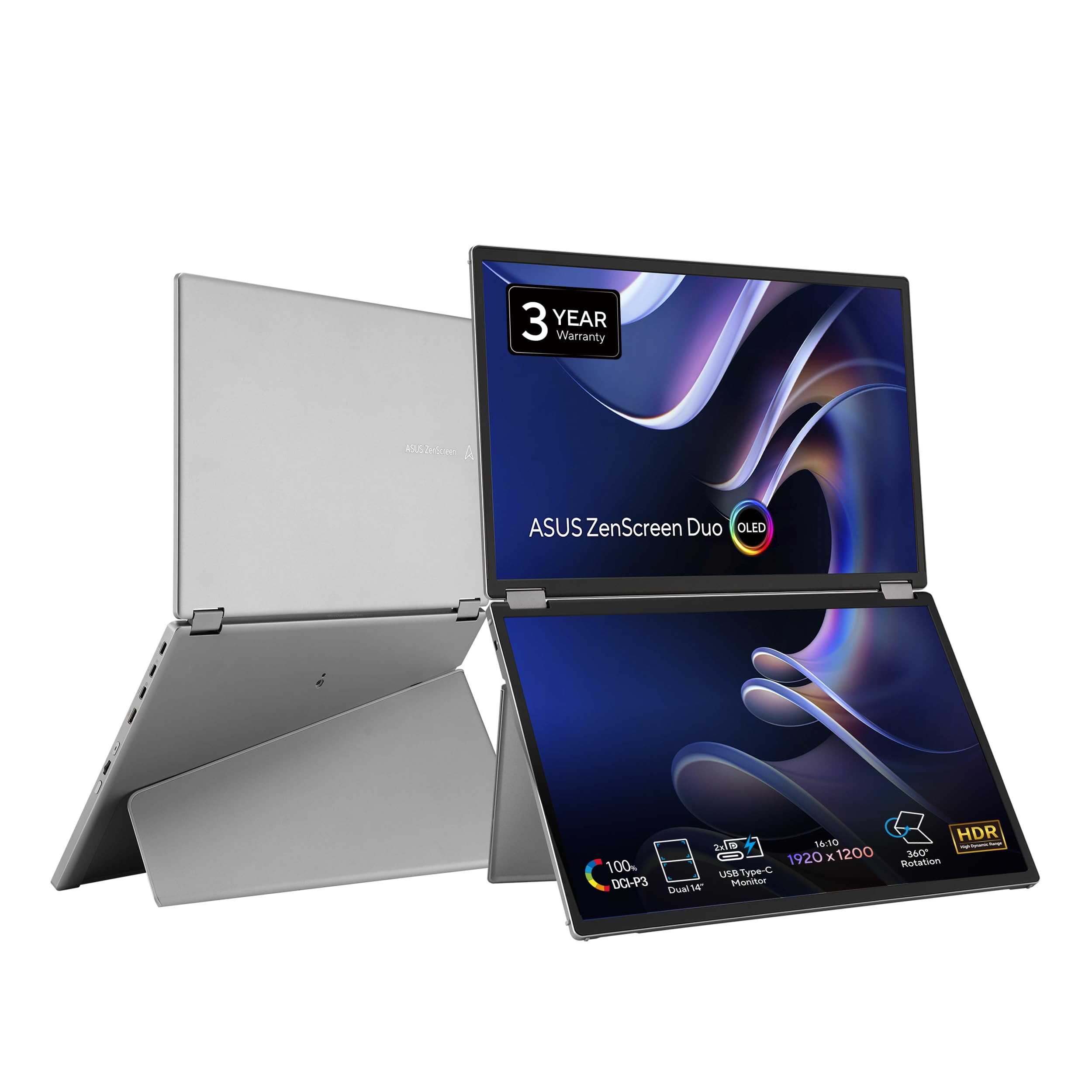
This innovative monitor packs two 14-inch OLED panels into one portable package, offering incredible contrast and color for creative work or multitasking. The stacked design provides unique workflow possibilities.
Key highlights
- Dual 14-inch OLED displays with 1920 x 1200 resolution each
- Exceptional contrast ratio and color coverage
- Stacked design saves desk space
- USB-C connectivity with power delivery
- Suitable for 3D modeling and creative applications
Pros
- OLED panels deliver deep blacks and vibrant colors
- Dual screens enable unique workflow configurations
- Excellent for creative professionals on the go
- Saves space compared to two separate monitors
Cons
- Very expensive compared to single-screen options
- Heavier than standard portable monitors
- May be overkill for basic productivity tasks
Who it is for: Creative professionals, engineers, or power users who benefit from dual-screen setups while traveling.
Skip if
You only need basic productivity or have budget constraints.
Also Good
- ViewSonic TD1656-2K - sharp 2K screen with accurate colors.
- Espresso Displays 15 - premium ultra-thin 1080p display for Mac users.
- Acer PM191Q Ebimiuux - large 18.5-inch FHD screen with 100Hz.
How to Choose
Consider these factors when selecting a portable monitor:
Screen size and resolution: 14-16 inches is the sweet spot for portability, while 24-inch models offer more workspace. Higher resolutions (2K or 1600p) provide sharper text but may require more power.
Connectivity: USB-C with power delivery is ideal for single-cable simplicity. HDMI ports add compatibility with older devices but may require separate power.
Build quality and stand: Aluminum builds feel more premium but add weight. Built-in kickstands are convenient, while foldable cases offer protection during transport.
Special features: Touchscreens add cost and weight but enable unique workflows. Color accuracy matters for creative work, while basic models suffice for office tasks.
Power requirements: Some monitors draw all power from your laptop, while others need separate power adapters. Check your laptop's power output capabilities.
FAQ
Do portable monitors work with all laptops?
Most modern laptops with USB-C support DisplayPort Alt Mode will work with portable monitors. Some older devices may require HDMI connections and separate power.
Can I use a portable monitor with my phone or tablet?
Yes, many portable monitors work with smartphones and tablets that support video output via USB-C. Check your device's specifications for compatibility.
How important is color accuracy for general use?
For office work, web browsing, and basic media consumption, most portable monitors offer adequate color performance. Creative professionals should look for monitors with 95%+ sRGB or AdobeRGB coverage.
Do I need a separate power adapter?
It depends on the monitor and your laptop. Some monitors draw all power from the USB-C connection, while others require separate power, especially at higher brightness levels.
Are portable monitors durable enough for travel?
Most portable monitors include protective cases or covers. Look for models with sturdy builds and consider purchasing a padded case if you travel frequently.
Published February 3, 2026 Last updated September 15, 2026
Share this article
More in News
Best Ultrawide Monitors to Buy in 2026
Dell UltraSharp U3425WE leads our 2026 picks for the best ultrawide monitors, from premium productivity to immersive OLED gaming.
5 min read
Best Wireless and Wired Camera Monitors for 2026
The Hollyland Mars M1 tops our list of the 3 best wireless camera monitors in 2026, combining TX, RX, and a bright 5.5-inch display for cable-free video.
5 min read
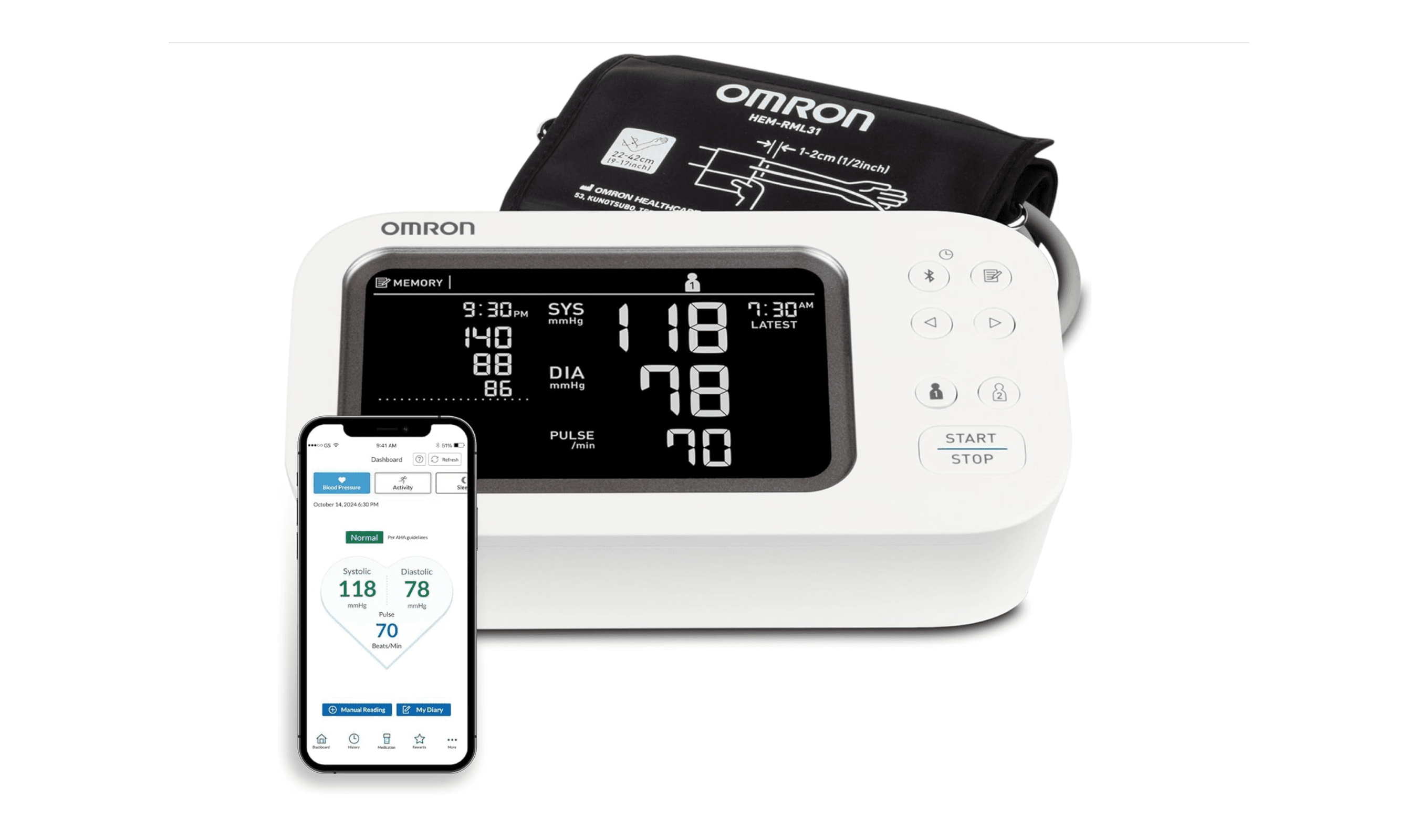
8 Best Blood Pressure Monitors for Home Use in 2026
We tested clinically validated blood pressure monitors from Omron, Withings, and more. The Omron Platinum leads our picks, with options from $40 to $140.
3 min read
3 Best Rolling TV Monitors You Can Buy Right Now
LG Swing leads our picks for the best rolling TV monitors. See top models for medical use, multi-monitor setups, and budget-friendly options.
3 min read
The 8 Best Smart TVs of 2026
3 min read
8 Best Anti-Glare TVs for 2026
3 min read
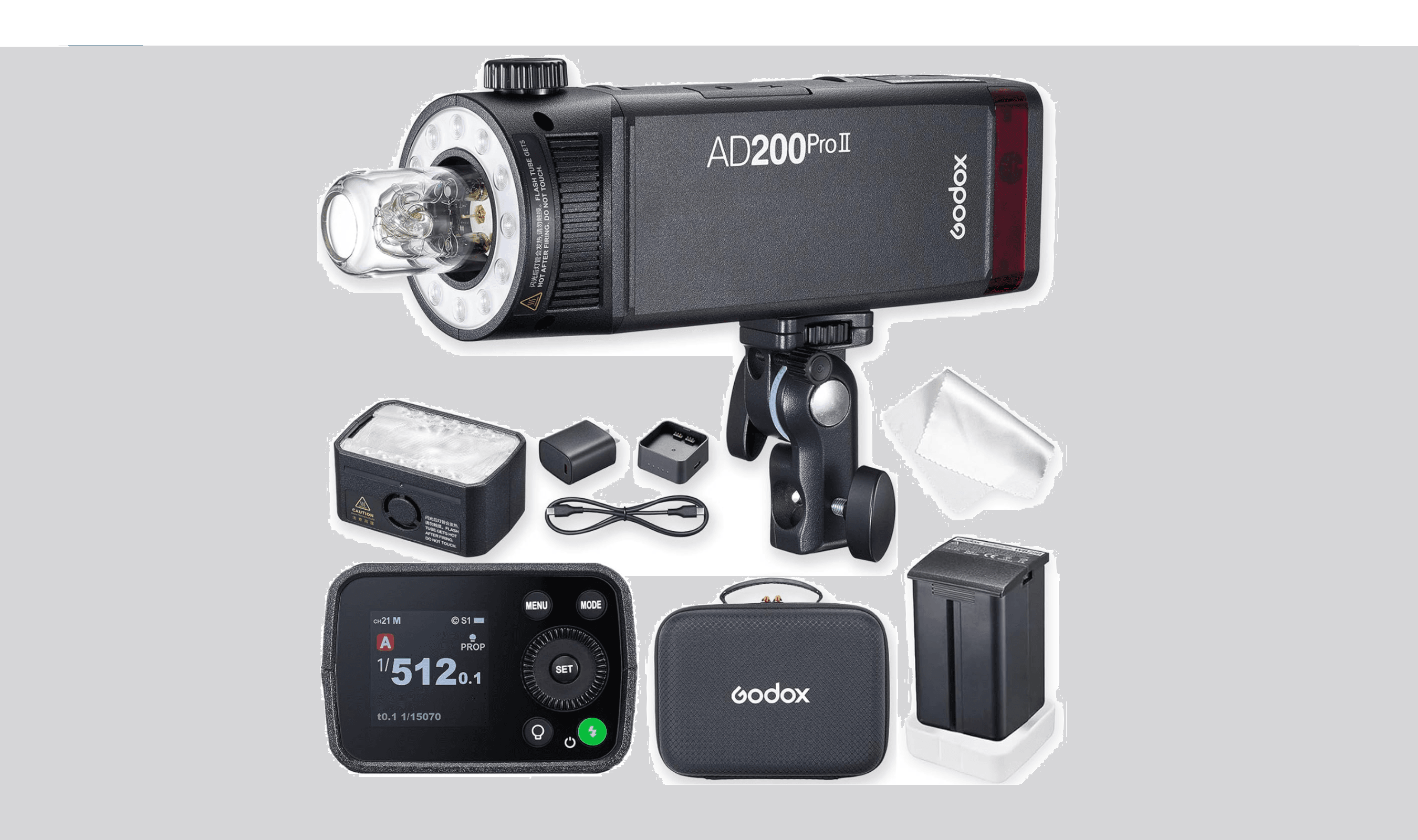
7 Best Studio Lighting Kits and Lights for 2026
3 min read
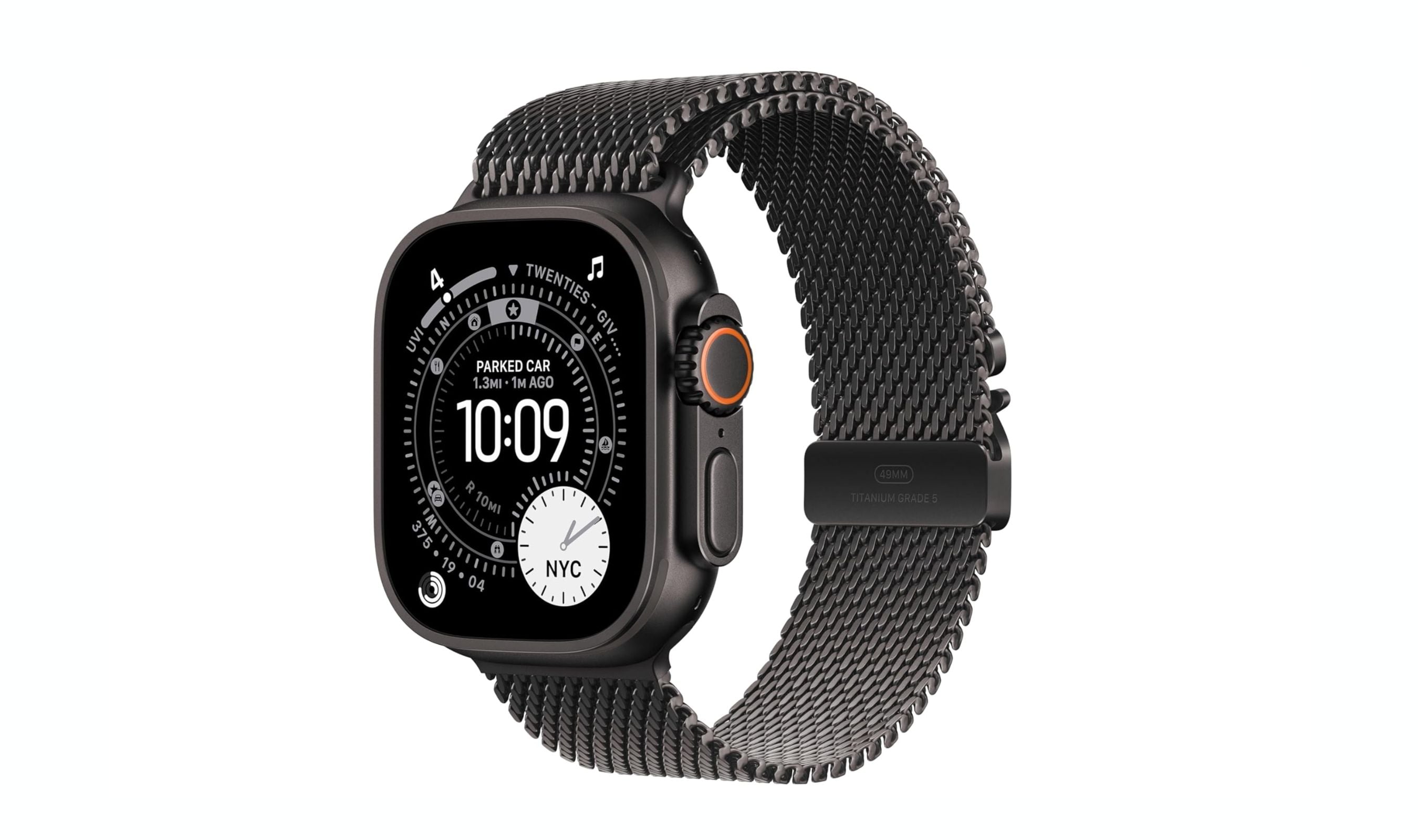
Best Smartwatches for Running in 2026
4 min read
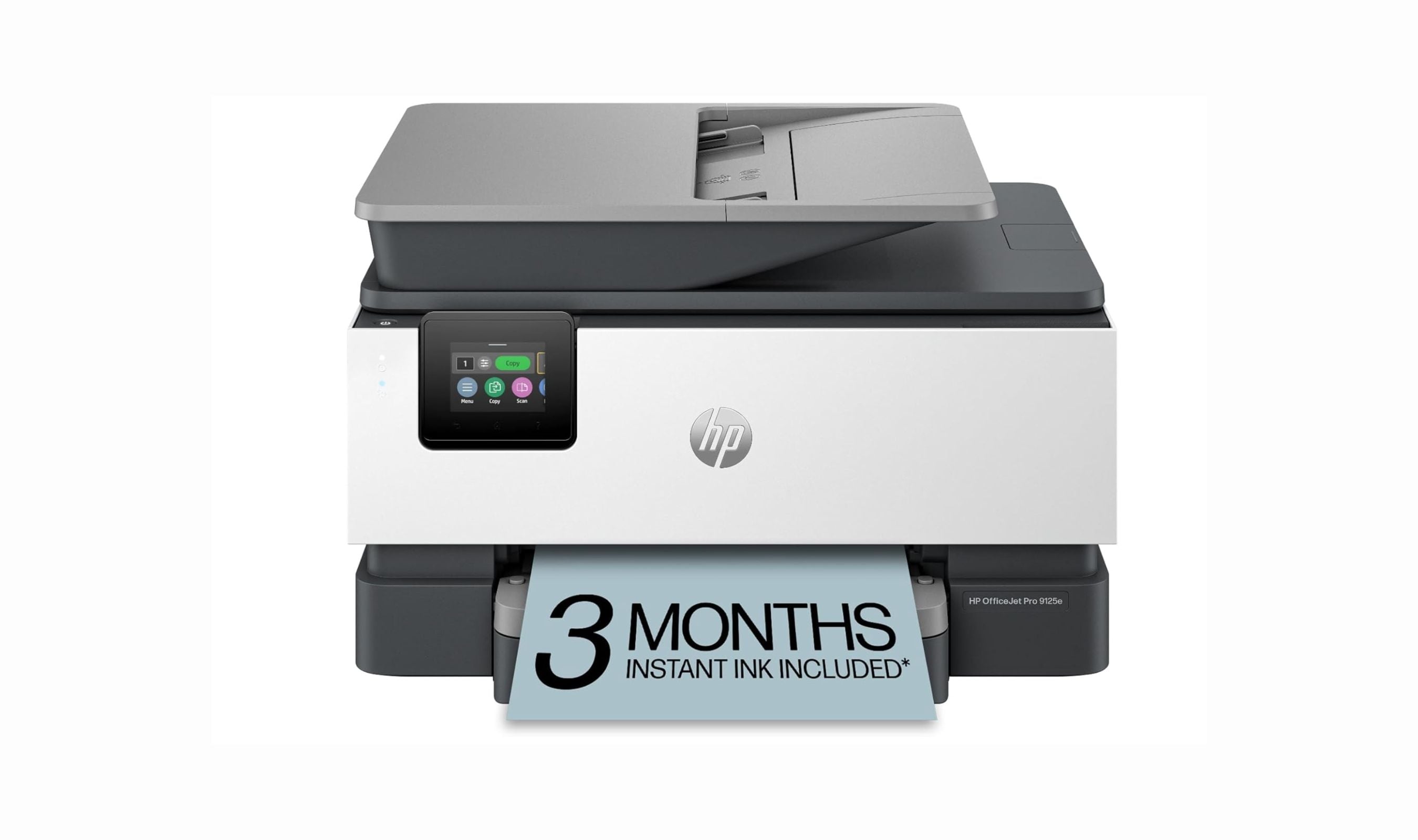
7 Best All-in-One Printers for Home in 2026
5 min read
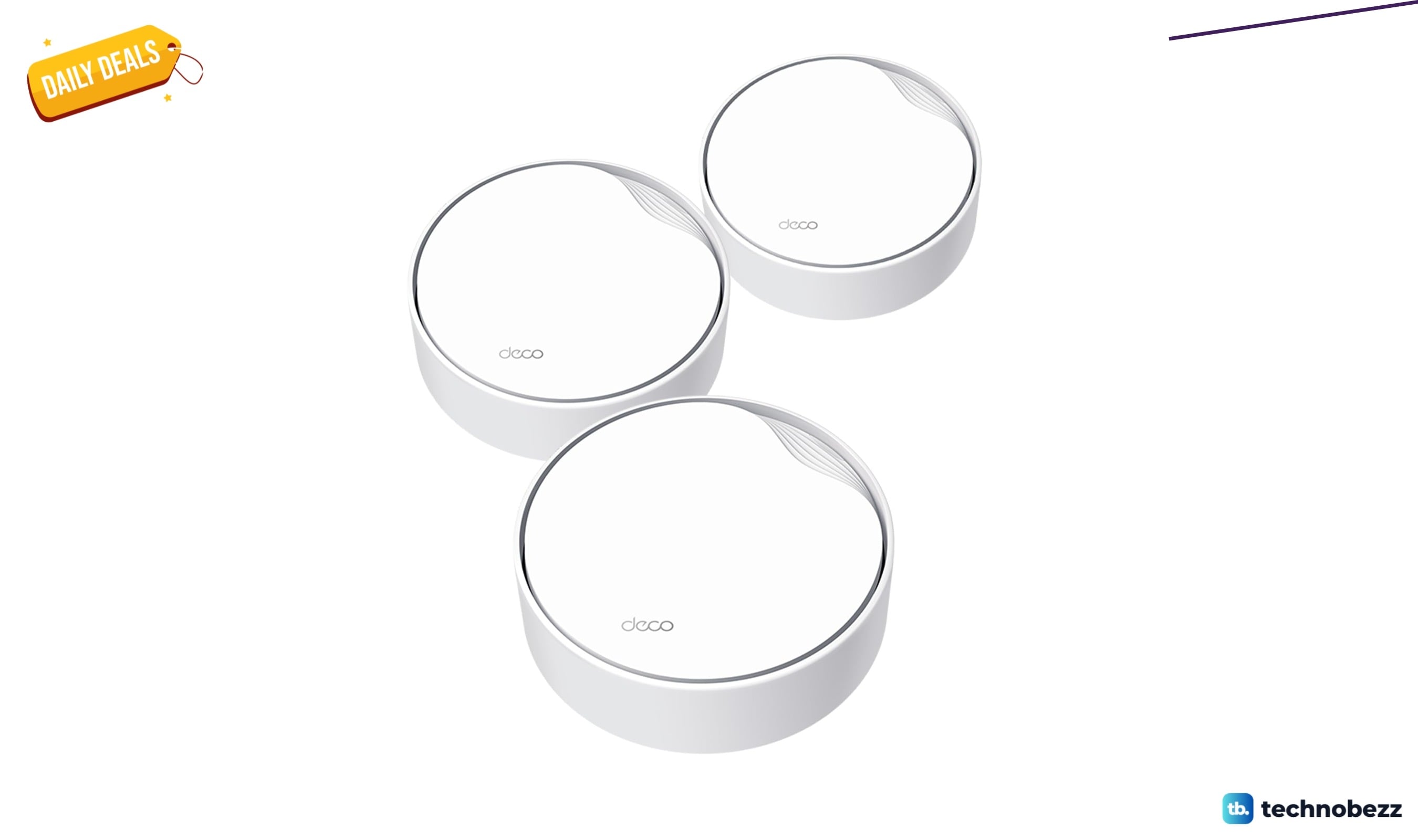
TP-Link AX3000 PoE Mesh WiFi 6 down to $199.98 in latest price cut
3 min read
OSCOO 2TB Magnetic External SSD drops to $299.98, its lowest price yet
5 min read

7 Best Monitor Arms for 2026
4 min read