This page is for people in the US who work from home and want a monitor for documents, spreadsheets and video calls, whether it connects to a laptop over USB-C or to a desktop over HDMI or DisplayPort.
Technobezz is supported by its audience. We may get a commission from retail offers.
7 Best Monitors for Home Office in 2026
The Dell 27 Plus USB-C S2725DC leads our seven home office monitor picks, with 4K, KVM, built-in webcam, Thunderbolt and value options compared by spec.
T
Technobezz
Editorial Team
Updated November 18, 2026Nov 18, 2026
•13 min read

Get Deals Like These in Your Inbox
The best prices, straight to your inbox.
Add Technobezz on Google:Preferred SourceGoogle Discover
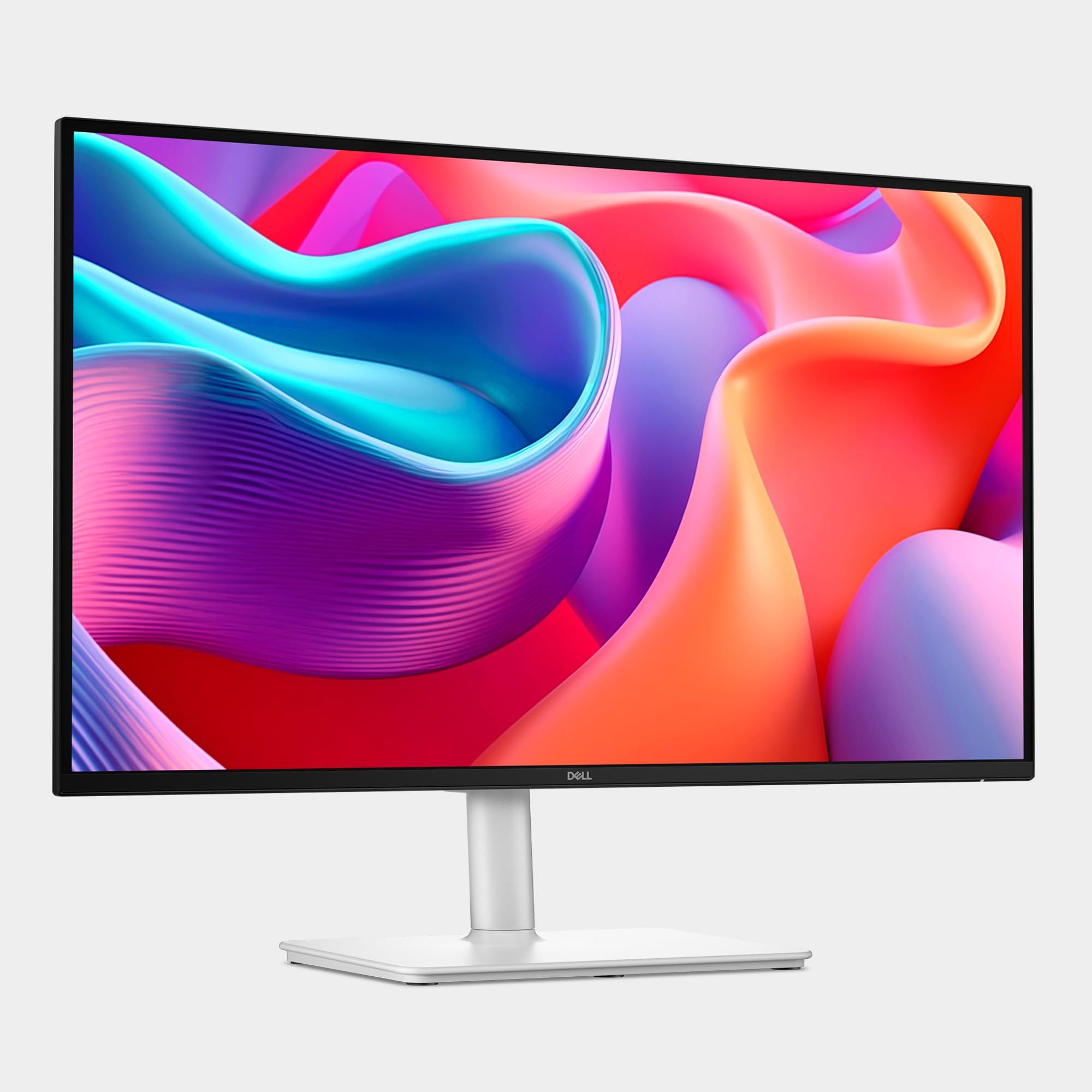
The Dell 27 Plus USB-C S2725DC is the best overall pick, a 27-inch QHD (2560x1440) monitor with a 144Hz refresh rate, USB-C with up to 65W power delivery, dual 3W speakers and a stand that adjusts for height, tilt, pivot and swivel.
The other six picks each fill a narrower slot: 4K detail work, a 4K laptop dock, KVM switching between two computers, a built-in webcam, a Thunderbolt hub monitor and a value 23.8-inch screen with TÜV-certified Flicker-Free and Low Blue Light.
At a Glance
| Category | Product | Why We Picked It |
|---|---|---|
| Best overall | Dell 27 Plus USB-C S2725DC | 27-inch QHD at 144Hz, USB-C with up to 65W power delivery, and a height, tilt, pivot and swivel stand |
| Best 4K for detail work | LG UltraFine 27UP850K-W | 27-inch 4K UHD (3840 x 2160) IPS panel with up to 95% DCI-P3 and USB Type-C power delivery up to 90W |
| Best 4K laptop dock monitor | Samsung ViewFinity S8 27-inch (S80UH) | 4K UHD (3840x2160) with 90W USB-C charging, a built-in LAN port and a built-in KVM switch |
| Best for switching between two computers (KVM) | ASUS ProArt PA278CGRV | Auto KVM for two connected laptops or PCs, plus USB-C with up to 96W Power Delivery |
| Best with a built-in webcam | ASUS BE279QSK | Built-in 2MP webcam, mic array and stereo speakers on a 27-inch Full HD IPS panel |
| Best premium | Dell UltraSharp 27 Thunderbolt Hub Monitor (U2726DER) | Thunderbolt hub monitor with QHD (2560 x 1440) at 120Hz, IPS Black Technology (2000:1) and a built-in KVM |
| Best value | BenQ GW2491 | 1080p FHD IPS panel at 100Hz with TÜV-certified Flicker-Free and Low Blue Light |
How we chose
We compared the specifications on each product's Amazon page. We also checked that each pick is sold new by Amazon or the brand.
The best monitors for home office right now
Dell 27 Plus USB-C S2725DC - Best overall
The Dell 27 Plus USB-C S2725DC is a 27-inch QHD (2560x1440) monitor with a 144Hz refresh rate. It has AMD FreeSync.
It has USB-C connectivity with up to 65W power delivery, plus HDMI and DisplayPort 1.4. A pop-out quick access port adds a USB-C connection (up to 15W power delivery) and a USB Type-A connection. The stand adjusts for height, tilt, pivot and swivel, and dual 3W speakers are built in.
Key highlights
- 27-inch QHD (2560x1440) display
- 144Hz refresh rate
- USB-C with up to 65W power delivery
- HDMI and DisplayPort 1.4
- Pop-out quick access port with USB-C (up to 15W power delivery) and USB Type-A
- Dual 3W speakers
Pros
- Stand adjusts for height, tilt, pivot and swivel
- 4-star TÜV-certified display with reduced blue light emissions
- AMD FreeSync
Cons
- QHD (2560x1440) resolution, below the 3840 x 2160 of the LG UltraFine 27UP850K-W
- USB-C power delivery is up to 65W, where the Samsung ViewFinity S8 27-inch (S80UH) states 90W
- Dell does not list a KVM switch for this model
Who it is for: Home office workers who want one 27-inch QHD screen with USB-C power delivery up to 65W, dual 3W speakers and a stand with height, tilt, pivot and swivel adjustment.
Skip if
You want 4K or more laptop charging power. The LG UltraFine 27UP850K-W states 3840 x 2160 and USB Type-C power delivery up to 90W.
LG UltraFine 27UP850K-W - Best 4K for detail work
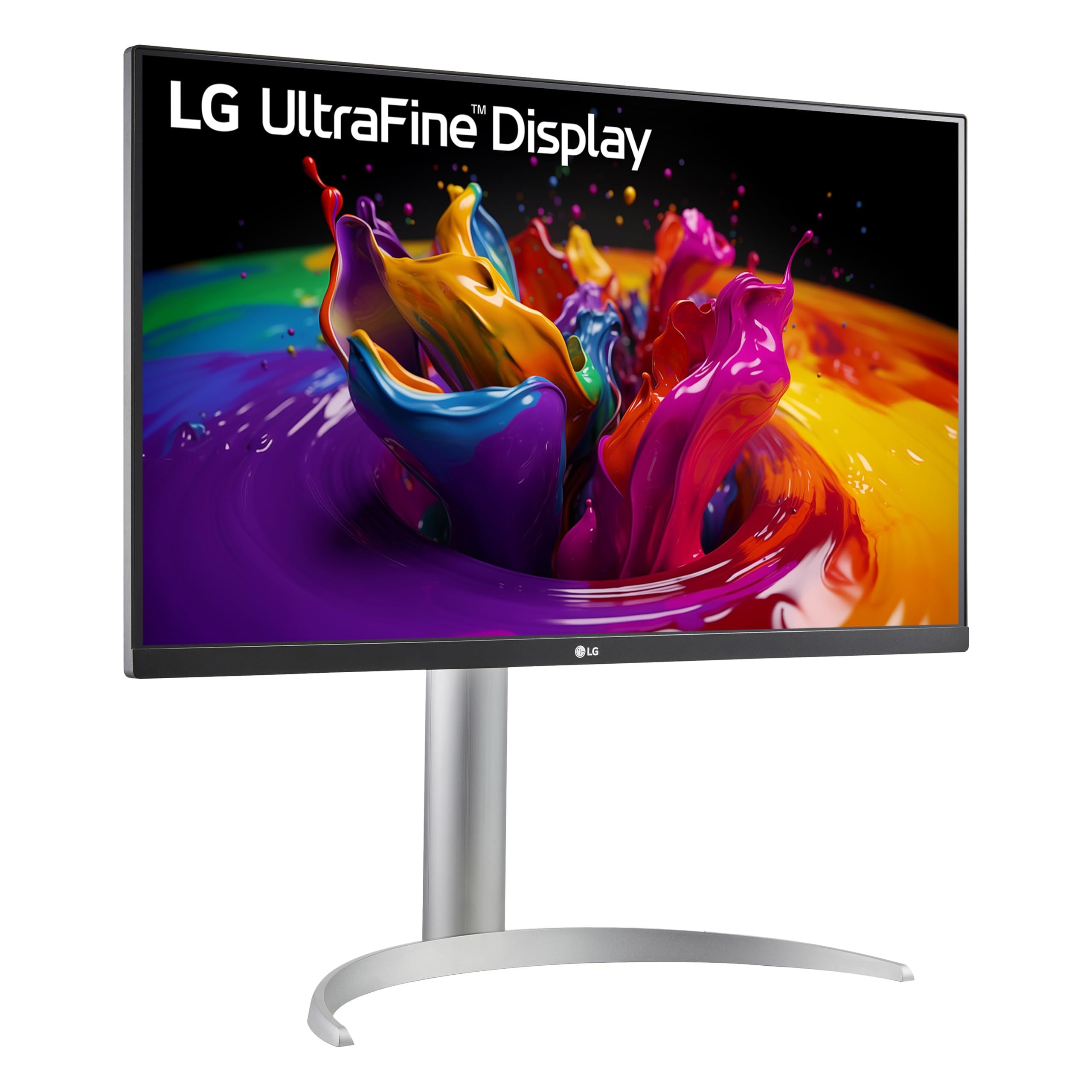
The LG UltraFine 27UP850K-W is a 27-inch 4K UHD (3840 x 2160) IPS monitor with up to 95% of the DCI-P3 color gamut. It is compatible with VESA DisplayHDR 400 and has a 60Hz refresh rate.
Its USB Type-C port handles data transfer and power delivery up to 90W. It also has DisplayPort, two HDMI connections, two USB 3.0 ports and a headphone jack. The stand adjusts for height, tilt and pivot, and the Switch app can split the screen into up to 6 sections.
Key highlights
- 27-inch 4K UHD (3840 x 2160) IPS display
- Up to 95% DCI-P3 color gamut
- VESA DisplayHDR 400 compatible
- USB Type-C with data transfer and power delivery up to 90W
- DisplayPort, two HDMI connections and two USB 3.0 ports
- Built-in stereo speakers with Waves MaxxAudio
Pros
- 3840 x 2160 resolution on a 27-inch panel
- Power delivery up to 90W over USB Type-C
- Height, tilt and pivot adjustment
- Switch app splits the screen into up to 6 sections
Cons
- 60Hz refresh rate, where the Dell 27 Plus USB-C S2725DC states 144Hz
- 1-year parts and labor warranty, where the BenQ GW2491 states a 3-year manufacturer warranty
- LG does not list swivel adjustment for this model
- LG does not list a KVM switch for this model
Who it is for: People who want 4K UHD (3840 x 2160) on a 27-inch screen with USB Type-C power delivery up to 90W.
Skip if
You want a higher refresh rate. The ASUS ProArt PA278CGRV states a 144Hz variable refresh rate with AMD FreeSync.
Samsung ViewFinity S8 27-inch (S80UH) - Best 4K laptop dock monitor
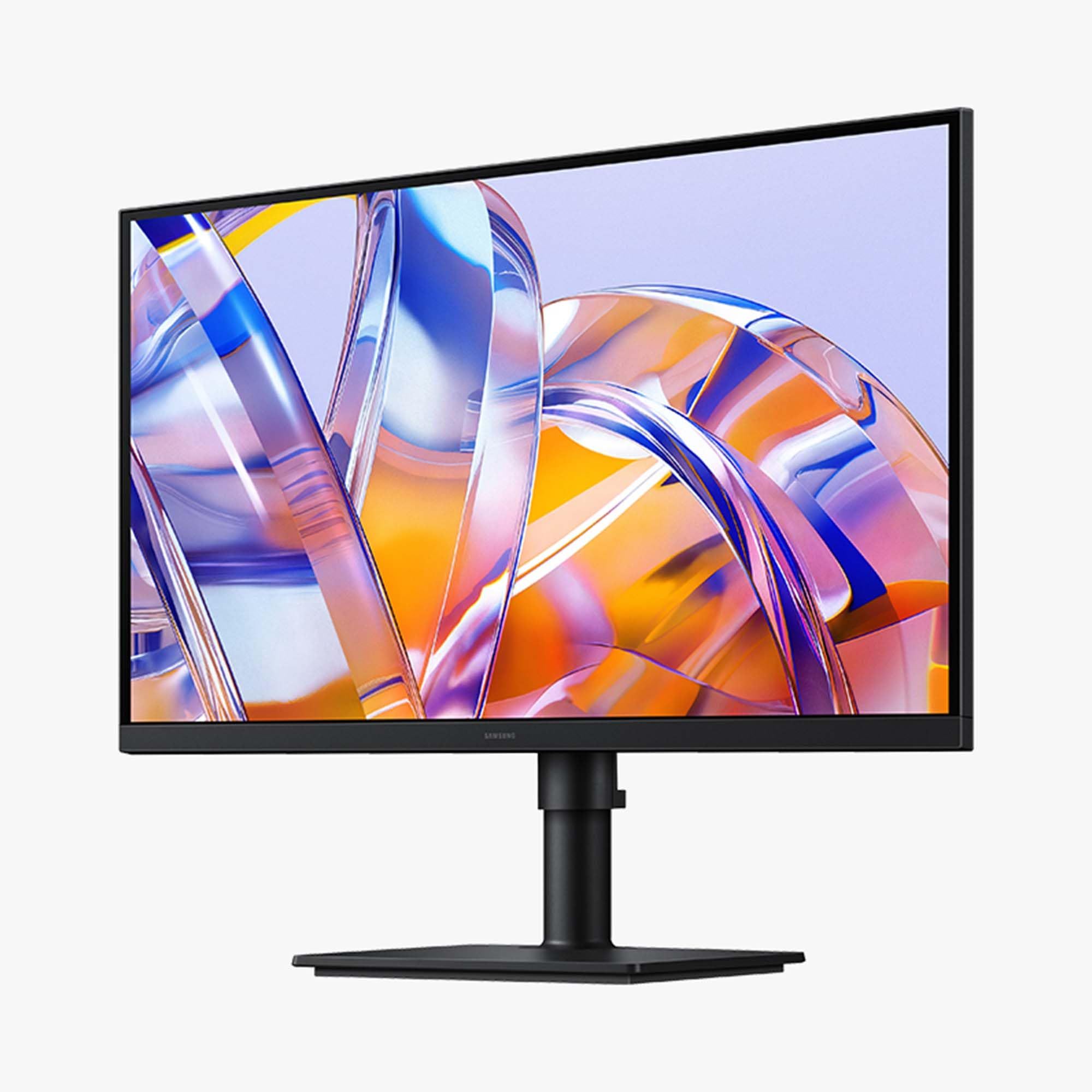
The Samsung ViewFinity S8 27-inch (S80UH) is a 4K UHD (3840x2160) monitor with a USB-C port that allows 90W charging and data transfer at the same time. It also has a built-in LAN port for Ethernet.
A built-in KVM switch, Picture-in-Picture and Picture-by-Picture are included, and the stand tilts and swivels. It supports HDR10+ and has an Eye Saver Mode certified by TÜV. Samsung Display Manager gives access to split screen setup, brightness adjustment and calibration.
Key highlights
- 27-inch 4K UHD (3840x2160) display
- USB-C with simultaneous 90W charging and data transfer
- Built-in LAN port
- Built-in KVM switch
- Picture-in-Picture and Picture-by-Picture
- HDR10+
Pros
- 90W charging and data transfer over one USB-C port
- Ethernet through the built-in LAN port
- Easy Connection keeps frequently used ports within reach
- Eye Saver Mode certified by TÜV
Cons
- 1-year manufacturer warranty, where the ASUS BE279QSK states a 3-year warranty
- Samsung does not list a refresh rate for this model
- Samsung does not list height adjustment for this model
Who it is for: Laptop users who want a USB-C port with 90W charging and data transfer, a LAN port on the monitor and a built-in KVM switch.
Skip if
You want a stand with stated height and pivot adjustment. The ASUS ProArt PA278CGRV states tilt, swivel, pivot and height adjustments, along with Auto KVM.
ASUS ProArt PA278CGRV - Best for switching between two computers (KVM)
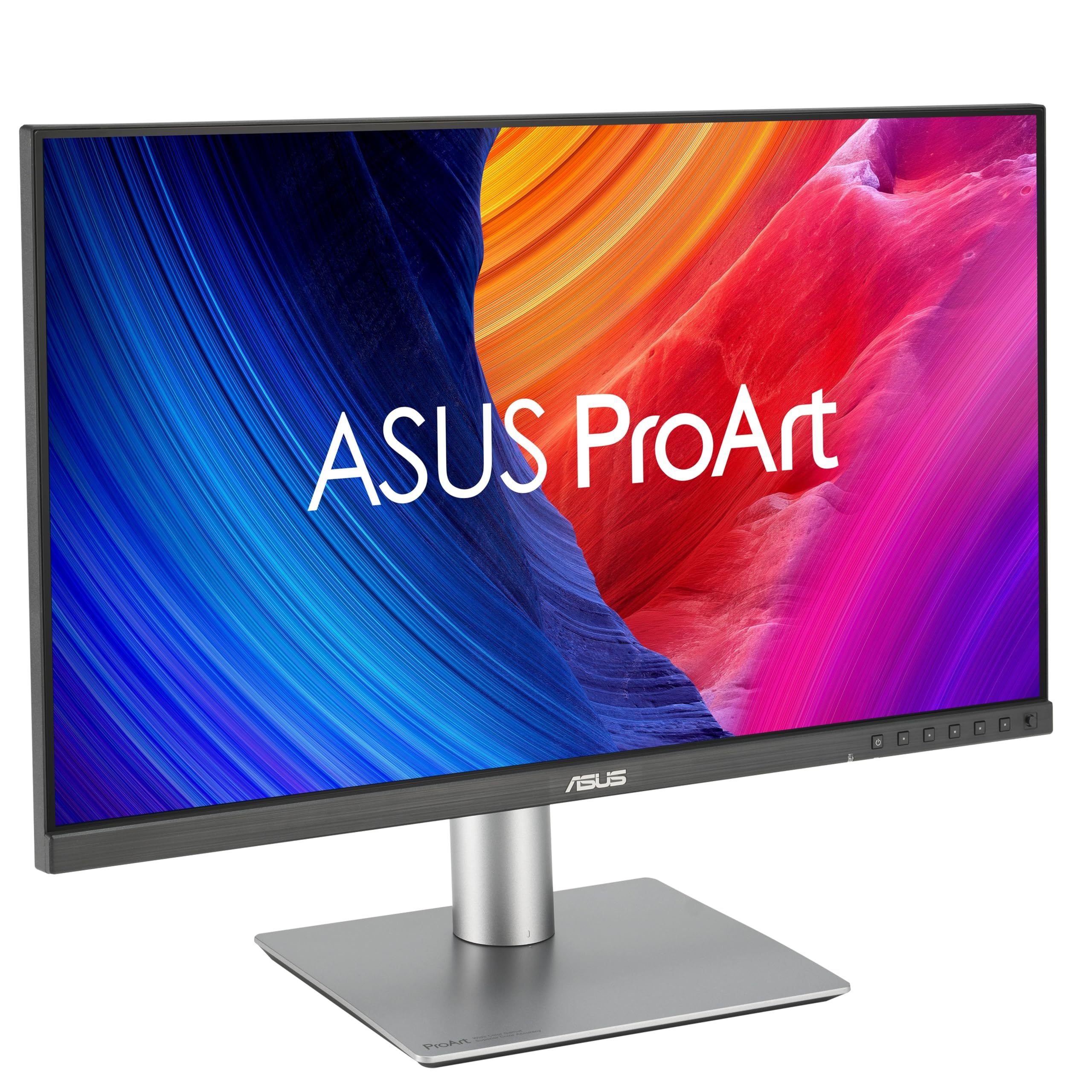
The ASUS ProArt PA278CGRV has a built-in Auto KVM that switches between two connected laptops or PCs with a single keyboard and mouse. Connectivity includes USB-C with up to 96W Power Delivery, HDMI, DisplayPort with daisy-chaining and a built-in USB hub.
The screen is a 27-inch QHD (2560 x 1440) IPS panel with a 144Hz variable refresh rate and AMD FreeSync. It covers 97% DCI-P3 and 100% sRGB, is Calman Verified and factory calibrated to Delta E below 2, and carries VESA DisplayHDR 400 certification. The stand adjusts for tilt, swivel, pivot and height.
Key highlights
- Auto KVM for two connected laptops or PCs
- USB-C with up to 96W Power Delivery
- 27-inch QHD (2560 x 1440) IPS panel
- 144Hz variable refresh rate with AMD FreeSync
- 97% DCI-P3 and 100% sRGB gamut
- DisplayPort with daisy-chaining and a built-in USB hub
Pros
- A single keyboard and mouse works across two computers through Auto KVM
- Calman Verified and factory calibrated to Delta E below 2
- Tilt, swivel, pivot and height adjustments
- 5-year warranty (a 3-year term plus a 2-year extension with online registration)
- Model P3 Color Temperature setting meant to match a MacBook display
Cons
- QHD (2560 x 1440) resolution, below the 3840x2160 of the Samsung ViewFinity S8 27-inch (S80UH)
- The last 2 years of the 5-year warranty need online registration
- ASUS does not list built-in speakers for this model
Who it is for: People who run a work laptop and a personal computer at one desk and want to share a single keyboard and mouse, with USB-C Power Delivery up to 96W.
Skip if
You want 4K resolution with a KVM switch. The Samsung ViewFinity S8 27-inch (S80UH) states 4K UHD (3840x2160) and a built-in KVM switch.
ASUS BE279QSK - Best with a built-in webcam
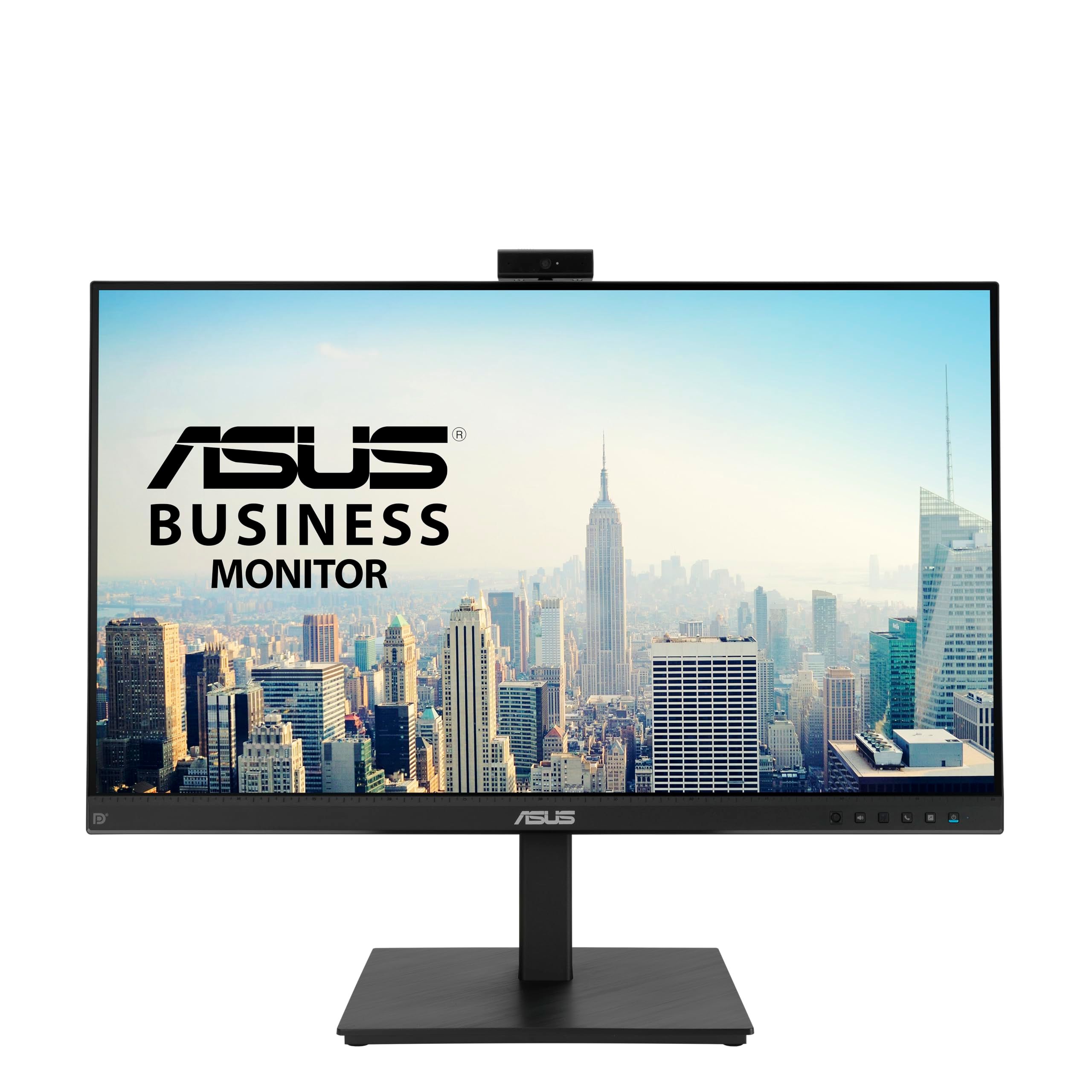
The ASUS BE279QSK builds video call hardware into the monitor, with a 2MP Full HD adjustable webcam, a mic array and stereo speakers. The screen is a 27-inch Full HD (1920 x 1080) frameless IPS panel.
Connections include DisplayPort, HDMI, D-sub, a USB upstream port for the webcam, audio in and an earphone jack. The stand offers tilt, swivel, pivot and 150mm of height adjustment, and the monitor supports VESA wall mounting. It comes with a 3-year warranty with Advanced Replacement and Repair service.
Key highlights
- Built-in 2MP Full HD adjustable webcam
- Mic array and stereo speakers
- 27-inch Full HD (1920 x 1080) frameless IPS panel
- DisplayPort, HDMI and D-sub inputs
- Tilt, swivel, pivot and 150mm height adjustment
- Certified Flicker-free and Low Blue Light technologies
Pros
- Webcam, mic array and stereo speakers are built in
- 150mm of height adjustment plus tilt, swivel and pivot
- VESA wall mount support
- 3-year warranty with Advanced Replacement and Repair service
Cons
- Full HD (1920 x 1080) resolution, below the 2560x1440 of the Dell 27 Plus USB-C S2725DC
- The USB port is an upstream connection for the webcam
- ASUS does not list a USB-C port for this model
- ASUS does not list a refresh rate for this model
Who it is for: People who spend much of the day on video calls and want the webcam, mic array and stereo speakers in the monitor.
Skip if
You want more resolution or USB-C laptop charging. The Dell 27 Plus USB-C S2725DC states QHD (2560x1440) and USB-C with up to 65W power delivery.
Dell UltraSharp 27 Thunderbolt Hub Monitor (U2726DER) - Best premium
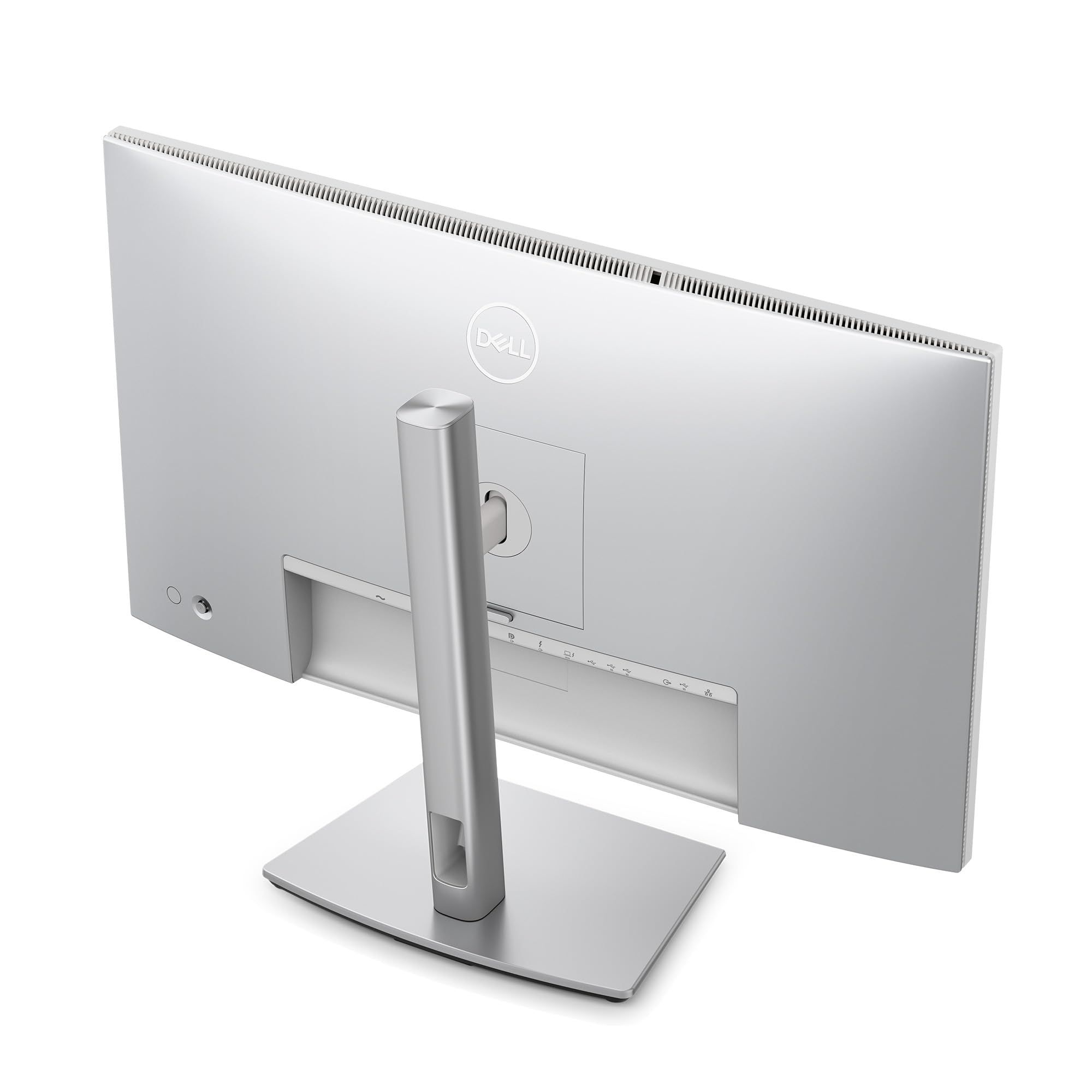
The Dell UltraSharp 27 Thunderbolt Hub Monitor (U2726DER) is a QHD (2560 x 1440) display with a 120Hz refresh rate and IPS Black Technology (2000:1). It covers 100% sRGB and 98% Display P3, shows 1.07 billion colors and is factory calibrated.
A built-in KVM lets you switch between two machines, such as a personal laptop and a work device, using a single keyboard and mouse. Dell pitches it at Mac users as a Thunderbolt display with Display P3 color, and the Dell Display and Peripheral Manager app adjusts its settings. The warranty is a 3-year Advanced Exchange Service and Premium Panel Exchange.
Key highlights
- QHD (2560 x 1440) display at 120Hz
- IPS Black Technology (2000:1)
- 100% sRGB and 98% Display P3
- 1.07 billion colors
- Built-in KVM for two machines
- Thunderbolt hub monitor
Pros
- Factory-calibrated color accuracy
- A single keyboard and mouse works across two machines with the built-in KVM
- Virtually borderless screen
- 3-year Advanced Exchange Service and Premium Panel Exchange
Cons
- QHD (2560 x 1440) resolution, below the 3840 x 2160 of the LG UltraFine 27UP850K-W
- 120Hz refresh rate, where the ASUS ProArt PA278CGRV states 144Hz
- Dell does not list a USB-C charging wattage for this model
- Dell does not list stand adjustments for this model
Who it is for: Mac and PC users who want a Thunderbolt hub monitor with factory-calibrated color, IPS Black Technology (2000:1) and a built-in KVM for two machines.
Skip if
You want 4K or a stated USB-C charging figure. The LG UltraFine 27UP850K-W states 3840 x 2160 and USB Type-C power delivery up to 90W.
BenQ GW2491 - Best value

The BenQ GW2491, the value pick on this page, is a 23.8-inch 1080p FHD IPS monitor with a 100Hz refresh rate, a 99% sRGB color space and an ultra slim bezel.
BenQ lists TÜV-certified Flicker-Free and Low Blue Light, plus Eyesafe 2.0. Its color modes include an ePaper Mode for long reading sessions. It has HDMI and DisplayPort inputs and a 3-year manufacturer warranty.
Key highlights
- 1080p FHD IPS panel
- 100Hz refresh rate
- 99% sRGB color space
- TÜV-certified Flicker-Free and Low Blue Light
- Eyesafe 2.0
- HDMI and DisplayPort
Pros
- ePaper Mode for long reading sessions
- 100Hz refresh rate on a 1080p FHD panel
- Ultra slim bezel
- 3-year manufacturer warranty
Cons
- 1080p FHD resolution, below the QHD (2560x1440) of the Dell 27 Plus USB-C S2725DC
- 100Hz refresh rate, where the Dell 27 Plus USB-C S2725DC states 144Hz
- BenQ does not list a USB-C port for this model
- BenQ does not list height adjustment for this model
Who it is for: People who want a value monitor for documents and long reading sessions, connected over HDMI or DisplayPort.
Skip if
You want USB-C laptop charging or a height-adjustable stand. The Dell 27 Plus USB-C S2725DC states USB-C with up to 65W power delivery and height, tilt, pivot and swivel adjustment.
How to Choose
- Match USB-C power to your laptop. Check the wattage of your laptop's charger and compare it with the monitor's stated USB-C power delivery figure before you buy.
- Choose the resolution first. Decide between Full HD, QHD and 4K based on how many windows you keep open and what your computer can drive. Each card above gives the stated resolution, and our best 4K monitors guide has more 4K options.
- Count the computers on your desk. If a work laptop and a personal computer share one desk, look for a built-in KVM switch so one keyboard and mouse can serve both.
- Check the stand adjustments. Look for the exact movements you need, such as height, tilt, swivel and pivot, and do not assume a stand has one that is not stated.
- Plan for video calls. Decide whether you want a webcam, microphone and speakers built into the monitor or would rather add your own.
- Read the warranty term. Check the length of the warranty and what it covers on the product page before you order.
FAQ
Which of these monitors can charge a laptop over USB-C?
Four picks state USB-C power delivery. The Dell 27 Plus USB-C S2725DC states up to 65W, the LG UltraFine 27UP850K-W states up to 90W, the Samsung ViewFinity S8 27-inch (S80UH) states 90W, and the ASUS ProArt PA278CGRV states up to 96W. The other picks do not list a USB-C charging figure.
Which picks have a KVM switch for two computers?
The Samsung ViewFinity S8 27-inch (S80UH) states a built-in KVM switch. The ASUS ProArt PA278CGRV states Auto KVM for two connected laptops or PCs, and the Dell UltraSharp 27 Thunderbolt Hub Monitor (U2726DER) states a built-in KVM for two machines. The other picks do not list a KVM switch.
Do any of these monitors have a built-in webcam?
The ASUS BE279QSK has a Full HD adjustable webcam, a mic array and stereo speakers. The other picks do not list a webcam.
Which of these monitors state the highest refresh rate?
The Dell 27 Plus USB-C S2725DC and the ASUS ProArt PA278CGRV both state 144Hz. The Dell UltraSharp 27 Thunderbolt Hub Monitor (U2726DER) states 120Hz, the BenQ GW2491 states 100Hz and the LG UltraFine 27UP850K-W states 60Hz. The Samsung ViewFinity S8 27-inch (S80UH) and the ASUS BE279QSK do not list a refresh rate.
Which picks suit a MacBook?
The ASUS ProArt PA278CGRV has a Model P3 Color Temperature setting meant to match a MacBook display. The Dell UltraSharp 27 Thunderbolt Hub Monitor (U2726DER) is a Thunderbolt display with Display P3 color that Dell names an Ideal Mac Companion. The other picks do not list Mac-specific features, and our best monitors for MacBook guide has more options.
Published November 18, 2026 Last updated November 18, 2026
Add Technobezz on Google:Preferred SourceGoogle Discover
More on monitors
Deal
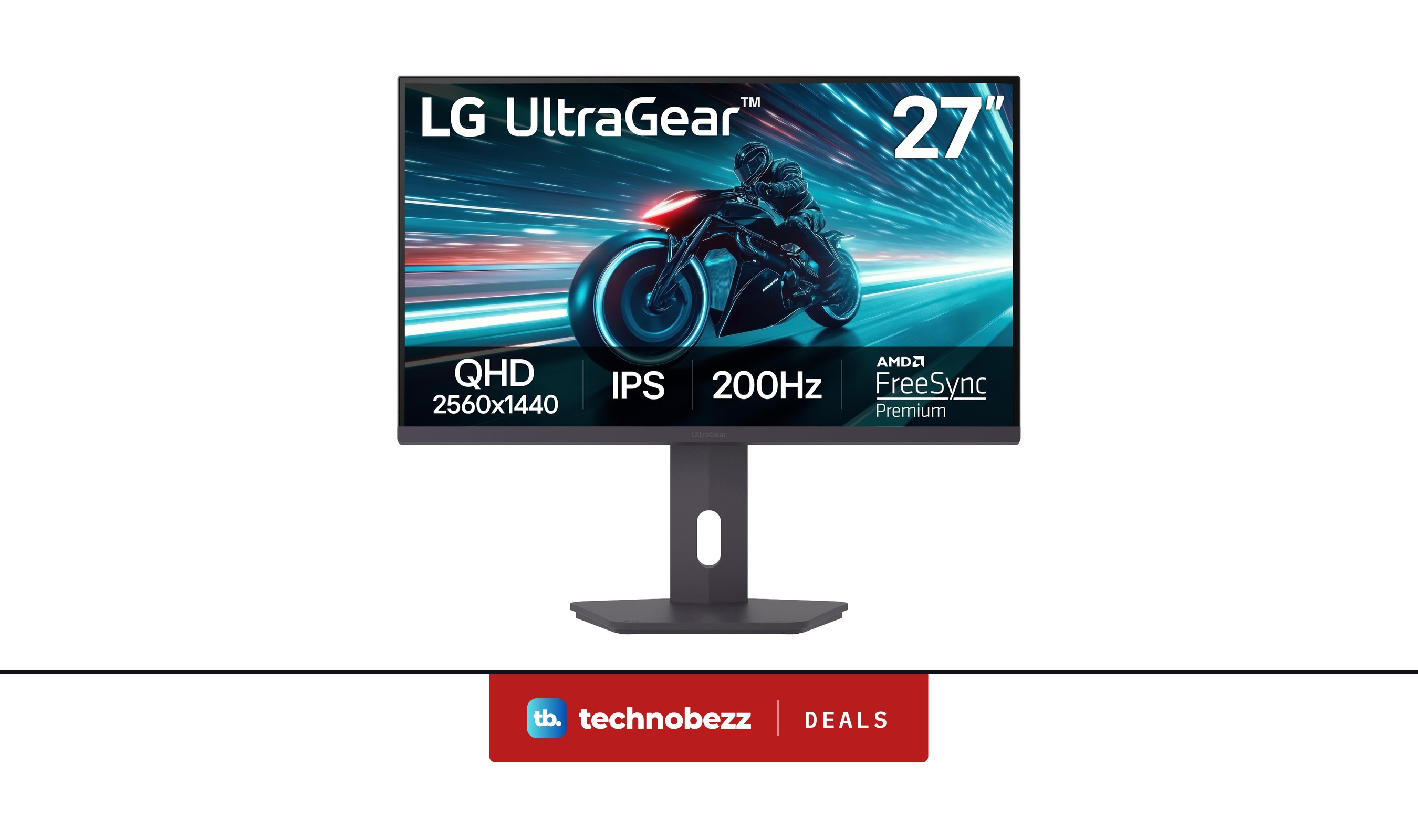
LG 27G61ZB-B Ultragear IPS QHD 1ms HDR10 Monitor price drops to $159.99
Deal
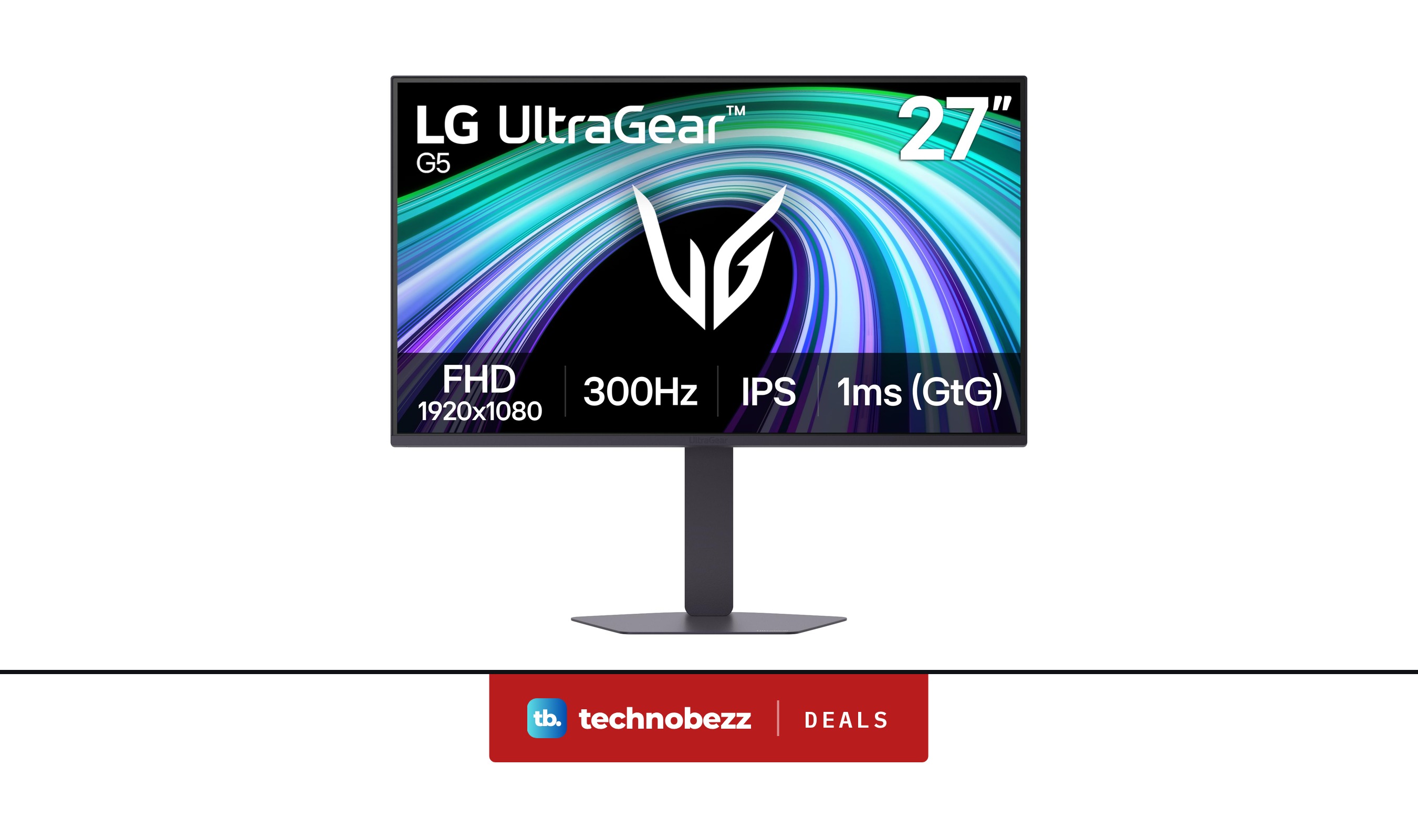
LG 27G550B-B UltraGear IPS 1080p 1ms G-Sync Monitor on sale for $169.99
Buying guide
7 Best Heart Rate Monitors in 2026
Deal
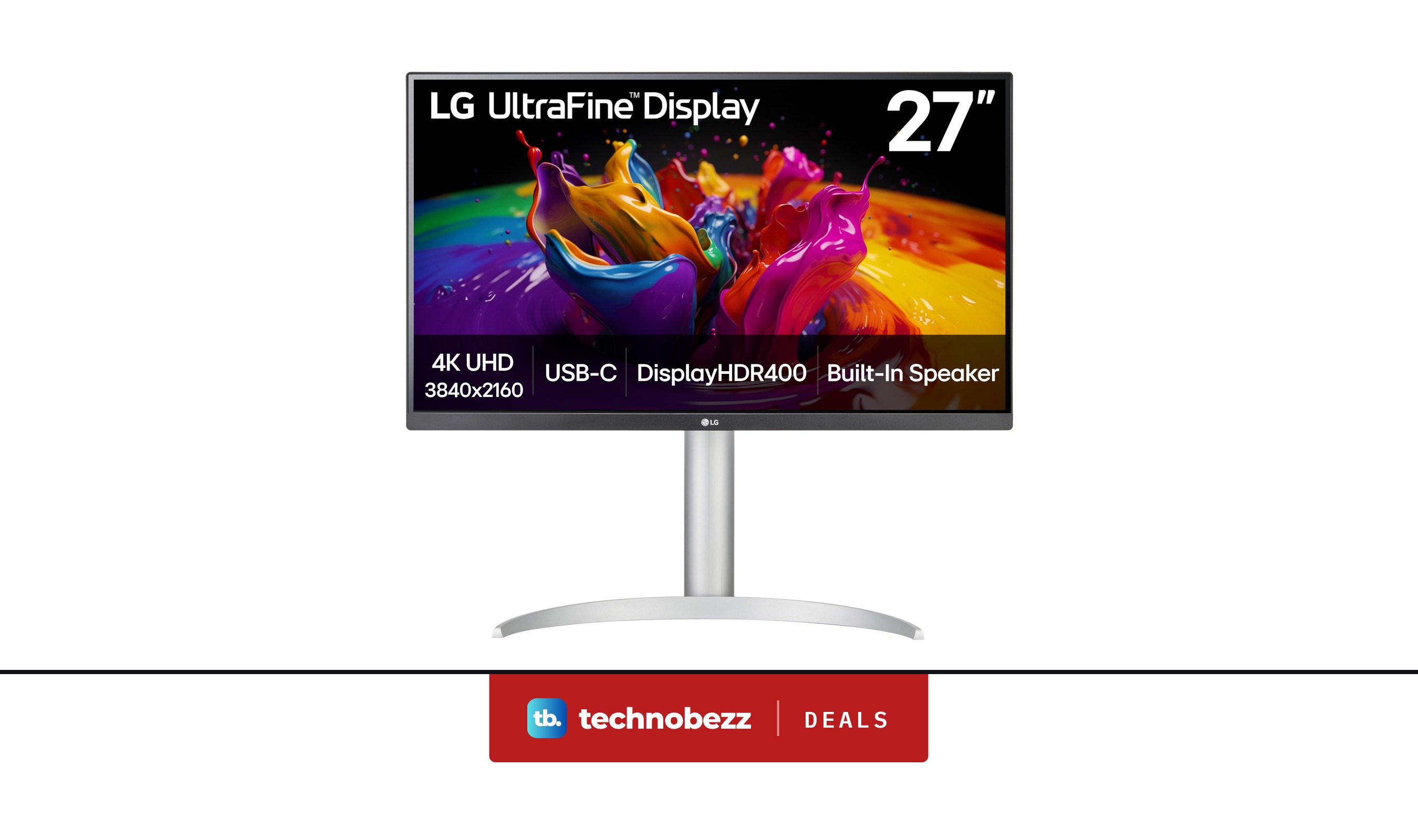
LG 27UP850K-W UltraFine 4K UHD IPS DisplayHDR Monitor falls to $259.99
More buying guides
Buying guide7 Best Camera Backpacks in 2026Buying guide7 Best CB Radios in 2026Buying guide6 Best Multicolor 3D Printers in 2026Buying guide6 Best Closed-Back Headphones in 2026Buying guide7 Best MagSafe Chargers in 2026Buying guide5 Best Underwater Cameras in 2026Buying guide7 Best HDMI Cables in 2026Buying guide7 Best GPS Dog Collars in 2026