A gaming mouse pad decides how your mouse glides and how quickly it stops. The main choices are cloth or glass, a fast or controlled surface, and a pad that covers only the mouse area or the whole desk. This guide is for US PC players who want a pad that suits how they play and the desk they play on, whether that means competitive shooters or a lit-up RGB setup.
Technobezz is supported by its audience. We may get a commission from retail offers.
6 Best Gaming Mouse Pads in 2026
The SteelSeries QcK Performance XL Balance leads this list of the best gaming mouse pads, with picks for control, glass glide, RGB lighting, and tight budgets.
T
Technobezz
Editorial Team
Updated November 11, 2026Nov 11, 2026
•11 min read

Get Deals Like These in Your Inbox
The best prices, straight to your inbox.
Add Technobezz on Google:Preferred SourceGoogle Discover
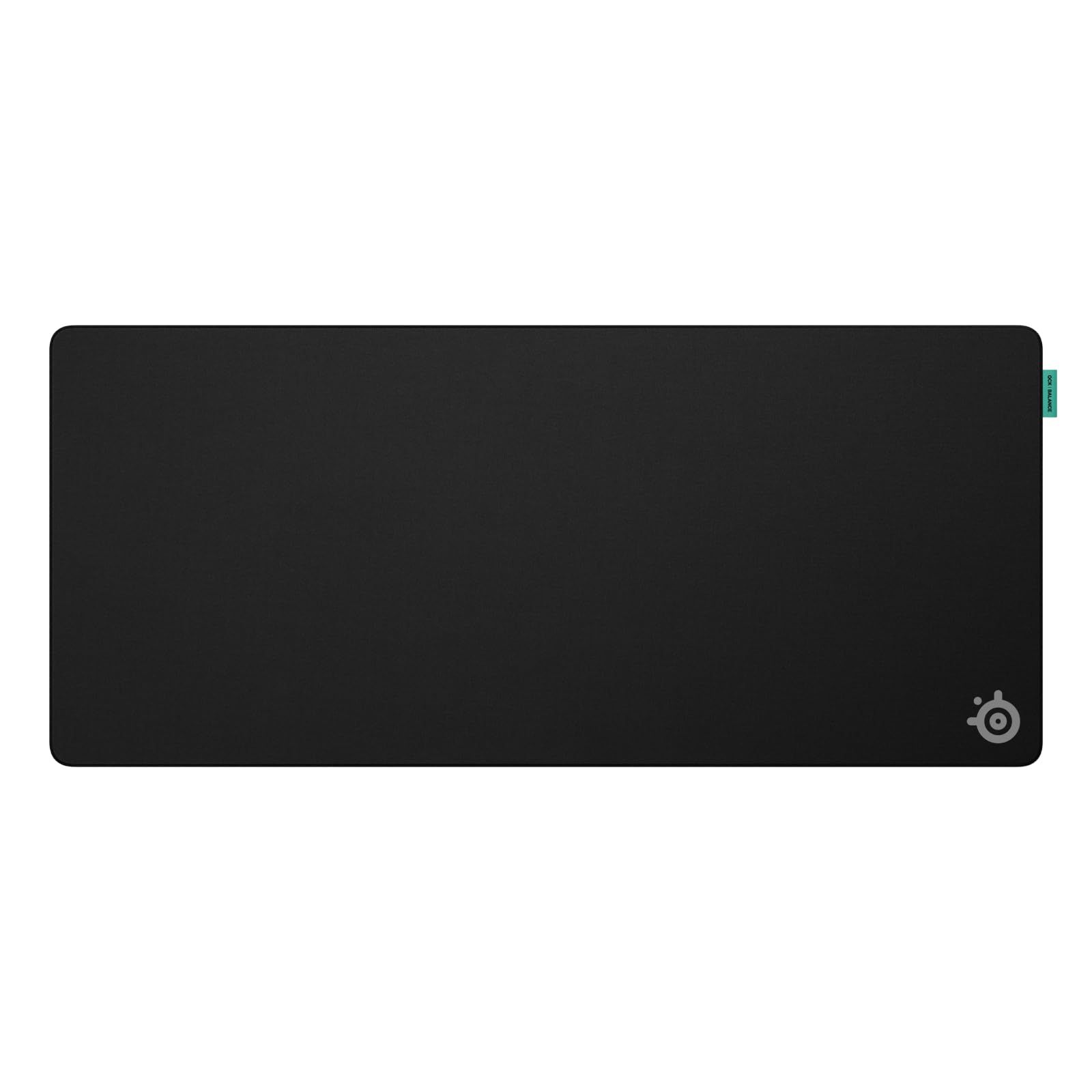
The SteelSeries QcK Performance XL Balance is the best overall pick. SteelSeries describes its Balance surface as having medium dynamic friction and measured acceleration. It also has low-profile stitched edges and a non-slip neoprene rubber base, which makes it a sensible all-round cloth pad for players who switch between game types.
The other picks each cover one need: a control-focused cloth pad, a spill-resistant desk mat, RGB lighting with a USB hub, a thin tempered glass mat, and a budget cloth option.
At a Glance
| Category | Product | Why We Picked It |
|---|---|---|
| Best overall | SteelSeries QcK Performance XL Balance | Medium-friction cloth, stitched edges, and a non-slip base |
| Best for control | BenQ Zowie G-SR III Large | Controlled glide with a humidity-resistant cloth top |
| Best spill-resistant | Corsair MM350 PRO Extended XL | Desk-size cloth with a spill-proof, stain-resistant coating |
| Best RGB | Corsair MM700 RGB Extended | 360-degree three-zone lighting and a two-port USB hub |
| Best glass | Razer Atlas Pro | 1.9 mm tempered glass with a low-friction etched surface |
| Best budget | Logitech G240 Cloth | Simple cloth pad with moderate friction and a rubber base |
How we chose
We compared each pad using its maker's published specifications, including surface material, friction, size, thickness, base, and edge finish. We then checked that every pick is sold new on Amazon.
The best Gaming Mouse Pads right now
SteelSeries QcK Performance XL Balance - Best overall
The SteelSeries QcK Performance XL Balance sits in the middle of the QcK Performance range, which also comes with Speed and Control surfaces. SteelSeries says the Balance version has medium dynamic friction and measured acceleration. It is meant for players who want both glide and stopping power from one pad.
The top is a soft, finely woven fabric with a high stitch count and tight weave. Underneath is high-grade neoprene foam, which SteelSeries says gives the mouse a stable foundation at high speeds with no sensor skip. Low-profile stitched edges are reinforced against fraying, and a non-slip neoprene rubber base keeps the pad in place. This pick is the XL Balance version. Other sizes and surfaces are sold separately and have different specs.
Key highlights
- Balance surface with medium dynamic friction
- Soft, finely woven fabric top
- High-grade neoprene foam layer
- Low-profile stitched edges
- Non-slip neoprene rubber base
- XL size (other sizes and Speed or Control surfaces sold separately)
Pros
- Middle-ground friction suits players who switch between fast and precise games
- Reinforced stitched edges are built to resist fraying
- Speed and Control versions exist if your preference changes
- XL size gives plenty of room for wide arm movements
Cons
- Medium friction is a compromise, so it is not the fastest or most stopping-focused surface in the range
- XL size needs a wide desk
- SteelSeries does not list a spill-resistant coating among its features
Who it is for: Players who move between different kinds of games and want one cloth pad that does not lean heavily toward speed or control.
Skip if
You want the fastest possible glide, a hard surface, or a pad small enough for a compact desk.
BenQ Zowie G-SR III Large - Best for control
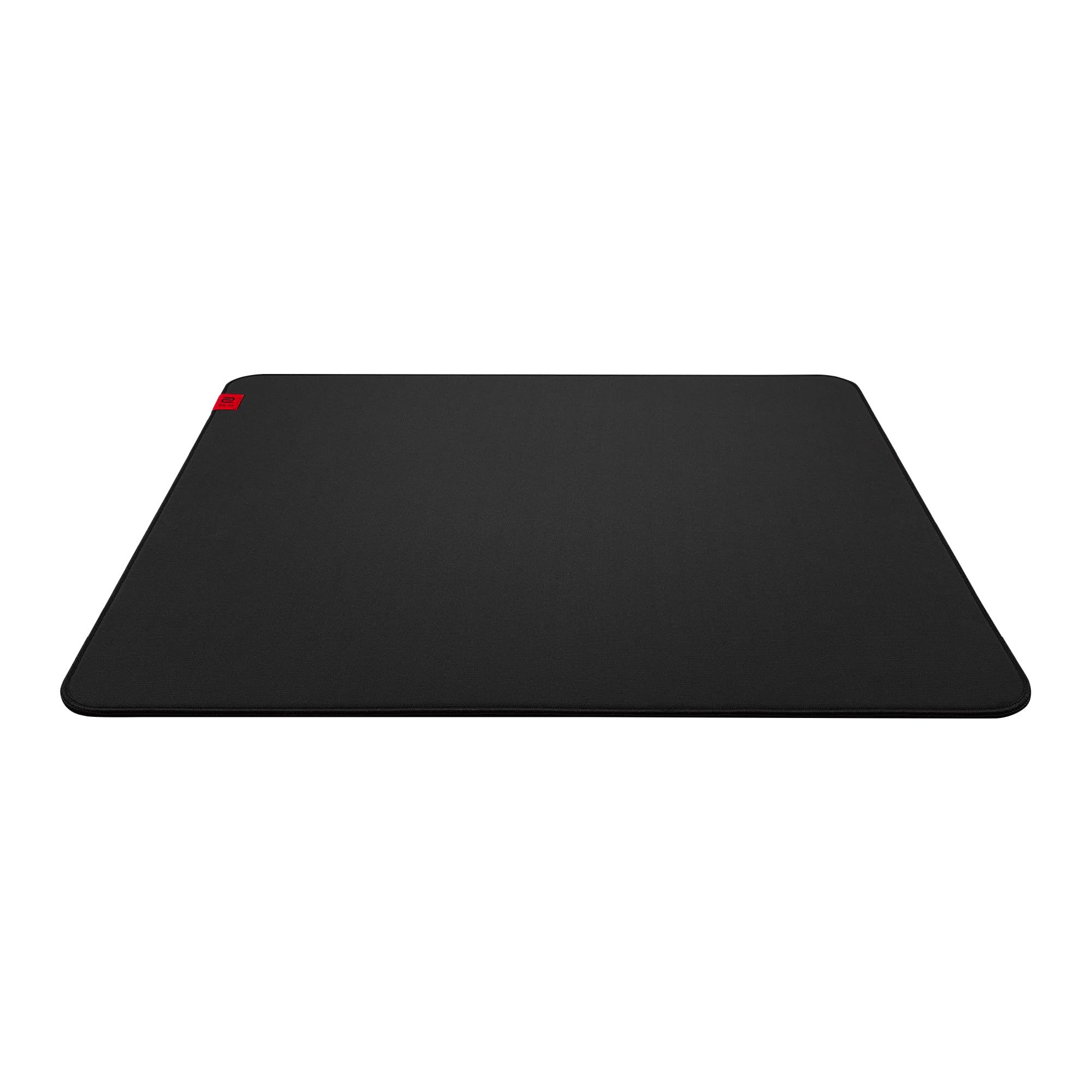
The BenQ Zowie G-SR III is a cloth pad tuned for control. Zowie says its ComfortGlide technology gives a more controlled glide with a subtle "locked-in" effect. The top layer of cloth has enhanced humidity resistance. Zowie says this keeps the surface dry and avoids the sticky glide that trapped moisture can cause.
This listing is the Large size, which measures 470 x 390 mm (18.5 x 15.3 inches) and is 3.5 mm thick. Zowie sells an XL version separately as the H-SR III. Zowie says a tighter surface weave reduces glide inconsistency after frequent use. The pad has stitched edges and sits on a uniform high-density rubber base with medium softness and an anti-slip design.
Key highlights
- 470 x 390 mm (Large size)
- 3.5 mm thick
- Cloth top with enhanced humidity resistance
- ComfortGlide controlled glide
- Tighter surface weave
- Stitched edges and anti-slip high-density rubber base
Pros
- Glide is tuned for stopping power and control
- Humidity-resistant top is designed to avoid a sticky feel
- Tighter weave is aimed at keeping the glide consistent over time
- Medium-soft base adds some cushioning
Cons
- The controlled "locked-in" glide is not suited to players who want a speed surface
- At 470 x 390 mm, the Large size covers the mouse area but not a full keyboard
- The larger XL size is a separate product
Who it is for: Competitive shooter players who care most about stopping power and steady, controlled aim.
Skip if
You prefer a fast glide or want one mat that covers your keyboard and mouse.
Corsair MM350 PRO Extended XL - Best spill-resistant

The Corsair MM350 PRO Extended XL measures 930 x 400 mm, which is enough for a keyboard and mouse together. Its main feature is a spill-proof and stain-resistant coating. Corsair says this coating makes liquids slide off the surface so the pad is easy to wipe clean.
Corsair calls the micro-weave textile surface glide-enhanced and says its dense weave gives a faster, smoother glide. The pad is made of 4 mm thick plush rubber with an anti-skid textured natural rubber base. Anti-fray precision stitching runs around all four edges.
Key highlights
- 930 x 400 x 4 mm
- Spill-proof, stain-resistant coating
- Glide-enhanced micro-weave cloth surface
- 360-degree anti-fray stitched edges
- Anti-skid textured natural rubber base
- Model CH-9413770-WW
Pros
- Coating lets spills wipe off the surface
- Desk-size coverage for keyboard and mouse
- Thick 4 mm rubber adds cushioning
- Stitched edges are designed to resist fraying
Cons
- The 4 mm thickness raises your keyboard and wrists more than a thin pad
- The fast, glide-enhanced surface is not aimed at control-first players
- No lighting or USB extras
Who it is for: Players who keep drinks or snacks at the desk and want a full-desk cloth mat that wipes clean.
Skip if
You want a thin pad or a slower surface built for control.
Corsair MM700 RGB Extended - Best RGB
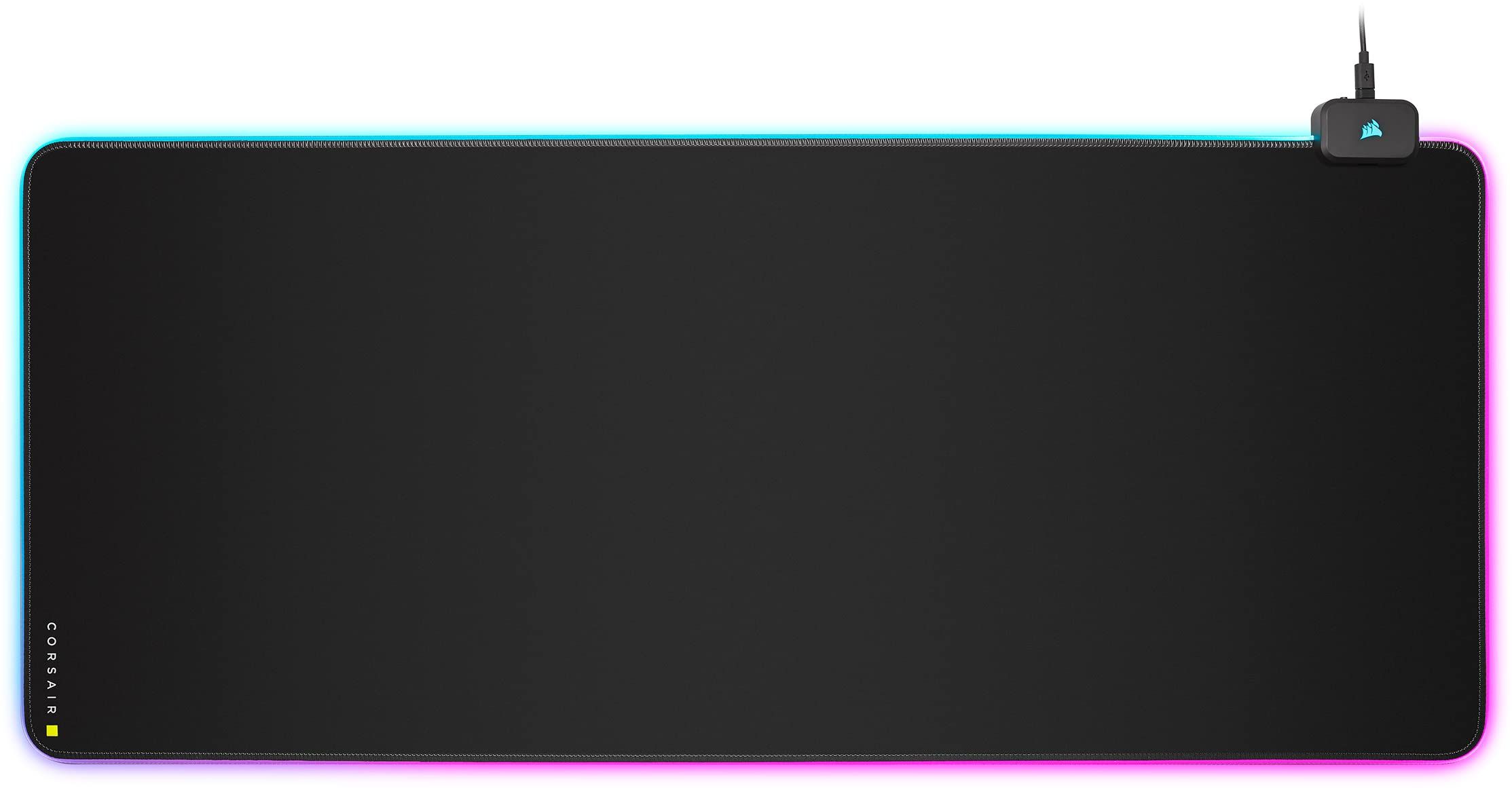
The Corsair MM700 RGB Extended has a 930 x 400 mm micro-weave cloth surface surrounded by 360 degrees of three-zone RGB lighting. You can cycle through 12 onboard lighting profiles with a button, or create your own in Corsair iCUE software.
It also works as a desk hub. A two-port USB hub lets you connect extra peripherals, such as a headset or mouse. The pad connects with a detachable USB Type-C cable, is 4 mm thick, and has a textured natural rubber base to stop it from slipping.
Key highlights
- 930 x 400 x 4 mm
- 360-degree, three-zone RGB lighting
- 12 onboard lighting profiles
- Two-port USB hub
- Detachable USB Type-C cable
- Micro-weave cloth with textured natural rubber base
Pros
- Lighting works through onboard profiles without software
- USB hub puts extra ports right at the desk
- Desk-size surface fits a keyboard and mouse
- Detachable cable makes it easier to move the pad
Cons
- Must be cabled to your PC for lighting and the USB hub to work
- Custom lighting needs iCUE software
- Corsair does not state the USB type of the hub ports
Who it is for: Players building a matching RGB desk setup who also want spare USB ports close to the mouse.
Skip if
You want a pad with no cable or a thinner, plain cloth mat.
Razer Atlas Pro - Best glass
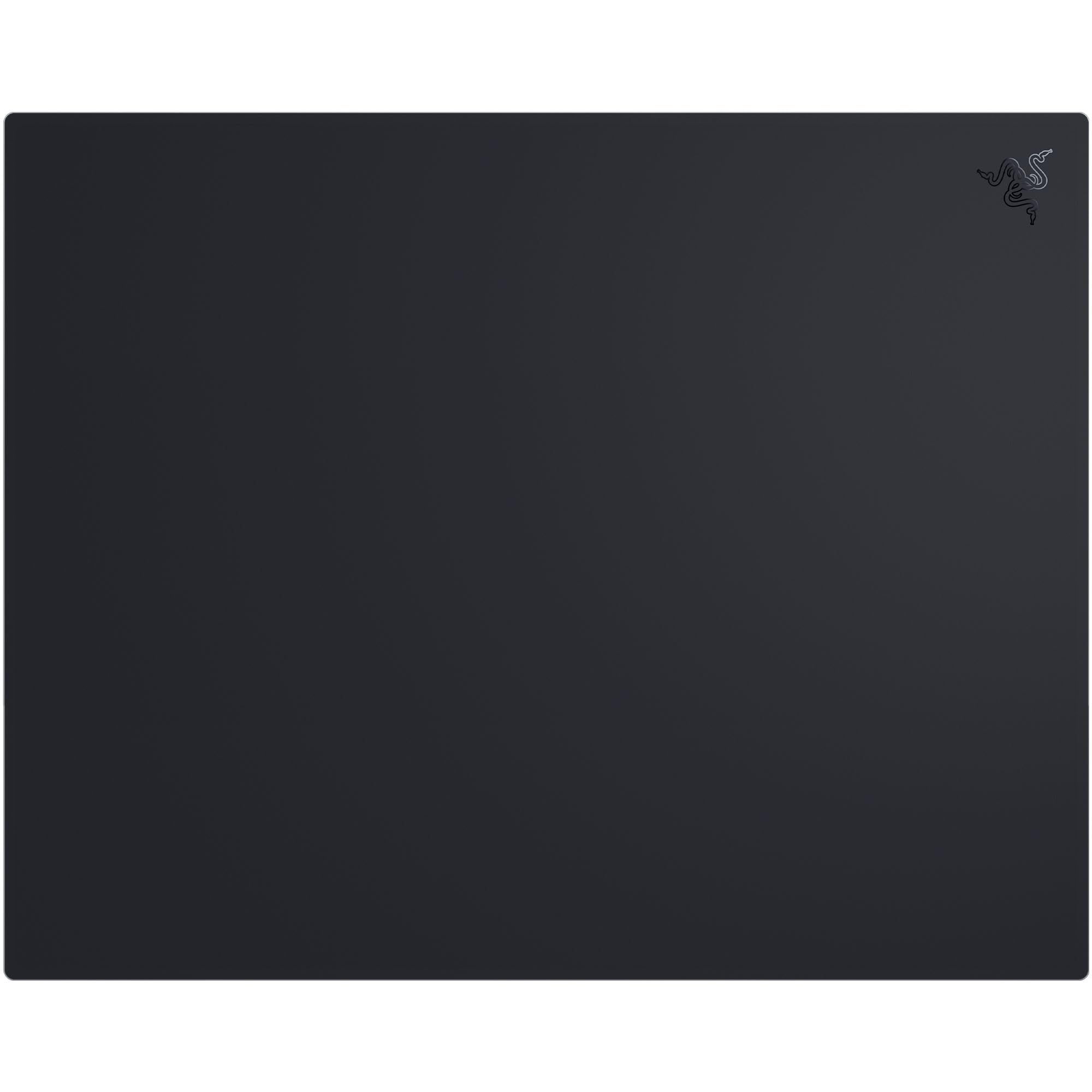
The Razer Atlas Pro is a tempered glass mouse mat with a 9H rating. It is 1.9 mm thick in total: 1.1 mm of glass on a 0.8 mm base. Based on its internal tests as of April 2026, Razer calls it the world's thinnest glass gaming mouse mat.
The glass is micro-etched at 2 micrometers for an ultra-smooth, low-friction surface. Razer says the surface is optimized for optical sensors and resists dirt and scratches. An anti-slip rubber base holds the mat in place. Razer recommends using your Razer mouse's original feet or equivalent PTFE replacements. To clean the mat, Razer suggests gently wiping it with a warm, damp cloth while it sits on a flat, level surface.
Key highlights
- Tempered glass with a 9H rating
- 1.9 mm total thickness (1.1 mm glass, 0.8 mm base)
- Surface micro-etched at 2 micrometers
- Optimized for optical sensors
- Dirt- and scratch-resistant
- Anti-slip rubber base
Pros
- Low-friction glass surface for fast glide
- Very thin profile keeps the mouse close to the desk
- Dirt- and scratch-resistant surface wipes clean with a damp cloth
- Tempered glass is built for long-term use
Cons
- A hard glass top on a 0.8 mm base gives very little cushioning
- Razer recommends original or PTFE mouse feet, so some aftermarket skates may not suit it
Who it is for: Players who want a fast, low-friction glide and a hard surface that resists dirt and scratches.
Skip if
You prefer the stopping power of cloth or a soft, cushioned feel.
Logitech G240 Cloth - Best budget
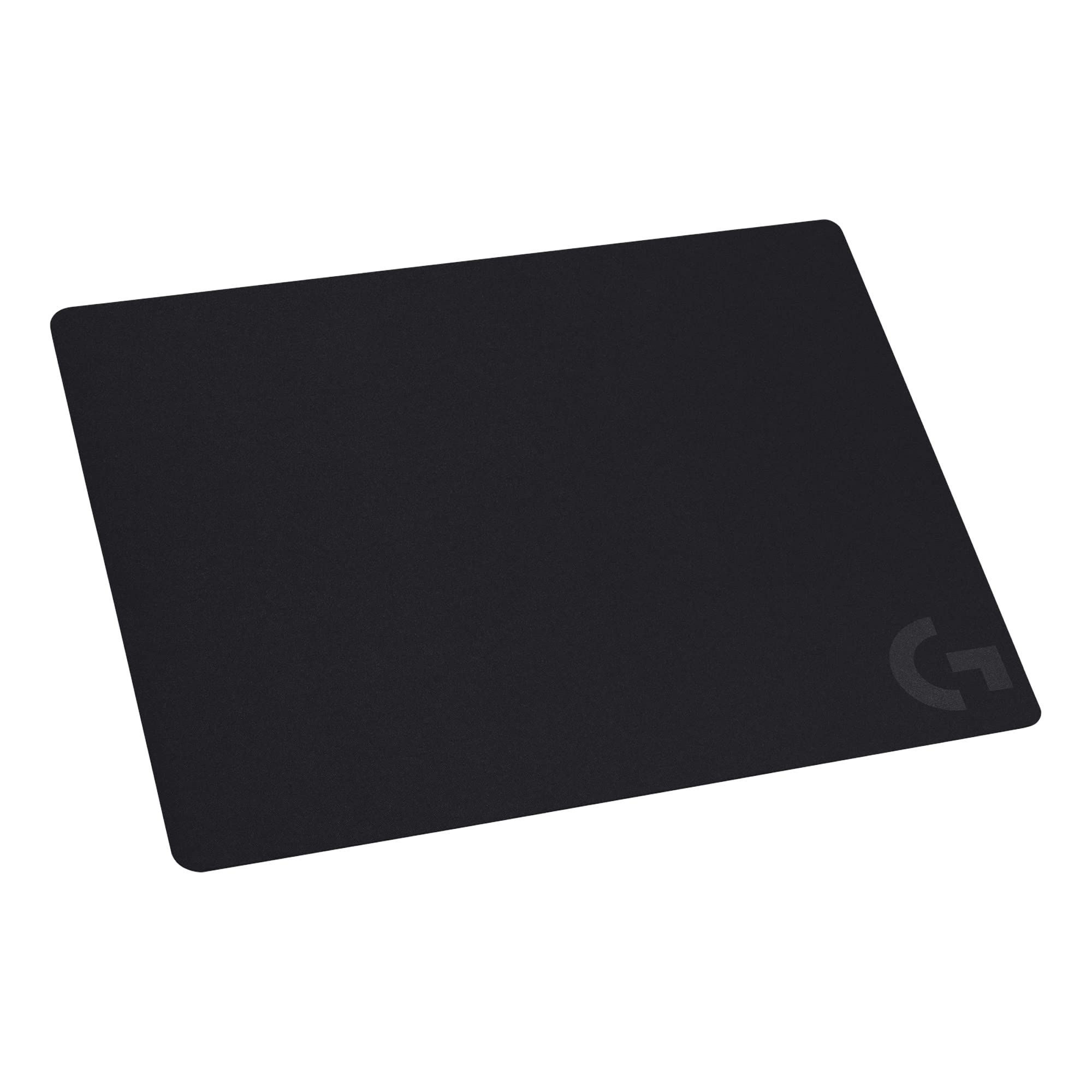
The Logitech G240 is a simple cloth pad for players who do not need extras. Logitech heat-treats the cloth at 200°C and says this gives the moderate surface friction that suits high-DPI gaming, with enough resistance for the mouse feet when starting or stopping a rapid movement.
Logitech says the smooth, consistent surface texture allows precise, reliable tracking and is optimized for Logitech G mice. A sturdy rubber base keeps the pad from slipping during play.
Key highlights
- Cloth surface heat-treated at 200°C
- Moderate surface friction
- Consistent surface texture for tracking
- Optimized for Logitech G mice
- Sturdy rubber base
Pros
- Affordable, no-frills cloth pad
- Moderate friction is a middle ground for high-DPI play
- Surface tuned for Logitech G sensors
- Rubber base keeps it in place
Cons
- The surface tuning claim is specific to Logitech G mice
- No stitched edges, spill coating, or lighting listed among its features
Who it is for: Budget buyers, especially Logitech G mouse owners, who want a plain cloth pad with a steady base.
Skip if
You want reinforced edges, a spill-resistant coating, or lighting.
How to Choose
- Pick a surface material. Cloth pads such as the Zowie G-SR III and SteelSeries QcK Performance have a soft top with some give. Glass pads such as the Razer Atlas Pro are hard, thin, and low in friction.
- Match friction to how you aim. Makers describe surfaces as faster or more controlled. SteelSeries sells Speed, Balance, and Control versions of the QcK Performance, and Zowie tunes the G-SR III for a controlled glide.
- Measure your desk. A Large pad like the 470 x 390 mm Zowie covers the mouse area only. Extended pads like the 930 x 400 mm Corsair models fit under a keyboard and mouse together.
- Check the thickness. Thick 4 mm cloth pads add cushioning but raise your wrists. The 1.9 mm Atlas Pro keeps everything low with little give.
- Look at edges and coatings. Stitched edges are built to resist fraying, and a spill-resistant coating like the one on the MM350 PRO makes cleanup easier.
- Decide whether you want extras. RGB lighting and USB hubs, like those on the MM700, need a cable to your PC.
FAQ
Is a glass mouse pad better than cloth?
Neither is better for everyone. Glass, like the Razer Atlas Pro, is a hard, low-friction surface that resists dirt and scratches. Cloth pads come in speed and control tunings and usually have a softer feel, so the right choice depends on how much stopping power you want.
What size gaming mouse pad should I buy?
If you only want a surface under the mouse, a Large pad such as the 470 x 390 mm Zowie G-SR III fits that role. If you want the keyboard and mouse on one mat, an extended pad around 930 x 400 mm, like the Corsair MM350 PRO or MM700, covers both. Measure your desk first.
Does mouse pad thickness matter?
Yes, for feel and height. A thicker pad, such as a 4 mm Corsair model, adds more cushion between the mouse and the desk. A thin pad, such as the 1.9 mm Razer Atlas Pro, keeps the mouse lower with little give.
Do RGB mouse pads need to be plugged in?
Yes. The Corsair MM700 RGB Extended connects with a detachable USB Type-C cable to power its lighting and USB hub. It stores 12 onboard lighting profiles, and custom effects are set in Corsair iCUE software.
How do I clean a glass mouse pad?
Razer recommends gently wiping the Atlas Pro with a warm, damp cloth while the mat sits on a flat, level surface.
Published November 11, 2026 Last updated November 11, 2026
Add Technobezz on Google:Preferred SourceGoogle Discover
More on mice
Deal
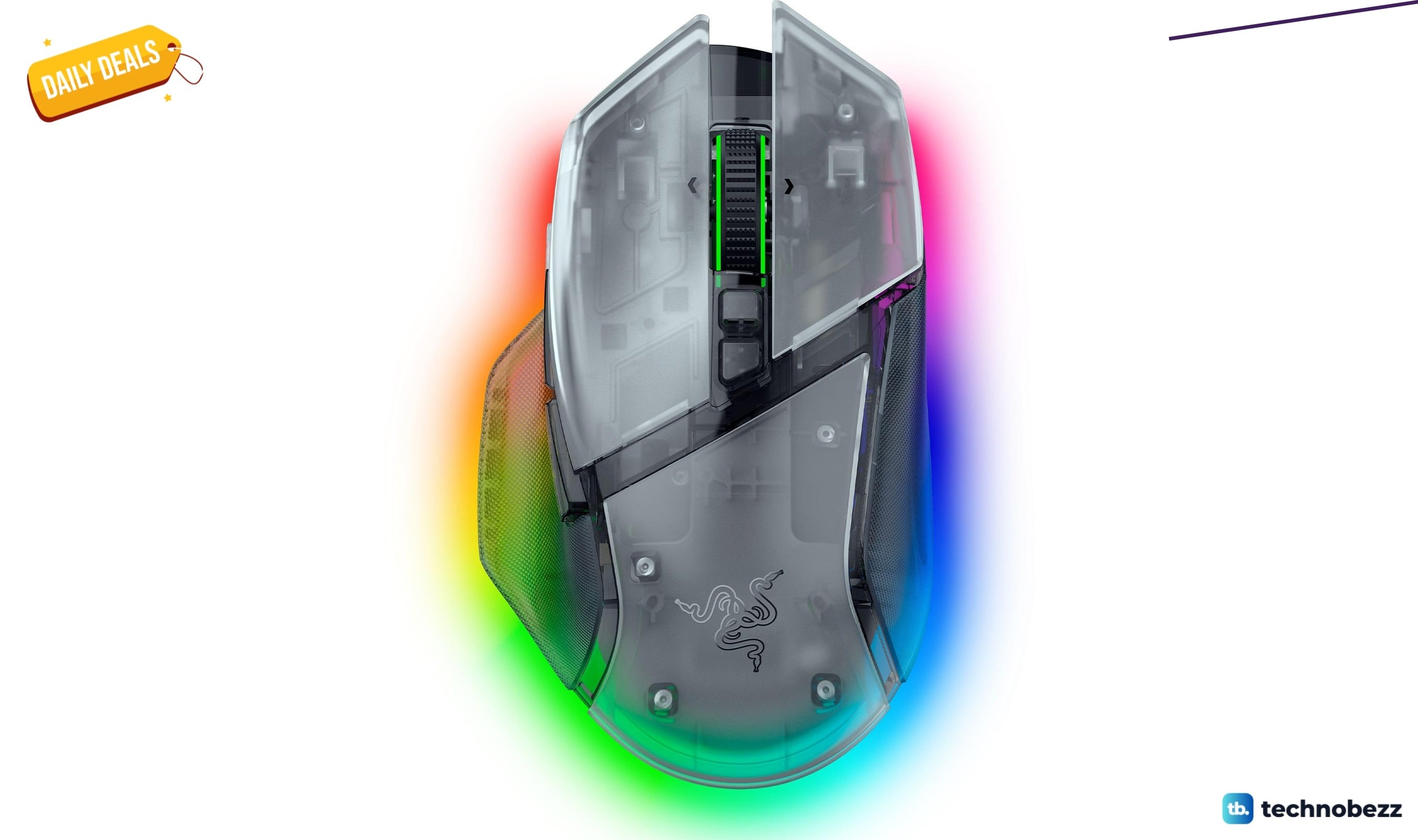
Razer Basilisk V3 Pro 35K Wireless Gaming Mouse gets a Prime Big Deal Days price cut to $113.99
Deal
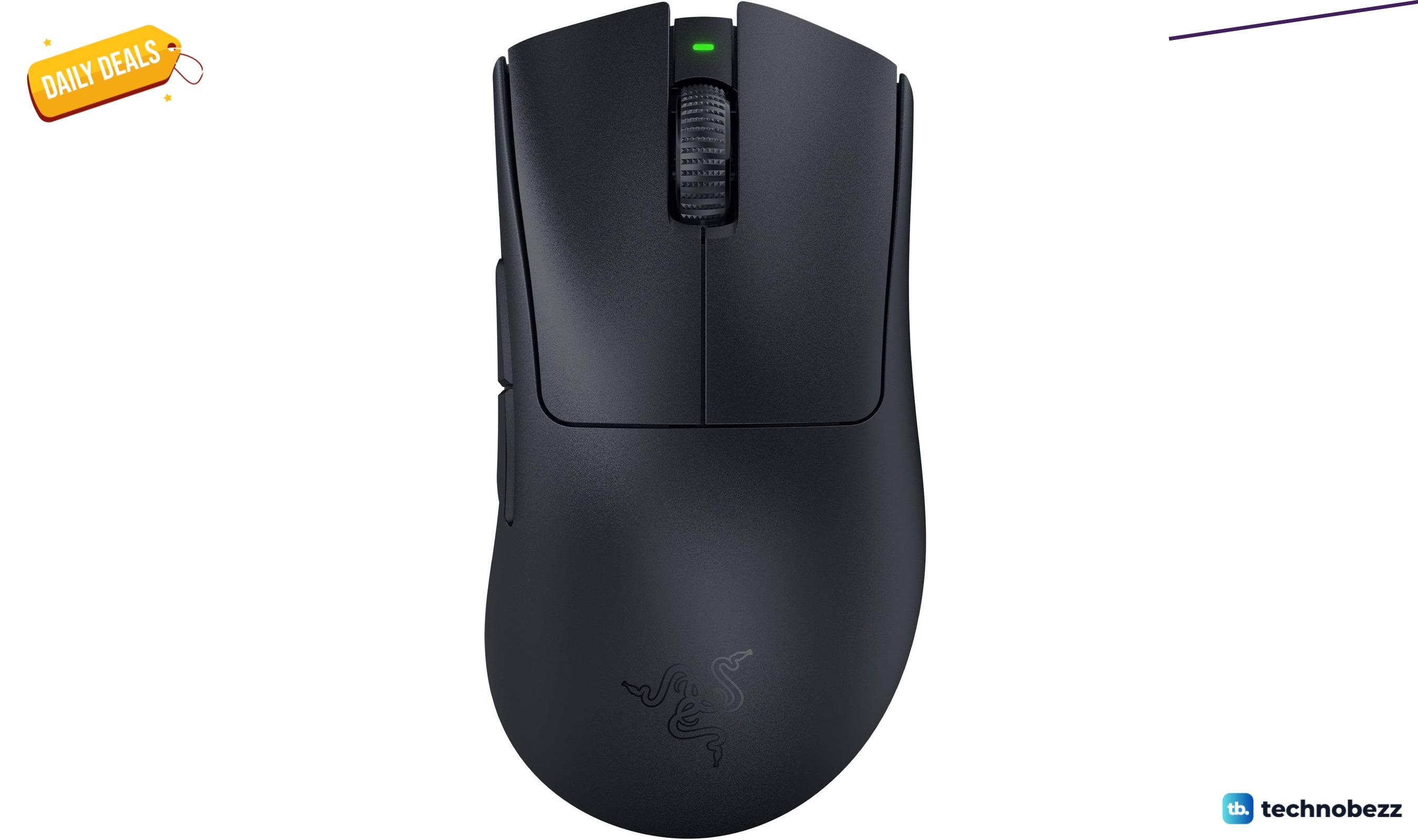
Razer DeathAdder V3 Pro Wireless Gaming Mouse gets a Prime Big Deal Days price cut to $61.74
Deal
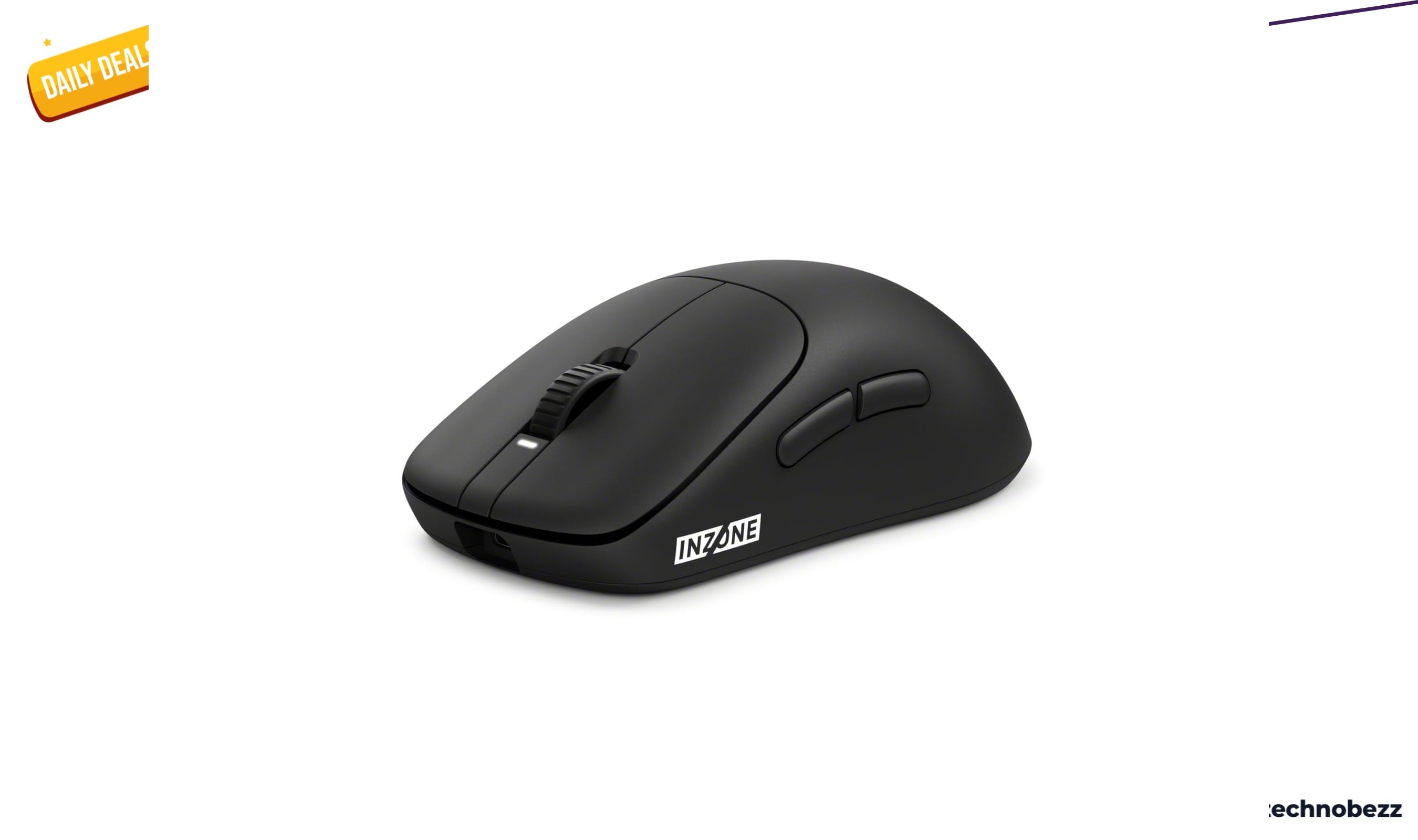
Sony INZONE Mouse-A Ultra-Lightweight 48g Wireless Esports gets an early Prime Big Deal Days price cut to $98
Deal
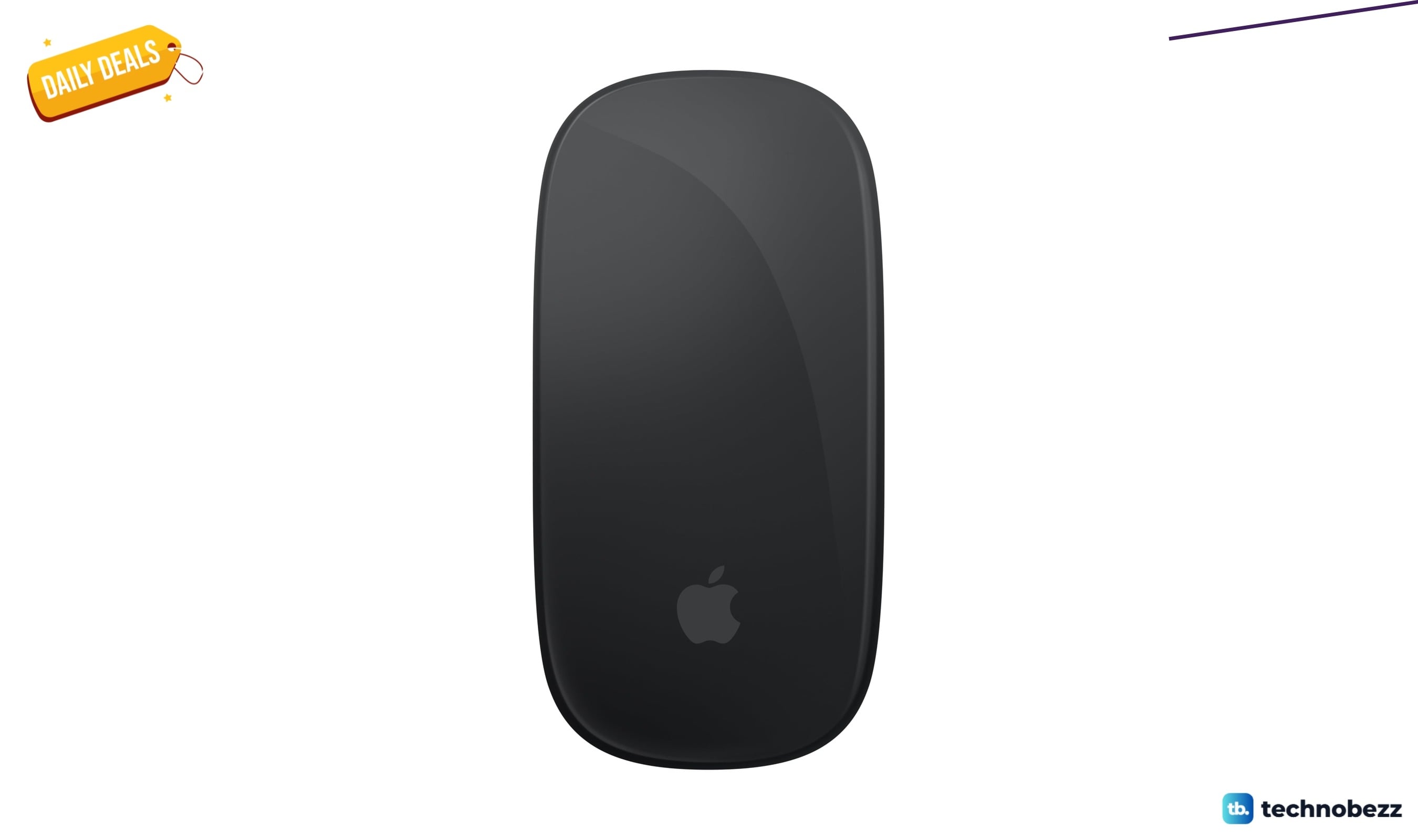
Apple Magic Mouse Black Multi-Touch Surface drops to $79.99 ahead of Prime Big Deal Days
More buying guides
Buying guide5 Best Emergency Radios in 2026Buying guide6 Best Short Throw Projectors in 2026Buying guide5 Best Wireless Keyboard and Mouse Combos 2026Buying guide7 Best Laptops for Video Editing in 2026Buying guide5 Best Laptops for Engineering Students in 2026Buying guideTop 6 High-End Laptops for 2026Buying guide6 Best Pet Cameras in 2026Buying guide7 Best Wi-Fi 7 Routers in 2026