If you need a laptop that can handle demanding tasks without compromise, you're looking at the high-end market. The right premium laptop balances power, portability, and polish. Our top pick, the MacBook Air M5, combines a fanless design with 512GB of storage and up to 18 hours of video streaming, according to Apple. This list is for professionals, creators, and anyone who wants their laptop to keep up without excuses.
Technobezz is supported by its audience. We may get a commission from retail offers.
Top 7 High-End Laptops for 2026
MacBook Air M4 leads our 2026 high-end laptop picks. See the top 9 premium models for professionals and creators, including Dell XPS 14 and more.
T
Technobezz
Editorial Team
Updated October 5, 2026Oct 5, 2026
•8 min read

Get Deals Like These in Your Inbox
The best prices, checked by our editors.
At a Glance
| Category | Product | Why We Picked It |
|---|---|---|
| Best overall | MacBook Air M5 | Fanless M5 design with 512GB storage and Wi-Fi 7 |
| Best Windows laptop | Dell XPS 14 | 14.5-inch 120Hz OLED touchscreen and RTX 4050 graphics |
| Best 2-in-1 | Lenovo Yoga 9i | Versatile convertible with OLED display |
| Best for creators | MacBook Pro M5 Pro | Serious power for video and photo work |
| Best for upgrading | Framework Laptop 13 | User-replaceable RAM, storage, and even motherboard |
| Also recommended | HP OmniBook 5 | All-day battery life for travelers |
| Also recommended | Microsoft Surface Laptop 8th Edition | Snapdragon X2 Elite processor and a 13.8-inch 120Hz touchscreen |
How we chose
We evaluated laptops based on performance benchmarks, real-world usage patterns, and build quality. Our assessment considers processing power, display quality, battery endurance, and overall user experience. We prioritize products that deliver consistent performance across demanding workloads while maintaining portability and reliability. This evaluation synthesizes findings from multiple independent assessments to provide balanced recommendations.
The best high-end laptops right now
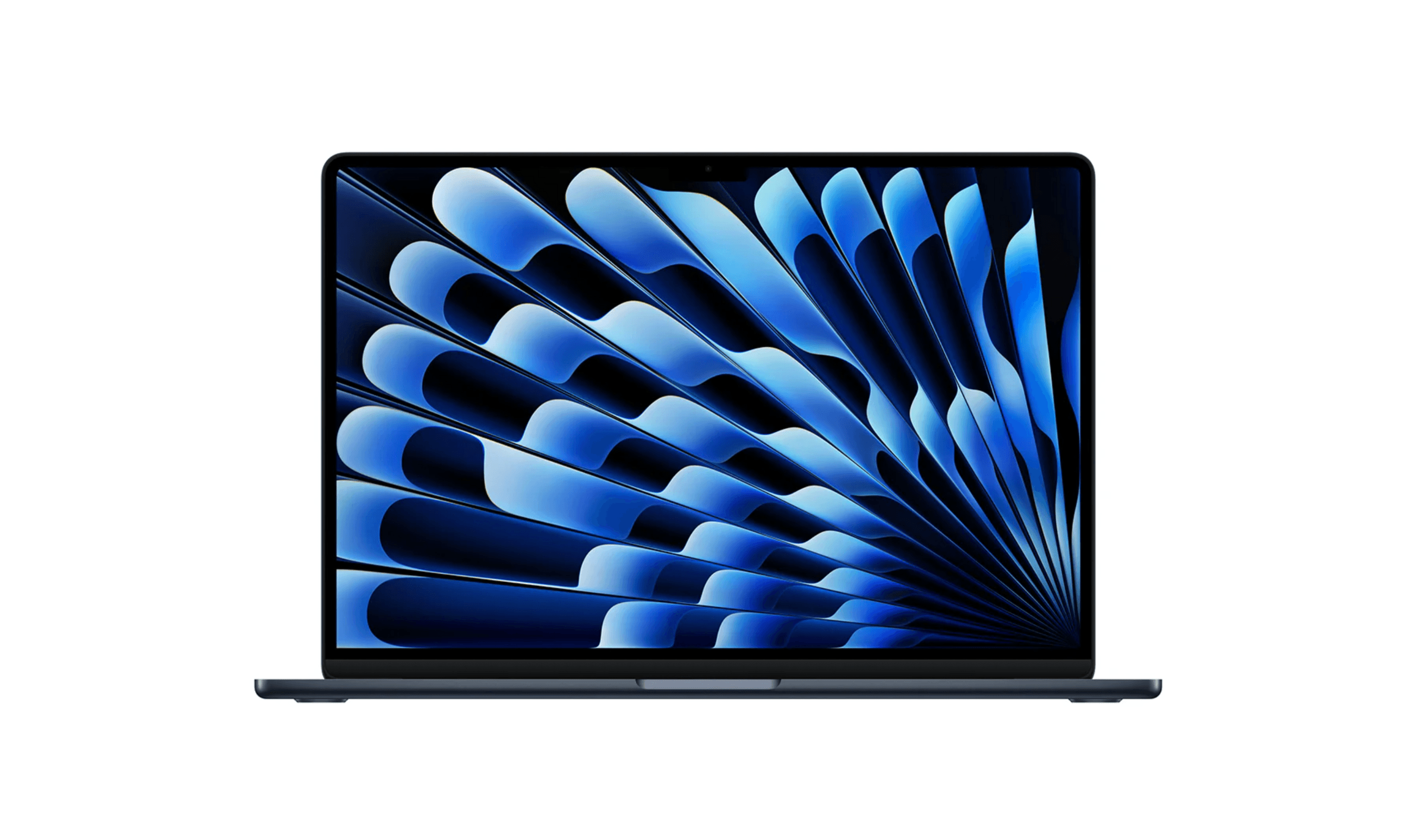
MacBook Air M5 - Best overall
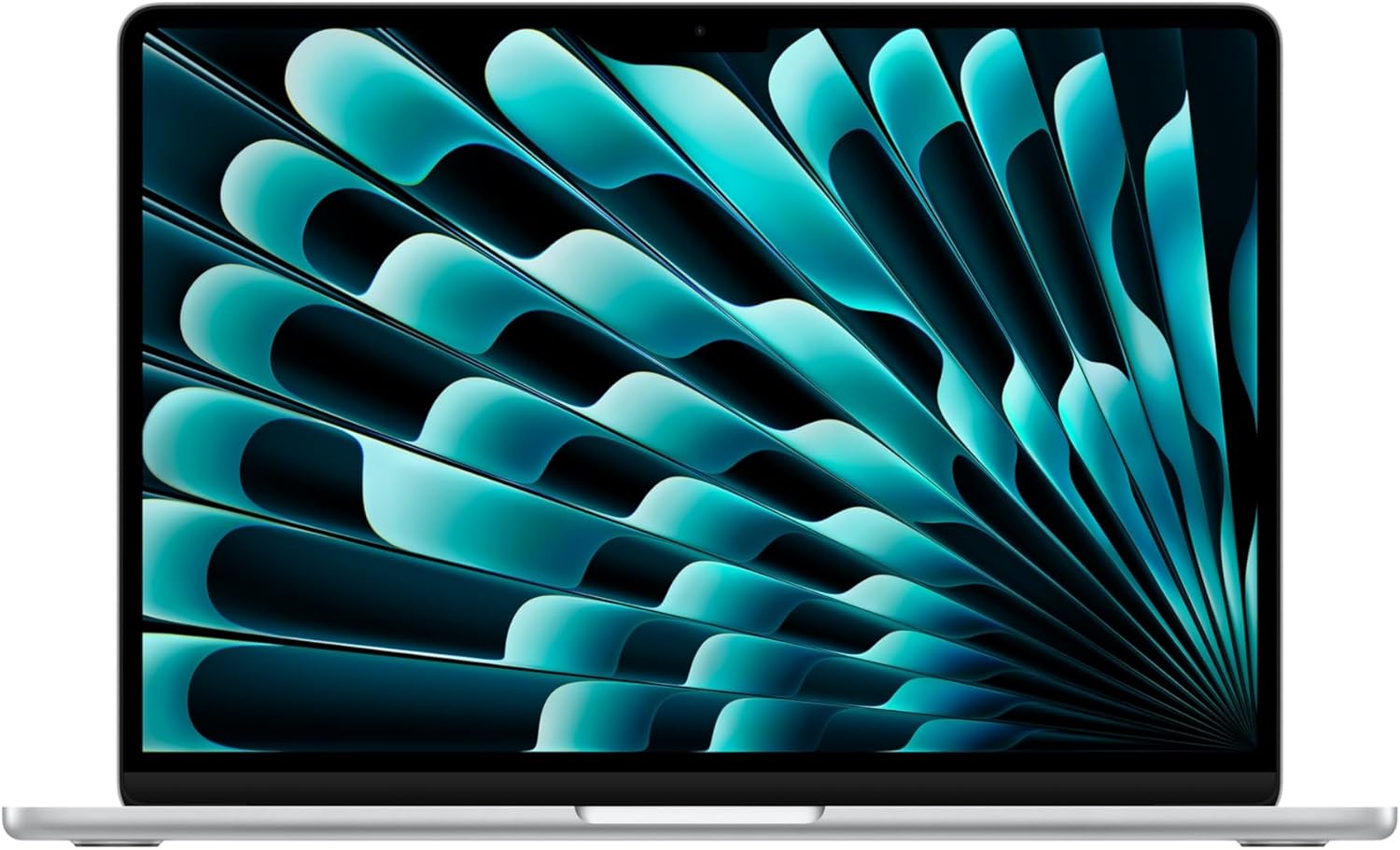
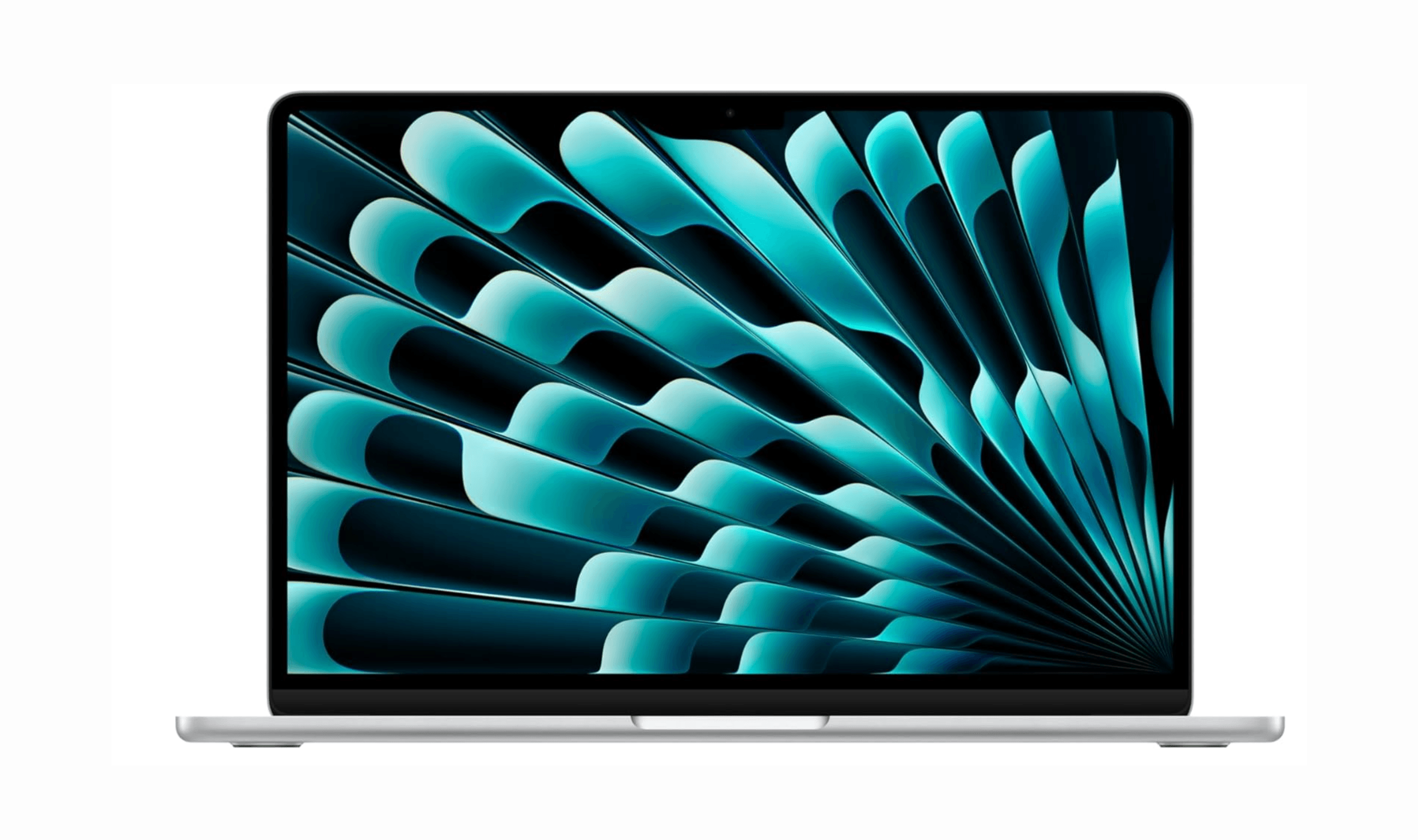
The MacBook Air M5 pairs a fanless design with 16GB of unified memory and a 512GB SSD. Its 13.6-inch Liquid Retina display and 12MP Center Stage camera suit everyday work and video calls.
Key highlights
- M5 chip with 16GB unified memory and a 512GB SSD
- 13.6-inch Liquid Retina display
- Apple rates battery life at up to 18 hours of video streaming or 15 hours of wireless web use
- 12MP Center Stage camera
- Wi-Fi 7 and support for up to two external displays alongside the built-in screen
Pros
- Silent fanless operation
- Portable 2.7-pound design
- MagSafe charging leaves both Thunderbolt 4 ports available
- Touch ID and a Force Touch trackpad
Cons
- Only two Thunderbolt 4 ports
- No built-in HDMI port or SD card reader
- The 13.6-inch display provides less workspace than the 15-inch Air
Who it is for: Students, professionals, and anyone who wants a reliable daily driver that won't weigh them down. The MacBook Air M5 excels at productivity tasks while offering enough power for occasional creative work.
Skip if
You need dedicated graphics for gaming or heavy video editing, require more than two ports without dongles, or prefer Windows for specific applications.
Dell XPS 14 - Best Windows laptop
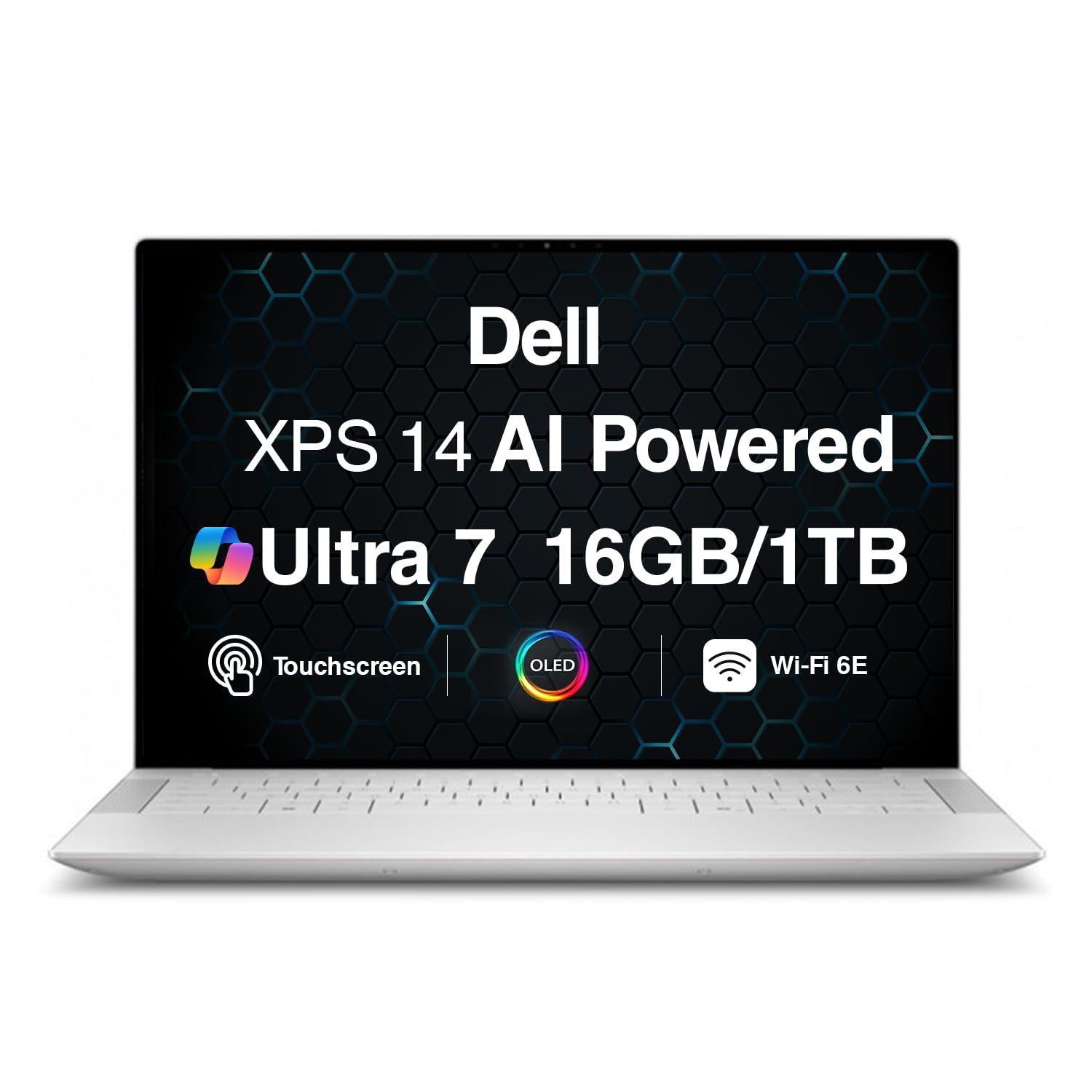
Dell's XPS 14 represents the pinnacle of Windows laptop design, combining premium materials with cutting-edge display technology and strong performance. The linked configuration includes a 14.5-inch 3200x2000 OLED touchscreen with a 120Hz refresh rate.
Key highlights
- 14.5-inch 3.2K OLED touchscreen with a 120Hz refresh rate
- Intel Core Ultra processors provide strong productivity performance
- Premium build with glass touchpad and comfortable keyboard
- 70Wh battery with a 100W USB-C power supply
- Capacitive touch function row switches between media and function controls
Pros
- Beautiful design with minimal bezels and premium materials
- Excellent display options including high-refresh-rate OLED
- Good port selection including Thunderbolt 4 and microSD
- Strong speakers for media consumption
- Relatively lightweight with a 3.8-pound (1.74kg) starting weight for OLED configurations
Cons
- Keyboard with minimal key travel takes adjustment period
- Premium pricing puts it in competition with MacBook Pro
- OLED display reduces battery life compared to LCD option
- Some configurations can get expensive quickly
Who it is for: Windows users who want a premium experience comparable to MacBooks. The XPS 14 works well for professionals who value display quality and design.
Skip if
You're on a tight budget, prefer macOS, or need maximum gaming performance from a dedicated GPU.
Lenovo Yoga 9i - Best 2-in-1
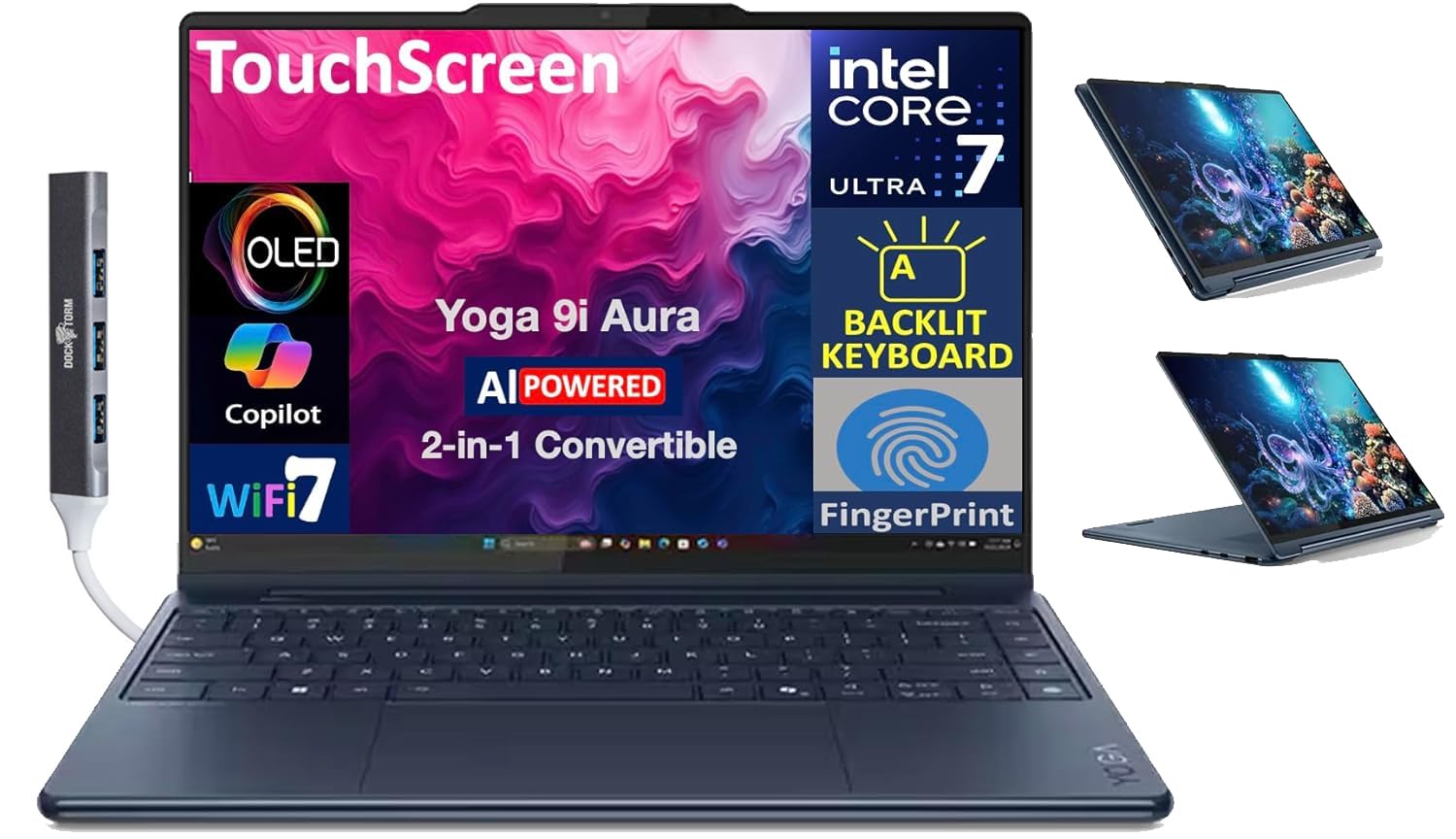
Lenovo's Yoga 9i demonstrates how versatile a premium convertible can be, with a 360-degree hinge that enables laptop, tablet, tent, and stand modes. The beautiful OLED display makes it ideal for creative work and media consumption.
Key highlights
- 14-inch OLED touchscreen with 2880x1800 resolution
- 360-degree hinge enables multiple usage modes
- Intel Core Ultra 7 258V processor with 32GB RAM in the linked configuration
- 75Wh battery with a 65W USB-C power supply
Pros
- Versatile form factor adapts to different tasks
- Excellent OLED display with accurate colors
- Comfortable keyboard and responsive trackpad
- Good selection of ports including USB-A and Thunderbolt
- Premium build quality with attractive design
Cons
- Glossy screen can reflect light in bright environments
- Convertible design adds some weight compared to clamshells
- Bloatware comes pre-installed on some configurations
- Difficult to open for repairs or upgrades
Who it is for: Users who want one device for laptop work and tablet use. The Yoga 9i excels for students, presenters, and creatives who benefit from touch input.
Skip if
You never plan to use touch or tablet mode, prefer maximum portability, or want easy access to internal components.
MacBook Pro M5 Pro - Best for creators
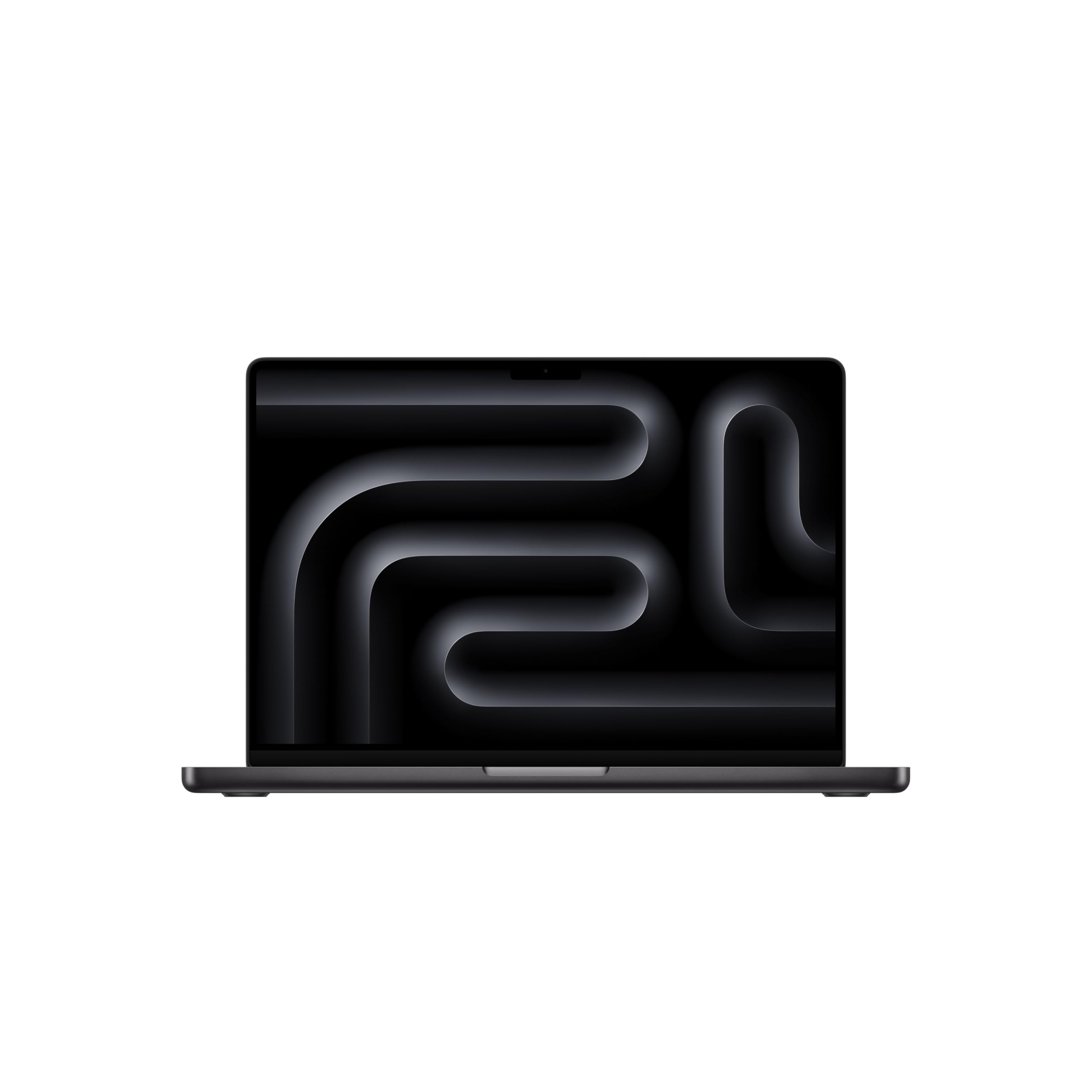
Apple's MacBook Pro with the M5 Pro chip delivers workstation-class performance in a portable package. Its 14.2-inch Liquid Retina XDR display, all-day battery life, and a GPU with a Neural Accelerator built into every core make it ideal for demanding creative workflows and on-device AI.
Key highlights
- M5 Pro chip with a 15-core CPU and 16-core GPU for desktop-class performance
- 14.2-inch Liquid Retina XDR display for color-accurate creative work
- 24GB unified memory and a 1TB SSD in this configuration
- A Neural Accelerator built into each GPU core speeds up on-device AI work
- Wi-Fi 7 connectivity and all-day battery life
Pros
- Industry-leading performance for creative applications
- Bright, color-accurate display perfect for professional work
- Excellent thermal management keeps performance consistent
- Great speakers and microphone array
- macOS optimization for creative software like Final Cut Pro
Cons
- Very expensive, especially with memory and storage upgrades
- Heavy compared to ultraportable options
- Limited gaming compatibility compared to Windows
- No user-upgradeable components
Who it is for: Professional video editors, photographers, designers, and anyone who needs maximum computing power on the go. The MacBook Pro handles 8K video editing and complex 3D rendering.
Skip if
Your work doesn't require this level of power, you're on a tight budget, or you need Windows-specific applications or gaming capabilities.
Framework Laptop 13 - Best for upgrading
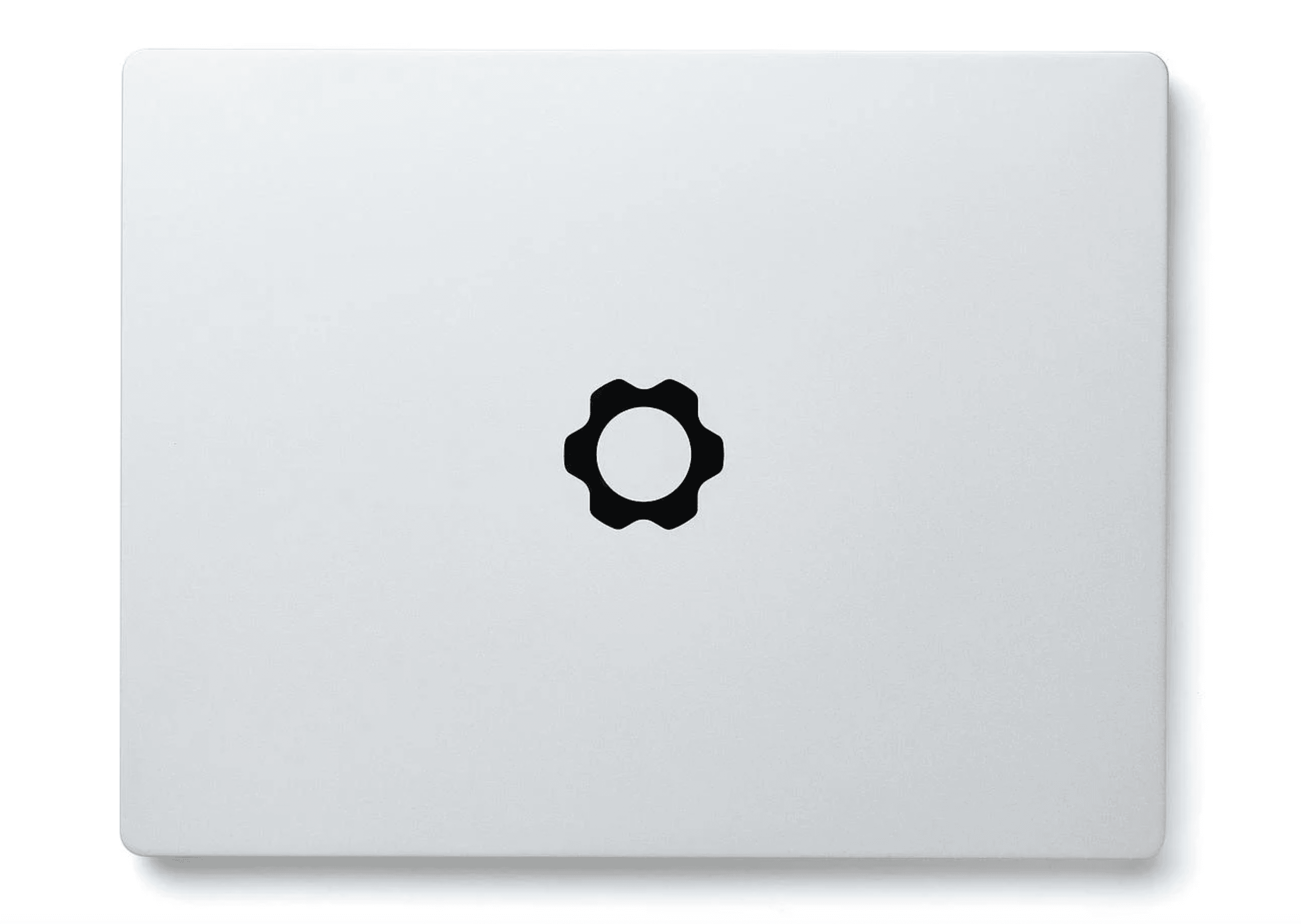
Framework's modular approach challenges the disposable nature of modern laptops. The Laptop 13 offers user-replaceable components, customizable ports, and regular motherboard upgrades that extend its usable life far beyond typical laptops.
Key highlights
- User-replaceable RAM, storage, and even motherboard
- Modular Expansion Card system for customizable ports
- 13.5-inch 3:2 display ideal for productivity
- AMD Ryzen AI 7 processor provides good performance
- Easy to repair with included tools and guides
Pros
- Unprecedented upgradeability and repairability
- Customizable port selection via Expansion Cards
- 3:2 aspect ratio display shows more vertical content
- Strong community support and documentation
- Environmentally friendly approach reduces e-waste
Cons
- Higher upfront cost than some non-repairable alternatives
- Battery life lags behind efficiency leaders
- Display quality doesn't match premium competitors
- Trackpad feels less premium than high-end laptops
Who it is for: Tech enthusiasts, DIYers, and anyone frustrated with planned obsolescence. The Framework Laptop appeals to those who want control over their devices.
Skip if
You want maximum performance per dollar, prefer not to tinker with hardware, or need the absolute best display quality.
Also Good
- HP OmniBook 5 - all-day battery life for travelers.
- Microsoft Surface Laptop 8th Edition - Snapdragon X2 Elite, a 13.8-inch 120Hz touchscreen, 16GB RAM and a 512GB SSD. Check Price on Walmart
How to Choose
Consider these factors when selecting a high-end laptop:
Performance needs: Determine if you need integrated graphics (most productivity) or dedicated GPU (gaming, video editing). Apple's M-series chips offer excellent performance per watt, while Windows laptops provide more GPU options.
Display quality: OLED displays offer better contrast and colors but can reduce battery life. High refresh rates (120Hz+) make scrolling smoother but also impact battery. Consider resolution based on screen size, higher pixel density looks sharper.
Portability vs. power: Thinner, lighter laptops sacrifice cooling capacity and sometimes ports. Larger machines offer better performance and connectivity but weigh more. Decide which trade-offs matter for your daily use.
Ecosystem compatibility: MacBooks integrate seamlessly with iPhones and iPads. Windows laptops work better with Android devices and offer broader software compatibility, especially for gaming.
Future-proofing: Consider upgradeability (Framework), long-term software support (Apple), and whether the laptop can handle your needs for 3-5 years. More RAM and storage typically extend usable life.
FAQ
What's the difference between integrated and dedicated graphics?
Integrated graphics are built into the processor and share system memory. They're sufficient for everyday tasks, video playback, and light gaming. Dedicated graphics have their own memory and processing power, essential for serious gaming, video editing, and 3D rendering.
How much RAM do I really need in 2026?
16GB is the new baseline for comfortable multitasking. 32GB provides headroom for demanding applications like video editing, virtual machines, or having dozens of browser tabs open. 8GB feels limiting for modern workflows, especially with background AI features becoming more common.
Are OLED displays worth the battery life trade-off?
OLED displays offer superior contrast with true blacks and vibrant colors, making media consumption and creative work more enjoyable. However, they typically reduce battery life by 2-4 hours compared to LCD panels. If you value visual quality and often work near power outlets, OLED is worth it.
Should I wait for new laptop releases?
New models arrive throughout the year, with major announcements at CES (January) and back-to-school season. If you need a laptop now, buy what meets your current needs. Waiting indefinitely means missing productivity gains from having the right tool today.
How important is upgradeability?
Upgrade options vary by model. Soldered memory can prevent RAM upgrades even when the SSD is replaceable. Framework offers replaceable memory, storage, and mainboards. If you want to extend your laptop's life beyond 3-4 years, consider buying more RAM and storage upfront or choosing a modular design.
Published March 9, 2026 Last updated October 6, 2026
Share this article
More in News
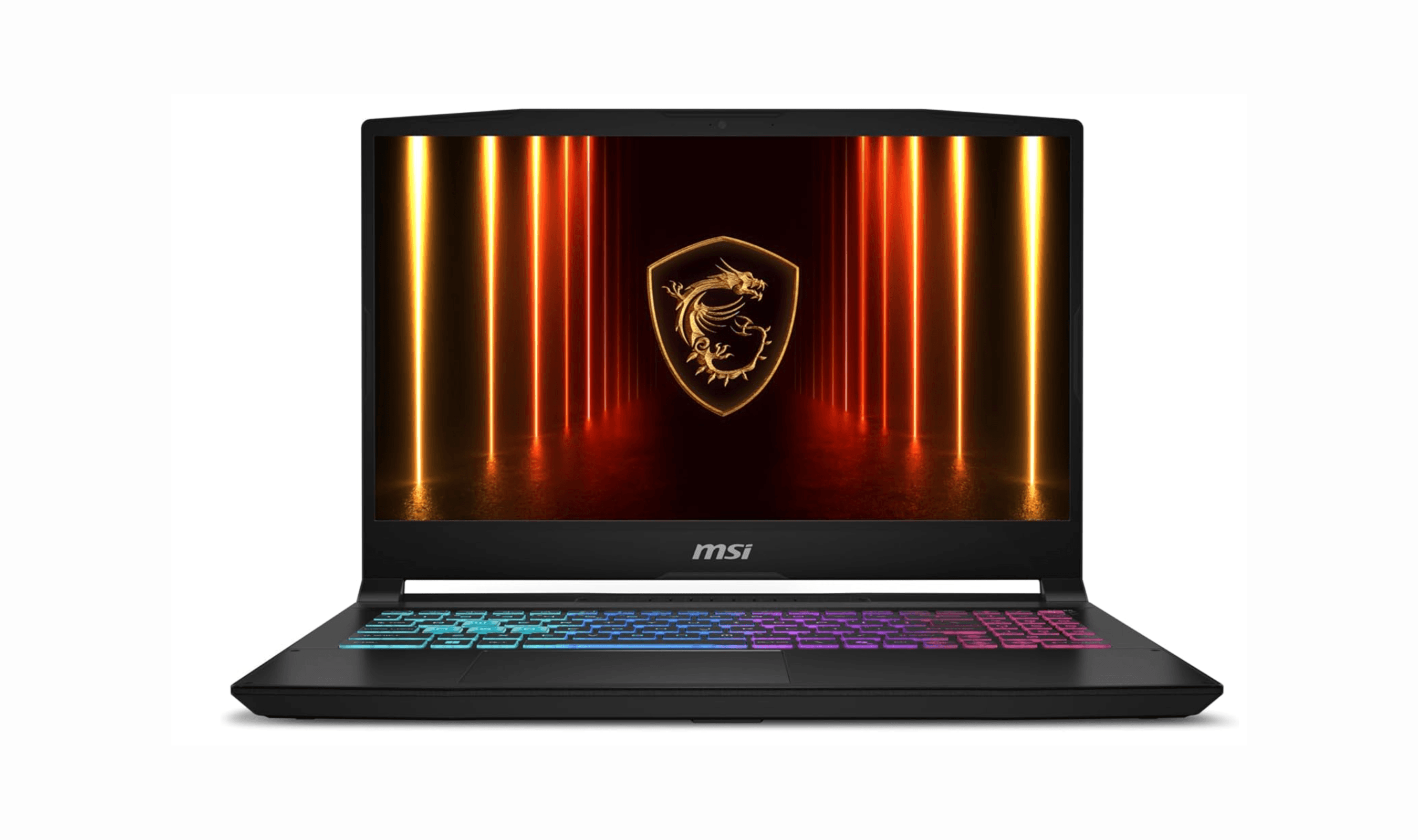
7 Best Budget Gaming Laptops for 2026
We rank the 8 best budget gaming laptops for 2026, from the $799 Acer Nitro V 15 to the RTX 5070 MSI Katana 15 HX, our top pick, plus an OLED Lenovo Legion 5i.
5 min read
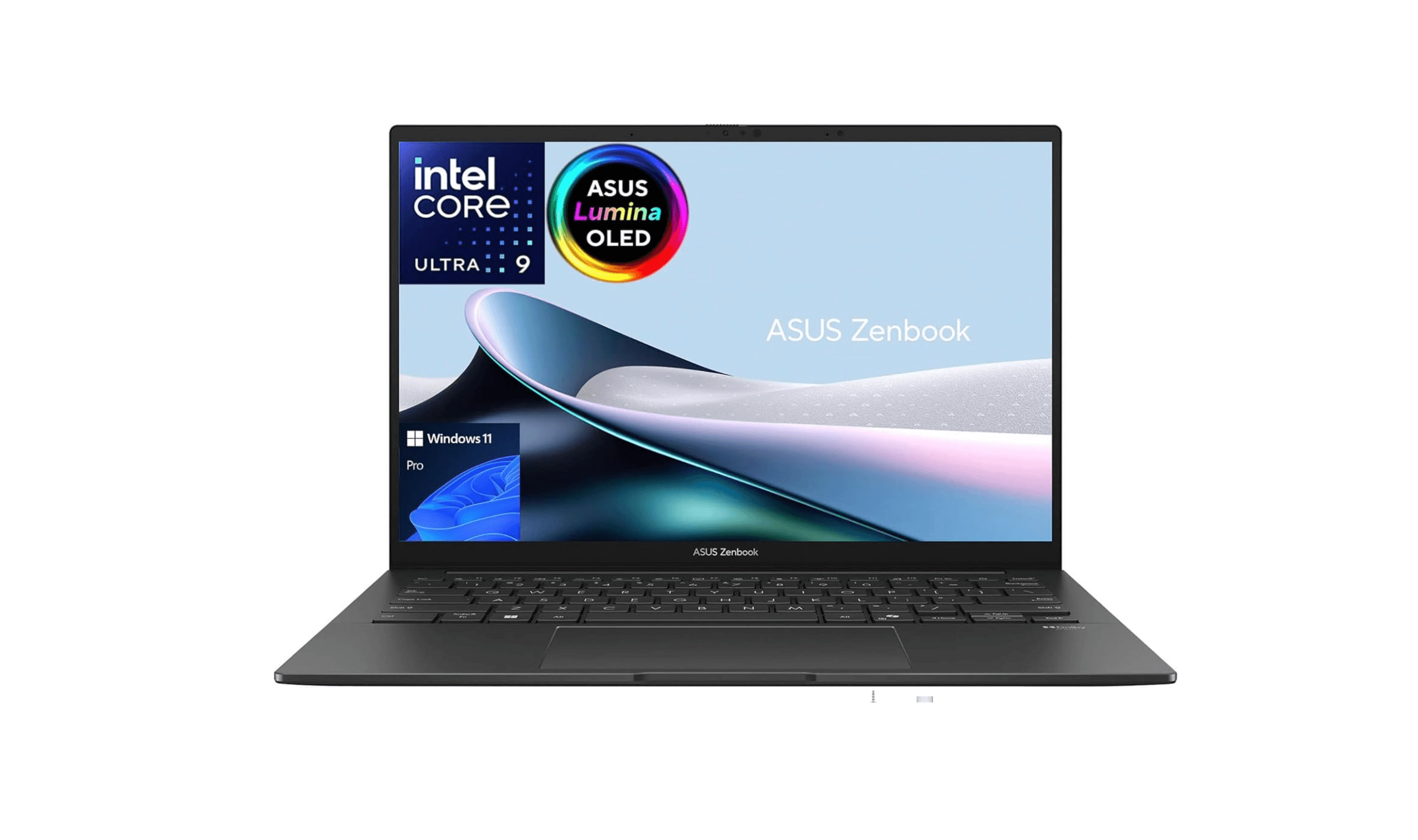
6 Best Laptops for Engineering Students in 2026
Discover the best laptops for engineering students in 2026. Our top pick, the Asus ProArt P16, delivers workstation power in a portable form.
3 min read
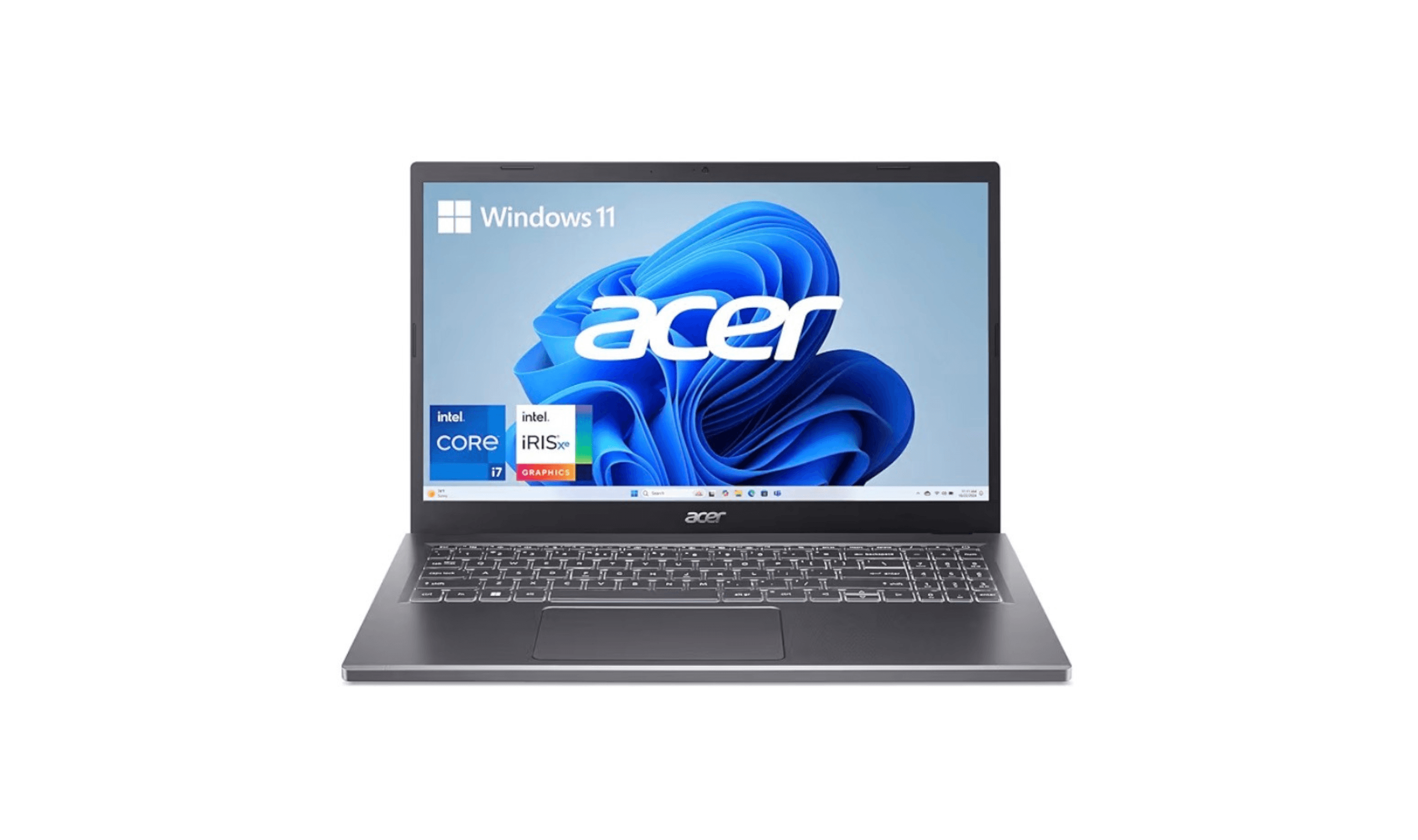
7 Best Laptops for Stock Trading in 2026
Discover the best laptops for stock trading in 2026. Our top pick, the MacBook Pro 16, leads for reliability and performance to handle real-time markets.
5 min read
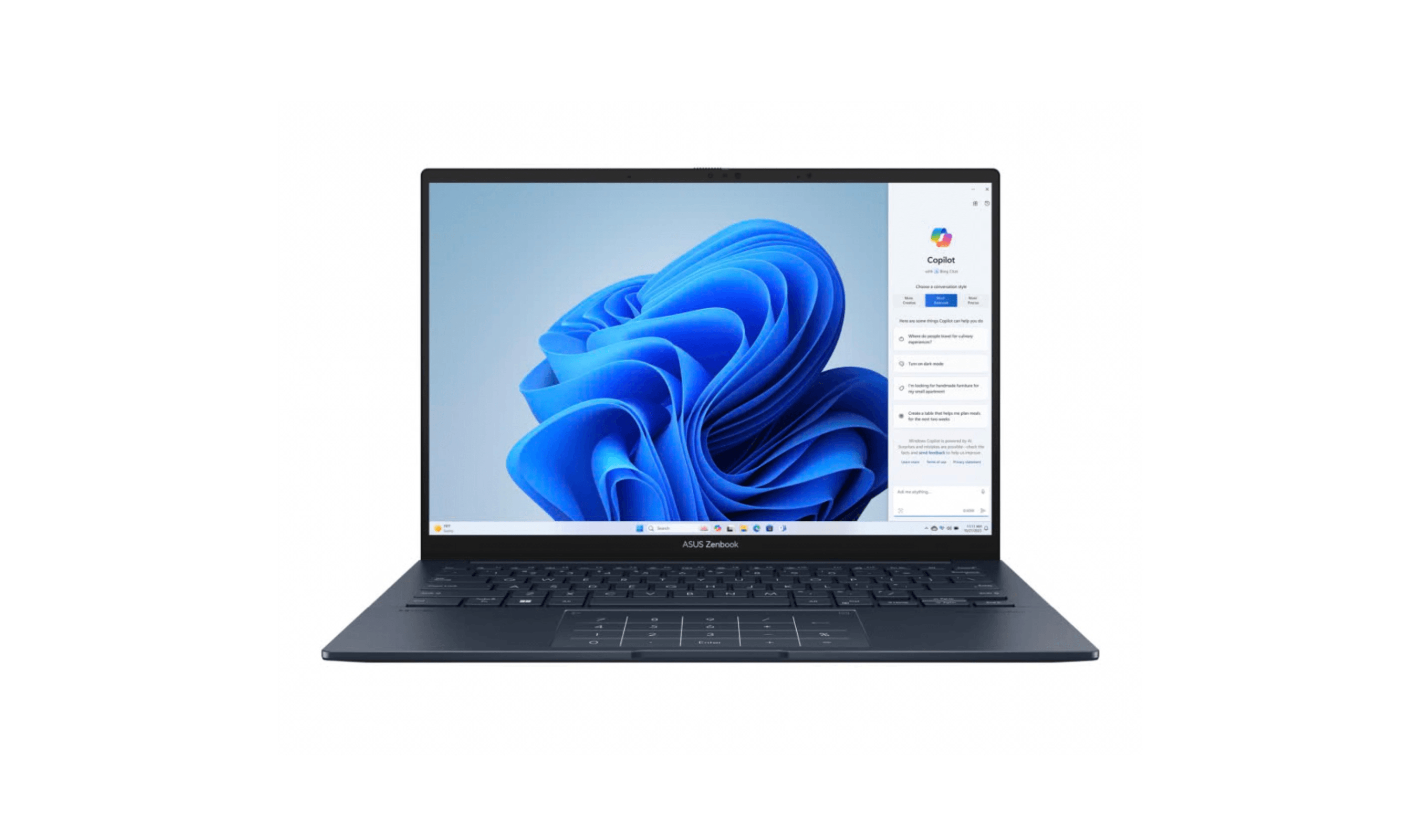
6 Best Laptops for Teachers in 2026
Discover the best laptops for teachers in 2026, led by the top pick Asus Zenbook 14 OLED. Compare top models for performance, value, and battery life.
4 min read

Best Digital Notebooks for 2026
4 min read
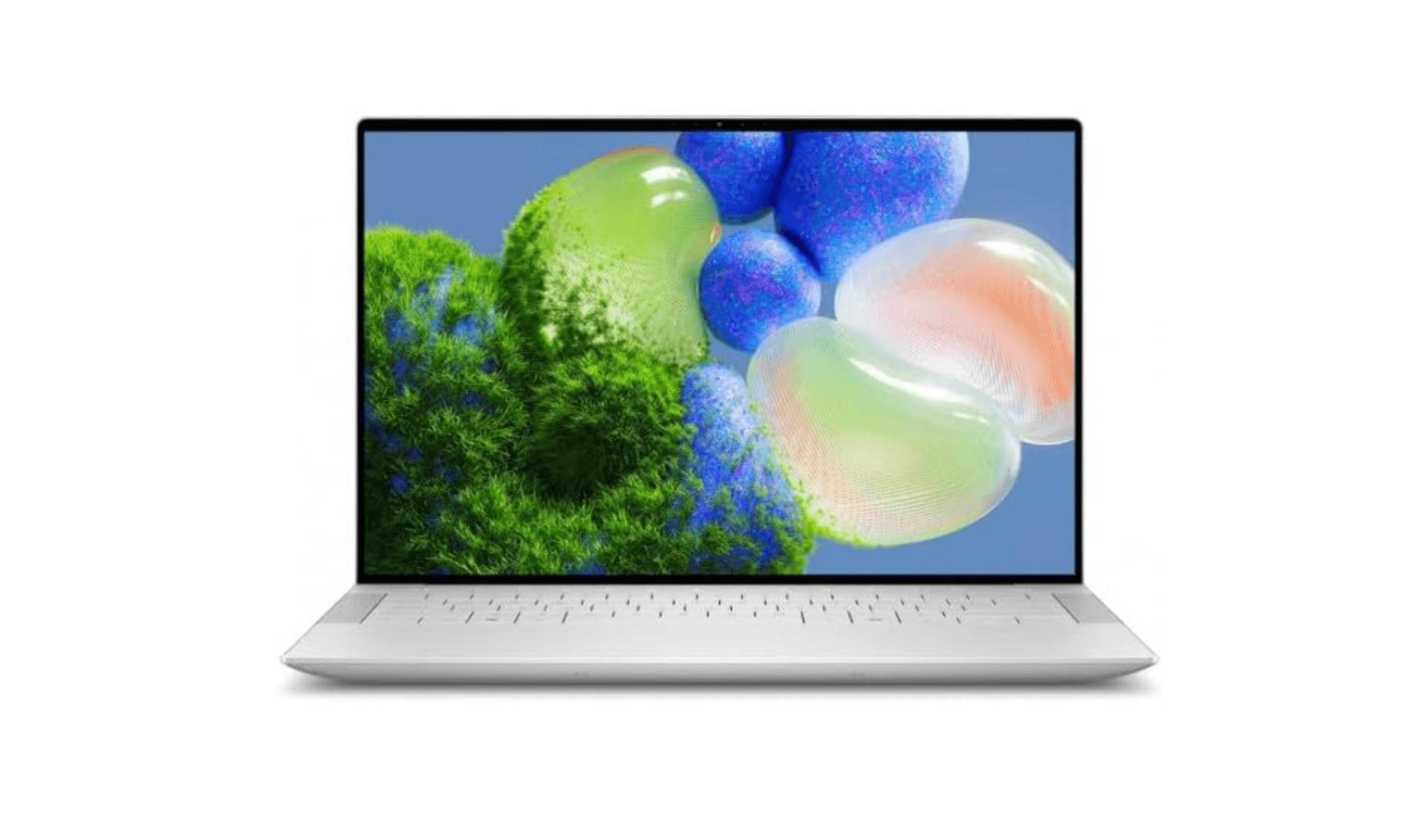
9 Best Laptops for Programming and Coding in 2026
5 min read
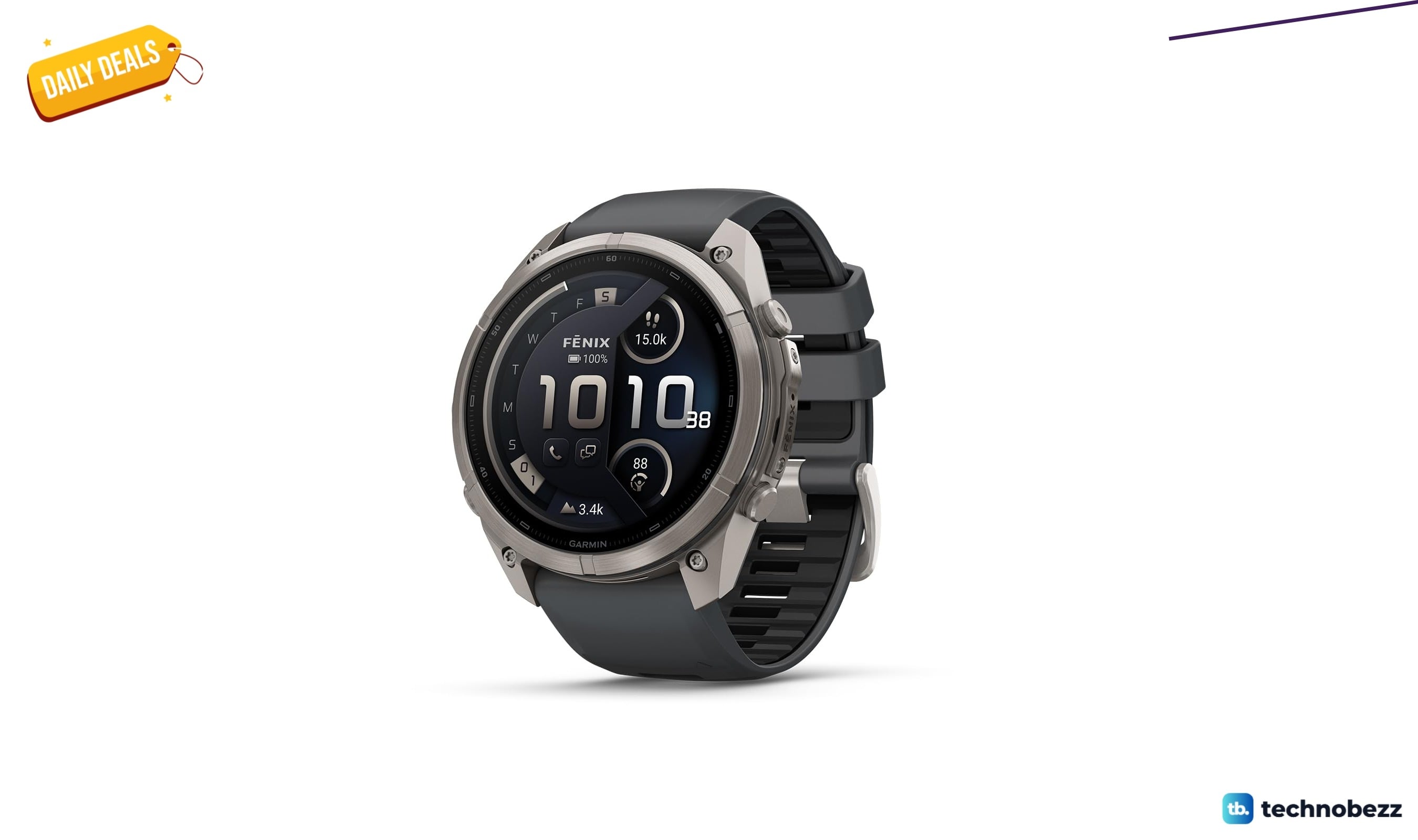
Garmin fēnix® 9 Pro discounted to $1099.99
5 min read
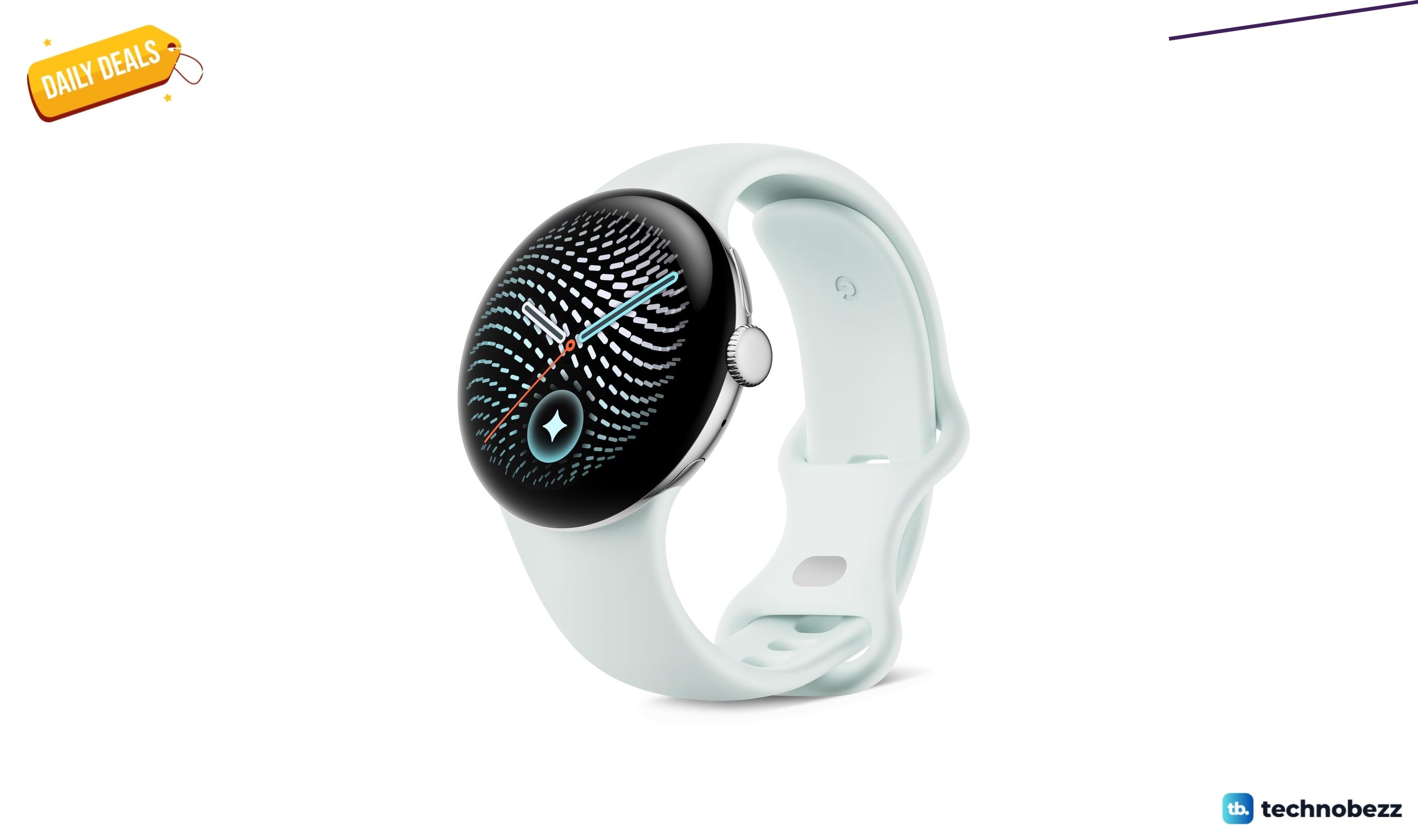
Google Pixel Watch 5 Android Smartwatch Fog slips to $429.99
4 min read
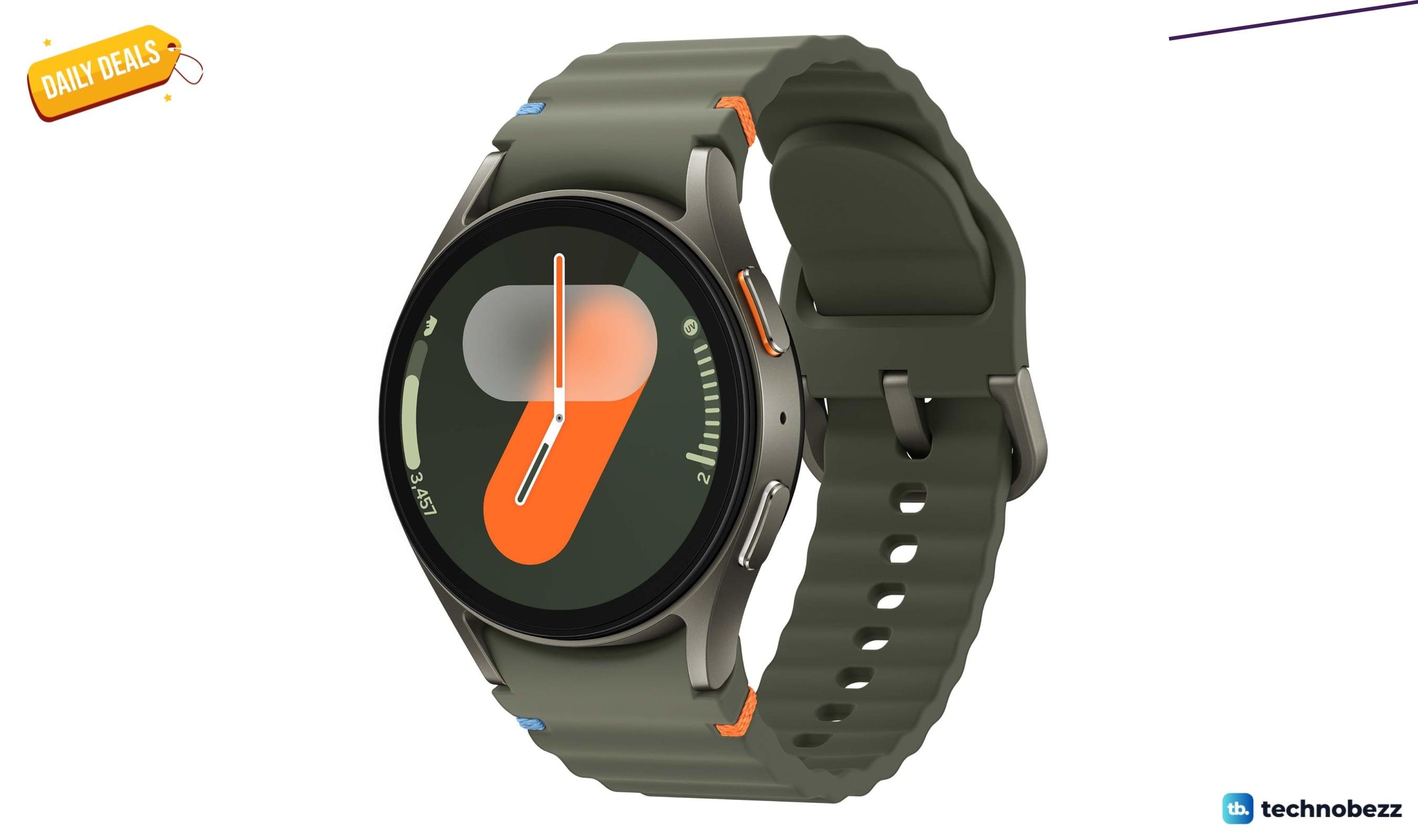
Samsung Galaxy Watch 7 40mm Bluetooth AI Smartwatch falls to $159
3 min read
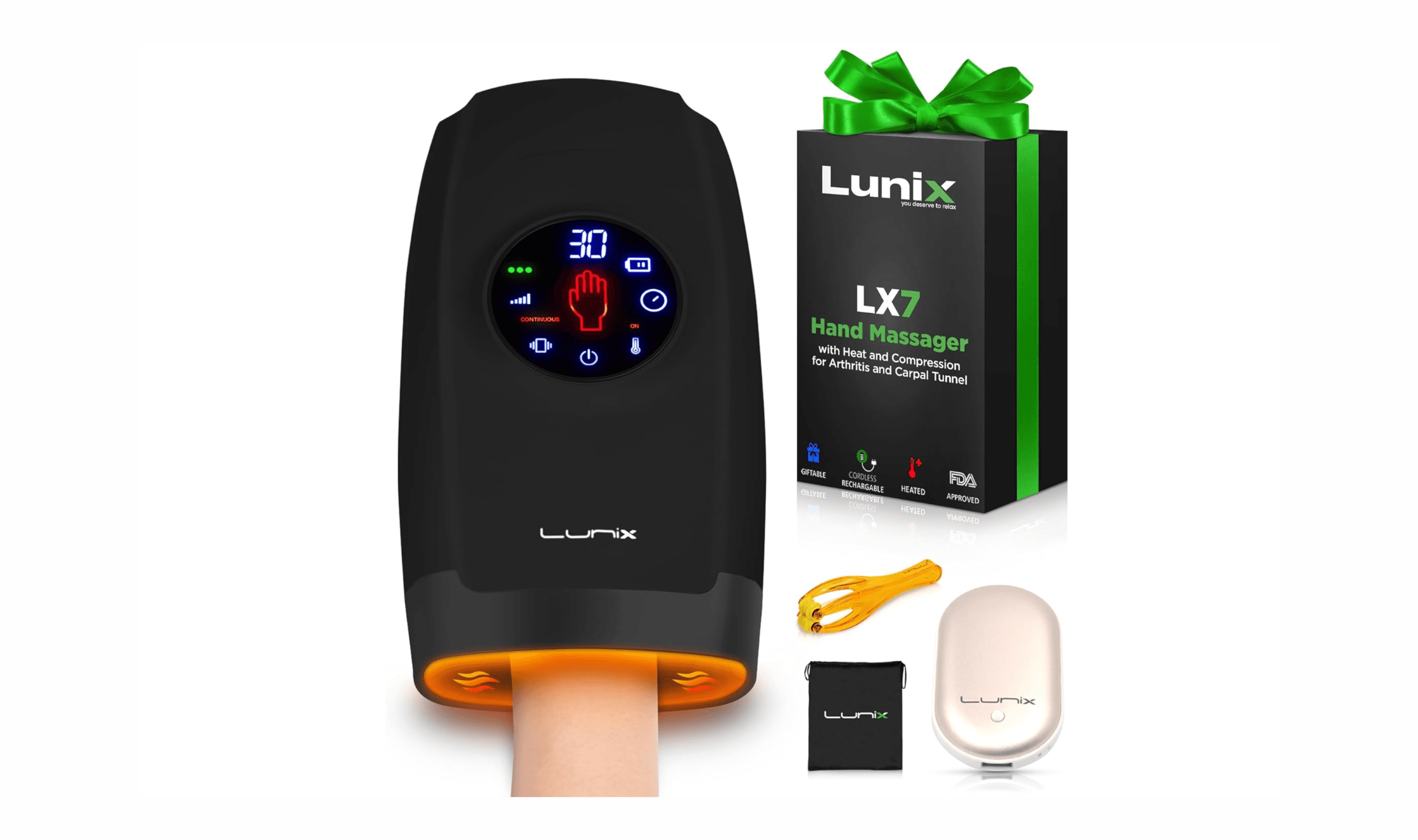
7 Best Hand Massagers in 2026
4 min read
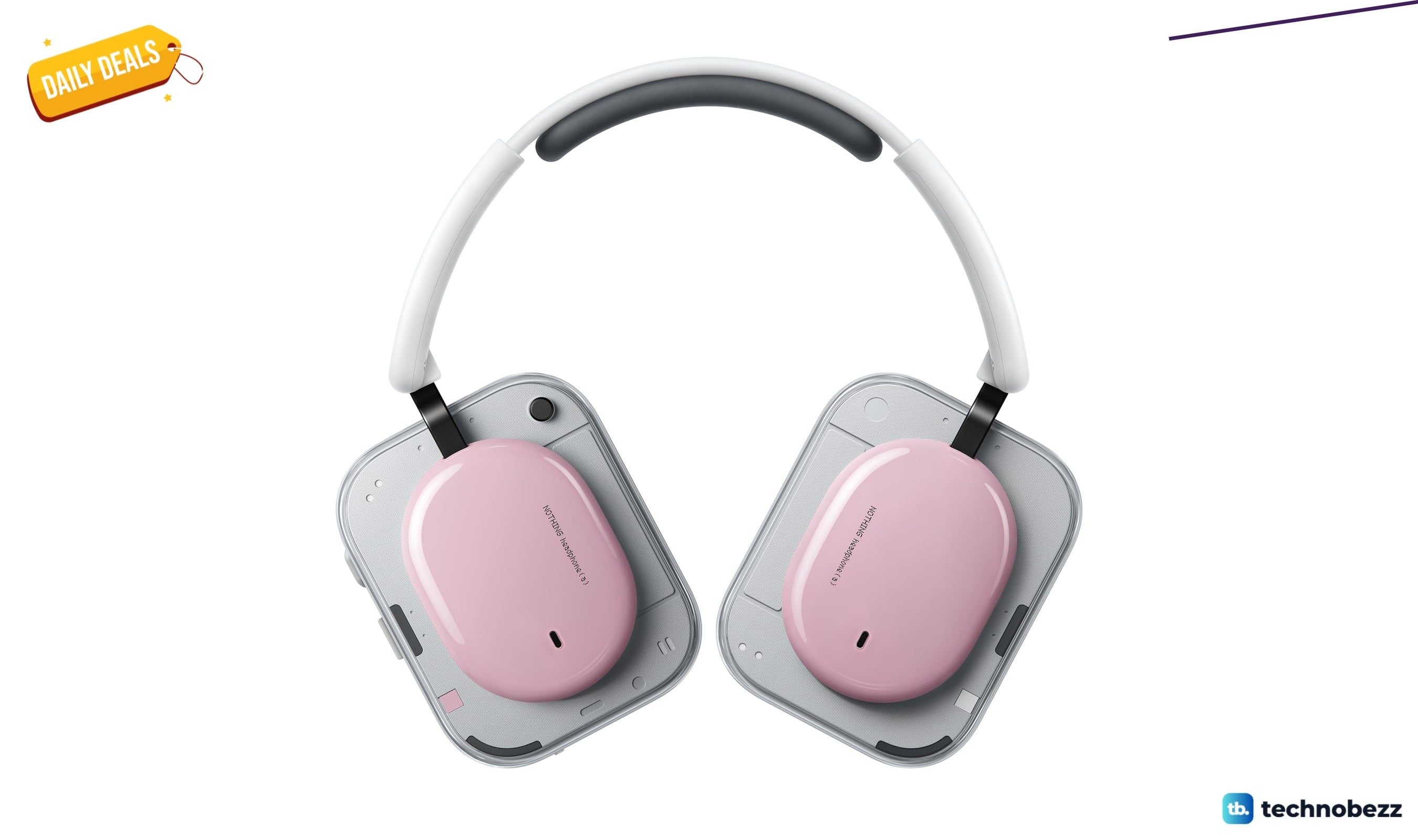
Nothing Headphone 2026 New now $129, down from $199
3 min read
Top 8 Laptops for Writers for 2026
3 min read