
A wireless keyboard and mouse combo should simplify a desk without giving up the layout, battery life, or mouse comfort people rely on every day.
Technobezz is supported by its audience. We may get a commission from retail offers.
Best Wireless Keyboard and Mouse Combos 2026
Logitech MK955 Signature Slim Full-size leads our picks with quiet input, multi-device support, and a full-size layout.
T
Technobezz
Editorial Team
Updated September 11, 2026Sep 11, 2026
•12 min read


Get Deals Like These in Your Inbox
The best prices, straight to your inbox.
Logitech MK955 Signature Slim Full-size is the best overall pick because it pairs a full-size low-profile keyboard with quiet input, multi-device support, and a stronger mouse than many bundled sets.
The right combo depends on how you connect, how much desk space you have, how much noise matters, and how often you move between devices.
At a Glance
| Category | Product | Why We Picked It |
|---|---|---|
| Best overall | Logitech MK955 Signature Slim Full-size | Modern full-size comfort with multi-device wireless and quiet input |
| Best value | Logitech MK540 Advanced Full-size | Reliable full-size setup with long battery life and strong everyday value |
| Best for multi-device comfort | Logitech MK850 Performance Full-size | Comfort-first full-size bundle with switching across up to 3 devices |
| Best for quiet shared spaces | Logitech MK295 Silent Wireless Full-size | Quiet full-size typing and clicking for shared rooms |
| Best ergonomic keyboard combo | Logitech Wave Keys MK670 Combo | Wave-shaped keyboard support with dual wireless options |
| Best for meeting controls | Dell KM900 Collaboration Wireless Keyboard and Mouse | Premium wireless set with backlighting and collaboration controls |
How we chose
We prioritized wireless keyboard and mouse combos with dependable connectivity, practical keyboard layouts, useful mouse features, strong battery ratings, and clear fit for common desk setups. The best picks had to solve a specific buyer need, such as full-size value, quiet shared-space use, multi-device control, ergonomic typing support, or meeting-focused features. Products with stronger everyday convenience, simpler setup, and better balance between keyboard and mouse quality ranked higher.
The best wireless keyboards and mouse combo right now
Logitech MK955 Signature Slim Full-size - Best overall

The Logitech MK955 Signature Slim Full-size is the most balanced pick here for a modern productivity desk. Its full-size low-profile laptop-style keyboard keeps the number pad while giving the setup a slimmer feel than a traditional office combo.
It supports Bluetooth Low Energy and Logi Bolt, with switching for up to 3 devices. That makes it a strong choice for a desk shared by work and personal machines.
The included Signature Plus M750 L mouse adds SmartWheel line-by-line and fast scrolling. Battery life is rated up to 36 months for the keyboard and up to 24 months for the mouse.
Key highlights
- Full-size low-profile laptop-style keyboard
- Signature Plus M750 L mouse
- Bluetooth Low Energy and Logi Bolt
- Supports up to 3 devices
- Up to 36 months keyboard battery life
- Up to 24 months mouse battery life
Pros
- Modern slim typing feel without losing the number pad
- Good multi-device support for mixed work and personal machines
- Quiet keys and quiet clicks suit shared rooms
- Better mouse than most midrange bundles
Cons
- No keyboard backlight
- Logi Bolt receiver may not be included on every retail variant
- Large mouse is not ideal for small hands
Who it's for
Best for buyers who like laptop-style keys but still want a full-size desk layout and a comfortable mouse.
Skip if
Look elsewhere if you require backlit keys or mechanical switches.
Logitech MK540 Advanced Full-size - Best value

The Logitech MK540 Advanced Full-size keeps the value case simple: a familiar full-size keyboard, a number pad, a palm rest, media controls, and adjustable tilt legs in one straightforward desktop bundle.
Its 2.4 GHz Logitech Unifying USB receiver uses an encrypted wireless connection. Wireless range is rated up to 10 m / 33 ft, which covers a standard desk setup cleanly.
Battery ratings are another strength. Logitech lists up to 36 months for the keyboard and up to 18 months for the mouse.
Key highlights
- Full-size keyboard with number pad
- Palm rest, media controls, and adjustable tilt legs
- 2.4 GHz Logitech Unifying USB receiver
- Encrypted wireless connection
- Up to 10 m / 33 ft wireless range
- Up to 36 months keyboard battery life
Pros
- Strong price-to-quality ratio
- Full-size layout feels familiar immediately
- Long battery life and simple USB setup
- Ambidextrous mouse is usable for left- or right-handed shoppers
Cons
- No Bluetooth or multi-device switching
- Mouse is basic compared with Logitech’s premium mice
- Not as quiet as the MK295 or MK955
Who it's for
Best for buyers who want a dependable full-size wireless combo for a Windows desktop without paying premium prices.
Skip if
Choose another combo if you need Bluetooth, device switching, or a rechargeable setup.
Logitech MK850 Performance Full-size - Best for multi-device comfort

The Logitech MK850 Performance Full-size puts comfort ahead of slim styling. Its cushioned palm rest and curved keyframe make it the better fit here for long sessions at a full-size desk.
Bluetooth Smart and a 2.4 GHz Logitech Unifying receiver handle wireless connection options. Both the keyboard and mouse can switch across up to 3 devices, covering computers, tablets, and phones.
The mouse has 8 buttons and a 1,000 DPI optical sensor. Battery life is rated up to 36 months for the keyboard and up to 24 months for the mouse.
Key highlights
- Bluetooth Smart and 2.4 GHz Logitech Unifying receiver
- Keyboard and mouse switch across up to 3 devices
- Cushioned palm rest
- Curved keyframe
- 8-button mouse
- 1,000 DPI optical sensor
Pros
- Cushioned palm rest and curved keyframe are comfortable for long sessions
- Mouse is more capable than typical budget-combo mice
- Works across computers, tablets, and phones
- Still easy to find new at major retailers
Cons
- Older design than MK955
- Bulky on small desks
- Keyboard feel is membrane, not premium scissor or mechanical
Who it's for
Best for buyers who care more about comfort and device switching than a slim modern look.
Skip if
Pick a different set if you want the newest Logitech receiver ecosystem or a low-profile keyboard.
Logitech MK295 Silent Wireless Full-size - Best for quiet shared spaces

Noise control is the reason to choose the Logitech MK295 Silent Wireless Full-size. SilentTouch reduces keyboard and mouse noise by over 90%, which suits dorms, shared offices, calls, and late-night work.
The keyboard still gives you a full-size layout with a number pad and 8 shortcuts. Connection is handled through 2.4 GHz wireless via a nano USB receiver.
Its wireless range is rated up to 10 m / 33 ft. Battery life is rated up to 36 months for the keyboard and up to 18 months for the mouse.
Key highlights
- SilentTouch reduces keyboard and mouse noise by over 90%
- Full-size keyboard with number pad
- 8 shortcuts
- 2.4 GHz wireless via nano USB receiver
- Up to 10 m / 33 ft wireless range
- Up to 18 months mouse battery life
Pros
- Very quiet for the price
- Simple plug-and-play receiver setup
- Full-size layout keeps the number pad
- Long battery ratings
Cons
- No Bluetooth or multi-device switching
- Mouse is small and basic
- No app customization or premium typing feel
Who it's for
Best for dorms, shared offices, calls, or late-night work where key and click noise matters.
Skip if
Choose another option if you need Bluetooth, macOS-first controls, or a better ergonomic mouse.
Logitech Wave Keys MK670 Combo - Best ergonomic keyboard combo

The Logitech Wave Keys MK670 Combo is the ergonomic pick for buyers who want a supported typing posture without moving to a split keyboard. The keyboard uses a wave-shaped design with a cushioned palm rest.
Because the keyboard has a compact ergonomic shape, the mouse can sit closer than it would beside many full-size boards. The included Signature M550 L wireless mouse is made for medium-to-large hands.
Connectivity includes Bluetooth and an included Logi Bolt receiver. Battery life is rated up to 3 years for the keyboard and up to 2 years for the mouse, and the mouse uses a 400 to 4,000 DPI optical sensor.
Key highlights
- Wave-shaped ergonomic keyboard
- Cushioned palm rest
- Signature M550 L wireless mouse
- Bluetooth and included Logi Bolt receiver
- Up to 3 years keyboard battery life
- 400 to 4,000 DPI optical mouse sensor
Pros
- More wrist support than a flat keyboard
- Compact ergonomic shape brings the mouse closer than many full-size boards
- Good battery life and dual wireless options
- M550 L mouse is comfortable for medium and larger hands
Cons
- Ergonomic wave layout takes adjustment
- Not a split keyboard
- Amazon listings may vary, with some renewed offers mixed in
Who it's for
Best for buyers who want a gentler typing posture without moving to a split ergonomic keyboard.
Skip if
Go with a standard layout if you need a straight keyboard or a small mouse.
Dell KM900 Collaboration Wireless Keyboard and Mouse - Best for meeting controls

The Dell KM900 Collaboration Wireless Keyboard and Mouse earns its spot by pairing a wireless keyboard and mouse set with a backlit keyboard, a feature that is uncommon in office combo sets.
It connects through 2.4 GHz wireless and Bluetooth 5.1, with a USB wireless receiver included. The keyboard measures 17.3 x 4.8 x 0.7 in, and the mouse measures 3.5 x 5 x 1.8 in.
For call-heavy desks, the dedicated collaboration controls are the key advantage. Dell Peripheral Manager supports customization, and the set includes 3 years Advanced Exchange Service.
Key highlights
- Wireless keyboard and mouse set
- Backlit keyboard
- 2.4 GHz wireless and Bluetooth 5.1
- USB wireless receiver
- Keyboard 17.3 x 4.8 x 0.7 in
- 3 years Advanced Exchange Service bundled
Pros
- Backlit keyboard is rare in office combo sets
- Dedicated collaboration controls are useful for heavy video-call users
- Modern Bluetooth plus receiver connectivity
- Longer service coverage than many consumer bundles
Cons
- Best features are most useful in Dell/Windows environments
- Costs more than mainstream office sets
- Less compelling for gaming or Mac-first users
Who it's for
Best for buyers whose workday revolves around calls, Dell laptops, and a clean premium desk setup.
Skip if
Choose a simpler set if you just need an inexpensive keyboard and mouse for basic home use.
How to Choose
- Choose connection type first. A 2.4 GHz USB receiver is usually the simplest choice for a desktop. Bluetooth is better for tablets, Macs, and laptops with limited ports. Multi-device users should prioritize switching support.
- Match the layout to your work. Full-size keyboards are best for spreadsheets and number entry. Wave and cushioned designs can support a gentler typing posture without requiring a split-keyboard layout.
- Pay attention to the mouse. A good combo needs more than a usable keyboard. Look for a comfortable mouse shape, useful scrolling, enough buttons for your workflow, and sensor specs that fit daily productivity.
- Check battery expectations. Many non-backlit office combos are rated for long battery life, while backlit or rechargeable setups need more attention. Choose the maintenance style that fits your desk.
- Consider noise before you buy. Quiet keys and quiet clicks matter in shared offices, dorms, bedrooms, and video-call-heavy workspaces. Silent designs can feel softer than louder keyboards.
- Confirm software and system fit. Basic typing and pointing are simple, but customization features depend on the supported software for the combo and the operating system you use.
Is Bluetooth or a USB receiver better for a wireless keyboard and mouse combo?
A USB 2.4 GHz receiver is usually easiest for a desktop and avoids Bluetooth pairing issues. Bluetooth is better when you want to switch among laptops, tablets, and phones or avoid occupying a USB-A port.
Can one USB receiver run both the keyboard and mouse?
Yes. Most combo sets ship with a single receiver that pairs both devices, while some Bluetooth-first variants may omit a receiver or sell it separately.
Are wireless keyboard and mouse combos good for gaming?
Most office combos are fine for casual games, but they are not ideal for competitive gaming because they usually lack gaming-grade polling, low-latency modes, mechanical switches, and high-performance mouse sensors.
Do Mac users need a Mac-specific combo?
Not always. Many universal combos work with macOS, but a Mac-specific layout is better if you rely on Command/Option legends and macOS media shortcuts.
What battery life should I expect from a wireless combo?
Basic non-backlit Logitech-style combos often claim 18 to 36 months. Backlit and rechargeable premium keyboards can run far shorter between charges, especially with illumination enabled.
Share this article
More on keyboards
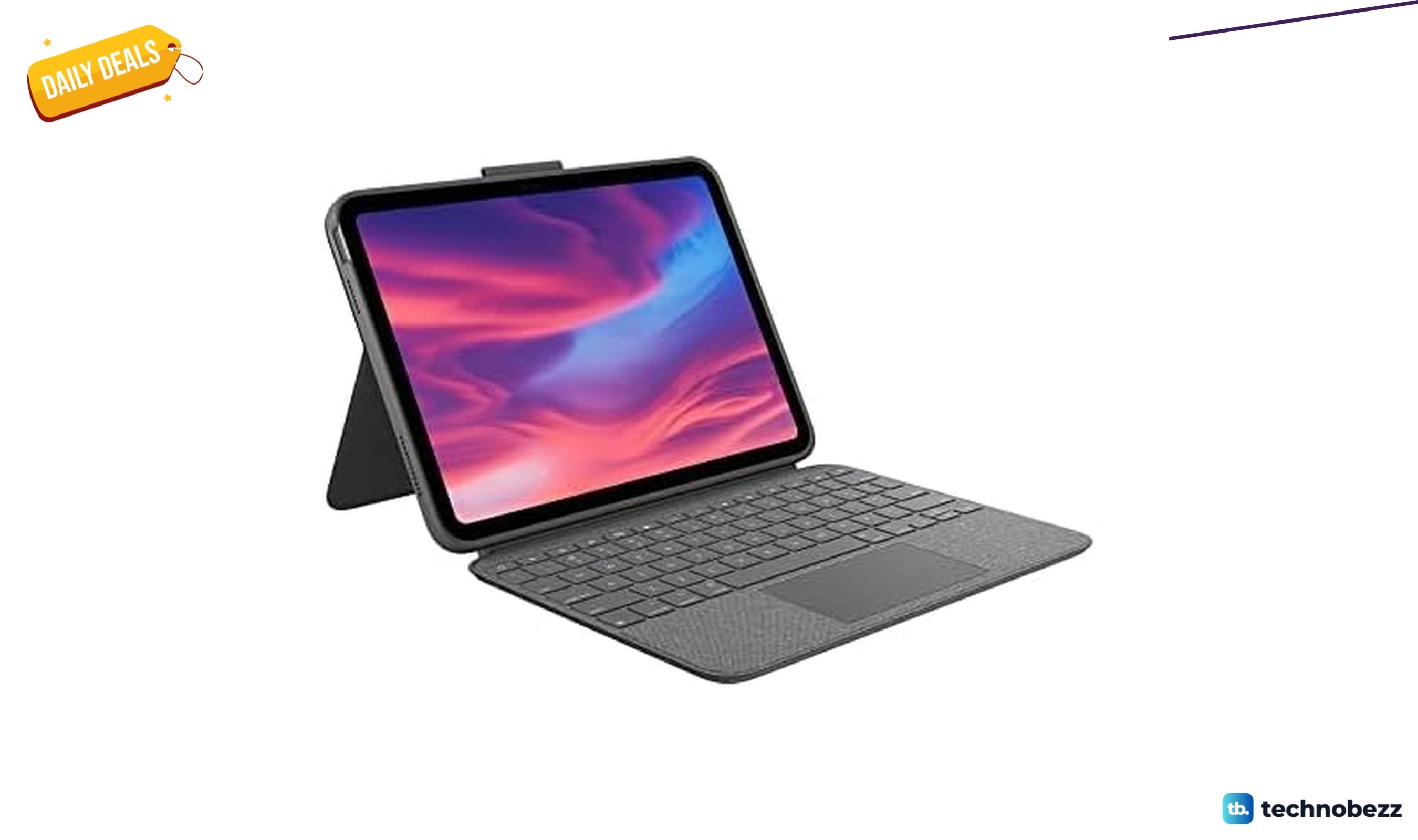
Deal
Logitech Combo Touch Detachable Keyboard is $84.99 at Woot
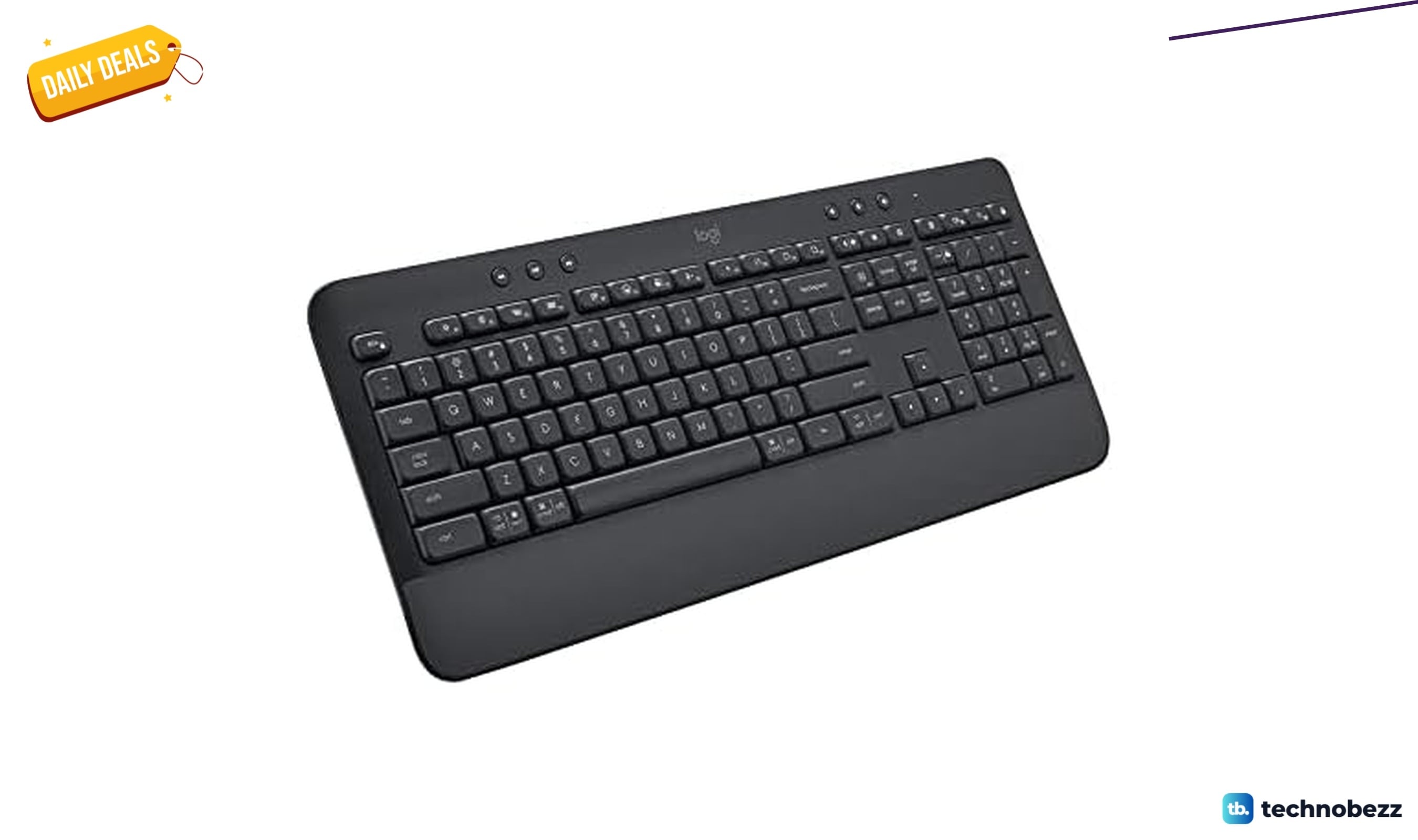
Deal
Logitech K650 Wireless Keyboard is $44.99 at Woot
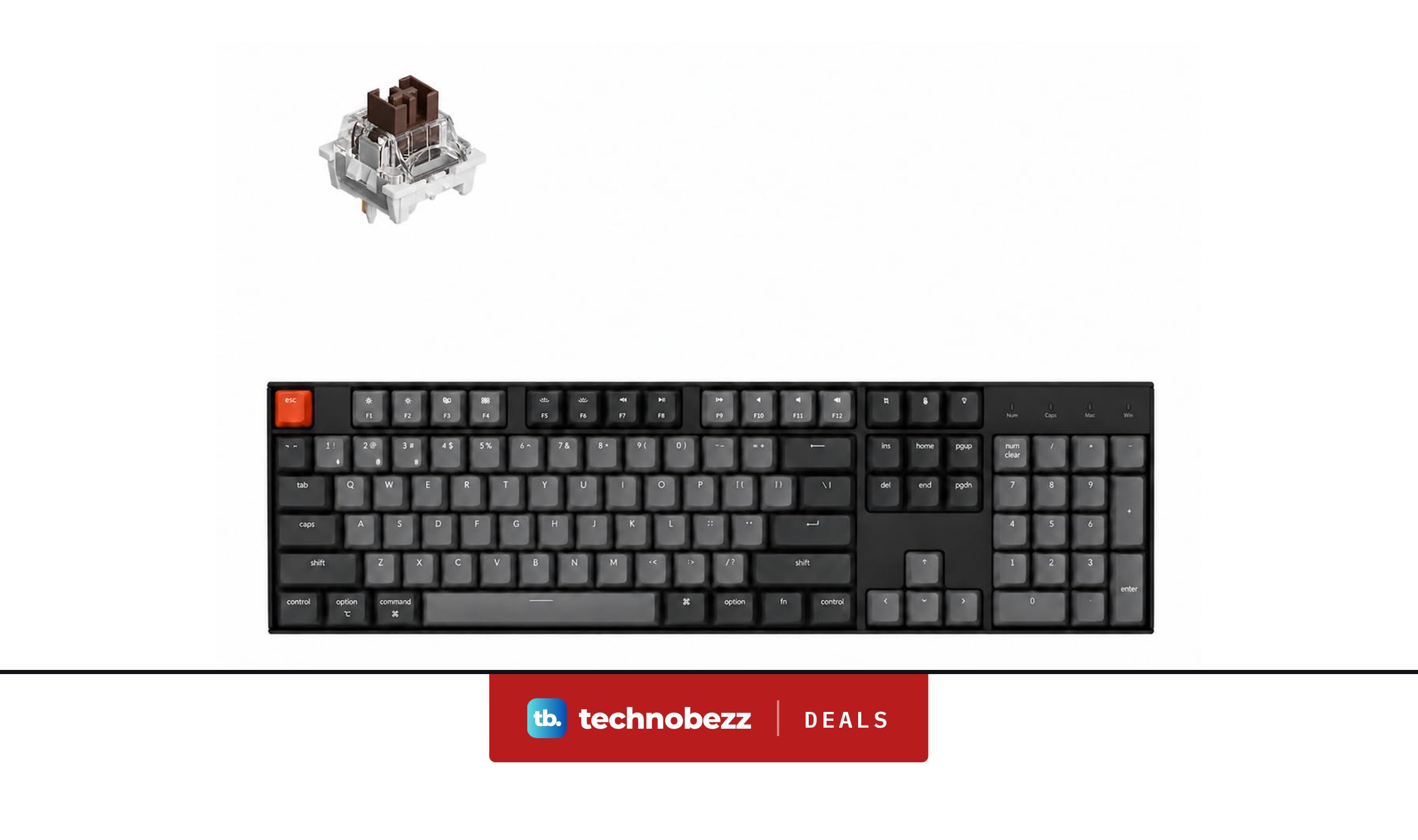
Deal
Keychron K10 Full Size 104 Keys Bluetooth Keyboard falls to $63.74
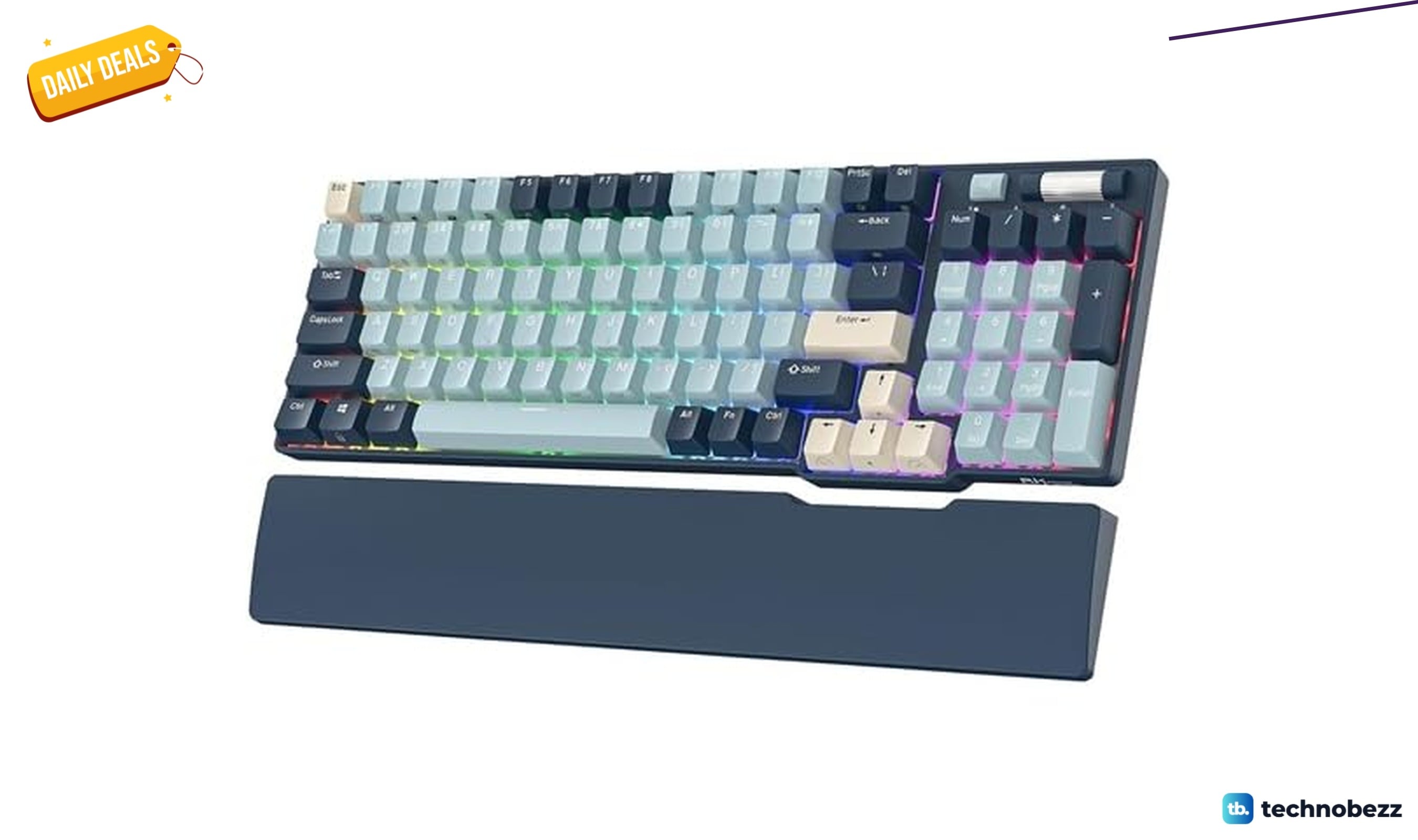
Deal
RK96 RGB Limited Wireless Mechanical Keyboard is $54.99 at Woot
More buying guides
Buying guideBest Smart Fridges for 2026Buying guide5 Best Portable Wi-Fi Hotspots for 2026Buying guideBest Lavalier Microphones for iPhones in 2026Buying guide6 Best SSDs for PS5 in 2026Buying guideBest Multi-Port Wall Chargers for 2026Buying guide5 Best Detachable Laptops and 2-in-1s for 2026Buying guide4 Best Smartphones With the Longest Battery Life for 2026Buying guideBest Laptops with CD Drives in 2026