Finding the right laptop for engineering school means balancing raw performance with classroom practicality. Our top pick, the Asus ProArt P16, delivers workstation-level power in a surprisingly portable package. This list is for students who need to run CAD software, handle simulations, and survive all-day classes without being tethered to an outlet.
Technobezz is supported by its audience. We may get a commission from retail offers.
6 Best Laptops for Engineering Students in 2026
Discover the best laptops for engineering students in 2026. Our top pick, the Asus ProArt P16, delivers workstation power in a portable form.
T
Technobezz
Editorial Team
Updated October 1, 2026Oct 1, 2026
•6 min read

Get Deals Like These in Your Inbox
The best prices, checked by our editors.
At a Glance
| Category | Product | Why We Picked It |
|---|---|---|
| Best overall | Asus ProArt P16 | Workstation power in a portable form |
| Best Mac option | Apple MacBook Pro 16 (M5 Pro) | If your software supports macOS |
| Best budget gaming | Acer Nitro V 16S AI | RTX 5060 and 32GB DDR5 in a slim gaming build |
| Also recommended | HP ZBook X G1i | ISV-class workstation with 64GB RAM and vPro security for demanding engineering loads |
| Also recommended | Asus ROG Zephyrus G14 (2025) | Powerful and portable with great battery life |
| Also recommended | Lenovo ThinkPad P16 Gen 3 | ISV-certified workstation with Core Ultra 7 and RTX PRO 2000 Blackwell for demanding engineering tasks |
How we chose
Our selection process focused on the specific demands of an engineering curriculum. We prioritized raw computing power for demanding software, alongside battery longevity for all-day use and build quality to withstand campus life.
Our assessment considered support for tools like SolidWorks, AutoCAD, and MATLAB, plus weight, thermal stability, and memory and storage configurations within student budgets.
We prioritized laptops that can handle coursework demands for multiple years without becoming a burden to carry.
The best laptops for engineering students right now
Asus ProArt P16 - Best overall
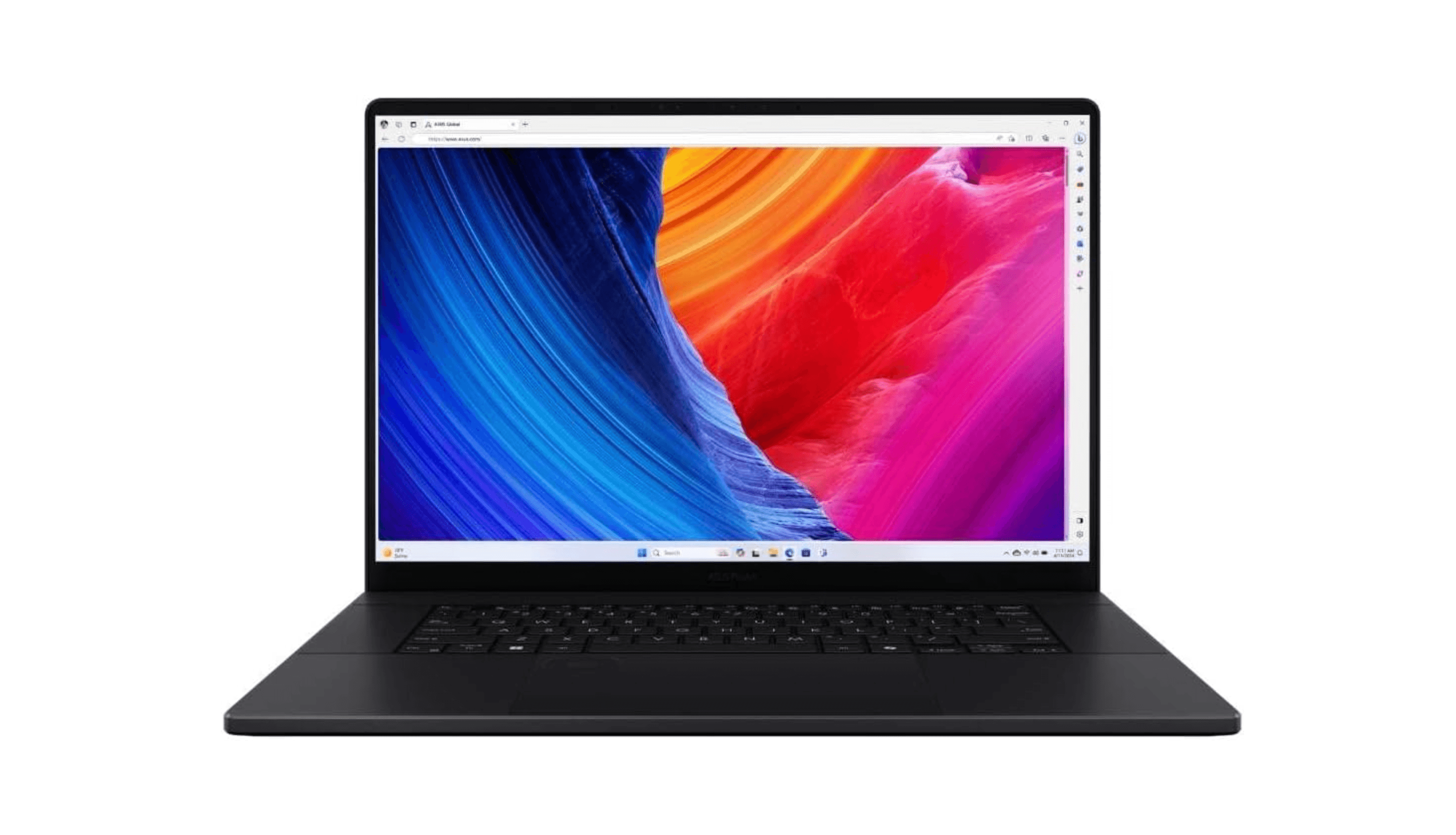
This mobile workstation packs professional-grade power into a surprisingly portable 16-inch frame, making it ideal for demanding engineering software without sacrificing classroom mobility.
Key highlights
- AMD Ryzen AI 9 HX 370 processor with Nvidia RTX 5070 GPU
- 9+ hours of battery life for all-day campus use
- MIL-STD-810H durability certification for student life
- 64GB RAM and 16TB SSD in the linked HIDevolution configuration
- OLED display with excellent color accuracy
Pros
- Handles complex CAD and simulation workloads smoothly
- Surprisingly good battery life for a powerful machine
- Durable enough to survive backpack transport
- Excellent display for detailed engineering drawings
Cons
- Premium pricing that reflects its workstation-class components
- OLED display brightness could be better in bright classrooms
- Heavier than standard ultrabooks at around 4 lbs (1.85 kg)
Who it is for: Engineering students who need professional-grade performance for CAD, simulation, and complex analysis work.
Skip if
You're on a tight budget or prioritize extreme portability over raw power.
Apple MacBook Pro 16 (M5 Pro) - Best Mac option
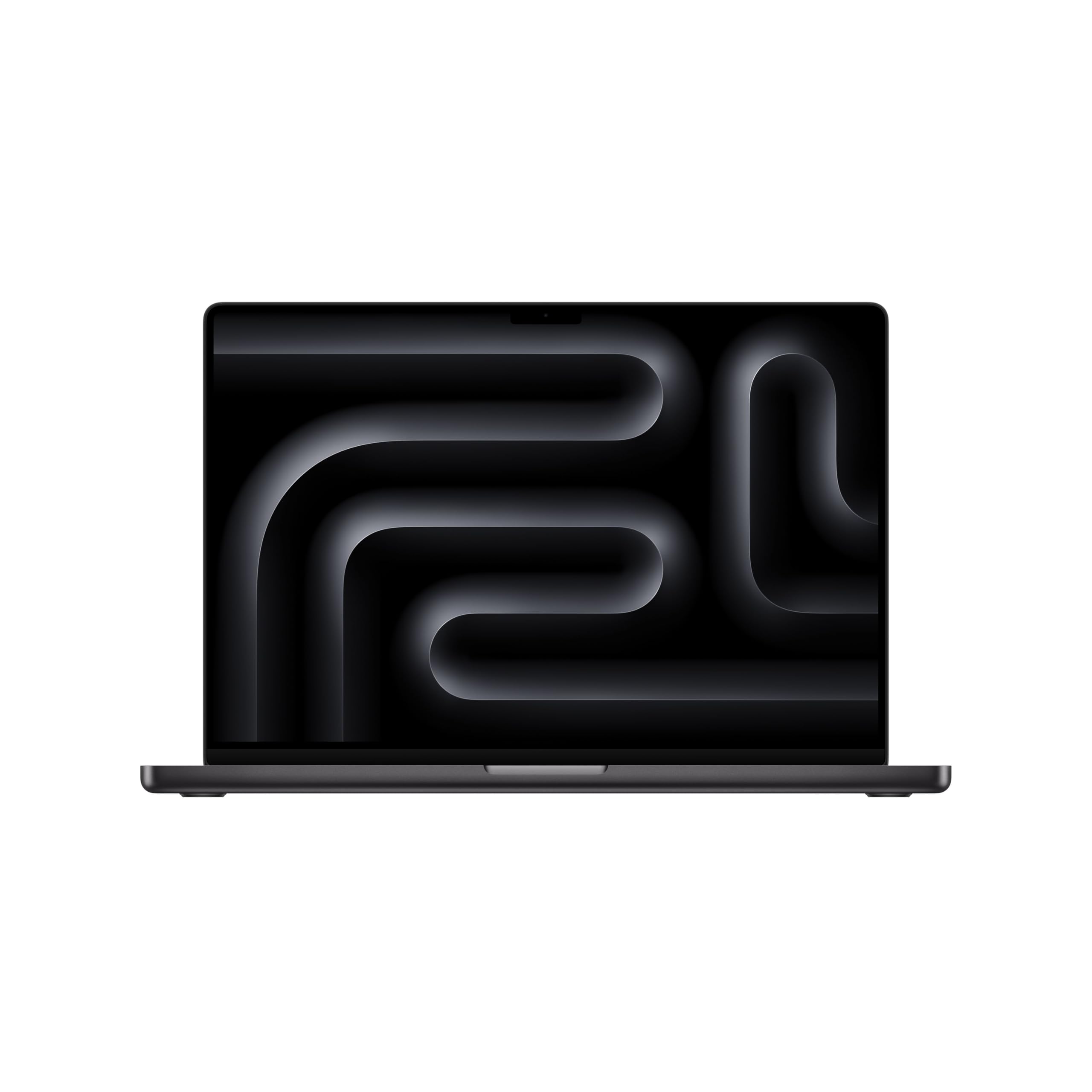
The 16-inch MacBook Pro pairs an M5 Pro chip with 48GB of unified memory, making it a compelling choice for engineering students whose software runs on macOS.
Key highlights
- Apple M5 Pro chip with 18-core CPU and 20-core GPU
- Apple rates battery life at up to 24 hours of video streaming or 17 hours of wireless web use
- 16.2-inch Liquid Retina XDR display with ProMotion and 1000 nits brightness
- 48GB unified memory for demanding simulations and multitasking
- Wi-Fi 7 and Thunderbolt 5 for fast, future-ready connectivity
Pros
- Outstanding performance across compute-intensive workloads
- Best-in-class battery life for a 16-inch machine
- Exceptional build quality and display accuracy
- Runs cool and quiet even under sustained load
Cons
- Many engineering programs are Windows-only
- Premium investment with limited configuration choices at purchase
- Limited gaming capability compared to Windows alternatives
Who it is for: Engineering students whose programs support macOS or who work primarily with cross-platform tools and want the best combination of performance and battery life available.
Skip if
Your required software only runs on Windows or you need discrete graphics for heavy 3D simulation work.
Acer Nitro V 16S AI - Best budget gaming
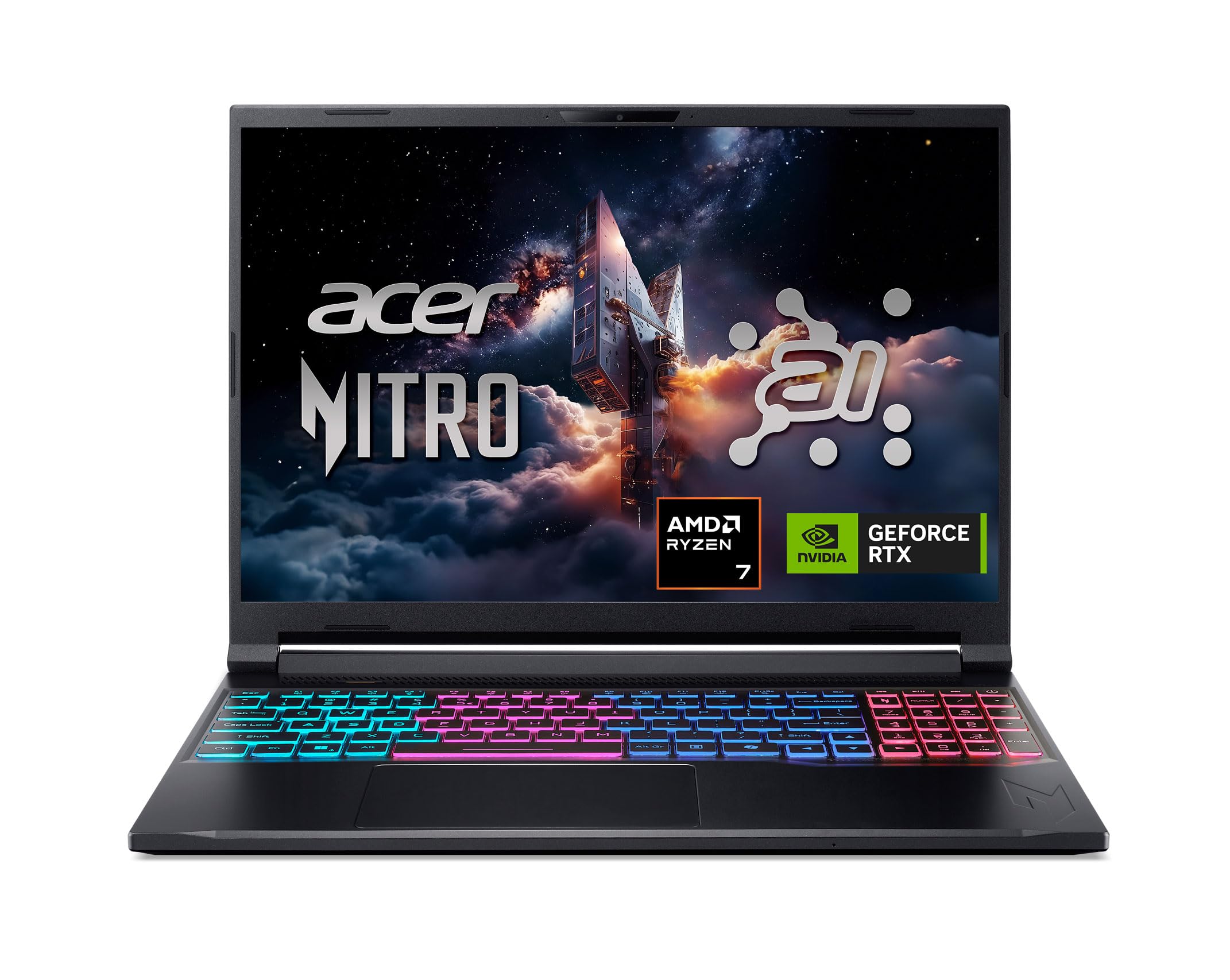
This slim gaming laptop packs genuine RTX-class GPU power and 32GB of DDR5 memory into a relatively light 16-inch chassis, giving engineering students serious compute headroom for simulations and GPU-accelerated workloads.
Key highlights
- AMD Ryzen 7 260 (Zen 4, 8-core) processor with NVIDIA RTX 5060 GPU
- 32GB DDR5 RAM and 1TB Gen 4 SSD included
- 16-inch WUXGA IPS display with 180Hz refresh rate
- Slim, relatively lightweight build for a gaming-class machine
- Wi-Fi 6 and a broad port selection including microSD
Pros
- RTX 5060 handles GPU-accelerated engineering and simulation workloads well
- 32GB DDR5 supports demanding multi-app workflows without an upgrade
- Vibrant, bright 180Hz display for detailed design and model work
- More portable than bulkier gaming alternatives in this performance tier
Cons
- Battery life is limited for full-day campus use without a charger
- 85W TGP RTX 5060 trails higher-wattage configurations in peak GPU tasks
- Gaming aesthetic may not suit all classroom settings
Who it is for: Engineering students who want RTX-class GPU performance and generous RAM in a slim, portable chassis without paying a premium price.
Skip if
You need all-day battery life or prefer a more professional, non-gaming design.
Also Good
- HP ZBook X G1i - enterprise-grade workstation built for demanding engineering and simulation loads.
- Asus ROG Zephyrus G14 (2025) - powerful and portable with great battery life.
- Lenovo ThinkPad P16 Gen 3 - ISV-certified mobile workstation with Core Ultra 7 and RTX PRO 2000 Blackwell for demanding engineering workloads. Check Price on Lenovo
How to Choose
Processor and graphics matter most: Engineering software like CAD, MATLAB, and simulation tools need capable CPUs and dedicated GPUs. Look for recent Intel Core i7/i9, AMD Ryzen 7/9, or Apple M-series chips paired with Nvidia RTX 4060 or better.
Battery life equals campus freedom: You'll be moving between classes, labs, and study spaces. Aim for at least 6-8 hours of real-world use to avoid outlet hunting.
Durability survives student life: MIL-STD-810H certification or similar rugged construction helps your laptop survive backpack transport and classroom accidents.
RAM and storage affect workflow: 16GB RAM is the practical minimum for engineering work, with 32GB ideal for complex projects. 512GB SSD is workable, but 1TB+ gives breathing room for software and projects.
Display quality helps precision: Higher resolution (at least 1920x1200) and good color accuracy make detailed engineering drawings easier to work with.
FAQ
What are the minimum specs for engineering students?
Most engineering departments recommend at least an Intel Core i5/Ryzen 5 processor, 16GB RAM, 512GB SSD, and dedicated graphics (Nvidia RTX 4050 or better). Windows is typically required for compatibility.
Can I use a Mac for engineering?
Some engineering applications are Windows-only, including SolidWorks. AutoCAD has a Mac version, but its specialized toolsets require Windows. Check your department's required applications and their operating-system support before choosing a Mac.
How important is battery life?
Very. Engineering students move between classes, labs, and study spaces throughout the day. At least 6-8 hours of real-world battery life means you won't be hunting for outlets constantly.
Do I need a gaming laptop for engineering?
Not necessarily, but gaming laptops often offer the best price-to-performance ratio for engineering workloads. They typically have powerful CPUs, dedicated GPUs, and good cooling for sustained workloads.
Should I prioritize portability or power?
This depends on your specific needs. If you'll be carrying your laptop all day, portability and battery life matter more. If you work primarily in labs or your dorm, you can prioritize raw power.
Published February 6, 2026 Last updated October 1, 2026
Share this article
More in News
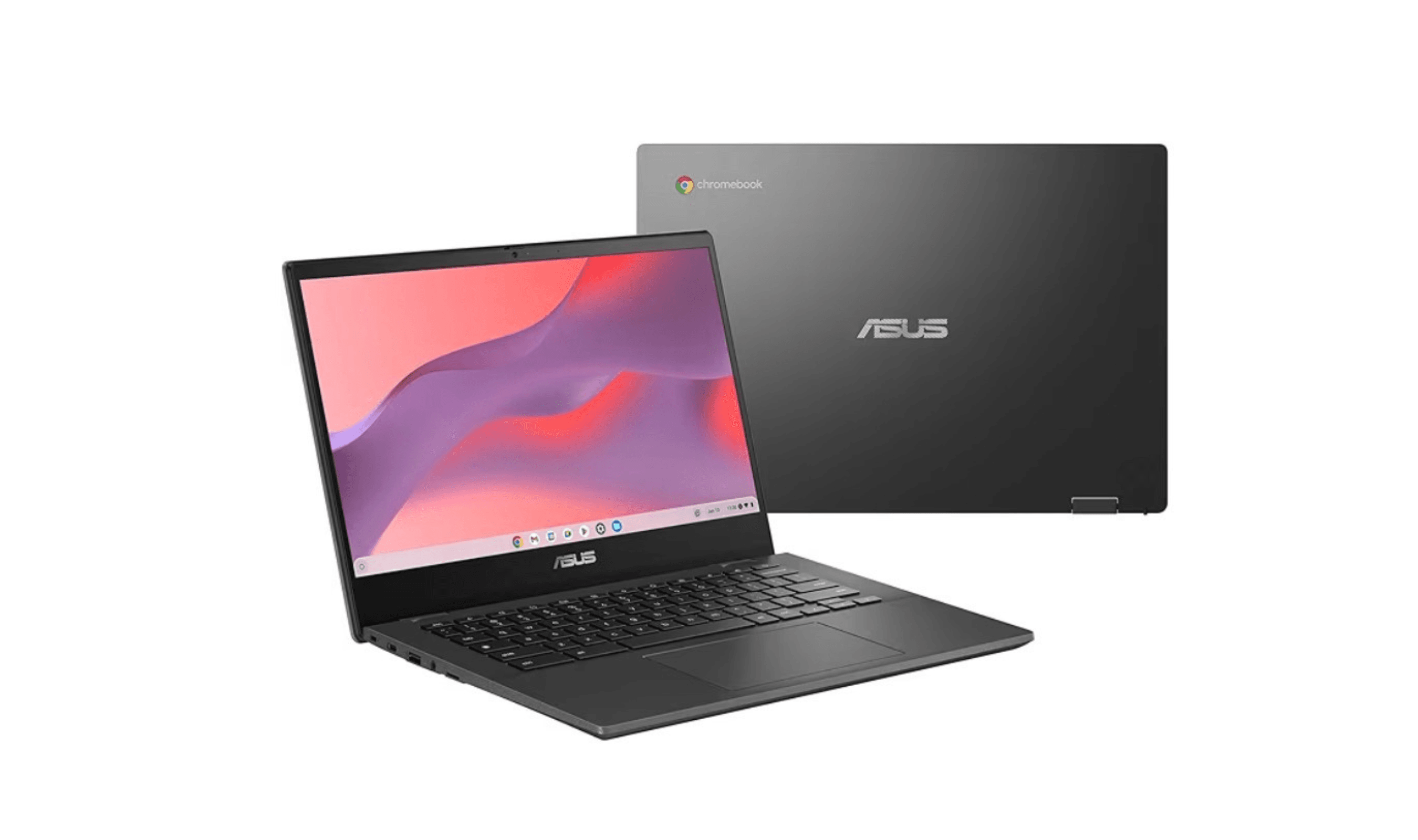
8 Best Chromebooks for Students in 2026
The best Chromebooks for students in 2026, from the Samsung Galaxy Chromebook Plus to budget picks under $200 and rugged, all-day classroom models.
3 min read
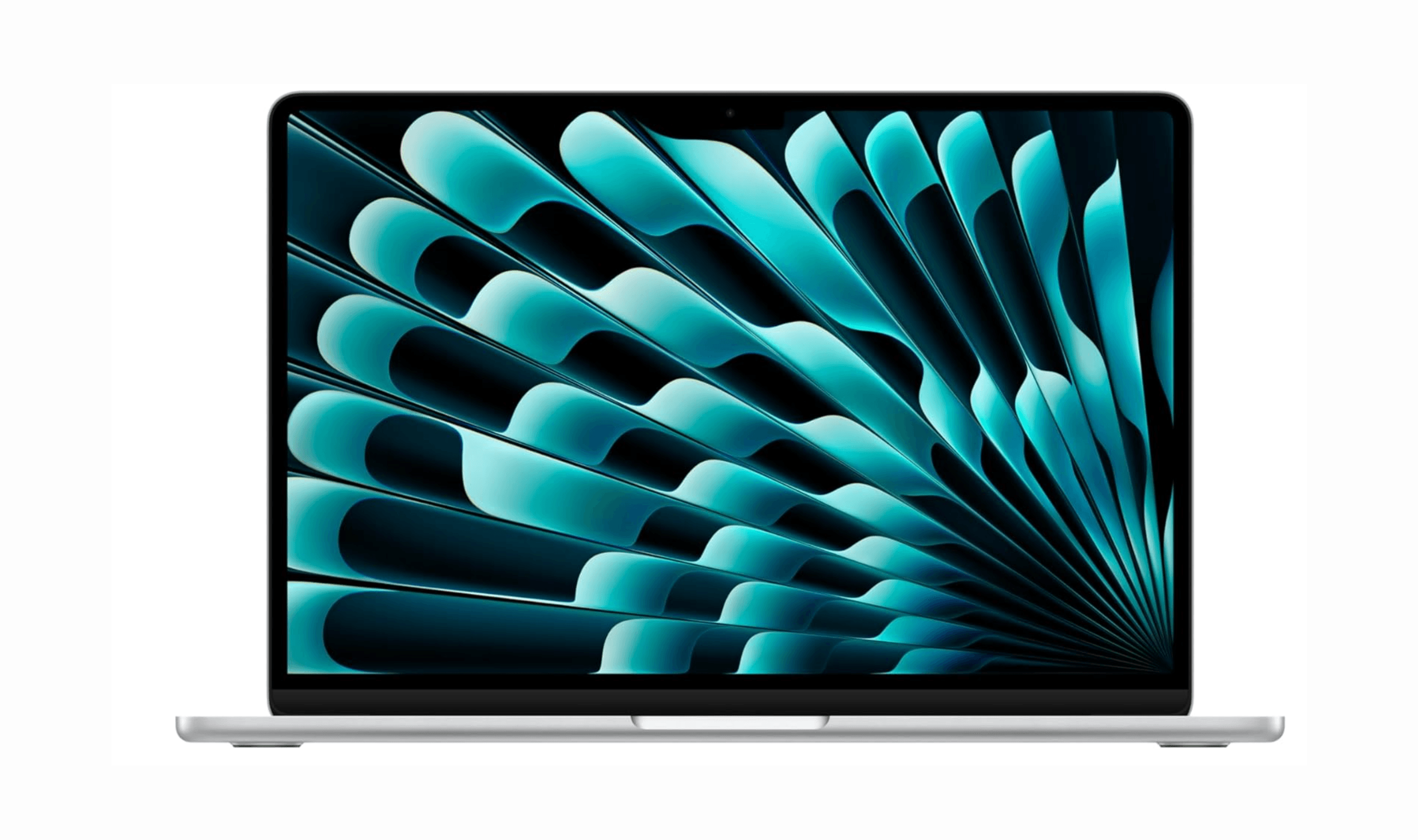
Top 7 High-End Laptops for 2026
MacBook Air M4 leads our 2026 high-end laptop picks. See the top 9 premium models for professionals and creators, including Dell XPS 14 and more.
3 min read
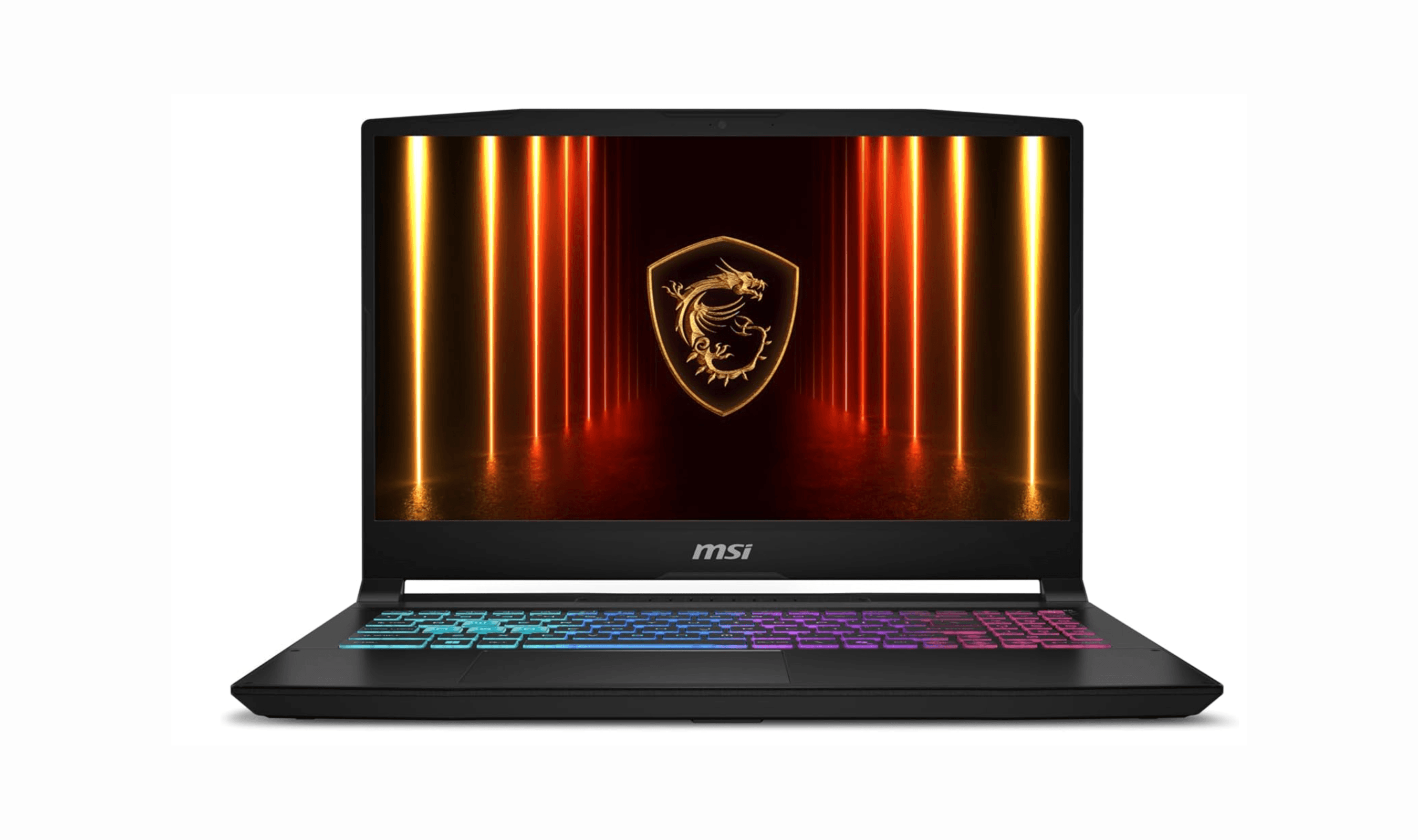
7 Best Budget Gaming Laptops for 2026
We rank the 8 best budget gaming laptops for 2026, from the $799 Acer Nitro V 15 to the RTX 5070 MSI Katana 15 HX, our top pick, plus an OLED Lenovo Legion 5i.
5 min read
7 Best Laptops for Stock Trading in 2026
Discover the best laptops for stock trading in 2026. Our top pick, the MacBook Pro 16, leads for reliability and performance to handle real-time markets.
5 min read
6 Best Laptops for Teachers in 2026
4 min read

Best Digital Notebooks for 2026
4 min read

AKG K 701 Ultra Reference Class Stereo discounted to $247.37
5 min read

Apple Watch SE 3 GPS 40mm Smartwatch discounted to $189.97
5 min read

Cleer Audio Enduro ANC Noise Canceling Headphones price drops to $94.99
3 min read

Lenovo coupon codes and deals
5 min read

Woot coupon codes and deals
3 min read

Samsung coupon codes and deals
5 min read