Digital notebooks bridge the gap between paper and pixels, offering distraction-free writing with digital convenience. The Supernote A5 X2 Manta stands out as our top pick for its excellent writing feel and versatile features. This list helps students, professionals, and anyone who prefers handwriting but needs digital organization.
Technobezz is supported by its audience. We may get a commission from retail offers.
Best Digital Notebooks for 2026
Supernote A5 X2 Manta leads our picks for the best digital notebooks of 2026, balancing superior writing feel with digital versatility.
T
Technobezz
Editorial Team
Updated September 30, 2026Sep 30, 2026
•7 min read

Get Deals Like These in Your Inbox
The best prices, reviewed weekly.
At a Glance
| Category | Product | Why We Picked It |
|---|---|---|
| Best overall | Supernote A5 X2 Manta | Best combination of writing feel and features |
| Best value | Kindle Scribe | Excellent reading and basic note-taking at a reasonable price |
| Best for color displays | Boox Note Air5 C | Color e-ink with Android flexibility |
| Best for portability | reMarkable Paper Pro Move | Compact design with premium writing experience |
| Best for paper purists | Rocketbook Core Reusable Smart Notebook | Reusable physical notebook with digital scanning |
| Also recommended | Kobo Elipsa 2E | A capable e-reader for textbook-heavy students |
| Also recommended | Supernote A6 X2 Nomad | Compact pick for travel and quick notes |
| Also recommended | Moleskine Smart Writing Set | Premium paper feel with digital capture |
How we chose
We evaluated digital notebooks based on writing experience, display quality, battery life, and software features. Our assessment considers how well each device supports focused work versus multitasking, with priority given to products that excel at their intended purpose. We looked at real-world use cases for students, professionals, and creative users.
The best digital notebooks right now
Supernote A5 X2 Manta - Best overall
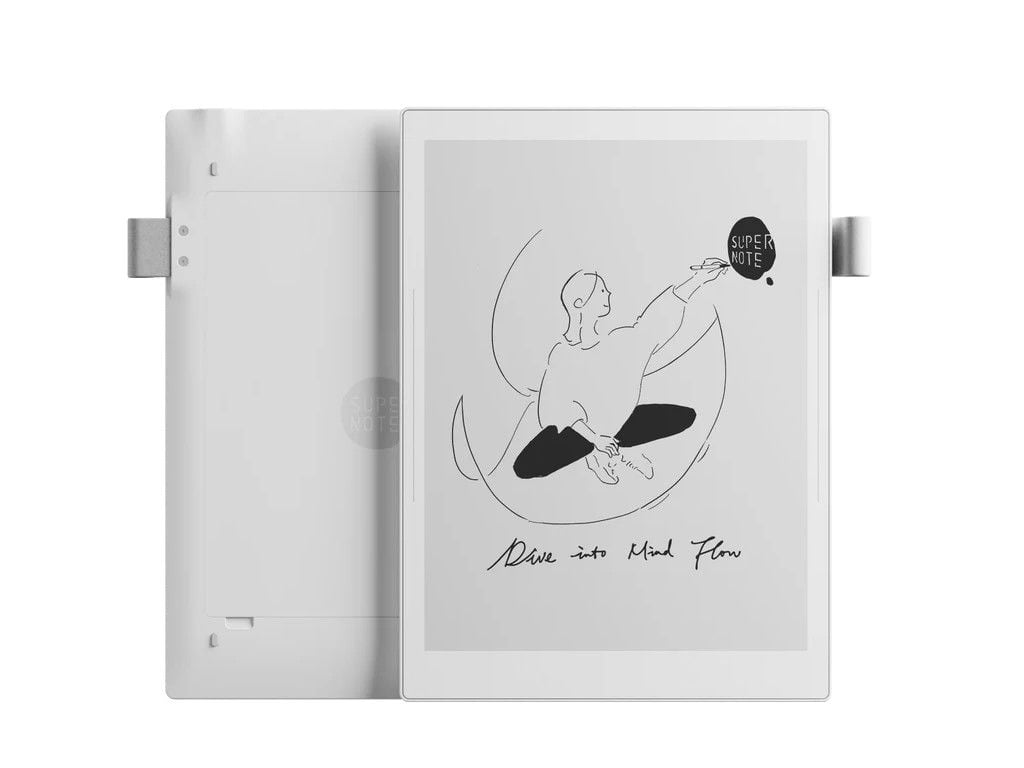
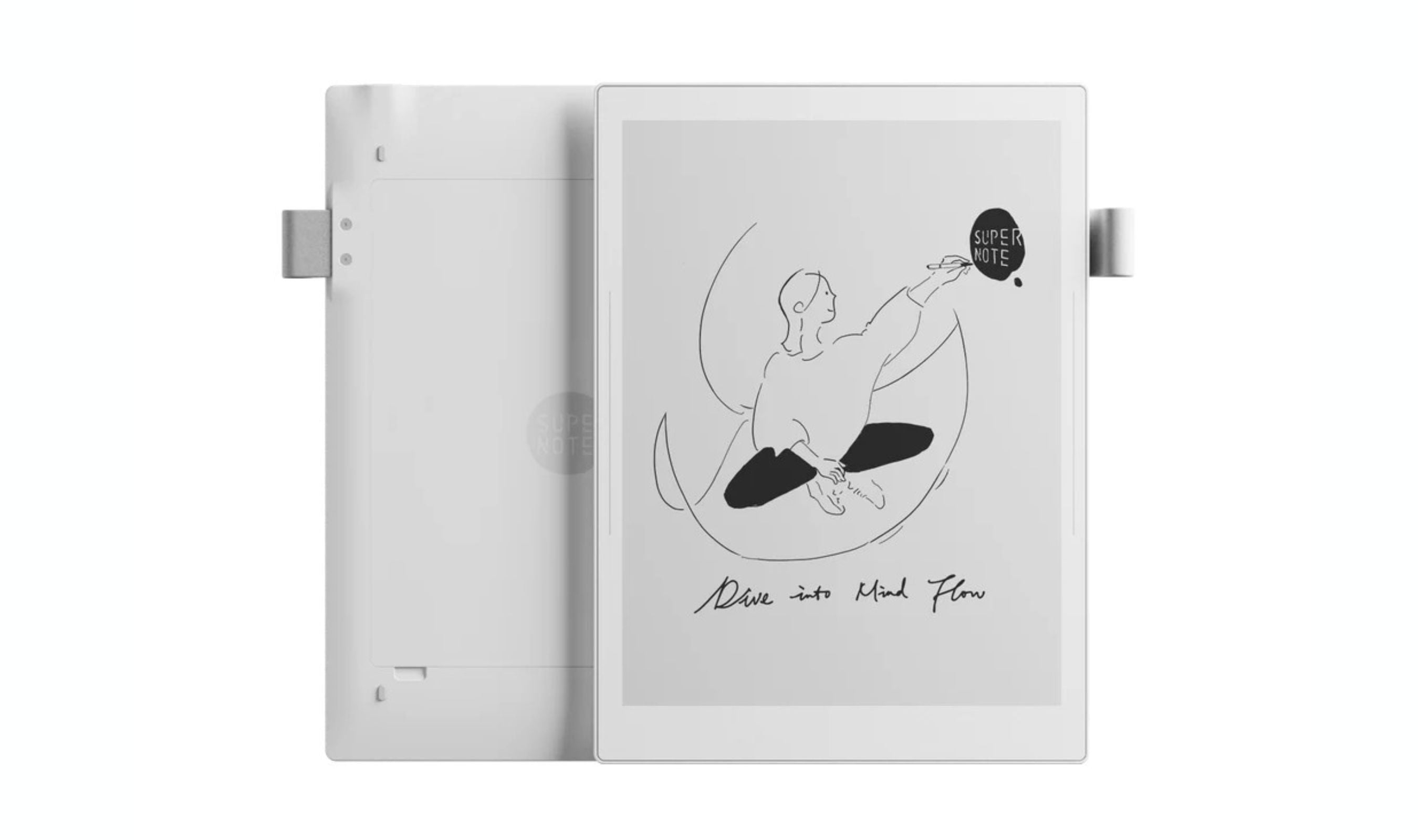
The Supernote A5 X2 Manta delivers the best balance of writing feel, customization, and practical features for serious note-takers. Its modular design and versatile software make it a long-term investment.
Key highlights
- Excellent paper-like writing experience with ceramic nib pens
- Modular design with user-replaceable battery and expandable storage
- Flexible sync options with Dropbox, Google Drive, and OneDrive
- Customizable templates and robust note organization
- Built-in Kindle app and drawing tools
Pros
- Writing feels natural and comfortable once you adjust to the texture
- No mandatory subscription for basic functionality
- Searchable handwritten notes work reliably
- Can retrofit traditional pens with ceramic nibs
Cons
- No built-in lighting for use in dim conditions
- Sidebar controls can be less responsive at times
- Email and calendar apps need improvement
Who it is for: Students, researchers, and professionals who take extensive handwritten notes and need reliable organization.
Skip if
You need color display or want a device that doubles as a full tablet.
Kindle Scribe - Best value
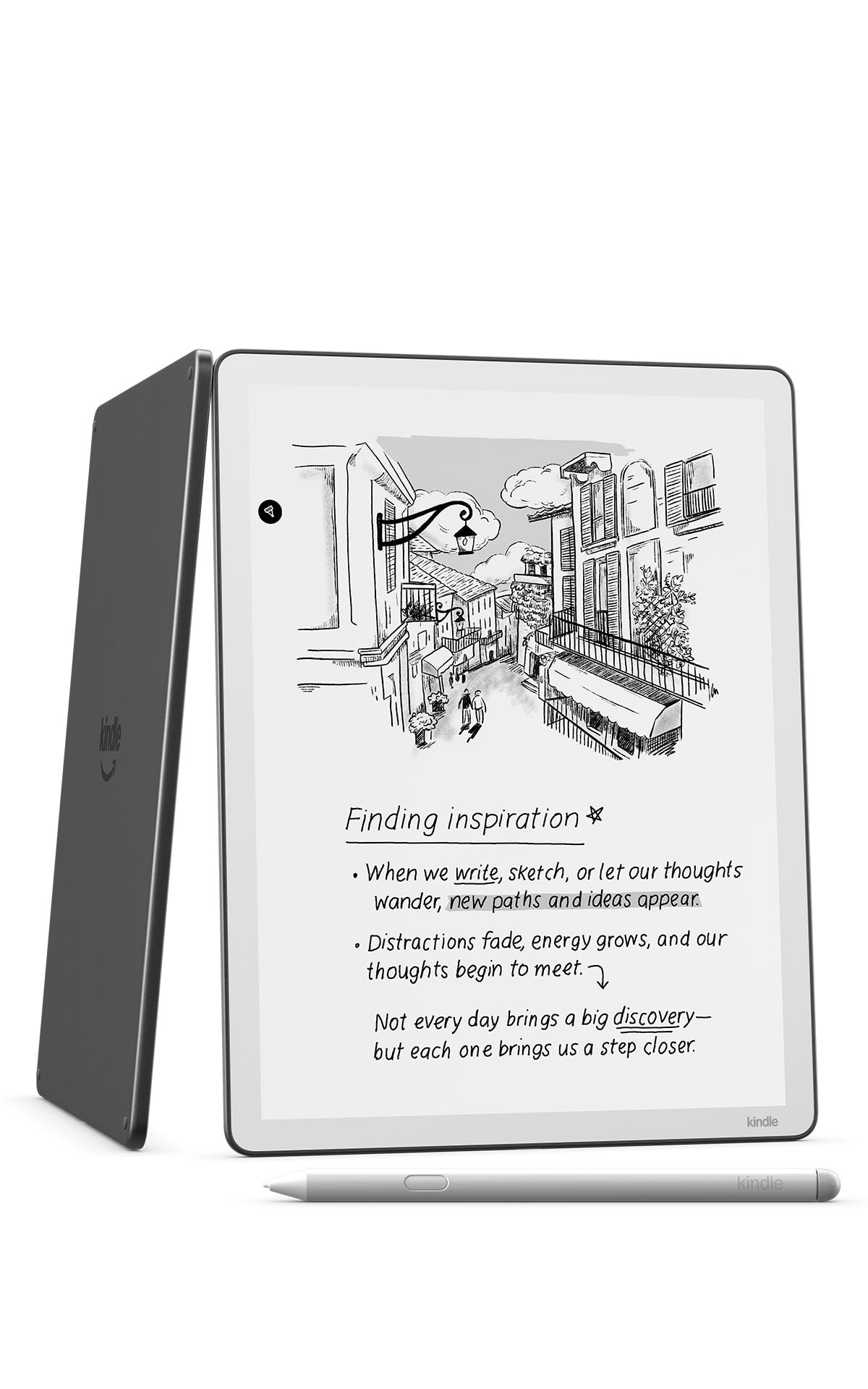
The Kindle Scribe offers the best entry point into digital note-taking, combining Amazon's excellent e-reader ecosystem with capable writing features at a reasonable price.
Key highlights
- Excellent 11” paper-like display with front light
- Impressive battery life measured in weeks, not days
- Built-in notebook with AI-powered tools. Generate summaries, refine your handwriting, or convert notes to text.
- Premium pen included with natural writing feel
- Seamless integration with Kindle ecosystem
Pros
- Outstanding reading experience for books and PDFs
- Long battery life means less frequent charging
- Auto-adjusting front light works well in different lighting
- Good handwriting-to-text conversion
Cons
- Limited to Amazon's ecosystem for full functionality
- Fewer customization options than dedicated note-taking devices
- AI features may not appeal to all users
Who it is for: Readers who want to annotate books and take occasional notes without learning a complex system.
Skip if
You need advanced note organization or want to avoid being locked into Amazon's services.
Boox Note Air5 C - Best for color displays
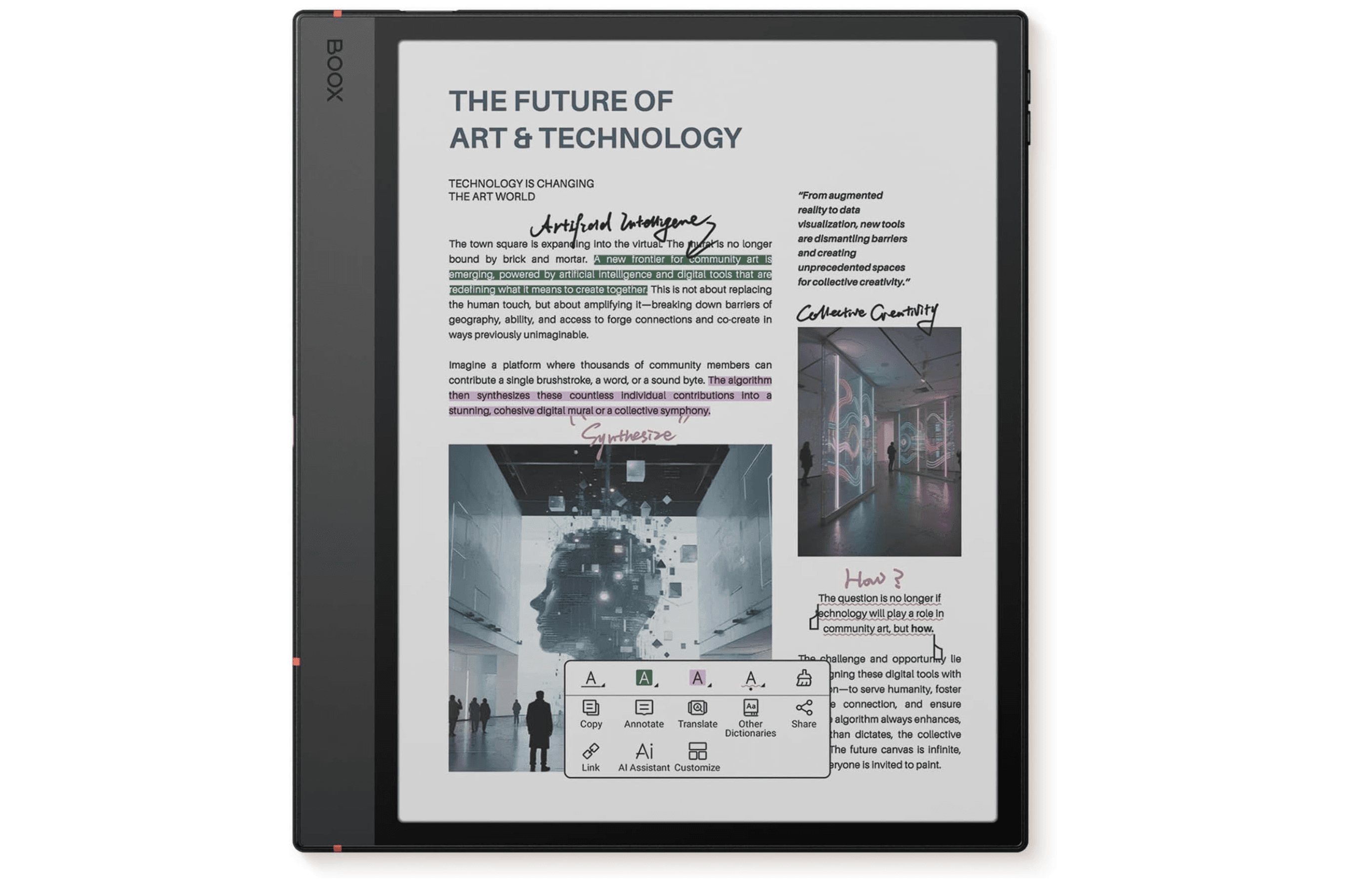
The Boox Note Air5 C brings color e-ink technology to digital note-taking, offering Android flexibility without sacrificing the paper-like writing experience.
Key highlights
- Color E Ink Kaleido 3 display (300 PPI black and white, 150 PPI color)
- Runs Android 15 with access to Google Play Store
- 64GB storage with various note-taking and drawing tools
- Front light for comfortable use in different lighting
- Detachable keyboard case option available
Pros
- Color display useful for diagrams, highlights, and comics
- Android flexibility allows use of third-party apps
- Good writing experience comparable to felt-tipped markers
- Customizable workflows and templates
Cons
- More distractions than dedicated writing devices
- Shorter battery life compared to simpler e-ink notebooks
- Can feel slower than traditional tablets
Who it is for: Power users who need color for diagrams or want Android app access while maintaining e-ink comfort.
Skip if
You want maximum focus with minimal distractions or need weeks of battery life.
reMarkable Paper Pro Move - Best for portability
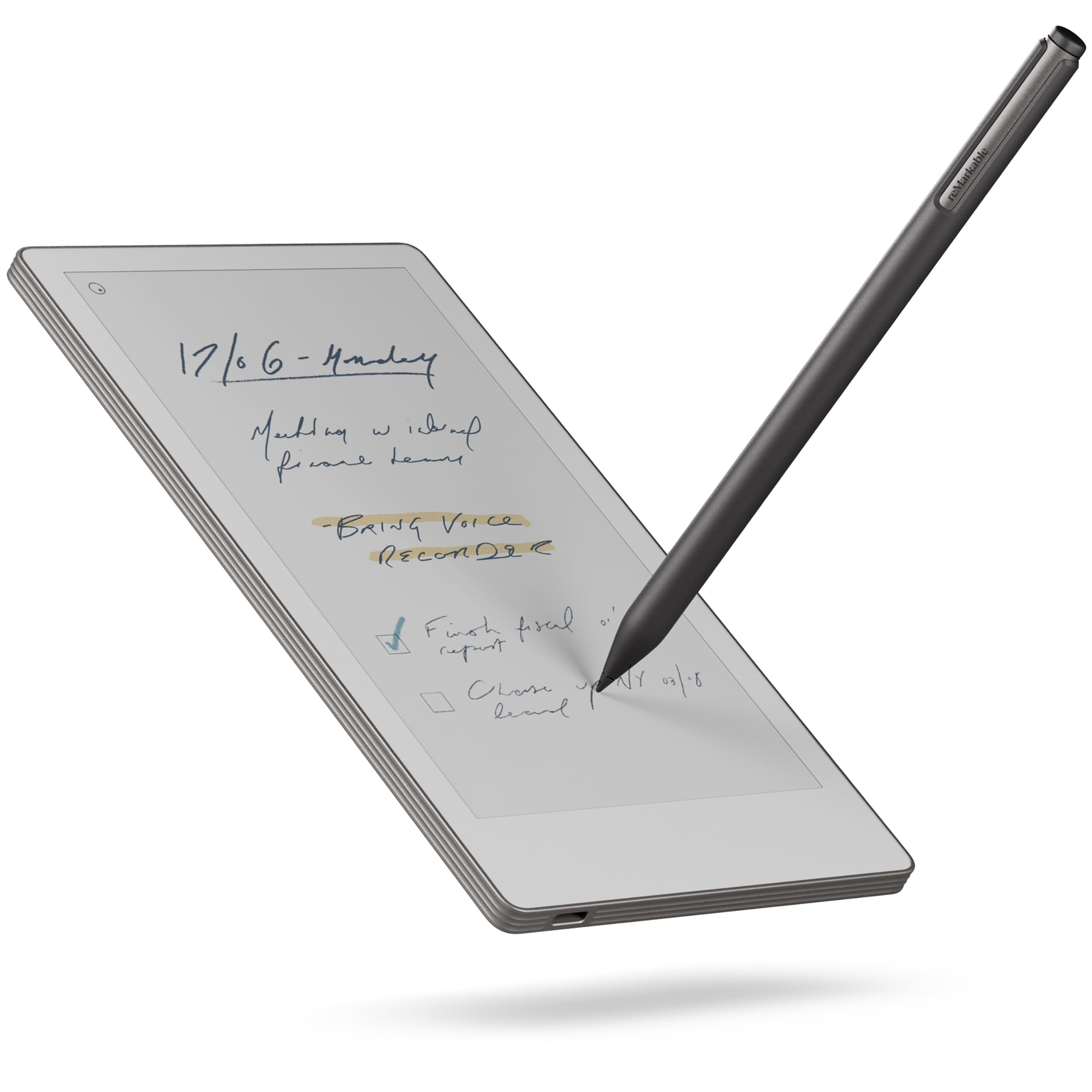
The reMarkable Paper Pro Move offers premium writing experience in a compact, portable package ideal for on-the-go note-taking.
Key highlights
- 7.3-inch color display with adjustable front light
- Premium writing experience with low latency
- Lightweight design at just 0.51 pounds
- Up to 2 weeks of battery life
Pros
- Excellent portability for daily carry
- Color display useful for organization and highlights
- Premium build quality and materials
- Good cloud integration options
Cons
- Smaller screen may feel cramped for extensive writing
- Requires subscription for some advanced features
- Higher price point for the size
Who it is for: Professionals and students who need a portable digital notebook for meetings, classes, or travel.
Skip if
You need a larger writing surface or want to avoid subscription services.
Rocketbook Core Reusable Smart Notebook - Best for paper purists
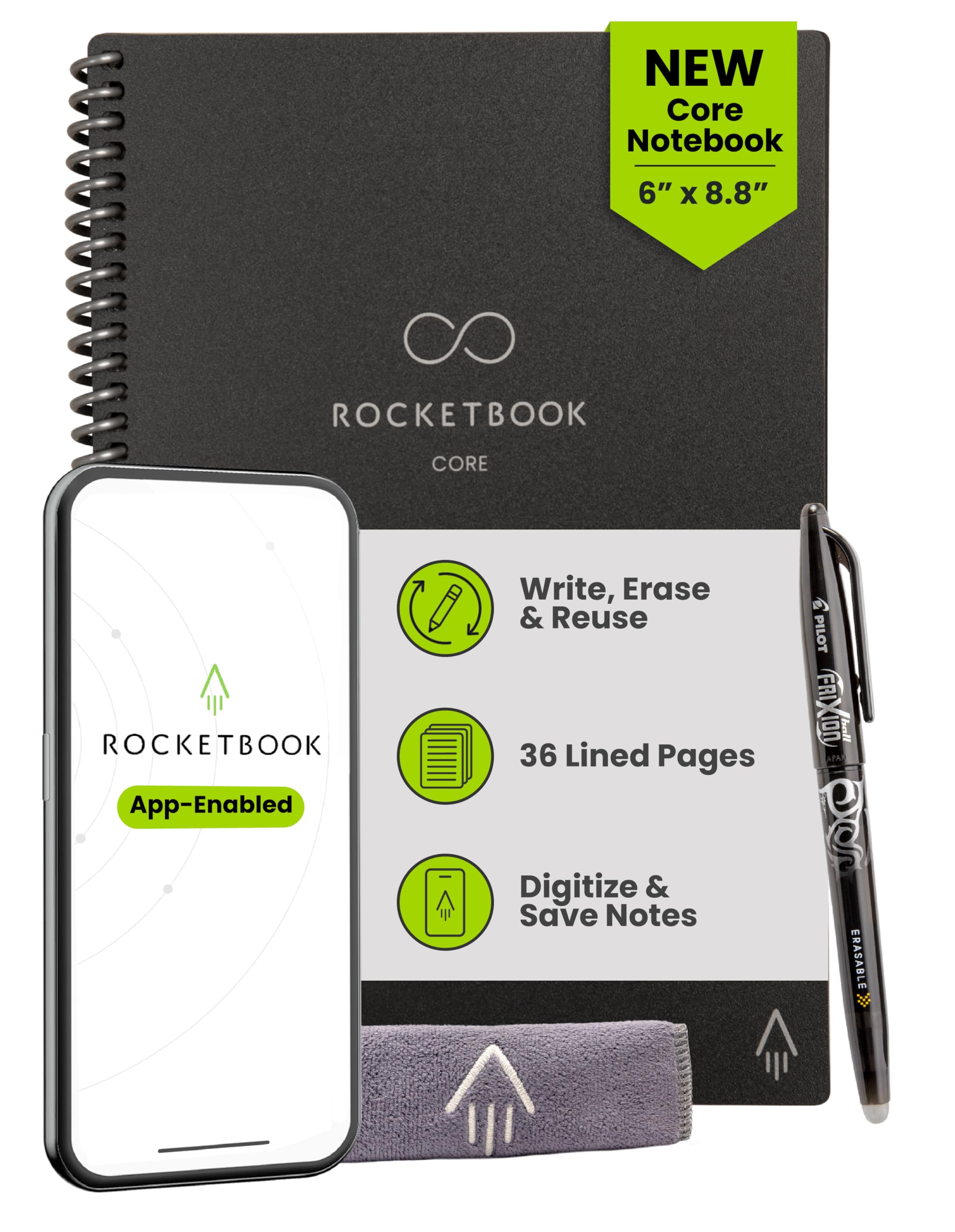
Rocketbook offers a unique approach with reusable physical notebooks that digitize via smartphone scanning, perfect for those who prefer real paper.
Key highlights
- Reusable pages that wipe clean with damp cloth
- Write notes with the included Pilot Frixion Pen, simply wipe the pages clean with a damp cloth
- Scan pages to digital via smartphone app
- Send notes to Google Drive, Evernote, Dropbox, and more
- Various template styles for different needs
Pros
- No charging or batteries required
- Authentic paper writing experience
- Environmentally friendly with reusable pages
- Affordable entry point to digital note-taking
Cons
- Not real-time digital editing
- Requires manual scanning of each page
- Limited to physical notebook size and pages
Who it is for: Students, teachers, and professionals who love paper but want digital backups without electronics.
Skip if
You need real-time digital features or want to edit notes directly on device.
Also Good
- Kobo Elipsa 2E - a capable e-reader for textbook-heavy students.
- Supernote A6 X2 Nomad - compact pick for travel and quick notes.
- Moleskine Smart Writing Set - premium paper feel with digital capture.
How to Choose
Consider these factors when selecting a digital notebook:
Writing experience matters most. Test the pen feel if possible, or read detailed reviews about latency and texture. Some devices feel more like paper, others like writing on glass with screen protectors.
Screen size affects portability and usability. Larger screens (10+ inches) work better for extensive note-taking and reading, while smaller screens (7-8 inches) travel more easily.
Ecosystem compatibility saves frustration. Check if the device works with your existing cloud services (Google Drive, Dropbox, OneDrive) or locks you into proprietary systems.
Battery life varies significantly. Simple e-ink devices last weeks, while color displays and Android systems need more frequent charging.
Software features should match your workflow. Basic note-takers need organization tools, while students benefit from PDF annotation and researchers need searchable handwriting.
FAQ
Do I need a digital notebook or will a tablet work?
Digital notebooks excel at focused writing and reading with better battery life and eye comfort. Tablets offer more features but create more distractions and need daily charging.
Can digital notebooks convert handwriting to text?
Yes, most devices support handwriting conversion with varying accuracy. The Supernote and reMarkable handle this well, while Kindle Scribe includes AI-powered text tools.
Are digital notebooks worth the price compared to paper?
They make sense if you need digital organization, searchable notes, or want to reduce paper waste. For occasional note-takers, paper remains more cost-effective.
Which is better for students: digital notebook or laptop?
Digital notebooks work well for note-taking, reading, and annotation. Laptops handle typing, research, and assignments better. Many students use both.
How long do digital notebooks typically last?
Quality devices last 3-5 years with proper care. Modular designs like the Supernote offer better longevity through replaceable parts.
Published March 21, 2026 Last updated October 1, 2026
Share this article
More in News
9 Best Laptops for Programming and Coding in 2026
The MSI Prestige 16 AI Evo leads our 2026 picks for programming and coding, from MacBooks for iOS work to ThinkPads for Linux.
5 min read
Top 8 Laptops for Writers for 2026
Discover the best laptops for writers in 2026. Our top pick is the Apple MacBook Air M4 for its excellent keyboard and all-day battery.
3 min read
7 Best Laptops for Music Production in 2026
The best music production laptops for 2026, led by the MacBook Pro M5 Pro for power and the M5 MacBook Air for portable studios, plus a top Windows pick.
4 min read
The 9 Best Laptops for Architects of 2026
Discover the best laptops for architects in 2026. Our top pick is the ASUS ProArt P16, plus great options for every budget and workflow.
3 min read
8 Best Laptops for Home Use in 2026
4 min read
8 Best Monitors for MacBook in 2026
4 min read
Best microSD Cards for Nintendo Switch in 2026
4 min read
Two headphone price drops worth checking, from $79.99
3 min read
7 Best Noise Cancelling Headphones to Buy in 2026
4 min read
8 Best 75-Inch TVs in 2026
5 min read
6 Best SSDs for PS5 in 2026
4 min read
5 Best Ergonomic Keyboards for 2026
5 min read