Whether you're gaming, working, or just enjoying music, the right computer speakers make all the difference. Our top pick, the Audioengine A2+ Gen 3, delivers premium sound in a compact package that fits most desks. This list covers everything from budget options to audiophile systems, helping you find speakers that match your space and sound preferences.
Technobezz is supported by its audience. We may get a commission from retail offers.
8 Best Computer Speakers for 2026
Audioengine A2+ leads our picks for the best computer speakers. Our 2026 guide covers top models for gaming, music, and value to upgrade your desk audio.
T
Technobezz
Editorial Team
Updated October 1, 2026Oct 1, 2026
•6 min read

Get Deals Like These in Your Inbox
The best prices, straight to your inbox.
On GoogleFollow Technobezz: add us as a preferred source.

At a Glance
| Category | Product | Why We Picked It |
|---|---|---|
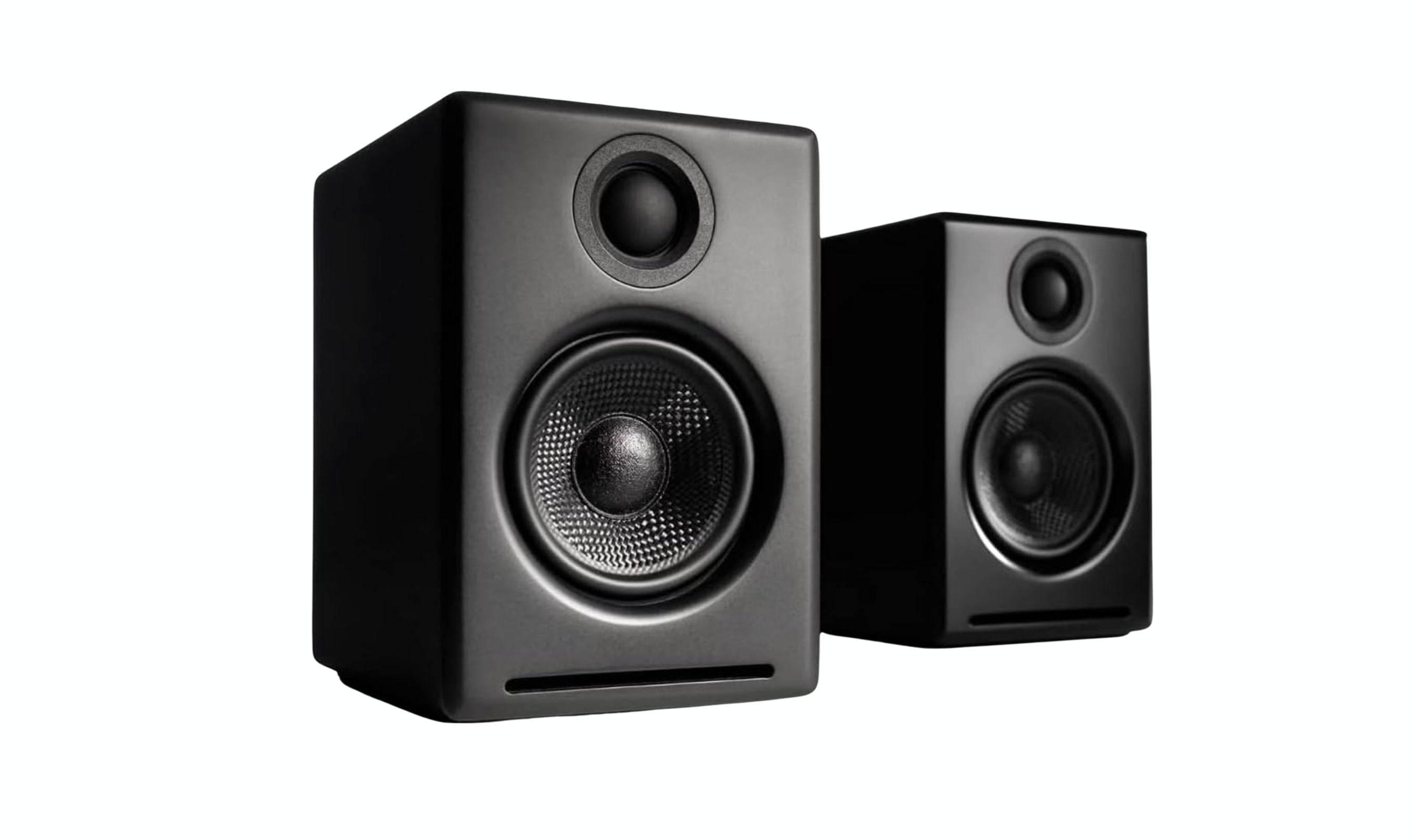
| Best overall | Audioengine A2+ Gen 3 | Premium compact sound with versatile connectivity |
| Best value | Creative Pebble Pro | Surprisingly good audio for very little money |
| Best for gaming | Razer Leviathan V2 X | Compact USB-C soundbar that slips under your monitor |
| Best 2.1 system | Logitech Z407 | Wireless control with satisfying bass |
| Best versatile | Onkyo GX-30ARC | Multiple inputs for various devices |
| Also recommended | Fluance Ri71 | Bookshelf-style speakers with HDMI ARC and excellent sound quality for music and movies |
| Also recommended | Creative Pebble X Plus | Budget 2.1 system with compact subwoofer for those wanting more bass without spending much. |
| Also recommended | Mackie CR3.5BT | Professional monitors with flat response mode for audio work and fun mode for entertainment. |
How we chose
We evaluated computer speakers based on audio quality across different use cases, from music listening to gaming and video calls. Our assessment considers clarity, bass response, and how well each system handles different audio sources. We prioritize products that offer good value for their price category while providing reliable performance for daily use. Connectivity options, desk footprint, and ease of setup also factor into our recommendations.
The best computer speakers right now
Audioengine A2+ Gen 3 - Best overall
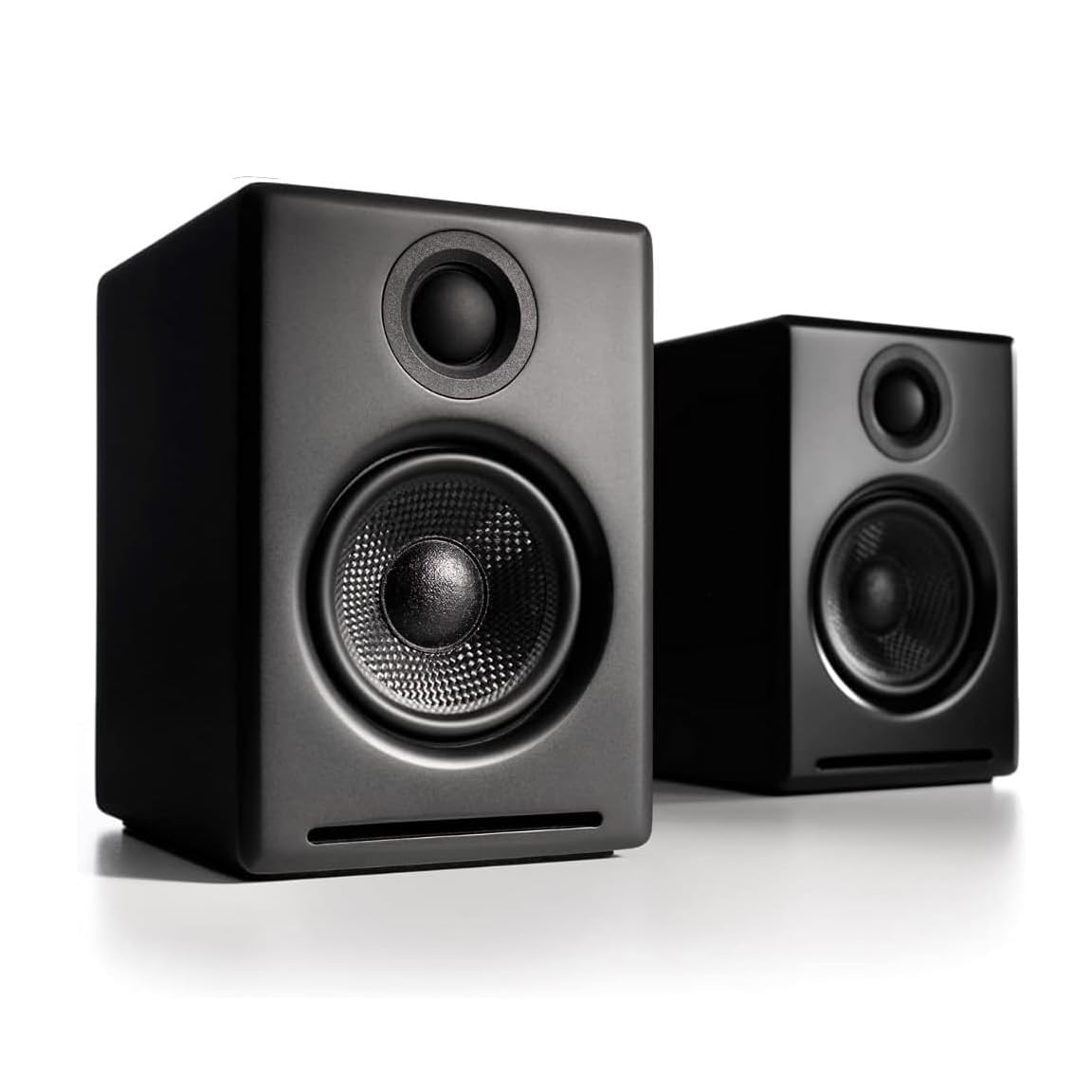
These compact speakers deliver premium sound quality that belies their small size, making them ideal for desks where space matters but audio quality matters more.
Key highlights
- Compact design that fits easily on most desks
- Bluetooth with aptX Adaptive support for wireless audio
- Multiple connectivity options including USB-C, RCA, and 3.5mm
- Option to add a subwoofer for enhanced bass
- Crisp mids and detailed highs for music listening
Pros
- Excellent sound quality for their size
- Versatile connectivity options
- Clean, attractive design
- Can be upgraded with a subwoofer
Cons
- Bass response limited without subwoofer
- Higher price point than basic options
- No remote control included
Who it is for: Anyone wanting premium sound in a compact package, especially those with limited desk space who still value audio quality.
Skip if
You need thunderous bass without adding a subwoofer or have a very tight budget.
Creative Pebble Pro - Best value
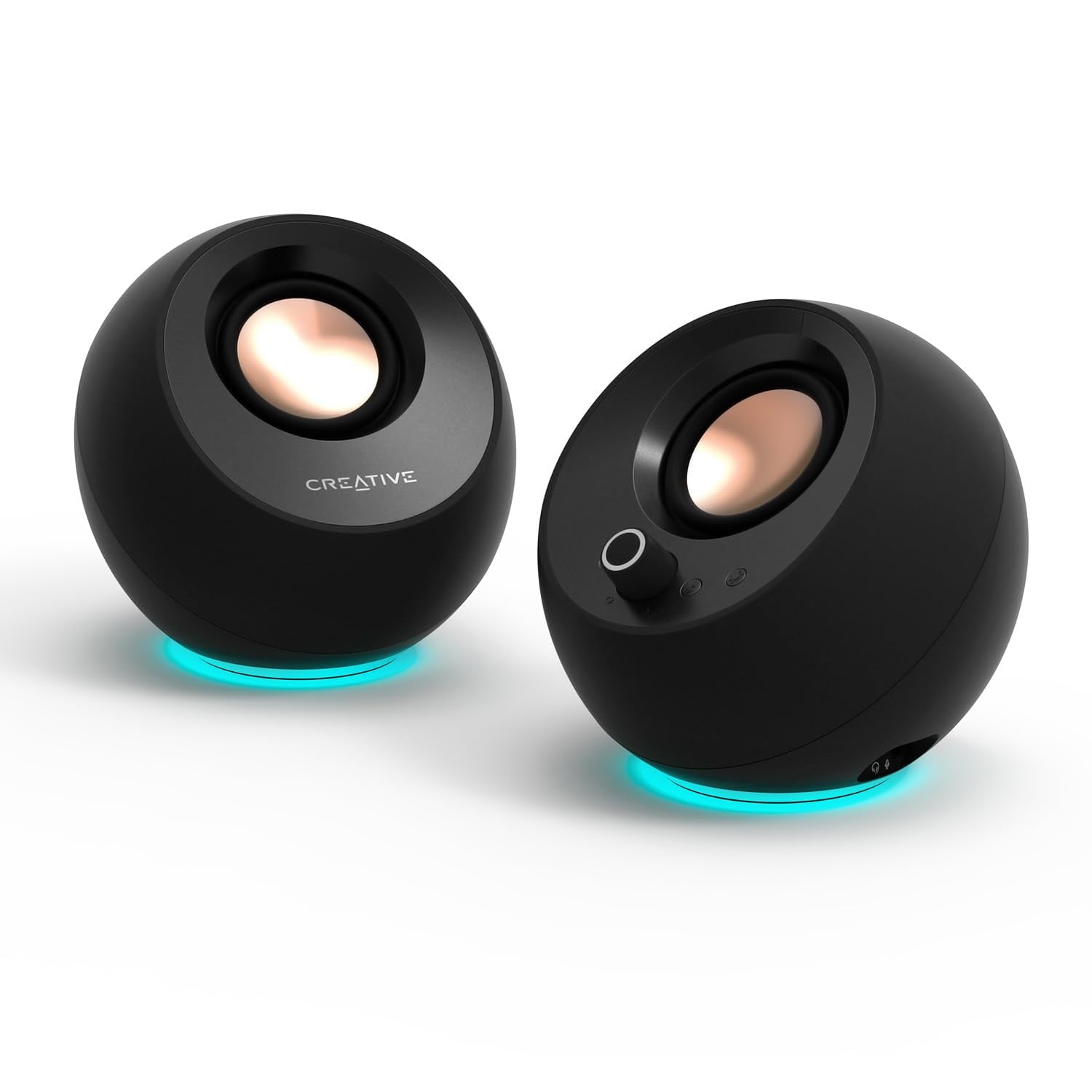
For those wanting to upgrade from built-in speakers without spending much, these offer surprisingly good sound and useful features at a budget-friendly price.
Key highlights
- Compact spherical design with upward-angled drivers
- USB-C connectivity with optional power boost
- Bluetooth 5.3 for wireless streaming
- RGB lighting around the base
- Clear Dialog audio processing and BassFlex technology for enhanced voice clarity and bass response
Pros
- Excellent value for money
- Small footprint fits anywhere
- Multiple connectivity options
- Can be powered by laptop USB port
Cons
- Limited bass response
- Not as loud as larger systems
- Plastic construction feels basic
Who it is for: Students, home office workers, and anyone on a budget who wants decent audio improvement.
Skip if
You need room-filling volume or deep bass for movies and games.
Razer Leviathan V2 X - Best for gaming
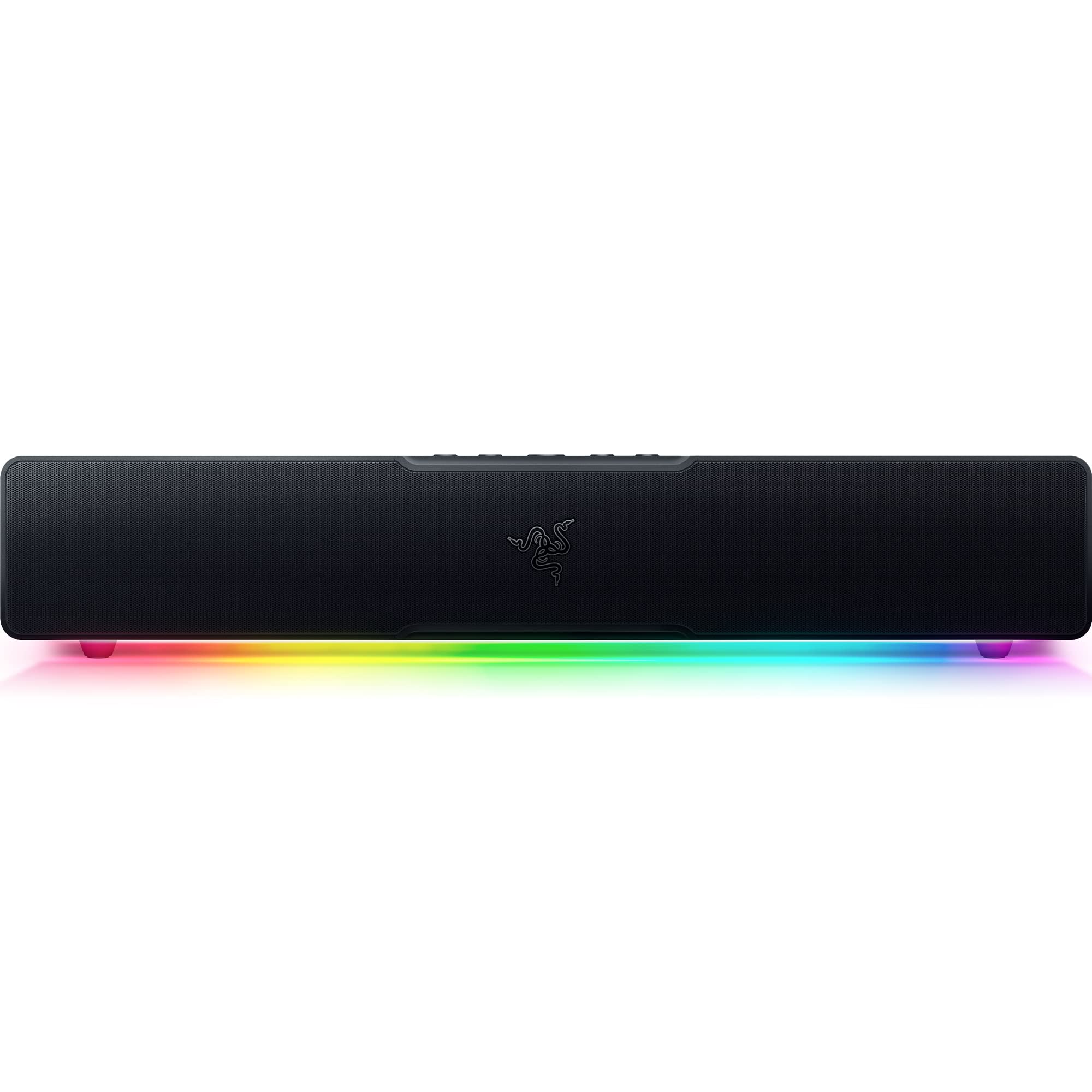
This single-piece USB-C soundbar delivers immersive gaming audio from two full-range drivers and two passive radiators, fitting neatly under most monitors without taking up valuable desk space.
Key highlights
- Compact soundbar design fits under monitors
- Full-range drivers and passive radiators for detailed audio
- Powered by Razer Chroma RGB with 14 lighting zones
- USB Type C power and audio delivery
- Bluetooth 5.0 connectivity
Pros
- Space-saving single-bar design
- Simple single-cable USB-C power and audio
- Decent bass from twin passive radiators
- Gaming-focused audio tuning
Cons
- Limited to front-facing audio
- RGB lighting may not appeal to everyone
- Higher price than basic speaker sets
Who it is for: Gamers who want immersive audio without multiple speakers cluttering their desk.
Skip if
You need true surround sound with rear speakers or prefer traditional left-right speaker placement.
Logitech Z407 - Best 2.1 system
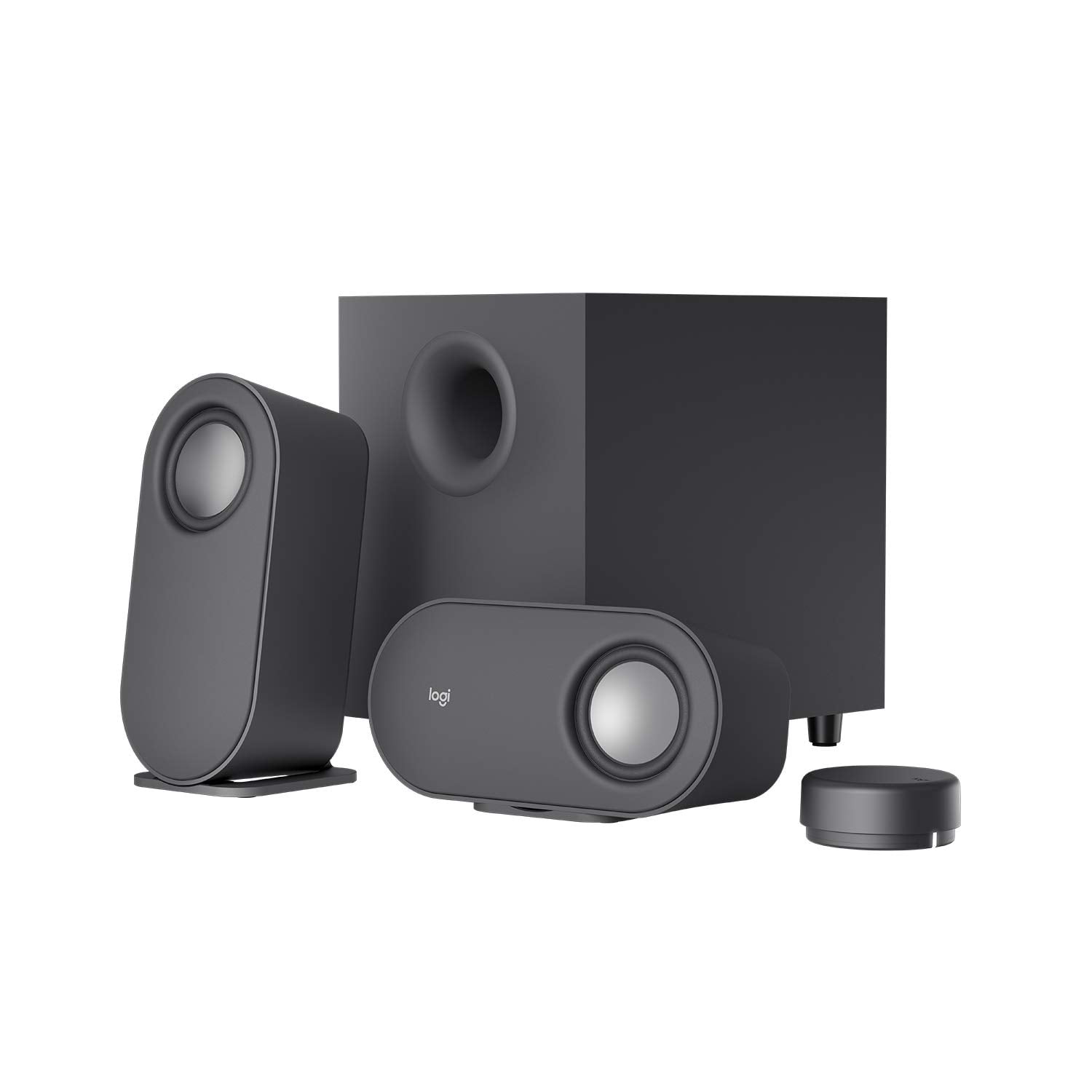
This 2.1 speaker system offers satisfying bass and clear audio with the convenience of wireless control, making it easy to adjust volume from anywhere in the room.
Key highlights
- Wireless control puck with up to 20 m (approx. 66 feet) line of sight range for volume and playback
- 2.1 system with dedicated subwoofer
- Satellite speakers can be positioned vertically or horizontally
- Connect up to three devices through Bluetooth, micro-USB, and 3.5mm inputs
- Angled drivers for better sound direction
- 40W RMS (80W peak) total system power
Pros
- Convenient wireless control
- Good bass from included subwoofer
- Flexible speaker placement options
- Affordable for a 2.1 system
Cons
- Uses micro-USB instead of USB-C
- Older design showing its age
- Satellite speakers are fairly basic
Who it is for: Those who want better bass than 2.0 systems provide and appreciate wireless volume control.
Skip if
You need the latest connectivity options or have very limited space for a subwoofer.
Onkyo GX-30ARC - Best versatile
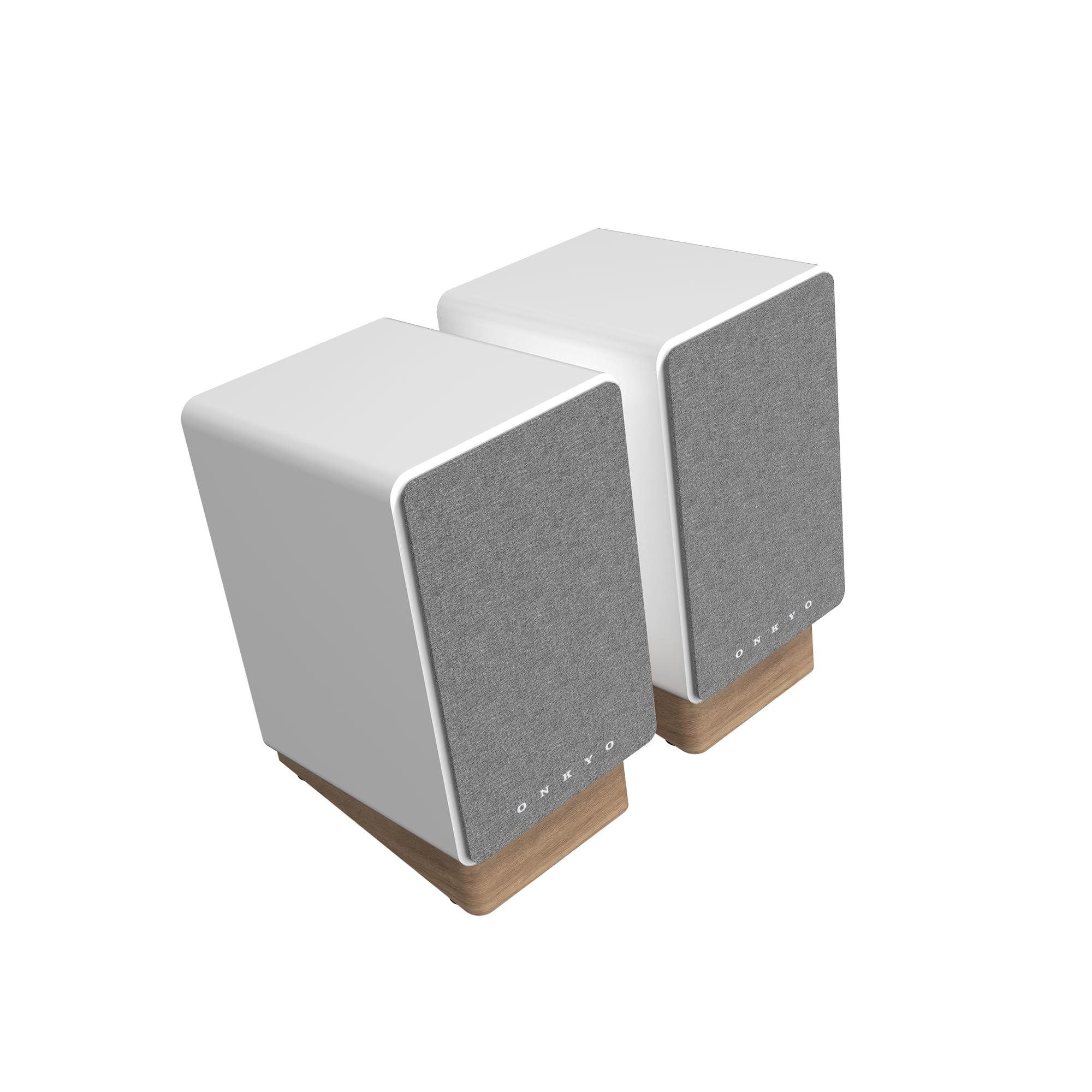
With connections for almost any audio source, these speakers work with computers, consoles, turntables, and TVs, making them incredibly flexible for mixed-use setups.
Key highlights
- Multiple inputs including HDMI ARC, optical, USB-C, RCA, and 3.5mm AUX
- Built-in phono stage for turntables
- Bluetooth 5.3 for wireless streaming
- Bi-amplification for improved sound accuracy
- Class D amplification and digital signal processing (DSP)
Pros
- Exceptional connectivity options
- Good sound quality across inputs
- Useful for mixed-device setups
- Compact design for a powered monitor
Cons
- Larger than typical computer speakers
- Higher price point
Who it is for: Users with multiple audio sources who want one speaker system for everything.
Skip if
You only need basic computer audio or have very limited desk space.
Also Good
- Fluance Ri71: Bookshelf-style speakers with HDMI ARC and excellent sound quality for music and movies.
- Creative Pebble X Plus: Budget 2.1 system with compact subwoofer for those wanting more bass without spending much.
- Mackie CR3.5BT: Professional monitors with flat response mode for audio work and fun mode for entertainment.
How to Choose
Consider your primary use case first. Gamers benefit from spatial audio features, while music listeners need balanced sound across frequencies. Desk space matters too, compact speakers work for tight spaces, while 2.1 systems need room for a subwoofer. Connectivity options become important if you use multiple devices, and budget determines how many features you can get. Finally, think about whether you prefer the simplicity of a soundbar or the stereo separation of traditional speakers.
FAQ
Do I need a subwoofer for computer speakers?
Not necessarily. Most 2.0 systems provide adequate bass for general use, but a subwoofer adds depth for movies, games, and bass-heavy music. Consider your space and whether you can accommodate the extra equipment.
Can computer speakers connect to other devices?
Many modern computer speakers include Bluetooth for wireless connections to phones and tablets. Some also have multiple wired inputs for consoles, TVs, or turntables, making them versatile for various setups.
How important is speaker placement?
Proper placement significantly affects sound quality. Ideally, position speakers at ear level and angled toward your listening position. Many speakers include stands or angled designs to help with this.
Are wireless computer speakers as good as wired ones?
Modern Bluetooth speakers offer good quality with minimal lag, especially for music and videos. For competitive gaming where every millisecond counts, wired connections still provide the most consistent performance.
How long should computer speakers last?
Quality speakers can last five to ten years with proper care. Keeping them clean and avoiding excessive volume levels helps maintain their performance over time.
Published March 21, 2026 Last updated October 1, 2026
Share this article
More on speakers
Deal
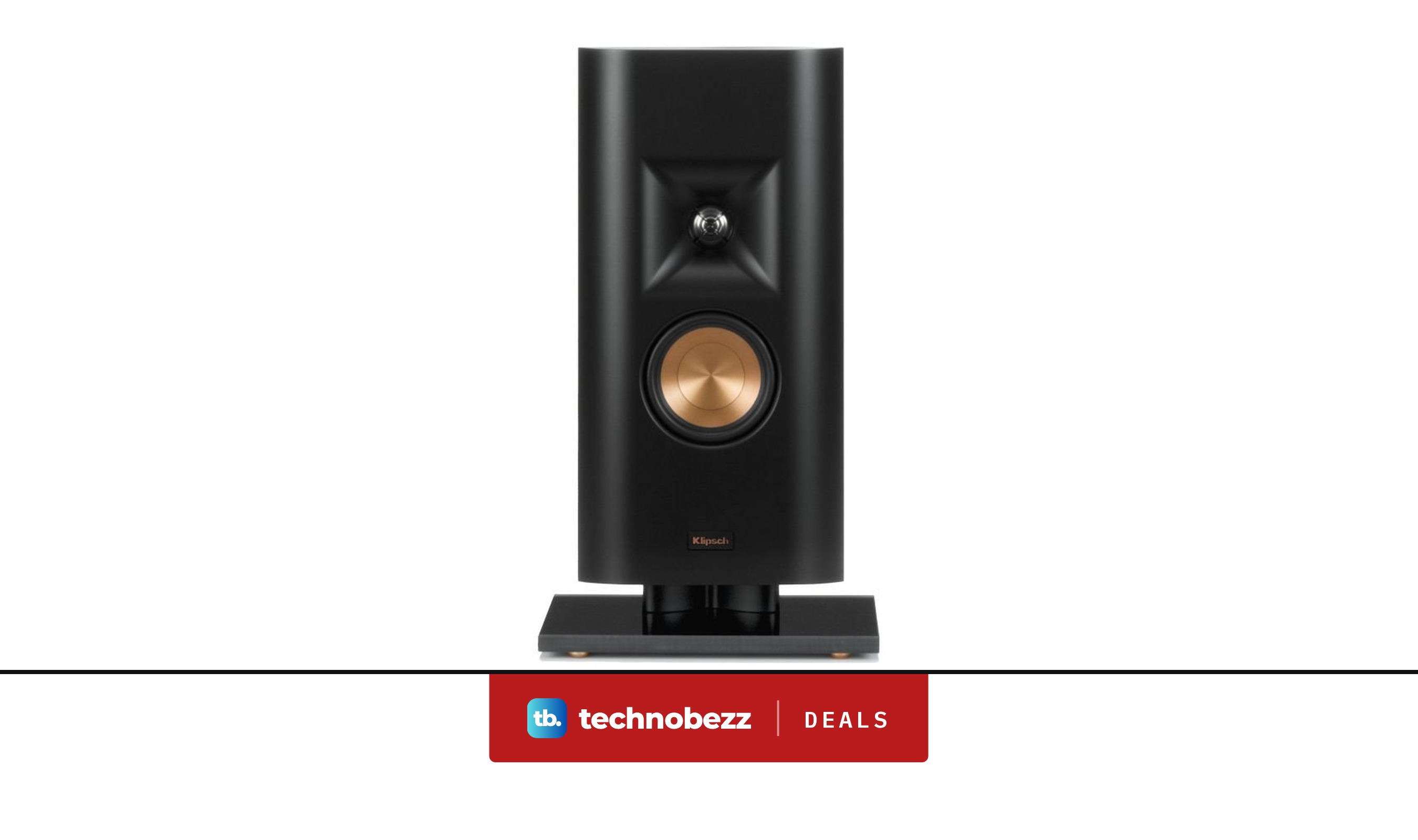
Klipsch RP-140D Black Home Speaker marked down to $179.99
Deal
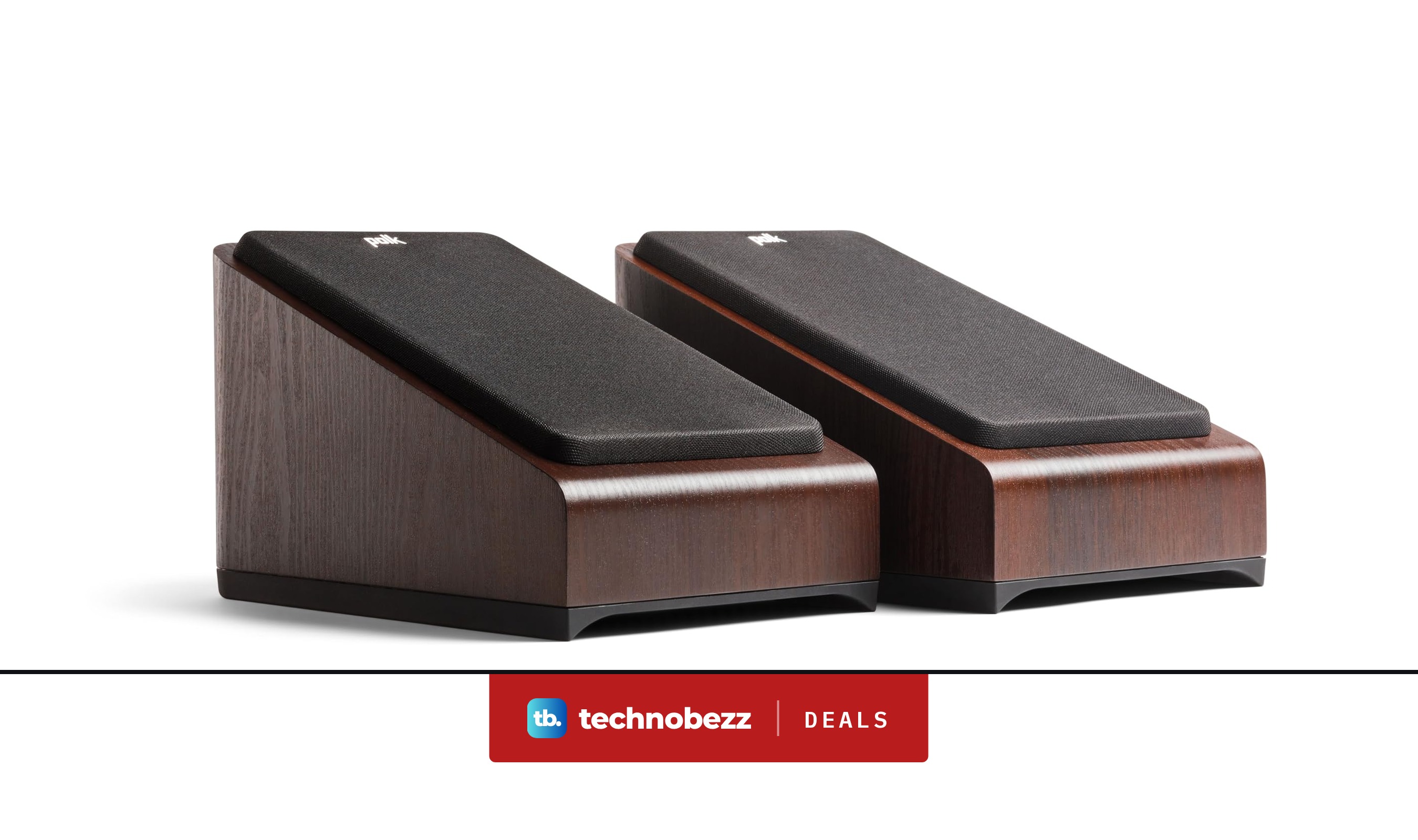
Polk Audio Signature Elite ES90 Height Module Speakers discounted to $295
Deal
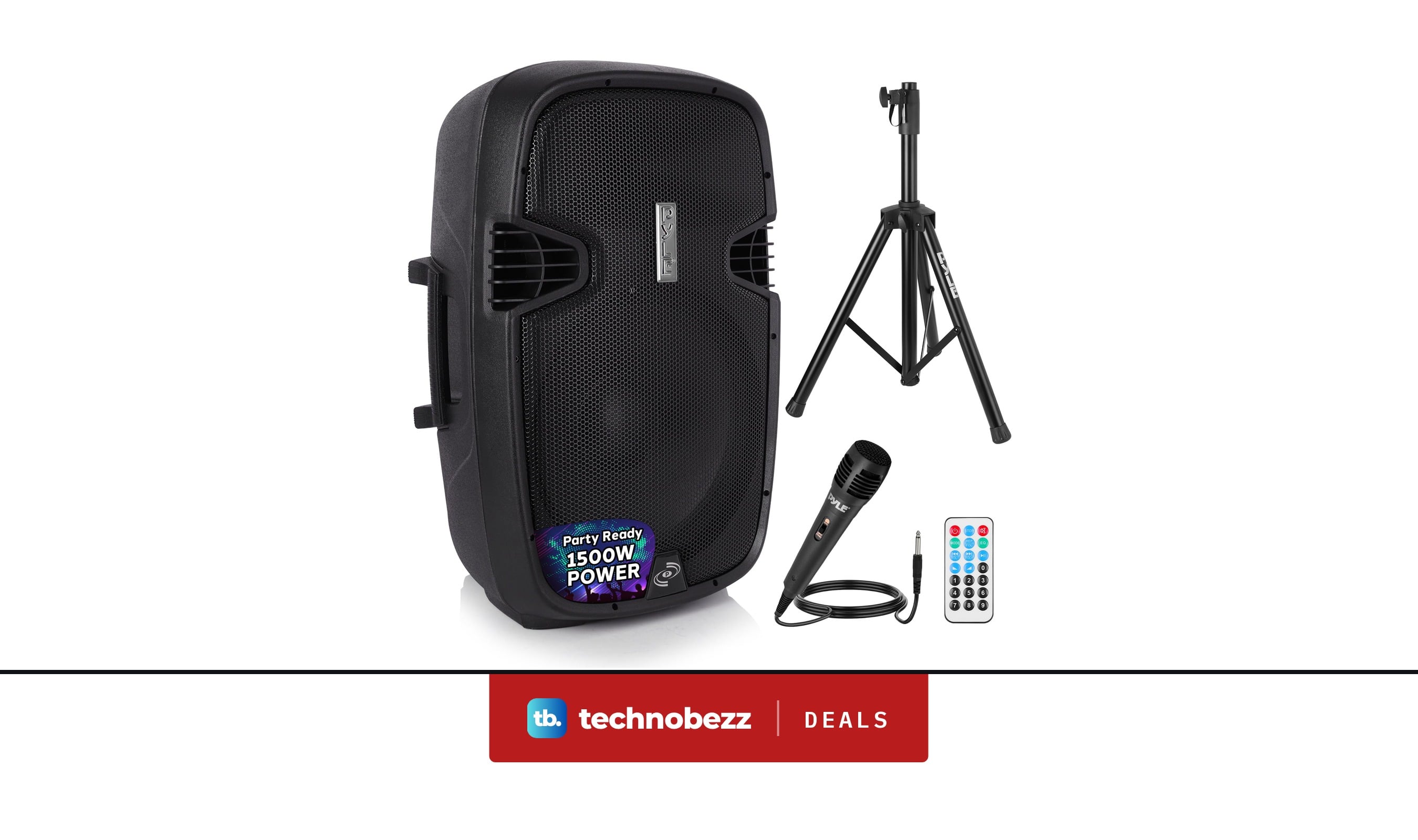
Pyle Wireless Portable PA Speaker System 1500W down to $174.07 in latest price cut
Deal
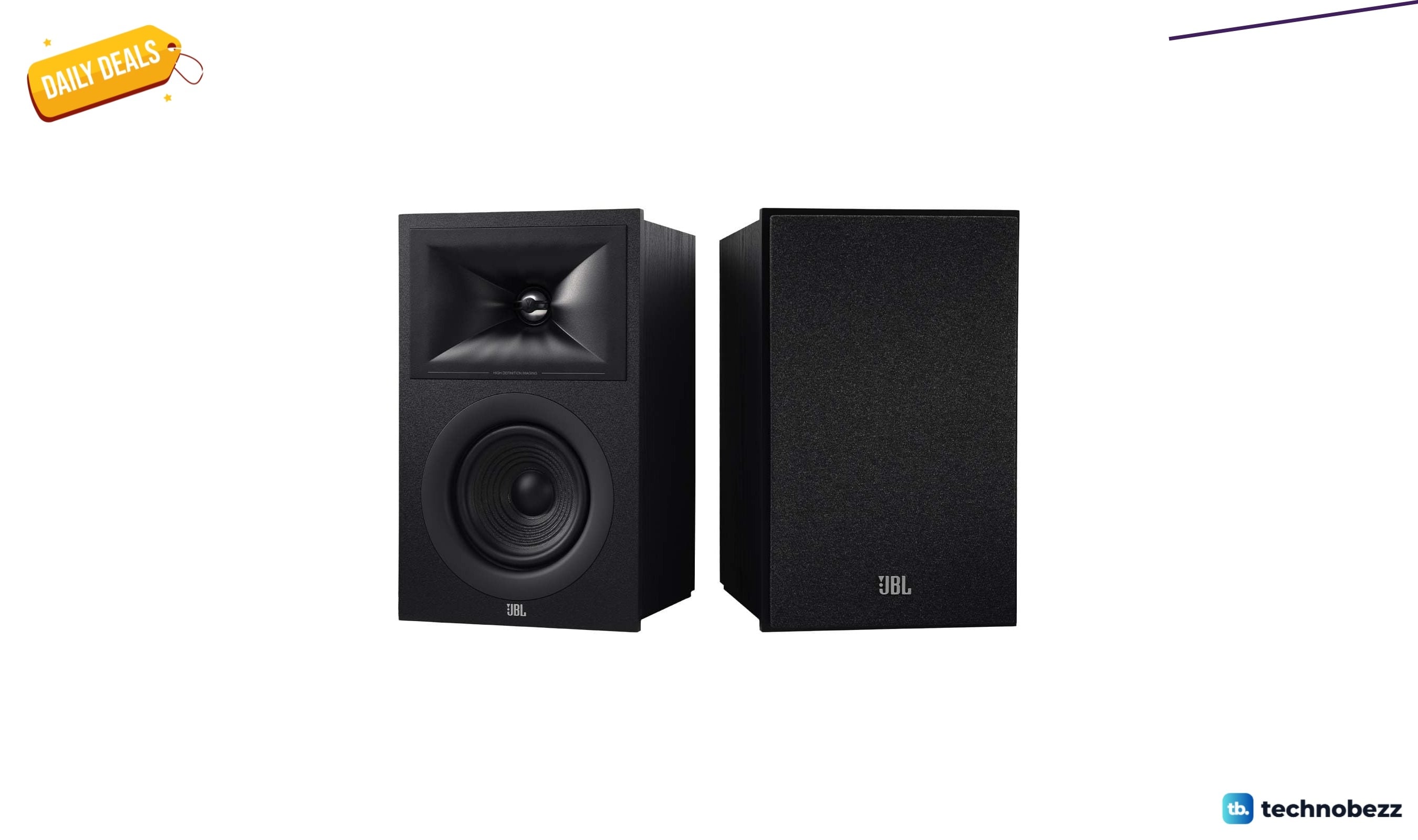
JBL Stage 2 240B Bookshelf Speakers Pair hits new low at $259.95
More buying guides
Buying guide9 Best Keyboards From Top Brands in 2026Buying guide8 Best 60 Percent Keyboards of 2026Buying guideTop 7 Home Theater Systems for 2026Buying guide6 Best Handheld Gaming Consoles for 2026Buying guide5 Spy Cameras for Home and Portable Monitoring (2026)Buying guide6 Best Tablets for Gaming in 2026Buying guide7 Best Laptops for Interior Designers in 2026Buying guide4 Best Budget Laptops Around $300 for 2026