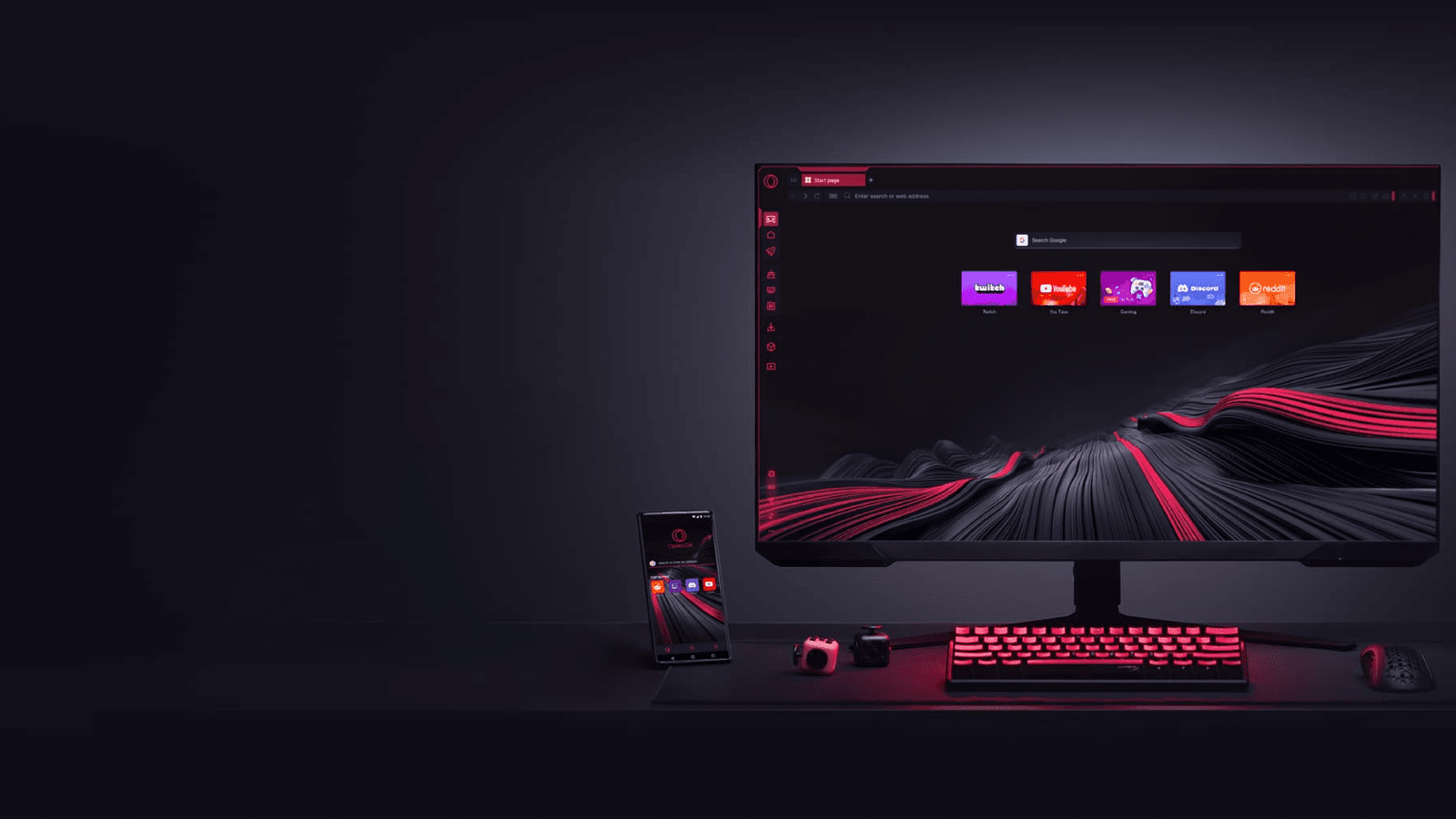
Opera GX is a free, Chromium-based browser from Opera, a company listed on Nasdaq. Opera's documents describe regular security updates, default phishing and malware warnings, and controls that let users switch off extended usage statistics, crash reporting and ad personalization. How comfortable that makes you depends on what its privacy statement collects and which settings you change.
Who makes Opera GX
Opera Limited lists Opera GX in its browser portfolio in the 2025 annual report it filed with the SEC. Its American depositary shares trade on the Nasdaq Global Select Market under the ticker OPRA. The same report describes Opera Limited as incorporated in the Cayman Islands with its principal executive office in Oslo, Norway, and names Kunlun Tech as its top-level parent, controlled by Opera's executive chairman.
Opera Norway AS develops and publishes the browsers and is the data controller named in Opera's privacy statement. Opera says GX is free to download and use, and an Opera account is optional for ordinary browsing.
What Opera says it collects
The Opera Privacy Statement, dated October 2, 2026, lists several kinds of data and how long each is kept.
- Usage statistics: installation and machine IDs, hardware, operating system, configuration and feature use, kept up to three years.
- Crash reports: browser, system and crash-related memory data, kept up to five months.
- Content personalization: with consent, content interactions and city or country, linked to the installation ID and kept up to three months.
- Ad profiling: with consent, IP or hashed ID, location, device details, website categories and ad interactions, kept up to one year.
- Promotional notifications: on Windows, Browser Assistant collects notification and system events with a random ID, kept up to four years.
Opera says it does not sell users' data and does not store entire browsing histories for ad profiling. Its GX privacy page describes the consented ad collection as website categories, not specific URLs. The privacy statement also says sponsored Speed Dials can redirect through partners that collect cookies, device IDs and session statistics.
Security features and updates
Opera describes GX as Chromium based, receiving Chromium updates and regular security updates. Its help pages say available updates download automatically and finish installing after a relaunch. A recent example is Opera's November 12, 2026 advisory, which says patches address CVE-2026-125350 and lists Opera GX 139.0.6053.63.
Opera says GX checks domains against phishing and malware databases and warns about suspicious pages. The check is on by default, and Opera says individual page URLs are not sent for it. Paste Protect, added in August 2026, detects potentially harmful clipboard commands locally and is also on by default.
Opera has disclosed flaws of its own. In July 2026 it reported a vulnerability that allowed malicious mod installation and said it was fixed in GX 130.0.5847.89, with mod installs now requiring explicit confirmation. Opera also runs a bug bounty program on Bugcrowd.
What the free VPN covers
GX includes a free built-in VPN. Opera describes AES-256 encryption and a no-log policy, with no account requirement, data cap or bandwidth limit. Those are Opera's claims about its own service.
Opera also states the limits. The free VPN protects browsing inside Opera, not the whole device, and device-wide protection is a separate paid service called VPN Pro. It offers three regions, America, Asia and Europe. Opera warns that hiding your location does not stop websites from identifying you through cookies they have already set. A setting called Bypass VPN for default search engines sends searches outside the VPN for local results, and it can be turned off in VPN settings.
Privacy and security settings
Opera's GX data and privacy guide and help pages point to these controls.
- Consent: go to Settings, Privacy & Security, then Privacy consent settings to change preferences or withdraw consent for personalization.
- Telemetry: extended statistics and automatic crash reports can be disabled under Privacy and Security.
- Blockers: the ad blocker must be enabled first. Block ads and Block trackers are separate switches under Privacy protection.
- Sponsored content: Speed Dial suggestions, promoted address bar suggestions and promotional notifications can be switched off.
- AI access: page content access starts enabled for new Opera AI chats on websites, and the toggle at the top of the chat turns it off before you send a message.
- Updates: check manually through the Opera menu, Update & Recovery, then Check for Update.
If you create an Opera account to sync history, passwords and bookmarks, Opera says you can request an export of that data and delete the account, with a seven-day recovery window.
What to do
If the telemetry and ad profiling are your concern, the consent and statistics switches above are the documented way to limit them. If you rely on the VPN for privacy, keep in mind Opera's own statement that it covers only the browser. If you keep GX, relaunch it when an update is waiting, since Opera says that completes the install.
Related guides cover clearing browsing data in Opera, changing the search engine in Opera GX and fixing Opera GX crashes.