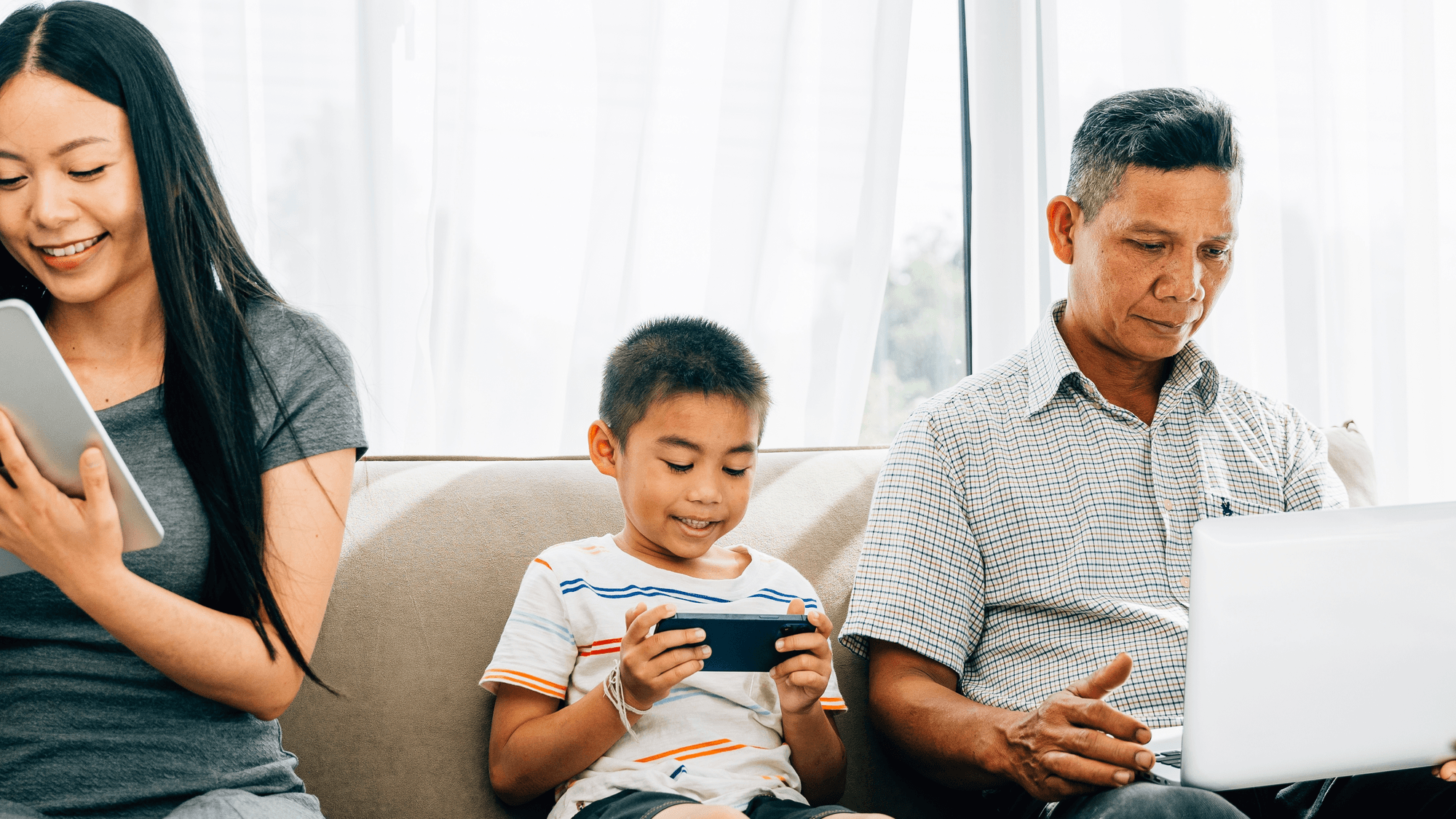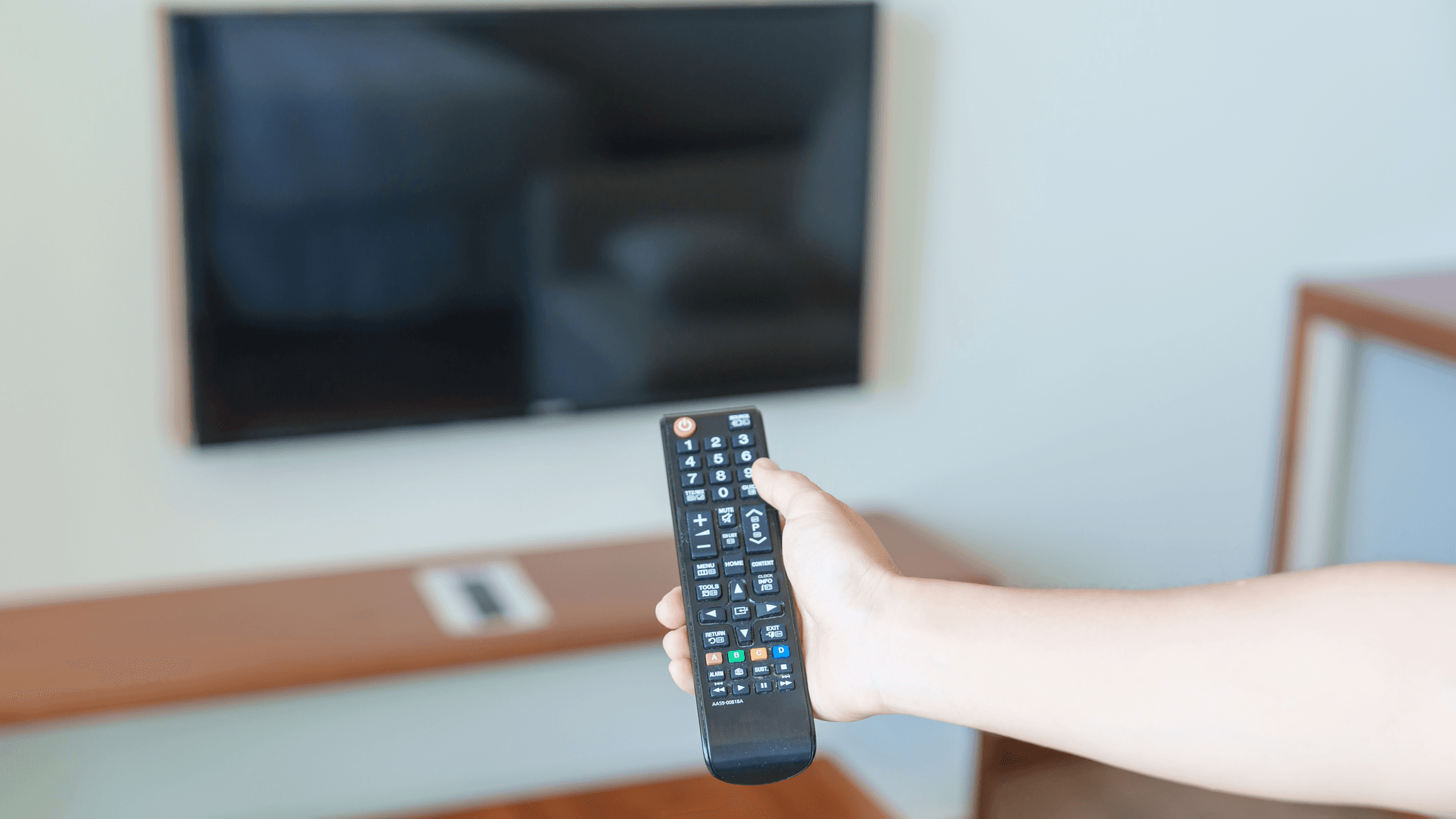
A smart TV is a television that connects to the internet and runs apps on its own operating system. Samsung's buying guide sums it up as "TV + internet + apps = Smart TV" and names Netflix, YouTube and Hulu as examples of the streaming apps involved.
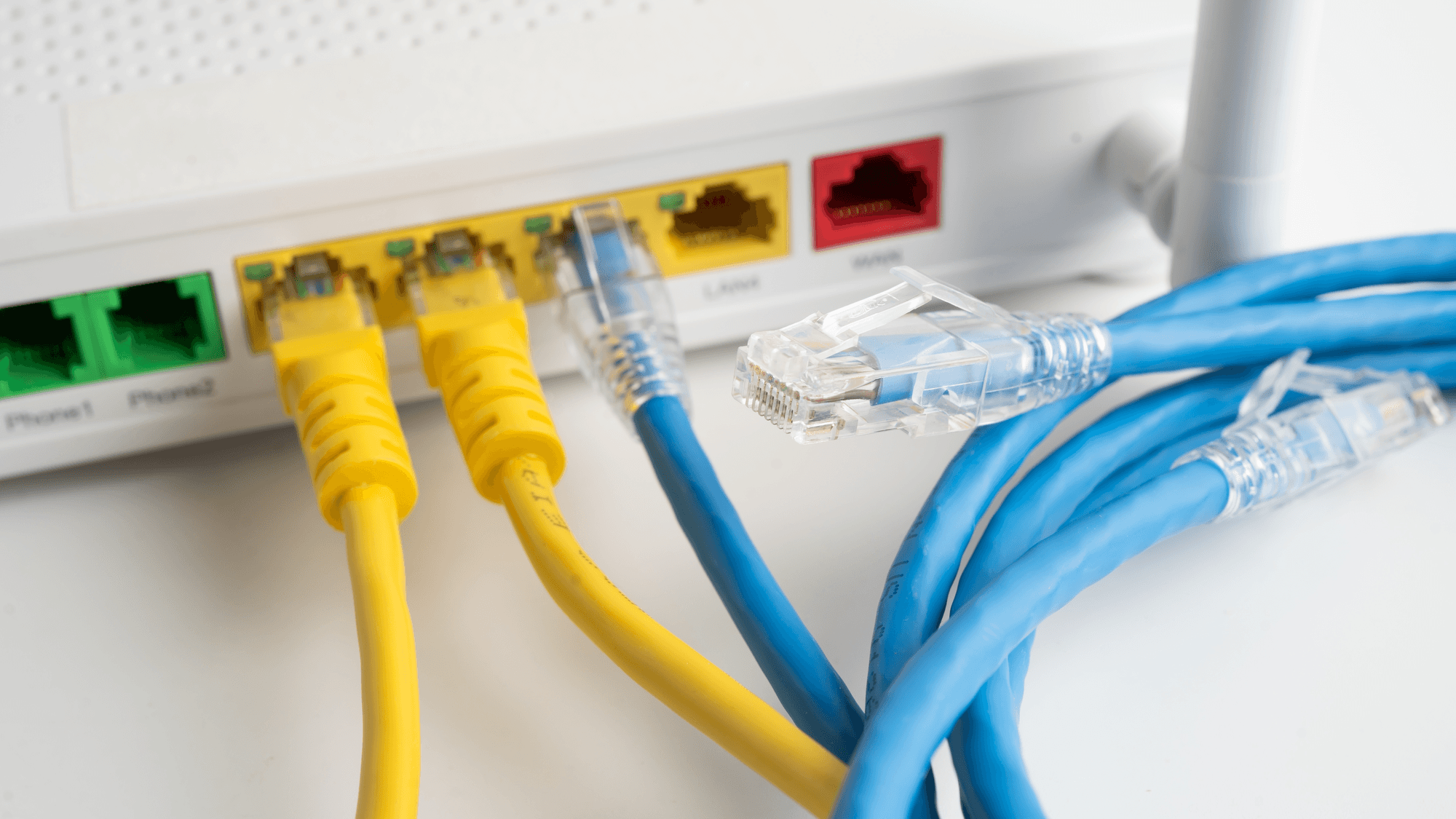
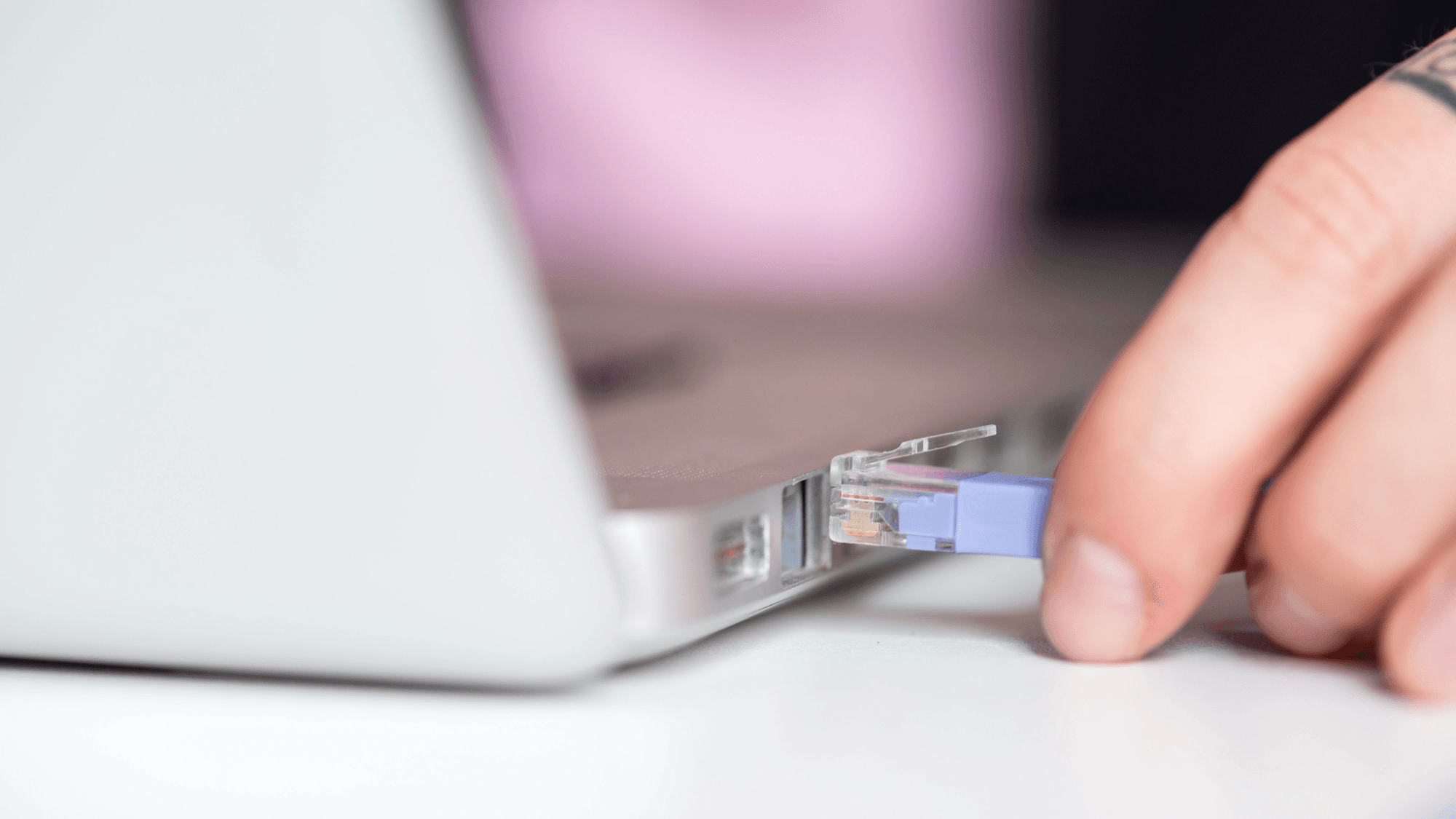
Samsung's smart TV guide lists three parts: internet connectivity, an operating system and an app service. Samsung says its smart TVs have built-in Wi-Fi and can go online wirelessly or through an Ethernet cable.
A smart TV still works as a television without internet. Samsung says standard TV functions remain, but on-demand streaming from online apps will not be available.
An account is often part of the deal. Samsung says a Samsung Account is required for network-based smart services, including streaming apps. LG says streaming apps on its TVs require an LG Account, and without one the TV is limited to HDMI-connected content and terrestrial television.
The main smart TV platforms
- Google TV: a personalized interface built into certain TVs and streaming devices. It runs on Android TV OS, and Google notes that some Android TV OS devices do not have the Google TV interface.
- Roku TV: a television with Roku OS built in, giving access to streaming and live broadcast TV.
- Fire TV: Amazon's developer documentation describes Fire TV smart TVs as televisions with Amazon Fire OS built into the hardware.
- Tizen: the operating system Samsung names on its US TV pages.
- webOS: LG's smart TV operating system, which puts streaming apps, live TV and connected devices on one home screen.
Apps, voice assistants and casting
App availability varies by country and model. Google says access to apps on Google TV is subject to availability and country restrictions. LG's US page lists Netflix, Disney+, Prime Video, Apple TV+ and YouTube, depending on model and region. Google and Roku both note that some content requires payment.
Voice control follows the platform. Google TV uses Google Assistant, with Gemini on supported devices, and Amazon says all Fire TV smart TVs support Alexa. Roku Voice works through compatible voice remotes and the Roku mobile app. Samsung documents both Bixby and Alexa.
Google TV accepts casting from phones, tablets and laptops on the same Wi-Fi network. Samsung documents AirPlay 2 on select TV models from 2018 to 2025. Roku says its Select and Plus Series TVs support AirPlay and HomeKit, while other models have hardware and Roku OS requirements. Amazon says AirPlay is not compatible with all Fire TV smart TVs.
How long the software is supported
- Samsung: advertises seven years of Tizen OS updates, based on model year and requiring internet.
- LG: its webOS Re:New program promises software updates and version upgrades for five years.
- Amazon: for covered Amazon-made devices bought new on Amazon.com from Amazon as the seller, Amazon promises security updates for at least four years after purchase or through the listed model date, whichever is later.
- Roku: says its TVs get automatic software updates that deliver new channels and features.
- Google TV: Google directs owners to the device manufacturer for software updates.
What a smart TV collects about viewing
Several makers document automatic content recognition, or ACR. Roku's privacy policy says that when ACR is enabled, it can identify content watched through an antenna, cable box, game console or other connected device. Samsung says its ACR is optional and runs only with consent to Viewing Information Services, and that the data may include programs watched, viewing duration, TV identifiers and IP address.
On Roku, go to Settings > Privacy > Smart TV Experience and deselect Automatic Content Recognition (ACR). Roku says it still receives information about interactions and streaming activity after that. Samsung says ACR can be turned on or off at any time in the TV's Settings menu.
LG's privacy statement, published in September 2026, says ACR on its TVs is optional and off by default. On Fire TV, the controls are under Settings > Preferences > Privacy Settings. On Google TV, Settings > Privacy > Ads lets you reset or delete the advertising ID.
In February 2017, the FTC announced that Vizio agreed to a $2.2 million settlement over allegations that software on 11 million TVs collected viewing data without consumers' knowledge or consent. The order required prominent disclosure and affirmative express consent for Vizio's data collection and sharing practices.
What to check before you buy
If you plan to keep a TV for many years, compare the update promises above, since Samsung advertises seven years of Tizen OS updates, LG promises five years of updates under webOS Re:New, and Amazon states at least four years of security updates for covered Amazon-made devices bought new from Amazon as the seller. If you use an iPhone, confirm AirPlay on the exact model, because Samsung, Roku and Amazon all limit it to certain sets. If viewing data matters to you, find the ACR and ad settings listed above once the TV is set up. After the purchase, see How to Set Up a Samsung Smart TV and Why Is My Smart TV So Slow and How to Speed It Up.