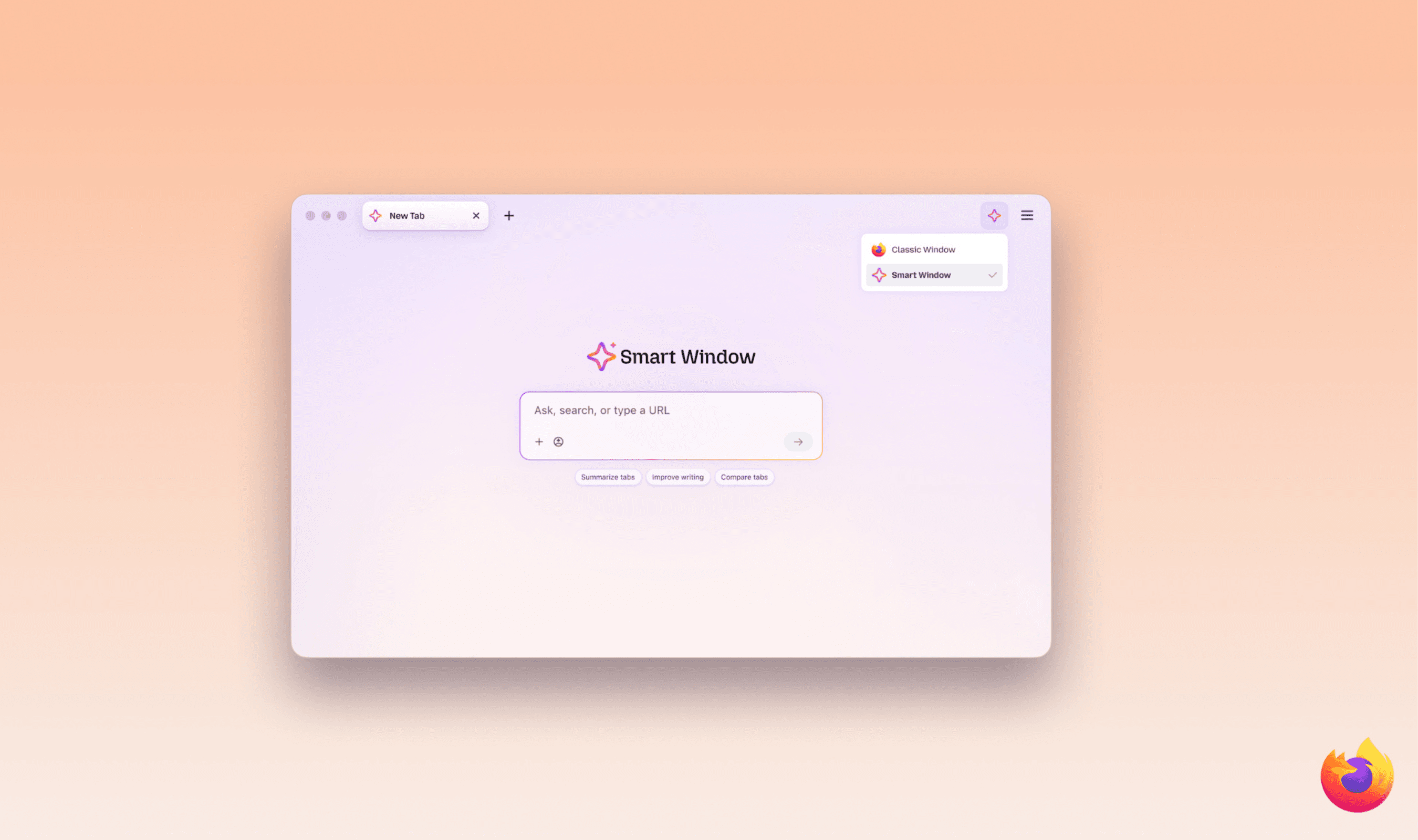
Mozilla’s Smart Window can now suggest form answers using tabs you select and monitor websites for changes such as discounts or job openings. Both additions are available today through Firefox’s opt-in Smart Window beta for desktop users in the U.S. and Canada, with English support. Mozilla says more markets will get the features over the coming months.
Each monitoring task supports up to five pages, and users can keep as many as 15 tasks active. Checks happen daily or weekly, depending on the setting you choose, and require Firefox to be open. Unlike Firefox’s existing autofill for stored details such as names and addresses, the new form feature sends information from selected pages to an AI model.
Form suggestions can draw work history from a professional profile or portfolio, or help draft responses to application questions. The option appears when you click a field in a form containing at least four text fields eligible for assistance. Choose “Fill from sources” to proceed with the recommended page, or use the pencil icon and “Edit sources” to select different tabs.
You review the suggested entries and can change them before submission; Smart Window does not submit forms on your behalf. Gemini 3.1 Flash Lite handles field detection and extracts relevant details from the pages you select, while your saved autofill information remains on your device. The feature currently works with text fields and does not retain the form content it generates.
To create a monitoring task, enter “/watch” in Smart Window chat, describe the change you want tracked and choose the pages and checking frequency. Matches appear through the toolbar’s Tasks button, with desktop alerts also available when notifications are enabled. Clicking an alert opens the pages being monitored.
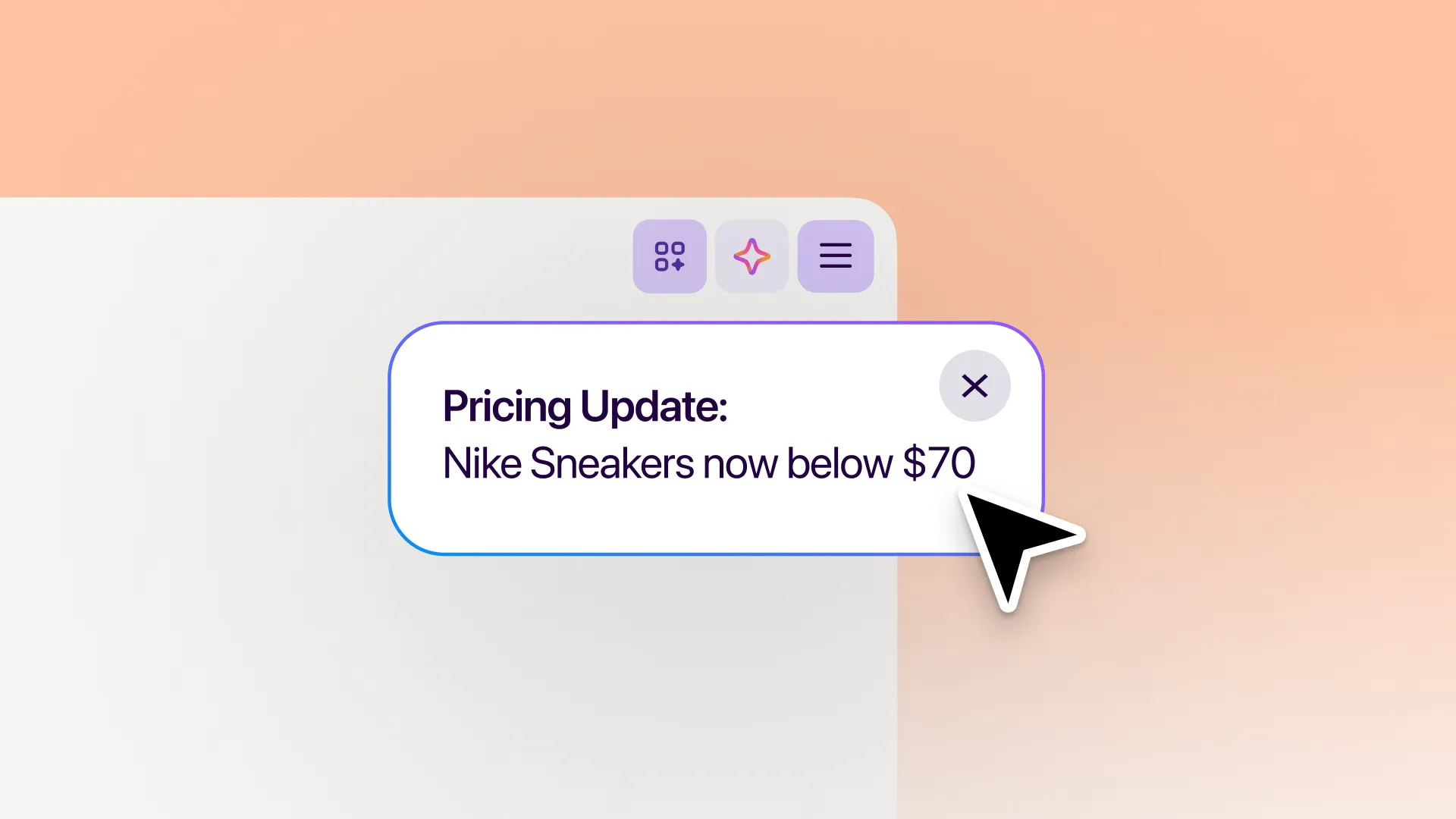
Users can modify, pause or remove monitoring tasks. Tasks pause automatically after 60 days without a match, and checking ends after 90 days without a change. Monitoring relies on Qwen, and neither new feature changes the model selected for Smart Window chat.
In September, Mistral AI said its technology was powering the Smart Window beta in France and North America. That version focused on complex searches, retrieving previously viewed information and drawing sources from browser tabs.