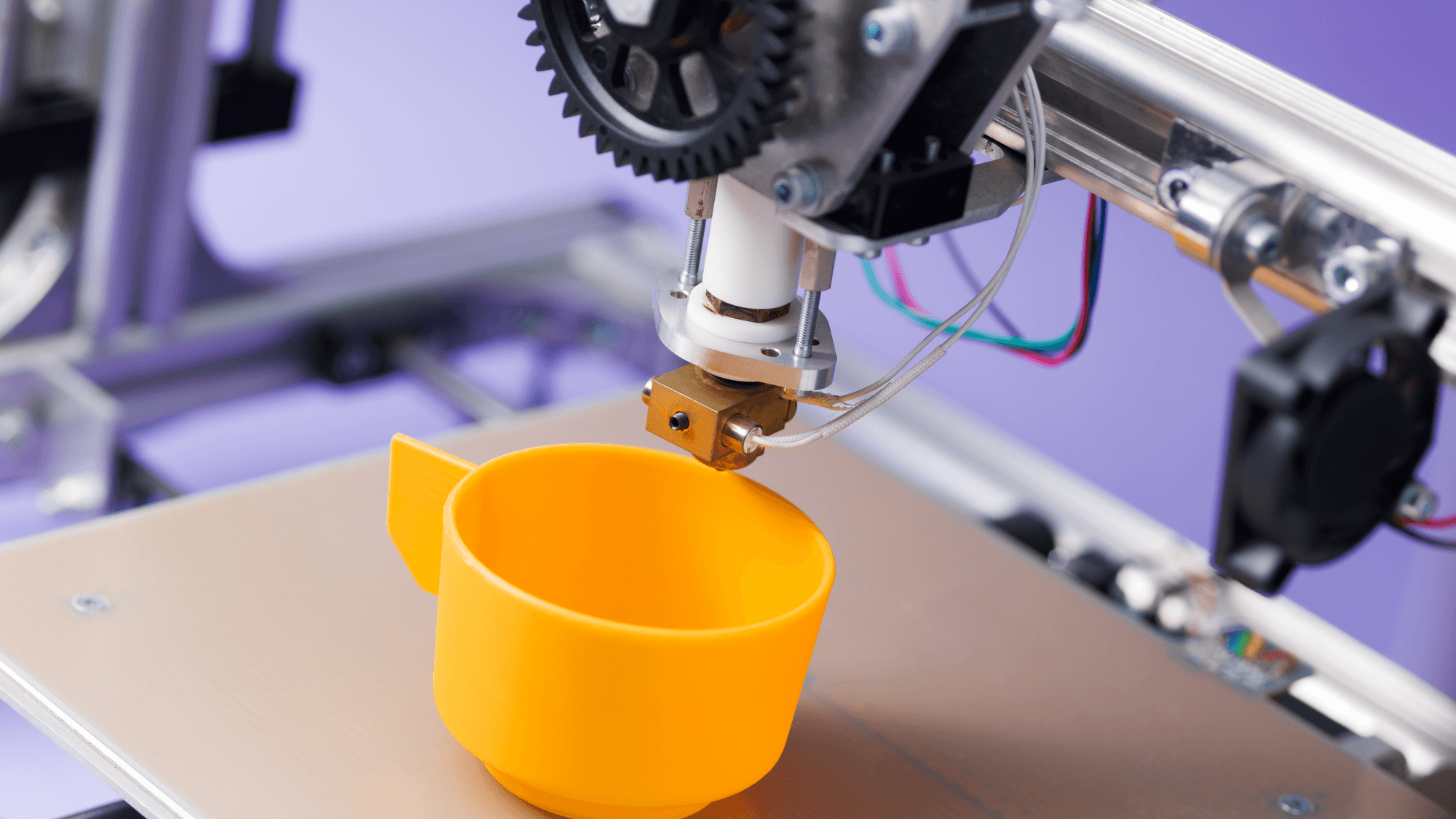
A 3D printer builds an object one thin layer at a time from a digital model. The two methods covered here work differently. Filament printers melt a plastic strand and lay it down through a hot nozzle, while resin printers use UV light to harden a liquid, layer by layer.
How filament (FDM) printers work
FDM stands for Fused Deposition Modeling, and FFF stands for Fused Filament Fabrication. Prusa describes both as methods that melt polymers and push them out through a nozzle. The plastic comes as filament wound on a spool.
Inside the printer, the filament is pushed into the hotend, melted and extruded through the nozzle, according to Prusa's documentation. The printer draws the object with that molten plastic, layer by layer.
The slicer turns a model into instructions
Before printing, slicing software turns the model into instructions. Creality's quick start guide for Creality Print describes the steps as importing a model, applying printer and filament settings and generating a printable G-code file. Its preview shows the toolpaths layer by layer before anything prints.
How resin printers work
Resin printers start with a tank of liquid instead of a spool. Prusa explains that printing resins are photosensitive photopolymers, which means they harden when UV light hits them. The printer controls where that light lands, one layer at a time.
- Laser SLA: a UV laser steered by mirrors traces each layer gradually.
- MSLA: short for Masked Stereolithography. An LCD screen shows each layer's shape as a mask, UV LEDs shine through it, and a whole layer can cure at once.
Formlabs describes what happens next on its Form 4, which it says runs on a masked SLA print engine called Low Force Display. Its light processing optics shape the light into the layer, the exposed resin turns solid, and the build platform rises to separate the new layer from the bottom of the tank. Creality lists LCD MSLA as the technology in its HALOT-MAGE S.
Resin parts need extra work after printing. Formlabs says printed parts are washed to remove leftover liquid resin, and depending on the material, a post-cure step may be needed to finish the hardening.
Common filament materials
Prusa's material guides describe three common filaments:
- PLA: polylactic acid, a plant-based polyester. Prusa lists detailed models, figures and quick prototypes among its uses and notes limited heat resistance.
- PETG: polyethylene terephthalate modified with glycol. Common uses include mechanical parts, holders and clamps.
- ABS: acrylonitrile butadiene styrene, a heat-resistant material for mechanically stressed parts that warps significantly while printing. Prusa's guidance points to printing it in an enclosure.
Safety and what printers cost
Prusa flags fumes. It says resin produces fumes, so the room should stay ventilated during printing, and it tells users to wear gloves to keep resin off their skin. For ABS, Prusa recommends a well-ventilated room because the fumes and substances released can pose health risks.
As of November 2026, Creality's US store lists the Ender-3 V3 SE filament printer at $199. Its HALOT-MAGE S resin printer has a list price of $489. Formlabs lists its Form Studio 1 Base resin printer at $699 in Graphite with the standard build platform, including the resin tank and build platform.
Which type fits
If you want to print practical parts, holders or prototypes, a filament printer is the one to look at, since PLA and PETG are the materials Prusa lists for prototypes, holders and mechanical parts. If you are comfortable handling liquid resin with gloves, then washing parts and, for some materials, post-curing them in a ventilated room, a resin printer is an option. If you plan to print ABS, budget for an enclosed printer and a ventilated space.
For specific models, see the best 3D printers and the best resin 3D printers.