If you want crisp miniatures, smooth jewelry prototypes, or dental models with vanishing layer lines, a resin printer is the tool. The Elegoo Saturn 4 Ultra currently nails the best balance of resolution, speed, and reliability for most buyers, but the right choice depends on your budget, workspace, and what you actually print.
Technobezz is supported by its audience. We may get a commission from retail offers.
Best Resin 3D Printers for 2026
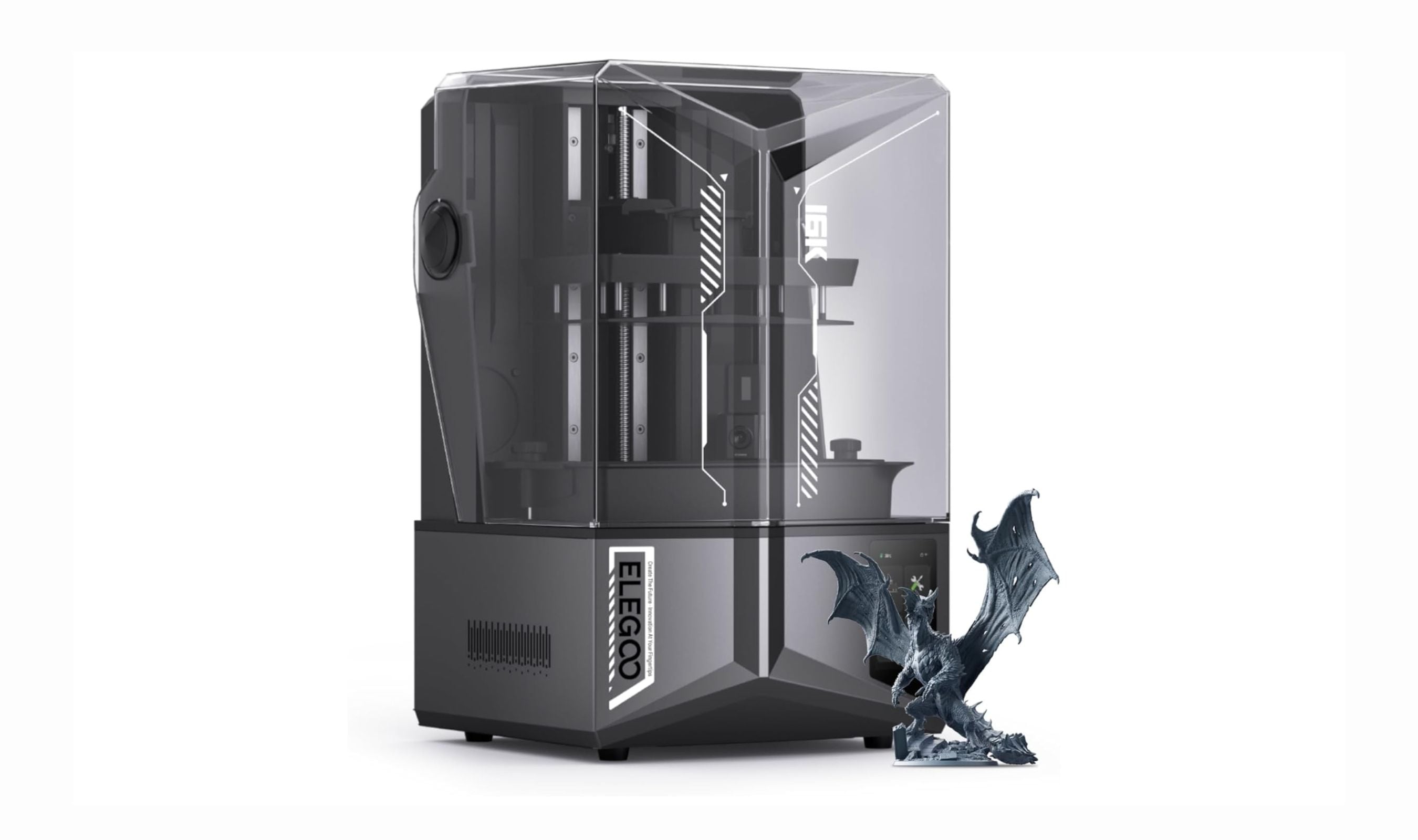
The Elegoo Saturn 4 Ultra tops our list of the best resin 3D printers for 2026, offering 12K resolution and smart features for crisp miniatures and prototypes.
T
Technobezz
Editorial Team
Updated June 15, 2026Jun 15, 2026
•10 min read

Get Deals Like These in Your Inbox
The best prices, checked by our editors.
At a Glance
| Category | Product | Why We Picked It |
|---|---|---|
| Best overall | Elegoo Saturn 4 Ultra | 12K resolution with tilt-release vat for reduced peel force |
| Best value | Anycubic Photon Mono 4 | 10K detail at a beginner-friendly price |
| Best for miniatures | Elegoo Mars 5 Ultra | 18-micron pixels for 32mm heroes |
| Best large format | Anycubic Photon Mono M7 Max | Massive 14.7-liter build volume |
| Best professional | Formlabs Form 4 | Production-grade reliability with a closed ecosystem |
| Best for print farms | Phrozen Sonic Mega 8K S | Large 330 x 185mm plate with 8K resolution for high-volume runs |
| Also recommended | Elegoo Mars 5 | Solid entry-level with auto-leveling |
| Also recommended | Anycubic Photon Mono M7 Pro | Fastest printer for production work |
| Also recommended | Creality Halot Mage S 14K | Enclosed and filters odors well |
How we chose
We evaluated over a dozen resin printers across multiple price tiers, assessing print quality, resolution consistency, ease of setup, reliability over repeated print cycles, and total cost of ownership. Our assessment draws on published reviews, benchmark print comparisons, community-reported long-term durability data, and manufacturer specifications. We prioritize machines that deliver consistent results without constant tuning, and we flag trade-offs around ecosystem lock-in, consumable costs, and build volume versus resolution.
The best resin 3D printers right now
Elegoo Saturn 4 Ultra - Best overall
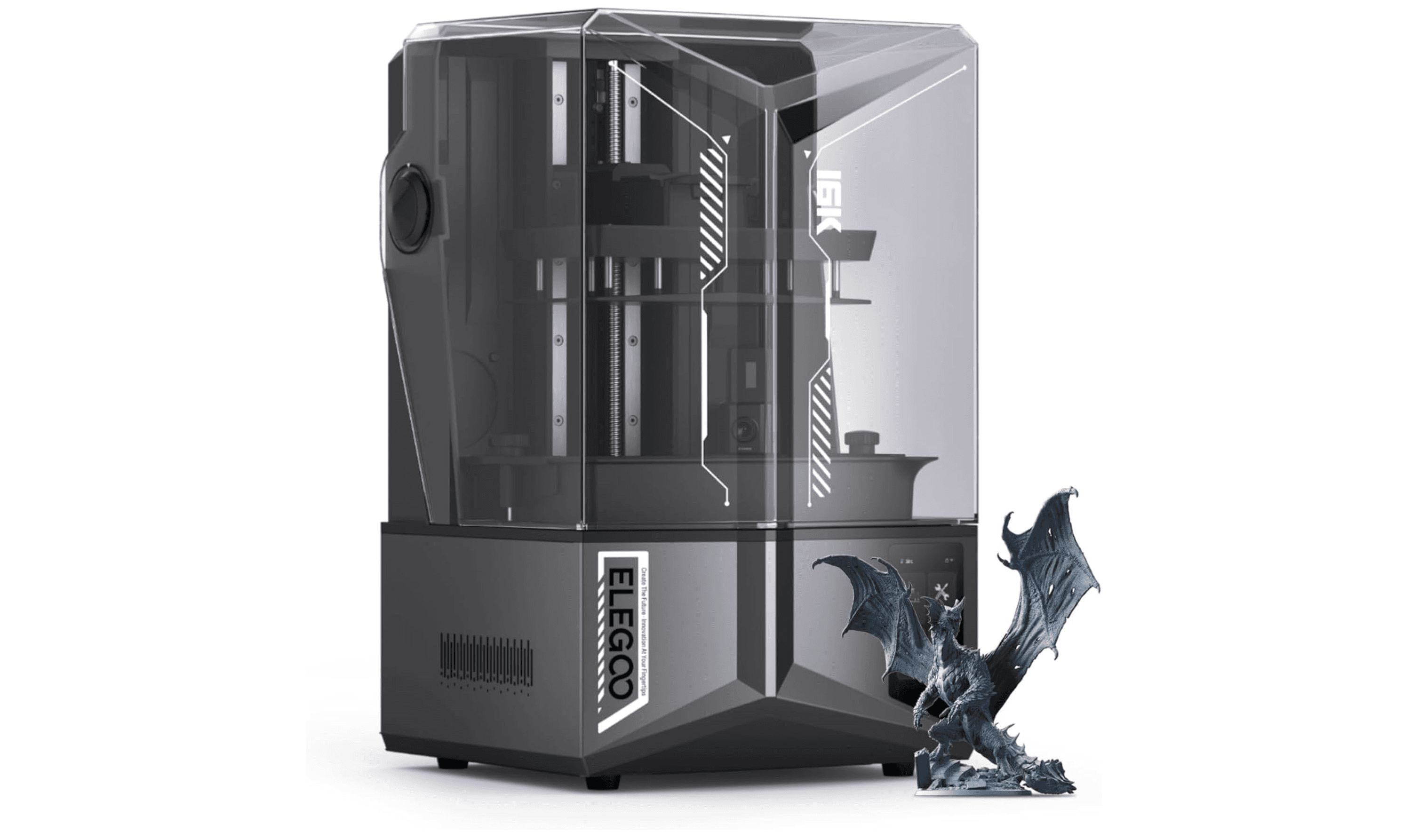
The Saturn 4 Ultra does almost everything right. Its 12K LCD delivers crisp details, the tilting vat mechanism reduces peel force and improves success rates, and the auto-leveling system and AI camera round out a feature set that competes well above its price class. The auto-leveling system works out of the box, and the AI camera provides real-time monitoring (though it only works with Chitubox right now). This is the printer to beat in 2026.
Key highlights
- 12K monochrome LCD with 19 × 24 µm XY resolution
- Tilting vat mechanism for reduced peel force and faster printing
- AI camera for print monitoring and failure detection
- Auto-leveling and WiFi connectivity
Pros
- Excellent print quality that rivals printers costing twice as much
- Works with any standard 405nm resin, no proprietary materials needed
- Fast setup and reliable operation right out of the box
Cons
- Lid lacks a handle and lifts off rather than hinging
- Camera currently limited to Chitubox software
- No built-in heater on the base model (add-on available)
Who it is for: Serious hobbyists, miniature painters, and small businesses who want professional-level detail without a professional price tag.
Skip if
You are a complete beginner on a strict budget or you need a printer that fits on a small shelf (the Saturn has a larger footprint than entry-level machines).
Anycubic Photon Mono 4 - Best value
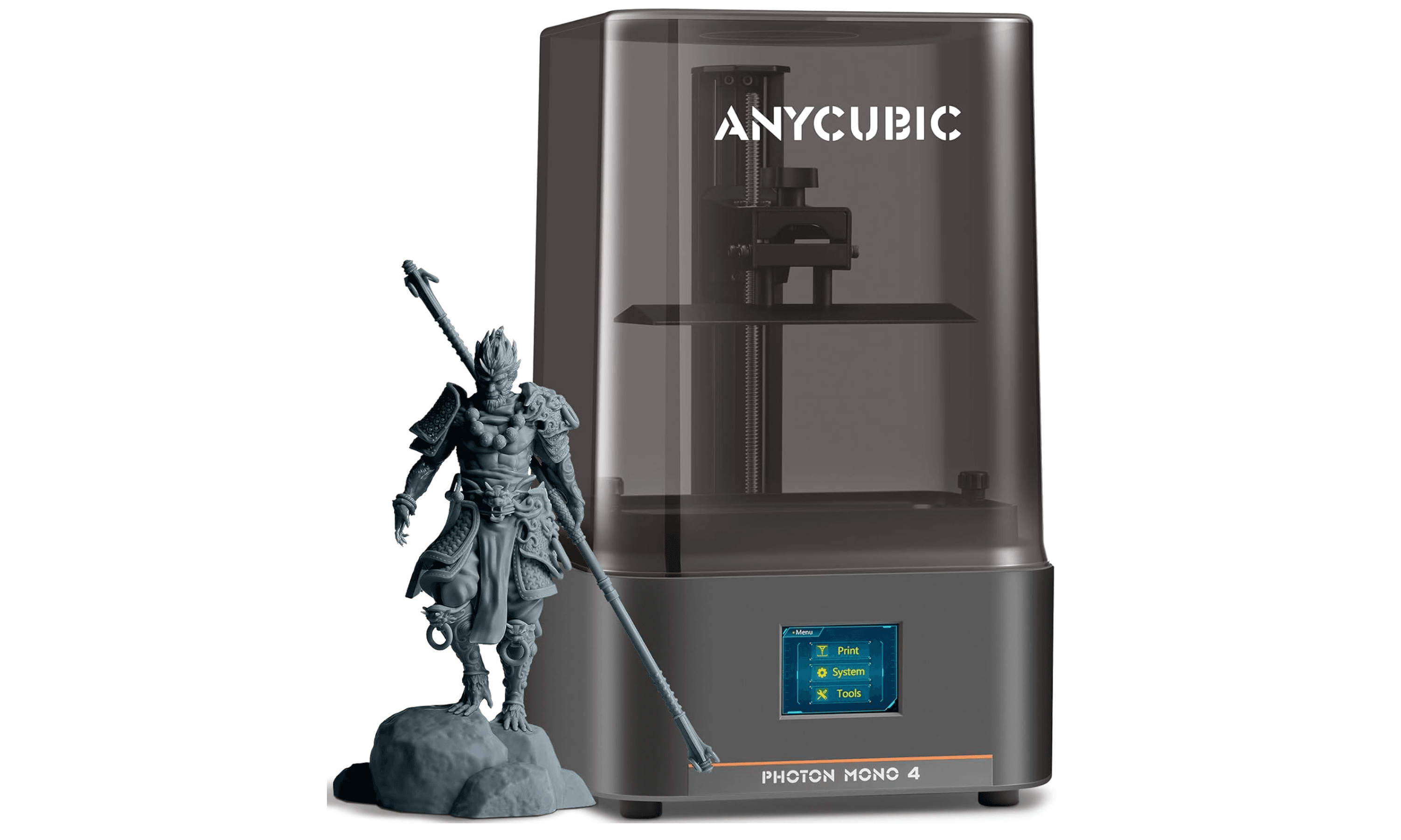
The Photon Mono 4 brings 10K resolution to the budget price range (list around $239, often on sale near $190), and the results are genuinely impressive for the cost. The 7-inch monochrome LCD produces sharp details that handle tabletop miniatures, small jewelry pieces, and hobbyist projects with ease. Setup takes about 20 minutes, and the 4-point leveling system is forgiving enough for first-time users.
Key highlights
- 10K monochrome LCD (9024 x 5120 pixels)
- LighTurbo Matrix light source for uniform exposure
- Laser-engraved build plate for good adhesion
- Resume printing after power interruption
- Compact and lightweight at 7.7 pounds
Pros
- Incredible value for the resolution and print quality
- Simple setup with straightforward leveling
- Quiet operation suitable for home use
Cons
- Plastic chassis feels less premium than metal-framed competitors
- Smaller build volume limits larger projects
- USB-only file transfer, no WiFi
Who it is for: Beginners testing resin printing for the first time, hobbyists on a tight budget, and anyone who wants a secondary printer for small projects.
Skip if
You need a large build volume, plan to print cosplay props or terrain, or prefer all-metal construction for heavy use.
Elegoo Mars 5 Ultra - Best for miniatures
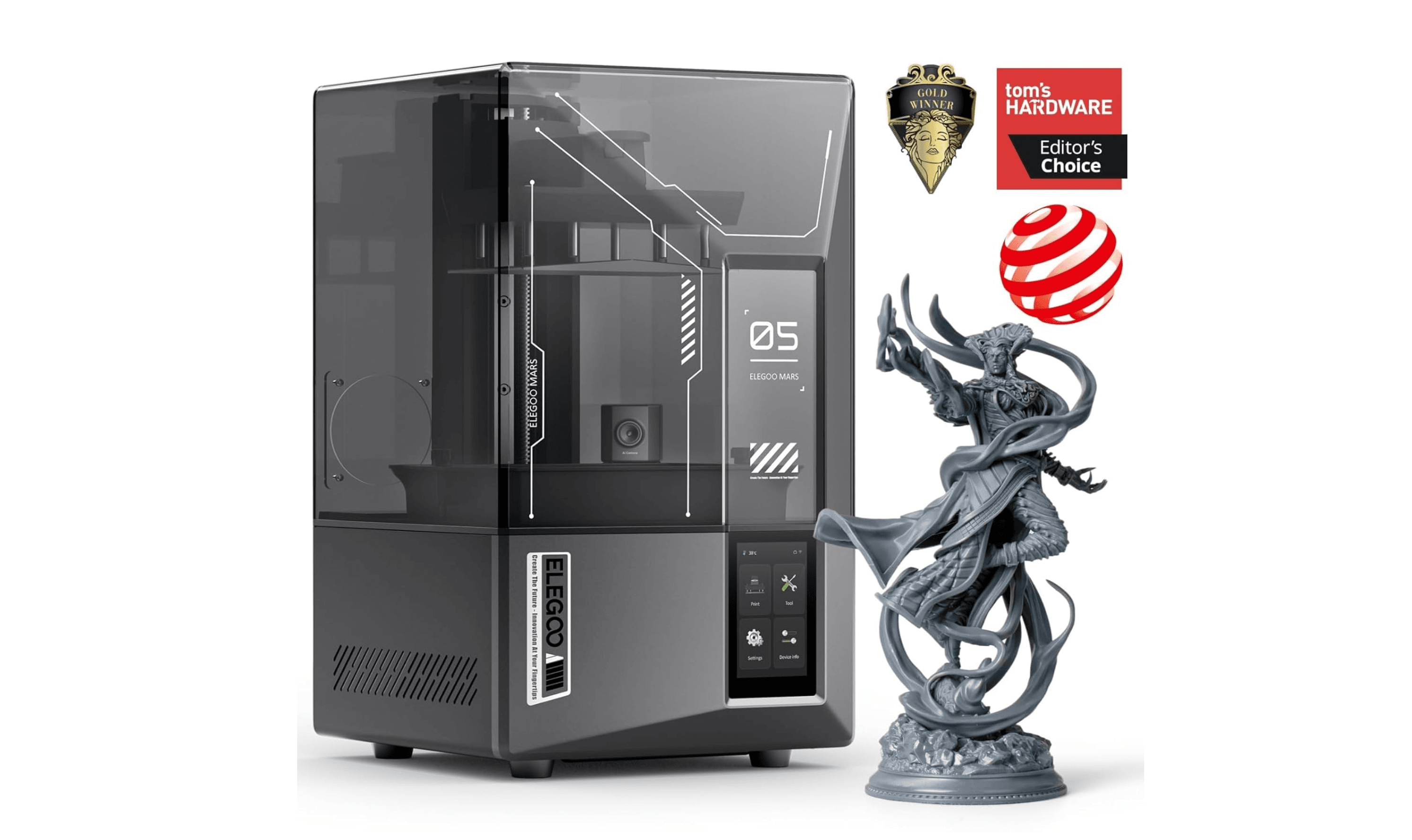
The Mars 5 Ultra delivers the tightest pixel density in its class at 18 microns, which makes a visible difference on 28-32mm miniatures. Facial features, armor edges, and fine textures come through cleanly. The tilt-release vat (borrowed from the larger Saturn 4) reduces print failures, and the auto-leveling system means you can go from unboxing to printing in about 15 minutes.
Key highlights
- 9K monochrome LCD with 18 x 18 micron XY resolution
- Tilt-release vat mechanism for lower peel forces
- Auto-leveling and resin level detection
- Built-in camera for remote monitoring
- WiFi connectivity for wireless file transfer
Pros
- Exceptional detail on small-scale models
- Reliable operation with fewer failed prints than standard MSLA machines
- Fast print speeds up to 150mm per hour
Cons
- Small build volume limits batch printing and larger models
- Prints can stick aggressively to the build plate with default settings
- Non-hinged lid requires counter space to set aside
Who it is for: Miniature painters, tabletop gamers, and detail-focused hobbyists who prioritize resolution over build size.
Skip if
You primarily print terrain, large statues, or need to batch-print more than a few miniatures at once.
Anycubic Photon Mono M7 Max - Best large format
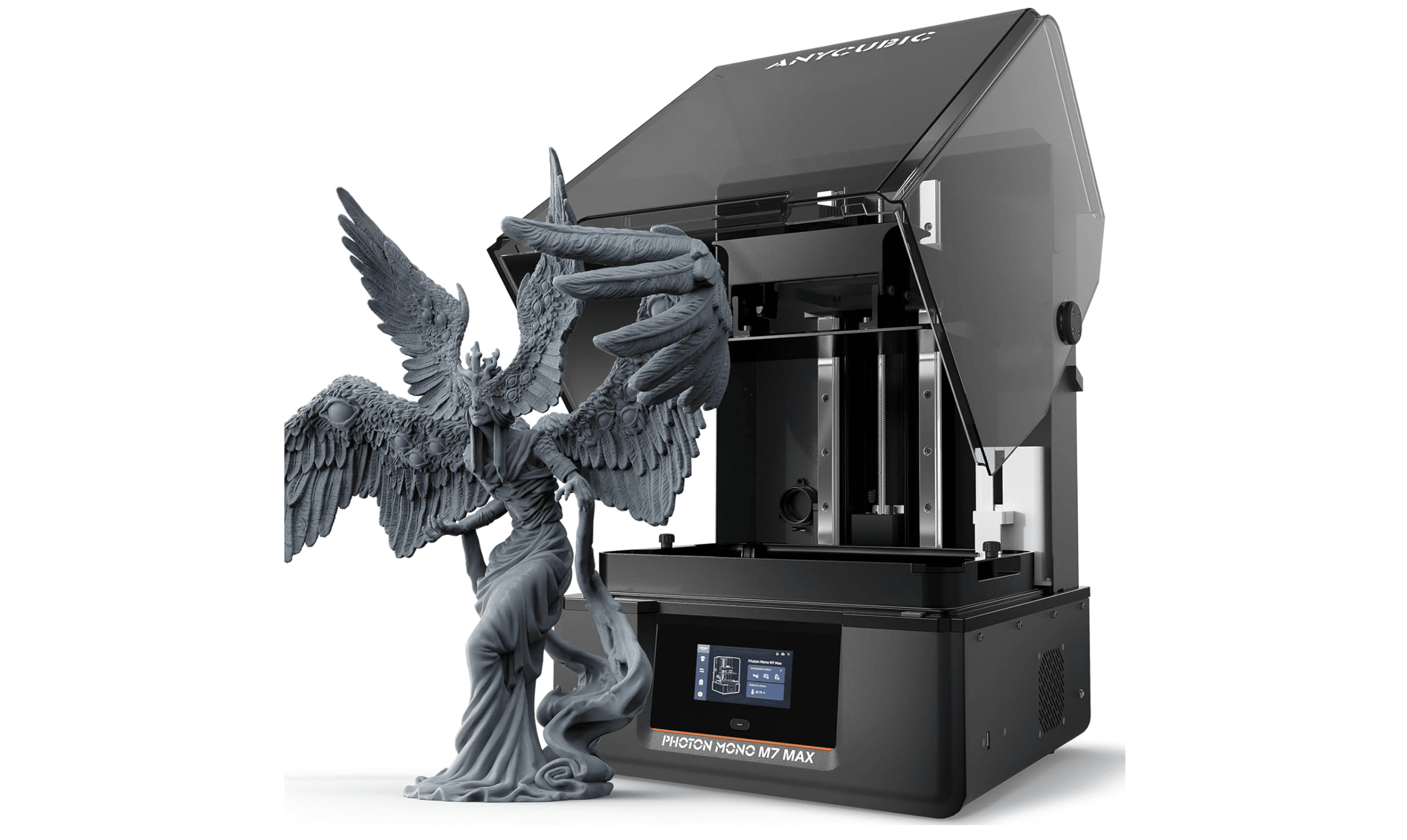
The M7 Max offers a massive 298 x 164 x 300mm build volume, enough to print full cosplay helmets, large terrain pieces, or batch runs of miniatures in a single pass. The 7K resolution is lower than smaller printers, but at this scale the difference is barely noticeable once parts are painted or post-processed. The auto-resin refill system and dynamic temperature control make it practical for long production prints.
Key highlights
- 13.6-inch 7K monochrome LCD with 46-micron XY resolution
- LighTurbo 3.0 light source with 90% light uniformity
- Dynamic temperature control for consistent resin curing
- Auto-resin refill and intelligent release system
- Flip-open cover for easy access to large prints
Pros
- Enormous build volume for a desktop resin printer
- Good detail retention despite the lower per-pixel resolution
- Temperature control improves reliability in cold environments
Cons
- Heavy at 62.8 pounds, needs dedicated space
- Loud fans during operation
- Lower resolution than comparably priced smaller printers
Who it is for: Cosplayers, prop makers, terrain builders, and small print farms that need to produce large objects or high volumes.
Skip if
You only print small miniatures or jewelry, or you have limited workspace and can't accommodate a large machine.
Formlabs Form 4 - Best professional
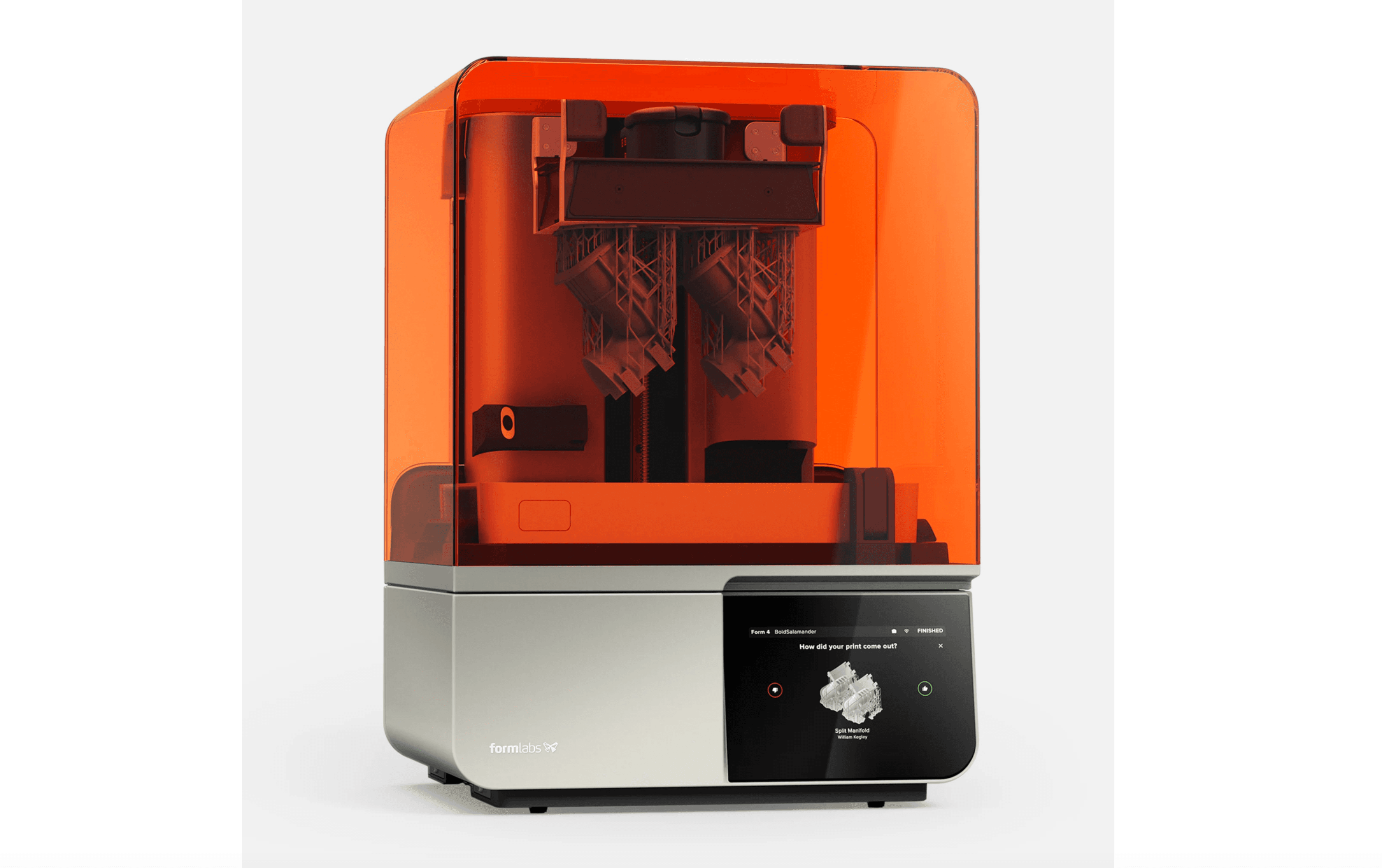
The Form 4 is built for consistency, not spec-sheet bragging. Its Low Force Display engine delivers a 99% print success rate with dimensional accuracy that tolerances out to 0.0155mm standard deviation. The closed ecosystem means you use Formlabs resins and PreForm software, but you also get automatic calibration, resin cartridge loading, and a workflow that requires almost no tinkering. This is a production tool, not a hobbyist toy.
Key highlights
- Low Force Display (LFD) print engine for reduced peel forces
- 50-micron XY resolution with 100mm per hour print speed
- Fully automated leveling and calibration
- PreForm software with cloud management via Formlabs Dashboard
- 23+ specialized resins including FDA-cleared dental materials
Pros
- Exceptional reliability and repeatability across hundreds of prints
- Minimal mess and cleanup compared to open-platform printers
- Professional software ecosystem with remote monitoring
Cons
- Very expensive upfront and proprietary resins start at $99/liter for standard materials (specialty resins reach $200+)
- Open Material Mode requires a license for third-party resins (verify current pricing on Formlabs website)
- Overkill for hobbyist miniature printing
Who it is for: Dental labs, engineering teams, product designers, and small manufacturers who need repeatable, audit-ready output.
Skip if
You are a hobbyist, you want material flexibility, or you are not willing to pay a premium for the ecosystem.
Phrozen Sonic Mega 8K S - Best for print farms
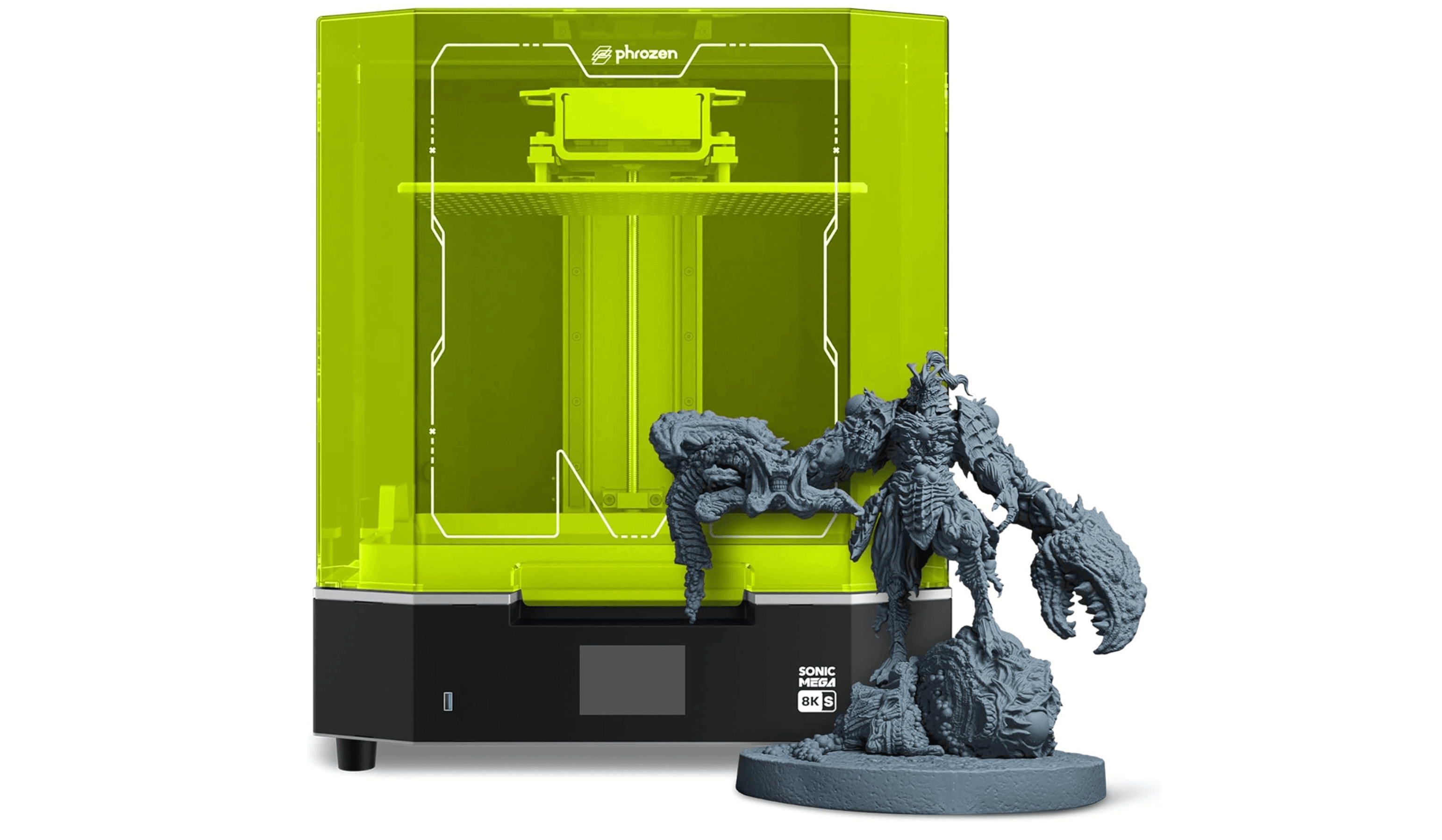
The Sonic Mega 8K S offers a 330 x 185 x 300mm build volume at an 8K resolution that holds up well at scale. The tilt-back lid and angled build plate hanger make it easier to manage large prints, and Phrozen's factory-leveled plate reduces setup time. It is priced for production environments where throughput matters more than peak pixel count.
Key highlights
- 15-inch 8K monochrome LCD with 43-micron XY resolution
- Massive 330 x 185 x 300mm build volume
- Factory-leveled build plate and tilt-back hinged lid
- Drip hanger for angled plate drainage
- Compatible with Phrozen's optional resin pump system
Pros
- One of the largest build volumes available in a desktop resin printer
- Good reliability for long production runs
- Easy navigation with a simple touchscreen menu
Cons
- Expensive at over $1,500
- Large physical footprint requires dedicated bench space
- 8K resolution lags behind newer 12K and 14K machines on small details
Who it is for: Print farm operators, businesses producing large batches, and anyone who needs to print big models or high volumes regularly.
Skip if
You print mostly small miniatures or only need a printer for occasional hobby use.
Also Good
- Elegoo Mars 5 - solid entry-level with auto-leveling.
- Anycubic Photon Mono M7 Pro - fastest printer for production work.
- Creality Halot Mage S 14K - enclosed and filters odors well.
How to Choose
- Resolution versus build volume. Higher resolution (more K) gives finer detail, but only matters up to about 14K for most applications. If you print miniatures, prioritize pixel density. If you print terrain or props, prioritize build volume. A 7K printer with a large plate often makes more sense than a 16K printer with a tiny one.
- Tilt-vat versus standard MSLA. The tilt-release mechanism (found on the Mars 5 Ultra and Saturn 4 Ultra) dramatically reduces peel forces and failure rates. It is the single biggest reliability improvement in recent resin printers. If your budget allows, prioritize it.
- Auto-leveling and smart features. Auto-leveling is now standard on most mid-range printers and worth having. Heated vats improve consistency in cold rooms. AI cameras can catch failures, but they are not essential. WiFi is convenient but not a dealbreaker.
- Ecosystem and material costs. Open-platform printers (Elegoo, Anycubic, Phrozen) let you use any 405nm resin, keeping material costs around $30-50 per liter. Closed ecosystems (Formlabs) cost more per print but offer guaranteed consistency. Factor in long-term material costs, not just the printer price.
- Post-processing and workspace. Resin printing requires washing and curing equipment, gloves, ventilation, and space for cleanup. Budget $100-200 for a wash and cure station and supplies. If you cannot set up a well-ventilated workspace, consider an FDM printer instead.
FAQ
Is a resin printer better than an FDM printer for miniatures?
Yes. Resin printers produce much finer detail and smoother surfaces than FDM printers, making them the right choice for miniatures, jewelry, and display models. FDM is better for large functional parts and structural strength.
Do I need ventilation for resin printing?
Yes. Uncured resin emits volatile organic compounds that can cause irritation. Always print in a well-ventilated area or use an enclosure with activated carbon filtration. Wear nitrile gloves when handling liquid resin.
How long do resin printer LCD screens last?
Modern monochrome LCDs typically last 2,000 to 3,000 print hours. Replacement screens cost $80 to $150 depending on size. This is a normal maintenance cost you should factor into long-term ownership.
What else do I need to buy to get started?
Beyond the printer, you will need resin ($30-50 per liter), nitrile gloves, isopropyl alcohol for washing, a wash and cure station ($60-90), and replacement FEP films. Budget roughly the cost of the printer again for accessories and consumables in the first year.
Can one printer handle both miniatures and large terrain pieces?
Yes, but it is a compromise. A medium-format printer like the Saturn 4 Ultra can handle both reasonably well. If you primarily print miniatures, a smaller high-resolution machine is better. If you print mostly terrain, a larger printer with a slightly lower resolution makes more sense.
Published May 9, 2026 Last updated June 15, 2026
Share this article
More in News

AKG K 701 Ultra Reference Class Stereo discounted to $247.37
AKG K 701 headphones drop to $247.37 on Amazon, a 47% discount that sits below recent 30, 90, and 180-day average prices.
5 min read

Apple Watch SE 3 GPS 40mm Smartwatch discounted to $189.97
Save $59.03 on the Apple Watch SE 3 GPS 40mm at Amazon, matching its lowest recorded price with health and sleep tracking.
5 min read

Cleer Audio Enduro ANC Noise Canceling Headphones price drops to $94.99
Save 47% on Cleer Audio Enduro ANC headphones at $94.99, with 60-hour battery, active noise cancellation, and multipoint Bluetooth.
3 min read

Lenovo coupon codes and deals
Browse 5 current Lenovo offers, including 3 coupon codes and 2 online deals.
5 min read

Woot coupon codes and deals
3 min read

Samsung coupon codes and deals
5 min read

Best tech coupon codes and online deals
4 min read
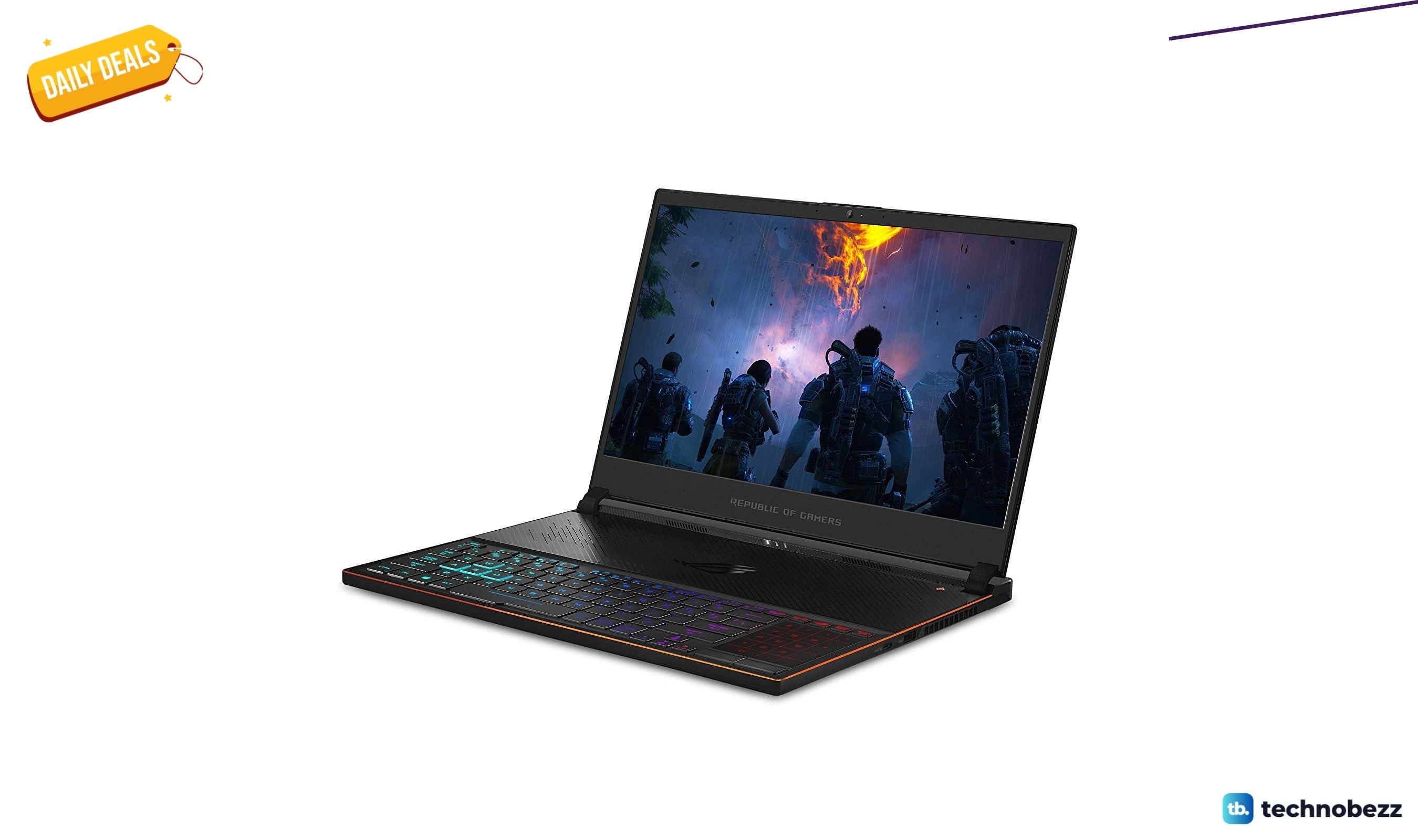
ASUS ROG Zephyrus S Ultra Slim Gaming gets a $660.95 price cut to $1338.05
5 min read
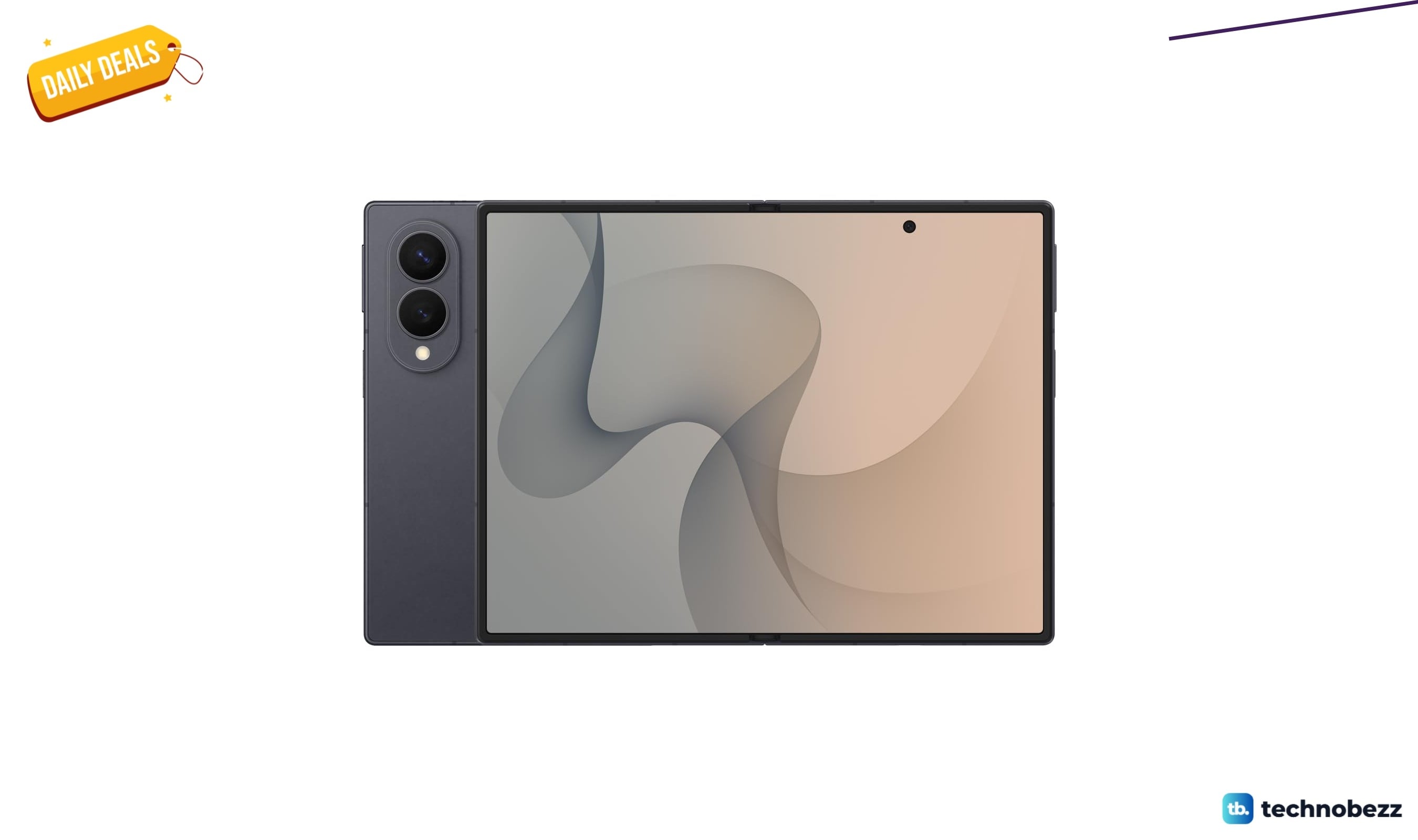
Samsung Galaxy Z Fold8 Unlocked Android Smartphone on sale for $1649.99
3 min read
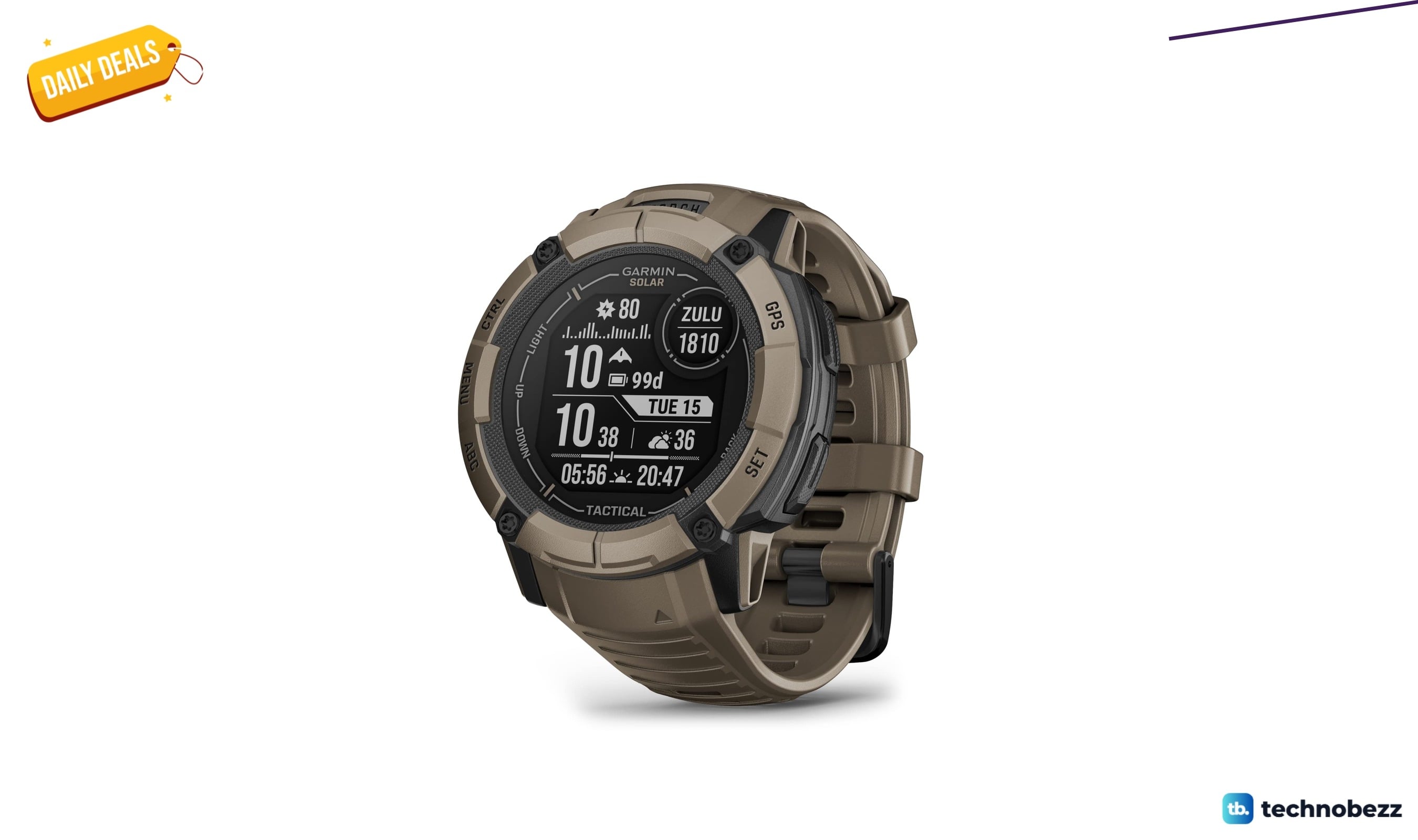
We found 2 smartwatch deals from $219.99 that are actually worth it
5 min read
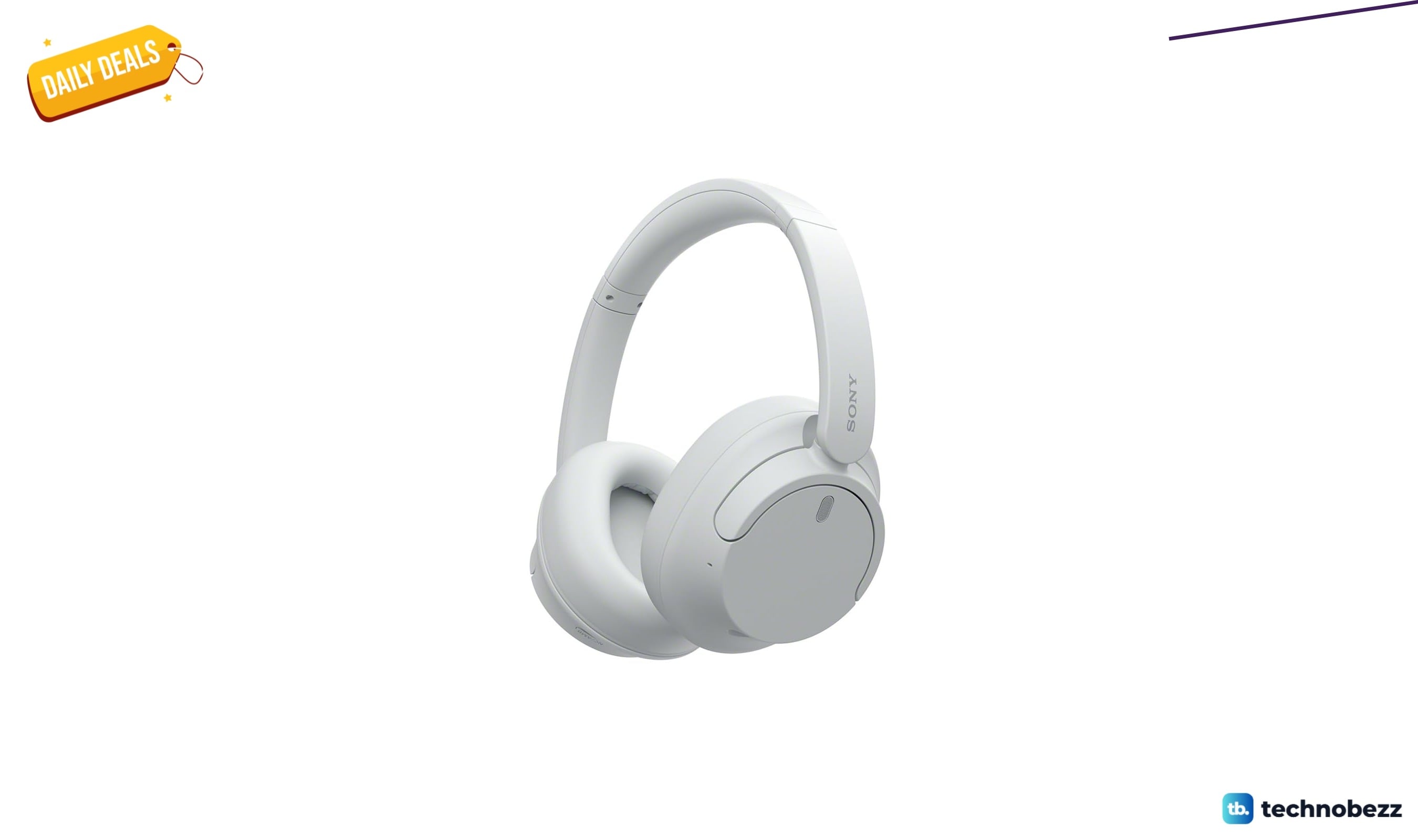
Sony WH-CH720 Noise Canceling Wireless Bluetooth Headphones now $87.94, down from $119.99
3 min read
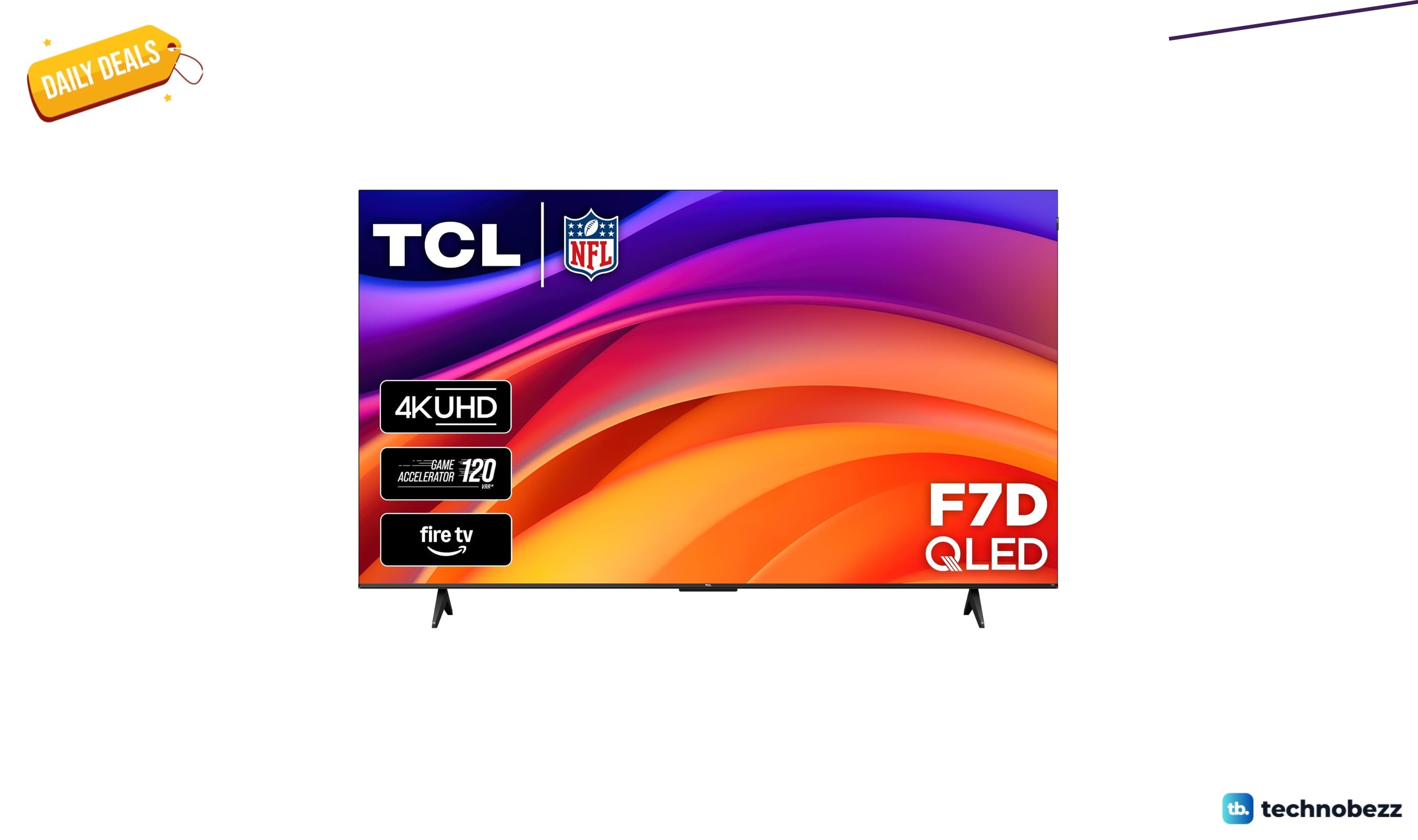
TCL 75-inch F7D QLED 4K TV leads 2 TV deals from $499.99
5 min read