Finding the right 3D printer means balancing speed, quality, and ease of use. The Creality K2 Combo stands out as our top pick for its combination of performance and reliability. Whether you're printing functional parts or creative projects, this list covers machines that deliver consistent results without constant tinkering.
Technobezz is supported by its audience. We may get a commission from retail offers.
7 Best 3D Printers for 2026
The 7 best 3D printers for 2026, from the Creality K2 Combo (best overall) to the $300 Bambu Lab A1, plus picks for resin, large-format, and pro use.
T
Technobezz
Editorial Team
Updated September 28, 2026Sep 28, 2026
•9 min read

Get Deals Like These in Your Inbox
The best prices, reviewed weekly.
At a Glance
| Category | Product | Why We Picked It |
|---|---|---|
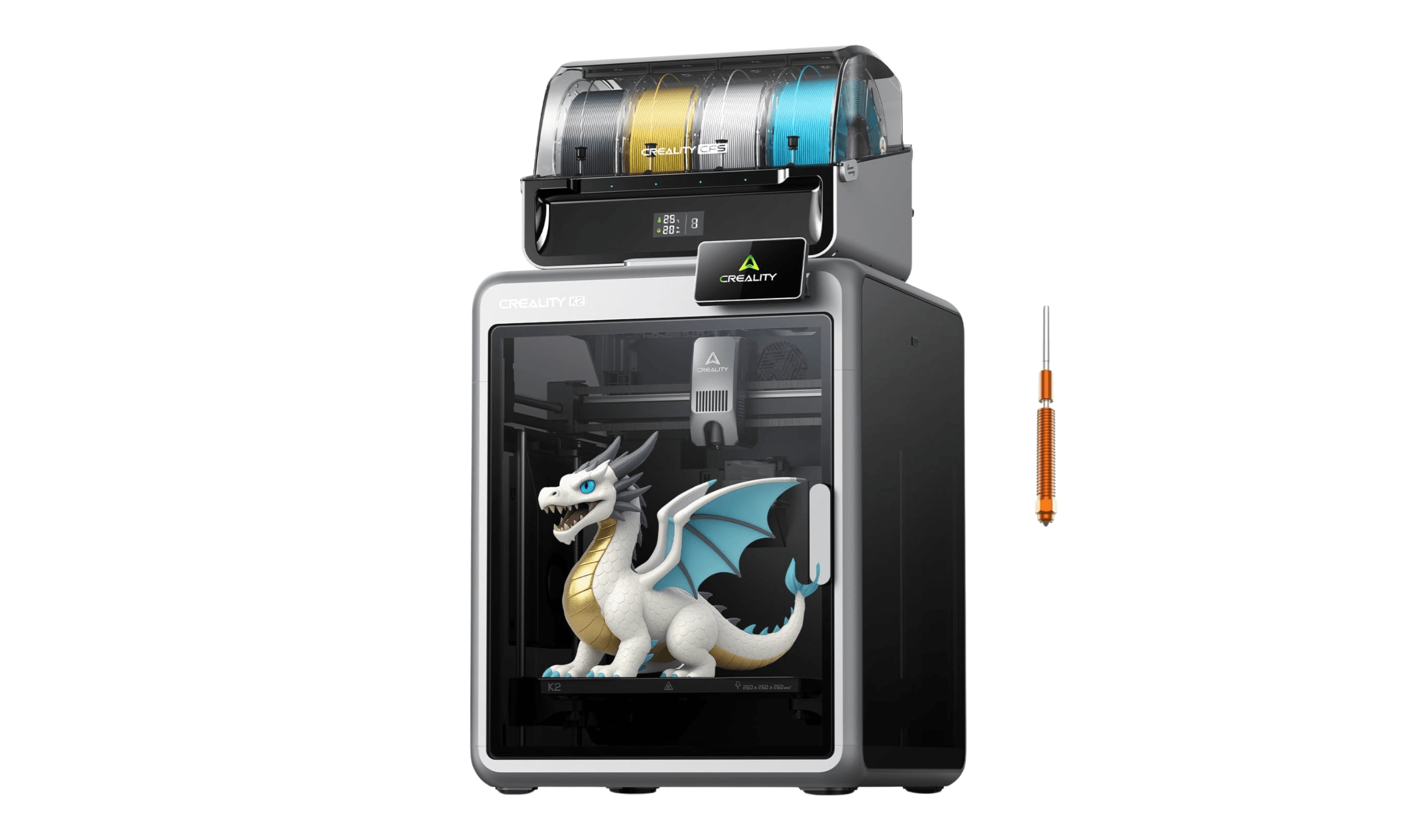
| Best overall | Creality K2 Combo 3D Printer | Fast enclosed printer with excellent detail |
| Best value | Bambu Lab A1 | Automatic calibration and optional AMS lite multicolor support |
| Best for professionals | Prusa CORE One+ | 20% faster than MK4S with upgrade path |
| Best budget large format | Creality Ender-3 V3 Plus | 300 x 300 x 330 mm build volume with automatic leveling |
| Best resin printer | Anycubic Photon Mono M7 Max | Sub-$1,000 with resin management features |
| Also recommended | Elegoo Centauri Carbon | A fast, budget-friendly CoreXY for speed demons |
| Also recommended | Formlabs Form 4 | Pro-grade resin for precision dental and engineering work |
How we chose
We evaluated printers based on print quality, speed, reliability, and ease of use. Our assessment covers performance across different materials, looking for consistency and precision. We considered factors like setup time, maintenance requirements, and long-term value rather than just initial price. Printers that require minimal calibration and deliver consistent results scored highest.
The best 3D printers right now
Creality K2 Combo 3D Printer - Best overall
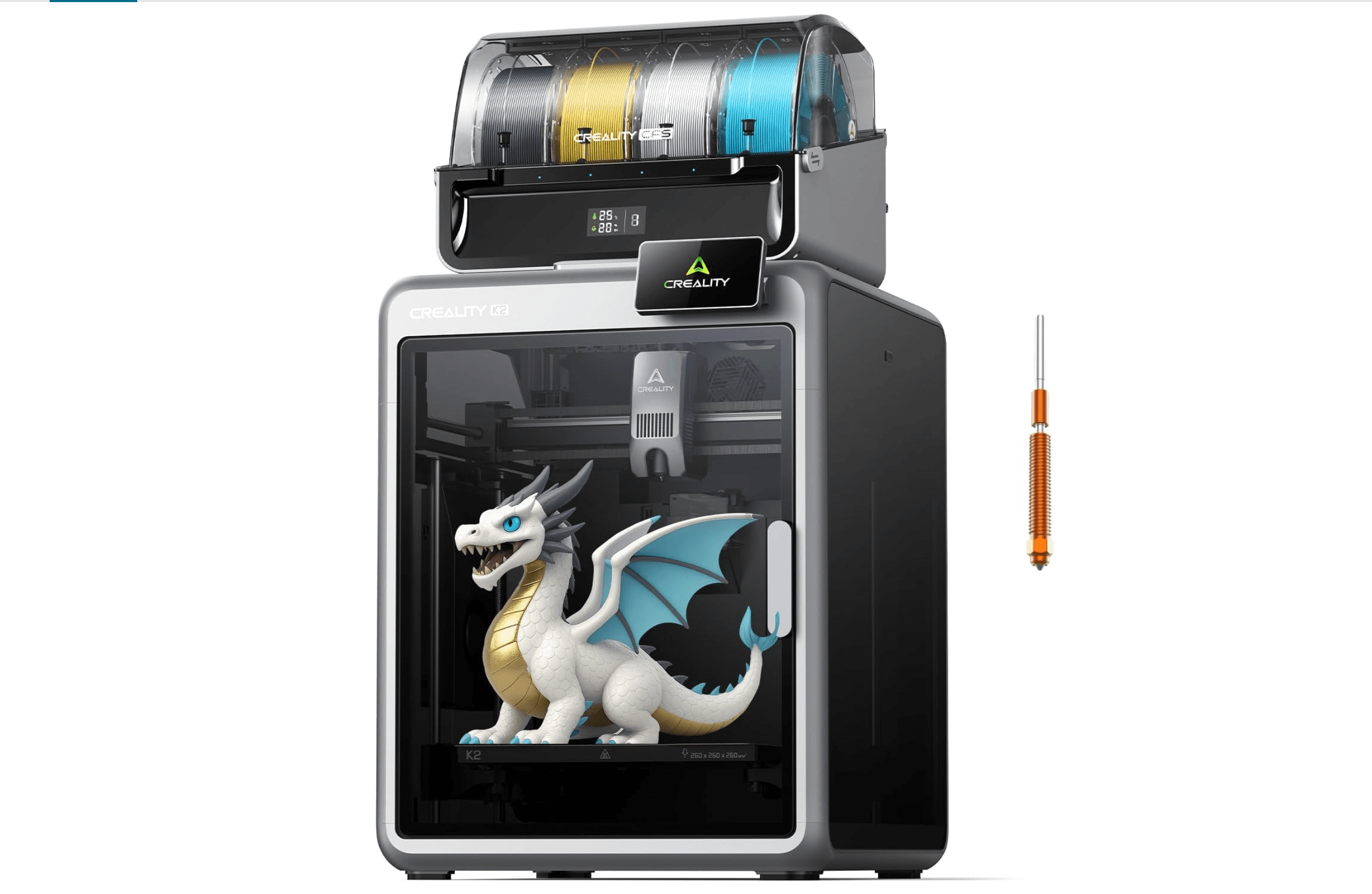
The K2 Combo delivers professional-grade prints with minimal fuss, making it suitable for both beginners and experienced users. Its enclosed design handles advanced materials while maintaining excellent detail quality.
Key highlights
- Enclosed Core XY design for better temperature control
- Automatic bed leveling and calibration
- Supports multiple filament types including ABS and PETG
- Built-in 720p chamber camera for monitoring
- Fast printing speeds up to 600 mm/s
Pros
- Consistent high-quality prints with minimal setup
- Excellent for both beginners and advanced users
- Handles engineering materials without issues
- Reliable automatic features reduce maintenance
Cons
- Higher price point than entry-level options
- Some proprietary components limit third-party upgrades
- Larger footprint than compact models
Who it is for: Anyone who wants reliable, high-quality prints without constant adjustments. It works well for hobbyists, small businesses, and educational settings.
Skip if
You're on a tight budget or need maximum build volume for very large projects.
Bambu Lab A1 - Best value
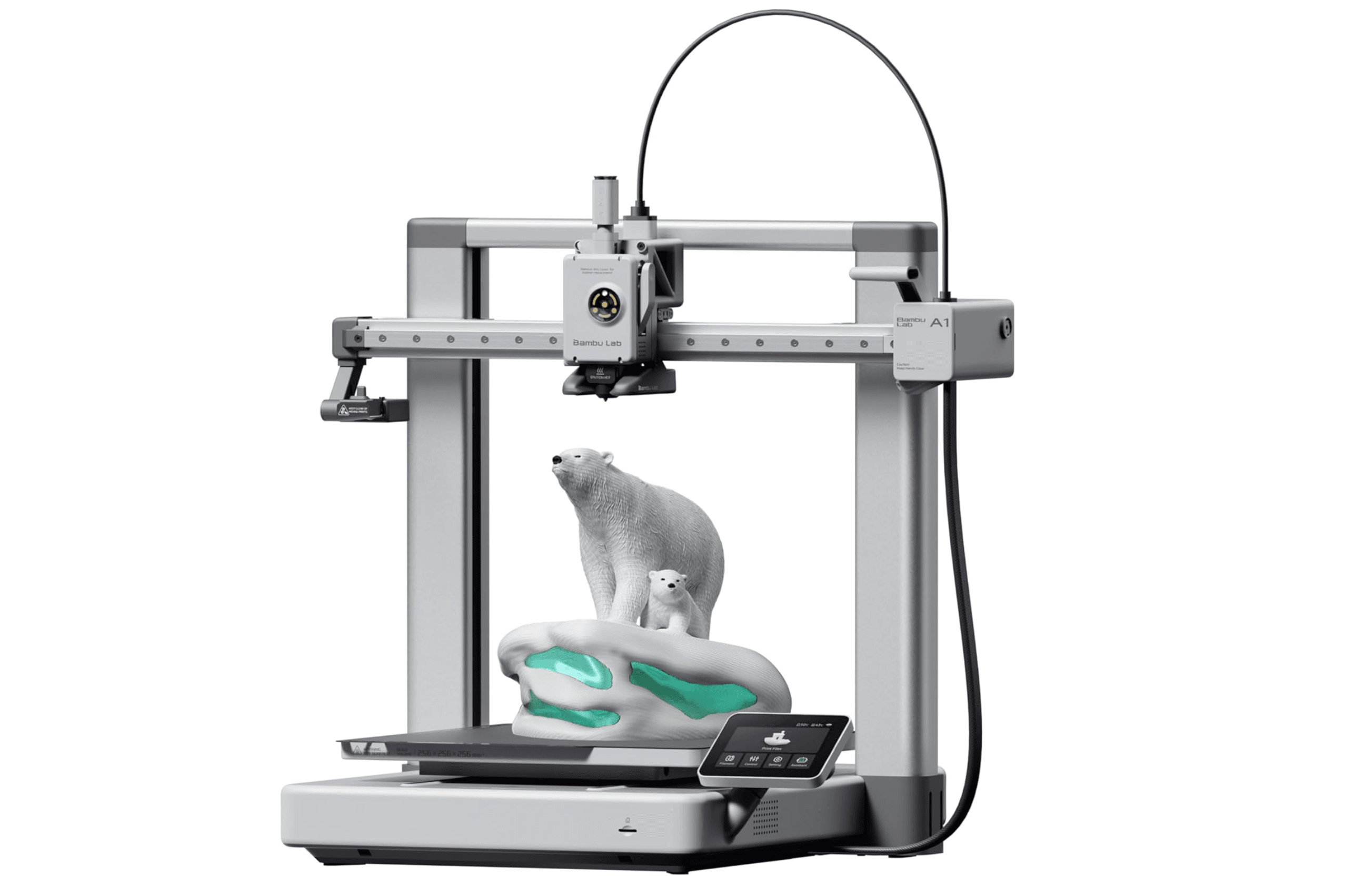
This full-size printer offers multi-color printing capability at an accessible price, making multicolor projects achievable for more users. Its 256 mm build area handles bigger models while keeping setup simple and print quality high.
Key highlights
- Multi-color printing with optional AMS Lite system
- Full-size 256 mm build area in a desktop frame
- Fast setup and calibration process
- Good print quality for its size class
- 256 × 256 × 256 mm build volume
Pros
- Unbeatable value for multicolor printing
- Easy setup process for beginners
- Reliable performance with PLA materials
- Generous 256 mm build area for larger prints
Cons
- Not recommended for ABS, ASA, or other high-temperature engineering materials due to open-frame design
- Smaller build volume restricts project size
- Multicolor printing generates waste material
Who it is for: Beginners and budget-conscious users who want multicolor capability without premium pricing. Great for educational settings and small creative projects.
Skip if
You need to print large objects or work with advanced engineering materials.
Prusa CORE One+ - Best for professionals
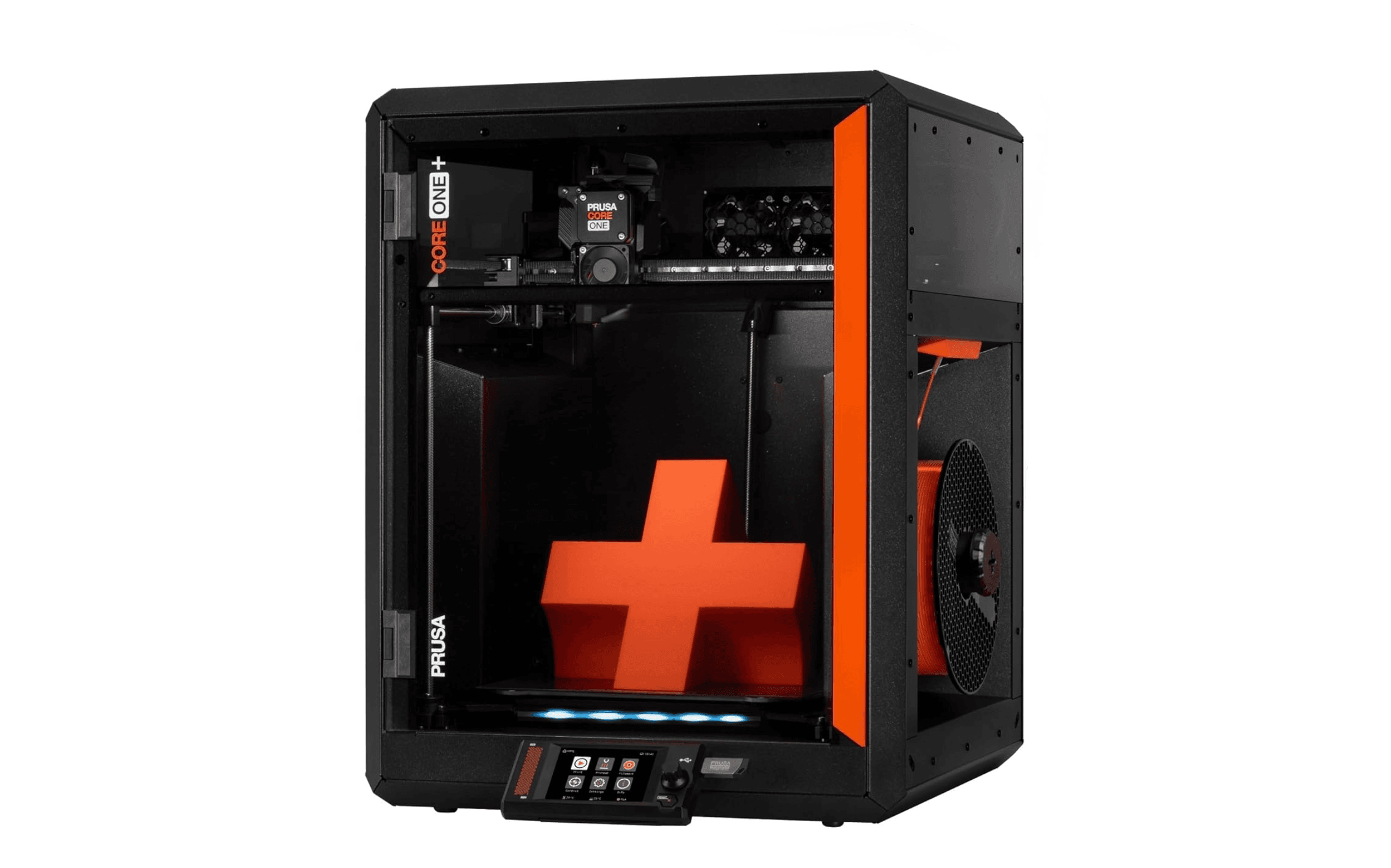
The CORE One+ represents a significant step forward in Prusa's lineup, offering faster speeds and improved print quality while maintaining the company's reputation for reliability and upgradability.
Key highlights
- 20% faster than Prusa MK4S with better detail
- Enclosed Core XY architecture for stability
- Extensive filament profiles for diverse materials
- Modular design with upgrade options
- Security-first features and offline operation
Pros
- Excellent print quality across material types
- Strong upgrade path and community support
- Reliable performance for production use
- Good handling of engineering materials
Cons
- Higher price than many consumer models
- Multifilament via MMU3 requires separate purchase and installation
- No built-in camera as standard
Who it is for: Professional users and serious hobbyists who value reliability and long-term support. Ideal for small businesses and production environments.
Skip if
You're looking for the lowest cost option or need multicolor printing immediately.
Creality Ender-3 V3 Plus - Best budget large format
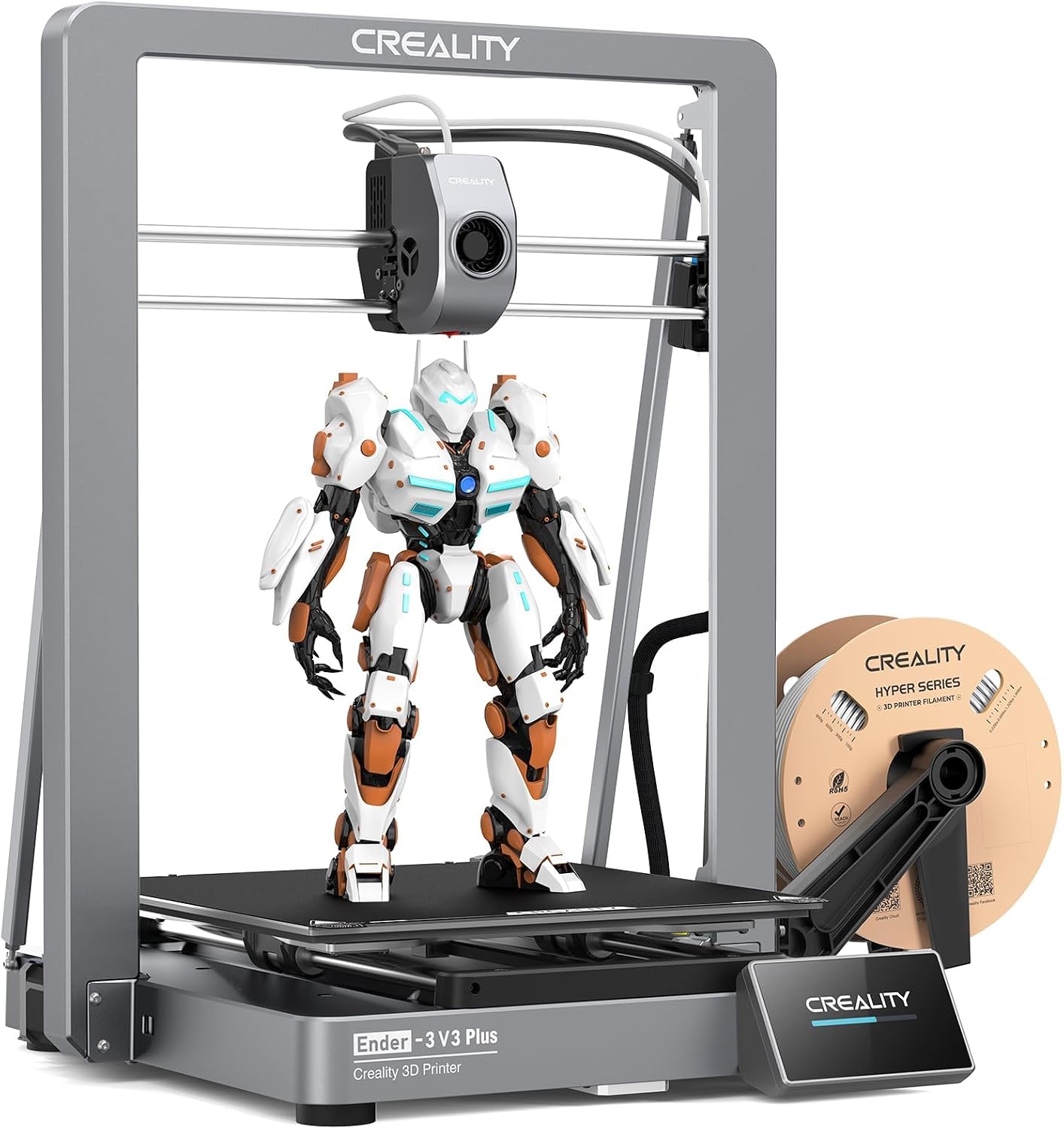
The Creality Ender-3 V3 Plus pairs a 300 x 300 x 330 mm build volume with automatic leveling for large models and batches of smaller parts. Its CoreXZ motion system supports print speeds up to 600 mm/s.
Key highlights
- 300 x 300 x 330 mm build volume
- CoreXZ motion with print speeds up to 600 mm/s
- Automatic bed leveling and Z-offset calibration
- Direct drive extruder with a hardened-steel nozzle tip
- Wi-Fi and USB file transfer
Pros
- Room for large models or multiple small parts
- Automatic calibration simplifies setup
- Automatic XZ belt tensioning
- Quick-swap nozzle for maintenance
Cons
- Some assembly required
- Open-frame design lacks an enclosed chamber
- Monitoring camera sold separately
Who it is for: Makers printing large models, cosplay pieces or batches of functional parts who want automatic calibration.
Skip if
You need an enclosed printer or a camera included as standard.
Anycubic Photon Mono M7 Max - Best resin printer
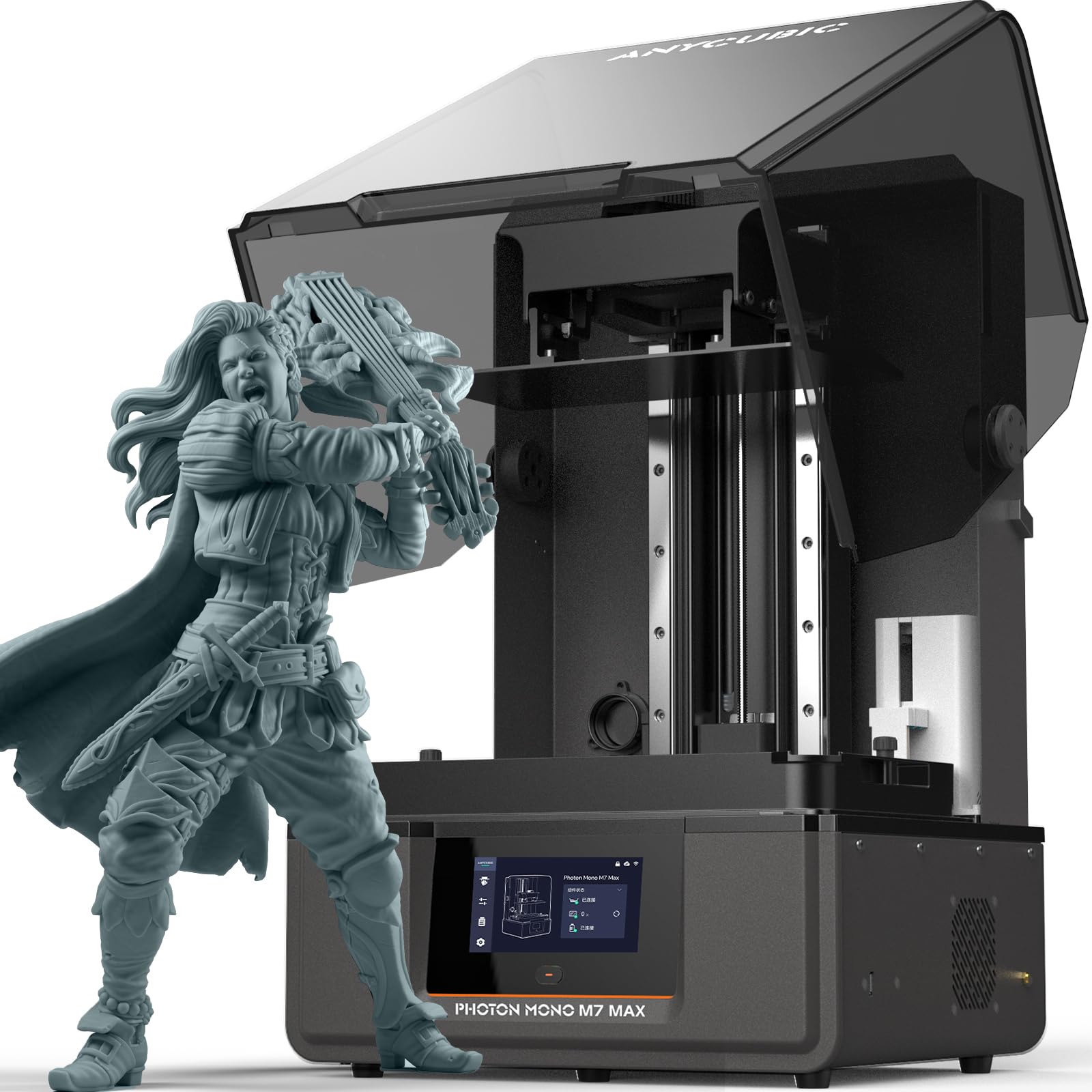
Resin printing excels at detailed miniatures and complex models, and the Photon Mono M7 Max delivers professional-level detail at a consumer-friendly price with innovative resin management.
Key highlights
- 7K monochrome screen for fine detail
- Innovative resin management system
- Large build volume for resin printing
- Good value for detailed work
- Suitable for enthusiasts and light industrial use
Pros
- Exceptional detail quality for miniatures
- Good resin management reduces waste
- Large build area for resin printing
- Competitive pricing for its capabilities
Cons
- Resin printing requires more cleanup
- Limited to detailed work rather than functional parts
- Requires proper ventilation setup
Who it is for: Miniature painters, jewelry makers, and anyone needing high-detail models. Perfect for tabletop gaming, cosplay accessories, and detailed prototypes.
Skip if
You need to print functional mechanical parts or large objects.
Also Good
- Elegoo Centauri Carbon - a fast, budget-friendly corexy for speed demons.
- Formlabs Form 4 - pro-grade resin for precision dental and engineering work.
How to Choose
Consider your primary use case first. Functional parts and prototypes work best with FDM printers like the Bambu Lab or Prusa models, while detailed miniatures and jewelry need resin printers like the Anycubic.
Budget determines your options more than anything else. Entry-level printers now start around $200, while professional machines can exceed $3,000. Remember to factor in material costs and potential upgrades.
Build volume matters for your projects. Measure the largest object you plan to print regularly, then add some margin for future projects. Large-format printers take more space but offer flexibility.
Material compatibility affects what you can create. PLA and PETG work on many open-frame printers. ABS and ASA benefit from an enclosure to reduce warping; check the printer and filament maker's guidance for other engineering materials.
Ease of use varies significantly. Beginners should prioritize automatic features like bed leveling and calibration, while experienced users might prefer manual control and upgradeability.
FAQ
What's the difference between FDM and resin printers?
FDM printers melt plastic filament and deposit it layer by layer, making them better for functional parts and larger objects. Resin printers use liquid resin cured by light, producing extremely detailed models ideal for miniatures and jewelry but requiring more post-processing.
How much should a beginner spend on a first 3D printer?
Between $300 and $600 gets you a reliable machine with automatic features that reduce frustration. The Bambu Lab A1 at around $300 offers a good balance, while the Creality Ender 3 V3 SE around $200 provides basic functionality for learning.
Do I need an enclosed printer?
Enclosures help with temperature-sensitive materials like ABS and ASA, reducing warping and improving print quality. They also contain noise and particles. For PLA printing in stable environments, enclosures are less critical but still beneficial.
How important is print speed?
Speed matters for production work or large prints, but quality often decreases as speed increases. Most users find 50-100 mm/s speeds adequate for hobby use. High-speed printers like the Elegoo Centauri Carbon reach 500 mm/s but may require tuning.
What ongoing costs should I expect?
Filament costs $20-$50 per kilogram depending on material type. Resin runs $30-$80 per liter. Replacement parts like nozzles, build plates, and screens add occasional expenses. Electricity costs are minimal, typically under $10 monthly for regular use.
Published February 21, 2026 Last updated September 29, 2026
Share this article
More in News
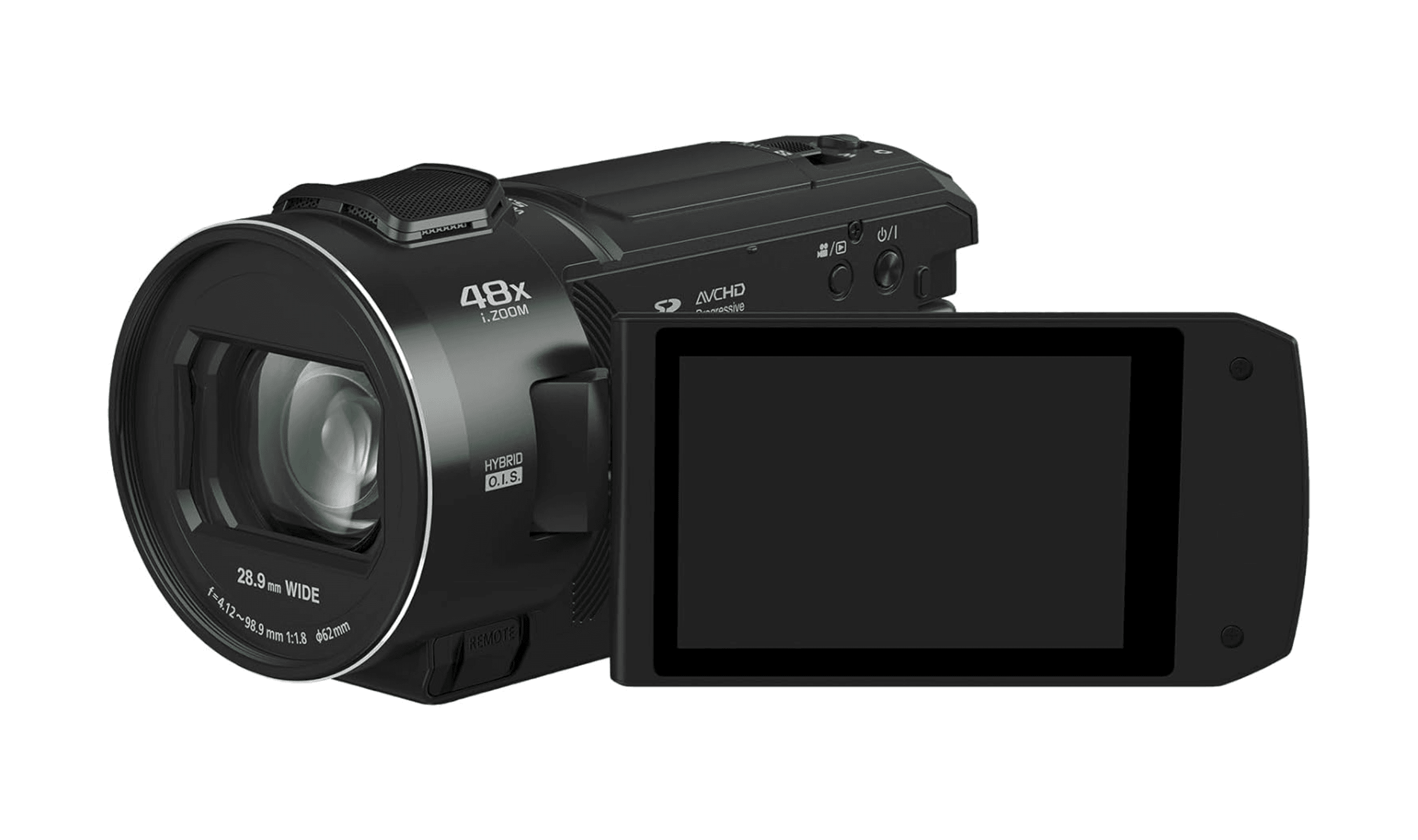
4 Best Camcorders for Family Videos and Travel
Discover the best camcorders under $300 for 2026. Our top pick, the Panasonic HC-V900, leads the list for excellent Full HD video and value.
5 min read
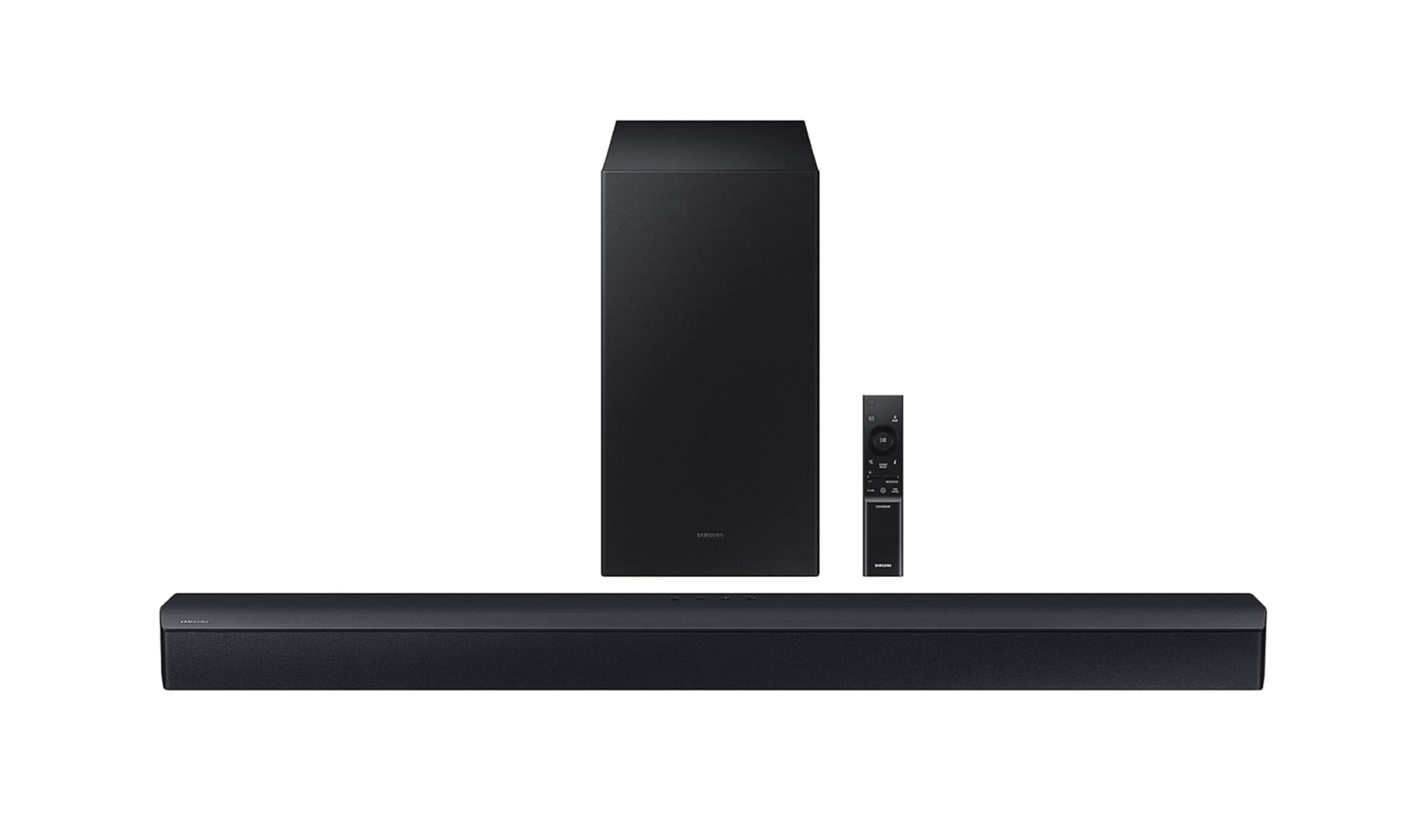
Best Soundbars Under $300 for 2026
The Samsung HW-C450 is the best all-around pick at this price, but the right choice depends on whether you want room-shaking bass, true surround sound, or just clearer dialogue.
3 min read
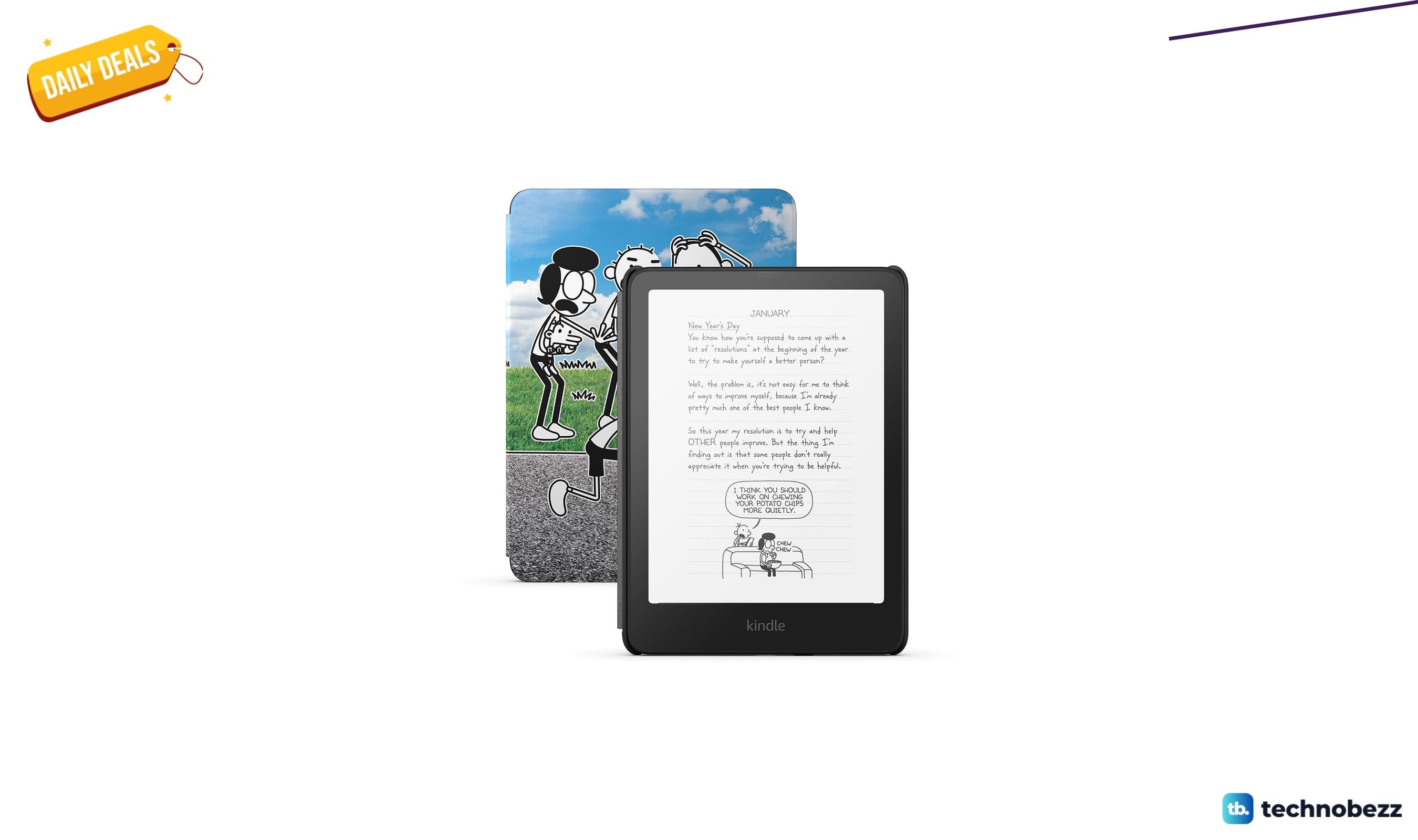
Amazon Kindle Paperwhite Kids Larger glare-free display discounted to $169.99
Save $60 on the Kindle Paperwhite Kids, now $169.99 with a 7-inch glare-free display, rugged cover, and 16GB storage.
4 min read

Amazon Kindle Colorsoft Kids 16 GB Lightweight now $209.99, down from $299.99
Save 30% on the Kindle Colorsoft Kids bundle at $209.99, including a year of Kids+, a cover, and a 2-year guarantee.
3 min read
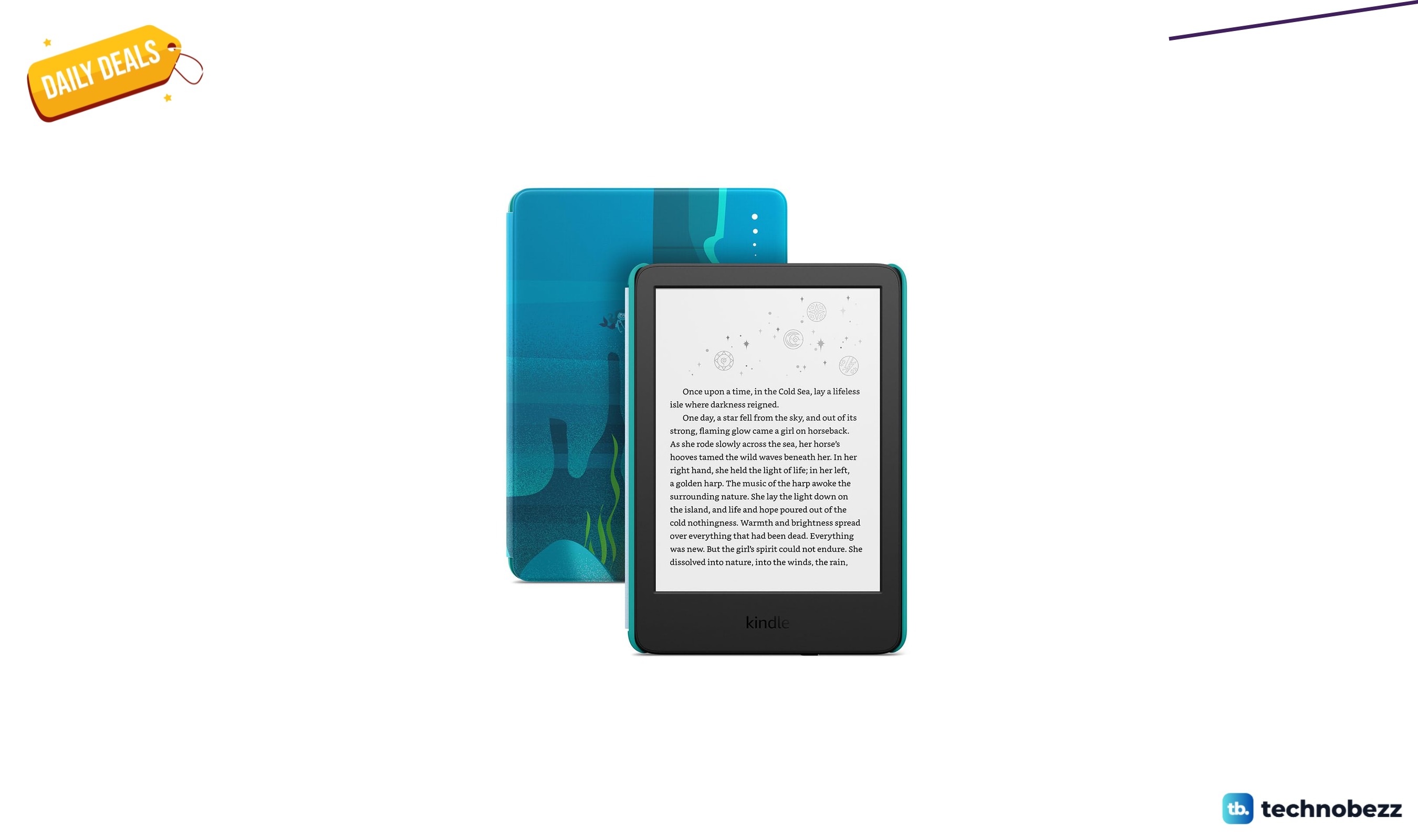
Amazon Kindle Kids If it breaks down to $122.99 in latest price cut
5 min read
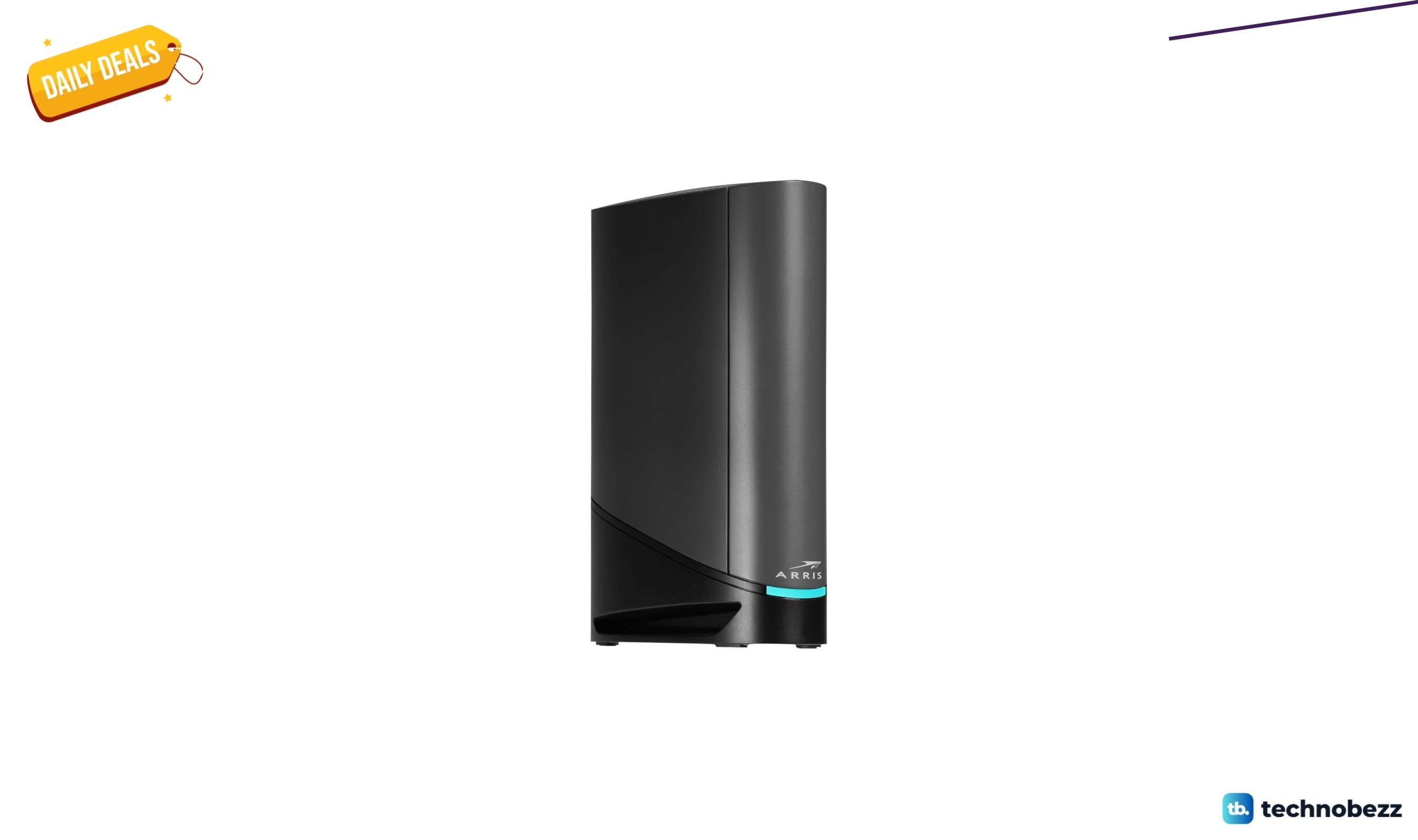
ARRIS Surfboard G36 DOCSIS 3.1 Multi-Gig Modem down to $211 in latest price cut
4 min read
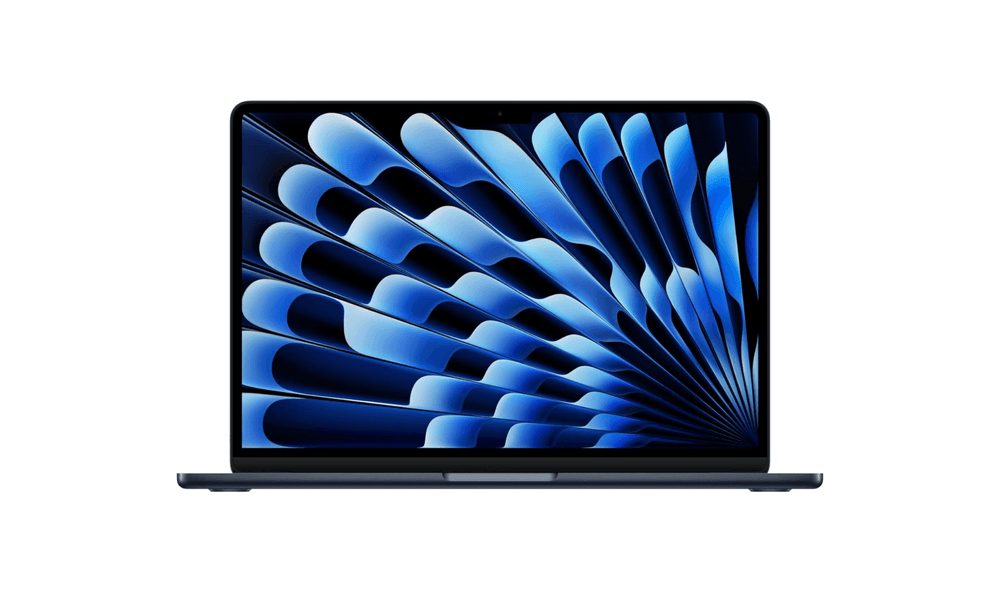
5 Best Ultrabooks to Buy in 2026
3 min read
9 Best Desktops Under $1500 for 2026
3 min read
Best Earbuds for Running in 2026
4 min read
6 Best Budget GPUs in 2026
4 min read
7 Best GPS Trackers for Kids in 2026
5 min read
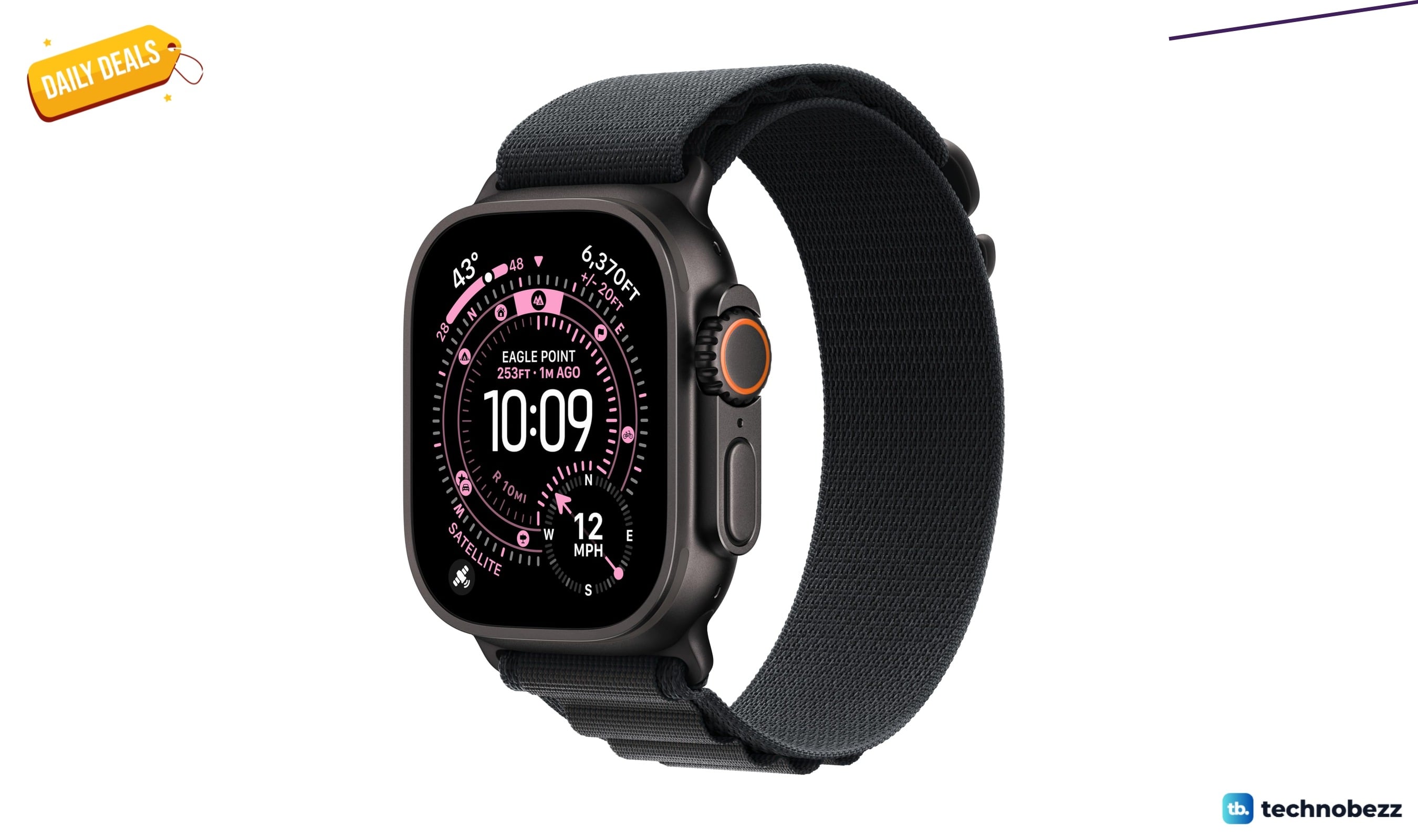
Apple Watch Ultra 3 [GPS + Cellular now $699, down from $799
5 min read