Logitech mice cover very different jobs, from desk work and travel to vertical shapes, trackballs, and gaming. This page sorts seven of them by the job each one fits, for US buyers who want a clear starting point.
Technobezz is supported by its audience. We may get a commission from retail offers.
7 Best Logitech Mice in 2026
The Logitech MX Master 4 leads our seven Logitech mouse picks for 2026, with travel, vertical, trackball, gaming and budget options compared by specification.
T
Technobezz
Editorial Team
Updated November 23, 2026Nov 23, 2026
•14 min read

Get Deals Like These in Your Inbox
The best prices, straight to your inbox.
Add Technobezz on Google:Preferred SourceGoogle Discover
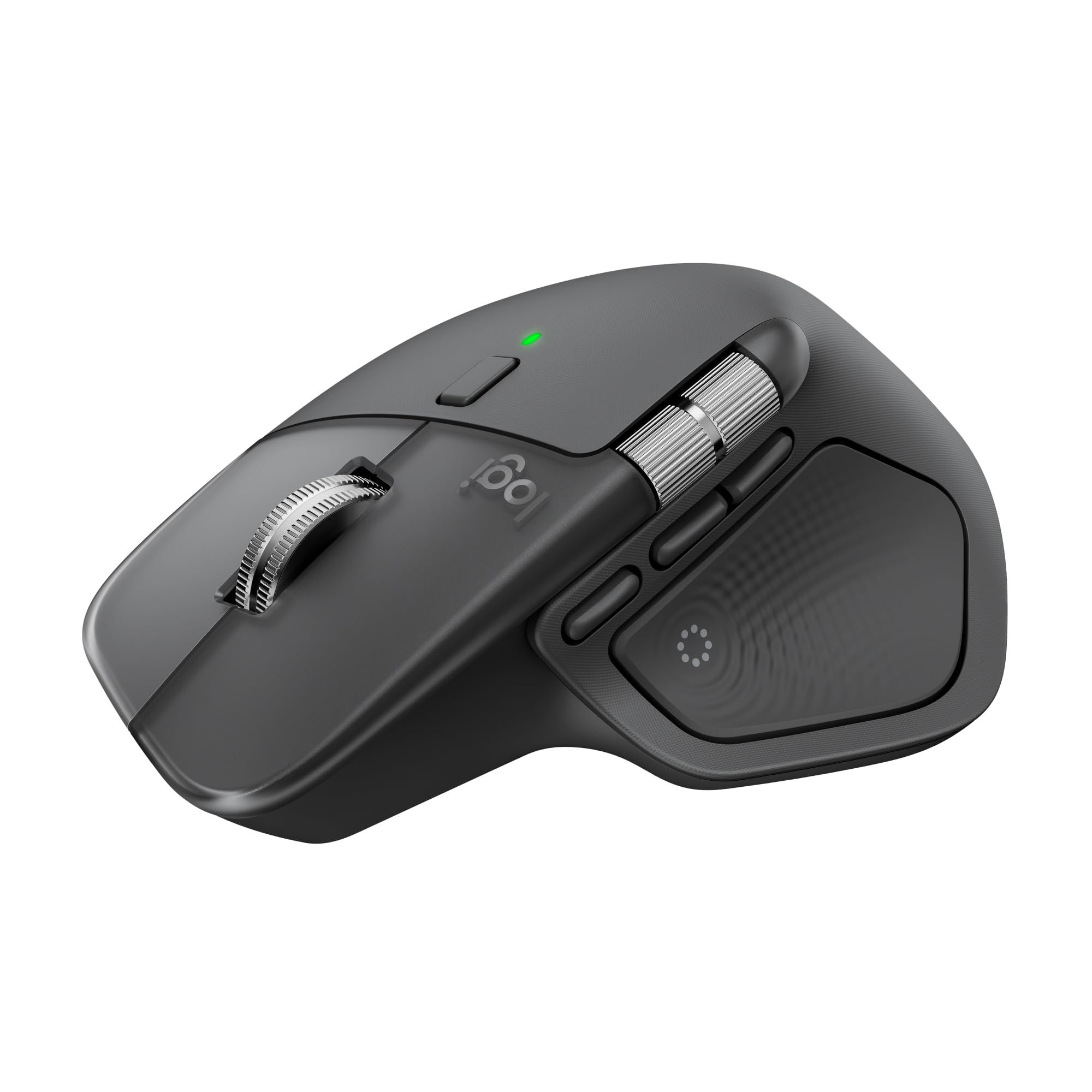
The Logitech MX Master 4 is the best overall pick. It has a Haptic Sense Panel with customizable haptic feedback, a MagSpeed scroll wheel that scrolls 1,000 lines per second, a thumb scroll wheel, and a choice of USB-C dongle or Bluetooth.
The rest of the list covers a travel mouse, a vertical mouse, a trackball, two gaming mice, and a budget Bluetooth mouse.
At a Glance
| Category | Product | Why We Picked It |
|---|---|---|
| Best overall | Logitech MX Master 4 | Haptic Sense Panel, MagSpeed scroll wheel, and USB-C dongle or Bluetooth |
| Best for travel | Logitech MX Anywhere 3S | 8K DPI sensor, Bluetooth pairing with up to 3 devices, and up to 70 days on a full charge |
| Best vertical ergonomic mouse | Logitech Lift | 57-degree vertical shape for small to medium right hands |
| Best trackball | Logitech MX Ergo S | Thumb-controlled trackball with a 20-degree tilt and 6 customizable buttons |
| Best for esports | Logitech G Pro X3 Superstrike | HERO 2 sensor with up to 48,000 DPI and LIGHTSPEED wireless at up to 8 kHz polling |
| Best budget gaming mouse | Logitech G305 Lightspeed | LIGHTSPEED wireless, up to 12,000 DPI, and 250 hours on 1 AA battery |
| Best budget mouse | Logitech Pebble Mouse 2 M350s | Bluetooth for up to 3 devices and 2 years of battery life |
How we chose
We compared the specifications on each product's Amazon page. We also checked that each pick is sold new by Amazon or the brand.
The best Logitech mice right now
Logitech MX Master 4 - Best overall
The Logitech MX Master 4 is a wireless mouse built around its Haptic Sense Panel, which gives customizable haptic feedback on specific actions, shortcuts, and notifications. Its Actions Ring is a customizable overlay that adapts to each app and places filters, adjustments, and shortcuts at the cursor.
The MagSpeed scroll wheel scrolls 1,000 lines per second, and there is a separate thumb scroll wheel. It connects through a USB-C dongle or Bluetooth, has 8K DPI any-surface tracking, and uses Quiet Clicks. It works with Windows and macOS, and it is compatible with Googlebook laptops.
Key highlights
- Haptic Sense Panel with customizable haptic feedback
- Actions Ring overlay that adapts to each app
- MagSpeed scroll wheel at 1,000 lines per second
- Thumb scroll wheel
- USB-C dongle or Bluetooth connection
- 8K DPI any-surface tracking
Pros
- Haptic feedback can be set for specific actions, shortcuts, and notifications
- Two scroll wheels: the MagSpeed wheel and a thumb wheel
- Quiet Clicks
- Graphite plastic parts include 54% recycled plastic, and the battery uses 100% recycled cobalt
Cons
- 1-year limited hardware warranty, against 2 years on the Logitech G Pro X3 Superstrike
- 54% recycled plastic in Graphite, against 78% certified post-consumer recycled plastic in the Graphite Logitech MX Anywhere 3S
Who it is for: Desk workers who want haptic feedback, app-specific shortcuts, and two scroll wheels in one premium mouse.
Skip if
Haptic feedback and an app-specific overlay are more than you need.
Logitech MX Anywhere 3S - Best for travel
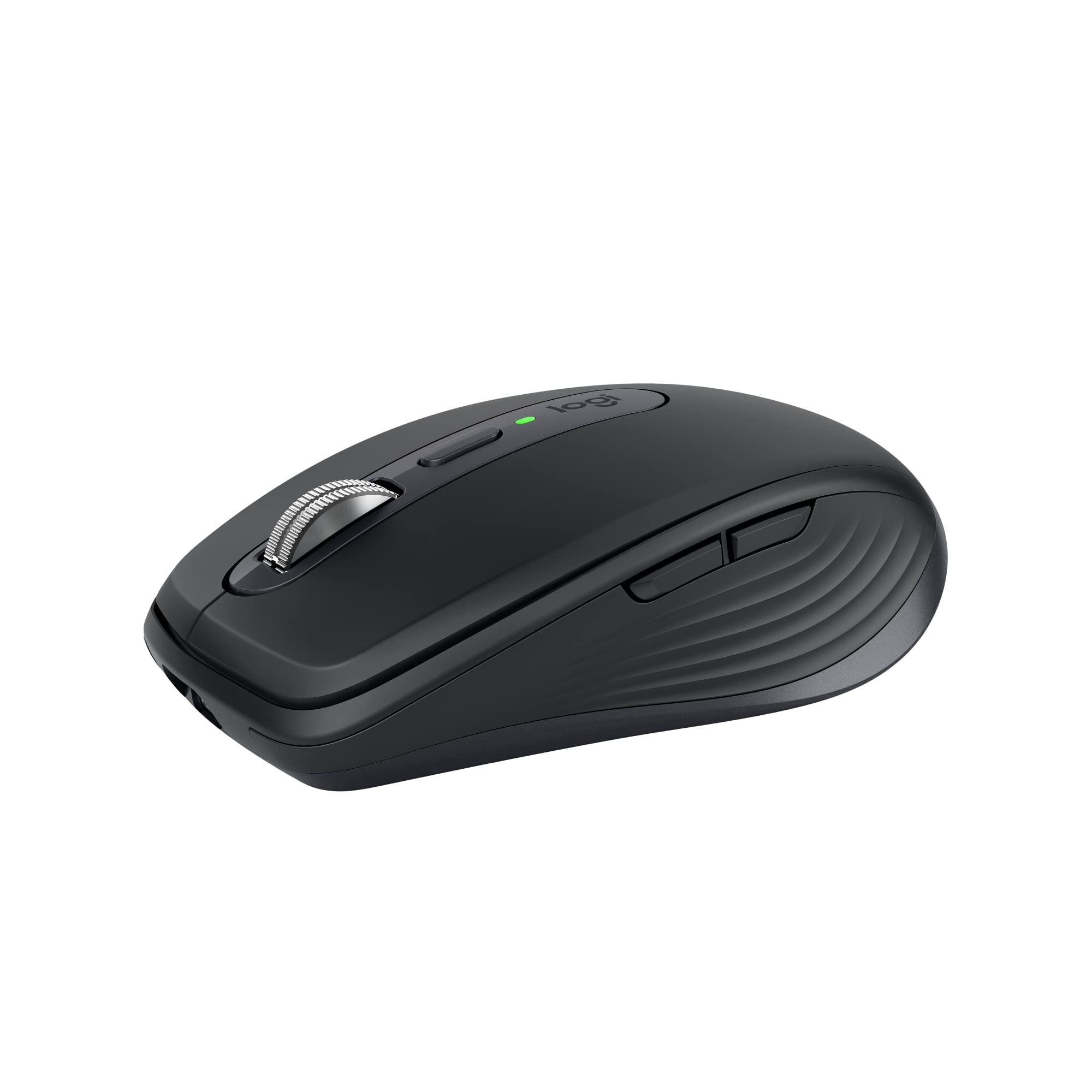
The Logitech MX Anywhere 3S is a compact wireless mouse, 3.96 inches long and 2.56 inches wide. Its 8K DPI sensor works on any surface, including glass. The MagSpeed wheel scrolls 1,000 lines per second, and its Quiet Clicks make less click noise than the MX Anywhere 3.
It connects with up to 3 devices over Bluetooth on Windows, macOS, Chrome OS, Googlebook OS or Linux. The battery runs up to 70 days on a full charge, and a 1-minute charge gives up to 3 hours of use. It comes with a USB-A to USB-C charging cable and no USB receiver; it is compatible with the Logi Bolt USB receiver only, and that receiver is not included.
Key highlights
- 8K DPI sensor
- MagSpeed wheel at 1,000 lines per second
- Bluetooth connection with up to 3 devices
- Up to 70 days on a full charge
- Up to 3 hours of use from a 1-minute charge
- 3.96 inches long and 2.56 inches wide
Pros
- Works on any surface, including glass
- Connects on Windows, macOS, Chrome OS, Googlebook OS or Linux
- Tracking speed and buttons can be customized in Logi Options+
- USB-A to USB-C charging cable included
Cons
- No USB receiver in the box; it is compatible with the Logi Bolt USB receiver only, which is not included
- Up to 70 days on a full charge, against up to 120 days on the Logitech MX Ergo S
Who it is for: Laptop users who move between up to 3 devices and want a compact Bluetooth mouse that charges by USB-C.
Skip if
You want a USB receiver in the box. The Logitech Lift and the Logitech MX Ergo S each include a Logi Bolt receiver.
Logitech Lift - Best vertical ergonomic mouse
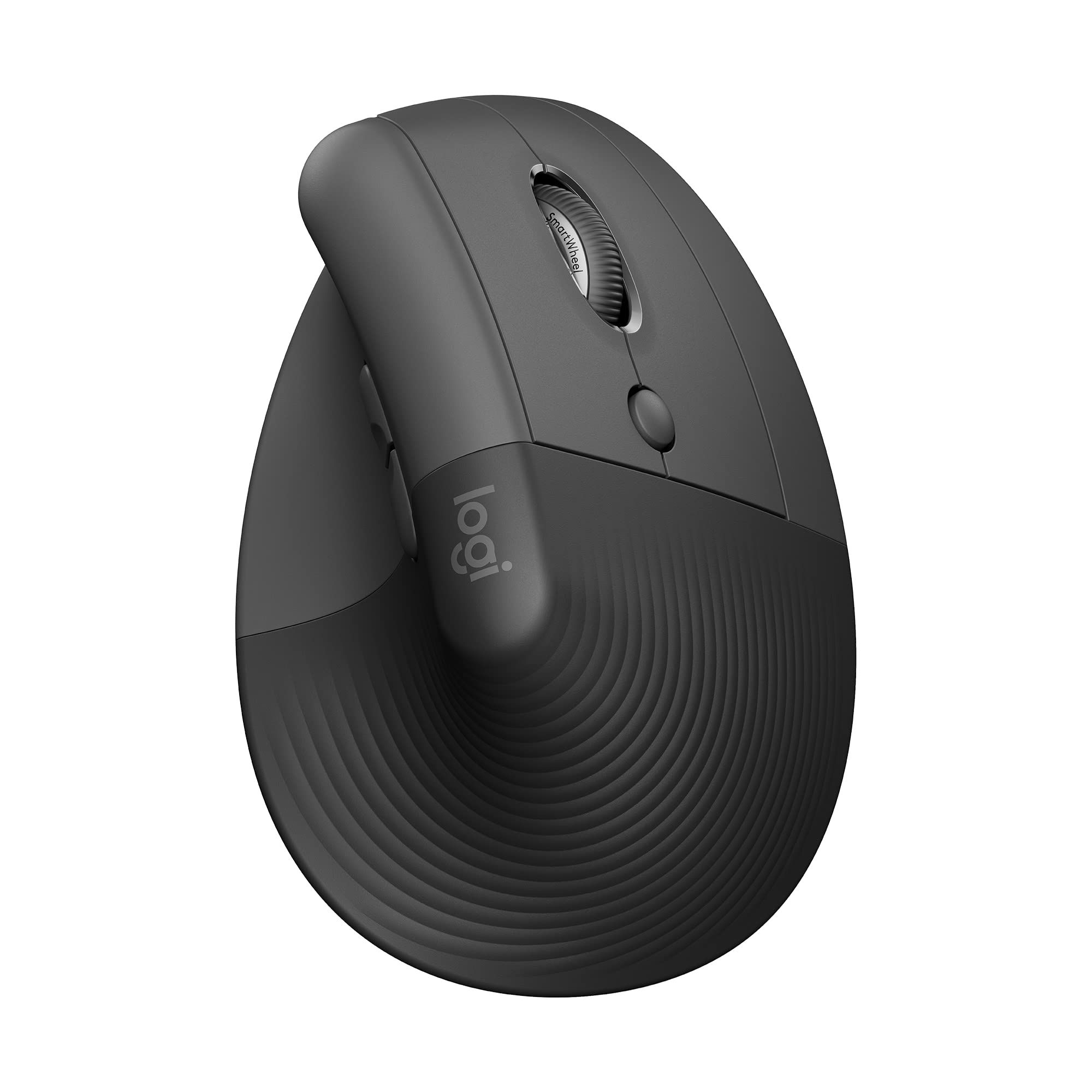
The Logitech Lift is a vertical wireless mouse with a 57-degree shape, a textured grip, and a thumb rest. It is shaped for small to medium right hands. It carries Logitech's Ergo-certified label, which means it was designed and approved against criteria set out by ergonomists.
It connects by Bluetooth Low Energy or the included Logi Bolt USB-A receiver to Windows, macOS, iPadOS, Chrome OS, or Linux. Battery life is up to two years. Four of its six buttons are customizable, and it has quiet clicks and a SmartWheel for scrolling.
Key highlights
- 57-degree vertical shape
- Shaped for small to medium right hands
- Bluetooth Low Energy or Logi Bolt USB connection
- Up to two years of battery life
- 4 of 6 buttons customizable
- SmartWheel and quiet clicks
Pros
- Logi Bolt USB-A receiver included
- Connects to Windows, macOS, iPadOS, Chrome OS, or Linux
- Ergo-certified against criteria set out by ergonomists
- Graphite plastic parts include 70% certified post-consumer recycled plastic
Cons
- Shaped for small to medium right hands; the Logitech MX Ergo S is for medium- to large-sized hands
- 4 of its 6 buttons are customizable, against 6 customizable buttons on the Logitech MX Ergo S
Who it is for: Right-handed users with small to medium hands who want a vertical mouse with a receiver in the box.
Skip if
Your hands are medium to large. The Logitech MX Ergo S is for medium- to large-sized hands.
Logitech MX Ergo S - Best trackball
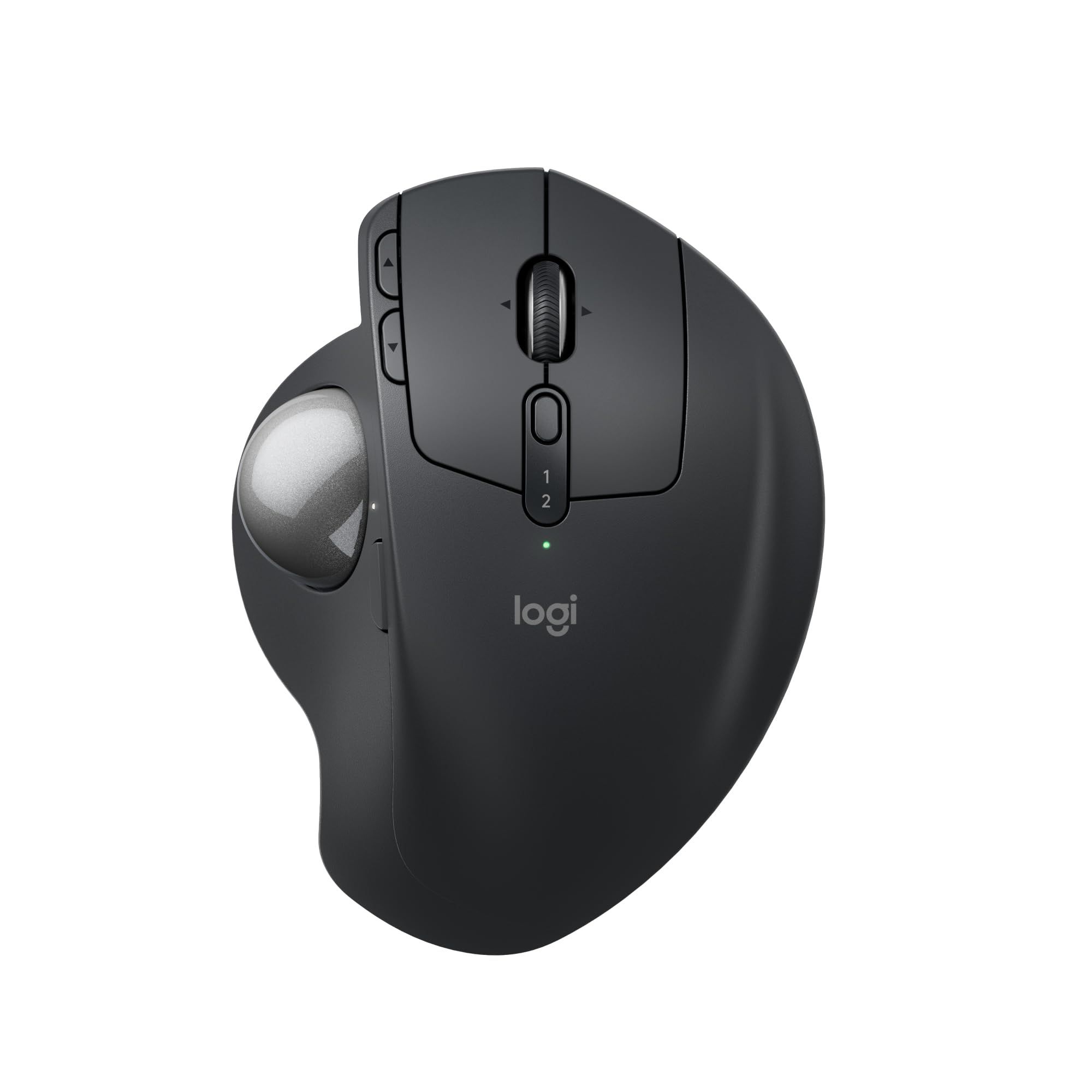
The Logitech MX Ergo S is a wireless trackball mouse with thumb control and a button that switches between speed and high-precision tracking. It has a 20-degree tilt angle, a soft rubber grip, and a sculpted shape for medium- to large-sized hands, and it is certified by ergonomists.
It charges by USB-C: a 1-minute charge gives up to 24 hours of use, and a full charge lasts up to 120 days. It charges with a USB Type C to Type C or USB Type A to Type C cable, and the cable is not included. It connects by Bluetooth or the included Logi Bolt USB receiver, with an Easy-Switch button. Its 6 buttons are customizable in the Logi Options+ app.
Key highlights
- Thumb-controlled trackball
- Button to switch between speed and high-precision tracking
- 20-degree tilt angle
- 6 customizable buttons
- Up to 120 days on a full charge
- Bluetooth or Logi Bolt USB receiver, with an Easy-Switch button
Pros
- Up to 24 hours of use from a 1-minute charge
- Logi Bolt USB receiver included
- Shortcuts and Smart Actions in the Logi Options+ app
- Certified by ergonomists
Cons
- Charging cable not included
- Sized for medium- to large-sized hands; the Logitech Lift is shaped for small to medium right hands
- Plastic parts are 20% certified post-consumer recycled plastic, against 70% in the Graphite Logitech Lift
Who it is for: People with medium to large hands who want a thumb trackball with a 20-degree tilt and up to 120 days on a full charge.
Skip if
Your hands are small to medium. The Logitech Lift is shaped for small to medium right hands.
Logitech G Pro X3 Superstrike - Best for esports
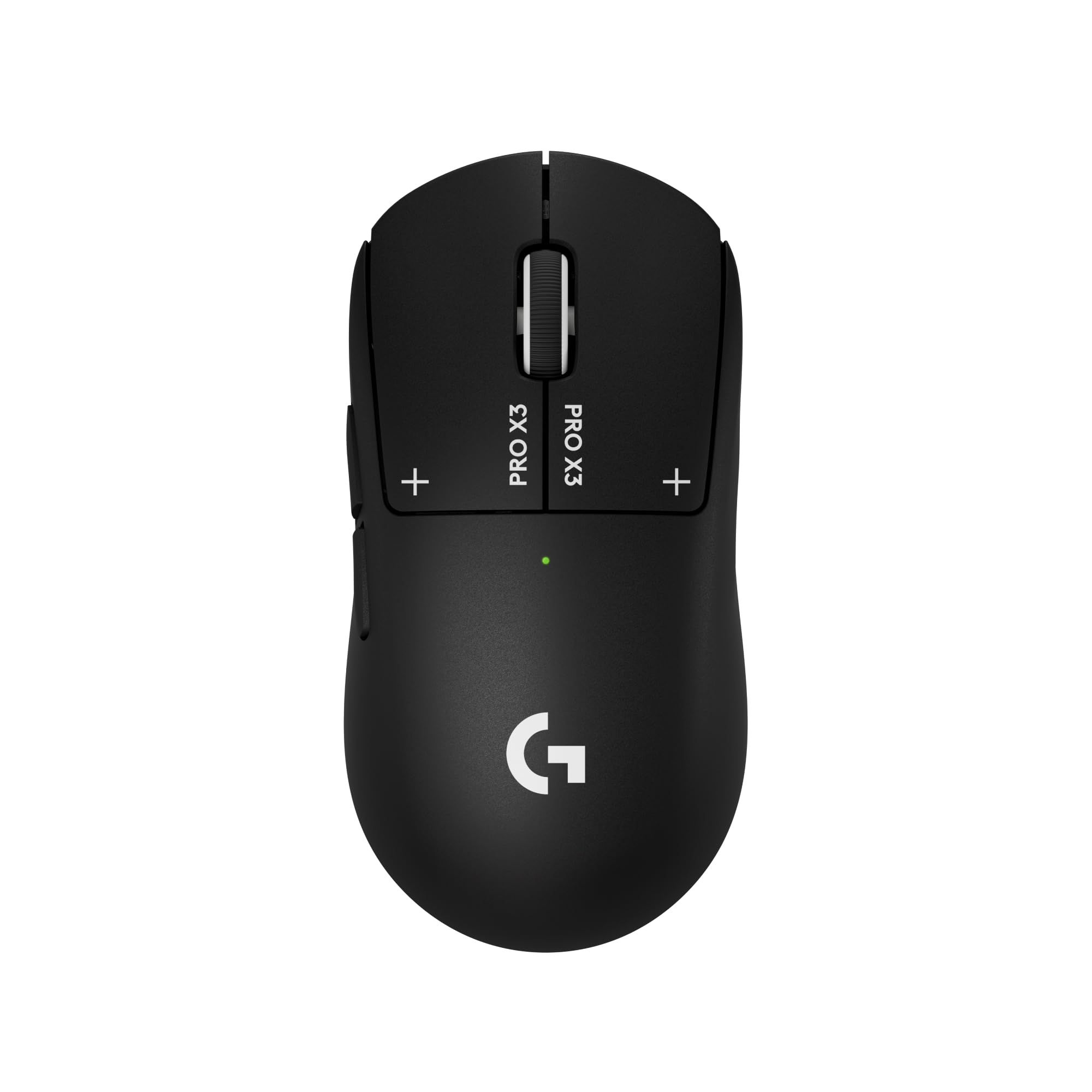
The Logitech G Pro X3 Superstrike is a wireless gaming mouse designed alongside esports athletes. Its Haptic Inductive Trigger system replaces standard switches with an electromagnetic field and gives 10 actuation points and 5 reset points.
The HERO 2 sensor tracks over 930 IPS, 90 G, and up to 48,000 DPI, and LIGHTSPEED wireless operates at up to 8 kHz polling. Battery life is up to 135 hours on a single charge, with recharging by USB-C or a POWERPLAY mouse pad, which is sold separately. The case has 0.7 mm thin walls and extra-large UHMWPE feet, and advanced features require Logitech G HUB software.
Key highlights
- Haptic Inductive Trigger system
- 10 actuation points and 5 reset points
- HERO 2 sensor: over 930 IPS, 90 G, and up to 48,000 DPI
- LIGHTSPEED wireless at up to 8 kHz polling
- Up to 135 hours of battery life on a single charge
- 4.92 inches long and 2.5 inches wide
Pros
- Up to 48,000 DPI, against up to 12,000 DPI on the Logitech G305 Lightspeed
- 2-year limited hardware warranty
- Recharges by USB-C
- 0.7 mm thin-wall case with extra-large UHMWPE feet
Cons
- Advanced features require Logitech G HUB software
- The POWERPLAY mouse pad is not included and is sold separately
- Up to 135 hours on a single charge, against 250 hours on 1 AA battery for the Logitech G305 Lightspeed
Who it is for: Competitive players who want a premium gaming mouse with 10 actuation points and LIGHTSPEED wireless at up to 8 kHz polling.
Skip if
You want more hours from one battery. The Logitech G305 Lightspeed runs 250 hours on 1 AA battery.
Logitech G305 Lightspeed - Best budget gaming mouse
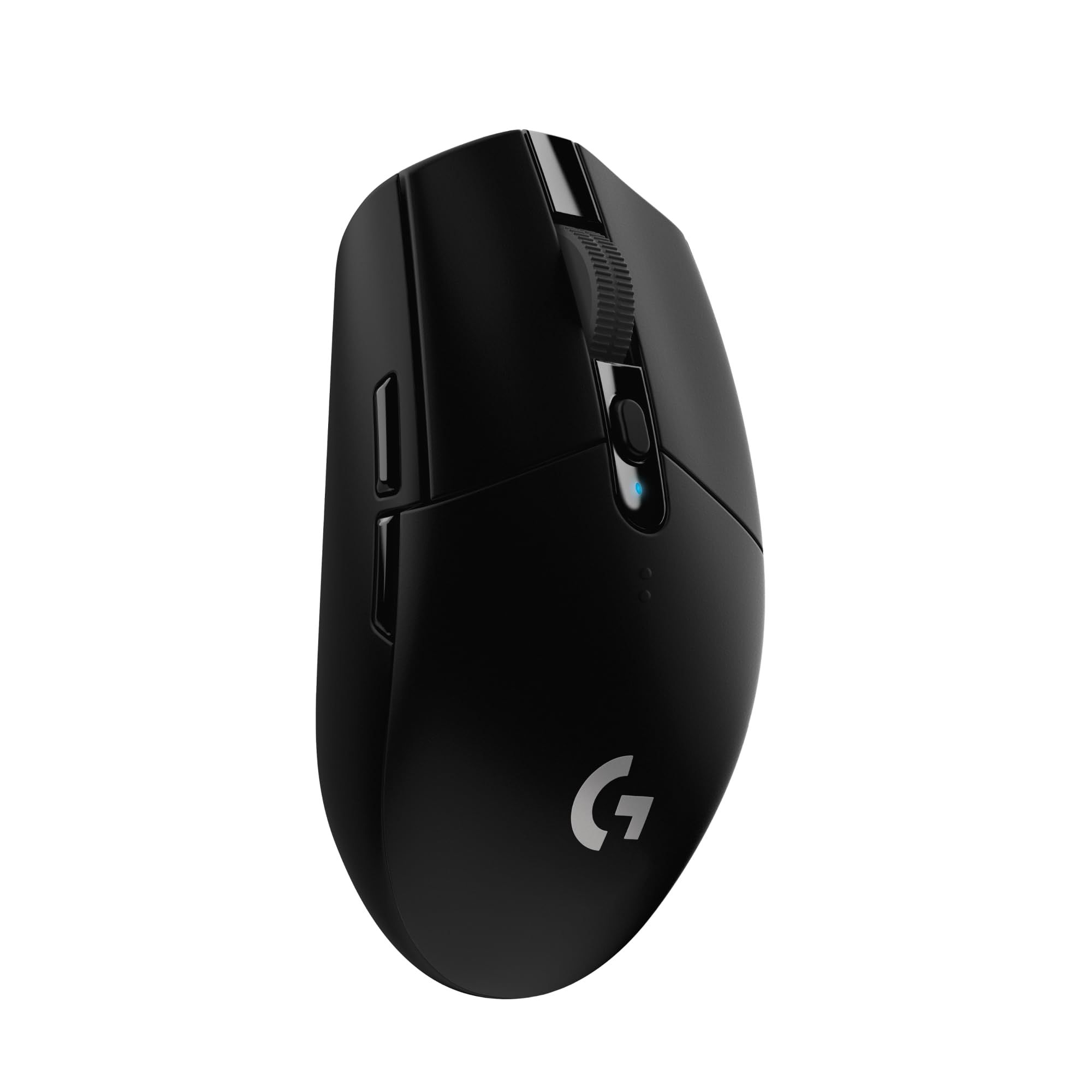
The Logitech G305 Lightspeed is the budget gaming pick. It uses LIGHTSPEED wireless with a 1 ms report rate and a HERO sensor with 400 IPS and up to 12,000 DPI.
It runs for 250 hours of continuous gameplay on 1 AA battery, and Endurance mode in Logitech G HUB software extends battery life up to 9 months. It weighs 3.4 oz, has 6 programmable buttons and on-board memory, and has built-in storage for its nano receiver. It works with PC and Mac.
Key highlights
- LIGHTSPEED wireless with a 1 ms report rate
- HERO sensor with 400 IPS and up to 12,000 DPI
- 250 hours of continuous gameplay on 1 AA battery
- Endurance mode for up to 9 months of battery life
- 3.4 oz weight
- 6 programmable buttons and on-board memory
Pros
- 250 hours on 1 AA battery, against up to 135 hours on a single charge for the Logitech G Pro X3 Superstrike
- Built-in nano receiver storage
- 6 programmable buttons
- Works with PC and Mac
Cons
- Up to 12,000 DPI, against up to 48,000 DPI on the Logitech G Pro X3 Superstrike
- 400 IPS, against over 930 IPS on the Logitech G Pro X3 Superstrike
- Endurance mode is switched on through Logitech G HUB software
Who it is for: Players who want LIGHTSPEED wireless and a HERO sensor in a budget gaming mouse that runs on 1 AA battery.
Skip if
You want a higher DPI ceiling. The Logitech G Pro X3 Superstrike reaches up to 48,000 DPI.
Logitech Pebble Mouse 2 M350s - Best budget mouse
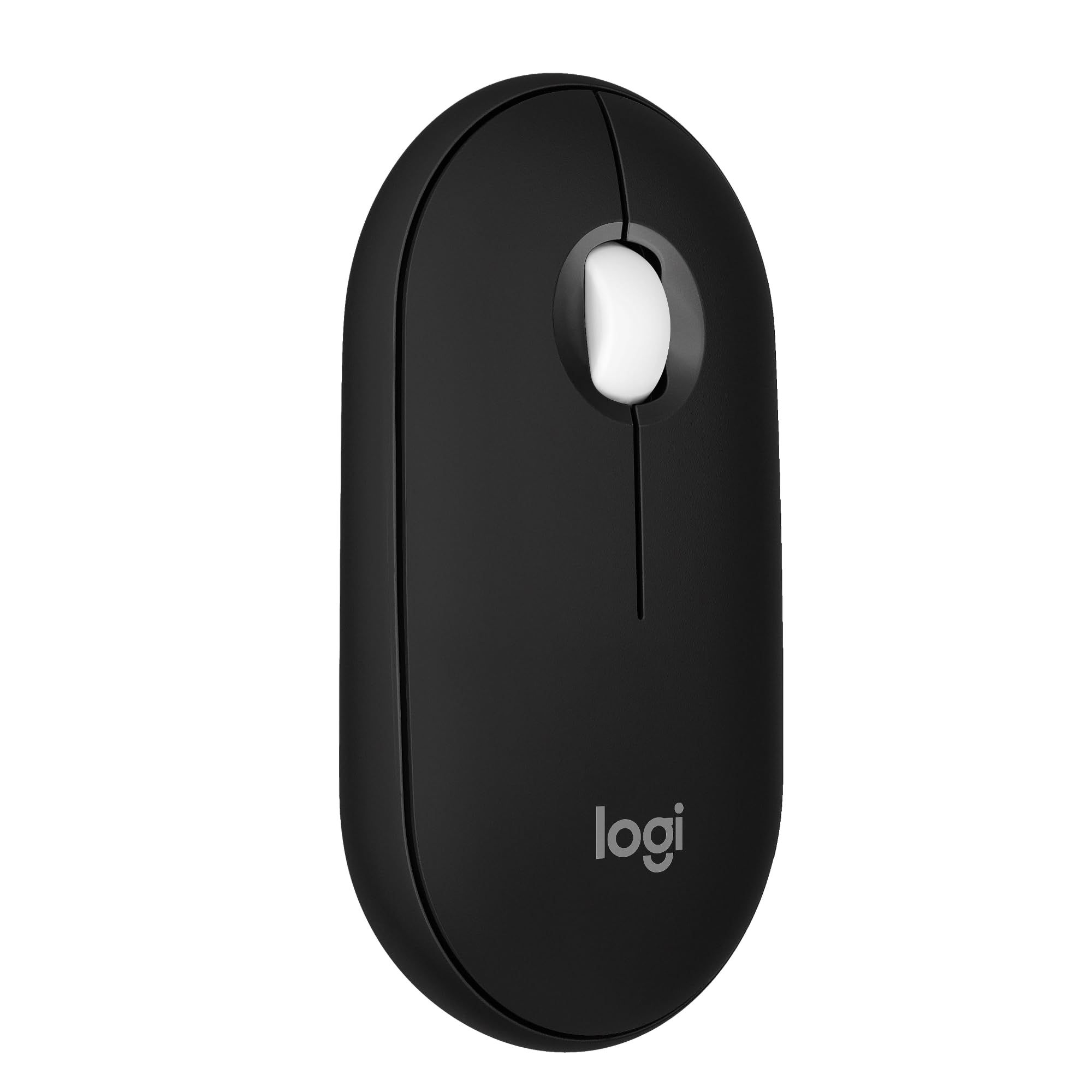
The Logitech Pebble Mouse 2 M350s is the budget pick: a slim, round Bluetooth mouse made with recycled plastic. It connects to up to 3 devices across Windows, macOS, iPadOS, and ChromeOS, and an Easy-Switch button moves between them.
It uses Silent Touch Technology for quiet clicks, and the middle button can be personalized in the Logi Options+ app with shortcuts for apps. The battery is included, battery life is 2 years, and there is an auto-sleep power-saving mode. The Logi Bolt receiver is not included.
Key highlights
- Bluetooth connection for up to 3 devices
- Easy-Switch button
- Silent Touch Technology
- Middle button customizable in the Logi Options+ app
- 2 years of battery life
- Minimum 58% certified post-consumer recycled plastic in the plastic parts
Pros
- Battery included
- Auto-sleep power-saving mode
- Connects across Windows, macOS, iPadOS, and ChromeOS
- Compatible with MacBook Neo laptops over Bluetooth
Cons
- Logi Bolt receiver not included
- 1-year limited hardware warranty, against 2 years on the Logitech G Pro X3 Superstrike
Who it is for: Anyone who wants a budget Bluetooth mouse to share between up to 3 devices on Windows, macOS, iPadOS, or ChromeOS.
Skip if
You want a receiver in the box. The Logi Bolt receiver is not included with this mouse; the Logitech Lift and the Logitech MX Ergo S each include a Logi Bolt receiver.
How to Choose
- Match the shape to your hand. The Logitech Lift is shaped for small to medium right hands. The Logitech MX Ergo S is for medium- to large-sized hands. For more shapes, see our best ergonomic mice.
- Check what comes in the box. The Logitech Lift and the Logitech MX Ergo S each include a Logi Bolt receiver. The Logitech MX Anywhere 3S comes with a charging cable and no USB receiver. The Logitech MX Ergo S does not include a charging cable.
- Read battery figures in their own units. Battery life is given in hours, days, or years depending on the mouse, so compare like with like. The Logitech G305 Lightspeed runs on 1 AA battery, and the Logitech MX Ergo S charges by USB-C.
- Count your devices. The Logitech MX Anywhere 3S and the Logitech Pebble Mouse 2 M350s each connect to up to 3 devices over Bluetooth. That matters if you move between a laptop, a tablet, and a desktop.
- For gaming, look at the sensor and wireless figures. The Logitech G Pro X3 Superstrike has a HERO 2 sensor with up to 48,000 DPI and LIGHTSPEED wireless at up to 8 kHz polling. The Logitech G305 Lightspeed has a HERO sensor with up to 12,000 DPI and a 1 ms report rate. Our best wireless gaming mice page covers more options.
- Check the software. Advanced features on the Logitech G Pro X3 Superstrike require Logitech G HUB software. Button customization on the Logitech MX Anywhere 3S, the Logitech MX Ergo S, and the Logitech Pebble Mouse 2 M350s runs through Logi Options+.
FAQ
Which Logitech mouse is the best overall pick?
The Logitech MX Master 4 is our best overall pick. It has a Haptic Sense Panel, an Actions Ring overlay, a MagSpeed scroll wheel, a thumb scroll wheel, and a USB-C dongle or Bluetooth connection.
Which of these mice use or include a USB receiver?
The Logitech Lift includes a Logi Bolt USB-A receiver. The Logitech MX Ergo S includes a Logi Bolt USB receiver. The Logitech MX Master 4 connects through a USB-C dongle, and the Logitech G305 Lightspeed has built-in storage for its nano receiver. The Logitech MX Anywhere 3S comes with no USB receiver. The Logitech Pebble Mouse 2 M350s does not include a Logi Bolt receiver.
Which picks state Linux support?
The Logitech MX Anywhere 3S connects over Bluetooth on Windows, macOS, Chrome OS, Googlebook OS or Linux. The Logitech Lift connects to Windows, macOS, iPadOS, Chrome OS, or Linux.
How long do the batteries last?
The Logitech Lift has up to two years of battery life. The Logitech Pebble Mouse 2 M350s has 2 years of battery life. The Logitech MX Ergo S lasts up to 120 days on a full charge. The Logitech MX Anywhere 3S lasts up to 70 days on a full charge. The Logitech G Pro X3 Superstrike has up to 135 hours of battery life on a single charge. The Logitech G305 Lightspeed runs 250 hours of continuous gameplay on 1 AA battery.
Which picks are built for gaming?
The Logitech G Pro X3 Superstrike is a wireless gaming mouse with a HERO 2 sensor and LIGHTSPEED wireless at up to 8 kHz polling. The Logitech G305 Lightspeed is a wireless gaming mouse with a HERO sensor and LIGHTSPEED wireless with a 1 ms report rate.
Published November 23, 2026 Last updated November 23, 2026
Add Technobezz on Google:Preferred SourceGoogle Discover
More on mice
Buying guide
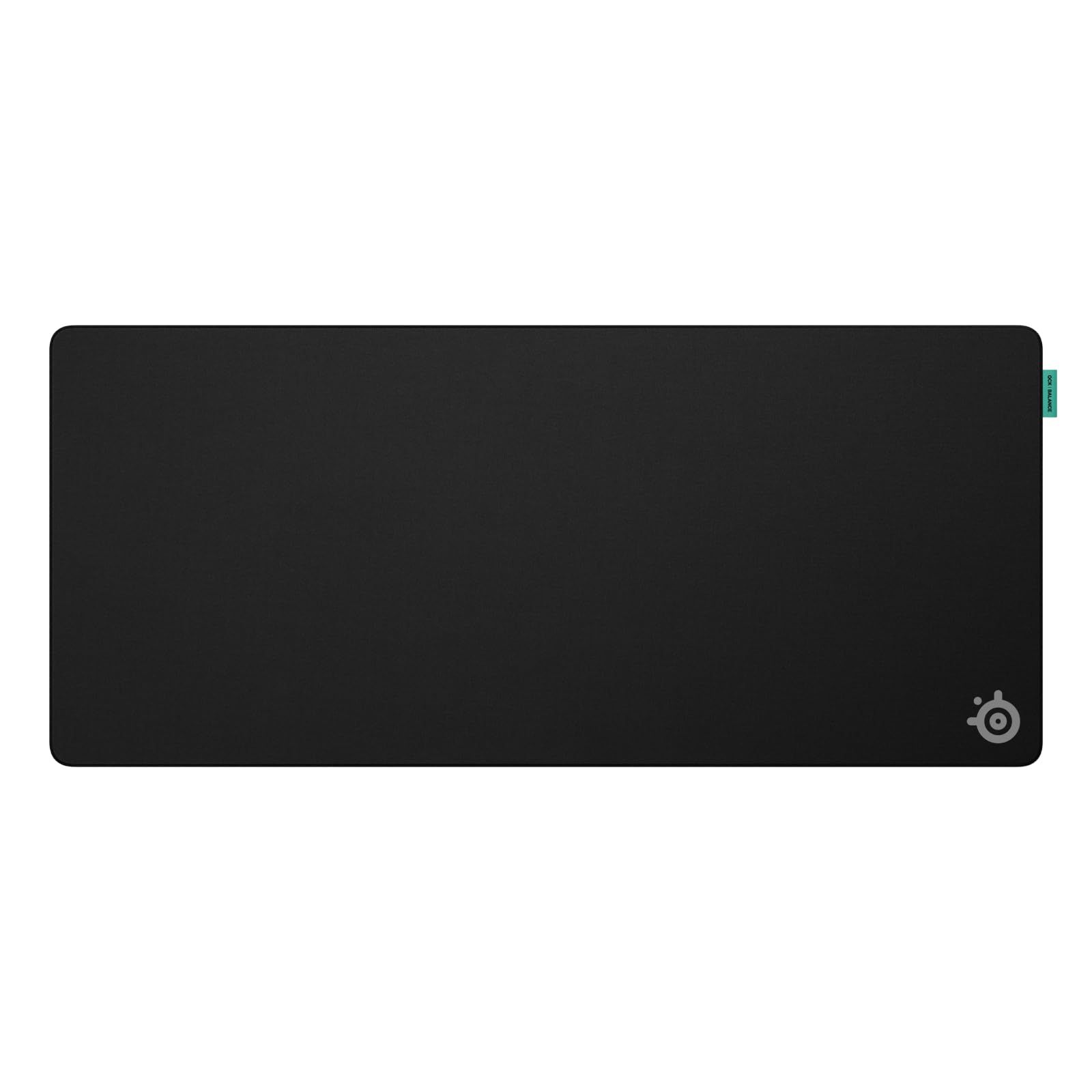
6 Best Gaming Mouse Pads in 2026
Deal
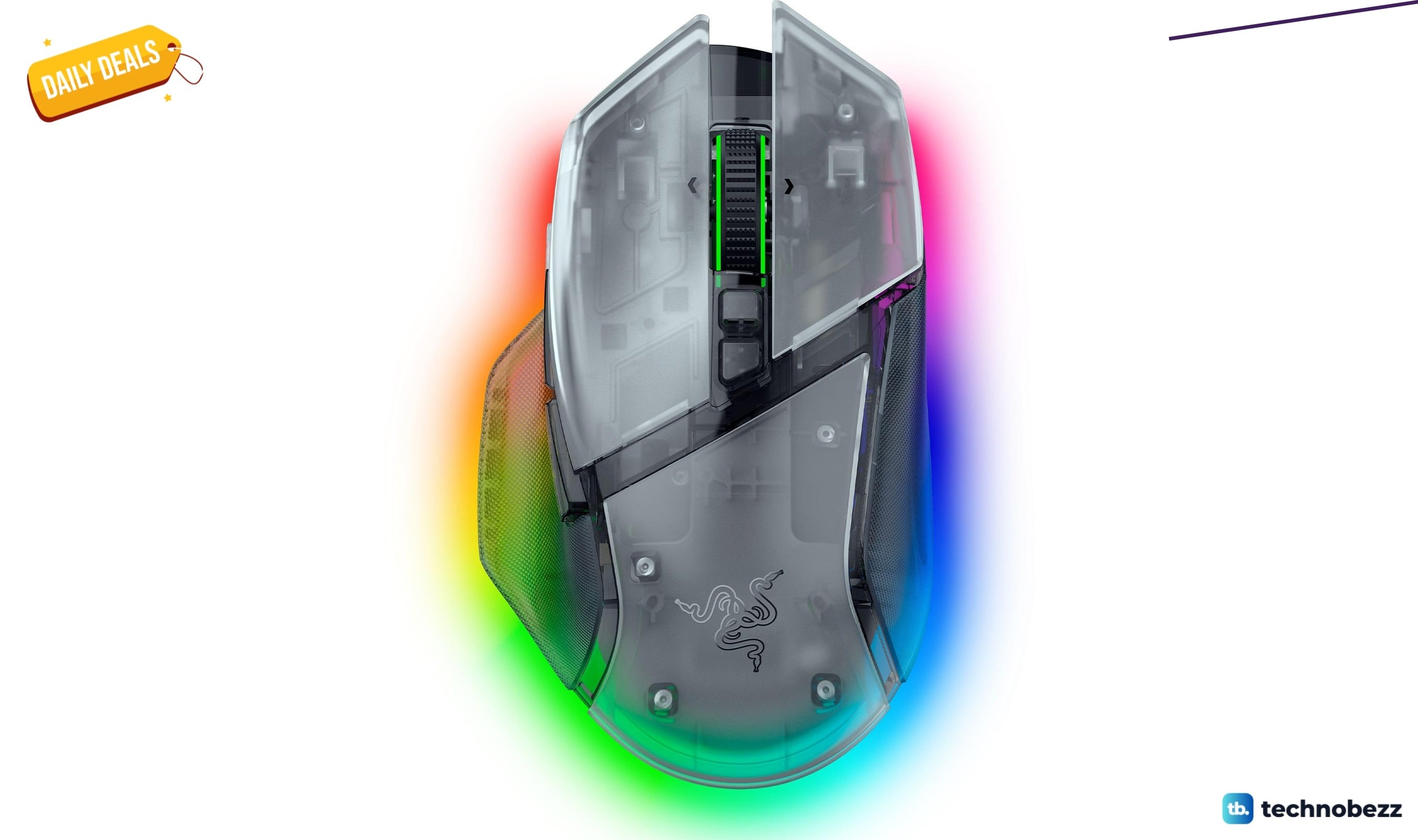
Razer Basilisk V3 Pro 35K Wireless Gaming Mouse gets a Prime Big Deal Days price cut to $113.99
Deal
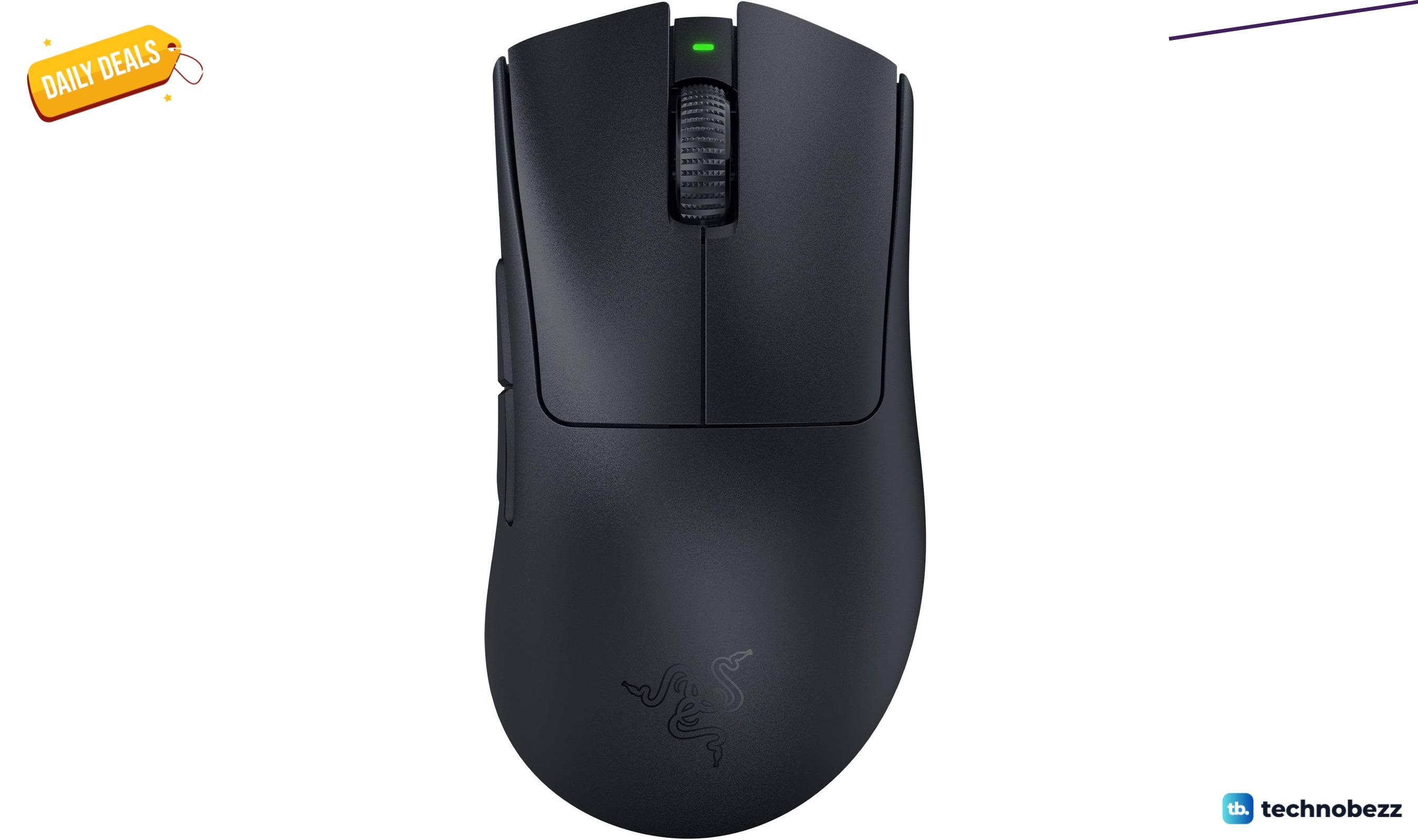
Razer DeathAdder V3 Pro Wireless Gaming Mouse gets a Prime Big Deal Days price cut to $61.74
Deal
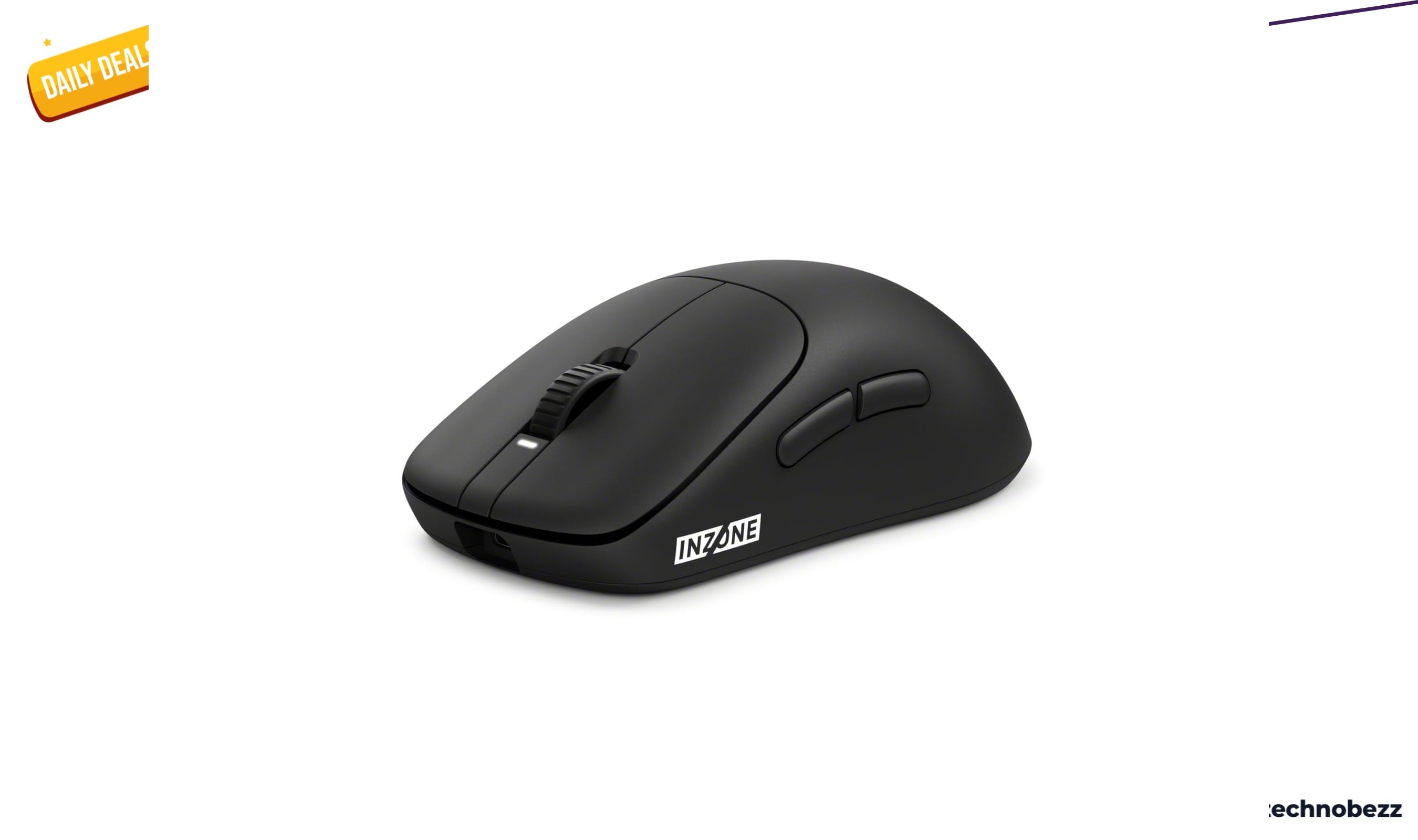
Sony INZONE Mouse-A Ultra-Lightweight 48g Wireless Esports gets an early Prime Big Deal Days price cut to $98
More buying guides
Buying guide7 Best JBL Speakers in 2026Buying guide5 Best Bose Headphones in 2026Buying guide7 Best Beats Headphones in 2026Buying guide9 Best Wireless Earbuds for 2026Buying guide8 Best Anti-Glare TVs for 2026Buying guide6 Best Office Chairs in 2026Buying guide7 Best Cordless Vacuums in 2026Buying guide5 Best Ink Tank Printers in 2026