If you need one machine that can print, scan, copy, and sometimes fax, an all-in-one printer saves space and simplifies your home office setup. The HP OfficeJet Pro 9125e hits the sweet spot for most people with its reliable performance and modern features. This list helps you choose between inkjet convenience and laser speed, whether you print occasionally or daily.
Technobezz is supported by its audience. We may get a commission from retail offers.
7 Best All-in-One Printers for Home in 2026
HP OfficeJet Pro 9125e leads our picks for the best all-in-one home printers. Compare top models for value, speed, and high-volume printing.
T
Technobezz
Senior Editor
Updated September 14, 2026Sep 14, 2026
•9 min read

Get Deals Like These in Your Inbox
The best prices, reviewed weekly.
At a Glance
| Category | Product | Why We Picked It |
|---|---|---|
| Best overall | HP OfficeJet Pro 9125e | Balances speed, quality, and ease of use |
| Best value | Brother INKvestment MFC-T780DW | Exceptionally low ink costs |
| Best for high volume | Canon MAXIFY GX4020 MegaTank | Refillable ink system for thousands of pages |
| Best laser/LED | Brother MFC-L3780CDW | Fast color LED printing with single-pass duplex scanning |
| Best for photos | Epson EcoTank ET-3950 | Borderless photos up to letter size with refillable ink tanks |
| Also recommended | HP Smart Tank 7603 | Refillable ink tanks, fax, and a 35-sheet document feeder |
| Also recommended | Brother MFC-J1360DW | Automatic two-sided printing and a 20-sheet document feeder |
How we chose and tested
We evaluated printers based on real-world performance metrics including print quality, speed, and reliability. Our assessment considers factors like cost per page, paper handling capabilities, and connectivity options. We prioritize products that offer good value over time, not just low upfront costs. Features like automatic document feeders, duplex printing, and wireless connectivity were weighted based on typical home office needs.
The best all-in-one printers right now
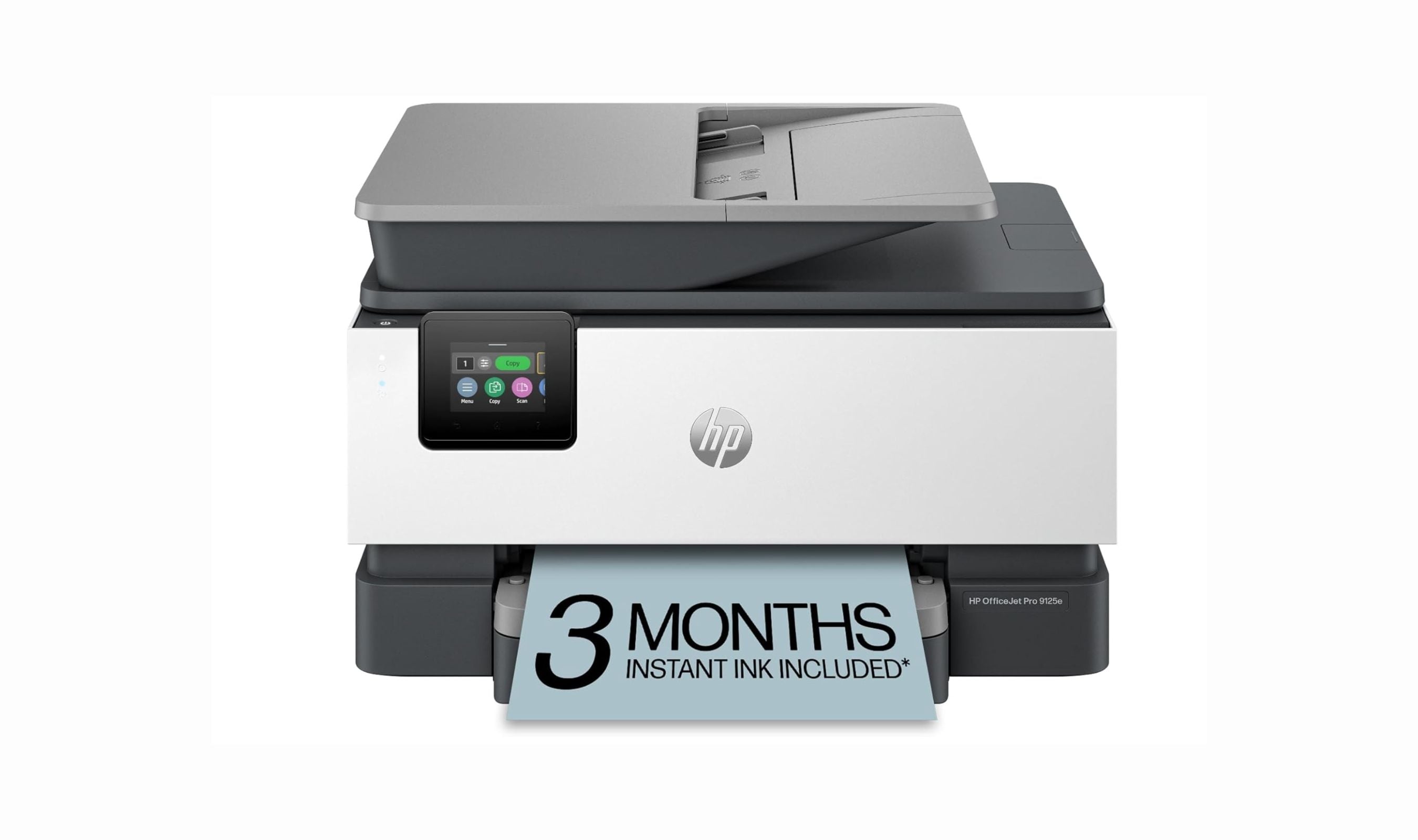
HP OfficeJet Pro 9125e - Best overall
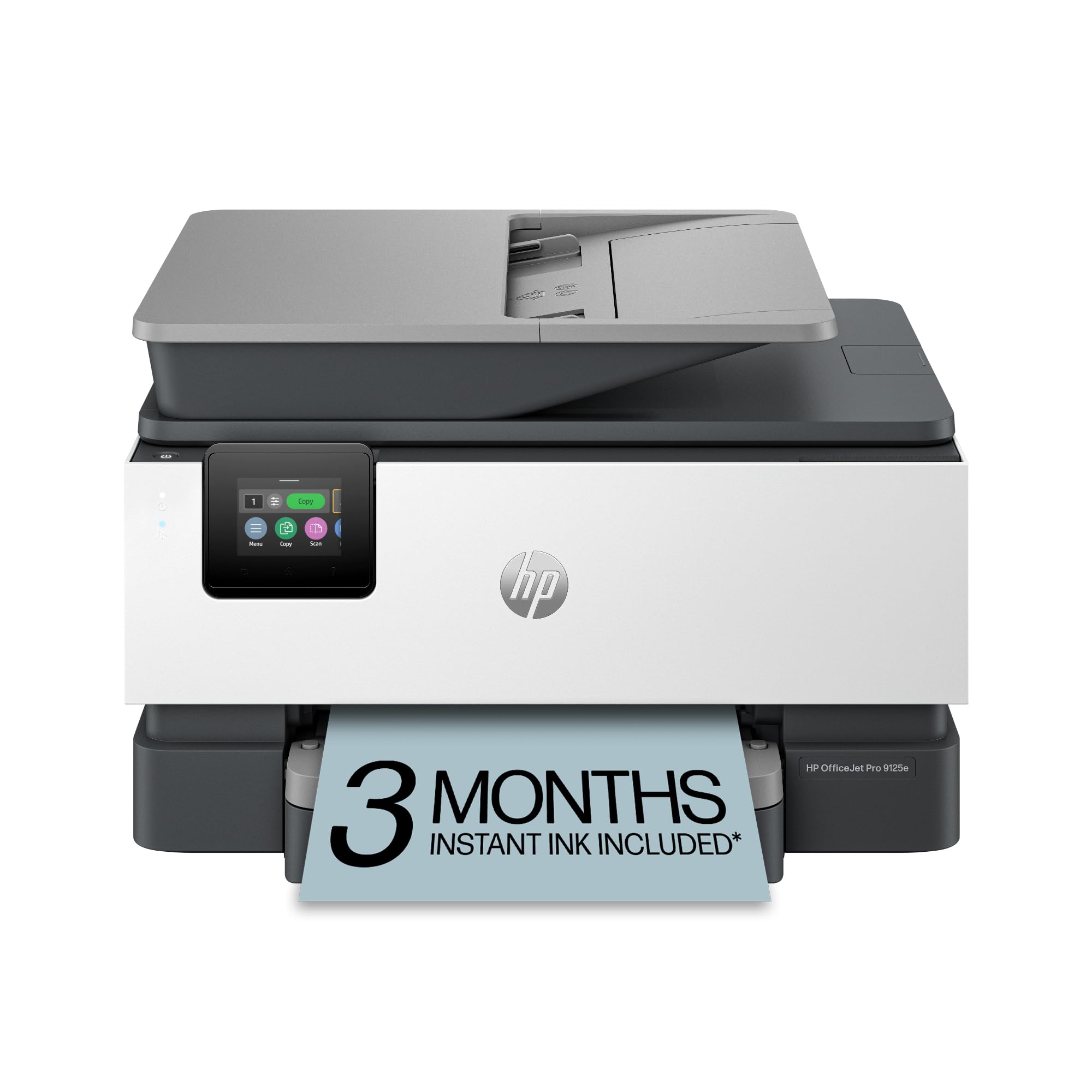
This inkjet all-in-one delivers the right mix of speed, quality, and modern features for most home offices. It handles printing, scanning, copying, and faxing with minimal fuss.
Key highlights
- Fast printing at up to 22 pages per minute for black and white documents
- Easy setup with intuitive touchscreen and mobile app integration
- Three-month Instant Ink trial with HP+ activation; a monthly fee applies afterward unless canceled
- Automatic document feeder handles multi-page scanning and copying
- Modern design that fits well in home office environments
Pros
- Reliable paper handling with minimal jams
- Good print quality for both text and graphics
- Wireless connectivity works consistently
- The HP app supports printer management from your phone
Cons
- Small 2.7-inch touchscreen can be tricky to navigate
- Optional HP+ activation requires an HP account, internet access, and Original HP ink for the life of the printer
- Single paper tray limits media switching convenience
- Colors may not be perfectly accurate for photo printing
Who it is for: Home office workers who need reliable all-around performance without specialized requirements.
Skip if
You exceed the recommended volume of 1,500 pages per month or need a dedicated photo printer.
Brother INKvestment MFC-T780DW - Best value
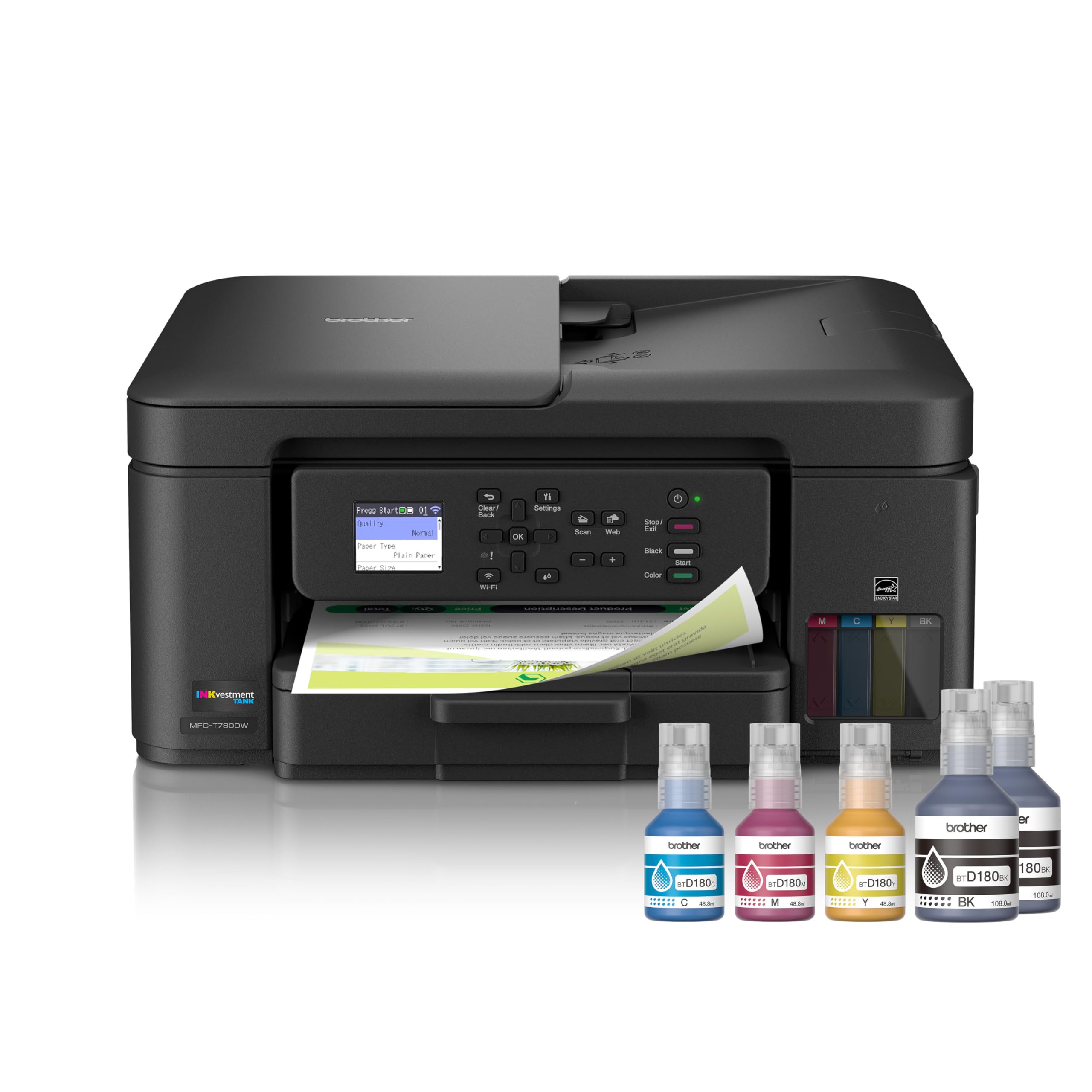
This inkjet all-in-one offers some of the lowest printing costs available, making it ideal for budget-conscious home offices that still need good performance.
Key highlights
- Extremely low ink costs at around 0.3 cents per black page
- Wireless connectivity with support for mobile printing
- Compact design suitable for smaller workspaces
- Comes with substantial ink supply for immediate use
Pros
- Outstanding value for money over time
- Good print and scan quality for everyday documents
- Easy to set up and use
- Reliable performance with minimal maintenance
Cons
- Limited 20-sheet automatic document feeder
- Cannot duplex scan or copy via automatic feeder
- Slower color printing than some competitors
Who it is for: Home offices that prioritize low operating costs and don't need advanced scanning features.
Skip if
You frequently scan multi-page documents or need fax capabilities.
Canon MAXIFY GX4020 MegaTank - Best for high volume
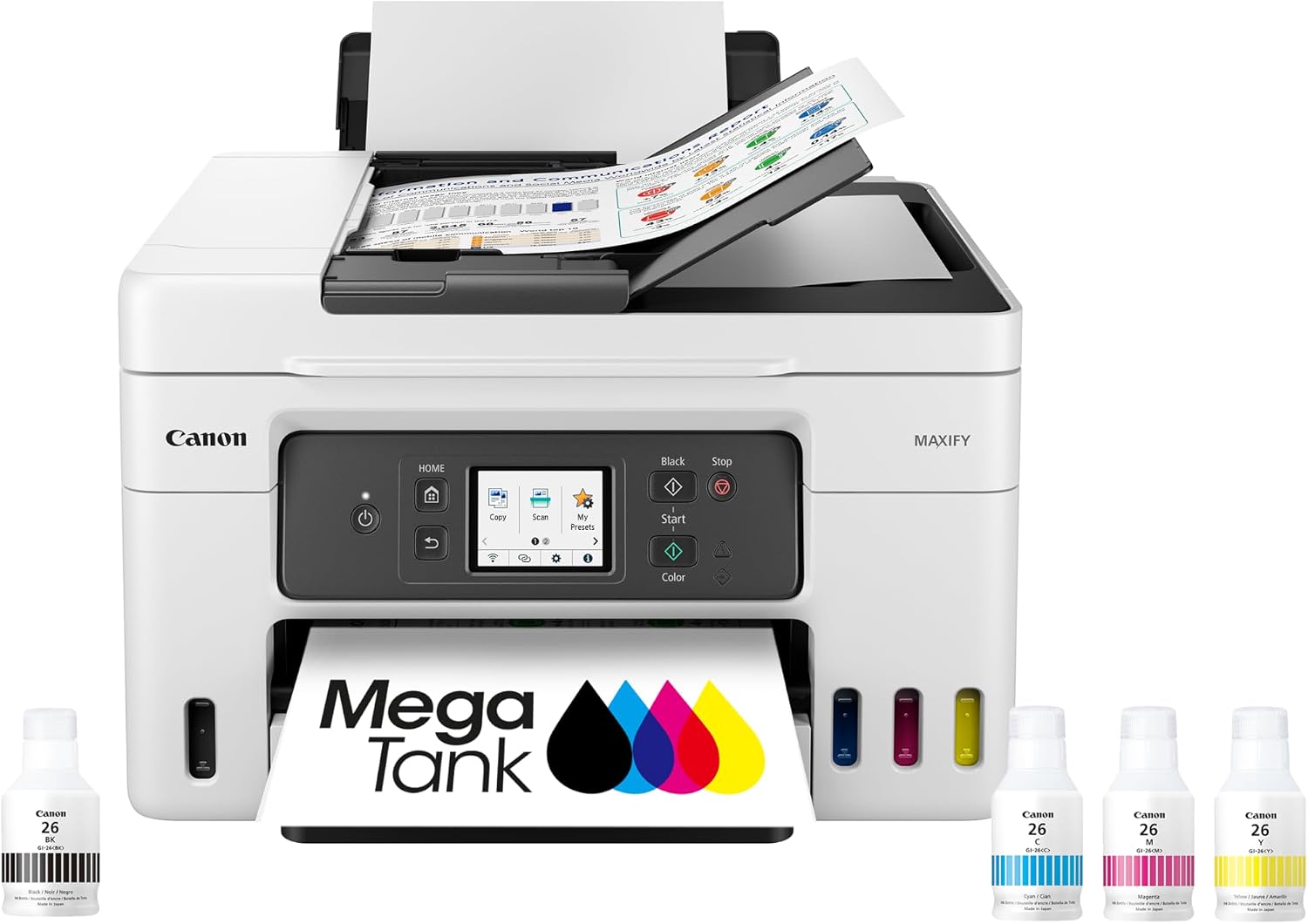
With its refillable ink tank system, this all-in-one delivers thousands of pages before needing refills, perfect for busy home offices.
Key highlights
- Refillable ink tanks provide up to 6,000 black or 14,000 color pages from one set of bottles
- Automatic document feeder handles 35 letter-size sheets
- Fax capability included for occasional use
- Monthly duty cycle of up to 33,000 pages
Pros
- Dramatically reduces ink costs compared to cartridge systems
- Good output quality for business documents
- Includes all essential functions in one unit
Cons
- Larger footprint than some competitors
- Legal-size originals drop the feeder to 5 sheets
- Slower print speeds than laser alternatives
- Initial setup requires filling ink tanks
Who it is for: Home offices that print regularly and want to minimize ongoing ink expenses.
Skip if
You have limited desk space or need the fastest possible printing speeds.
Brother MFC-L3780CDW - Best laser/LED
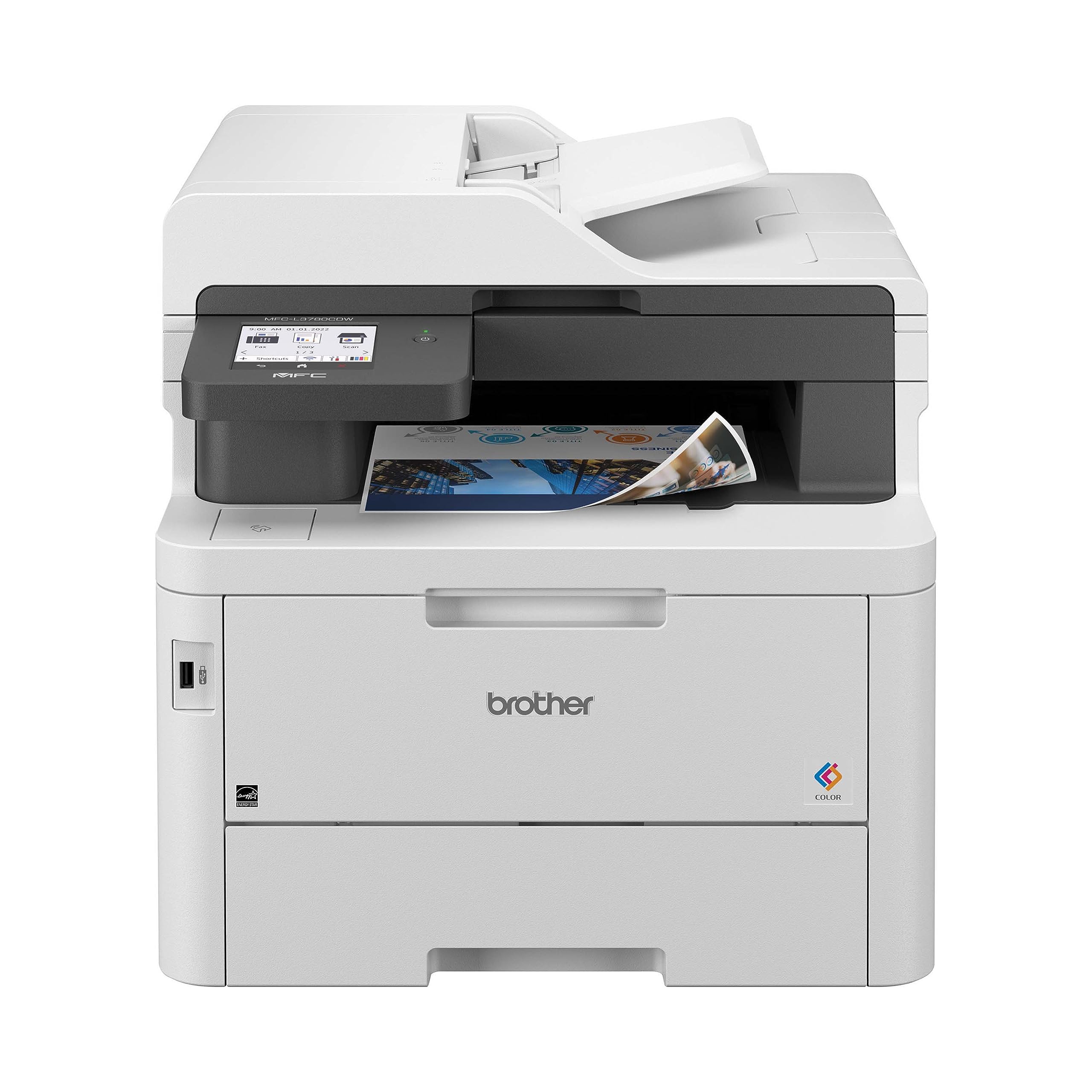
This color LED all-in-one uses toner to produce laser-quality output, making it suitable for home offices that prioritize text documents.
Key highlights
- Fast printing at up to 31 pages per minute for monochrome documents
- Good print quality with sharp text and decent graphics
- Wireless connectivity with NFC support for badge authentication and secure print release
- Automatic document feeder for scanning and copying
- Toner options include standard, high-yield, and super-high-yield cartridges
Pros
- Consistent performance with minimal maintenance
- Good paper handling capabilities
- Reliable wireless connectivity
- Faster than most inkjet alternatives
Cons
- Modest 30-sheet multipurpose tray
- Larger and heavier than inkjet models
- Higher upfront cost than inkjet alternatives
- Toner replacement costs more than ink refills
Who it is for: Home offices that print mostly text documents and value speed over lowest possible cost per page.
Skip if
You print mostly photos or need the absolute lowest operating costs.
Epson EcoTank ET-3950 - Best for photos
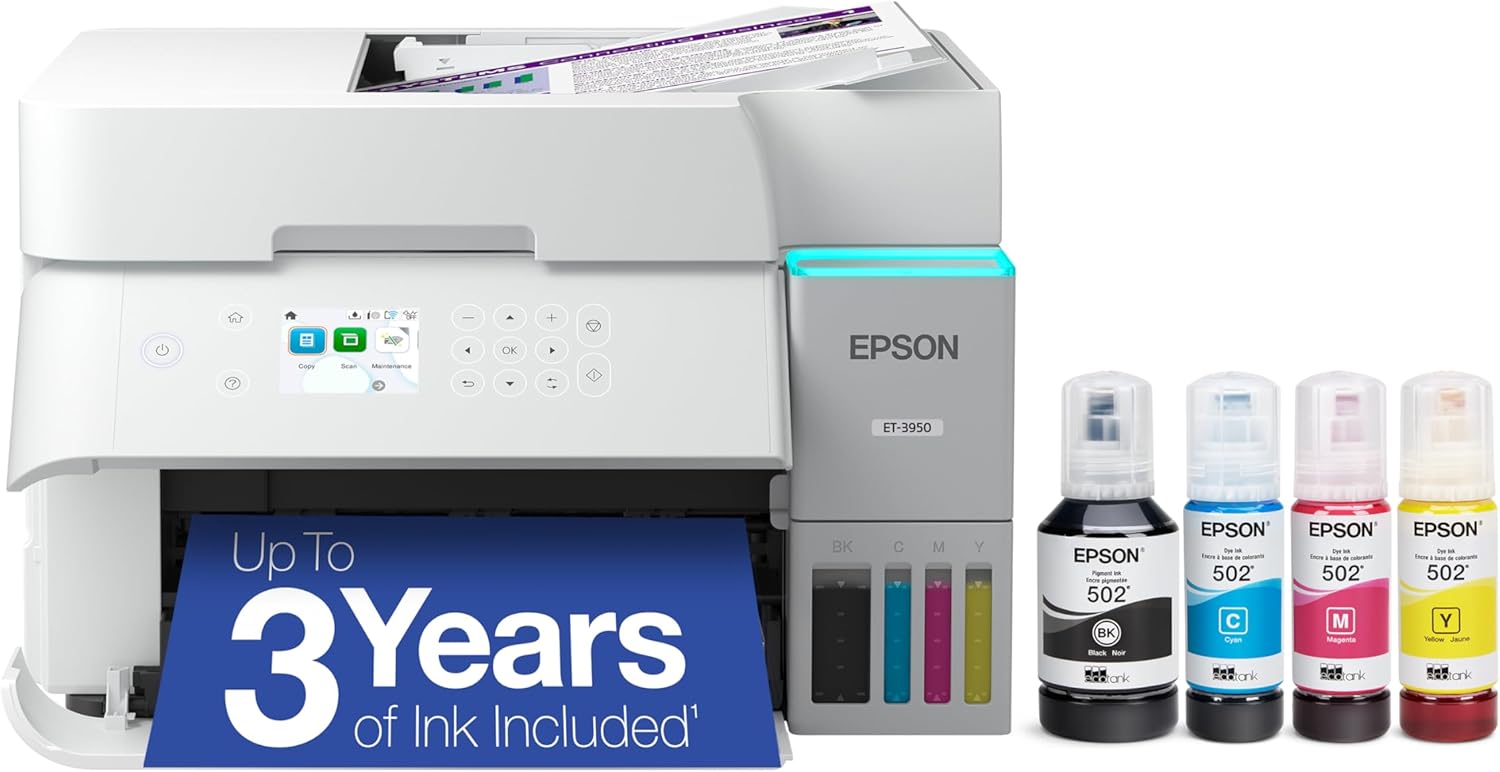
This refillable ink tank all-in-one combines borderless photo printing up to letter size with scanning, copying, and automatic two-sided document printing.
Key highlights
- Four-color ink system with up to 4800 x 1200 dpi print resolution
- Print speeds up to 18 ISO ppm black and 9 ISO ppm color
- 250-sheet paper tray and 30-sheet automatic document feeder
- Replacement ink yields up to 8,500 black or 6,500 color pages; included ink yields are lower
Pros
- Borderless printing up to 8.5 x 11 inches
- Refillable tanks and automatic two-sided printing
- Wi-Fi, Ethernet, and USB connectivity
Cons
- Small 2.4-inch display
- No fax function
- Borderless prints are limited to letter size
Who it is for: Households printing photos, schoolwork, and everyday documents from one refillable printer.
Skip if
You need borderless photos larger than letter size or a built-in fax.
Also Good
- HP Smart Tank 7603 - refillable ink tanks with print, scan, copy, fax, and a 35-sheet automatic document feeder. Check Price on HP
- Brother MFC-J1360DW - automatic two-sided printing and a 20-sheet document feeder; included starter cartridges are rated for approximately 200 pages.
How to Choose
Consider these factors when selecting your all-in-one printer:
Print volume: Estimate how many pages you print monthly. High-volume users benefit from refillable ink systems or laser printers with lower cost per page.
Document types: Text-heavy offices do well with laser printers for speed and sharp text. Offices needing color graphics or photos should consider inkjets with good color reproduction.
Space constraints: Measure your available space. Some all-in-ones have larger footprints than others, especially those with multiple paper trays or refillable ink tanks.
Connectivity needs: Wireless printing is essential for most home offices. Check for Wi-Fi, mobile printing support, and Ethernet if you need wired network connections.
Additional features: Automatic document feeders save time on multi-page scanning. Duplex printing reduces paper use. Fax capability matters only if you actually send faxes.
FAQ
What's the difference between inkjet and laser printers?
Inkjet printers use liquid ink and generally offer better color reproduction for photos and graphics. Laser printers use toner powder and excel at fast, sharp text printing with lower cost per page for high-volume text documents.
How much does it cost to operate a printer?
Operating costs vary significantly. Inkjet printers with refillable tanks can cost under one cent per page, while cartridge-based models may cost 5-10 cents per page. Laser printers typically cost 2-5 cents per page for text.
Do I need an automatic document feeder?
If you regularly scan or copy multi-page documents, an automatic document feeder saves considerable time. For occasional single-page scanning, a flatbed scanner alone may suffice.
What is duplex printing and do I need it?
Duplex printing means printing on both sides of the paper automatically. It reduces paper use by up to 50% and is valuable if you print lengthy documents regularly.
How important is wireless connectivity?
Wireless connectivity allows printing from computers, phones, and tablets without cables. For modern home offices with multiple devices, reliable Wi-Fi printing is essential.
Published April 25, 2026 Last updated September 15, 2026
Share this article
More in News
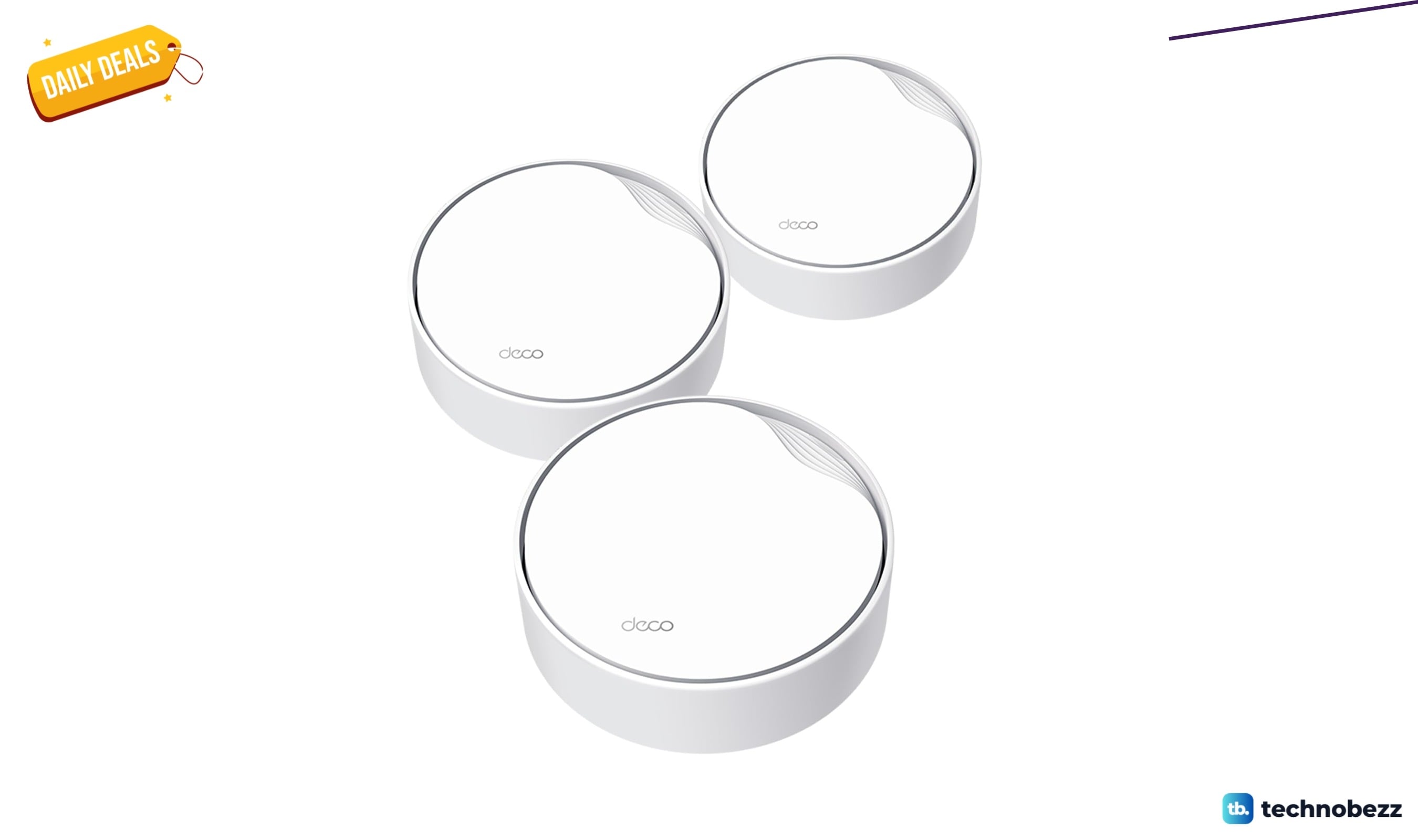
TP-Link AX3000 PoE Mesh WiFi 6 down to $199.98 in latest price cut
TP-Link's Deco X50-PoE three-pack hits a record-low $199.98, saving $50 on PoE mesh WiFi 6 with 2.5G ports.
3 min read
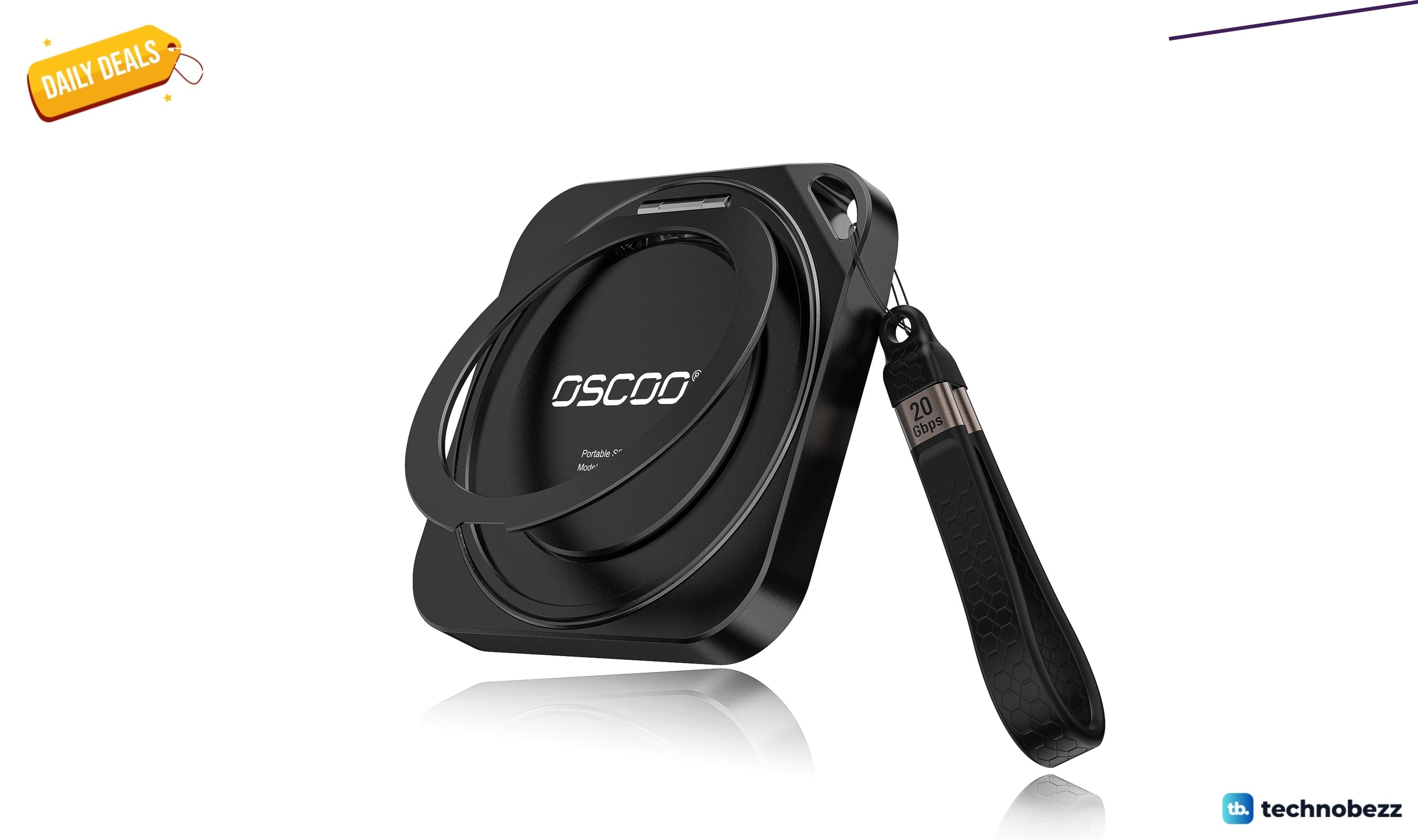
OSCOO 2TB Magnetic External SSD drops to $299.98, its lowest price yet
Save 25 percent on the OSCOO 2TB MagSafe SSD at $299.98, its lowest price ever, with 2000MB/s reads for iPhone ProRes and RAW files.
5 min read
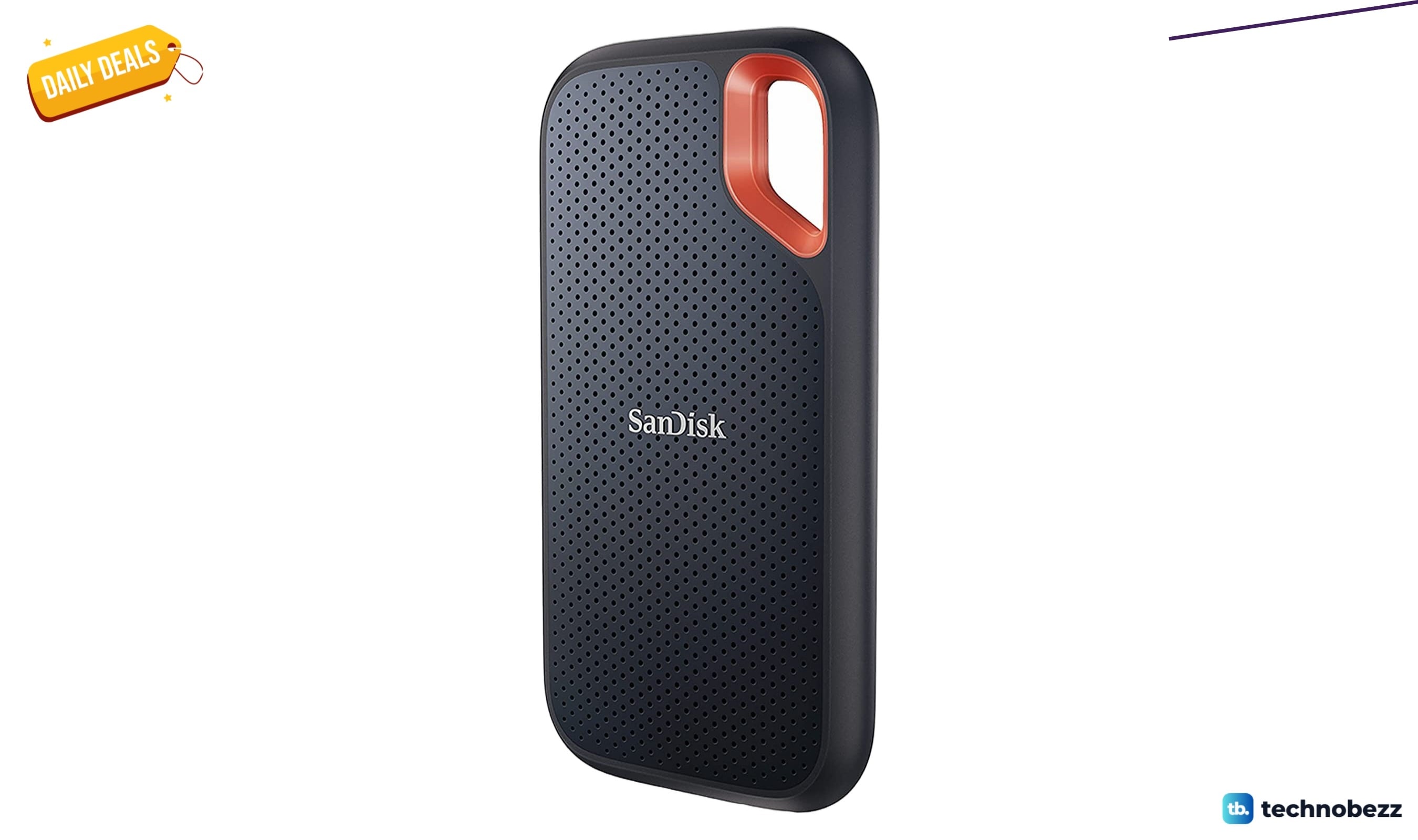
Sandisk 4TB Extreme Portable SSD sees price cut to $444
Save 17 percent on the Sandisk 4TB Extreme Portable SSD, now $444 at Amazon, well below its recent average price.
4 min read
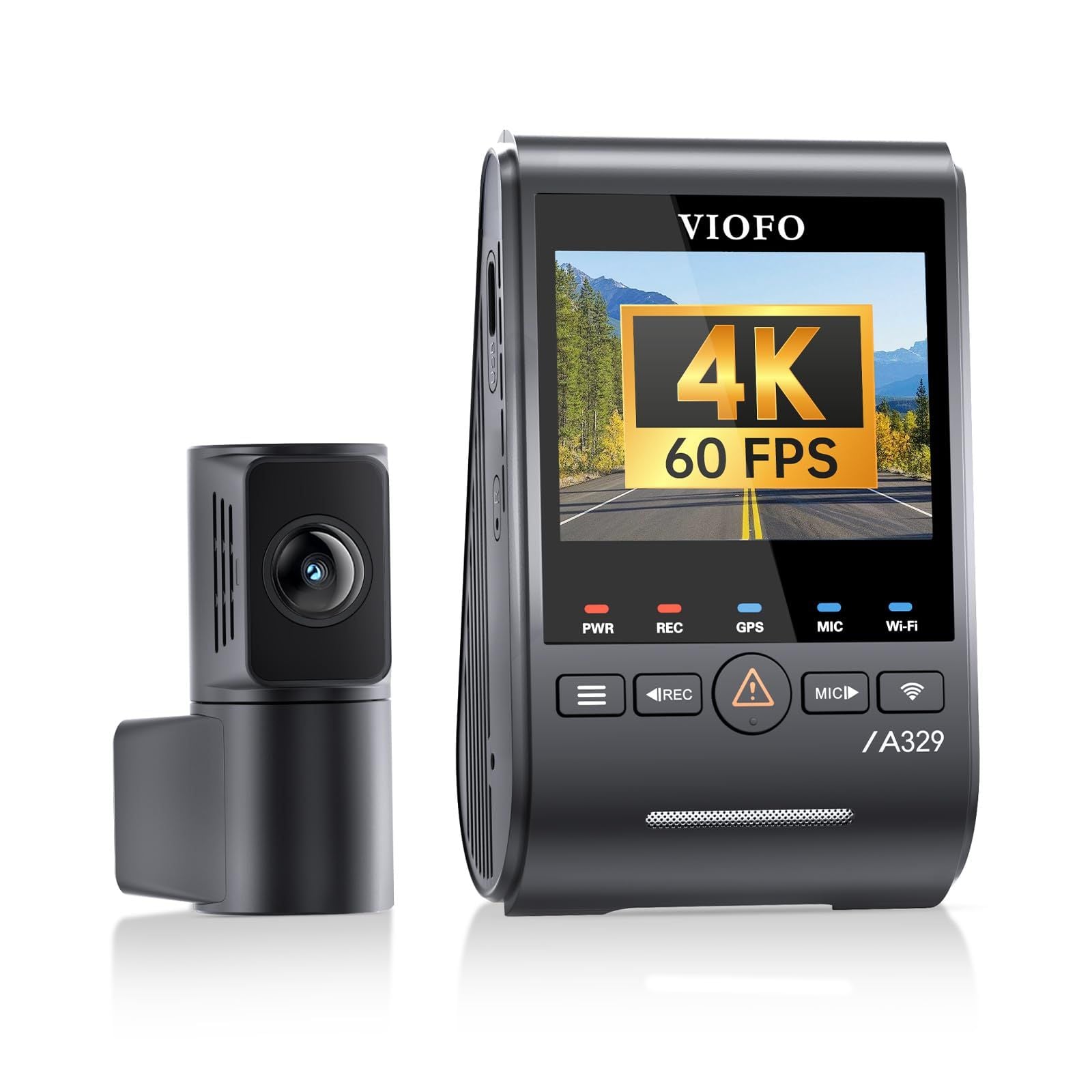
6 Best Dashcams for 2026
VIOFO A329S 2CH is our top dashcam pick for sharp front and rear recording, Wi-Fi 6, GPS and SSD support.
4 min read
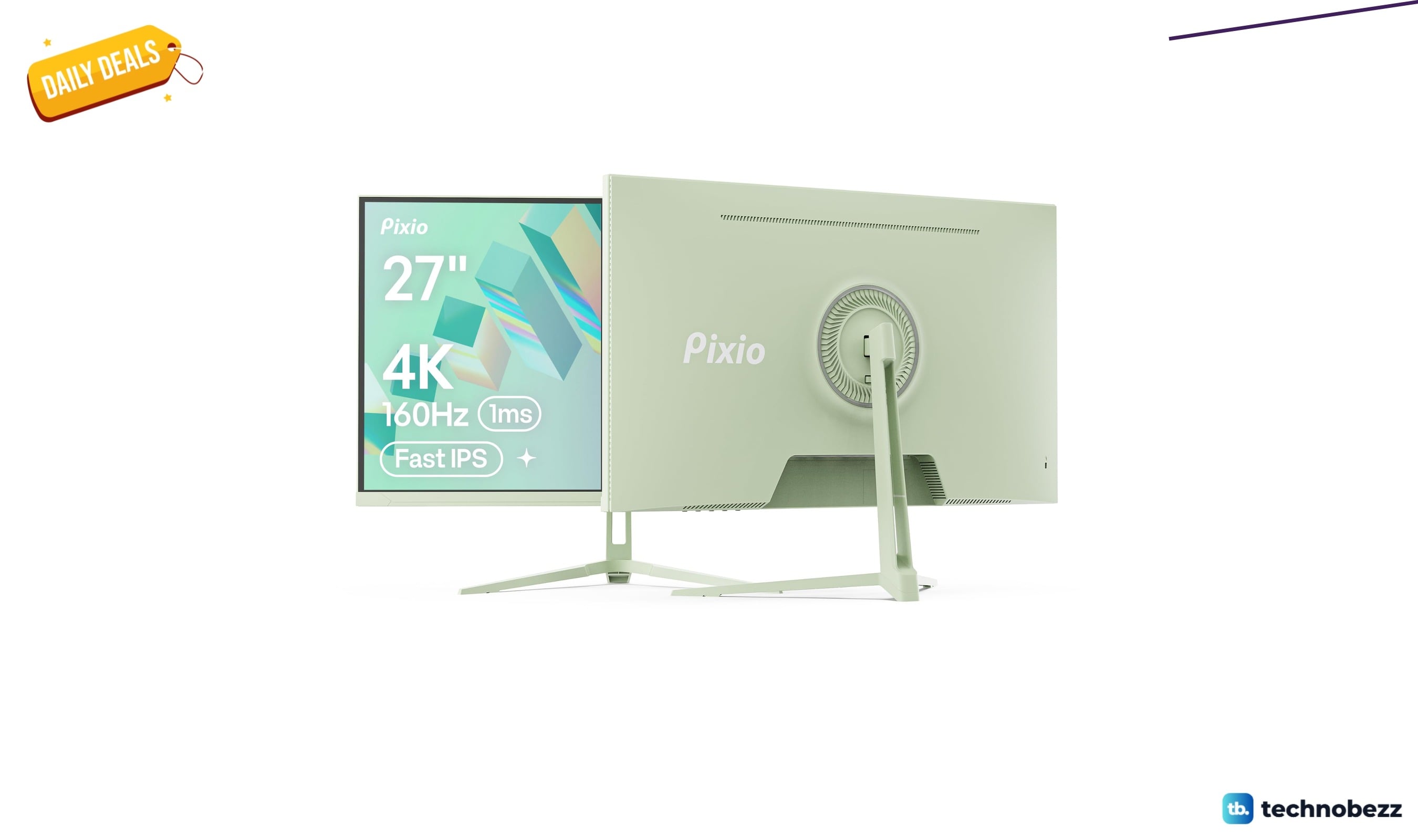
Pixio PX27U Wave Mint Green Refresh Rate now $299.99, down from $499.99
5 min read
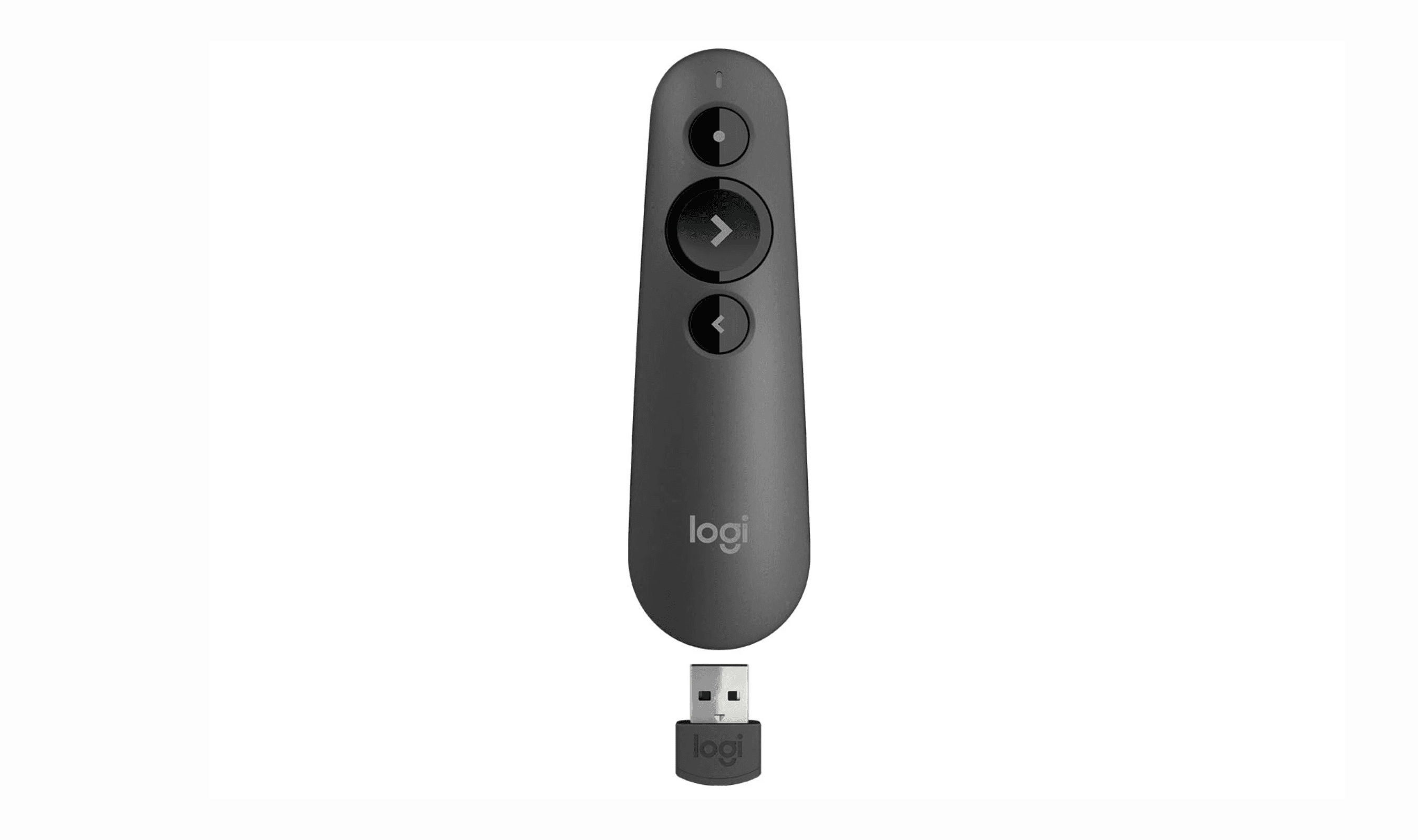
7 Best Wireless Presenters for 2026
4 min read
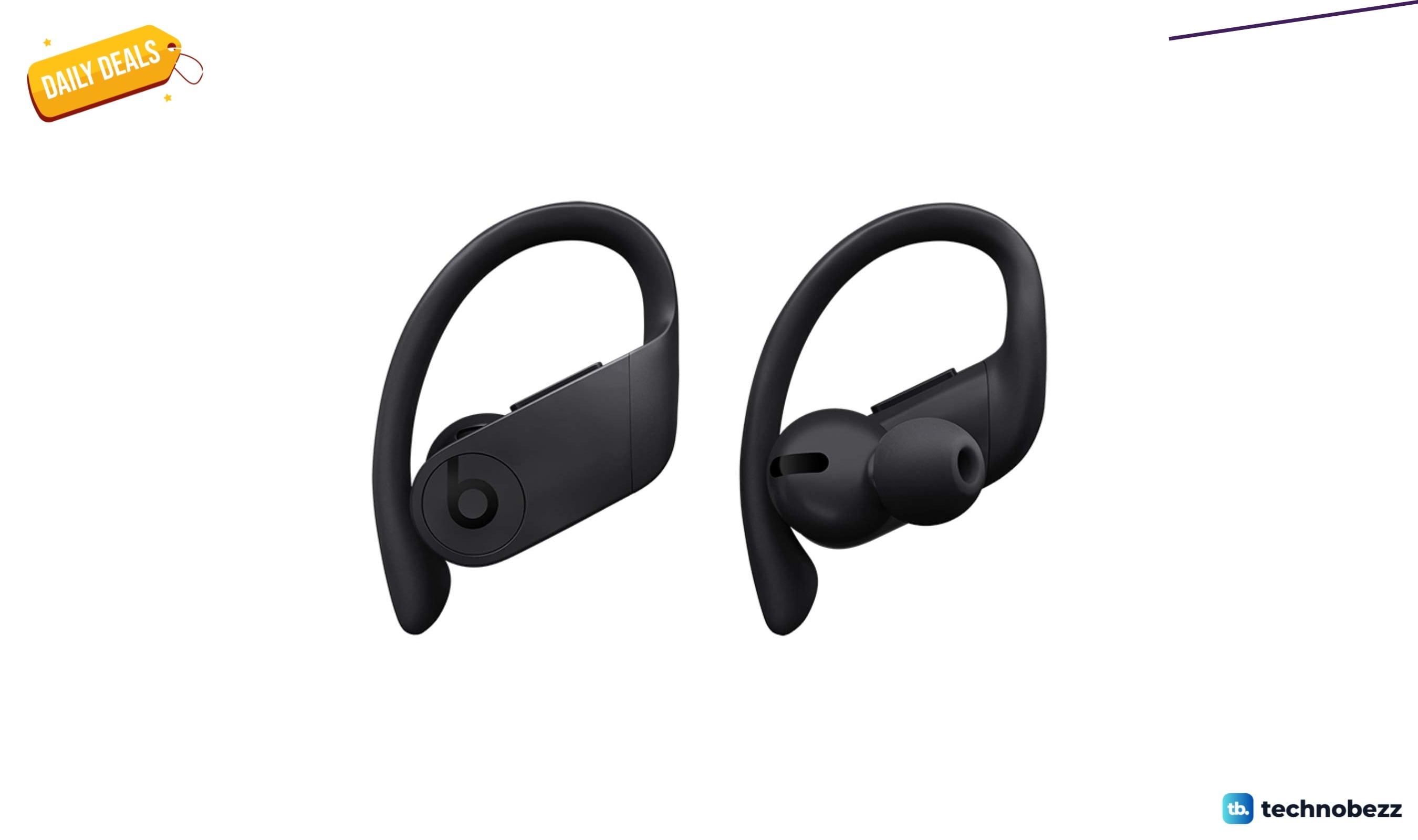
Powerbeats Pro Wireless Earphones Apple H1 Headphone down to $137.63 in latest price cut
4 min read
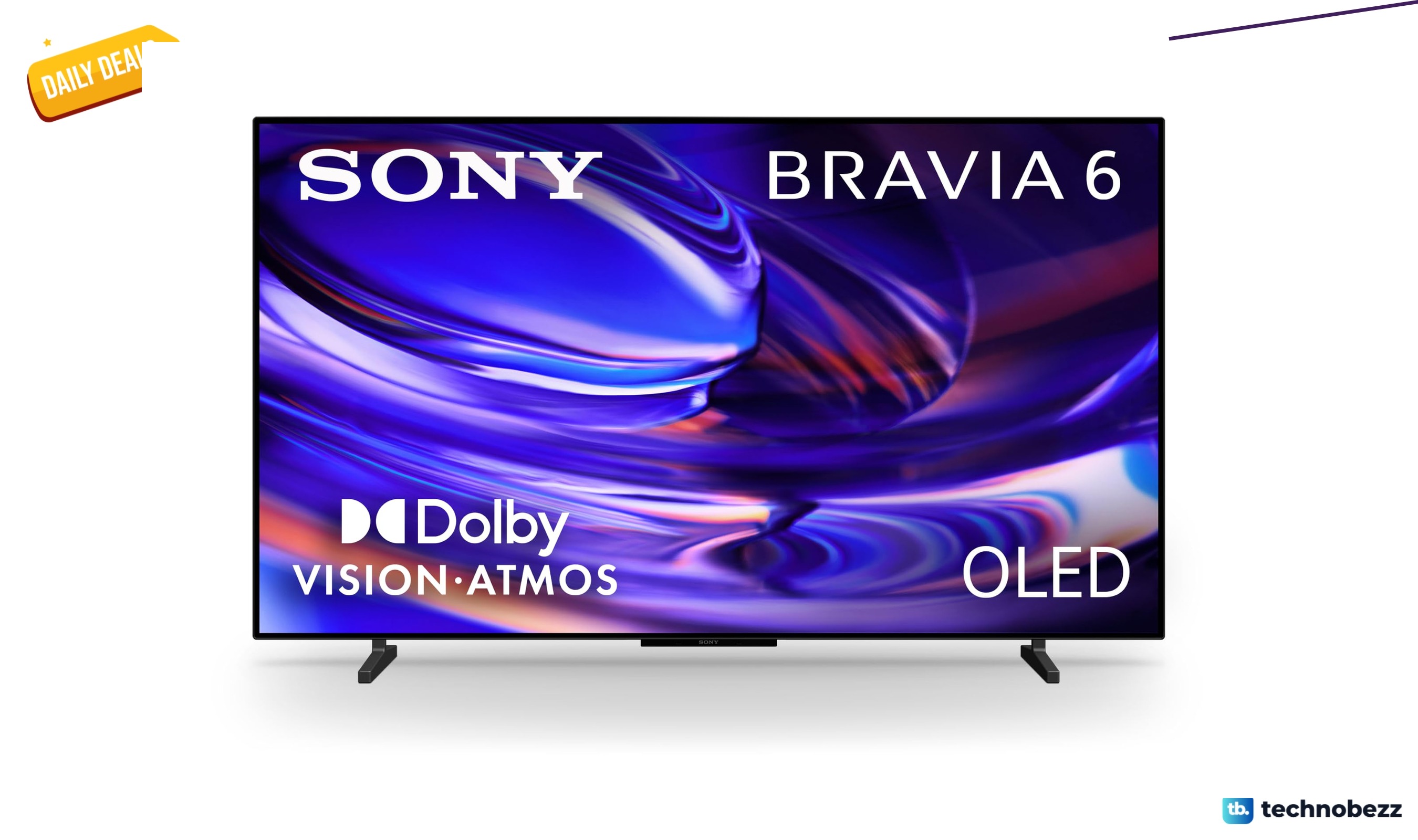
Sony 48-inch BRAVIA 6 OLED 4K HDR drops to $1098, its lowest price yet
5 min read
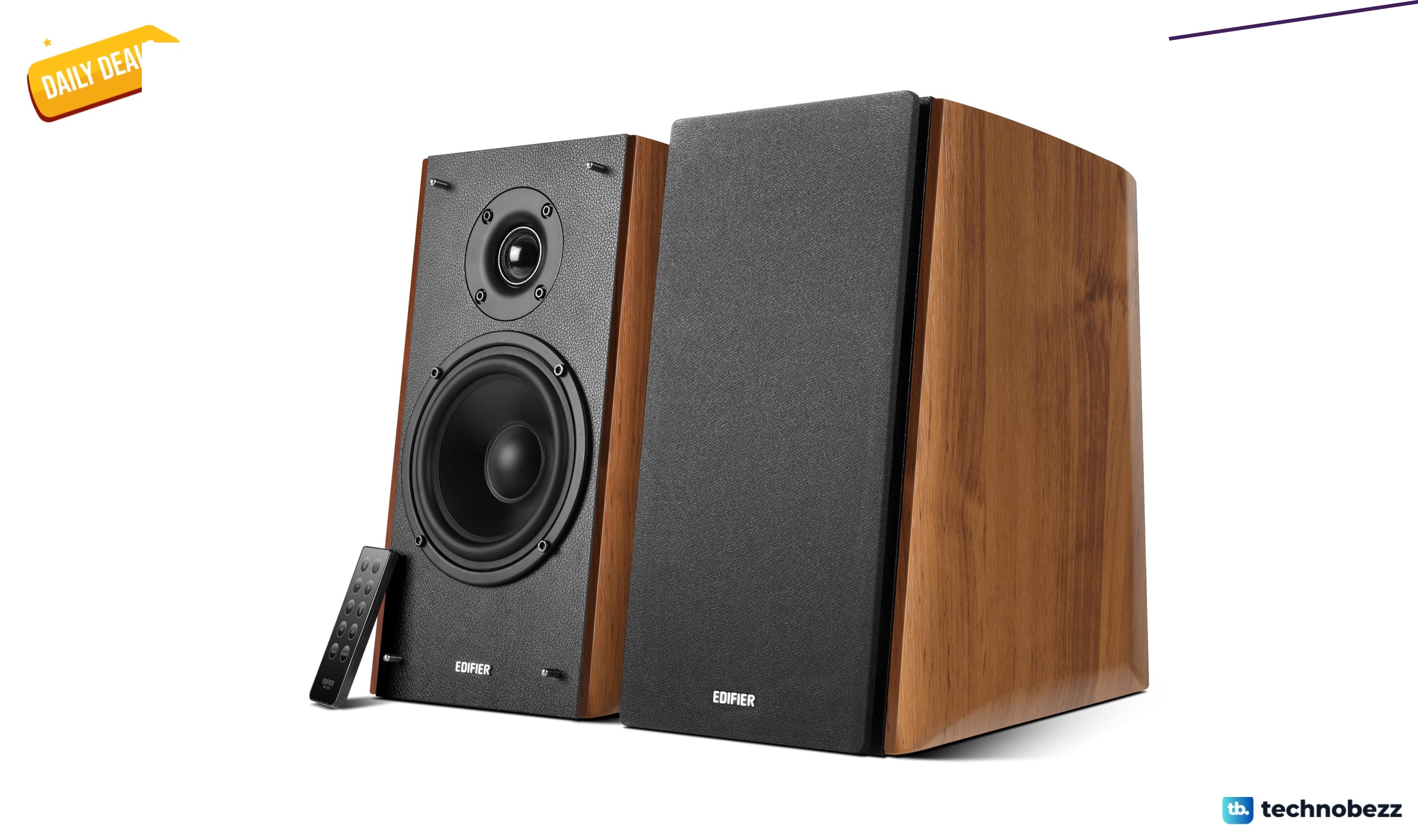
Edifier R2000DB Powered Bluetooth Bookshelf Speakers price drops to $299.98
4 min read
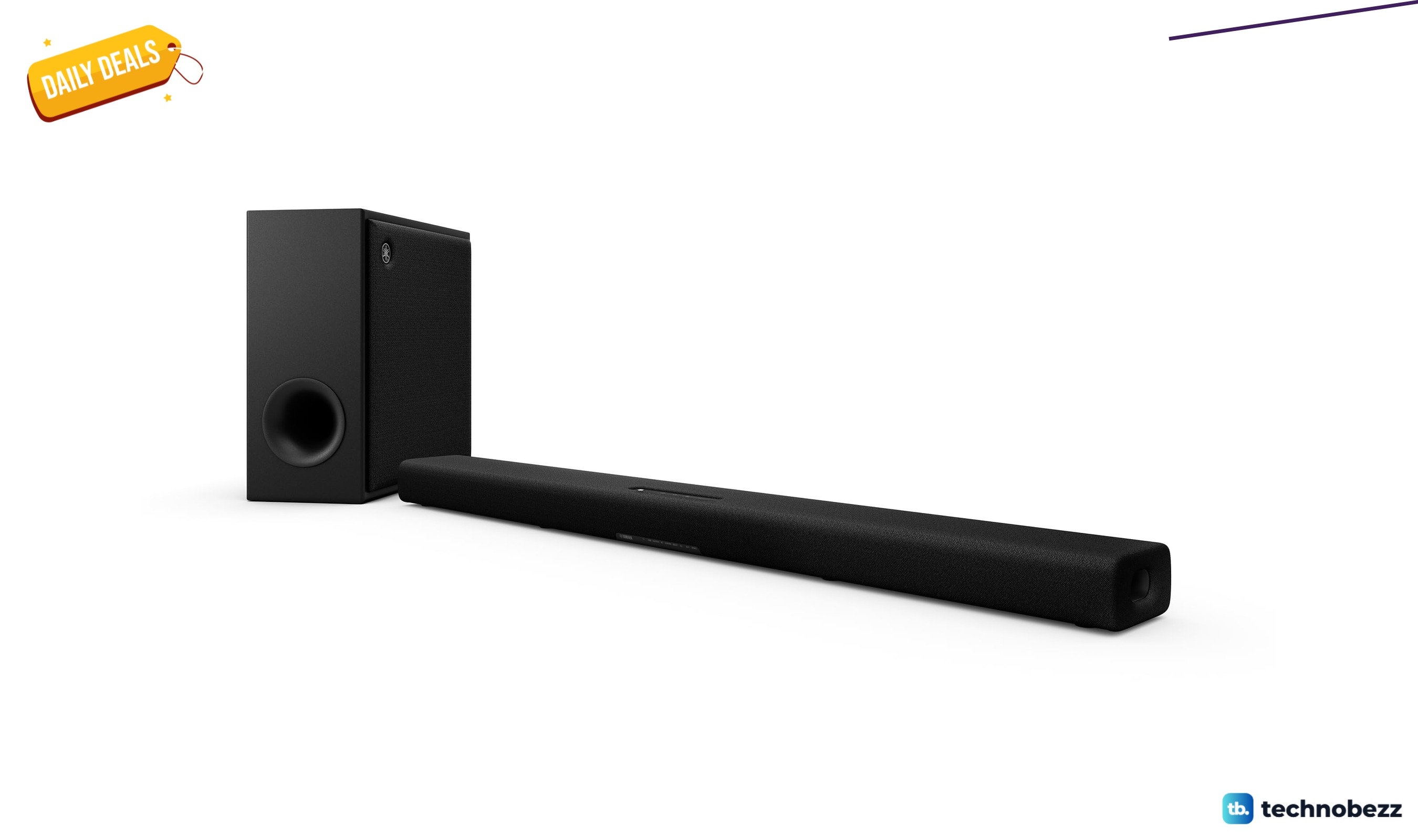
Yamaha True X Bar 50A Dolby Atmos hits new low at $199.99
3 min read
Beats Powerbeats Pro Wireless Earbuds are $99.99 at Woot
5 min read
Logitech MX Vertical Wireless Mouse is $64.99 at Woot
4 min read