
If you're tired of fumbling with keys or worrying about lost copies, a smart lock can simplify your home security. The Schlage Encode Smart WiFi Deadbolt stands out as our top pick for its reliable hardware and straightforward setup. This list helps you choose between basic keypad models and advanced options with fingerprint or facial recognition, whether you're a homeowner, renter, or Airbnb host.
Product
Technobezz is supported by its audience. We may get a commission from retail offers.
8 Best Smart Locks for 2026
Schlage Encode Smart WiFi Deadbolt leads our picks for 2026. Compare 8 top smart locks for renters, homeowners, and Apple users.
T
Technobezz
Senior Editor
Updated February 18, 2026Feb 18, 2026
•7 min read


Get Deals Like These in Your Inbox
The best prices, reviewed weekly.
At a Glance
| Category | Product | Why We Picked It |
|---|---|---|
| Best overall | Schlage Encode Smart WiFi Deadbolt | Combines robust hardware with simple installation |
| Best for renters | August Wi-Fi Smart Lock | Works with existing deadbolts and offers excellent geofencing |
| Best for Apple users | Yale Assure Lock 2 Plus | Supports Apple Home Key for tap-to-unlock convenience |
| Best premium option | Ultraloq U-Bolt Pro with Wi-Fi | Provides advanced features like a fingerprint scanner |
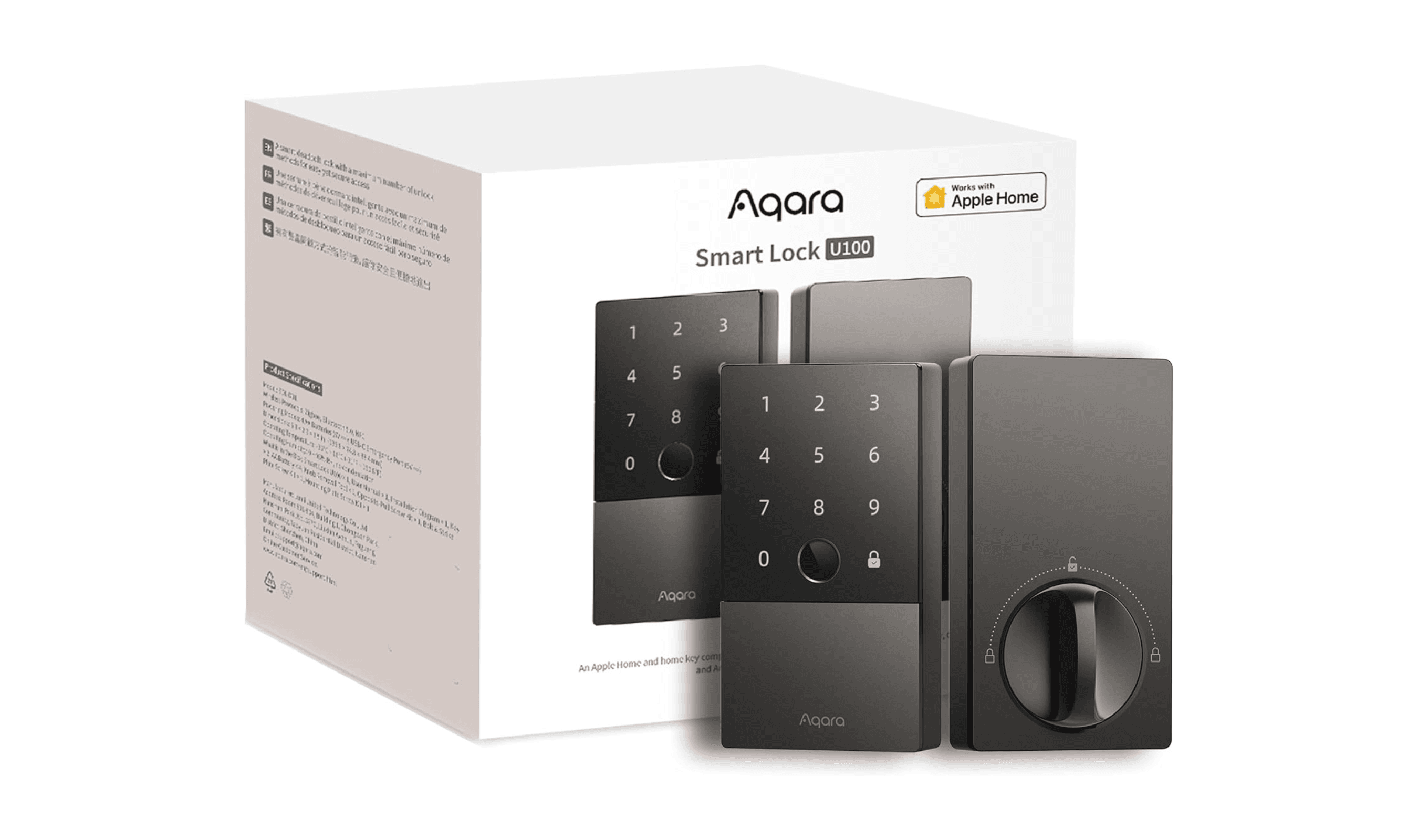
| Best fingerprint lock | Aqara U100 | Features one of the fastest and most reliable fingerprint readers available |
| Also recommended | Schlage Encode Smart WiFi Lever | A full doorknob replacement for lever doors |
| Also recommended | Lockly Visage Zeno Series | Advanced facial recognition that stops spoofing |
| Also recommended | Yale Approach Lock with Wi-Fi + Keypad | A reliable adapter with a physical keypad |
How we chose and tested
We evaluated smart locks based on installation difficulty, reliability, battery life, and smart home compatibility. Our testing considered real-world scenarios like carrying groceries, letting in guests remotely, and maintaining security during power outages. We prioritized locks that balance convenience with robust security features, avoiding models with frequent connectivity issues or complicated setup processes.
The best smart locks right now
Schlage Encode Smart WiFi Deadbolt Lock - Best overall
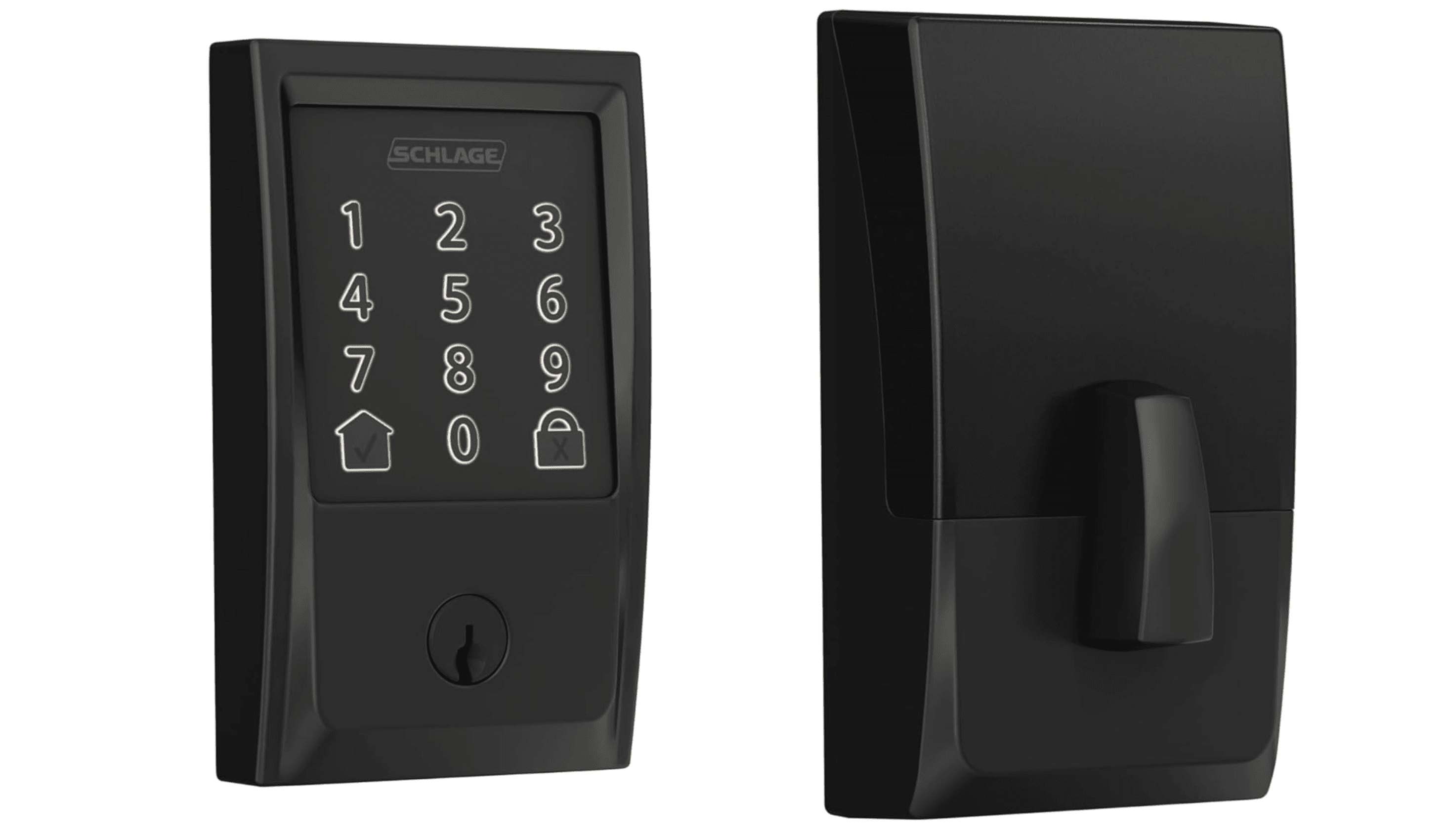
This deadbolt delivers what most people want from a smart lock: reliable operation, easy installation, and straightforward controls. It may lack some advanced features like fingerprint readers, but it provides the core convenience and security improvements that make smart locks worthwhile.
Key highlights
- Built-in Wi-Fi eliminates the need for a separate bridge
- Quiet and fast locking mechanism
- Works with most single-cylinder deadbolt setups
- Simple app controls for remote access
- Battery-powered operation continues during power outages
Pros
- Easy installation process
- Reliable performance in daily use
- Good battery life with power-saving features
- Compatible with major smart home platforms
Cons
- No fingerprint or facial recognition options
- Lacks door-status sensors
- Basic design compared to some competitors
Who it is for: Homeowners who want a straightforward upgrade from traditional deadbolts without unnecessary complexity.
Skip if
You need biometric access methods or want the most advanced smart features available.
August Wi-Fi Smart Lock - Best for renters
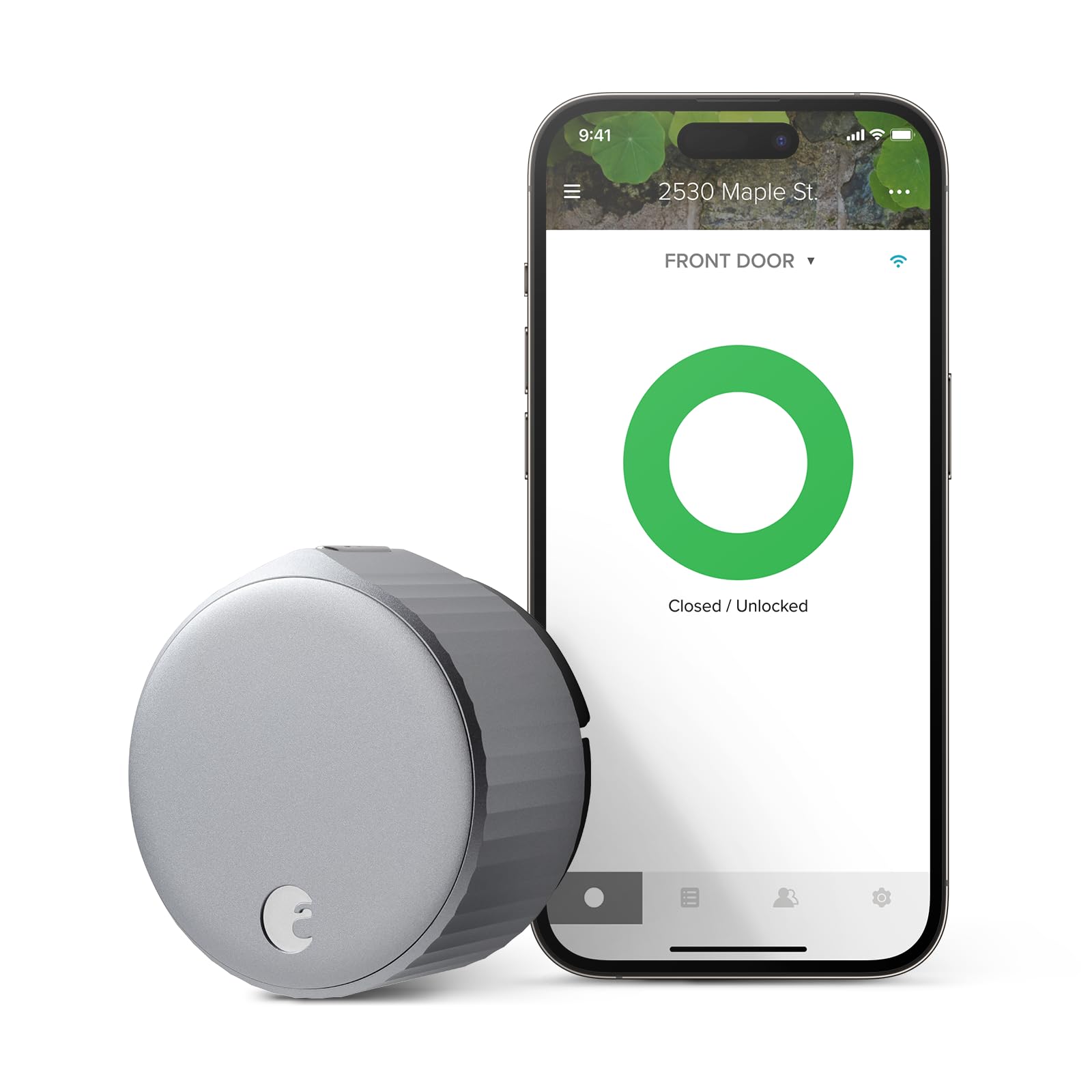
This adapter-style lock fits over your existing deadbolt, making it ideal for apartments or rental properties where you can't replace hardware. Its excellent geofencing feature automatically unlocks the door as you approach, perfect for when your hands are full.
Key highlights
- Works with existing deadbolts without replacement
- Built-in Wi-Fi requires no additional bridge
- Auto-unlock via geofencing when you approach
- Detailed activity reports and guest access controls
- Compatible with voice assistants like Alexa
Pros
- No need to replace existing lock hardware
- Excellent guest management tools
- Low battery alerts help prevent lockouts
- Good integration with rental platforms
Cons
- Requires regular battery changes
- Geofencing can drain batteries faster
- Some users report occasional connectivity issues
Who it is for: Renters, Airbnb hosts, or anyone who wants smart lock convenience without replacing their current deadbolt.
Skip if
You prefer a completely integrated look or want biometric authentication methods.
Yale Assure Lock 2 Plus - Best for Apple users
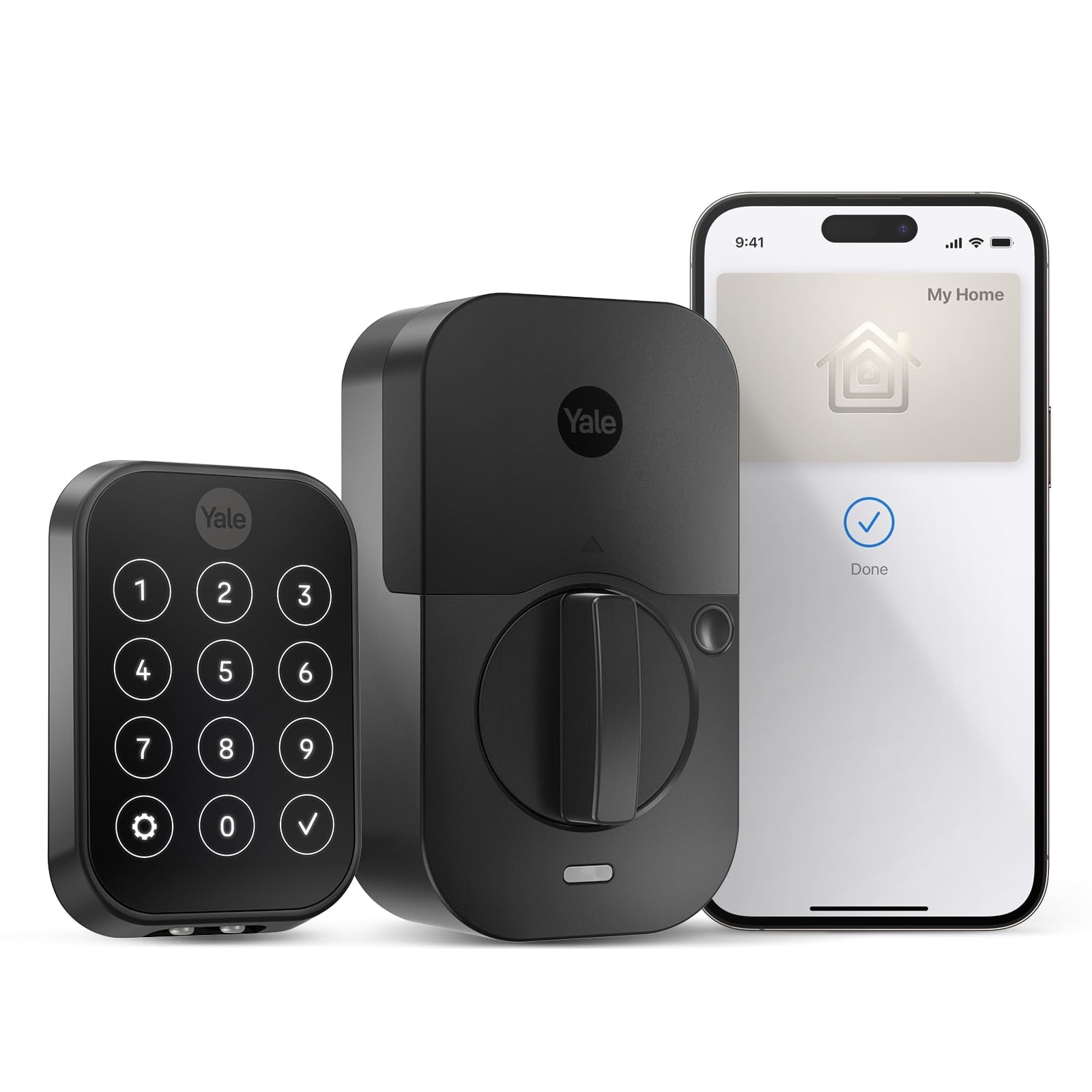
As one of the first locks with built-in Apple Home Key support, this model lets you unlock your door by simply tapping your iPhone or Apple Watch to the lock face. It also supports Matter connectivity for better smart home integration.
Key highlights
- Apple Home Key support for tap-to-unlock convenience
- Matter compatibility for improved smart home integration
- Sleek, modern design with touchscreen keypad
- Multiple access methods including codes and mobile app
- Works with Apple HomeKit for seamless Apple ecosystem integration
Pros
- Excellent integration with Apple devices
- Multiple Yale Assure Lock 2 models available
- Good build quality and finish options
- Supports both Wi-Fi and Bluetooth connectivity
Cons
- Premium pricing compared to basic models
- Apple Home Key requires compatible Apple devices
- Some users find the touchscreen less responsive than physical buttons
Who it is for: Apple ecosystem users who want the most seamless integration with their existing devices.
Skip if
You don't use Apple products or prefer physical keypads over touchscreens.
Ultraloq U-Bolt Pro with Wi-Fi - Best premium option
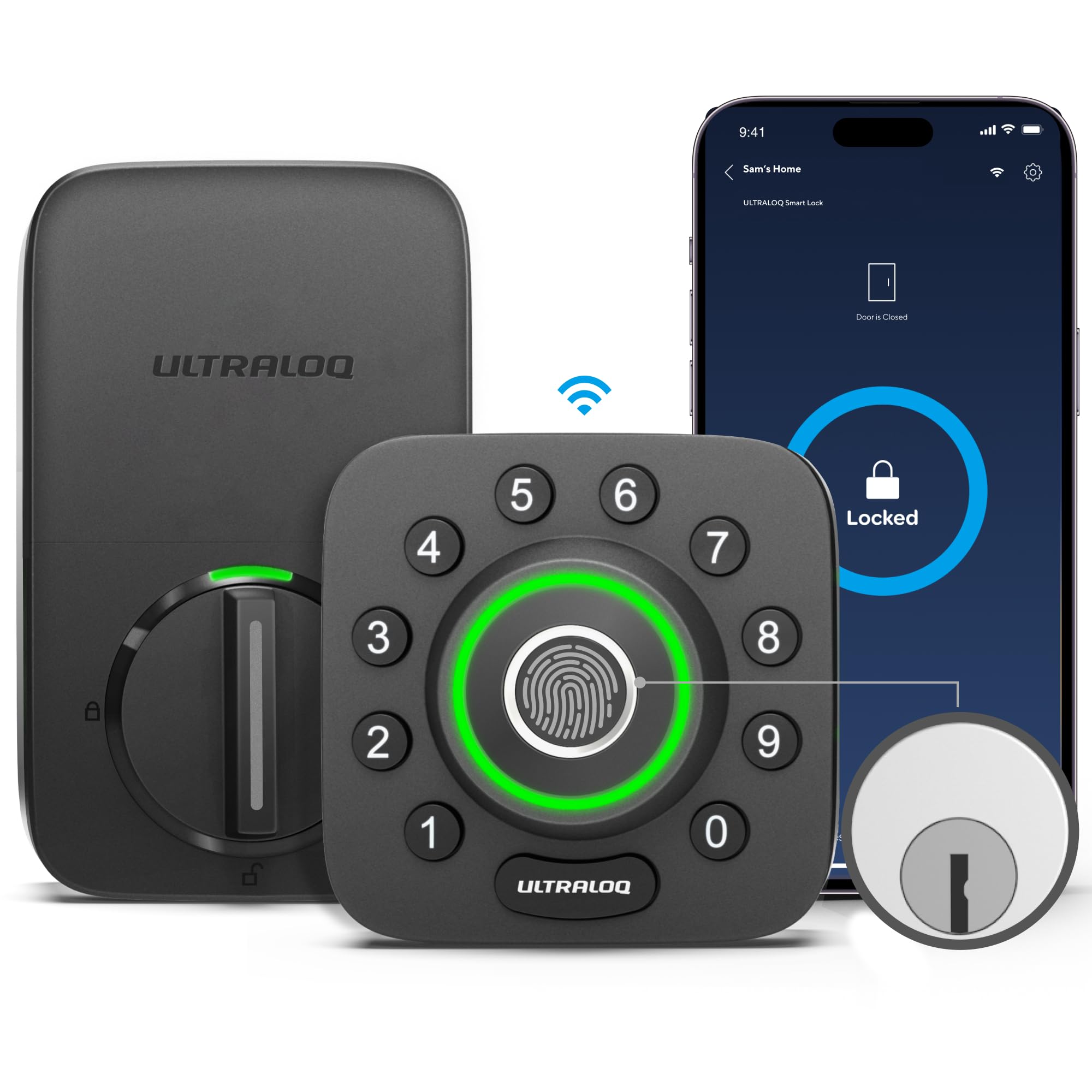
This lock offers multiple advanced access methods including fingerprint, code, and mobile app control at a premium price point.
Key highlights
- Multiple unlocking methods: fingerprint, code, mobile app
- Built-in Wi-Fi connectivity
- Auto-lock feature secures door after closing
- Stores up to 100 fingerprints (50 users, 2 per user)
- Weather-resistant design for outdoor use
Pros
- Advanced access options in one package
- Easy installation process
- Good battery life with standard AA batteries
Cons
- Fingerprint reader may have occasional recognition issues
- Basic app compared to premium brands
- Some users report slower response times
Who it is for: Homeowners seeking advanced features like a fingerprint scanner and built-in Wi-Fi.
Skip if
You need extensive smart home integration or premium build materials.
Aqara U100 Smart Lock - Best fingerprint lock
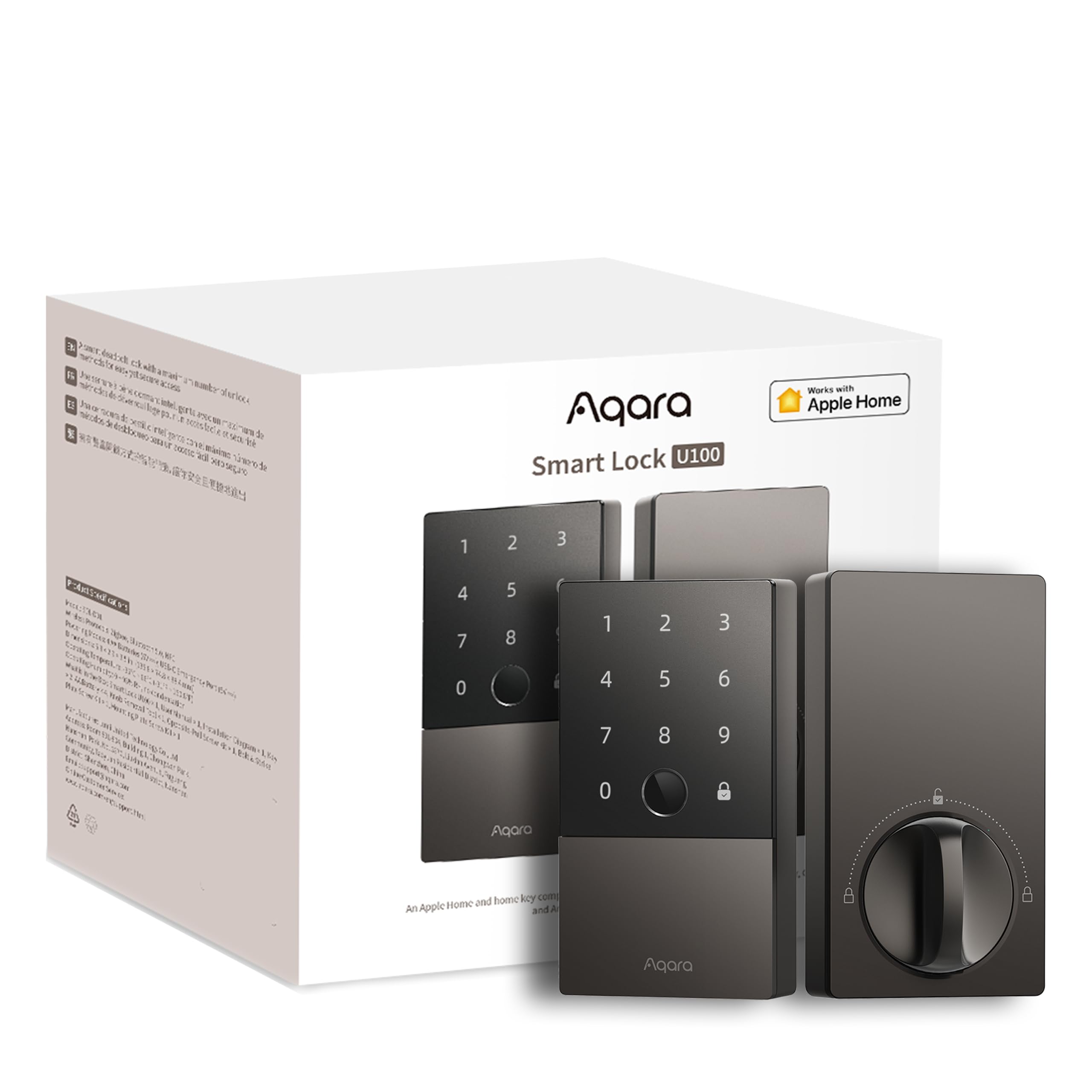
The fingerprint reader on this lock stands out for its speed and reliability, making it one of the fastest biometric options available. It also supports Apple Home Key for additional convenience.
Key highlights
- Excellent fingerprint reader with fast recognition
- Apple Home Key support for tap-to-unlock
- Multiple access methods: fingerprint, code, mobile, physical key
- Matter connectivity for smart home integration
- Door status sensor included
Pros
- Fast and reliable fingerprint authentication
- Multiple backup access methods
- Good smart home compatibility
- Includes useful sensors
Cons
- Some users report keypad issues
- Battery life varies with fingerprint usage
- Premium pricing for biometric features
Who it is for: Users who prioritize fast, reliable fingerprint access or want multiple high-tech unlocking methods.
Skip if
You rarely use fingerprint authentication or prefer simpler, code-only access.
Also Good
- Schlage Encode Smart WiFi Lever - a full doorknob replacement for lever doors.
- Lockly Visage Zeno Series - advanced facial recognition that stops spoofing.
- Yale Approach Lock with Wi-Fi + Keypad - a reliable adapter with a physical keypad.
How to Choose
Consider these factors when selecting a smart lock:
- 1.Installation type: Decide between deadbolt replacements (better security) and adapter locks (easier installation, good for renters). Deadbolt replacements generally offer more security but require more installation work.
- 2.Connectivity needs: Built-in Wi-Fi models work independently but use more battery. Bluetooth models require a bridge for remote access but have better battery life. Matter-compatible locks offer better future-proofing for smart home integration.
- 3.Access methods: Keypads work for guests and service people. Fingerprint readers offer personal convenience. Mobile apps provide remote control. Choose based on who needs access and how often.
- 4.Power source: Nearly all smart locks use batteries, not hardwired connections. Look for models with low-battery alerts and emergency power options like external battery terminals or USB ports.
- 5.Smart home compatibility: Check if the lock works with your existing smart home platform (Apple HomeKit, Google Home, Alexa, SmartThings). Matter support ensures better future compatibility across ecosystems.
FAQ
How long do smart lock batteries typically last?
Battery life varies from a few weeks to several months depending on usage. Models with built-in Wi-Fi generally need more frequent battery changes than Bluetooth-only locks. Using high-quality batteries and enabling power-saving features can extend battery life.
Can smart locks be hacked?
Modern smart locks use encryption similar to online banking. While no digital system is completely hack-proof, reputable brands implement strong security measures. For added protection, enable multi-factor authentication when available and keep your lock's firmware updated.
Do smart locks work during power outages?
Yes, nearly all smart locks are battery-powered, so they continue to function during power outages. You can still use keypads, fingerprint readers, or physical keys even if Wi-Fi is unavailable.
Are smart locks worth it for rental properties?
Absolutely. Smart locks eliminate physical key management, enable self check-in for guests, and allow remote access for cleaning or maintenance. Many models integrate with rental management platforms for automated code generation based on reservations.
What happens if the battery dies completely?
Most smart locks include emergency power options. Some have external battery terminals where you can connect a 9V battery, while others feature USB ports for external power. Always check the specific model's emergency access method before purchasing.
Share this article
More in News
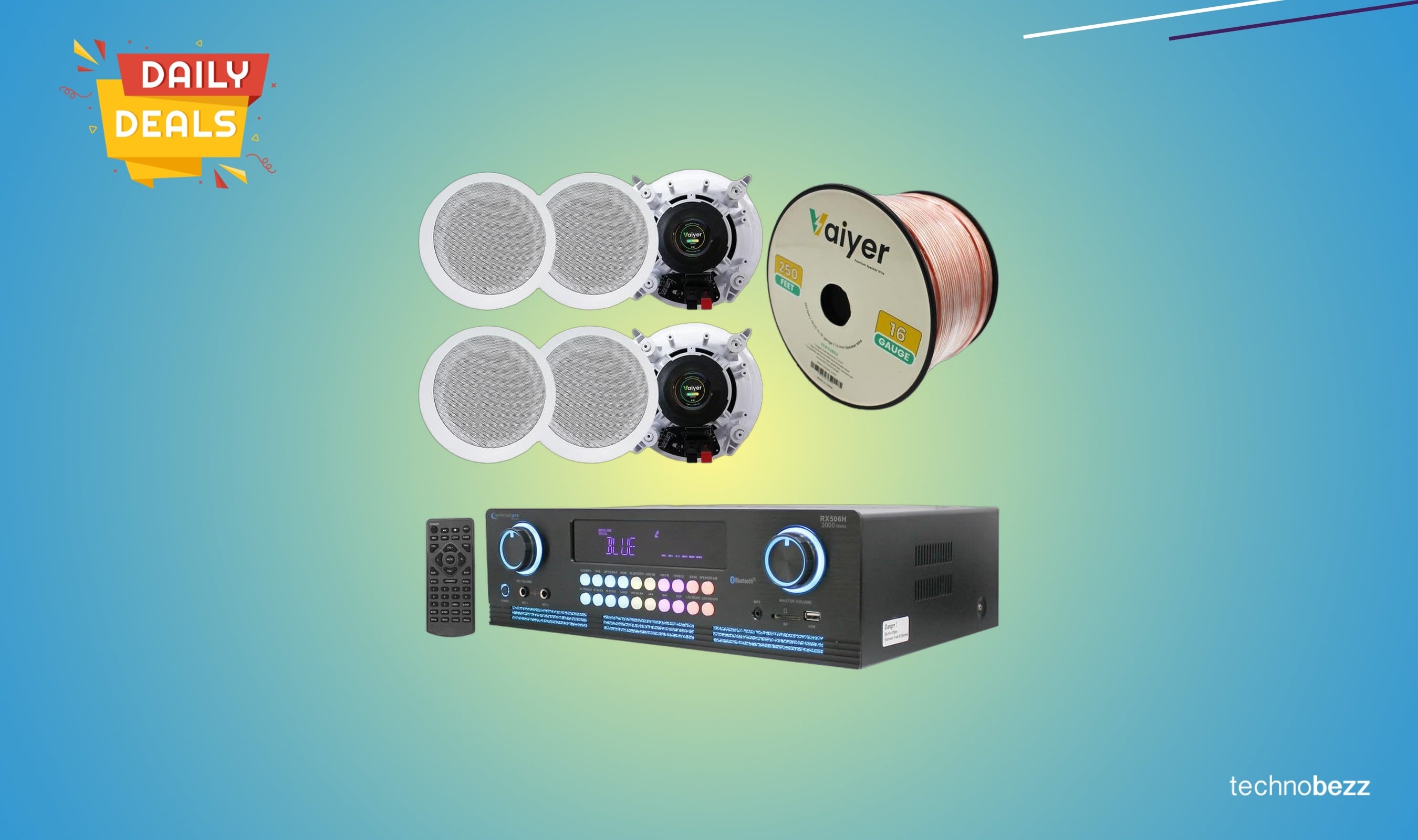
Home Theater System Kit 2000 Watts Bluetooth drops to $418.22
Get a powerful 2000-watt Bluetooth home theater system with six speakers and easy installation for just $418.22, a solid discount below its recent average price.
4 min read
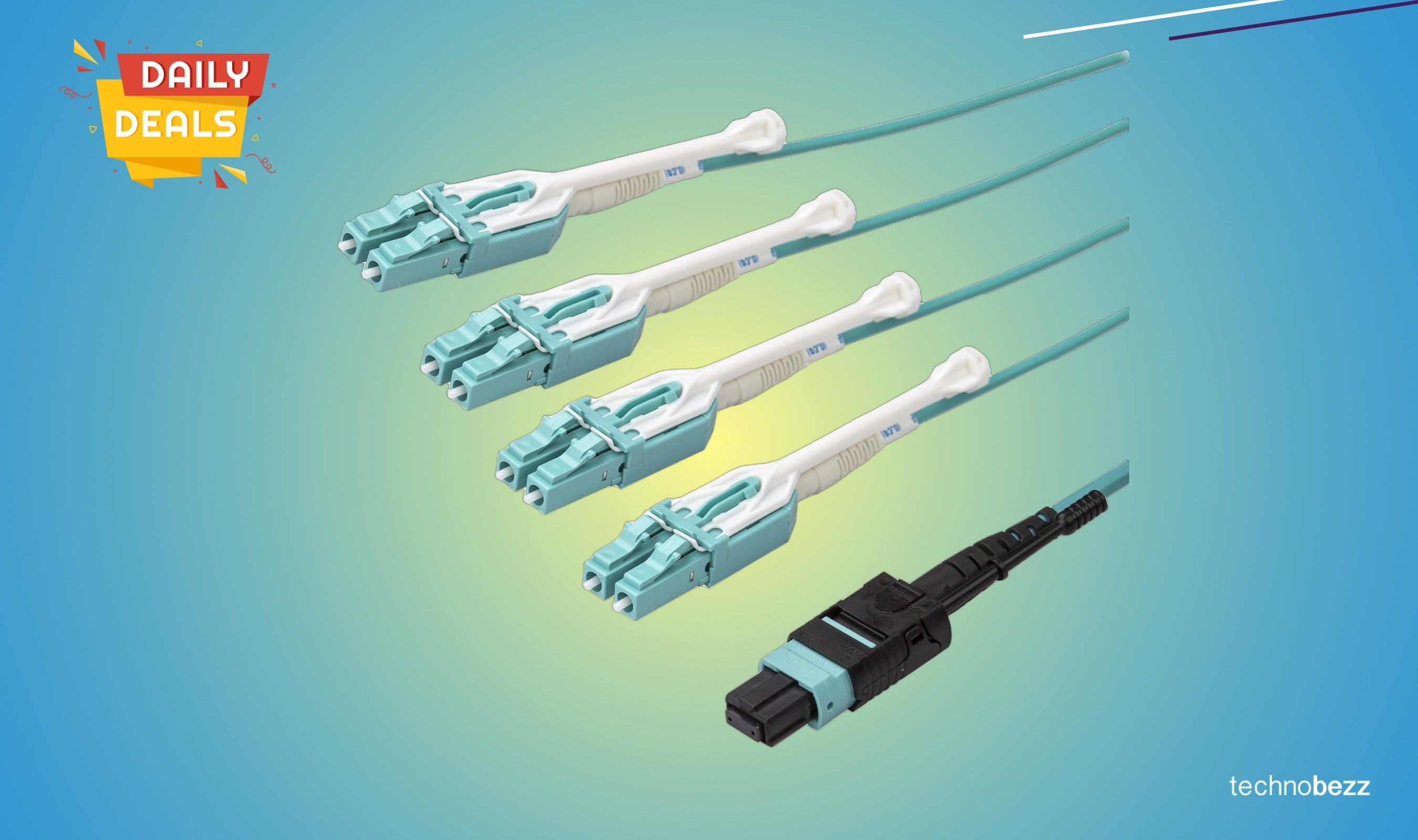
StarTech.com 5m MTP to LC Duplex breakout cable drops to $71.29
Save 69% on this 5m MTP to LC duplex fiber cable for high-density 40Gbps networking, ideal for data centers and homelabs.
3 min read
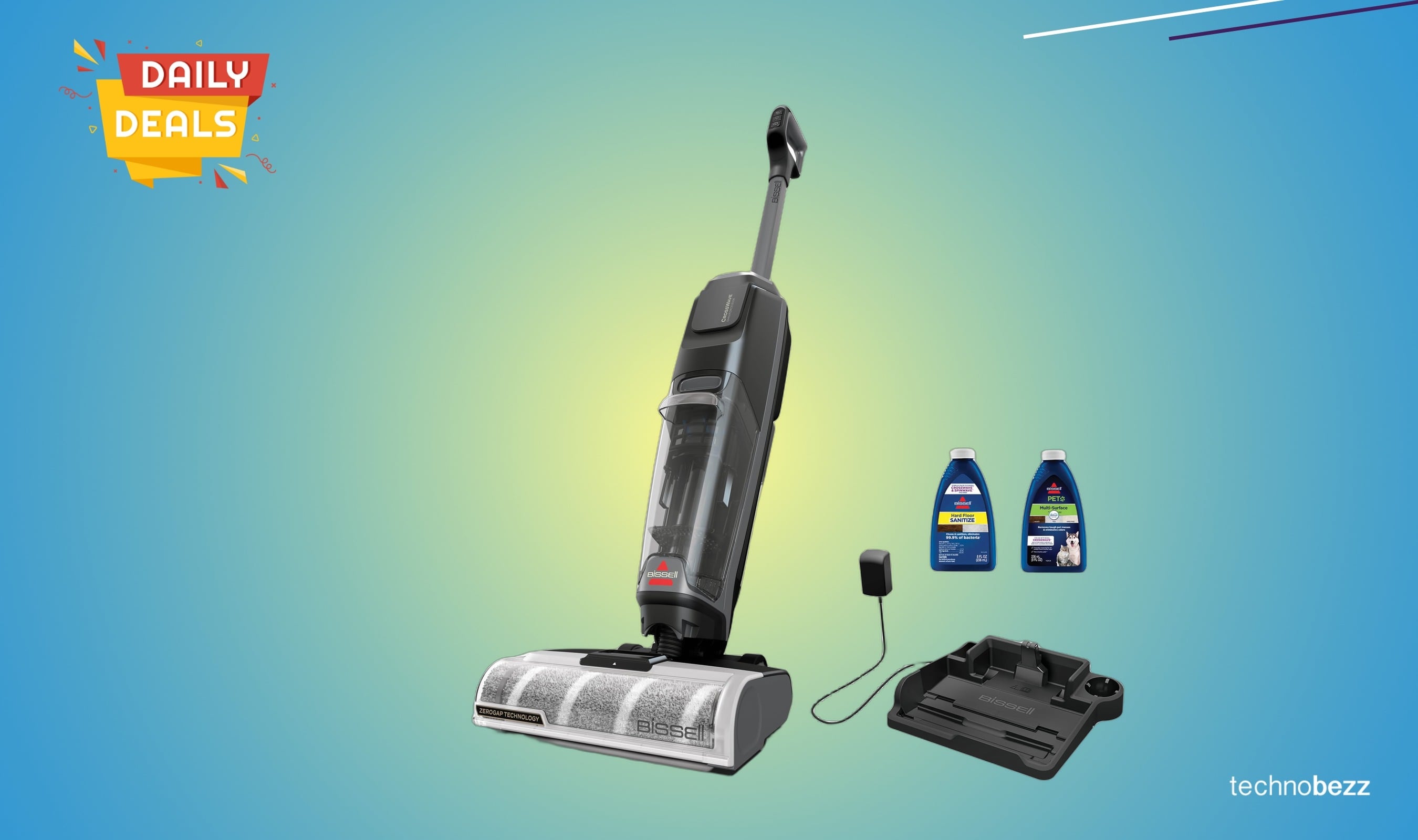
Bissell CrossWave OmniForce Edge Cordless Vacuum Drops to $189.99
Save $46.23 on this cordless wet-dry vacuum that cleans and sanitizes hard floors in one step, now just $189.99.
5 min read
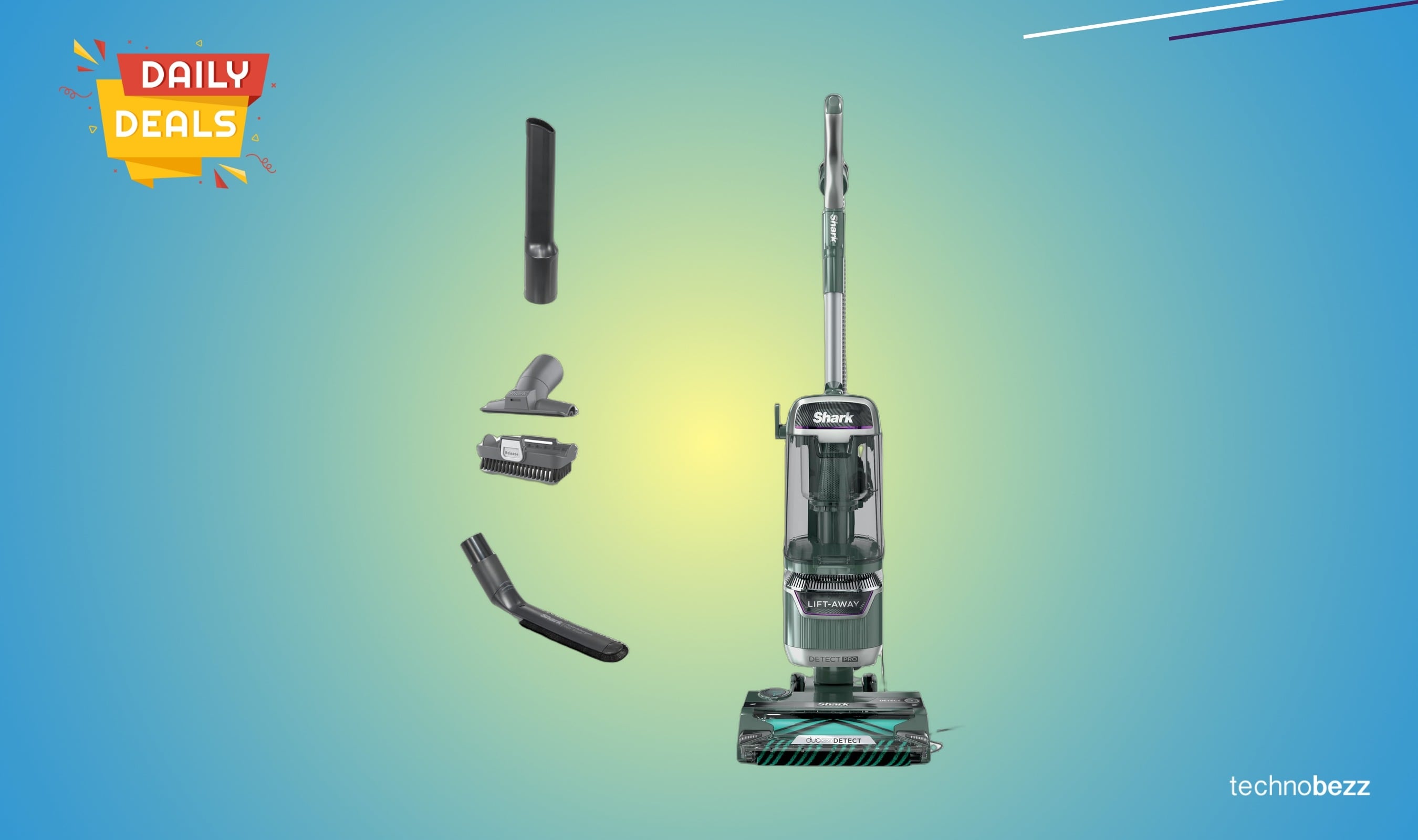
Shark Detect Pro vacuum price falls to $279.99 on Amazon
Save $77 on Shark's premium sensor-driven vacuum, now at its lowest price with advanced cleaning tech for pet owners.
4 min read
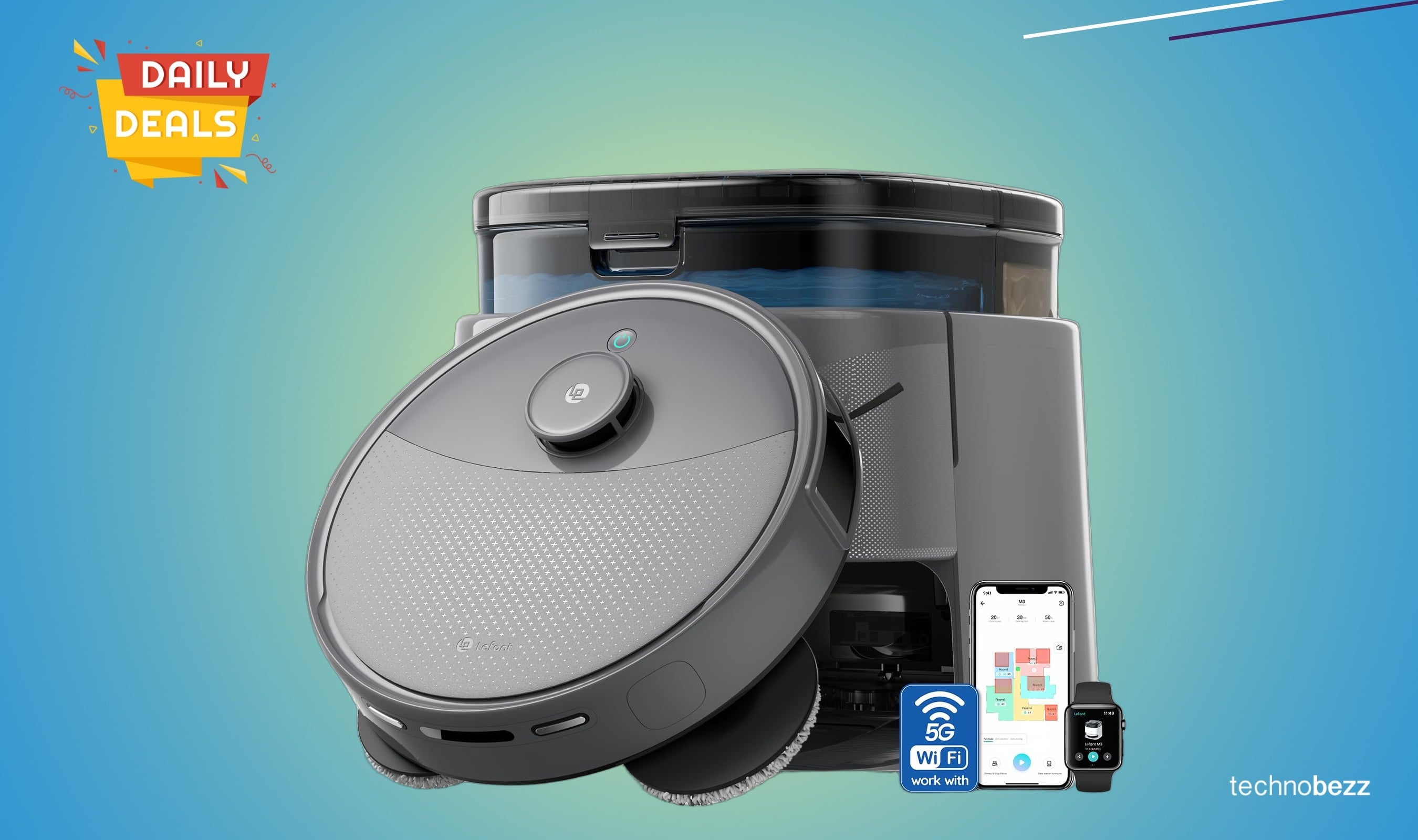
Lefant LiDAR Robot Vacuum Mop falls to $323.10 on Amazon
3 min read
Shark AZ3002 Stratos Upright Vacuum drops to $319.87
5 min read
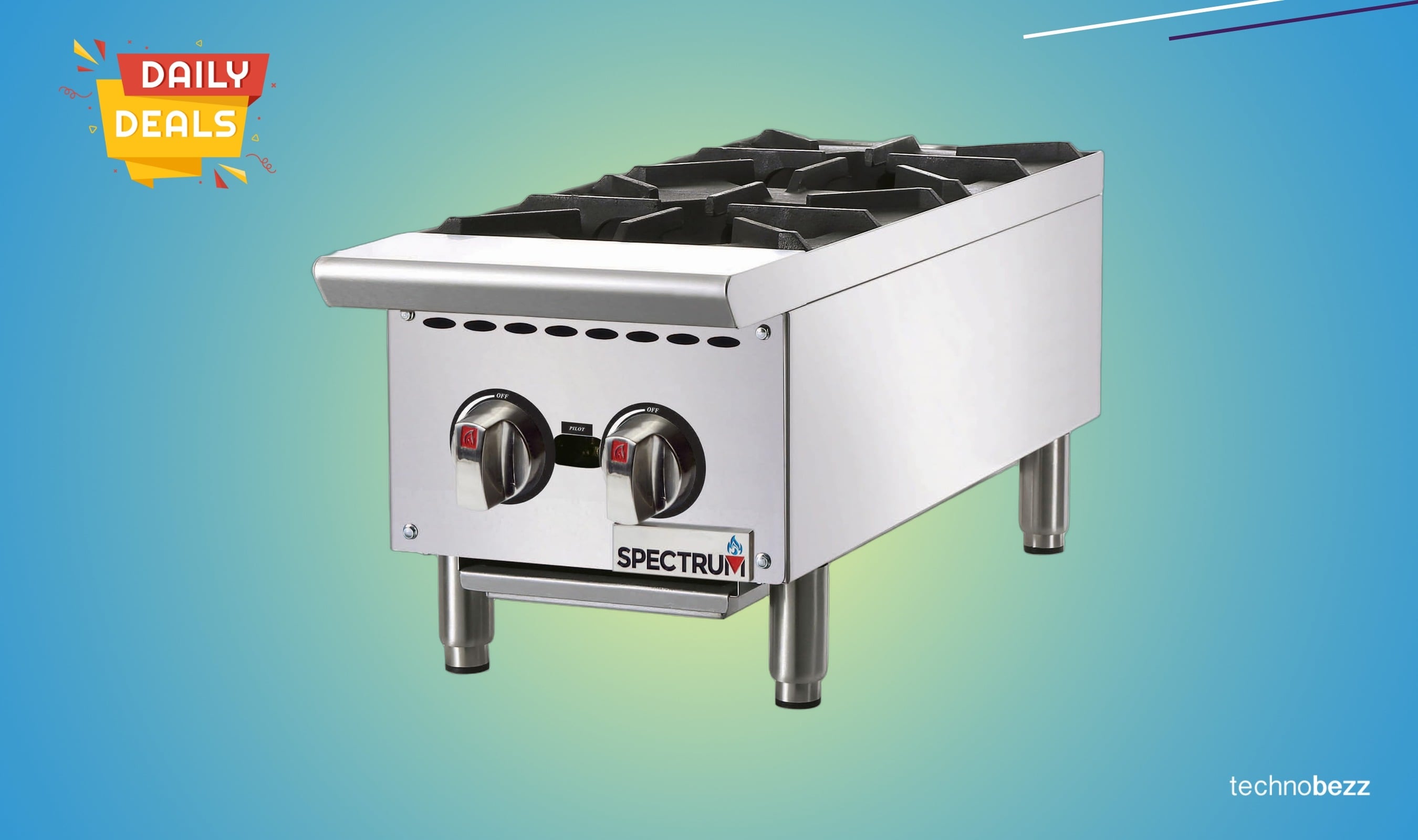
Winco Countertop Natural Gas Hot Plate drops to $382.64
4 min read
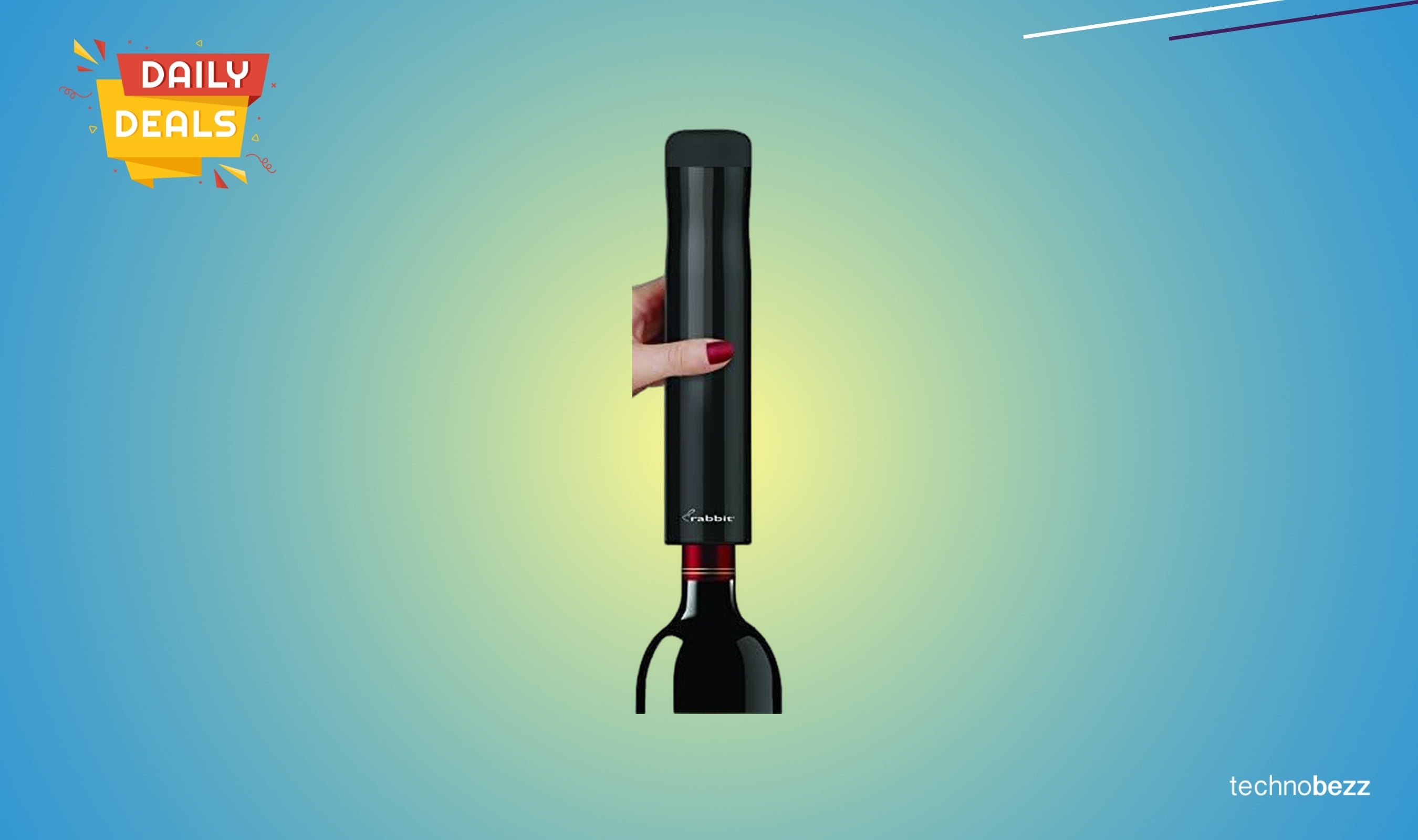
Rabbit Automatic Electric Corkscrew Wine Bottle Opener drops to $431.88
3 min read
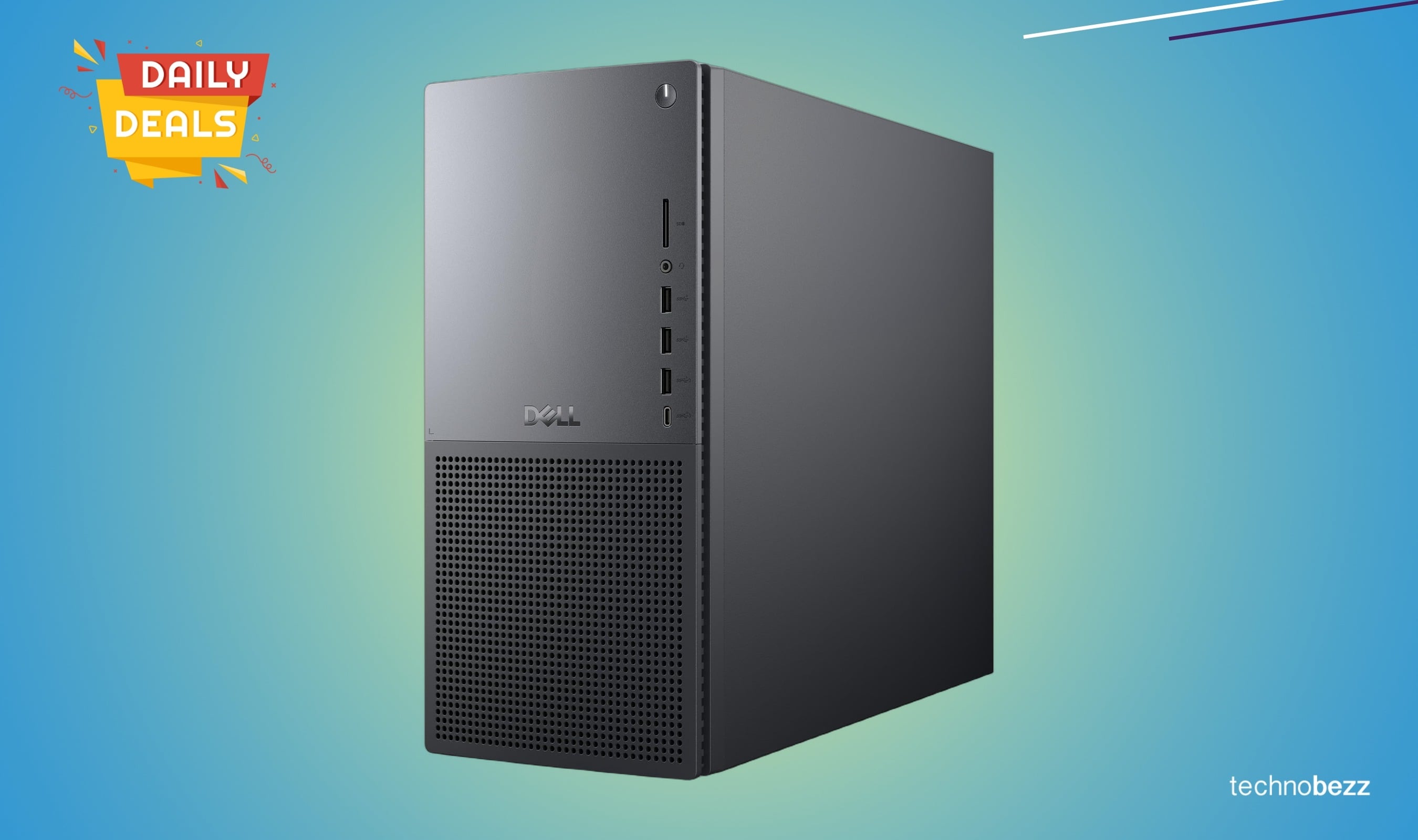
Dell Tower Plus Desktop EBT2250 drops to $2399 on Amazon
5 min read
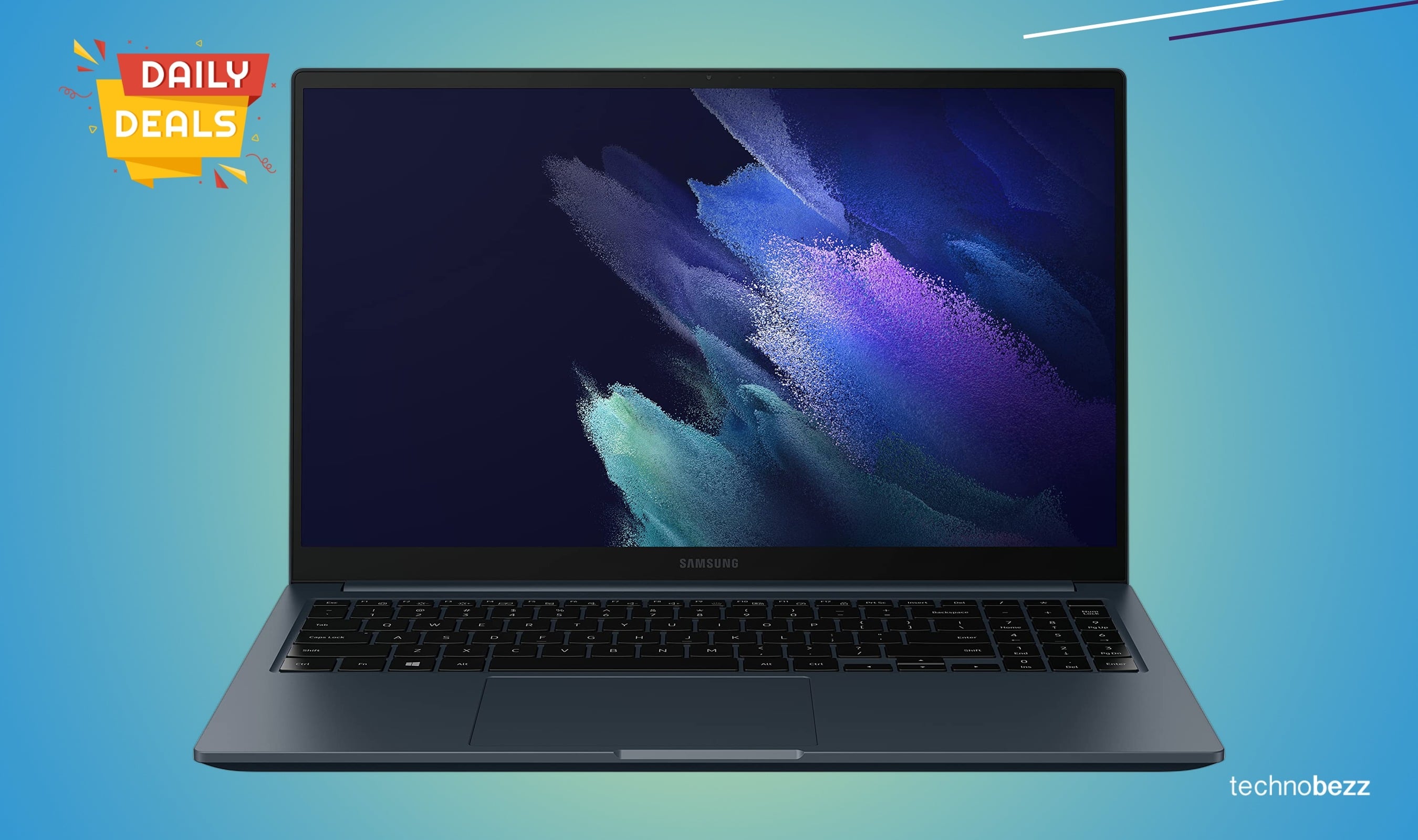
Samsung Galaxy Book Odyssey gaming laptop drops to $807.68
4 min read

Apple 2026 MacBook Air drops to $1149.99 on Amazon
3 min read

Apple 2026 MacBook Air drops to $949.99 on Amazon
5 min read