Small businesses need printers that can handle invoices, contracts, forms, marketing drafts, and everyday paperwork without slowing down the workday. The best printer for small business use depends on print volume, color needs, scanning workflow, paper size, and supply costs.
Technobezz is supported by its audience. We may get a commission from retail offers.
Best Printers for Small Business in 2026
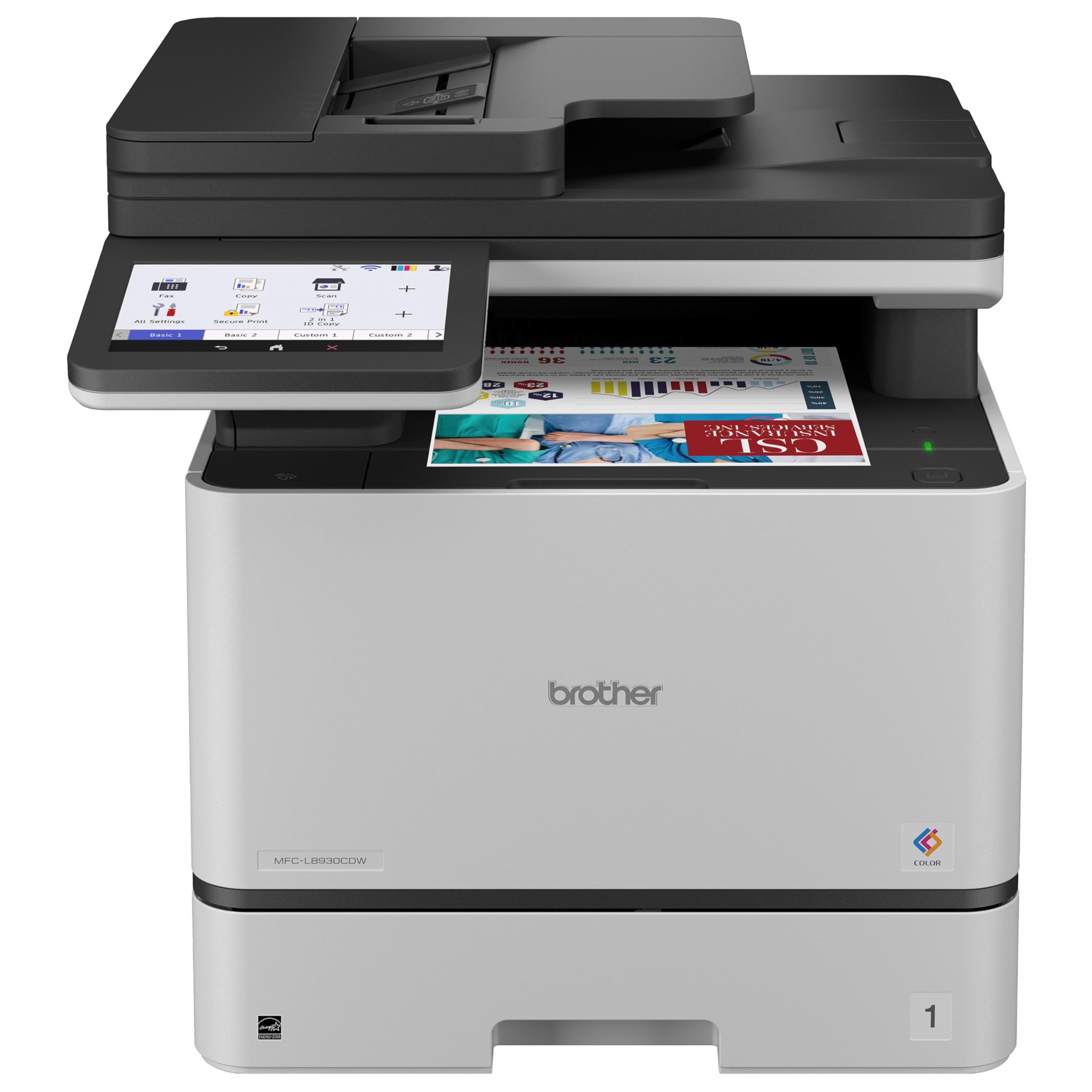
Brother MFC-L8930CDW is the best overall pick for small offices that need fast color output, scanning, copying, and faxing.
T
Technobezz
Editorial Team
Updated July 10, 2026Jul 10, 2026
•9 min read

Get Deals Like These in Your Inbox
The best prices, straight to your inbox.
On GoogleFollow Technobezz: add us as a preferred source.

Brother MFC-L8930CDW is the best overall pick because it combines color laser printing, all-in-one office functions, fast output, and automatic two-sided scanning. It is built for teams that need one dependable machine for documents, forms, invoices, scanning, copying, and faxing.
The strongest choices include color laser all-in-ones, monochrome laser options and a wide-format inkjet, with each one matched to a specific office workflow.
At a Glance
| Category | Product | Why We Picked It |
|---|---|---|
| Best overall | Brother MFC-L8930CDW | Fast color laser all-in-one with strong scanning and copying |
| Best color laser value | Canon Color imageCLASS MF753Cdw II | Fast Canon color laser features with a strong value mix |
| Best HP color laser | HP Color LaserJet Pro MFP 3301fdw | Modern HP color laser for offices already using HP workflows |
| Best for fast scanning and copying | Xerox C325/DNI | Fast multifunction laser built for scan and copy-heavy offices |
| Best wide-format all-in-one | Brother MFC-J6960DW | Wide-format inkjet all-in-one for larger office documents |
| Best monochrome laser all-in-one | Canon imageCLASS MF465dw II | Fast black-and-white laser all-in-one for document-heavy offices |
How we chose
A small-business printer earned its slot by matching a clear office workflow with the right engine type, speed, scan hardware, paper handling, media support, connectivity, and supply tradeoffs. We favored color lasers for shared document work, monochrome lasers for text-heavy teams, inkjets for lighter mixed offices, wide-format machines for oversized pages, and print-only lasers for simple desk-side output. Every pick had to offer a practical reason to choose it over a cheaper, smaller, or simpler alternative.
The best printers for small business right now
Brother MFC-L8930CDW - Best overall
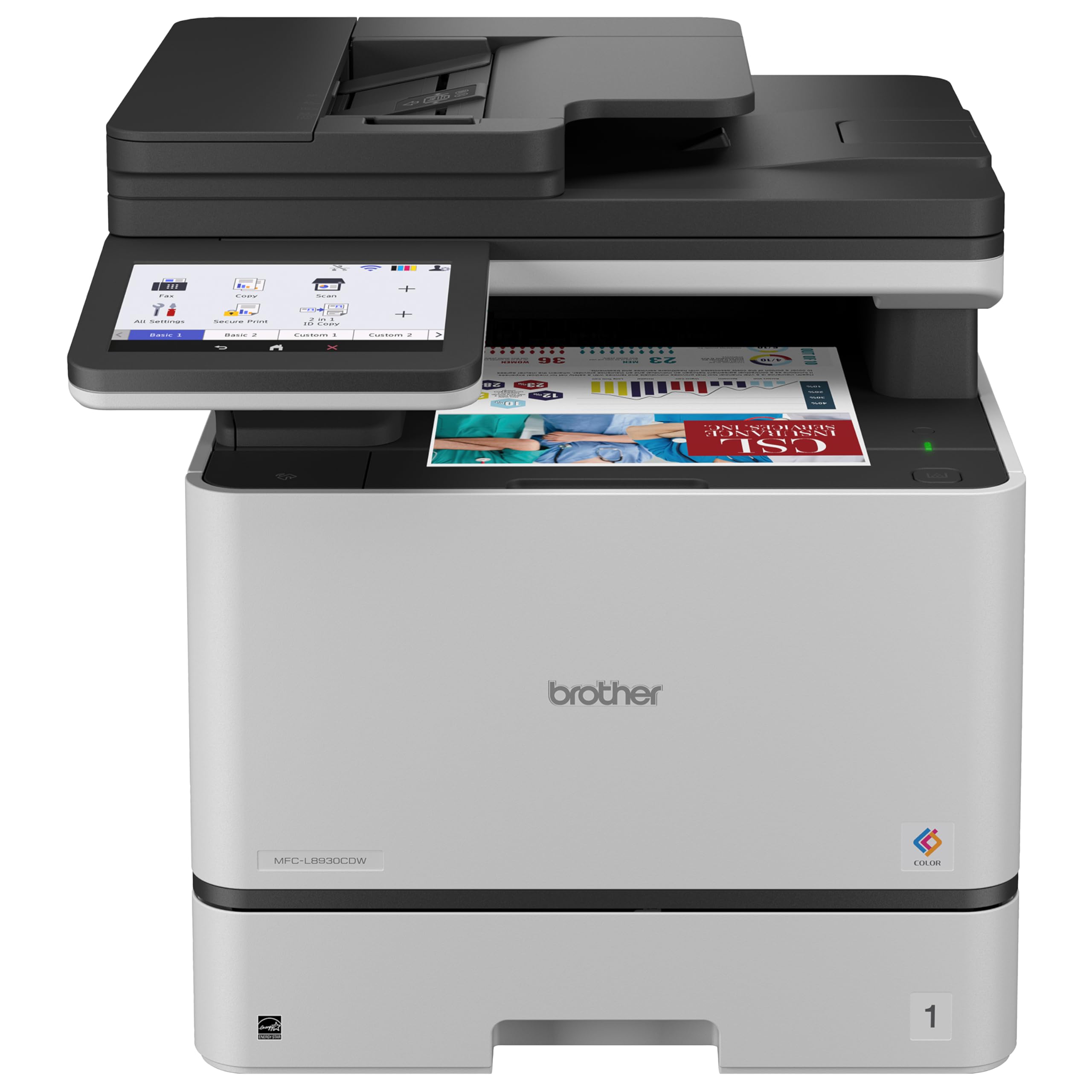
For a small office that wants one central color machine, Brother MFC-L8930CDW covers the full document workflow. It prints, scans, copies, and faxes, with color and black print speeds rated up to 33 ppm.
Automatic two-sided scanning from the ADF keeps forms, invoices, and contracts moving without manual page flipping. Scan resolution reaches up to 1200 x 1200 dpi on the flatbed and up to 600 x 600 dpi through the ADF.
This is the practical pick for mixed business documents, not a compact home-desk printer. It makes the most sense when the printer needs to serve several daily jobs instead of occasional pages or glossy photos.
Key highlights
- Color laser all-in-one with print, scan, copy, and fax
- Up to 33 ppm color and black printing
- Automatic two-sided scanning from ADF
- Up to 1200 x 1200 dpi flatbed scan resolution
- Up to 600 x 600 dpi ADF scan resolution
Pros
- Fast color and black document printing
- Strong scan/copy feature set for a small office
- Newer Brother business color-laser generation
- Good fit for mixed printing and document workflows
Cons
- Large and heavy for a home desk
- Color laser toner sets are expensive upfront
- Not ideal for glossy photo output
Who it's for
Your small business needs a dependable color laser all-in-one for documents, forms, invoices, scanning, and copying.
Skip if
You mostly print photos or only need occasional black-and-white pages.
Canon Color imageCLASS MF753Cdw II - Best color laser value
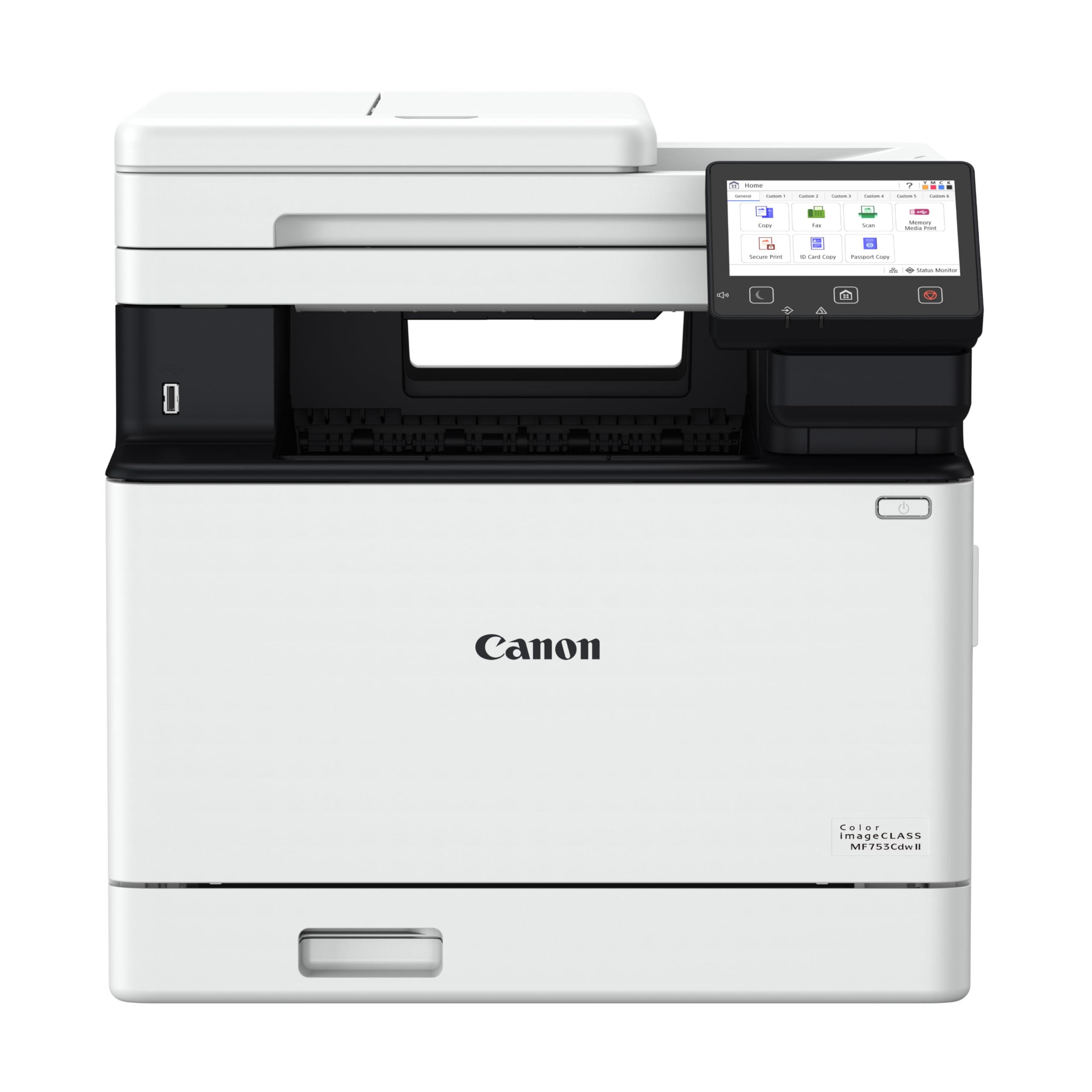
Speed gives Canon Color imageCLASS MF753Cdw II its appeal. The color laser all-in-one prints, scans, copies, and faxes, and it is rated up to 35 ppm for letter-size pages.
Quick jobs benefit from an approx. 7-second first print out time, while the 50-sheet ADF supports routine document handling. The large 5-inch touchscreen handles on-printer controls.
Choose it for a fast Canon color laser with a strong feature mix. Its text and business graphics strengths matter more than photo output, which remains laser-printer quality.
Key highlights
- Color laser all-in-one with print, scan, copy, and fax
- Up to 35 ppm letter printing
- Approx. 7 seconds first print out for letter
- 50-sheet ADF
- Large 5-inch touchscreen interface
Pros
- Fast for its price class
- Clean text and business graphics
- Large 5-inch touchscreen interface
- Three-year manufacturer warranty
Cons
- Toner replacement costs can be high
- Bulky compared with inkjets
- Photo quality is still laser-printer quality
Who it's for
You want a fast Canon color laser all-in-one with a strong value mix.
Skip if
Low cost per page matters more than laser speed and durability.
HP Color LaserJet Pro MFP 3301fdw - Best HP color laser
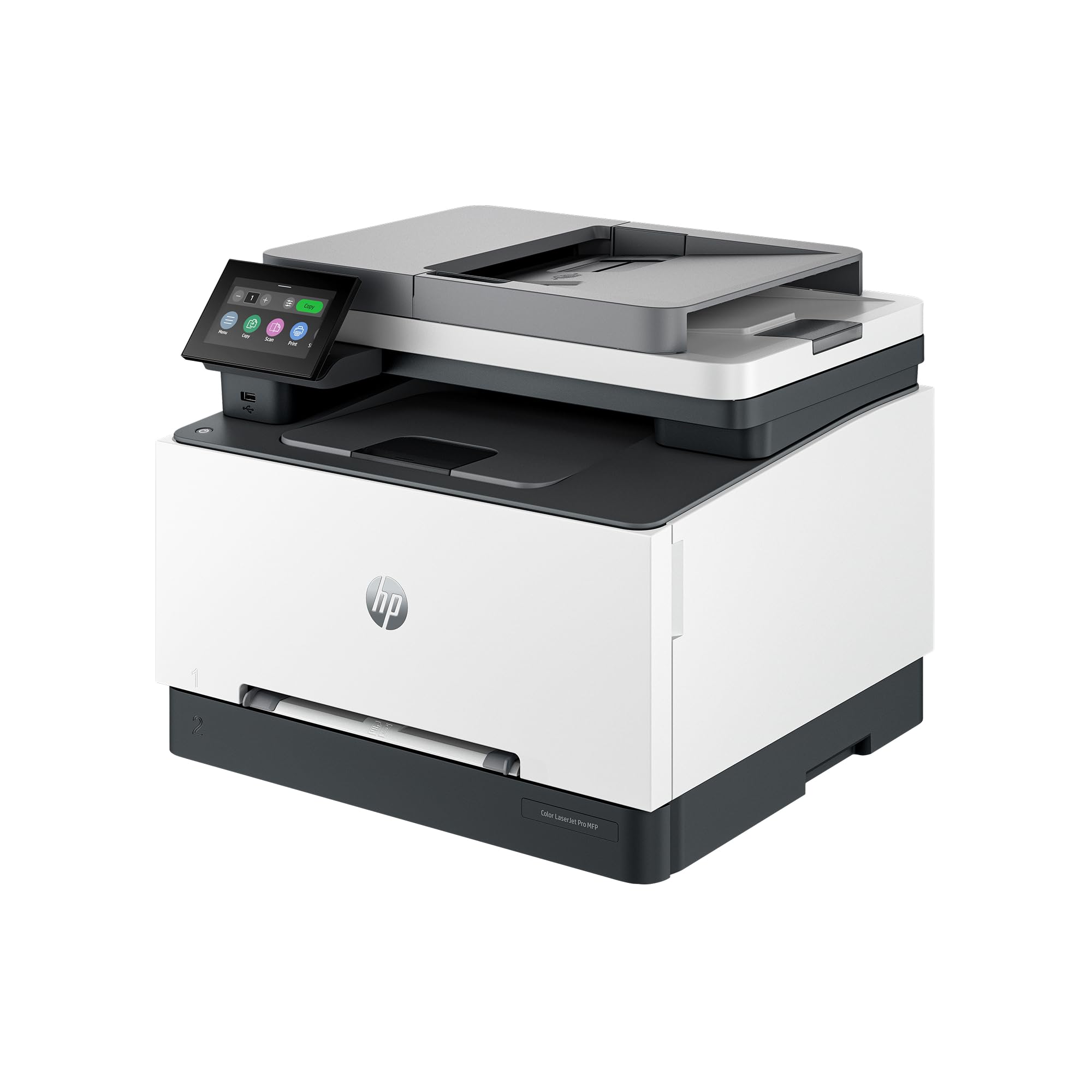
Offices already committed to HP workflows get the cleanest fit from HP Color LaserJet Pro MFP 3301fdw. It is a color laser all-in-one with print, scan, copy, and fax functions, rated up to 26 ppm in black and color.
The 250-sheet input tray covers everyday paper handling, and two-sided single-pass scanning with the ADF is built for paperwork. Dual-band Wi-Fi supports wireless office setup.
Its strengths are HP software familiarity, compact color-laser sizing, and duplex scanning. Pick another model if speed above 26 ppm or third-party toner flexibility is the priority.
Key highlights
- Color laser all-in-one with print, scan, copy, and fax
- Up to 26 ppm black and color printing
- 250-sheet input tray
- Two-sided single-pass scanning with ADF
- Dual-band Wi-Fi
Pros
- Modern HP office model with dual-band Wi-Fi
- Compact for a color laser AIO
- Single-pass duplex scanning is useful for paperwork
- Good choice for HP-managed workflows
Cons
- HP dynamic security limits non-HP cartridge use
- Slower than 35 ppm competitors
- Owner ratings are more mixed than Brother/Canon leaders
Who it's for
Your office already likes HP software, HP app printing, and HP toner supply channels.
Skip if
You want maximum speed or third-party toner flexibility.
Xerox C325/DNI - Best for fast scanning and copying
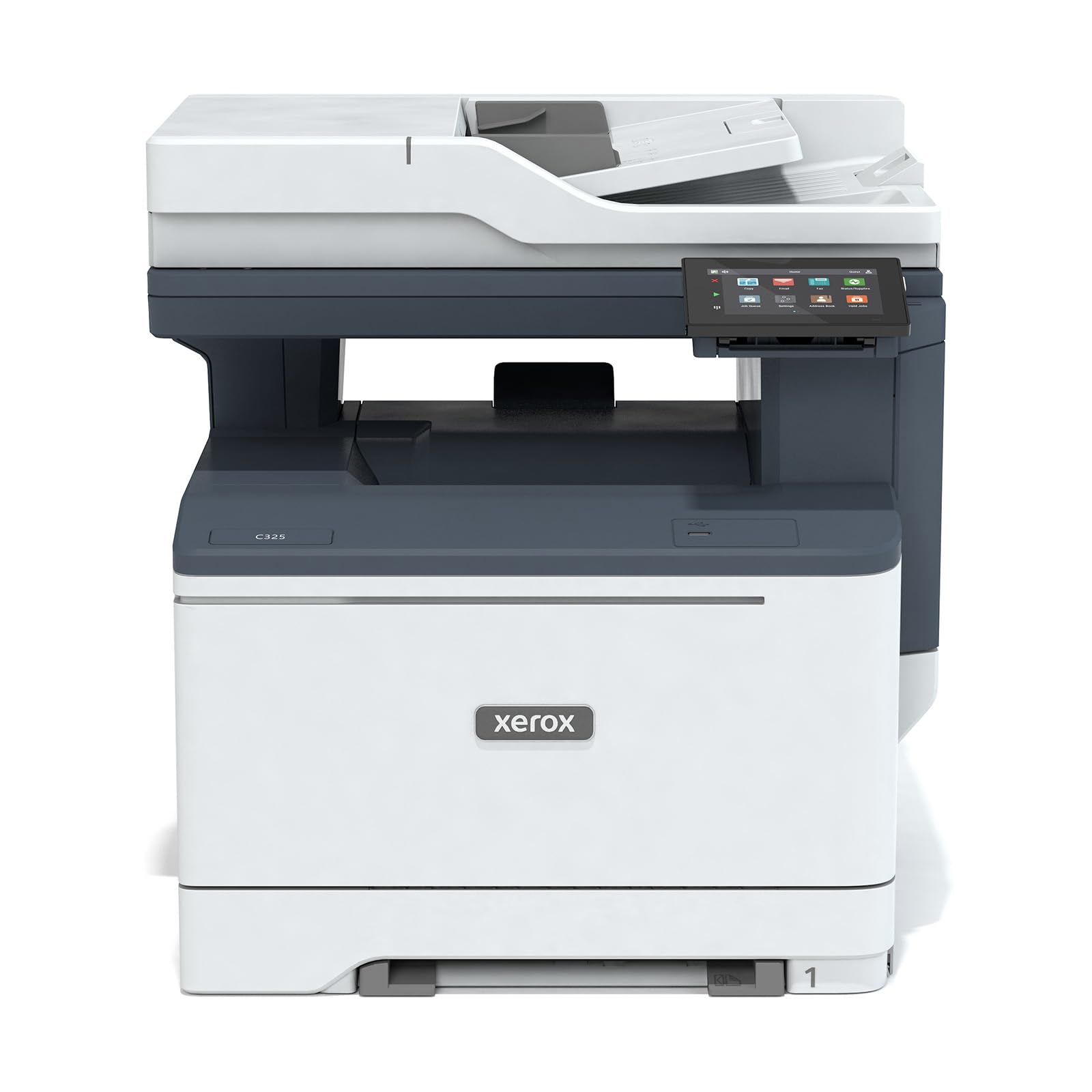
Scan and copy volume are the reason to look at Xerox C325/DNI. This color multifunction laser handles copy, fax, print, and scan, with color and black print speeds rated up to 35 ppm.
The office durability numbers are strong, with recommended monthly volume up to 6,000 pages and a duty cycle up to 65,000 images per month. A 50-sheet automatic document feeder supports the paperwork side of the job.
It suits small teams that move a lot of documents through the feeder. Buyers who want the smallest desk printer or the most familiar consumer toner ecosystem should look elsewhere.
Key highlights
- Color multifunction laser with copy, fax, print, and scan
- Up to 35 ppm color and black printing
- Recommended monthly volume up to 6,000 pages
- Duty cycle up to 65,000 images per month
- 50-sheet automatic document feeder
Pros
- Fast advertised 35 ppm engine
- Strong duty-cycle rating for a small-team printer
- Good fit for scan/copy-heavy offices
- Expandable-office feel without enterprise pricing
Cons
- Bigger and more businesslike than many home-office buyers need
- Toner ecosystem is less common than HP/Brother/Canon
- Interface and supplies may be less familiar to consumers
Who it's for
Copying, scanning, and office durability matter as much as printing.
Skip if
You want the simplest toner availability or a compact desk printer.
Brother MFC-J6960DW - Best wide-format all-in-one
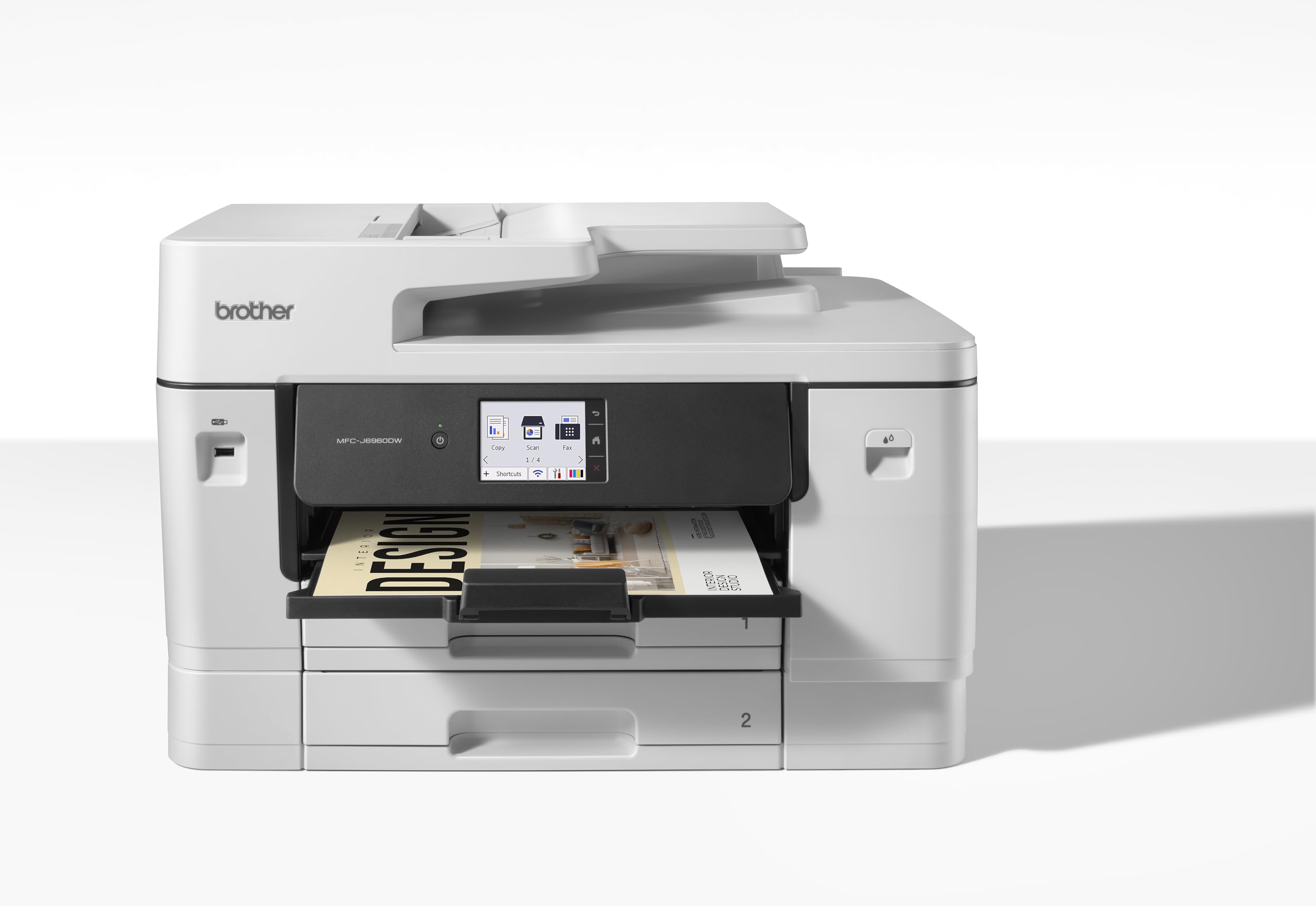
Brother MFC-J6960DW solves the paper-size problem that standard office printers cannot. It is an inkjet all-in-one with support for up to Ledger and A3 media in supported trays.
The paper setup is substantial, with two 250-sheet trays plus a 100-sheet multipurpose tray. It also has an ADF rated up to 50 pages and a 3.5-inch color touchscreen.
This is the right fit for spreadsheets, menus, plans, proofs, and marketing drafts that need more room than letter or legal pages. Its physical size is the tradeoff.
Key highlights
- Inkjet all-in-one
- Supports up to Ledger and A3 media in supported trays
- ADF rated up to 50 pages
- 3.5-inch color touchscreen
- Two 250-sheet trays plus 100-sheet multipurpose tray
Pros
- Prints and scans larger paper than letter/legal models
- Strong paper capacity for the price
- Ledger and A3 media support in supported trays
- Good fit for marketing drafts, plans, and spreadsheets
Cons
- Physically large
- Inkjet running costs are not as low as refillable tank models
- Wide-format users may want stronger photo/media handling
Who it's for
Your business regularly handles 11 x 17-inch spreadsheets, menus, plans, or proofs.
Skip if
You only print letter or legal pages and want a smaller machine.
Canon imageCLASS MF465dw II - Best monochrome laser all-in-one
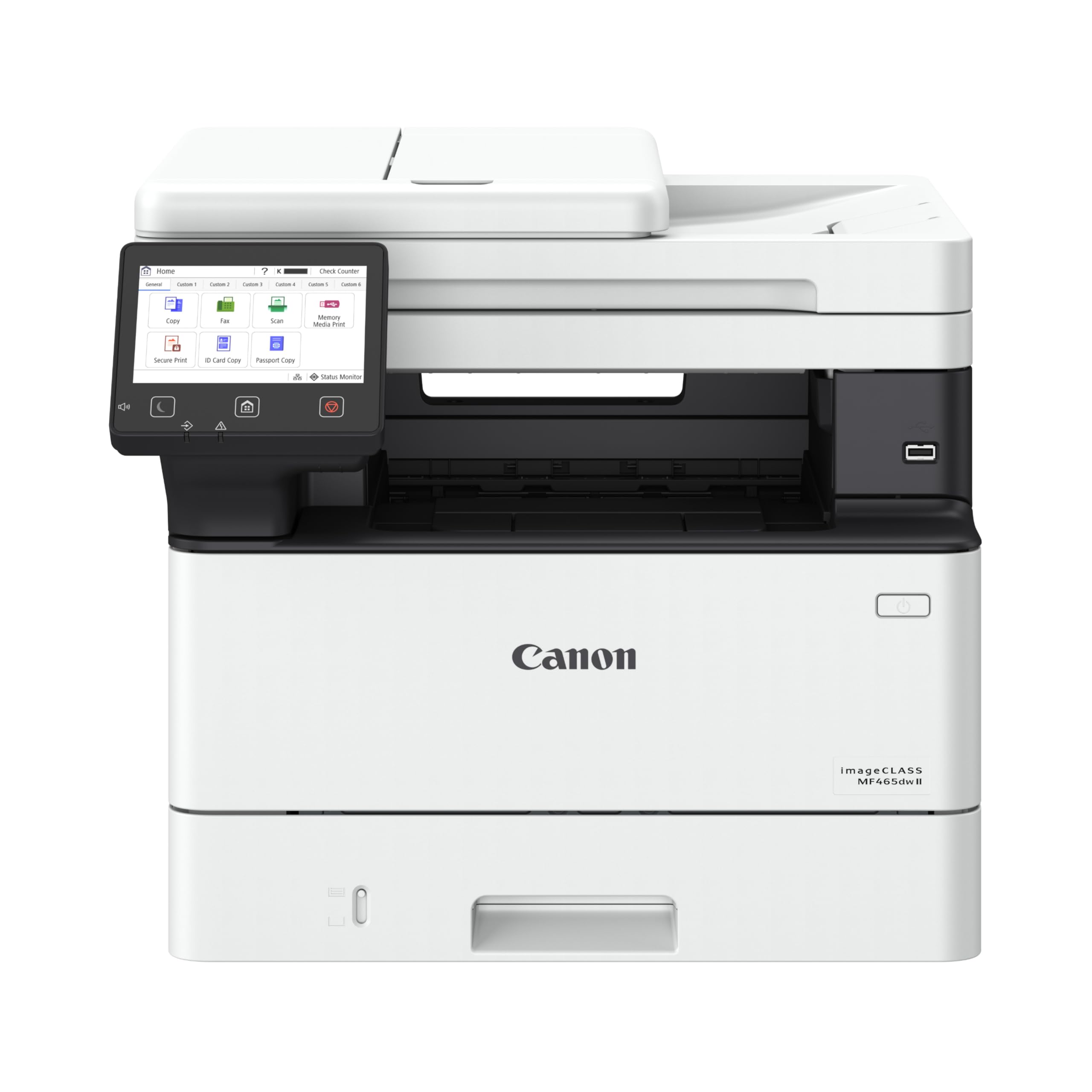
When color is unnecessary, Canon imageCLASS MF465dw II gives document-heavy offices speed and full all-in-one functions. It prints, copies, and faxes in monochrome and can scan in color, with letter-size output rated up to 42 ppm.
The fast first print out time of approx. 4.9 seconds helps with short jobs, and the 50-sheet duplex document feeder supports two-sided paperwork. Print and copy resolution reach up to 1200 x 1200 dpi.
Legal, medical, accounting, and administrative offices are the natural audience. It costs more than simple print-only monochrome lasers, but it replaces separate scan, copy, and fax tools.
Key highlights
- Monochrome laser all-in-one with print, scan, copy, and fax
- Up to 42 ppm letter printing
- Approx. 4.9 seconds first print out for letter
- 50-sheet duplex document feeder
- Up to 1200 x 1200 dpi print and copy resolution
Pros
- Fast mono output
- Duplex ADF for two-sided paperwork
- Strong print resolution for text-heavy documents
- Good fit for legal, medical, accounting, and admin offices
Cons
- No color printing
- More expensive than simple print-only monochrome lasers
- Canon menus can feel dense
Who it's for
Your office prints and scans lots of black-and-white documents and does not need color.
Skip if
Client-facing color charts or marketing materials are part of your workflow.
How to Choose
- Pick laser for crisp text and reliability. Laser printers are usually better for sharp invoices, contracts, forms, and long idle periods. Color laser costs more upfront, but avoids inkjet clogging and usually handles office volume well.
- Choose tank inkjet for heavy color runs. Refillable ink-tank models can be much cheaper per color page, especially for flyers, reports, and classroom-style handouts.
- Check scan workflow, not just print speed. Small businesses often scan IDs, receipts, contracts, and two-sided forms. A duplex ADF or single-pass duplex scanner is worth paying for if paperwork is frequent.
- Match paper size to your work. Most offices only need letter and legal paper. Real estate, construction, design, restaurants, and accounting teams may benefit from 11 x 17-inch capability.
- Price replacement supplies before you buy. A cheap printer can be expensive if toner or cartridges are costly. Compare high-yield cartridges, bottle yields, and whether the printer blocks third-party supplies.
- Confirm current new-stock availability. Printer listings often keep old models alive through renewed or third-party stock. Prefer models with active manufacturer support and current new retail availability.
Is laser or inkjet better for a small business?
Laser is usually better for crisp text, high reliability, and long idle periods. Ink-tank inkjets are better when you print a lot of color and want lower supply costs.
Do I need a duplex ADF?
Yes, if you scan or copy two-sided forms, contracts, IDs, or receipts often. It saves much more time than duplex printing alone.
What does duty cycle mean?
Duty cycle is the maximum monthly output rating, not the volume you should print every month. Use the recommended monthly volume when the maker provides it.
Can every printer use third-party toner or ink?
No. Some HP models use dynamic security and may block cartridges without HP chips or circuitry. Check cartridge rules before buying if supply flexibility matters.
Should I buy a renewed printer for business use?
For core business use, new stock from a trusted seller is safer. Renewed units can save money, but availability, warranty, starter supplies, and wear are less predictable.
Share this article
More on printers
Buying guide
Best HP Printers in 2026
Buying guide
7 Best 3D Printers for 2026
Deal
Liene Amber M110 Bluetooth Photo Printer 80 on sale for $144.49
Buying guide
7 Best All-in-One Printers for Home in 2026
More buying guides
Buying guide9 Best Keyboards From Top Brands in 2026Buying guide8 Best 60 Percent Keyboards of 2026Buying guideTop 7 Home Theater Systems for 2026Buying guide6 Best Handheld Gaming Consoles for 2026Buying guide5 Spy Cameras for Home and Portable Monitoring (2026)Buying guide6 Best Tablets for Gaming in 2026Buying guide7 Best Laptops for Interior Designers in 2026Buying guide4 Best Budget Laptops Around $300 for 2026