Whether you are a professional photographer selling gallery prints or a parent who wants real snapshots on the fridge, the right photo printer makes the difference between a keepsake and a disappointment. Our top pick, the Canon imagePrograf PRO-1100, delivers pro-grade 17-inch prints with exceptionally deep blacks, but the best choice depends on your print size, volume, and budget. This list covers everything from compact 4x6 snapshot printers to wide-format studio machines.
Technobezz is supported by its audience. We may get a commission from retail offers.
Best Photo Printers for 2026
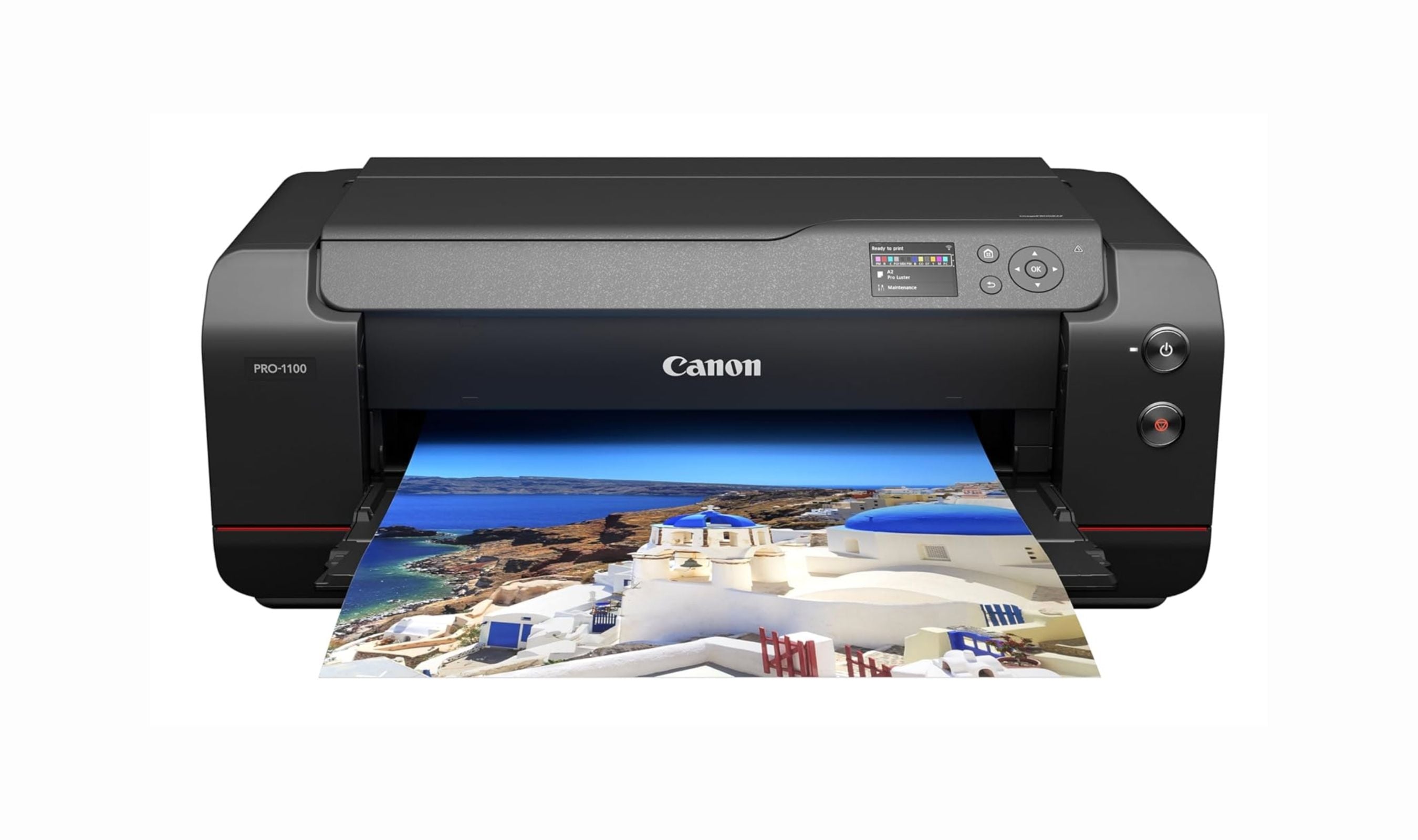
The Canon imagePrograf PRO-1100 tops our list of the best photo printers of 2026, offering pro-grade 17-inch prints with deep blacks.
T
Technobezz
Editorial Team
Updated May 10, 2026May 10, 2026
•8 min read

Get Deals Like These in Your Inbox
The best prices, checked by our editors.
At a Glance
| Category | Product | Why We Picked It |
|---|---|---|
| Best overall | Canon imagePrograf PRO-1100 | Unmatched 17-inch pigment prints with deep blacks and scratch-resistant Lucia Pro II inks |
| Best value | Canon Pixma G620 (G650) | Six-tank refillable system with excellent color at a fraction of cartridge costs |
| Best for large prints | Epson SureColor P900 | Compact 17-inch pigment printer with roll support and dedicated black ink channels |
| Best all-in-one | Epson EcoTank ET-8550 | Wide-format tank printer that handles photos and documents |
| Best portable | Canon Selphy CP1500 | Compact dye-sub 4x6 printer with optional battery |
| Also recommended | Canon Pixma Pro-200S | Great for glossy color prints with smooth gradations |
| Also recommended | Canon Selphy QX20 | Versatile compact for square and card-size prints |
| Also recommended | Epson SureColor P700 | Solid pigment printer with roll feeder and touchscreen |
| Also recommended | HP Sprocket Select | Pocket-sized Zink for larger prints on the go |
How we chose
We evaluated photo printers based on print quality (color accuracy, black depth, detail resolution), ink technology (pigment vs. dye, number of ink colors), running costs, media handling, connectivity, and real-world owner satisfaction. Our assessment synthesizes professional reviews, verified owner feedback, and long-term cost-of-ownership data across dozens of models. We prioritized printers with five or more ink colors, dedicated photo paper handling, and reliable print-head maintenance features.
The best photo printers right now
Canon imagePrograf PRO-1100 - Best overall
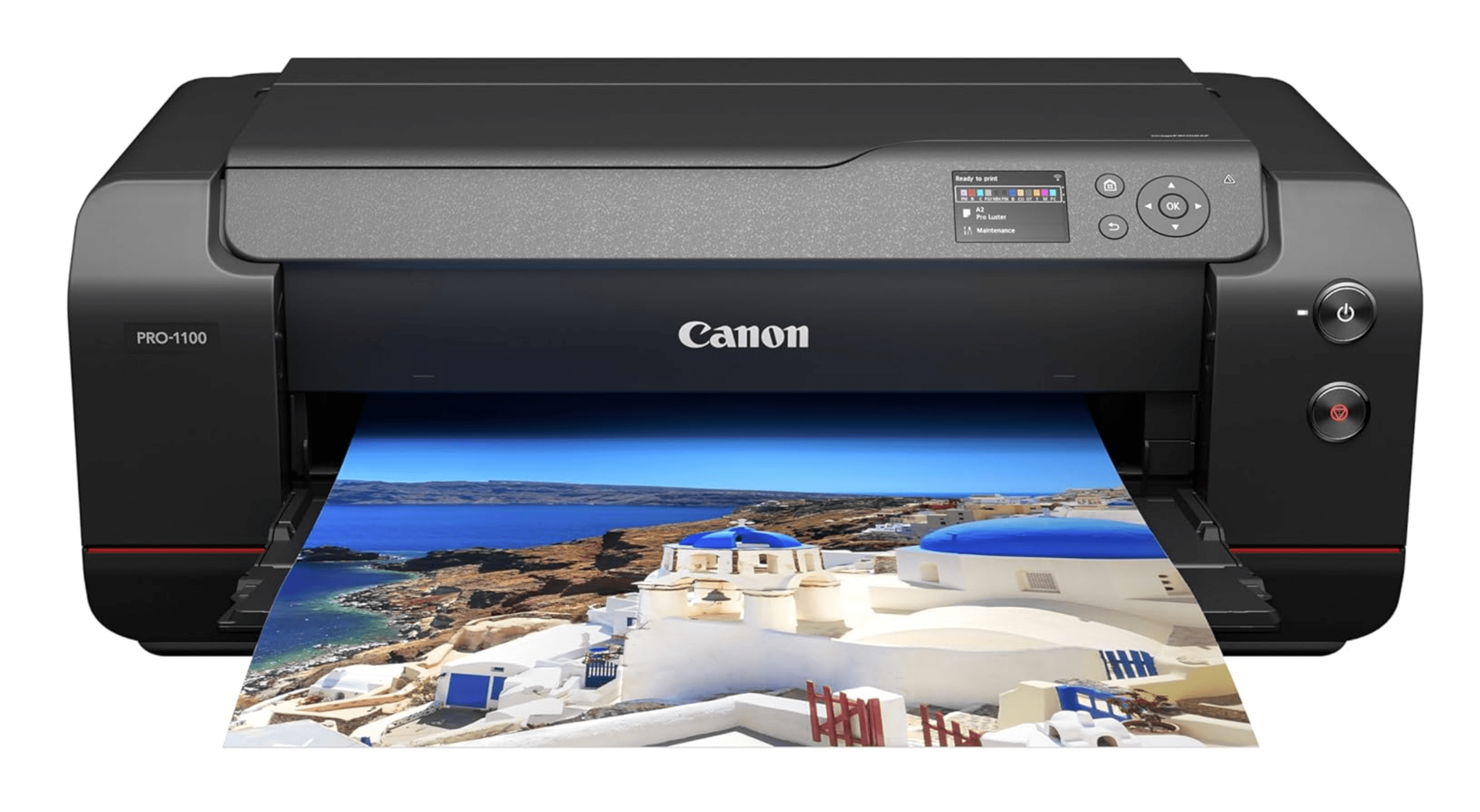
The PRO-1100 replaces the PRO-1000 with upgraded Lucia Pro II pigment inks that deliver deeper blacks, wider color gamut, and better scratch resistance. Print quality is gallery-grade on matte, fine-art, and glossy media, with a Chroma Optimizer that smooths reflectivity on glossy prints. It prints borderless up to 17 inches wide and supports sheets up to 129 inches long for banners.
Key highlights
- 11 pigment-based Lucia Pro II inks plus Chroma Optimizer
- Prints up to 17 x 22 inches and 129-inch banners on cut sheets
- Lightfastness rated up to 200 years
- Anti-clog nozzle recovery system keeps the print head ready
- 80ml high-capacity cartridges reduce per-print ink cost
Pros
- Outstanding black depth and shadow detail
- Excellent on matte, fine-art, and glossy media
- Improved scratch resistance over previous generation
Cons
- No roll paper support
- High upfront cost
- Large and heavy (requires dedicated desk space)
Who it is for: Professional photographers, fine-art printmakers, and serious enthusiasts who need gallery-quality 17-inch prints and are willing to invest in top-tier equipment.
Skip if
You only print 8x10 or smaller photos, or you need roll paper support for panoramas.
Canon Pixma G620 (G650) - Best value
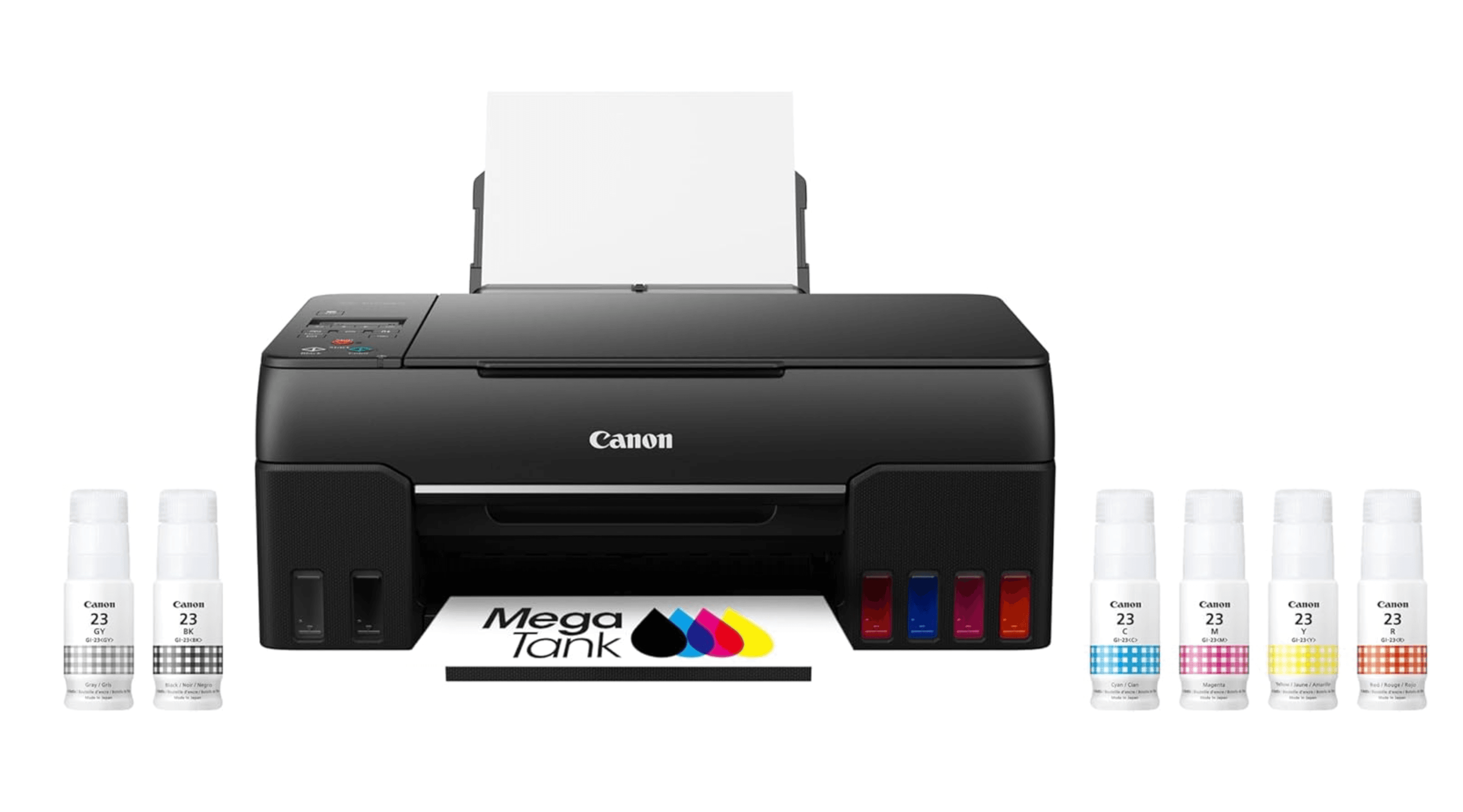
The G620 is a six-tank MegaTank printer that uses refillable ink bottles instead of cartridges, cutting running costs to roughly one-eighth of cartridge-based models. It uses dye-based CMYK plus red and gray inks for accurate color and smooth mono prints. The included ink bottles are good for about 3,800 4x6 photos, making it one of the most economical photo printers available.
Key highlights
- Six dye-based inks (CMYK plus red and gray)
- Refillable tanks topped up with 60ml bottles
- Rated for 3,800 4x6 prints per full ink set
- Rear paper feed handles multiple media types
- Wi-Fi, AirPrint, and Mopria support
Pros
- Exceptionally low running costs
- Accurate color with good tonal range
- Affordable purchase price for a tank system
Cons
- No front paper cassette (rear feed only)
- Slower print speeds (about 47 seconds per 4x6)
- No color touchscreen
Who it is for: Home users and hobbyists who print photos regularly and want the lowest possible per-print cost without sacrificing color quality.
Skip if
You need fast batch printing or want a printer that handles documents as well as photos.
Epson SureColor P900 - Best for large prints
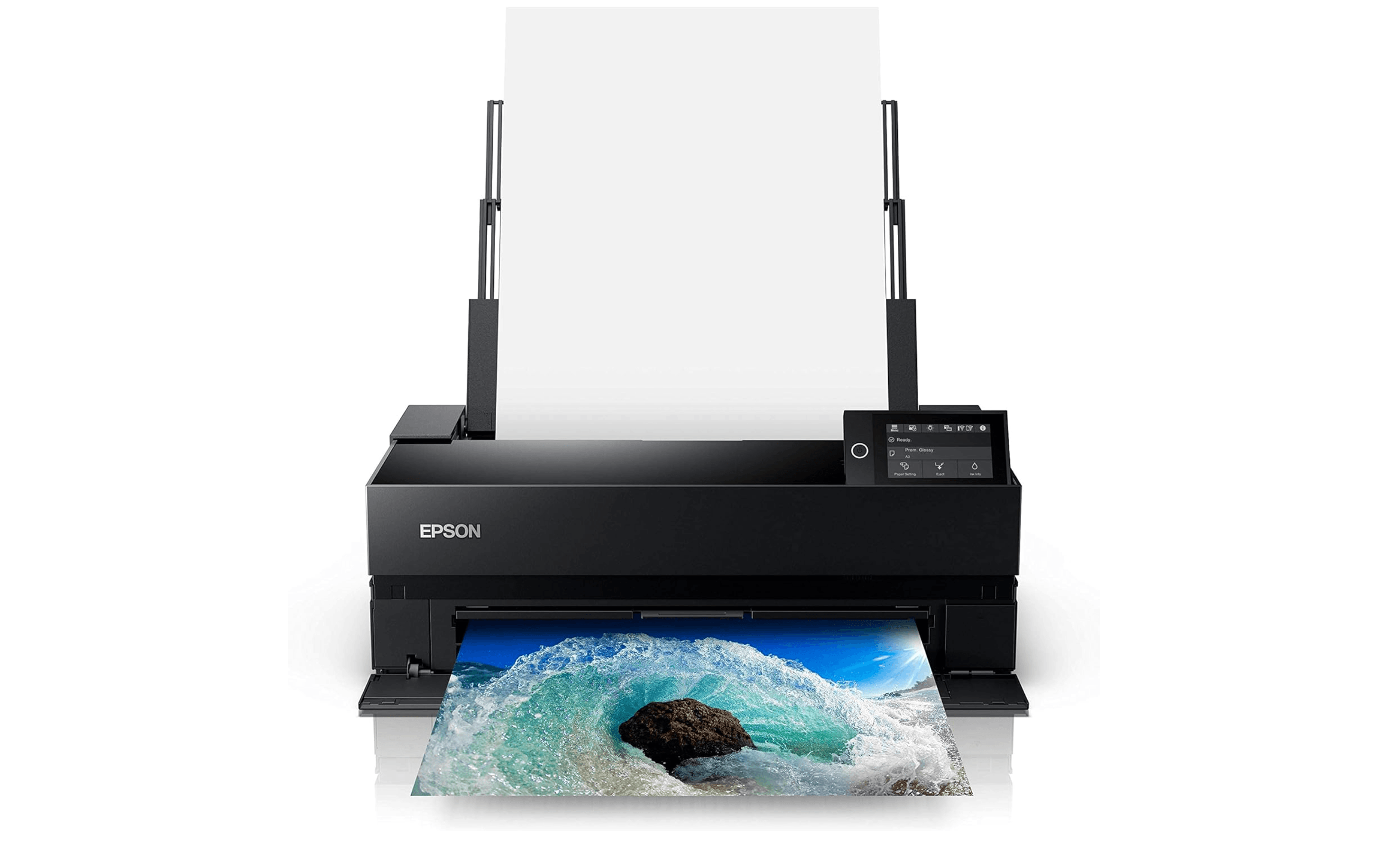
The P900 packs 17-inch pigment printing into a surprisingly compact frame. Its UltraChrome PRO10 inks produce brilliant colors and deep blacks, with dedicated channels for photo black and matte black so you do not waste ink switching between paper types. The optional roll paper adapter enables panoramas and banners up to 129 inches long.
Key highlights
- 10-color UltraChrome PRO10 pigment inks
- Prints up to 17 x 22 inches with optional roll support
- Dedicated photo black and matte black ink channels with no switching required
- 4.3-inch color touchscreen
- Built-in Wi-Fi, Ethernet, and USB 3.0
Pros
- Excellent color accuracy and shadow detail
- Compact footprint for a 17-inch printer
- Dedicated ink channels reduce waste
Cons
- Expensive to buy and refill
- Not ideal for glossy paper (some bronzing)
- Setup cartridges run out quickly
Who it is for: Professional photographers and serious enthusiasts who need 17-inch wide prints and want archival pigment quality in a relatively compact package.
Skip if
You mainly print on glossy paper or need a printer with a built-in scanner.
Epson EcoTank Photo ET-8550 - Best all-in-one
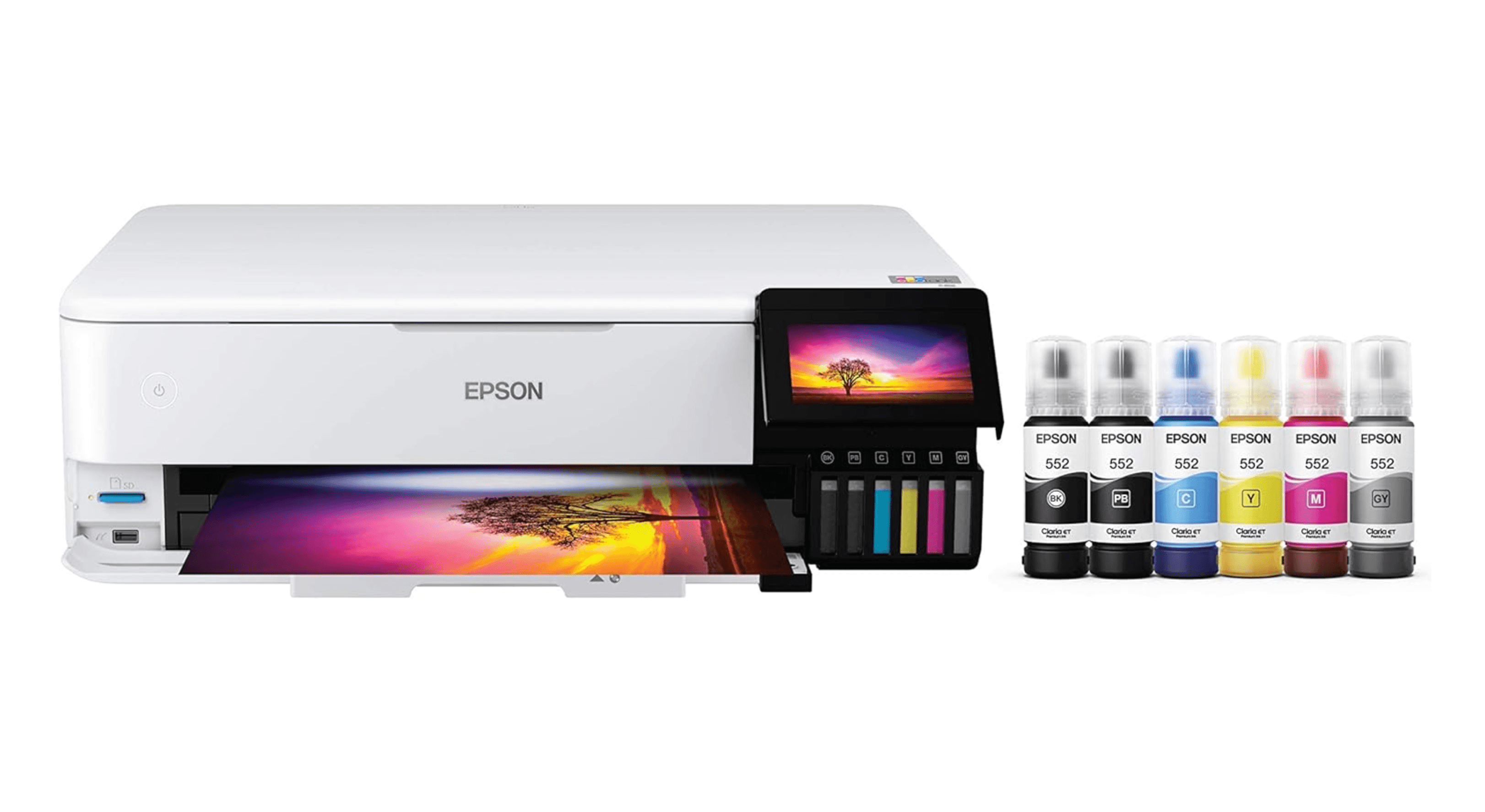
The ET-8550 is a wide-format all-in-one that prints up to 13 x 19 inches using a six-ink EcoTank system. It combines pigment black for crisp text with dye-based CMYK plus gray for vibrant photos. Running costs are low thanks to refillable ink bottles, and the built-in scanner and 4.3-inch touchscreen make it a versatile home-office companion.
Key highlights
- Six-color EcoTank system (CMYK plus photo black and gray)
- Prints borderless up to 13 x 19 inches
- Built-in flatbed scanner with 4.3-inch touchscreen
- Rear feed for fine-art media up to 1.3mm thick
- Included ink bottles rated for about 2,300 4x6 prints
Pros
- Low running costs with refillable tanks
- Wide-format printing in a multifunction device
- Good color and black-and-white photo quality
Cons
- High initial purchase price
- No automatic document feeder for multipage scans
- Dye-based photo inks are less archival than pigment
Who it is for: Photographers, artists, and small businesses who want one machine that handles both document tasks and wide-format photo printing with low ongoing costs.
Skip if
You need a dedicated photo printer for the highest possible print quality, or you rarely print larger than letter size.
Canon Selphy CP1500 - Best portable
The Selphy CP1500 is a compact dye-sublimation printer that produces lab-quality 4x6 prints in about 41 seconds. It uses print packs that bundle paper and ink together, so you never run out of one without the other. An optional battery pack makes it truly portable for events, parties, and travel.
Key highlights
- Dye-sublimation technology for continuous-tone prints
- Prints 4x6, 3.5x5, and credit-card sizes
- Protective overcoat resists water and fingerprints
- Wi-Fi, USB, and SD card connectivity
- Optional battery pack for portable use
Pros
- Consistent, high-quality prints every time
- No ink cartridges to clog
- Prints come out dry and laminated
Cons
- Limited to 4x6 and smaller sizes
- Per-print cost is fixed by the print pack
- App connectivity can be finicky
Who it is for: Families, scrapbookers, and event photographers who want quick, durable 4x6 prints in a portable package.
Skip if
You need prints larger than 4x6 or want lower per-print costs at high volumes.
Also Good
- Canon Pixma Pro-200S - great for glossy color prints with smooth gradations.
- Canon Selphy QX20 - versatile compact for square and card-size prints.
- Epson SureColor P700 - solid pigment printer with roll feeder and touchscreen.
- HP Sprocket Select - pocket-sized Zink for larger prints on the go.
How to Choose
- Pigment vs. dye ink. Pigment inks last longer (100 to 200 years under glass) and resist fading, making them ideal for archival and fine-art prints. Dye inks produce more vibrant colors on glossy paper but fade faster. Choose pigment if you sell prints or want them to last decades. Choose dye for vivid snapshots and everyday family photos.
- Print size matters. Decide what size you will print most often. Letter-size (8.5 x 11) printers are cheaper and smaller. Thirteen-inch printers open up portfolio-quality prints. Seventeen-inch printers let you make exhibition-ready work but cost more and take up serious desk space. Buy for the largest size you realistically need.
- Ink costs add up fast. A cheap printer with expensive cartridges will cost you more in the long run than a pricier tank-based model. Refillable tank printers like the EcoTank and MegaTank lines cut per-print costs dramatically. If you print more than 50 photos a month, a tank system pays for itself within a year.
- Number of ink colors. Printers with five or more inks produce smoother gradients, better skin tones, and wider color gamuts than standard four-color systems. Gray inks improve black-and-white prints significantly. For serious photo work, look for six or more colors.
- Connectivity and workflow. Wi-Fi and AirPrint support make printing from phones and tablets effortless. If you print from a computer, USB and Ethernet offer more reliable connections. A color touchscreen makes paper changes and maintenance much easier than button-and-LCD interfaces.
FAQ
How long do photo prints last?
With pigment inks and archival paper, prints can last 100 to 200 years under glass. Dye-based prints typically last 25 to 75 years depending on display conditions. Dye-sublimation prints from the Selphy line are rated up to 100 years in album storage.
Are ink tank printers messy to refill?
Modern ink bottles have keyed tops that only fit the correct tank, and gravity-fed designs stop dispensing automatically when the tank is full. Refilling is clean and straightforward with no squeezing required.
Can I use compatible ink in a photo printer?
For everyday family photos, compatible cartridges work well and cost much less. For archival or professional work, OEM pigment inks are still the safest bet for color accuracy and longevity.
Do I need a photo printer or should I use a printing service?
If you print fewer than 50 photos a year, online services are cheaper. If you print regularly, want instant results, or need control over color and paper choices, a photo printer pays for itself.
How often do I need to use a photo printer to prevent clogs?
Most modern printers handle this automatically with periodic agitation and cleaning cycles. If you go more than two weeks without printing, run a nozzle check before printing to catch any clogs early.
Share this article
More in News

AKG K 701 Ultra Reference Class Stereo discounted to $247.37
AKG K 701 headphones drop to $247.37 on Amazon, a 47% discount that sits below recent 30, 90, and 180-day average prices.
5 min read

Apple Watch SE 3 GPS 40mm Smartwatch discounted to $189.97
Save $59.03 on the Apple Watch SE 3 GPS 40mm at Amazon, matching its lowest recorded price with health and sleep tracking.
5 min read

Cleer Audio Enduro ANC Noise Canceling Headphones price drops to $94.99
Save 47% on Cleer Audio Enduro ANC headphones at $94.99, with 60-hour battery, active noise cancellation, and multipoint Bluetooth.
3 min read

Lenovo coupon codes and deals
Browse 5 current Lenovo offers, including 3 coupon codes and 2 online deals.
5 min read

Woot coupon codes and deals
3 min read

Samsung coupon codes and deals
5 min read

Best tech coupon codes and online deals
4 min read
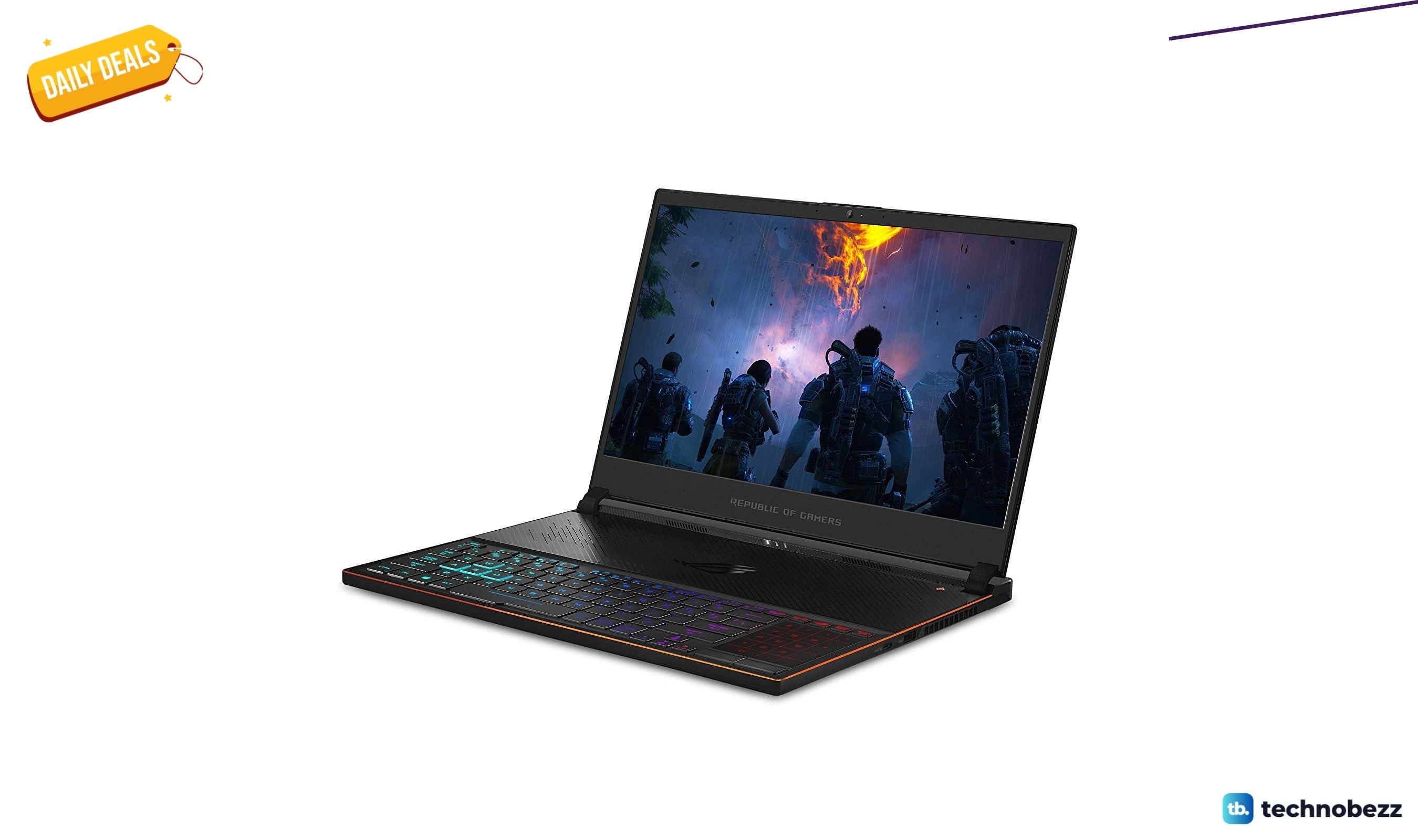
ASUS ROG Zephyrus S Ultra Slim Gaming gets a $660.95 price cut to $1338.05
5 min read
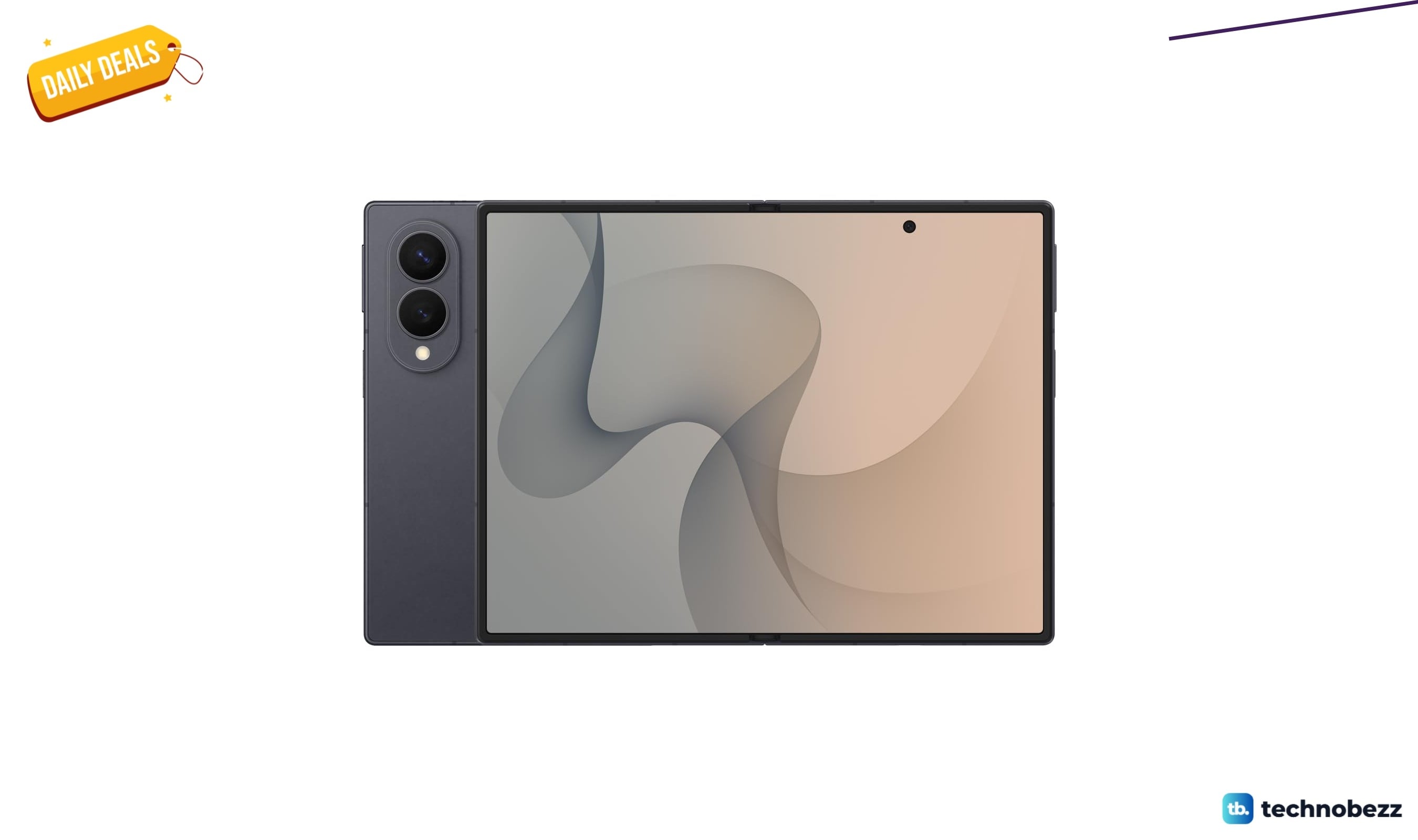
Samsung Galaxy Z Fold8 Unlocked Android Smartphone on sale for $1649.99
3 min read
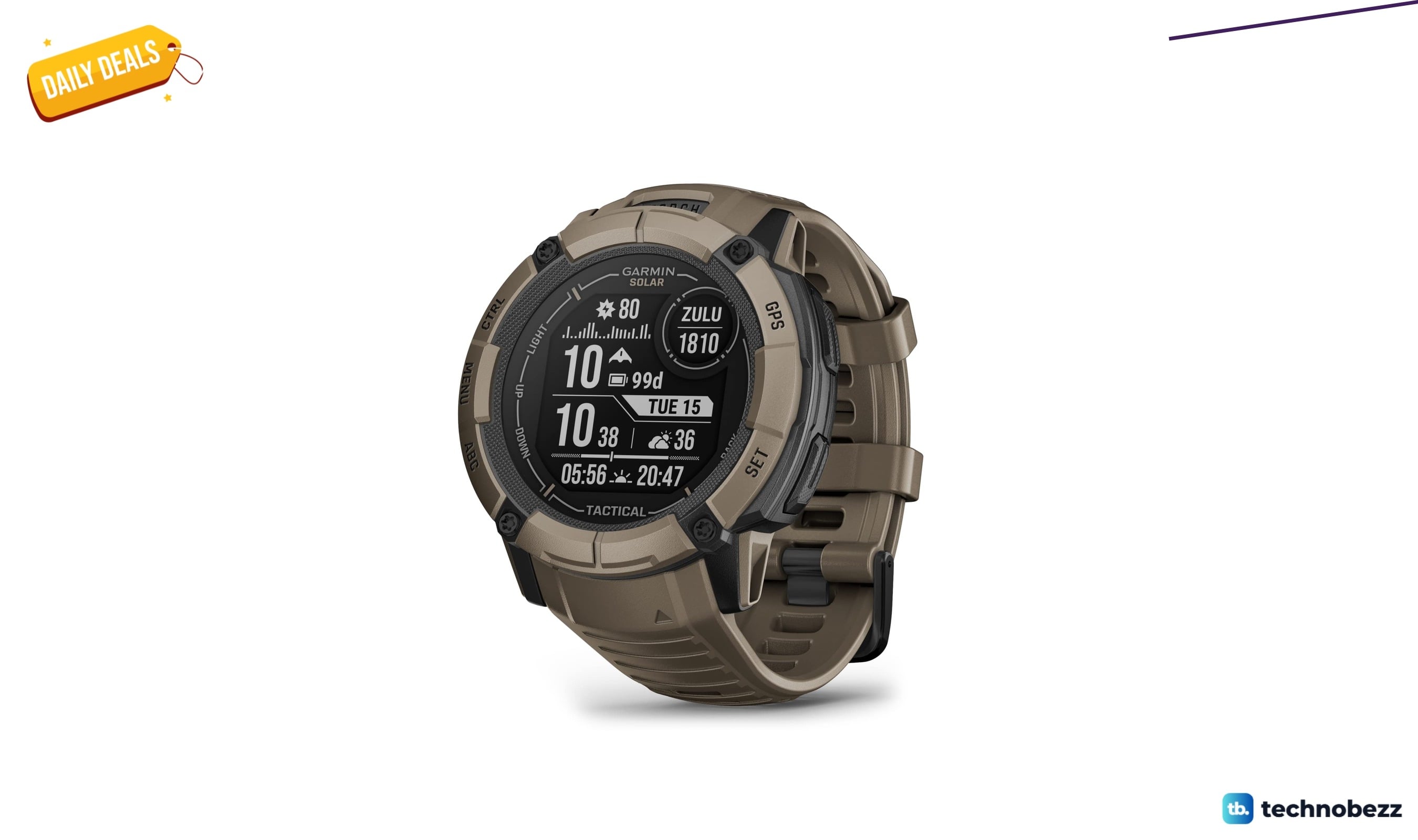
We found 2 smartwatch deals from $219.99 that are actually worth it
5 min read
Sony WH-CH720 Noise Canceling Wireless Bluetooth Headphones now $87.94, down from $119.99
3 min read
TCL 75-inch F7D QLED 4K TV leads 2 TV deals from $499.99
5 min read