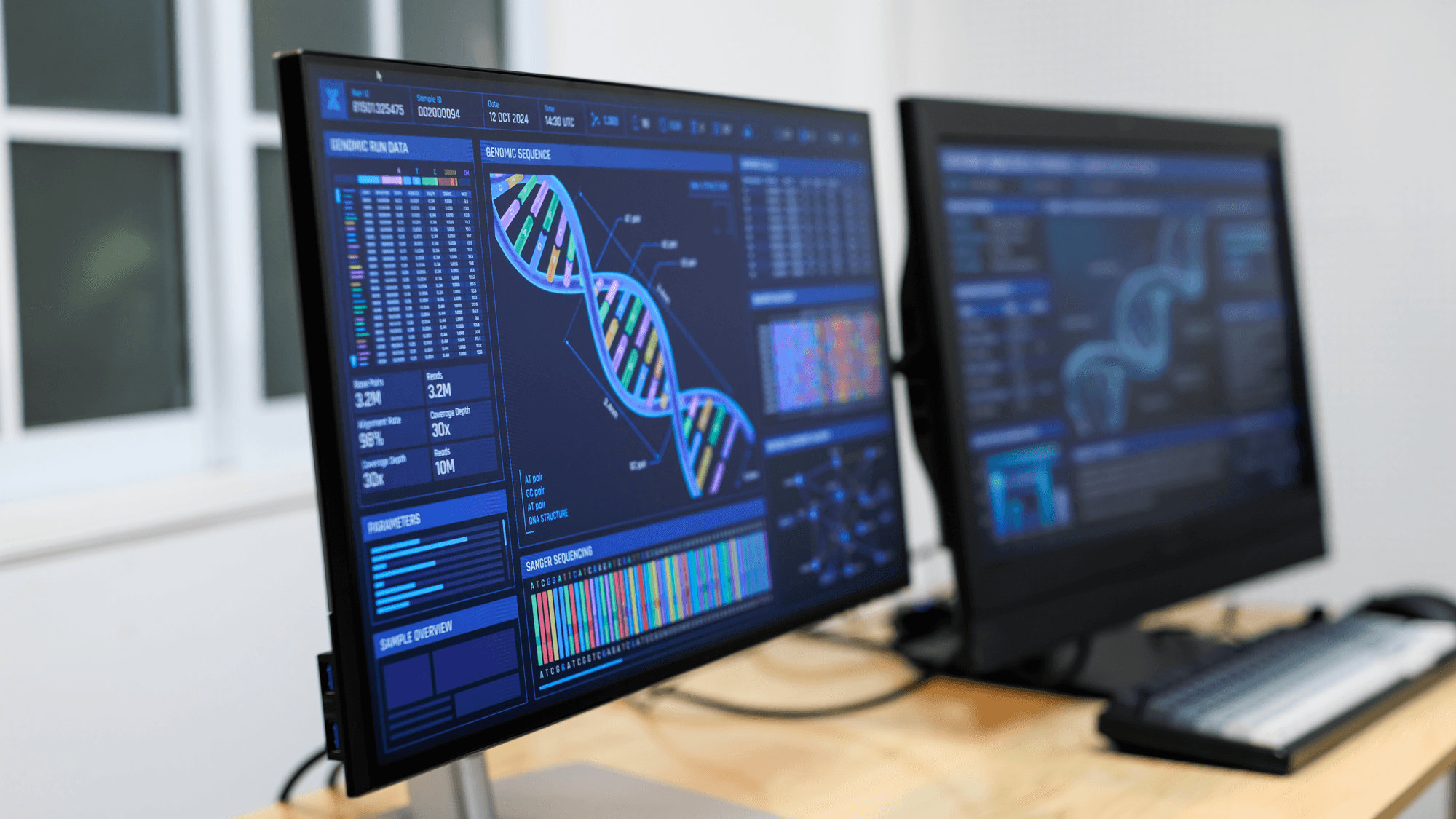
A 1440p screen has 2560 x 1440 pixels, or 3,686,400 in total, and a 4K screen has 3840 x 2160, or 8,294,400, which is 2.25 times as many. On a 27-inch monitor that works out to 109 pixels per inch against 163 in Dell's specifications. 4K packs in more detail, while the fastest 1440p monitors in this comparison list 360 Hz to 500 Hz against 240 Hz for the fastest 4K example.
Pixels and sharpness
- 1440p (QHD): 2560 x 1440, which multiplies out to 3,686,400 pixels.
- 4K (UHD): 3840 x 2160, which multiplies out to 8,294,400 pixels.
- 27-inch 1440p example: Dell lists the Alienware AW2725DM at 109 PPI.
- 27-inch 4K example: Dell lists the P2725QE at 163 PPI.
Both Dell monitors have a 27-inch viewable screen, so the gap in pixels per inch comes from resolution alone.
Refresh rates
Among the 1440p monitors here, Dell lists the Alienware AW2725DM at 180 Hz. Samsung's model selector lists the 27-inch Odyssey OLED G60SD at 360 Hz and the G60SF at 500 Hz. LG advertises the 27-inch 27GX790A-B OLED at up to 480 Hz, and ASUS specifies a native 480 Hz for the 26.5-inch ROG Swift OLED PG27AQDP.
The 4K examples top out lower. Dell lists the P2725QE at 100 Hz, LG lists the 27-inch 27GR93U-B at 144 Hz, and ASUS lists the 26.5-inch ROG Swift OLED PG27UCDM at 240 Hz. These are listed specifications as of November 16, 2026, not confirmed stock.
The port you use can change the number. For the AW2725DM, Dell specifies up to 180 Hz at 2560 x 1440 over DisplayPort 1.4 but 144 Hz over HDMI.
What GPU makers show at each resolution
GPU makers pitch different cards at each resolution. NVIDIA's RTX 5070 launch page presents 1440p gaming demonstrations with full ray tracing and DLSS 4 Multi Frame Generation. For 4K, NVIDIA presents the RTX 5080 with full ray tracing and maximum settings, and the surrounding performance discussion also specifies DLSS 4 Multi Frame Generation.
AMD's buying guidance has a 1440p section that includes the Radeon RX 9070 XT, RX 9070 and RX 9060 XT 16GB. Its 4K and beyond section lists the RX 9070 XT and RX 9070. These are the manufacturers' own positioning and demonstration conditions, not independent benchmarks.
What consoles output
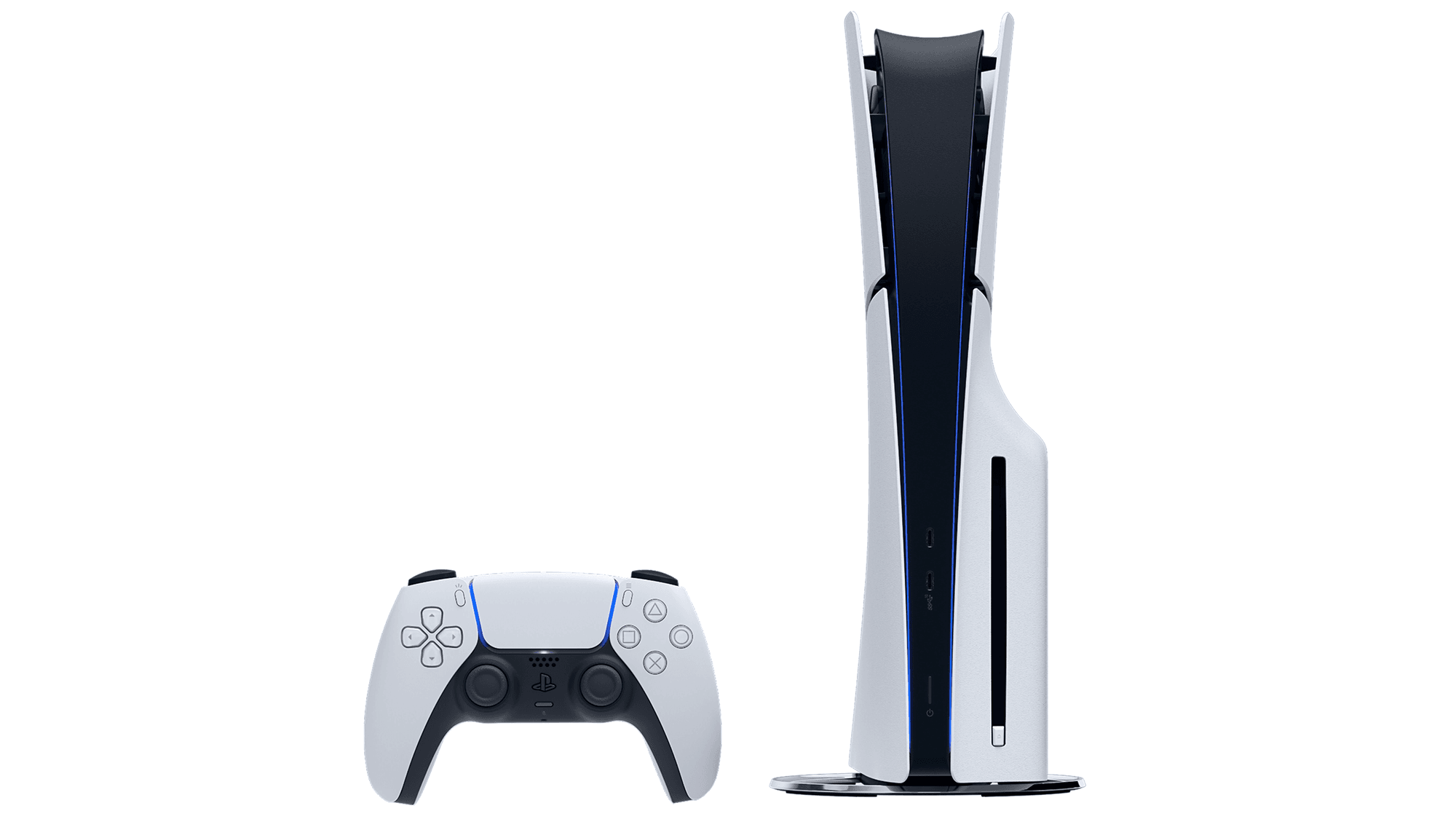
Sony supports selecting 1440p output on the PS5, and its output test checks SDR and HDR at 60 Hz and 120 Hz, plus VRR, when the connected display supports them. Sony also states that the PS5 supports HDMI 2.1 and 4K 120 Hz video output.
Microsoft lists the Xbox Series S with a gaming resolution of 1440p and the Xbox Series X with True 4K, and it lists a performance target of up to 120 FPS for each. For the older Xbox One X and Xbox One S, Microsoft announced 1440p output for games and media in April 2018, followed in May 2018 by 120 Hz support at 1080p and 1440p on a compatible display.
Which one fits
If you read a lot of text or edit photos on a 27-inch screen, consider 4K, because Dell lists 163 PPI for 4K against 109 PPI for 1440p at that size. If you play fast competitive games and want a high refresh rate, consider 1440p, since the 360 Hz, 480 Hz and 500 Hz monitors listed here are 1440p, while the fastest 4K example is 240 Hz.
If your graphics card is one AMD lists for 1440p but not for 4K, such as the RX 9060 XT 16GB, a 1440p monitor matches the maker's own positioning. If you play on an Xbox Series S, 1440p matches the gaming resolution Microsoft lists for it, while Microsoft lists True 4K for the Series X and Sony says the PS5 supports 4K output at 120 Hz.
For specific models, see the best 1440p gaming monitors, the best 4K gaming monitors and the best 4K monitors.