A smart home is a home where compatible devices such as lights, plugs, locks, thermostats and cameras connect to an app that can control and automate them. Apple Home, Google Home, Amazon Alexa and SmartThings each describe app control of compatible devices. The Matter standard lets one certified device be shared across more than one of those platforms.
What the platforms mean by a smart home
Apple says its Home app can add, control and automate compatible HomeKit and Matter accessories, including lights, locks and thermostats. Google Home puts setup, control and automation in one app for compatible Google devices, Matter devices and products carrying the Works with Google Home logo.
Amazon describes Alexa smart home features as controlling and checking the status of compatible devices, including lights, plugs, thermostats, cameras and locks. Connections can run through skills, compatible Echo devices or the Alexa app. The SmartThings app connects and controls compatible devices, including Samsung TVs, appliances and wearables. Apple Home automations can run at scheduled times or when an accessory is activated, such as when the front door is unlocked.
The devices you will meet
- Plugs and switches: Google's smart home documentation treats these as on/off devices, controlled with an on/off command.
- Bulbs and lights: Google documents smart lights that switch on and off. Some also dim and change color.
- Locks: in Google's device model, a smart lock can lock, unlock and report whether it is locked.
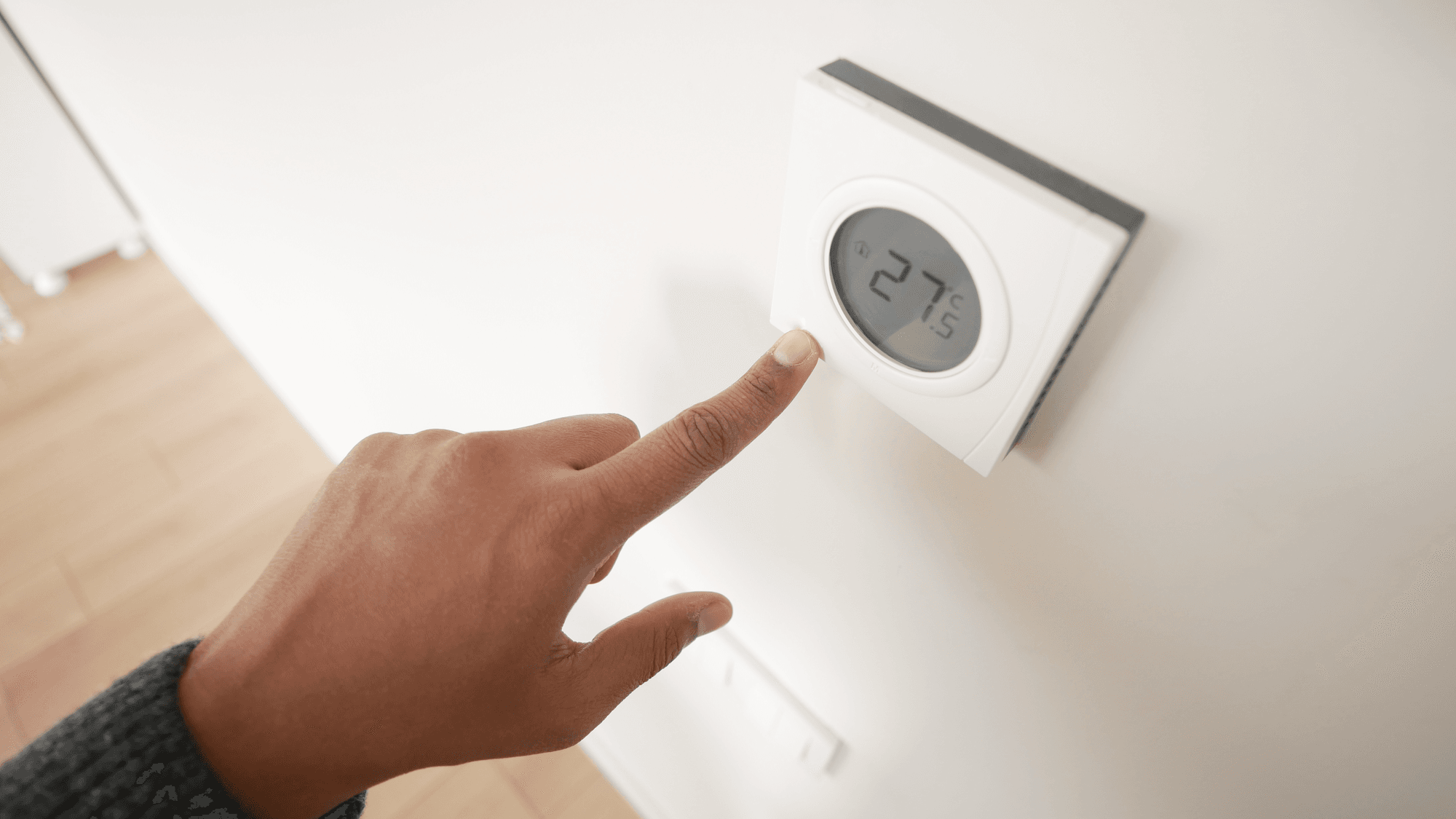
- Thermostats: Google defines these as temperature-managing devices with set points and modes.
- Cameras: the FTC describes connected cameras, including doorbell cameras, baby monitors and security cameras, that send live video and audio to a phone or computer app.
Matter, Thread and hubs
The Connectivity Standards Alliance (CSA) describes Matter as an open smart home protocol. Devices connect over Wi-Fi, Thread or Ethernet, and Bluetooth Low Energy is used for setup. Only Matter-certified devices carry the Matter logo, according to the CSA's Matter FAQ. Multi-admin lets you share a device across multiple platforms and choose which apps get access.
A joint CSA and Thread Group guide defines Thread as an energy-efficient wireless mesh network. Thread handles the networking, and Matter is the protocol devices use to communicate over it. A Thread Border Router connects Thread devices to the local network and the internet, and it can be built into products such as smart speakers and home routers.
Apple's home hub support page says you must set up a home hub to add Matter accessories to the Home app, and it lists HomePod, HomePod mini and Apple TV among its hubs. Apple's Matter pairing page says an iPhone with iOS 18 or later can add and control Matter accessories in the Home app without a home hub, and iPhone 15 Pro and later can control Thread accessories without one, though Apple recommends a home hub for the best experience. Google says a compatible hub is needed to set up Matter devices and control or automate them remotely. Its examples include Nest Mini and Nest Audio for Wi-Fi, plus Nest Hub (second generation) and Nest Wifi Pro for Wi-Fi and Thread.
Amazon documents adding Matter devices through the Alexa app, and compatible Echo devices with a built-in smart home hub can connect compatible Zigbee devices directly. SmartThings documents hub-connected devices using Matter, Zigbee, Z-Wave or LAN protocols.
Matter is a local connectivity technology. The CSA says Matter-only devices need an internet-connected controller in the home for control from outside it.
What the FTC and CISA say about security
The FTC's guidance says to change the default username and password, avoid reusing passwords, and use two-factor authentication when a device offers it. It also says to check for firmware updates, keep the phone app current, and disable or disconnect what you do not use.
For cameras, the FTC points to encryption for account information, livestreams and stored videos, and to a home network encrypted with WPA3 or WPA2. For voice assistants, its guidance covers physical microphone controls, retention settings and deleting old recordings. Available controls depend on the manufacturer.
CISA's digital home tip sheet notes that connected-device apps can gather personal information. It says to review app permissions, delete apps you no longer need, and enable automatic updates where available.
What to check before you buy
If you already use one platform, check that a device is compatible with it. The Matter logo shows that a device is Matter-certified, and Google's page on supported Matter devices says "not all are fully supported."
For Thread devices, the requirement depends on the platform. Apple's home hub page says Thread-enabled Matter accessories need a Thread-enabled home hub or a supported third-party border router, and its pairing page says iPhone 15 Pro and later can control Thread accessories without one. Google says Matter devices that use Thread need a hub with a built-in Thread Border Router. Amazon's instructions call for a compatible Thread-enabled device to be online.
For control away from home, Google says Matter devices need a compatible hub. For a camera or voice assistant, the FTC's guidance covers the settings to check.