Obsidian is the Notion alternative we recommend for most people. The app is free with no account, your notes stay as plain Markdown files on your own devices, and its Bases feature gives you database-style views when you want more structure than a folder of pages.
If you like how Notion works and want another home for it, pick AppFlowy, which has the closest thing to Notion databases and imports a Notion export directly. Teams that mainly run projects should start with ClickUp, which keeps shared Docs next to tasks and allows unlimited members for free. The other five picks each do one job well.
At a Glance
| Best for | Software | Standout | Free tier |
|---|---|---|---|
| Most people | Obsidian | Markdown files with database-style Bases | Full app free, no account needed |
| Closest to Notion | AppFlowy | Relations, rollups and a Notion importer | One shared workspace for 2 members, 5 GB storage |
| Private structured notes | Anytype | Encrypted, local-first objects | 10 shared channels, 100 MB remote storage |
| Connected personal knowledge | Capacities | Linked custom object types | Unlimited objects; 5 GB of media, then 100 MB a month |
| Team projects | ClickUp | Docs beside the tasks they support | Unlimited members; 60 MB storage per Workspace |
| Polished writing | Craft | Writing-first pages with tasks | 1,500 blocks, 1 GB storage |
| Offline notebooks | Joplin | Open-source notebooks with to-dos | Full app free; free sync through your own cloud |
| Simple visual boards | Trello | Boards, lists and cards | 10 collaborators and 10 boards per Workspace |
How we chose
We looked for apps that can take over a real part of what people use Notion for, from notes and wikis to databases and project tracking, with a free plan you can live on. We weighed who controls your data, how far each free tier stretches, how close each app gets to Notion databases and how easily your pages can move over. We kept one pick per job, so popular apps that overlap with picks here, such as Logseq, AFFiNE and Coda, did not make the list.
Obsidian
Key highlights
- Standout: Markdown files with database-style Bases
- Free tier: Full app free, no account needed
Obsidian is the safest home for notes you plan to keep for years. Every note is a plain Markdown file in a folder you choose, and the app is free with no account, even for work. Links, Canvas boards and Bases add structure when you need it.
Bases is Obsidian's answer to Notion databases, turning the properties in your notes into table, card and list views you can sort and filter on your computer or phone. The Importer plugin can connect to your Notion workspace and turn your databases into Bases, though only the main view of each database comes across.
As of September 2026, Obsidian Sync costs $4 a month billed yearly ($5 monthly), and Publish, for web publishing, costs $8 a month per site billed yearly. To sync for free, keep your vault in iCloud Drive across a Mac, iPhone and iPad, or use OneDrive, Google Drive, Syncthing or Git between computers. On iPhone, Obsidian recommends only Sync or iCloud.
Pros
- Free with no account and no usage limits
- Notes stay as plain Markdown files you own
- Imports Notion databases as Bases
Cons
- The easiest sync across every device is the paid Sync service
- You build Notion-style structure yourself
People who want a long-lasting personal notebook they fully control.
Your main need is a team workspace built around shared tasks.
AppFlowy
Key highlights
- Standout: Relations, rollups and a Notion importer
- Free tier: One shared workspace for 2 members, 5 GB storage
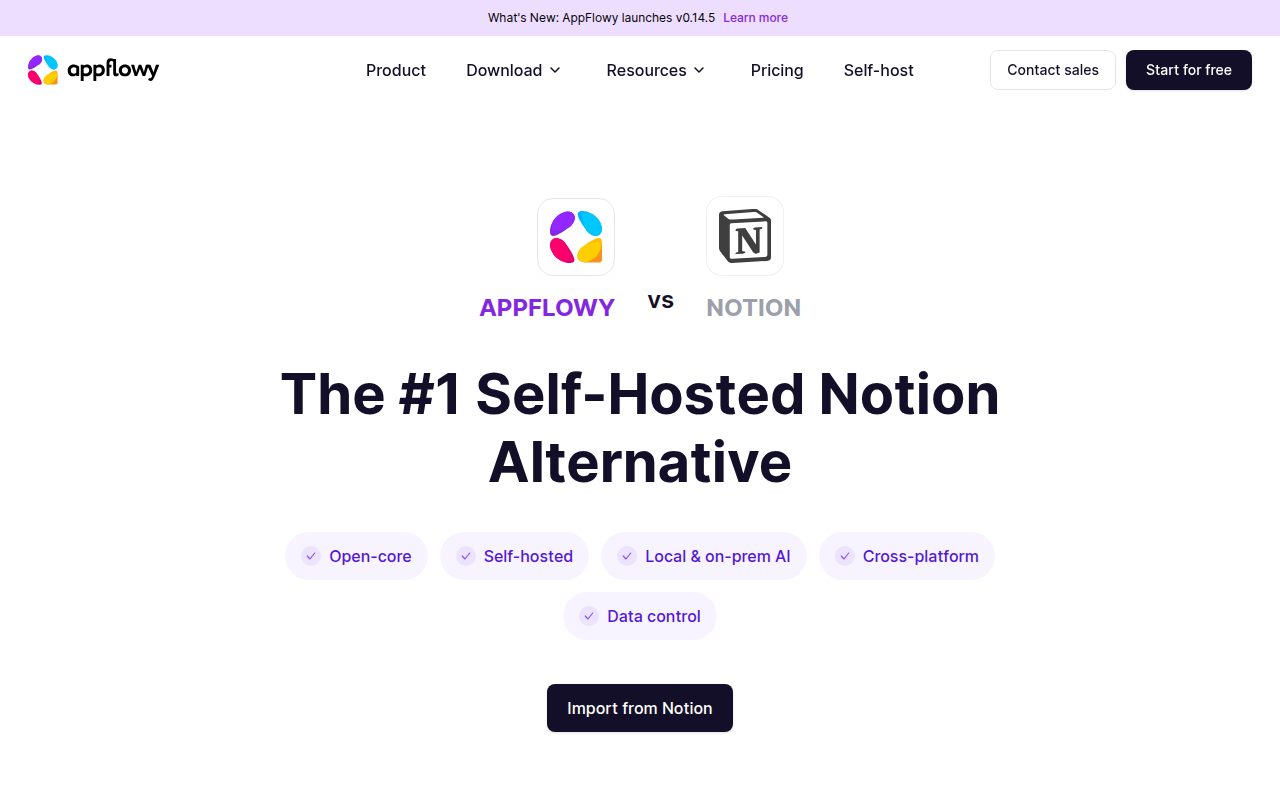
AppFlowy is the pick if you like how Notion works and want the same kind of workspace somewhere else. Its databases are the closest to Notion's of any app here, with grid, board, calendar and gallery views plus two-way relations and rollups. It is open core, with desktop and mobile apps, and runs on AppFlowy Cloud or your own server.
To move in, export your Notion workspace as a ZIP file and drop it into the Import from Notion tool. AppFlowy builds a new workspace from it and emails you when it is done. The free Cloud plan includes unlimited pages, 5 GB of storage and one collaborative workspace for up to two members.
Self-hosting is not a way around that limit, because the free self-hosted tier covers one user seat per server plus up to three guest editors, and only through the web app. As of September 2026, Pro costs $10 per user a month billed yearly ($12.50 monthly) and allows up to 50 members.
Pros
- The closest match to Notion databases
- Imports a Notion ZIP export directly
- Cloud or self-hosted setup
Cons
- Free collaboration stops at two members
- Free self-hosting covers one seat, three guests and the web app only
- Free AI is limited to 10 responses and 2 images
Individuals and pairs who want a Notion-style workspace with more say over where it runs.
You need a group bigger than two to share a workspace for free.
Anytype
Key highlights
- Standout: Encrypted, local-first objects
- Free tier: 10 shared channels, 100 MB remote storage
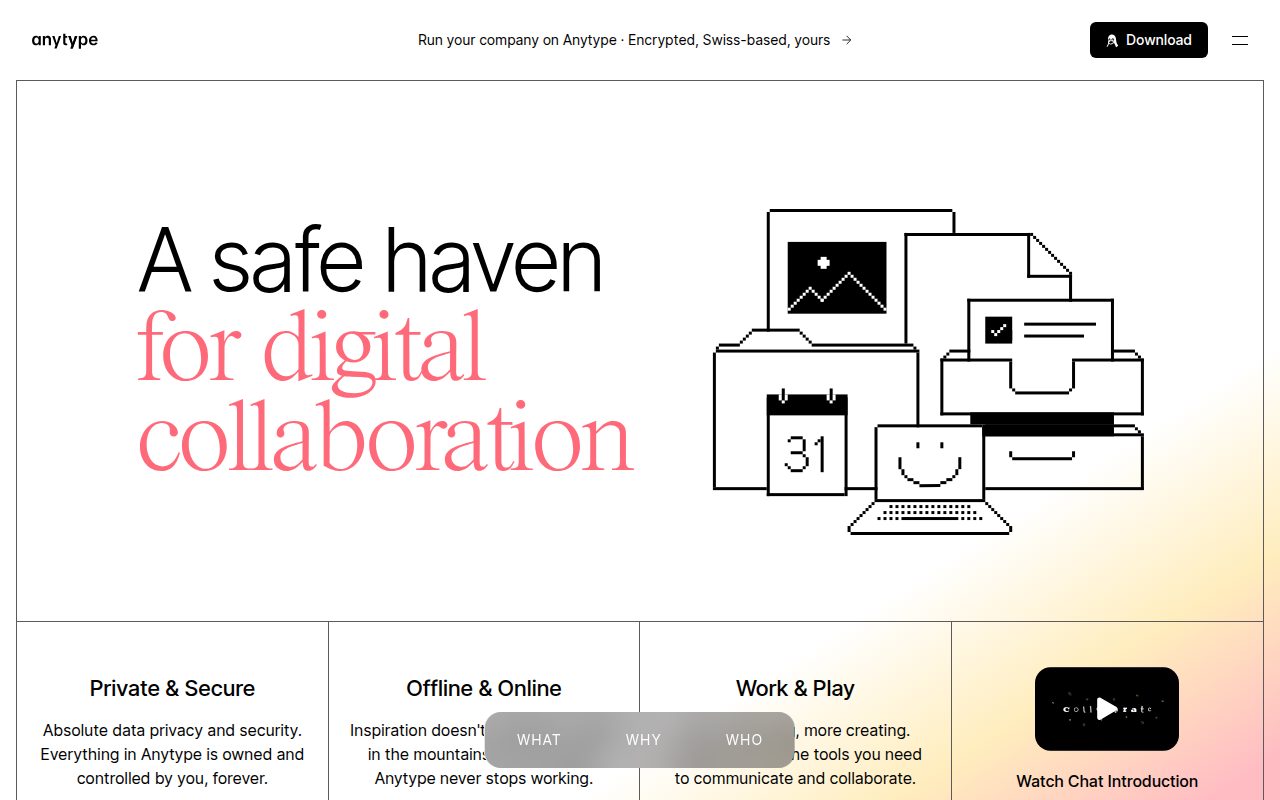
Anytype gives you Notion-style structure with privacy built in. Your vault is end-to-end encrypted on your own devices, and not even Anytype holds the keys. Everything is an object with a type, such as a task, person or book, and properties can link objects, so a meeting can point to its project.
Anytype calls its separate workspaces channels. A private channel is just for you, and a shared channel is one you invite other people into with a link. The free plan includes unlimited private channels, 10 shared channels and 100 MB of remote storage, and as of September 2026 Plus raises that to 1 GB with unlimited shared channels for $4 a month billed yearly ($5 monthly).
Queries and collections work like Notion database views, showing objects as a grid, list, gallery, kanban board or calendar. The desktop app imports straight from Notion once you create a Notion integration and paste in its token, though formulas arrive as fixed values and Anytype's own formulas only summarize columns.
Pros
- End-to-end encrypted, local-first vault
- Linked types and properties give real structure
- Direct import from Notion
Cons
- Only 100 MB of free remote storage
- No custom formulas like Notion's
- Notes are not plain Markdown files
People who want a private, structured workspace and are happy to learn a new way of organizing.
Plain Markdown files you can edit anywhere are the main reason you are leaving Notion.
Capacities
Key highlights
- Standout: Linked custom object types
- Free tier: Unlimited objects; 5 GB of media, then 100 MB a month
Capacities organizes notes by what they are about rather than where they are filed. You create object types such as People, Books or Meetings, each with its own properties, and link objects by typing @ and a name. Object select properties can link one type to another in both directions, much like a Notion relation.
The free Basic plan gives one person unlimited objects and custom types, sync, offline use and full import and export, with media uploads capped at 5 GB and then 100 MB a month. From Notion, you export Markdown and CSV and run the guided import in Settings > Import Content, which maps databases to object types but can flatten some relations and rollups.
As of September 2026, Pro costs $9.99 a month billed yearly ($11.99 monthly) and adds task management, smart queries, calendar integrations, table formulas and reusable table objects. Capacities is built for individuals, and sharing is view-only.
Pros
- Unlimited objects and custom types for free
- Two-way links between object types
- Offline use and full export on the free plan
Cons
- Tasks, queries and table formulas need Pro
- View-only sharing and no team plans
People building a personal knowledge base around recurring people, projects and topics.
You need shared editing or a workspace for a team.
ClickUp
Key highlights
- Standout: Docs beside the tasks they support
- Free tier: Unlimited members; 60 MB storage per Workspace
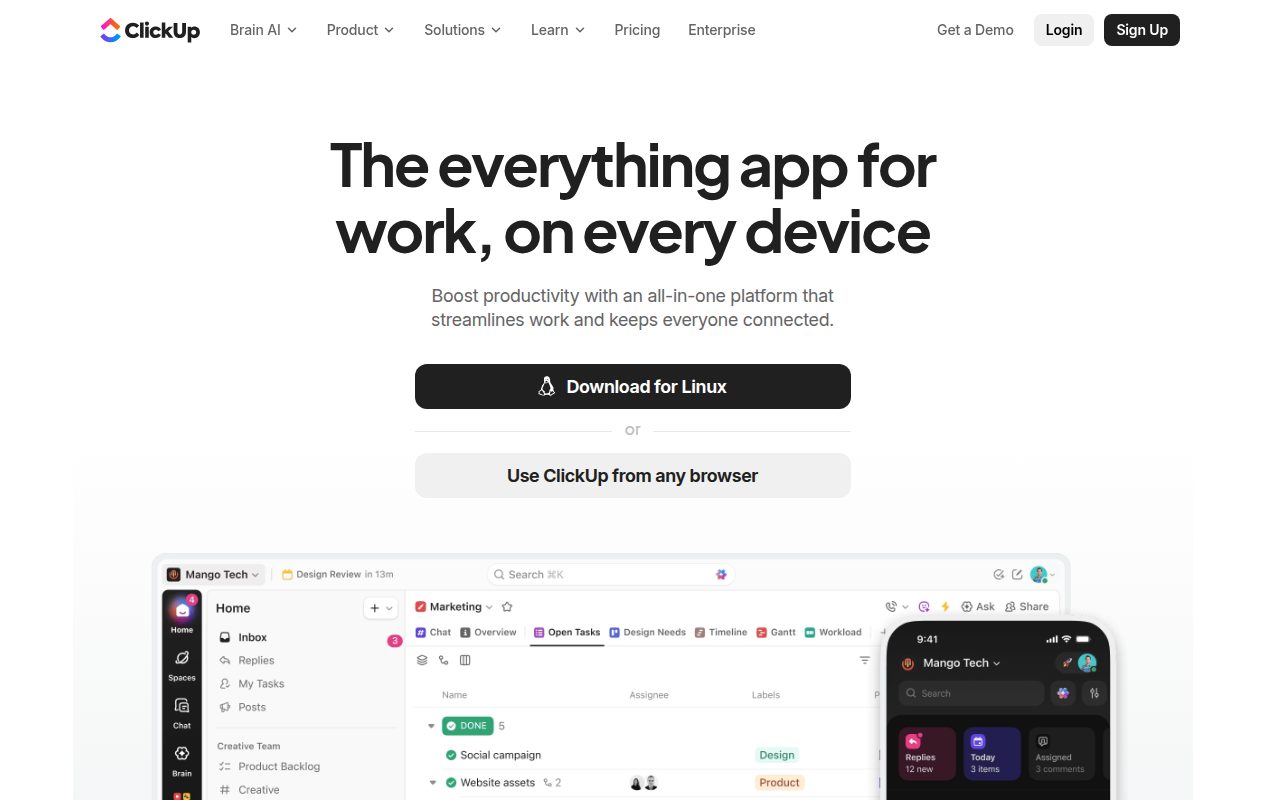
ClickUp is the pick when your Notion workspace is really a project tracker with pages attached. Docs sit in the same Spaces and Folders as the tasks they describe, and the Free Forever plan allows unlimited tasks and members, with list, board and calendar views.
Storage is the catch. The free plan gives the entire Workspace 60 MB, shared by attachments on tasks and Docs, files in Chat and recorded Clips. You also get only five Spaces, and Docs on Free Forever and Unlimited are visible to everyone in the Workspace, with private Docs starting on Business.
The Notion importer, included on every plan, turns your databases into Lists with their properties as text fields, so anything built on relations or formulas needs rebuilding. As of September 2026, Unlimited costs $7 per user a month billed yearly ($10 monthly) and removes the storage and Space limits.
Pros
- Unlimited members and tasks for free
- Docs live beside the tasks they support
- Built-in Notion importer on every plan
Cons
- 60 MB of storage for the whole free Workspace
- Every free Doc is visible across the Workspace
- Only five Spaces on the free plan
Teams that want shared project pages sitting right next to their tasks.
Your free workspace needs private Docs or lots of attached files.
Craft
Key highlights
- Standout: Writing-first pages with tasks
- Free tier: 1,500 blocks, 1 GB storage
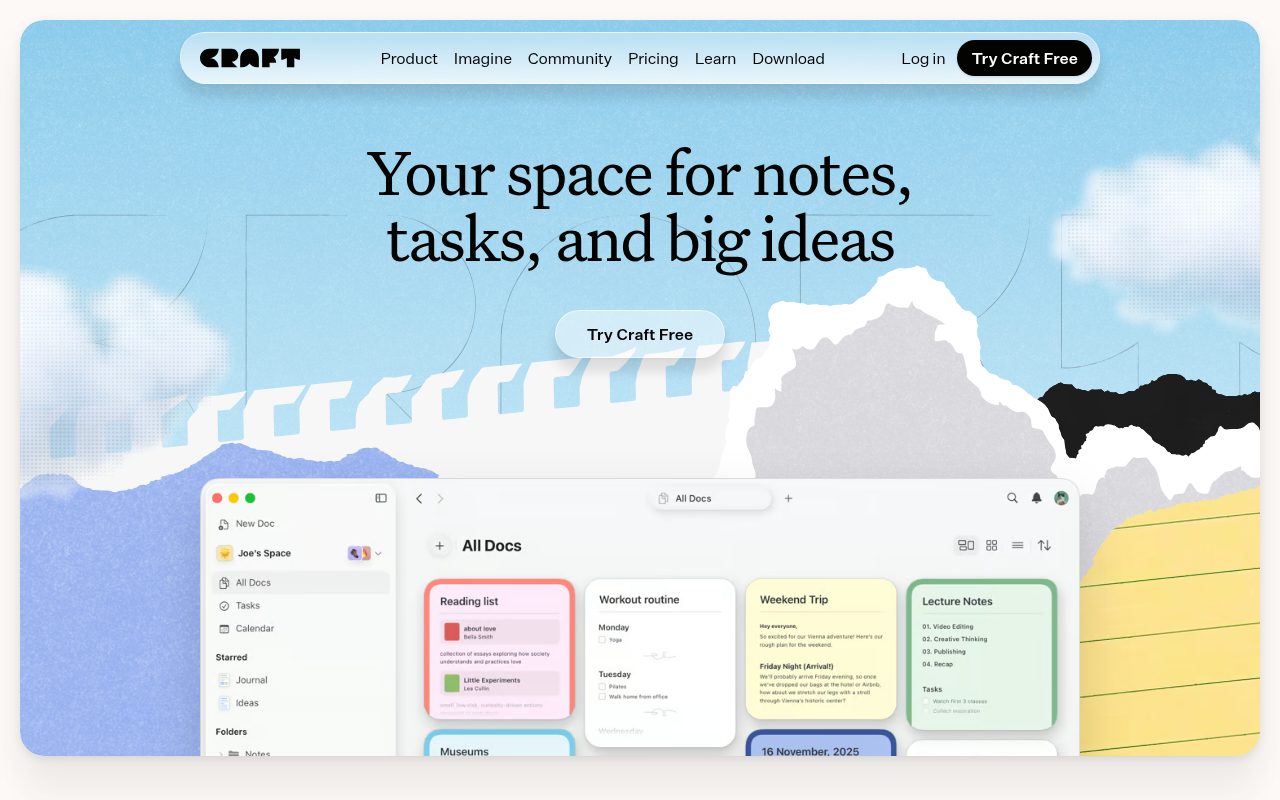
Craft is for people whose work ends up as a document someone else reads. The editor is built around clean, well-formatted pages, with slash commands, daily notes, tasks and structured collections close at hand, on Apple devices, Windows, Android and the web.
The free plan is meant for occasional use, with 1,500 blocks across all your pages, 1 GB of storage, 25 MB uploads and no shared Spaces. Craft can pull pages and databases straight from Notion through an access token, but you add pages one at a time, linked databases are skipped, and a large workspace may not fit the free limit.
As of September 2026, Plus costs $6.40 a month billed yearly ($8 monthly) and removes those limits, while shared Spaces need the Family plan at $12 a month billed yearly for two to six Plus accounts, or the $50-a-month Team plan for up to 10.
Pros
- Polished, writing-first editor
- Direct import from Notion
- Apps for Apple devices, Windows, Android and the web
Cons
- Free plan tops out at 1,500 blocks
- Shared Spaces need the Family or Team plan
Writers and planners whose finished product is a well-presented document.
You want a large free note collection or free shared Spaces.
Joplin
Key highlights
- Standout: Open-source notebooks with to-dos
- Free tier: Full app free; free sync through your own cloud
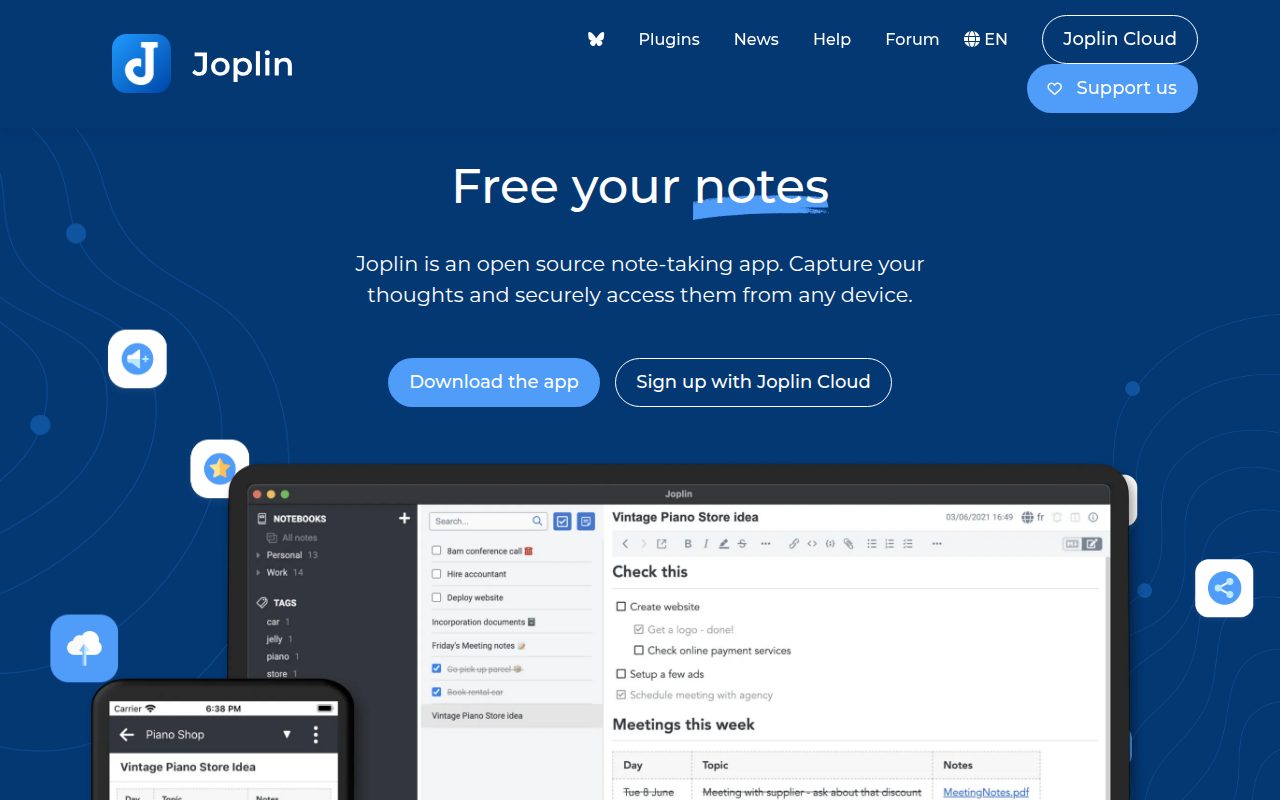
Joplin is a free, open-source notebook app that keeps your data offline on your own devices. Notes, attachments and to-dos sit together in notebooks, and the desktop app can import single Markdown files or whole folders of them.
Sync costs nothing if you already have storage somewhere. Joplin syncs through Dropbox, OneDrive, Nextcloud, WebDAV, S3 or a local folder, and only the hosted Joplin Cloud service is paid. As of September 2026, Joplin Cloud Basic costs €2.99 a month, or €28.69 a year, and adds 2 GB of storage, note publishing and a web app.
Joplin keeps imported notes inside its own library instead of editing your Markdown folder in place, so choose Obsidian if you want the files themselves to stay in charge. Keep attachments under 10 MB if you use the phone apps, since Joplin warns that larger files can crash mobile sync.
Pros
- Free and open source
- Free sync through storage you already use
- Notes, attachments and to-dos in one notebook
Cons
- Files over 10 MB can crash mobile sync
- Imported Markdown is managed inside Joplin, not edited in place
Notebook people who want a free offline app that keeps files and to-dos with their notes.
You want your notes to remain an ordinary Markdown folder you edit directly.
Trello
Key highlights
- Standout: Boards, lists and cards
- Free tier: 10 collaborators and 10 boards per Workspace
Trello is the simplest pick when your Notion use comes down to a status board. Cards move across lists as work progresses, with short notes and attachments on each card. It will not replace Notion as a wiki or database, but for many projects a board is all the structure you need.
The free plan allows up to 10 collaborators and 10 boards per Workspace, with unlimited cards and unlimited storage as long as each file is 10 MB or smaller. As of September 2026, Standard costs $5 per user a month billed yearly ($6 monthly) and adds unlimited boards, custom fields, advanced checklists and 250 MB files. Table and calendar views, the closest Trello gets to a Notion database, start on Premium at $10 per user a month billed yearly.
Pros
- Clear visual boards anyone can pick up
- Unlimited cards on the free plan
- Notes and attachments live on each card
Cons
- 10 collaborators and 10 boards per free Workspace
- Custom fields and table views cost extra
Individuals and small teams who track work by moving cards through stages.
Long pages or linked databases are what you want to build.
How to Choose
- Want the closest thing to Notion? Pick AppFlowy for its databases and Notion importer.
- Want files you fully own? Obsidian keeps plain Markdown files, while Joplin and Anytype keep your data on your devices.
- Sharing with a team for free? ClickUp allows unlimited members, Trello 10 collaborators per Workspace and AppFlowy two.
- Building a personal knowledge base? Choose Capacities if you think in people, books and projects, or Anytype if encryption comes first.
- Writing pages for other people? Choose Craft if 1,500 free blocks is enough or $6.40 a month billed yearly is fine.
If all you really need is quick notes and checklists, Google Keep and OneNote are two simpler free options, and we compare them in our Google Keep vs OneNote guide.
Frequently Asked Questions
Which Notion alternative feels the most like Notion?
AppFlowy is the closest match, with pages and databases in one workspace plus two-way relations and rollups. Anytype and Capacities offer database-style structure too, but they are built around typed objects rather than Notion-style pages.
Can I bring my Notion workspace with me?
Yes, for most of them. Obsidian, Anytype and Craft connect to Notion directly, AppFlowy and ClickUp import Notion's export files, and Capacities has a guided import for a Markdown and CSV export. Formulas, relations and rollups are the parts most likely to need rebuilding.
Which free Notion alternative works best for a team?
ClickUp, because Free Forever allows unlimited members and keeps shared Docs next to tasks. Trello allows up to 10 collaborators per Workspace, AppFlowy's free Cloud plan stops at two members, and Capacities is designed for individuals.
What happens to my notes if I stop paying?
Obsidian and Joplin keep your notes on your own devices, so they stay with you if you cancel Obsidian Sync or Joplin Cloud. Capacities keeps everything you created and drops you back to Basic features, while AppFlowy moves your workspace to the Free plan and may restrict anything above the free limits.











