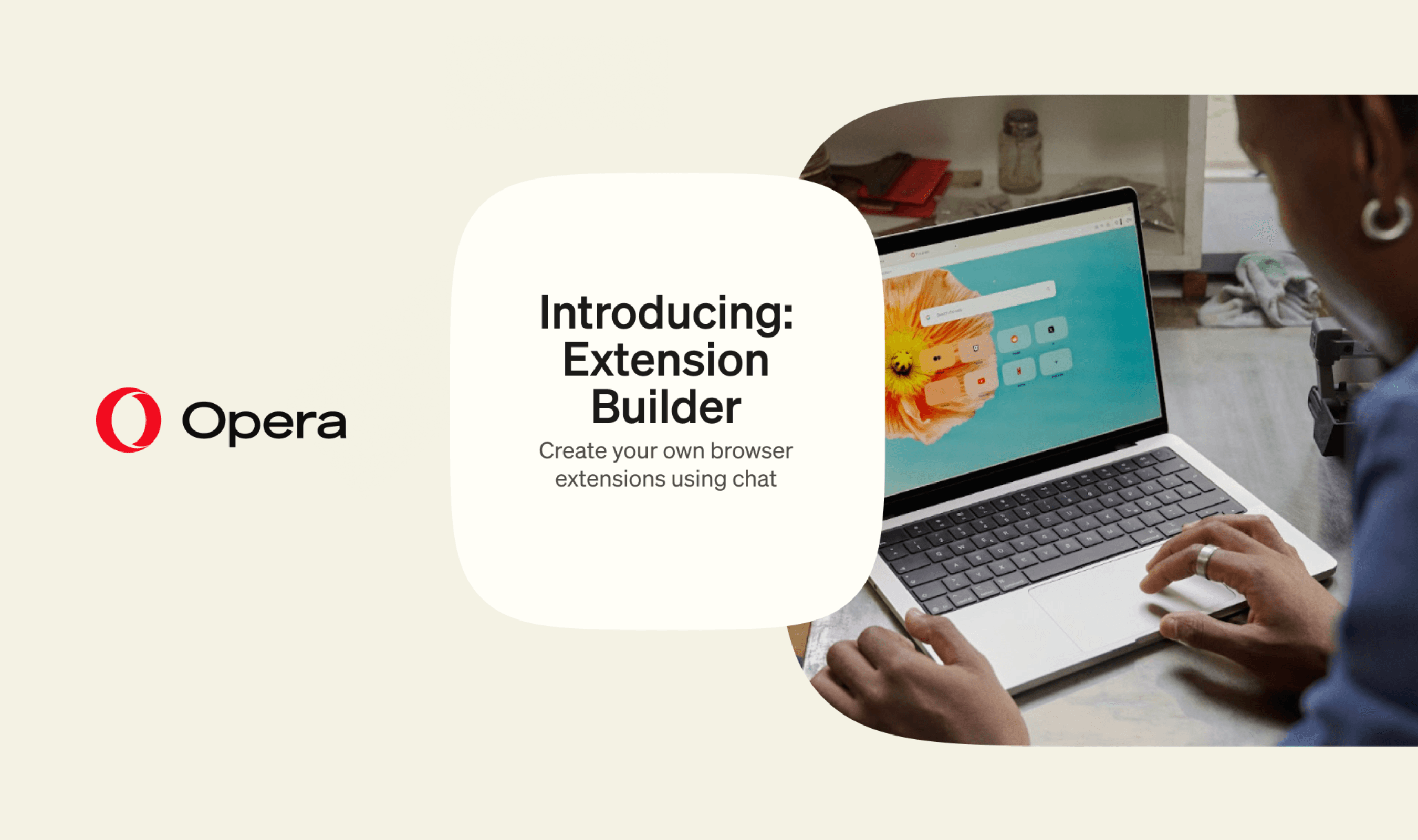
Opera Neon users can now create browser extensions through chat with Extension Builder, which is available today and requires no coding, according to Opera. Users describe what they want, inspect a preview and install the result using a single control, giving them a way to add custom browser tools without handling installation manually.
The feature requires the latest version of Opera Neon, and users begin by asking the browser to create an extension in its chat interface. Opera plans to extend the feature to its other Desktop browsers later, but has not given a date for that expansion.
Once Neon finishes building an extension, users select “Load To Browser” to install it. They can then open the toolbar’s extensions menu and choose the tool they just created. A pin control beside the extension keeps it accessible directly from the toolbar, so users can choose whether to give their creation a permanent shortcut there.
Changes also start in chat: users return to the conversation in which they created the extension and describe what they want adjusted. After Neon finishes the revision, selecting “Load To Browser” again automatically updates the installed extension, according to Opera.
Opera suggests trying the feature by asking for an extension that places sticky notes on websites and preserves them for a return visit. Its example takes users from requesting that behavior in chat to adding the extension, optionally pinning it, and testing it on a website.
Users who want to distribute their creations can submit them to the Opera add-ons store. Submission involves signing in with an Opera account, and the store provides the applicable guidelines and policies.
The addition follows a separate Opera Air redesign in October that removed widgets and preset shortcuts from its initial setup and disabled promotional content and notifications by default. That update also introduced five Soundscapes for background listening, with controls for repeating tracks, setting a timer and mixing music with ambient audio.