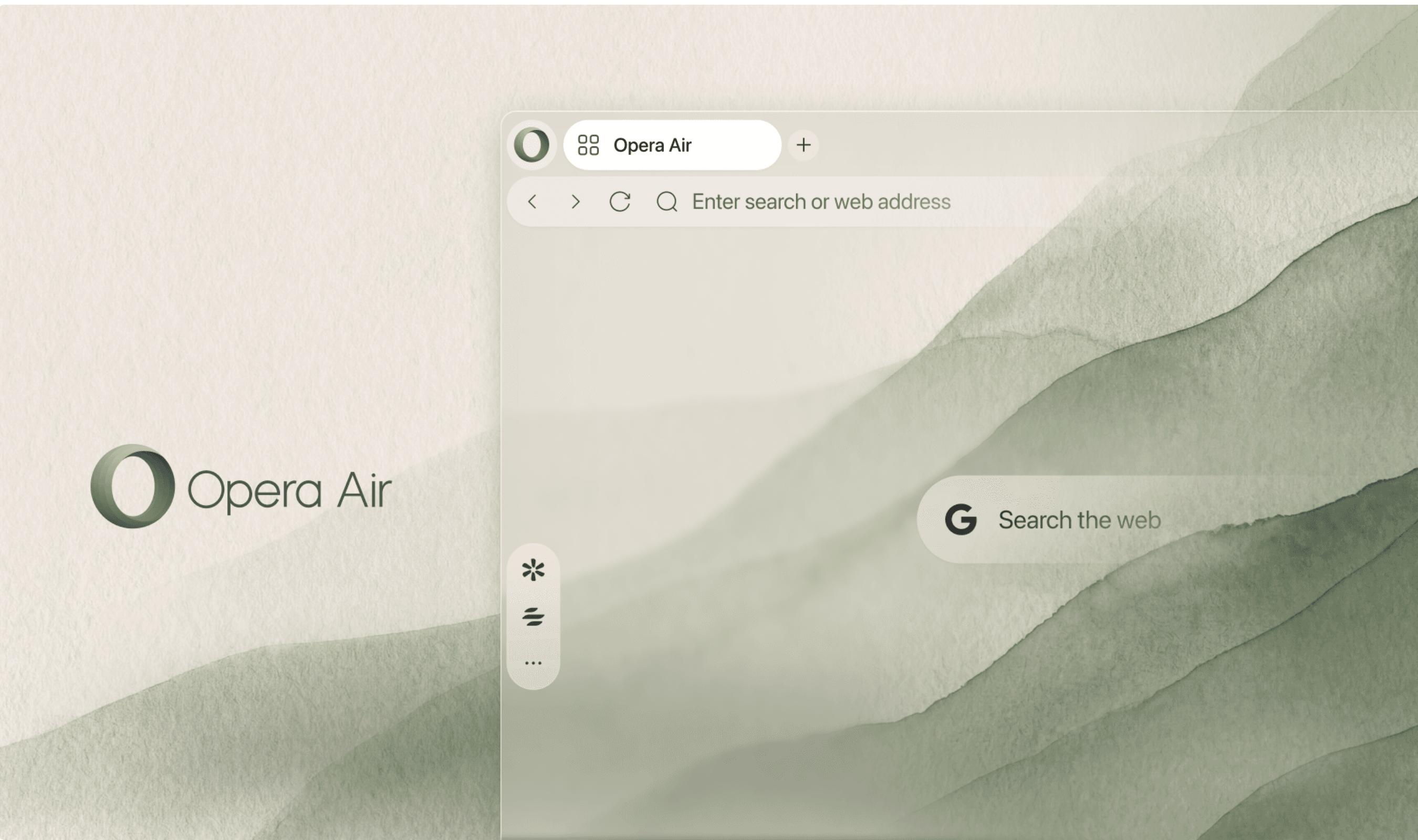
Opera is launching a redesigned Opera Air today, stripping widgets and preset shortcuts from the browser’s initial setup while adding five Soundscapes for background listening. Promotional content and notifications are disabled by default, and users can restore tools as they need them. Opera says the approach is intended to help people finish their online tasks and spend less time in the browser.
The browser starts without Speed Dials, and Opera has also switched off its promotional tips and browser system notifications. Break reminders are optional too, despite the emphasis on taking pauses: users must enable them in Break Settings and choose intervals between 45 and 180 minutes. A refreshed wallpaper collection changes automatically with Light or Dark Mode.
Read more: Opera Launches Browser Connector That Lets ChatGPT and Claude See Live Browsing
Soundscapes gains Ambience, a new category for background noise, with options including Spring Forest and Sea Waves. It joins three existing categories organized around the listener’s intended activity or mood, including Relax and Focus. Among the five added Soundscapes is Hyperfocus, which Opera describes as a more energetic track intended to help users concentrate.
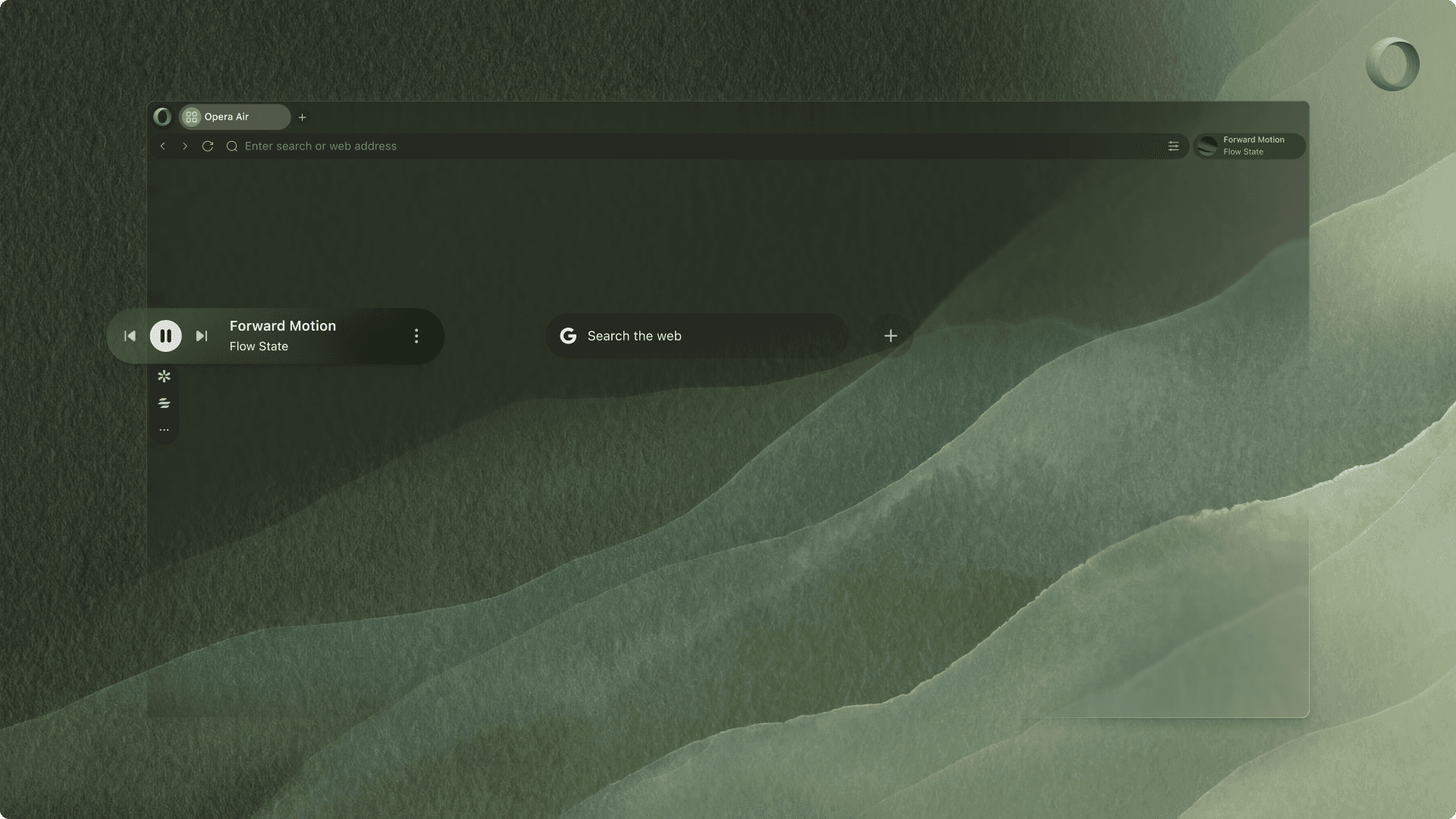
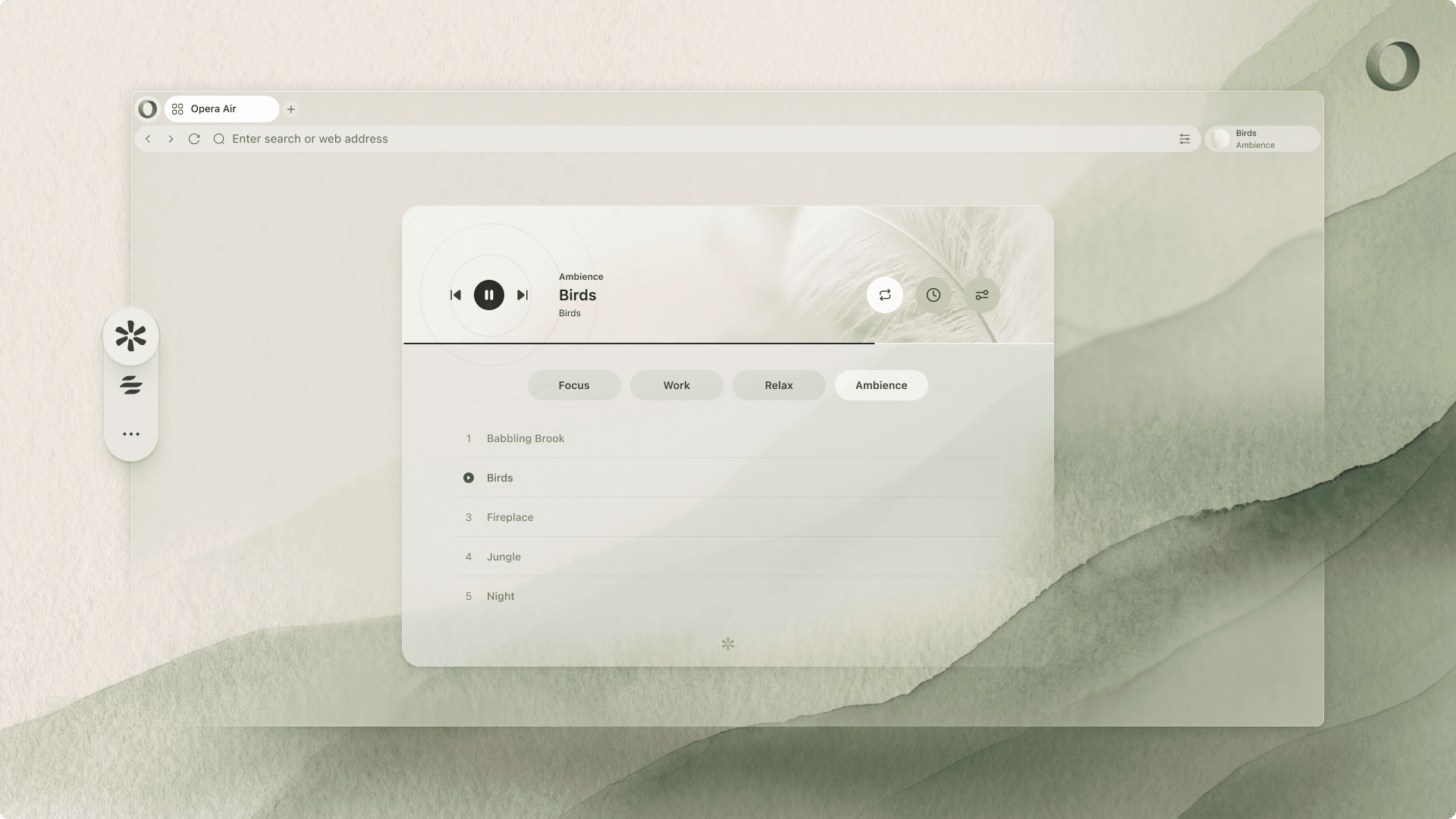
The Soundscapes player lets users repeat a track or set a timer, with a separate control for binaural beats. That option is initially switched off and plays slightly different frequencies into each ear; Opera says the technique may help produce states such as relaxation or focus. Users can combine music with ambient audio and enable the beats when wanted.
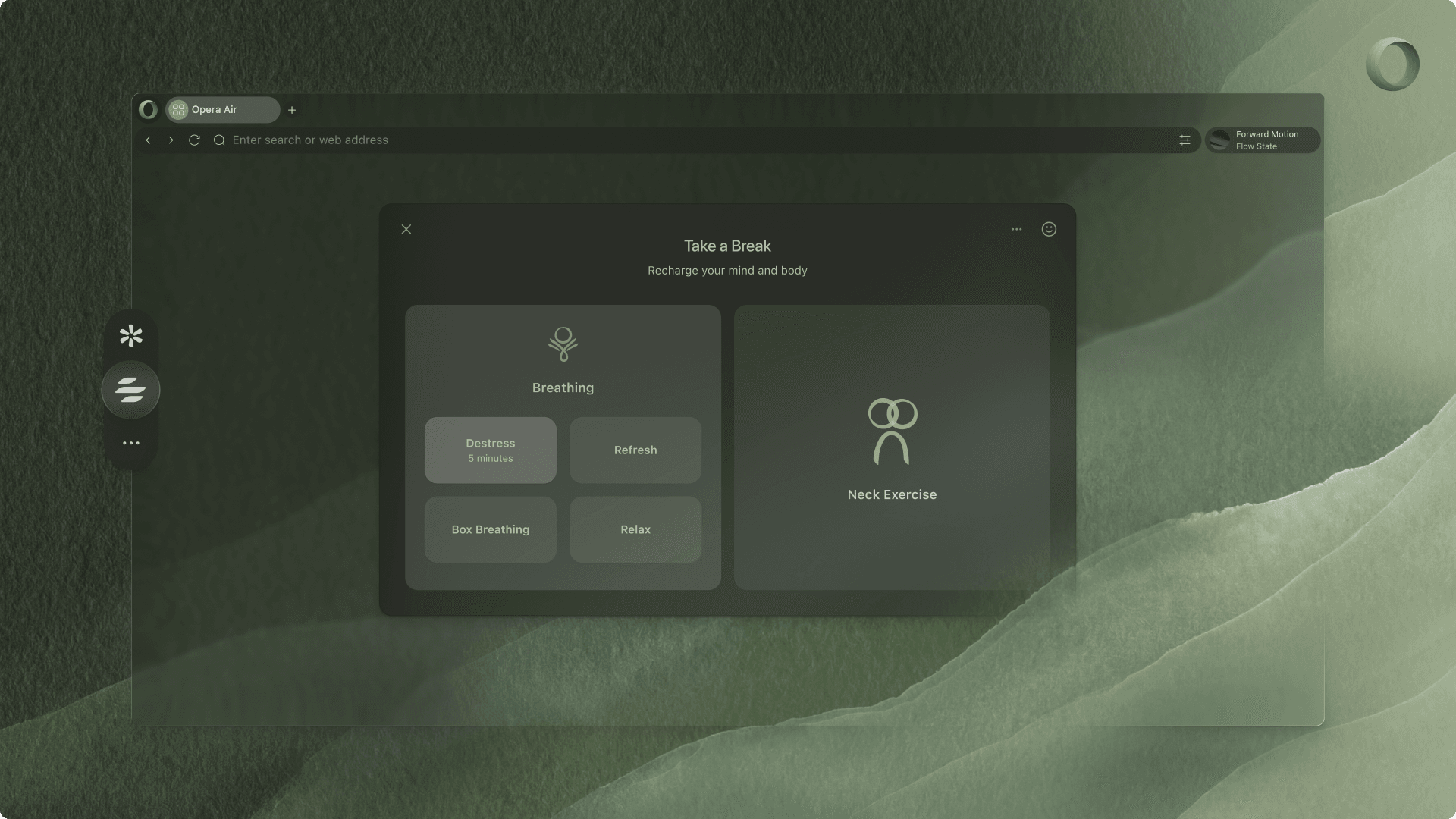
Breaks offers Neck Exercises alongside Breathing, with four breathing routines lasting between three and five minutes. Users can choose a male or female voice, plus accompanying music and ambient audio, with language support spanning Polish, English, Portuguese and German. Four neck routines last between five and 14 minutes, and an optional camera view lets users watch themselves while following the onscreen model.
The Air redesign follows a separate Opera One update on July 23 that introduced Vertical Tabs, placing tabs down the side of the window. That update also brought Google Lens to the search field on the start page for image searches from the browser’s home page.