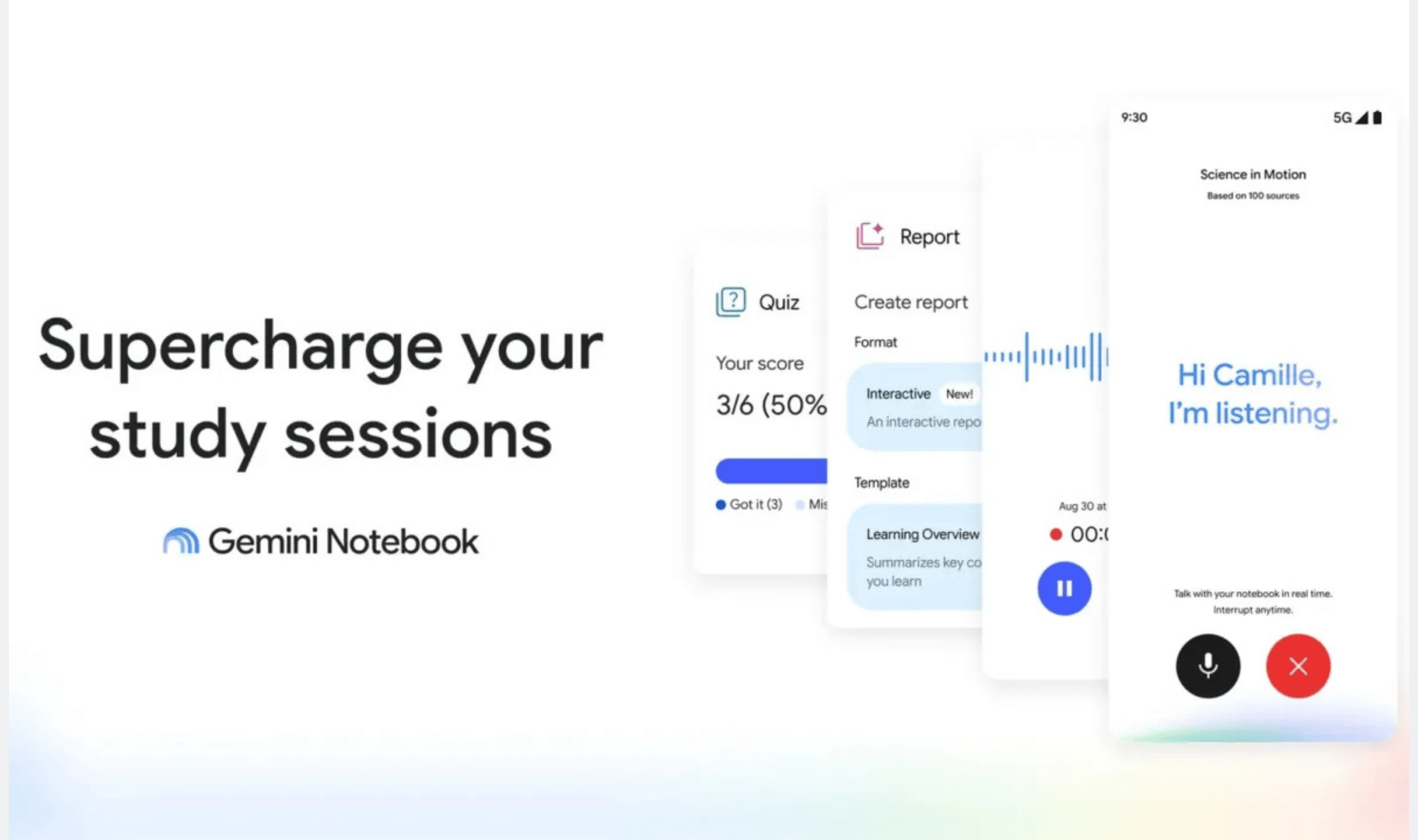
Google has added hundreds of textbooks to Gemini Notebook today, giving students free access to course materials they can ask questions about and turn into study aids. The textbooks come from providers in India and the U.S., including S Chand Publishing, OpenStax and Open Textbook Library.
Students can browse the catalog by opening a notebook, choosing “Add sources” and then selecting “Textbooks.” Google says that after a student adds a textbook, answers draw directly from its contents and include citations within the response, plus links to the source. Students can also use the textbook to create practice quizzes, flashcards and study guides tailored to their needs.
Read more: Google Rebrands NotebookLM as Gemini Notebook and Expands Code Execution to Pro Users
The free textbook selection follows September's introduction of Expert Intelligence, Google's effort to connect trusted sources with its AI products, which initially brought more than 100,000 books to Gemini Notebook. That earlier offering let users add eligible ebooks they had purchased through Google Play Books, making today's no-charge textbook catalog a separate route to getting reading material into a notebook.
Earlier this month, Google also added Short Video Overviews, which produce 60-second concept videos, and Interactive Learning Overview, which takes students through coursework in stages. That update expanded quiz choices to include fill-in-the-blank, short-answer and multi-select questions, alongside the ability to request feedback after quizzes or flashcard reviews.