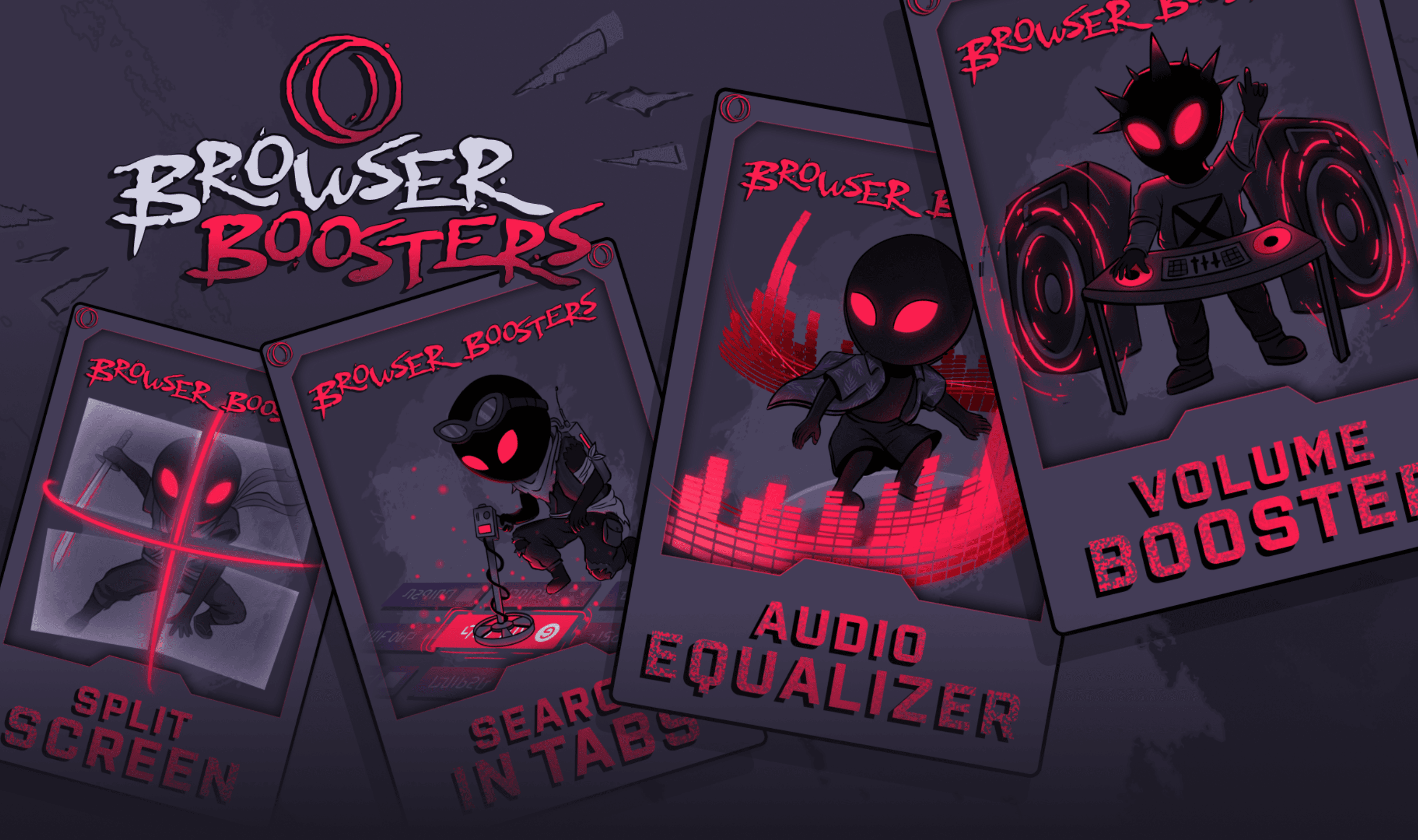
Opera GX is adding Volume Booster, which can amplify an individual tab’s audio up to 500%, alongside Audio Equalizer and a Split Screen view that accommodates up to four pages. The audio controls work inside the browser without extensions, while an updated Search in Tabs can retrieve recently closed tabs and preserve their browsing history. Opera directs users to Early Bird in Settings to try the Split Screen improvements, which it says remain under development.
Volume Booster appears when users hover over a tab and adjust a slider in its tooltip. Each tab retains its own setting when users move elsewhere, and adjusting one tab leaves both other tabs and the system’s volume unchanged. The sidebar player also offers amplification for music services such as Spotify and YouTube Music.
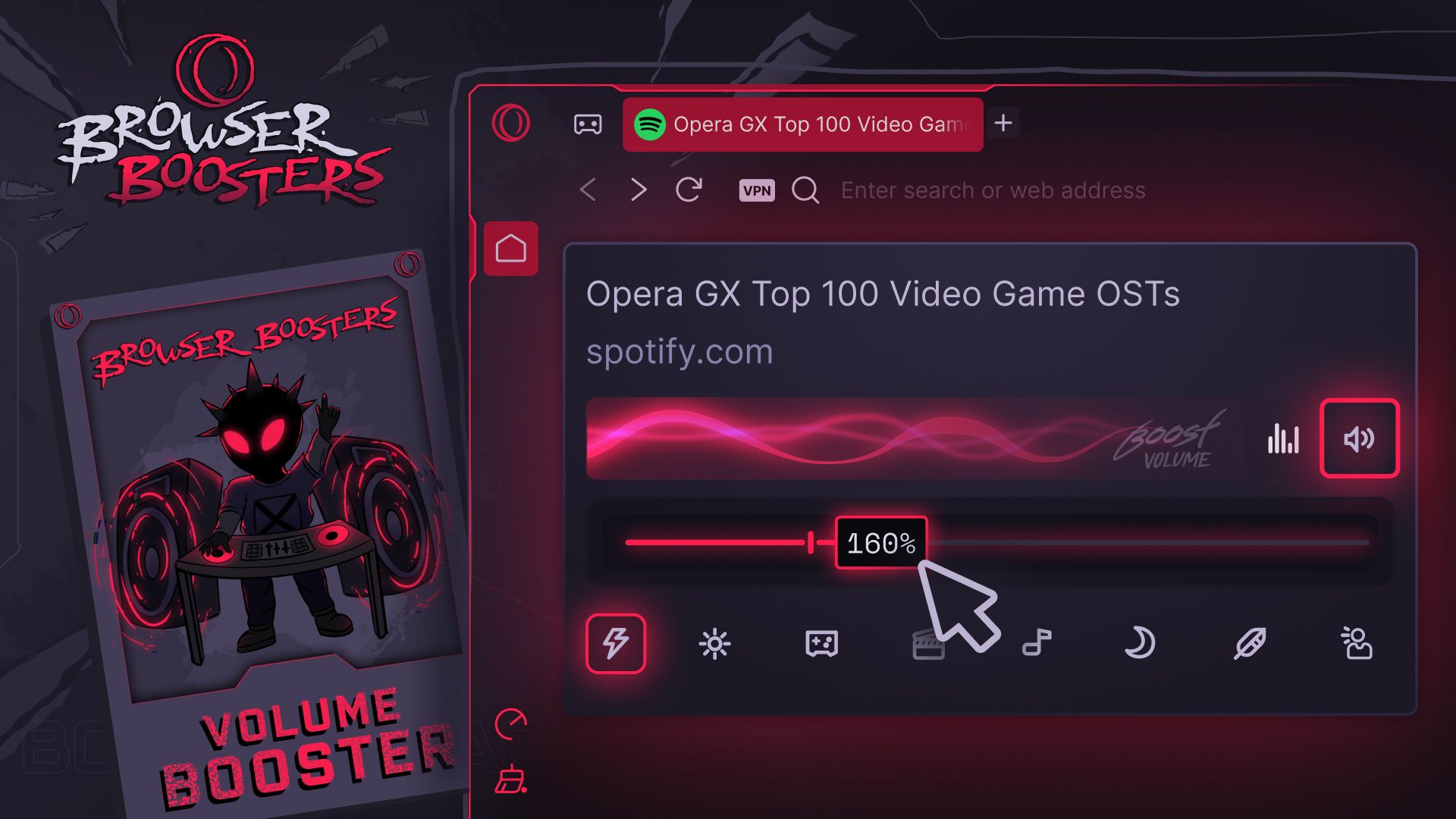
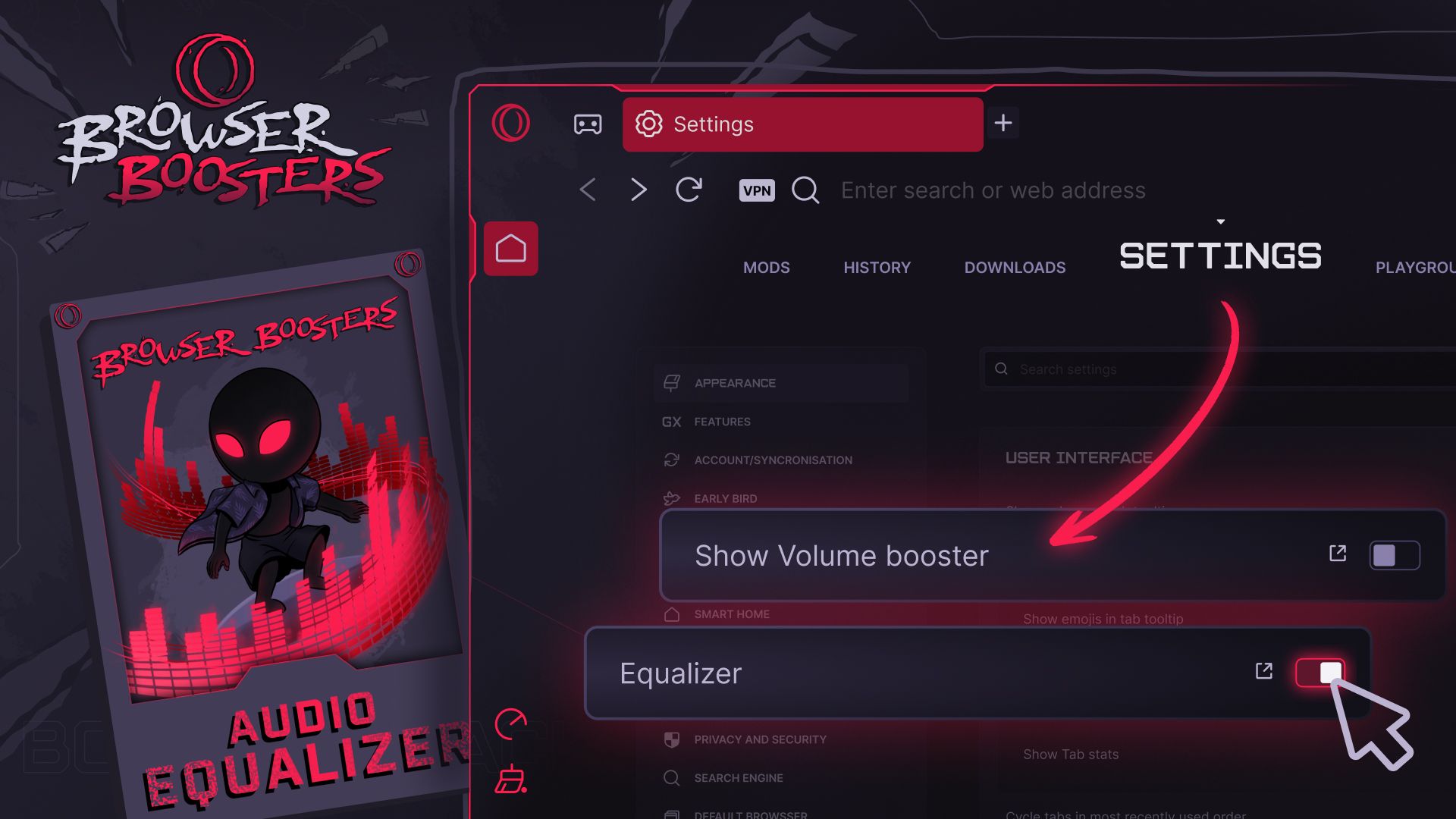
Audio Equalizer provides eight presets and can operate alongside Volume Booster on the same tab, with controls available through tab tooltips and the sidebar player. Opera says Voice emphasizes speech, while Gaming reduces deep bass and brings quieter cues such as footsteps forward. Bass supplies the strongest amplification among the presets, but Opera warns it is also the most likely to distort sound when headphones or speakers are already close to maximum output.
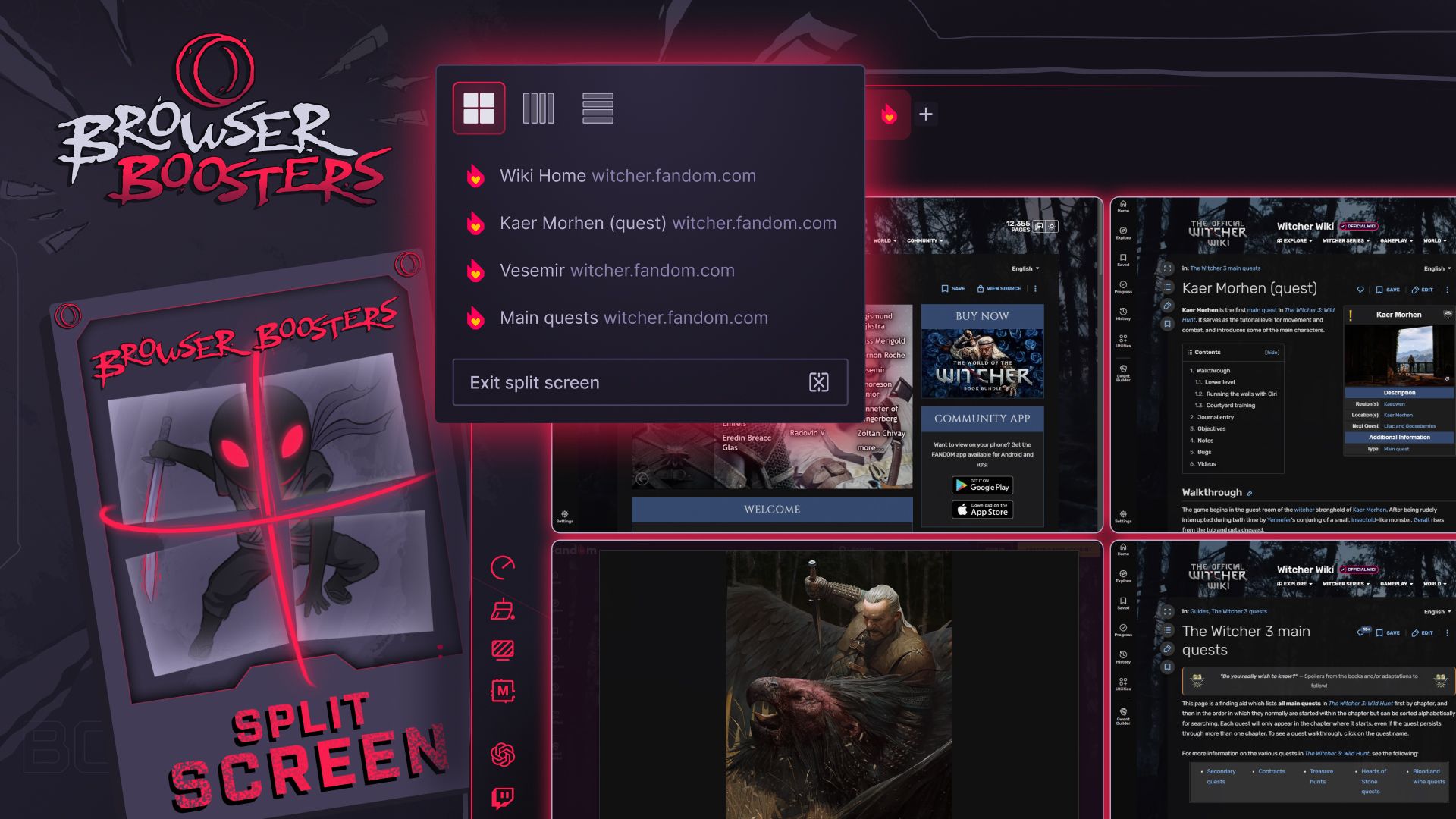
Users can build a Split Screen view by dragging a tab into the browser window, where animated target areas indicate possible placements, or by right-clicking a tab. A toolbar control lets them switch layouts or close the view, while hovering over an individual page exposes controls to close or remove it. With Early Bird enabled, users can also attach an emoji to help identify tabs.
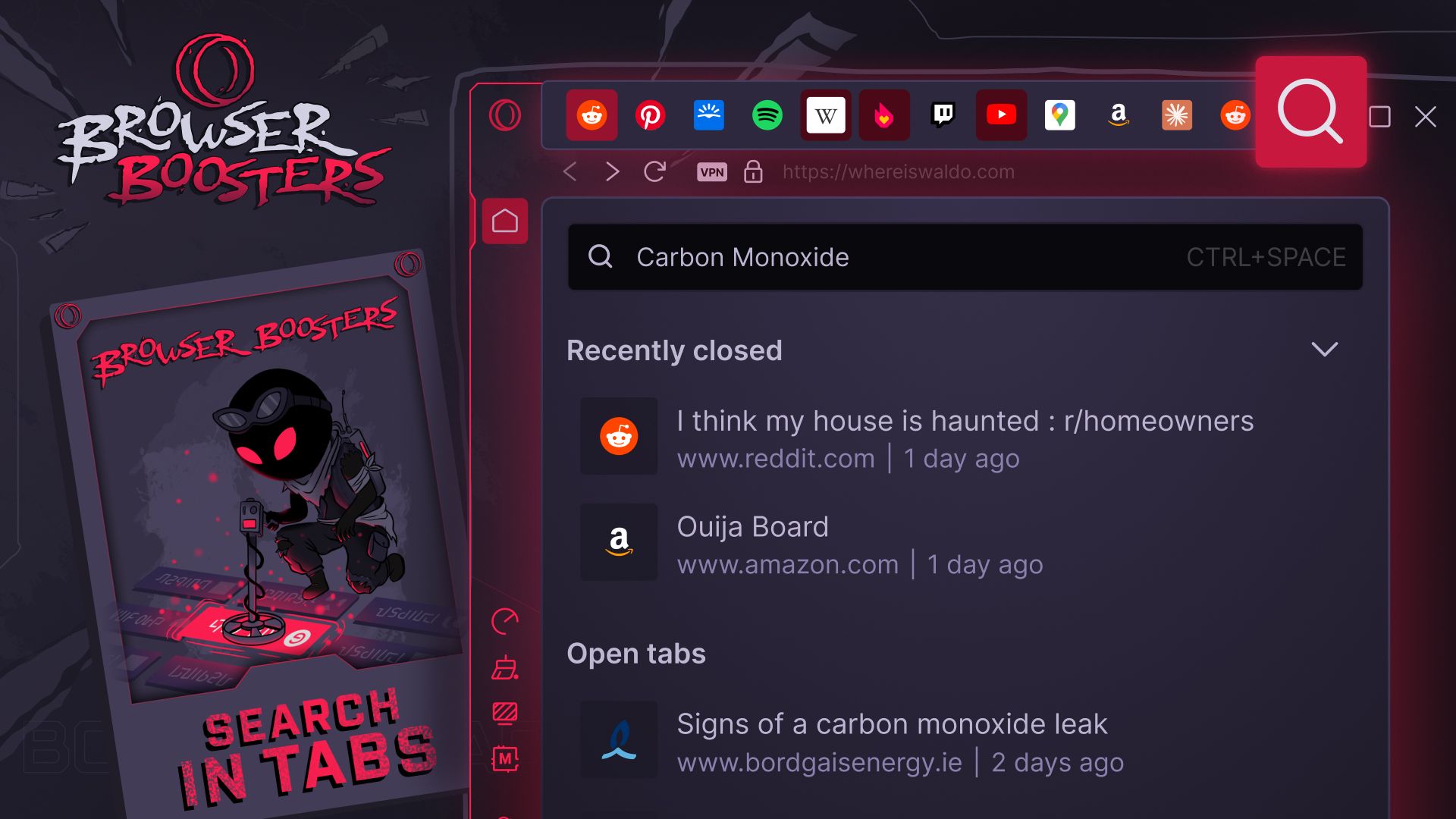
Search in Tabs looks across windows, Workspaces and Tab Islands using a page’s address, title or content. Users can open it through the magnifying-glass icon at the browser’s upper right, or with Ctrl + Space on macOS and Alt + Space on Windows. Separately, tabs playing or recording audio gain an underline matching the selected Theme, and users can disable that indicator or hide the audio tools through Settings’ User Interface section.
The GX additions follow Opera’s October 15 redesign of Opera Air, whose initial setup removed widgets and preset shortcuts and disabled promotional messages and notifications by default. That browser also gained five Soundscapes for background audio, with playback controls for repeating tracks and setting a timer.