Cursor now lets users turn a request to a cloud agent into a hosted web app, with database setup and authentication handled as part of the build. The capability is available today across all paid plans that have cloud agents enabled, and users can update Cursor to try it. Finished apps can be shared through a link, with access restricted to selected colleagues or opened to the team.
To begin, users start a cloud agent and explicitly request an app. Cursor says the agent creates the web app structure, provides hosting, adds a Postgres database when necessary and configures authentication through Cursor SSO. Users choose a unique domain when publishing, and Cursor supplies the resulting live link.
Public sharing is an option on individual plans, while team sharing uses Cursor sign-in and can target particular people or groups. Users can also create a Cursor API key to let a script or Grok Bot access an app. For connections to systems such as a data warehouse, Cursor asks users to supply the required secrets.
Publishing requires both a successful security review and an explicit action from the user before an app goes live. Cursor says it combines deterministic checks with agent-based checks to detect problems including credentials exposed in app files. A failed check prompts the agent to explain the fixes required.
Team administrators can inspect all team apps and secrets, introduce additional security review rules and remove published apps. They can also authorize publishing when the review has blocked it. Repository support currently covers Cursor Origin and GitHub, leaving GitLab users waiting for support that Cursor says is coming soon.
The release follows Cursor's August change allowing Cloud Agents to start work without a connected GitHub account or another external source control provider, then save it in Cursor Origin. In October, Cursor also introduced interactive canvases built by cloud agents that users could share with teammates through links.
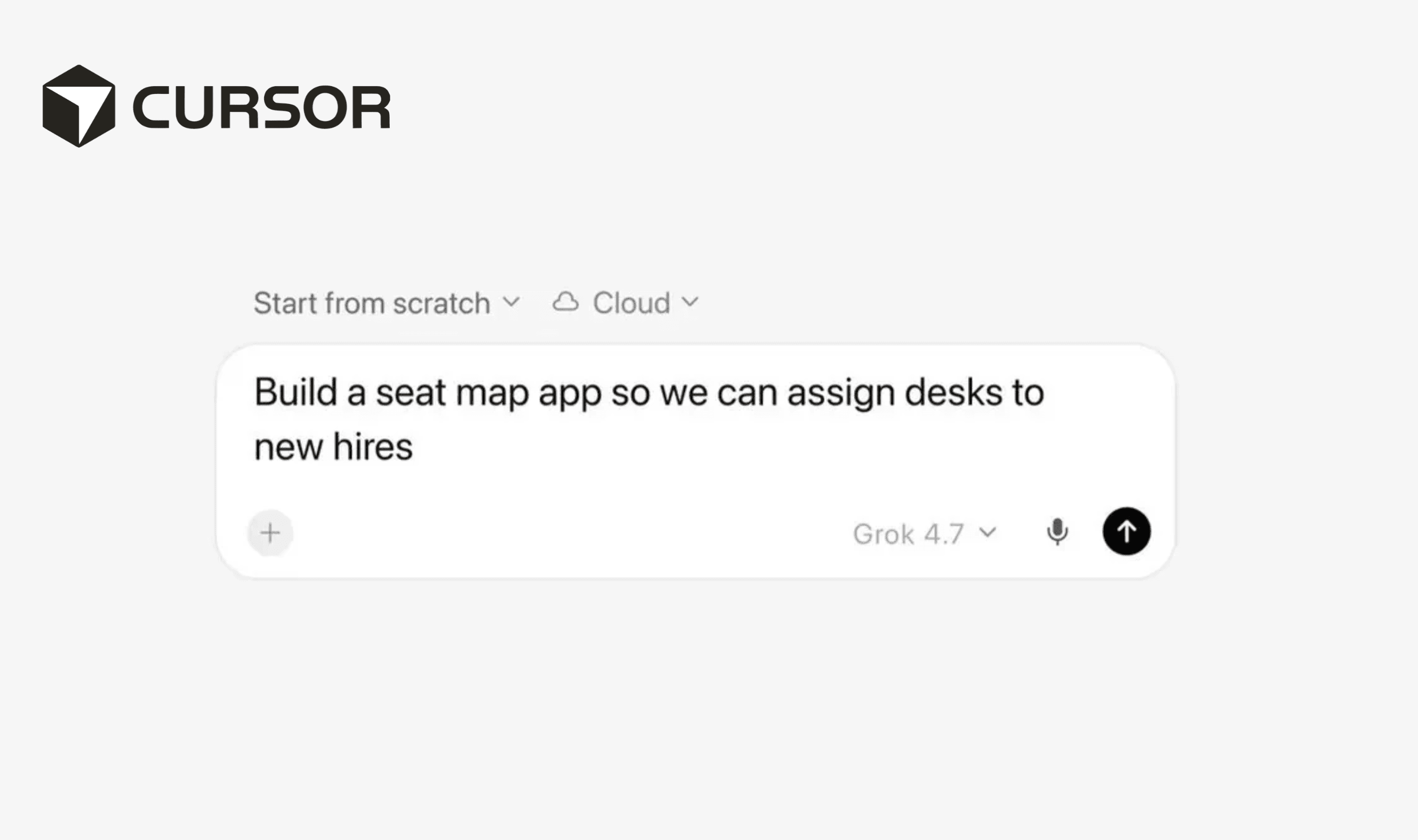
Cursor says its own sales, legal, finance, operations and engineering staff are already creating internal apps. Examples include sales pipeline dashboards and customer presentations that bring together video, slides and interactive demonstrations. Other uses include new employee training and tools for managing event registrations or assigning desks.