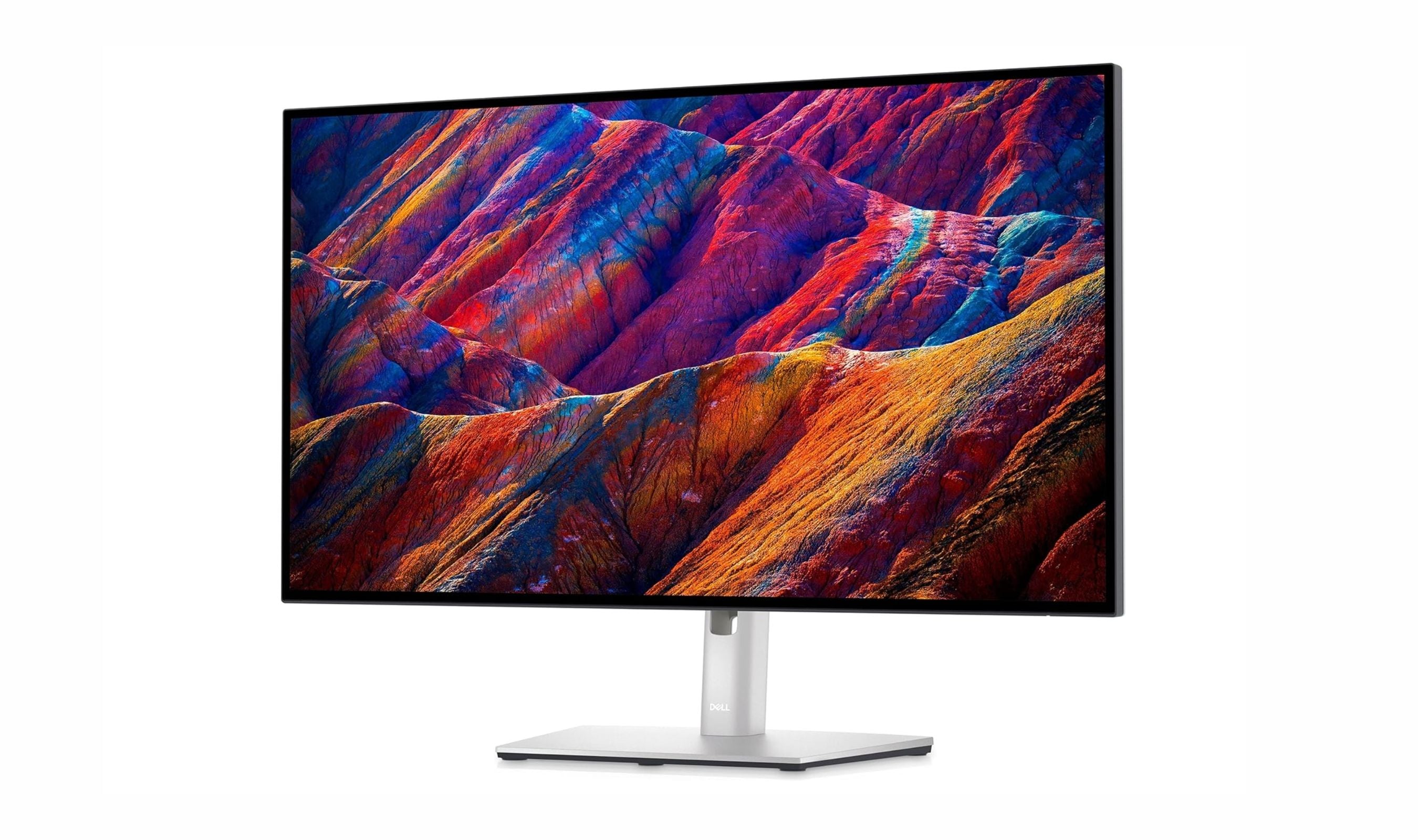
If you use a MacBook for work or creativity, the right external monitor can transform your experience. The Dell UltraSharp U2725QE is our top pick for its 4K 120Hz panel, Thunderbolt 4 hub, and up to 140W power delivery. This list covers monitors that work seamlessly with macOS, from budget options to premium displays that match Apple's color accuracy.
Technobezz is supported by its audience. We may get a commission from retail offers.
8 Best Monitors for MacBook in 2026
Dell UltraSharp U2723QE leads our 2026 picks for MacBook monitors. Get 4K clarity, USB-C charging, and seamless macOS integration from budget to premium displays.
T
Technobezz
Senior Editor
Updated September 5, 2026Sep 5, 2026
•10 min read

Get Deals Like These in Your Inbox
The best prices, reviewed weekly.
At a Glance
| Category | Product | Why We Picked It |
|---|---|---|
| Best overall | Dell UltraSharp U2725QE | 4K at 120Hz with Thunderbolt 4 and up to 140W charging |
| Best value | Dell S2725QC | 4K at 120Hz with 65W USB-C and built-in speakers |
| Best for creatives | BenQ MA270U | Mac-optimized color matching at reasonable cost |
| Best premium | Apple Studio Display | Native 5K Retina with perfect macOS integration |
| Best ultrawide | Dell UltraSharp U4025QW | Curved 5K2K display with Thunderbolt hub |
| Also recommended | LG 27UP850K-W | Sleek white design with strong Mac connectivity |
| Also recommended | BenQ PD3226G | 32-inch design display with 144Hz, Thunderbolt 4, and professional calibration |
| Also recommended | ASUS ProArt PA278CGRV | QHD at 144Hz with 97% DCI-P3 coverage and 96W USB-C |
How we chose and tested
We evaluated monitors based on their compatibility with macOS, color accuracy, resolution scaling, and connectivity options. Our assessment prioritizes displays that offer USB-C or Thunderbolt connectivity with power delivery, since these provide single-cable solutions for MacBook users. We consider color accuracy measured against DCI-P3 and sRGB standards, along with resolution that maintains Retina-like sharpness when scaled in macOS. Products that integrate well with Apple's ecosystem, offering features like automatic wake/sleep and keyboard controls, receive higher consideration in our evaluation.
The best monitors for MacBook right now
Dell UltraSharp U2725QE - Best overall
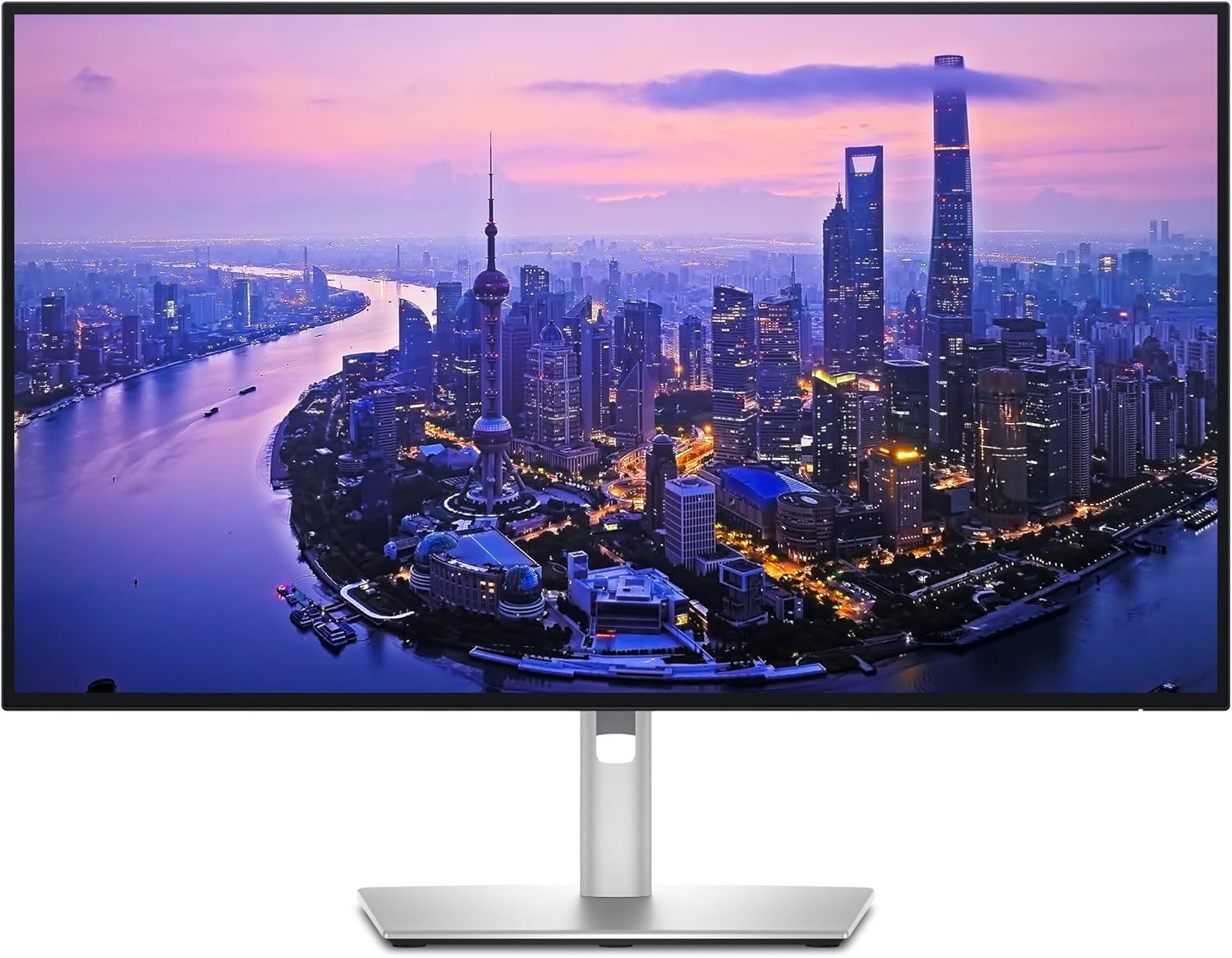
This 27-inch 4K monitor combines a 120Hz IPS Black panel with a Thunderbolt 4 hub and up to 140W power delivery. Its USB ports and 2.5GbE Ethernet connection make it a useful centerpiece for a MacBook desk.
Key highlights
- 27-inch 3840 x 2160 IPS Black panel at 120Hz
- 99% DCI-P3 and 99% Display P3 coverage
- Thunderbolt 4 upstream connection with up to 140W power delivery
- USB hub, KVM connectivity, and 2.5GbE Ethernet
- Height, tilt, swivel, and pivot adjustment
Pros
- 120Hz refresh rate supports smoother scrolling
- Extensive connections for peripherals and wired networking
- 3000:1 specified native contrast ratio
- Adjustable stand included
Cons
- Lower pixel density than a 27-inch 5K display
- Full Thunderbolt functionality requires a compatible connection
Who it is for: Professionals who need accurate colors for creative work, along with anyone wanting a clean single-cable setup that charges their MacBook while providing ample connectivity.
Skip if
You want the pixel density of a 27-inch 5K display or need more than 120Hz for gaming.
Dell S2725QC - Best value
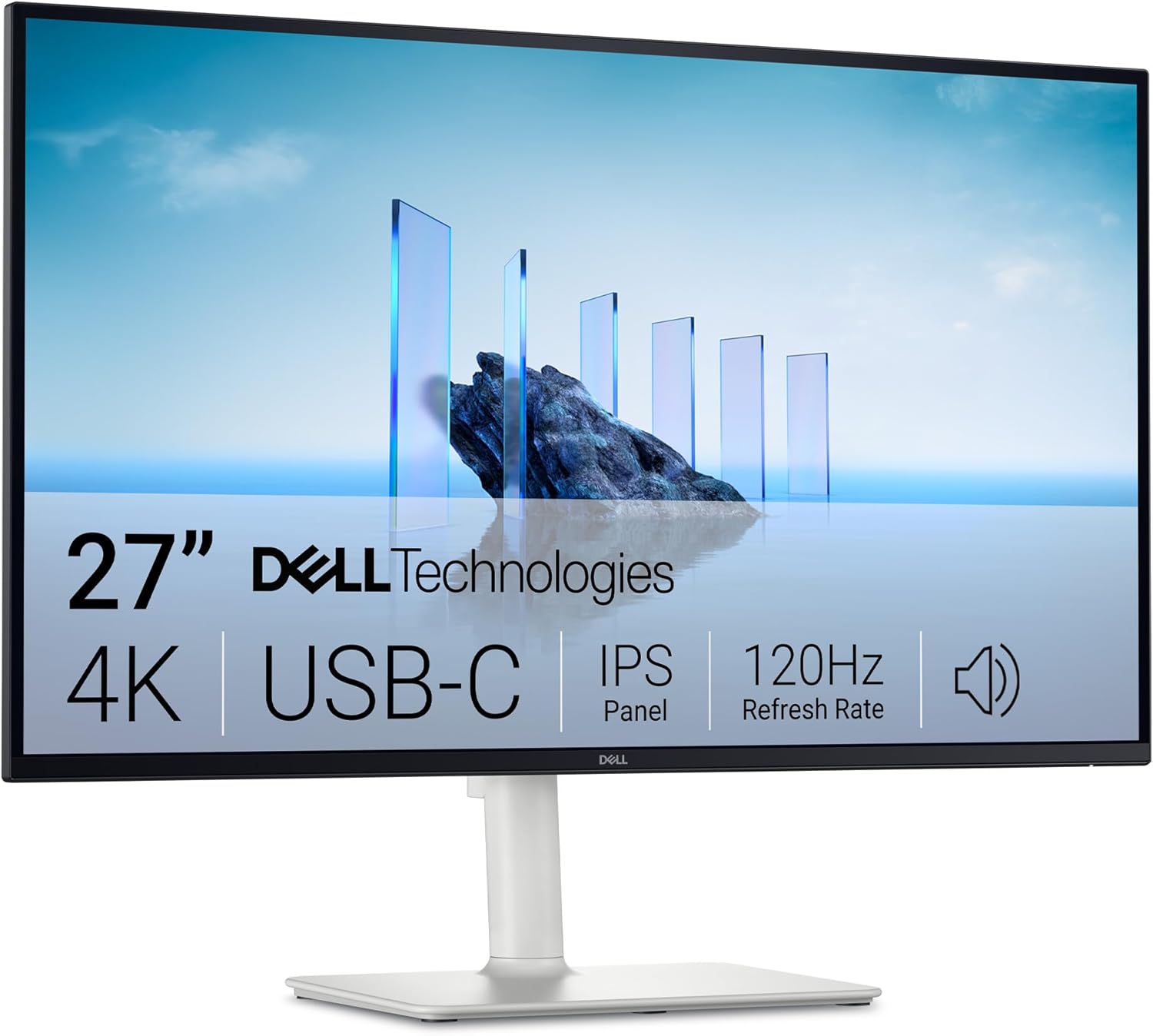
This 27-inch 4K monitor pairs a 120Hz refresh rate with USB-C connectivity and up to 65W charging. Built-in speakers and an adjustable stand cover everyday desk needs without a separate audio setup.
Key highlights
- 27-inch 4K IPS panel with a 120Hz refresh rate
- 99% sRGB coverage and a 1500:1 native contrast ratio
- USB-C with up to 65W power delivery
- Two HDMI ports, two USB-A ports, and a downstream USB-C port
- Built-in speakers and height, tilt, swivel, and pivot adjustment
Pros
- 120Hz refresh rate supports smoother scrolling
- One USB-C connection carries video, data, and charging
- Speakers and an adjustable stand are included
Cons
- Charging is limited to 65W
- USB connections are limited to 5Gbps
- No Thunderbolt connection
Who it is for: Budget-conscious MacBook users who want 4K clarity and USB-C convenience without premium features they won't use.
Skip if
You need professional color accuracy for creative work, require higher wattage charging for 16-inch MacBook Pro, or want Thunderbolt connectivity.
BenQ MA270U - Best for creatives
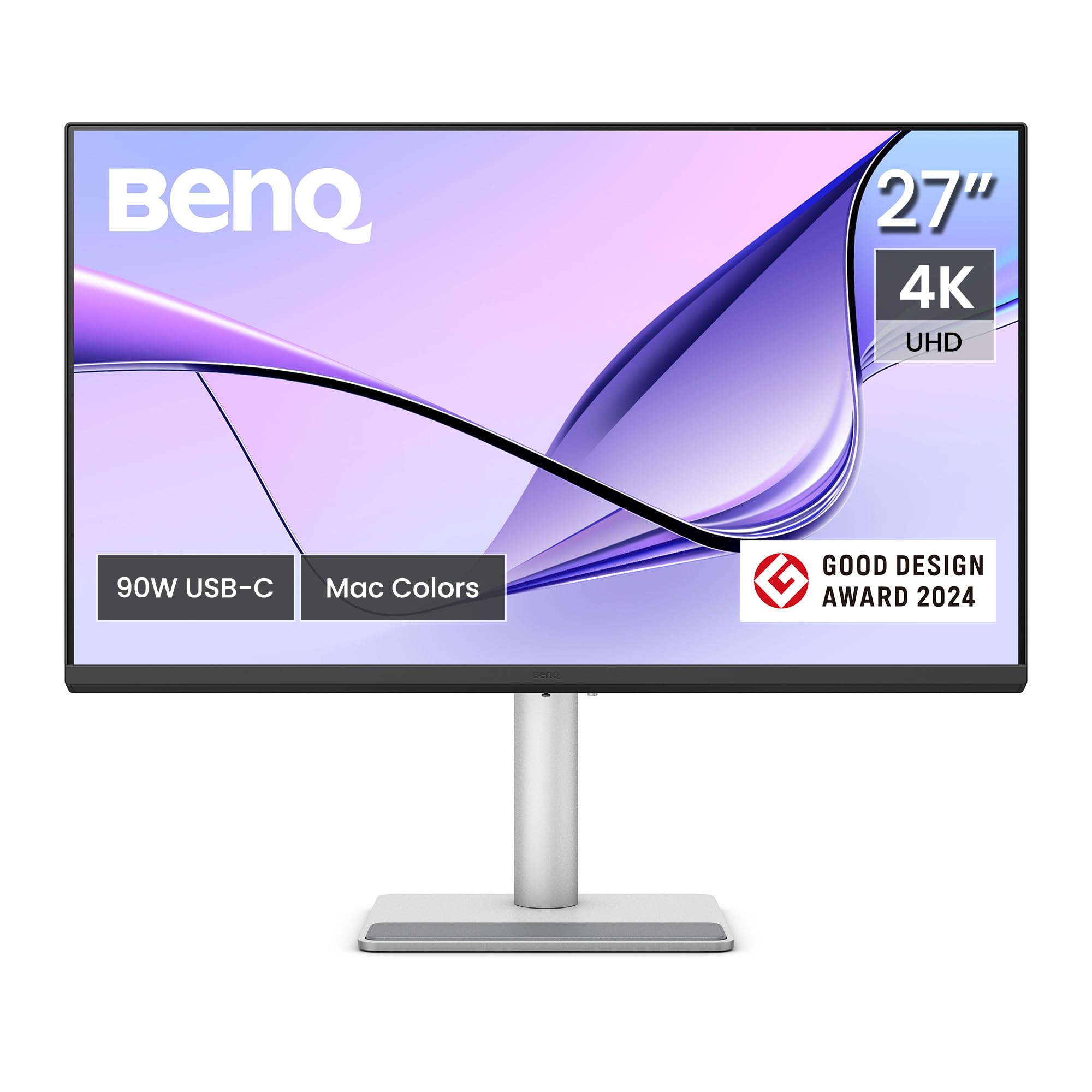
Specifically designed for Mac users, this monitor automatically matches your MacBook's color profile and offers seamless integration that feels like an extension of Apple's ecosystem. It delivers professional-grade color accuracy at a fraction of Apple's pricing.
Key highlights
- Mac Color Match technology for automatic color synchronization
- Dual USB-C ports with 90W and 15W power delivery
- 4K resolution with P3 wide color gamut coverage
- Nano Matte coating reduces glare without sacrificing clarity
- Mac keyboard controls for brightness and volume
Pros
- Colors match MacBook displays without manual calibration
- Dual USB-C ports charge MacBook and iPad simultaneously
- Keyboard controls eliminate need for monitor buttons
- Excellent value compared to Apple Studio Display
- Good build quality with Apple-like aesthetics
Cons
- Brightness lower than premium Apple displays
- Slight color differences may be noticeable to trained eyes
- Heavier than some competing models
- Proprietary software required for full feature set
Who it is for: Creative professionals and MacBook users who want seamless color matching and Apple-like integration without paying Apple prices.
Skip if
You need maximum brightness for bright rooms, prefer displays without proprietary software, or want Thunderbolt 4 connectivity.
Apple Studio Display - Best premium
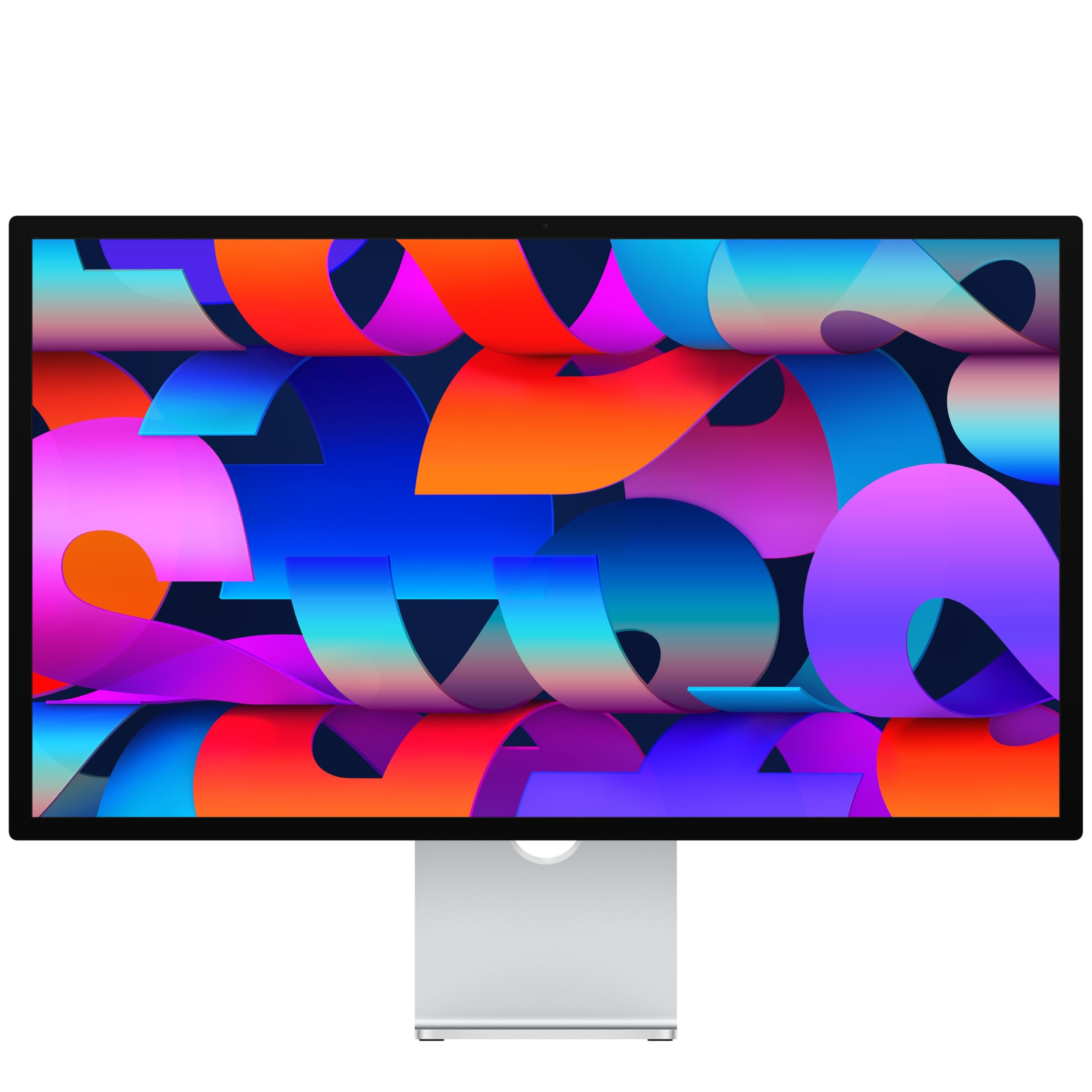
Apple's own 5K monitor offers the most seamless macOS integration available, with perfect scaling, excellent built-in audio, and a webcam that works like it's part of your MacBook. It's the premium choice for users who want everything to just work together.
Key highlights
- 27-inch 5K Retina display with 218 PPI pixel density
- 12MP Center Stage camera with Desk View
- Six-speaker system with Spatial Audio and studio mics
- Thunderbolt 5 with power delivery
- 600 nits brightness with True Tone technology
Pros
- Perfect macOS integration with automatic scaling
- Excellent camera and audio system built in
- Power delivery charges Mac laptops
- Premium aluminum construction matches Apple design
- True Tone automatically adjusts color temperature
Cons
- Very expensive compared to third-party options
- Height-adjustable stand costs extra
- Only 60Hz refresh rate despite MacBook Pro's 120Hz capability
- Limited port selection compared to hub monitors
Who it is for: MacBook Pro users with unlimited budgets who want the absolute best integration, build quality, and Apple ecosystem features.
Skip if
You're on a budget, need high refresh rates for gaming, or require extensive connectivity options beyond what's built in.
Dell UltraSharp U4025QW - Best ultrawide
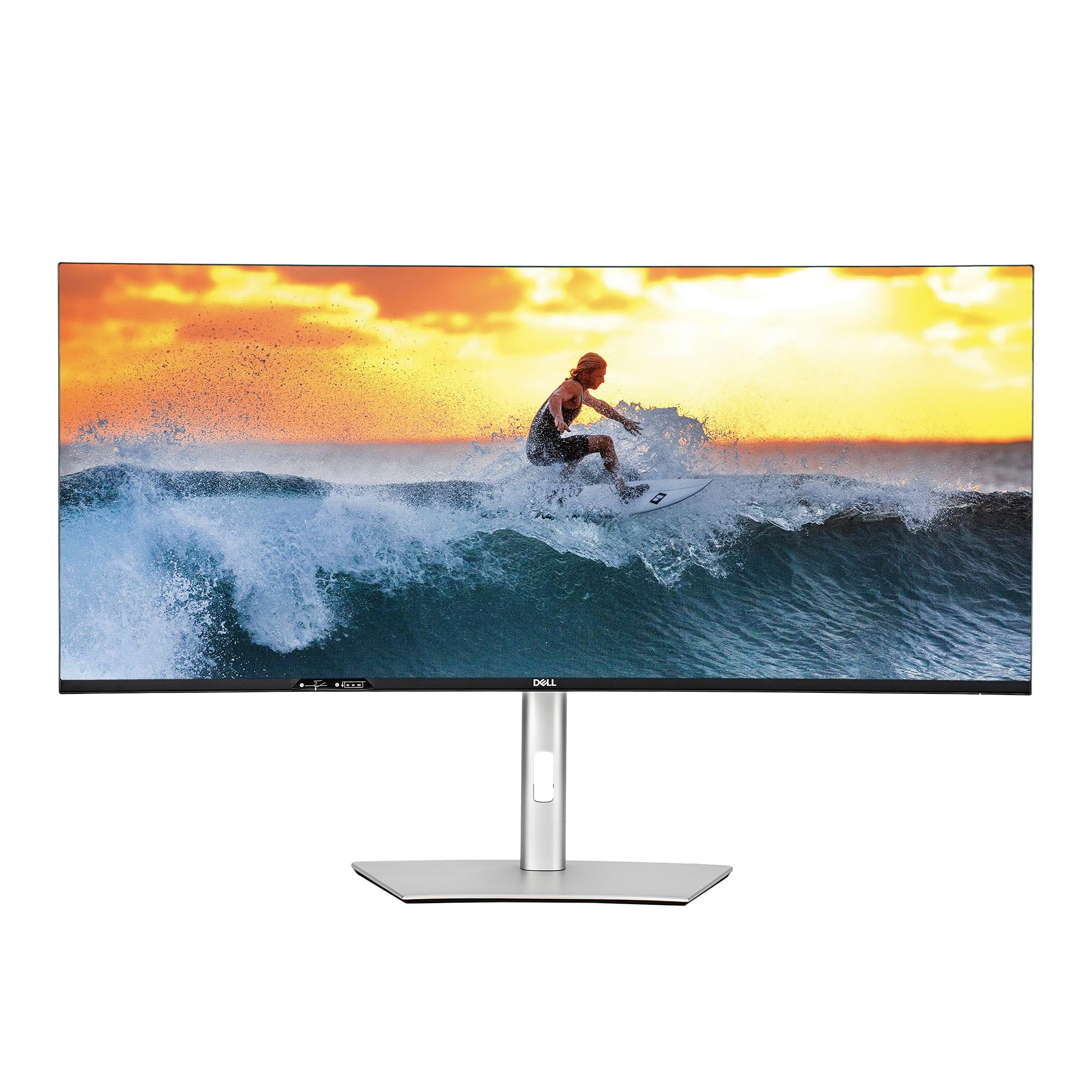
This curved 40-inch ultrawide monitor provides expansive screen real estate with 5K2K resolution, making it ideal for multitasking, creative workflows, and immersive media consumption. Its Thunderbolt hub and professional color accuracy cater to demanding MacBook Pro users.
Key highlights
- 40-inch curved IPS Black panel with 5120 x 2160 resolution
- Thunderbolt 4 with 140W power delivery for single-cable connectivity
- 99% DCI-P3 and 99% Display P3 color coverage
- 120Hz refresh rate for smooth scrolling and motion
- Built-in hub
Pros
- Massive screen space reduces need for multiple monitors
- USB Type-C with charging for demanding workflows
- Excellent color accuracy with Delta E < 2
- Curved design enhances immersion and reduces eye movement
- Comprehensive port selection including Ethernet
Cons
- Very expensive investment
- Requires significant desk space
- May need powerful graphics for optimal performance
- Curved design not ideal for all creative tasks
Who it is for: Professionals who need extensive screen real estate for multitasking, video editing timelines, or financial modeling on their MacBook Pro.
Skip if
You have limited desk space, work primarily with straight lines in design applications, or need multiple separate displays for different workflows.
Also Good
- LG 27UP850K-W - sleek white design with strong Mac connectivity. Check Price on LG
- BenQ PD3226G - 32-inch design display with 144Hz, Thunderbolt 4, and professional calibration.
- ASUS ProArt PA278CGRV - 27-inch QHD display with 144Hz, 97% DCI-P3 coverage, 96W USB-C charging, and Auto KVM.
How to Choose
Consider these factors when selecting a monitor for your MacBook:
Connectivity and power delivery: USB-C with at least 65W power delivery provides single-cable convenience for most MacBook Air and 13-inch Pro models. For 14-inch and 16-inch MacBook Pro, look for 90W or higher. Thunderbolt offers faster data transfer and daisy-chaining capabilities if you need multiple displays.
Resolution and scaling: 4K at 27 inches provides excellent sharpness when scaled to "Looks like 2560x1440" in macOS. 5K displays offer true Retina quality but come at higher cost. Ensure the monitor supports macOS HiDPI scaling properly to avoid blurry text.
Color accuracy: For creative work, look for 95%+ DCI-P3 coverage and factory calibration with Delta E < 2. sRGB coverage matters for web design and general use. Professional certifications like Pantone Validated or Calman Verified indicate reliable color performance.
Size and ergonomics: 27-inch displays balance screen real estate with desk space. Larger monitors (32-inch+) provide more workspace but require more distance. Adjustable stands with height, tilt, and swivel improve comfort during long sessions.
Additional features: Built-in hubs reduce cable clutter, while features like automatic wake/sleep, keyboard controls, and macOS-specific color modes enhance the Apple ecosystem experience. Consider whether you need built-in audio, webcam, or KVM switching.
FAQ
What's the minimum resolution I should consider for my MacBook?
4K resolution at 27 inches is the recommended minimum for Retina-like sharpness when scaled in macOS. This allows the operating system to use HiDPI mode at "Looks like 2560x1440," providing crisp text and interface elements. Lower resolutions will appear noticeably less sharp compared to your MacBook's built-in display.
Do I need Thunderbolt or is USB-C sufficient?
USB-C with DisplayPort Alt Mode and power delivery is sufficient for most users, providing single-cable connectivity for video, data, and charging. Thunderbolt offers advantages if you need daisy-chaining multiple displays, faster data transfer for external storage, or connectivity with Thunderbolt-specific peripherals.
How much power delivery do I need from my monitor?
MacBook Air and 13-inch Pro models need at least 65W for adequate charging while in use. 14-inch MacBook Pro benefits from 70W+, while 16-inch models perform best with 96W or higher. Lower wattage may slow charging during intensive workloads but will still power the laptop.
Can I use multiple monitors with my MacBook?
This depends on your MacBook's chip. Base M1 and M2 MacBooks support one external display natively. Base M3 MacBook Air and MacBook Pro models can drive two external displays with the lid closed, an external keyboard and mouse or trackpad, a power connection, and macOS Sonoma 14.3 or later on the Air or 14.6 or later on the Pro. Pro and Max chips support more displays, depending on the model. Check Apple's specifications for your exact MacBook, display resolution, and refresh rate; a dock alone does not increase its native display limit.
Do monitors need special drivers or software for macOS?
Most modern monitors work plug-and-play with macOS, but some benefit from manufacturer software for features like color calibration, display controls, or specific color modes. Monitors designed specifically for Mac often include software that enables keyboard controls and automatic color matching.
Published April 22, 2026 Last updated September 5, 2026
Share this article
More in News
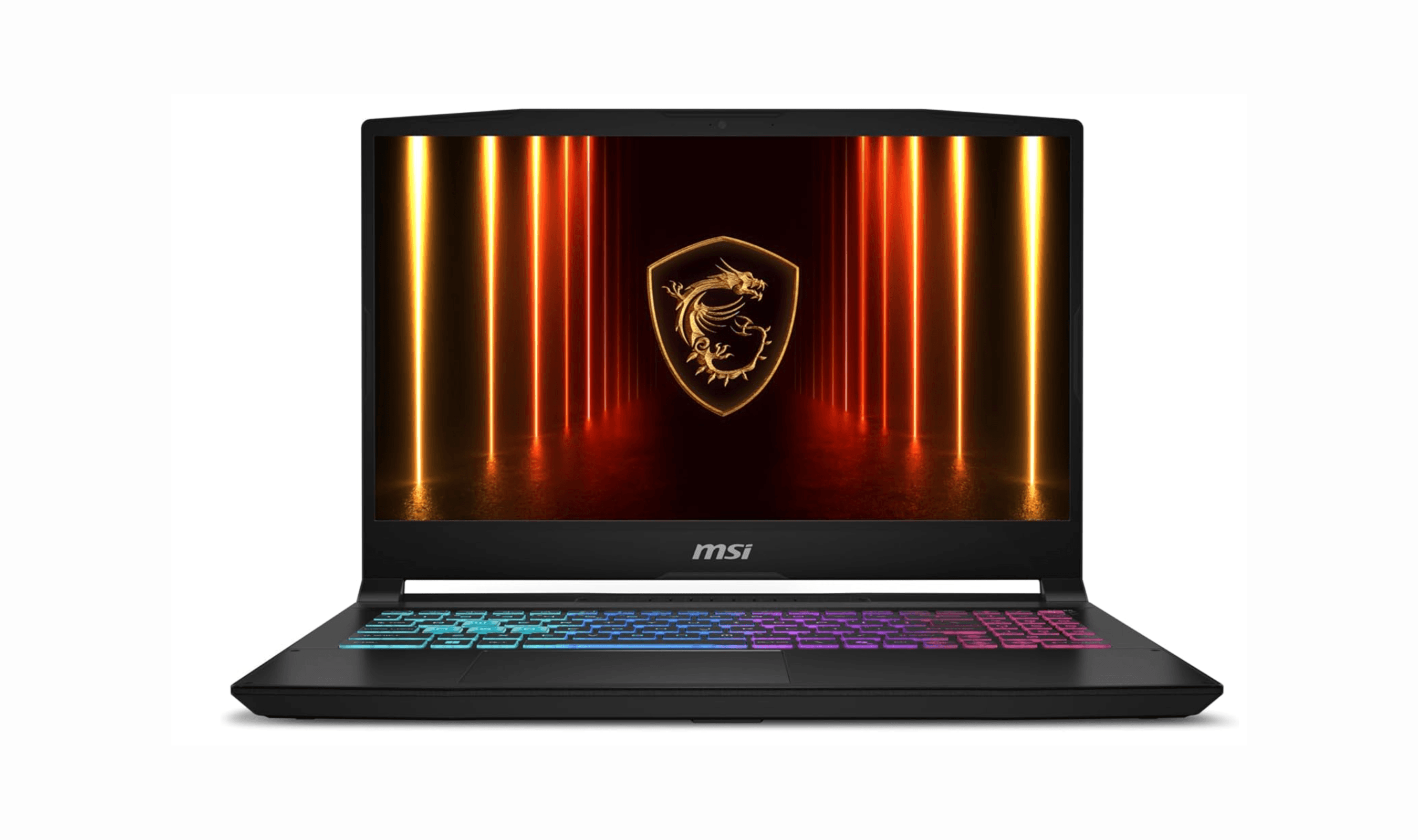
8 Best Budget Gaming Laptops for 2026
We rank the 8 best budget gaming laptops for 2026, from the $799 Acer Nitro V 15 to the RTX 5070 MSI Katana 15 HX, our top pick, plus an OLED Lenovo Legion 5i.
5 min read
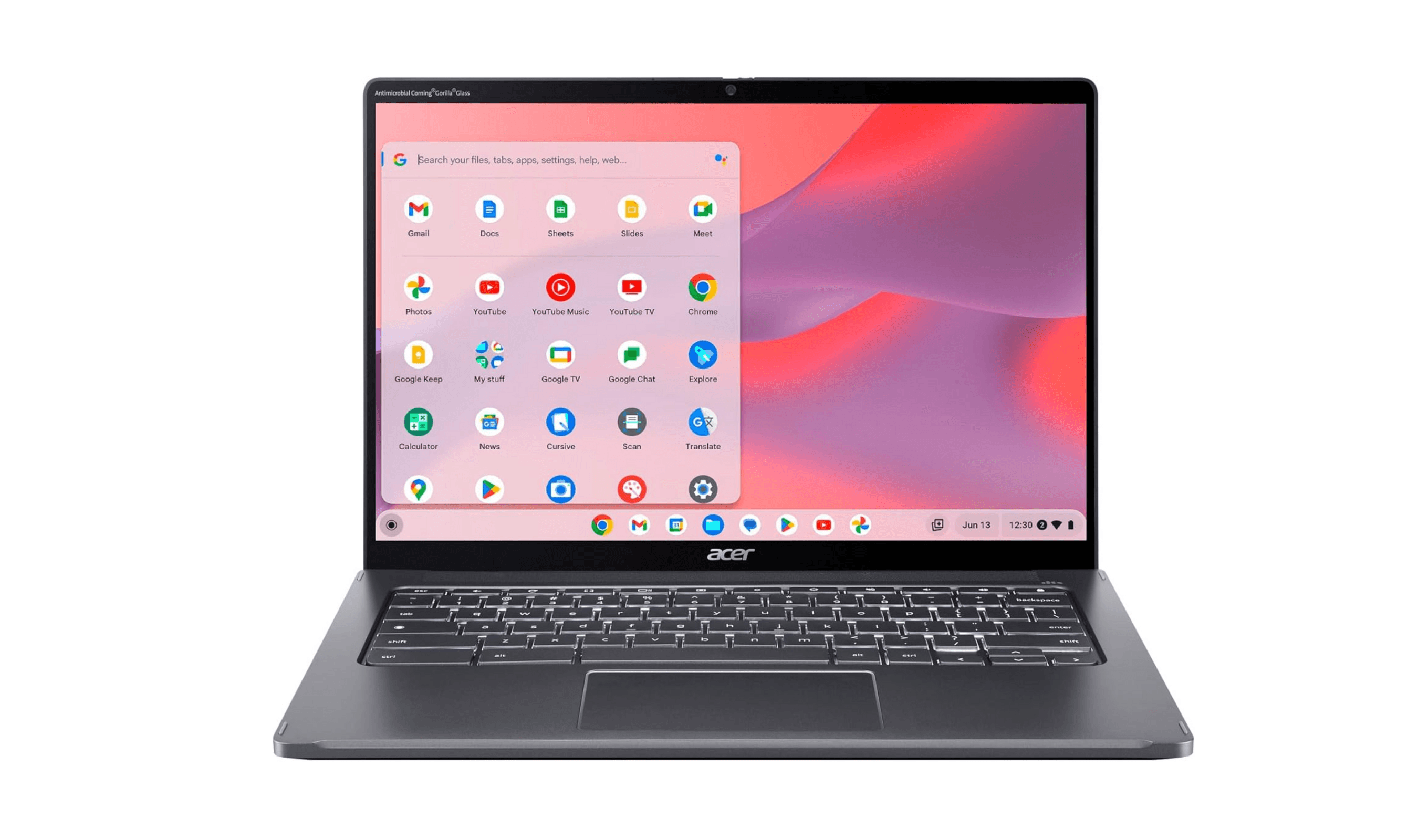
The 7 Best Laptops for High School Students of 2026
Discover the best laptops for high school in 2026. Our top pick, the Apple MacBook Air M4, leads for power, battery, and durability.
5 min read
8 Best Laptops for Home Use in 2026
Discover the best laptops for home use in 2026. Our top pick is the Dell 14 Plus for its balanced performance and excellent battery life.
4 min read
Best Laptops with CD Drives in 2026
Discover the best laptops with built-in CD drives in 2026.
5 min read
8 Laptops with the Best Battery Life to Buy in 2026
4 min read
7 Best Laptops for Bloggers in 2026
4 min read
7 Best Smartphones Under $700 in 2026
3 min read

7 Best Tablets for Toddlers to Buy in 2026
3 min read
8 Best Trackball Mice in 2026
3 min read
Best Wireless Mechanical Keyboards for 2026
4 min read

41 Best Mother's Day Tech Gifts for 2026
5 min read

Samsung coupon codes and deals
5 min read