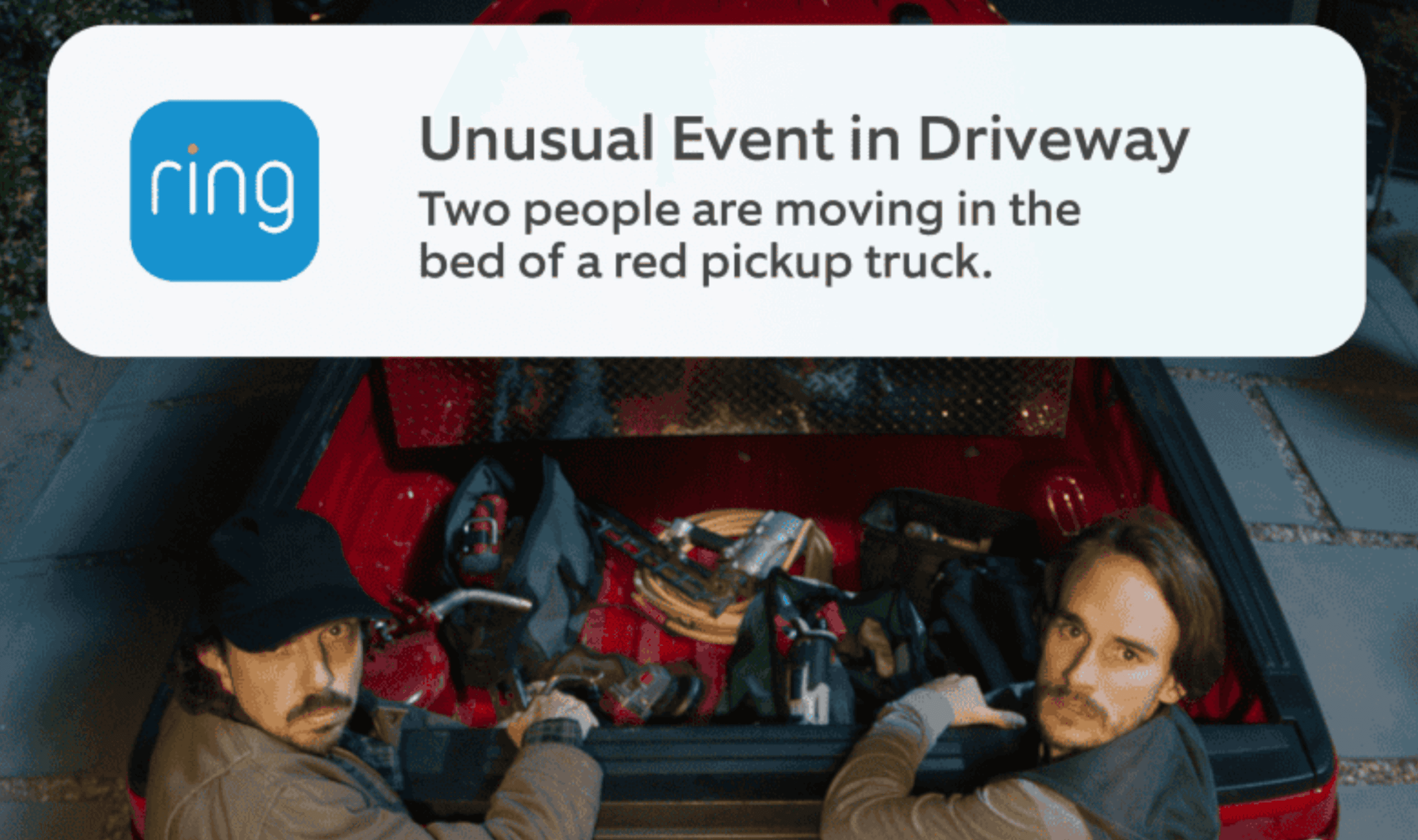
Ring’s Unusual Event Alert can suppress notifications for familiar activity around a home while flagging motion that breaks its usual patterns, according to Ring. Available on select Ring video doorbells and devices, it requires a compatible Ring Protect subscription and uses Video Descriptions to distinguish recurring activity from something unexpected. Every motion event continues to be recorded and saved, including activity that no longer triggers a notification.
Customers in Illinois cannot use the feature because of state legislation, and support is restricted to mobile devices using certain primary languages. Ring’s subscription services can also vary by country, so features offered in the United States may be unavailable elsewhere.
The filtering considers both the timing of motion and the kind of activity captured, using recent detection history alongside the text generated by Video Descriptions. Ring says that can help it recognize recurring visits as routine while flagging someone arriving at an unexpected hour or movement in an area that is usually quiet. The system continues updating its assessment as household routines change, although event volume and device limitations can affect its learning.
There is a timing tradeoff: Ring says notifications arrive after a brief processing delay while the system compares activity with similar events. Initial learning time also depends on how frequently the device detects motion, with more activity helping it learn faster. During that learning period, customers continue getting their regular notifications, and the Ring App may show a learning message.
To enable it, customers can open the Ring App menu, choose Pro Features and switch on Unusual Event Alert, providing consent if prompted. Ring recommends activating Video Descriptions first, and Manage Devices provides controls for individual devices. Flagged recordings carry a tag in Event History, where customers can read the reason for the alert and watch the complete video.
The feature follows Ring’s earlier Single Event Alert announcement, which described combining similar notifications from one device into a single alert. Ring says customers can enable both features together: Unusual Event Alert screens recurring activity, while Single Event Alert groups repeated notifications associated with one event.