
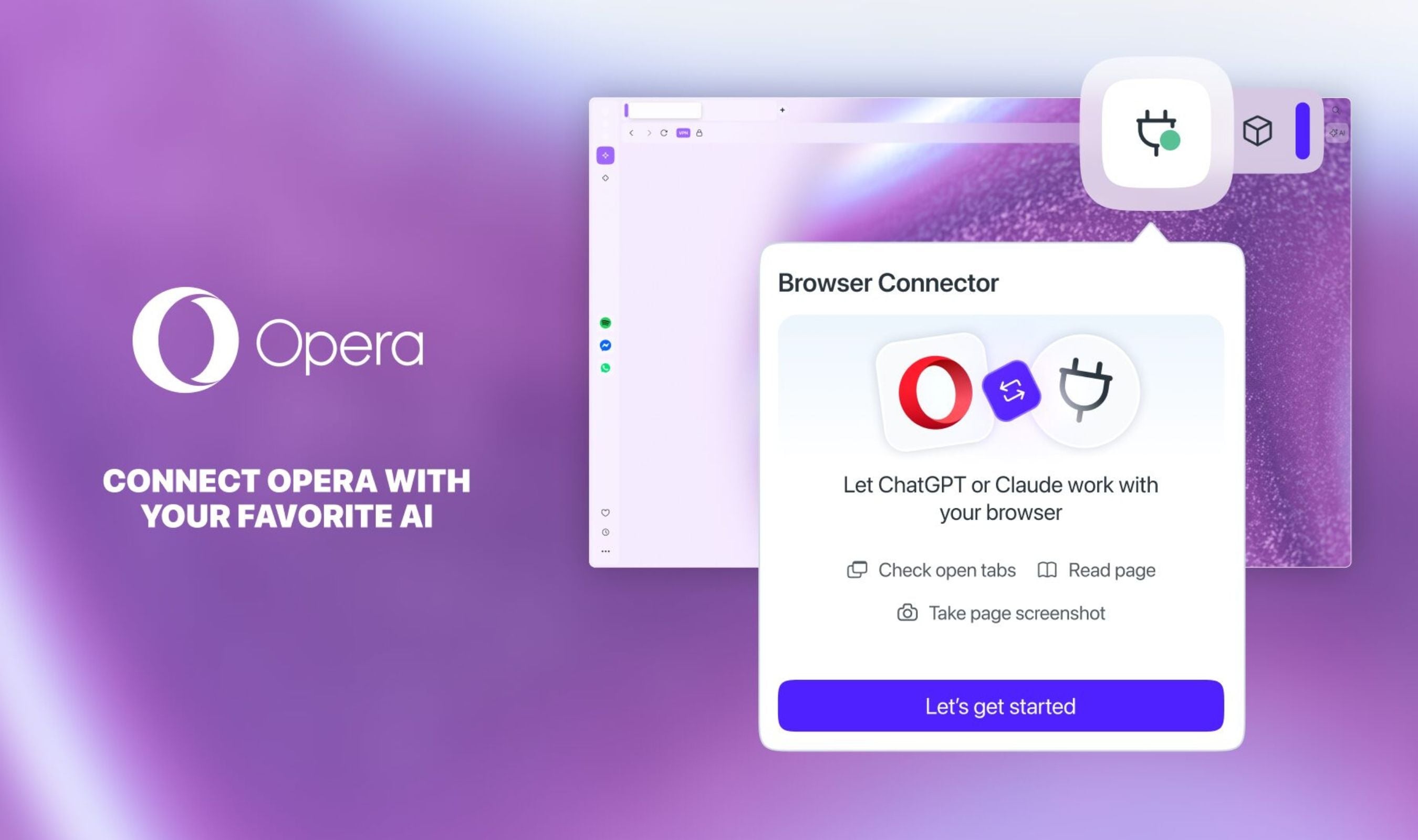
A persistent annoyance when using AI assistants for research just disappeared with Opera's new Browser Connector. The feature, launched today in Opera One and Opera GX browsers, gives ChatGPT and Claude direct access to live browsing sessions without manual copying.
Until now, using external AI services required what Opera calls a "person-in-the-middle" routine - constantly copying text, summarizing pages, or taking screenshots to provide context. Browser Connector eliminates that friction by letting AI tools see exactly what users see in real time.
The free feature works through MCP (Model Context Protocol) technology that was first introduced in Opera Neon but has now been simplified for mainstream use. Once installed from the browser's AI Services settings menu, users connect their preferred AI service directly to their browsing session.
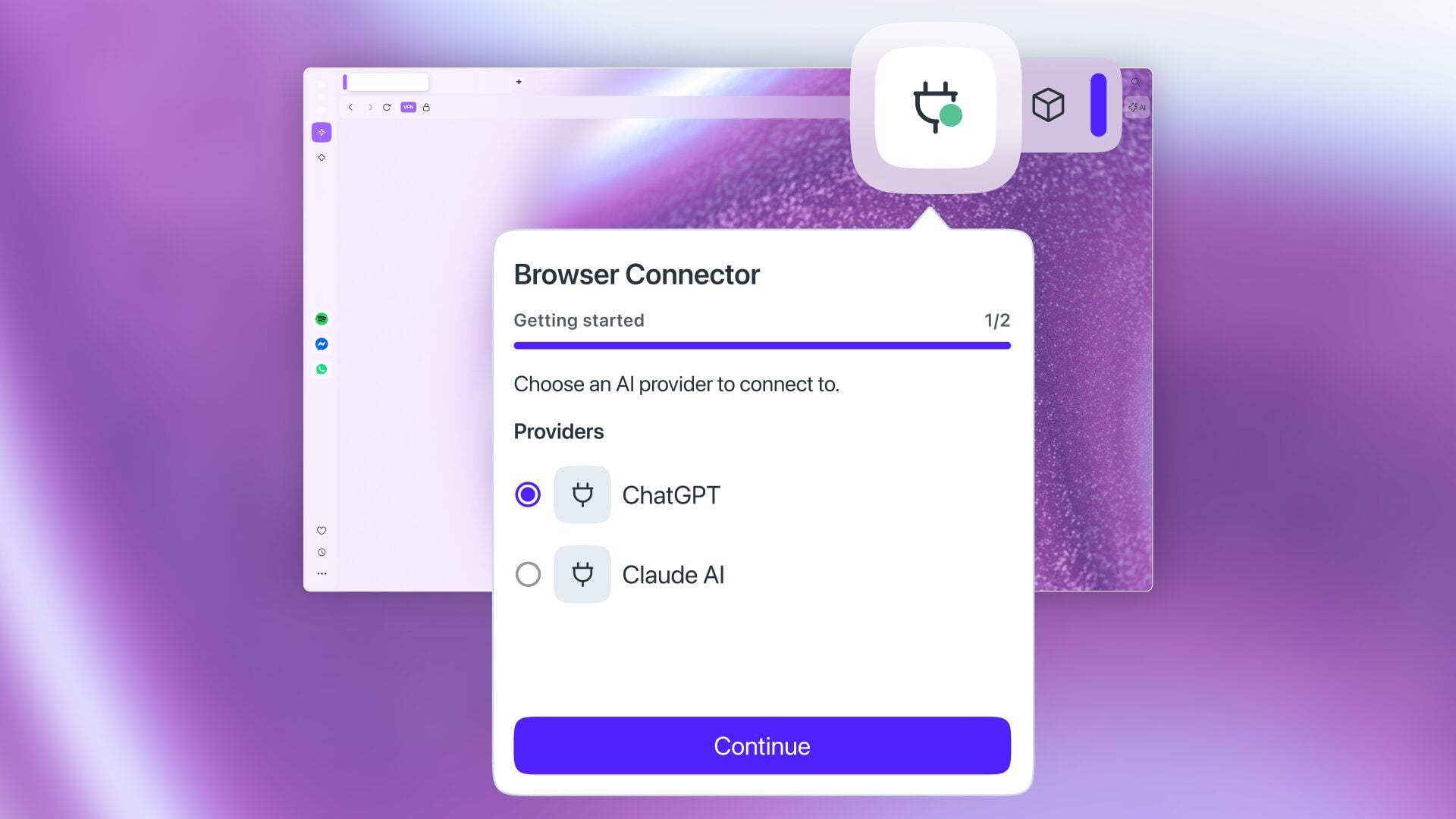
With Browser Connector active, ChatGPT or Claude can read page content, view all open tabs, analyze images and graphs, and even capture screenshots from within the browser window. This transforms how people conduct research online or shop for products across multiple websites.
"With Browser Connector, Opera ensures users aren't bound to a single company's ecosystem," said Mohamed Salah, Senior Director of Product at Opera.
The company positions this as a user choice issue rather than an ecosystem lock-in strategy. Hundreds of millions of people already use Opera browsers across mobile and desktop platforms for features like built-in ad blocking and free VPN services.
Browser Connector is available immediately in Early Bird mode - Opera's testing environment within both Opera One and Opera GX browsers.