Bitwarden now lets users open and decrypt their password vault with passkeys stored through Windows Hello or Apple Touch ID, removing the need to type a master password. The option works in Bitwarden’s browser extension and web app, with identity verification handled through the computer’s operating system. Users can also use this login method without connecting the Bitwarden desktop application.
Passkey login removes several steps from a return visit: users do not have to supply a username, enter their master password or complete a separate two-step login. Instead, they verify themselves through Windows Hello or Apple Touch ID. To get started, users must configure a passkey for Bitwarden login and select their own device as the place to save it.
Read more: Apple Arcade Adds Football Manager 27 Touch, Four More Games Next Month
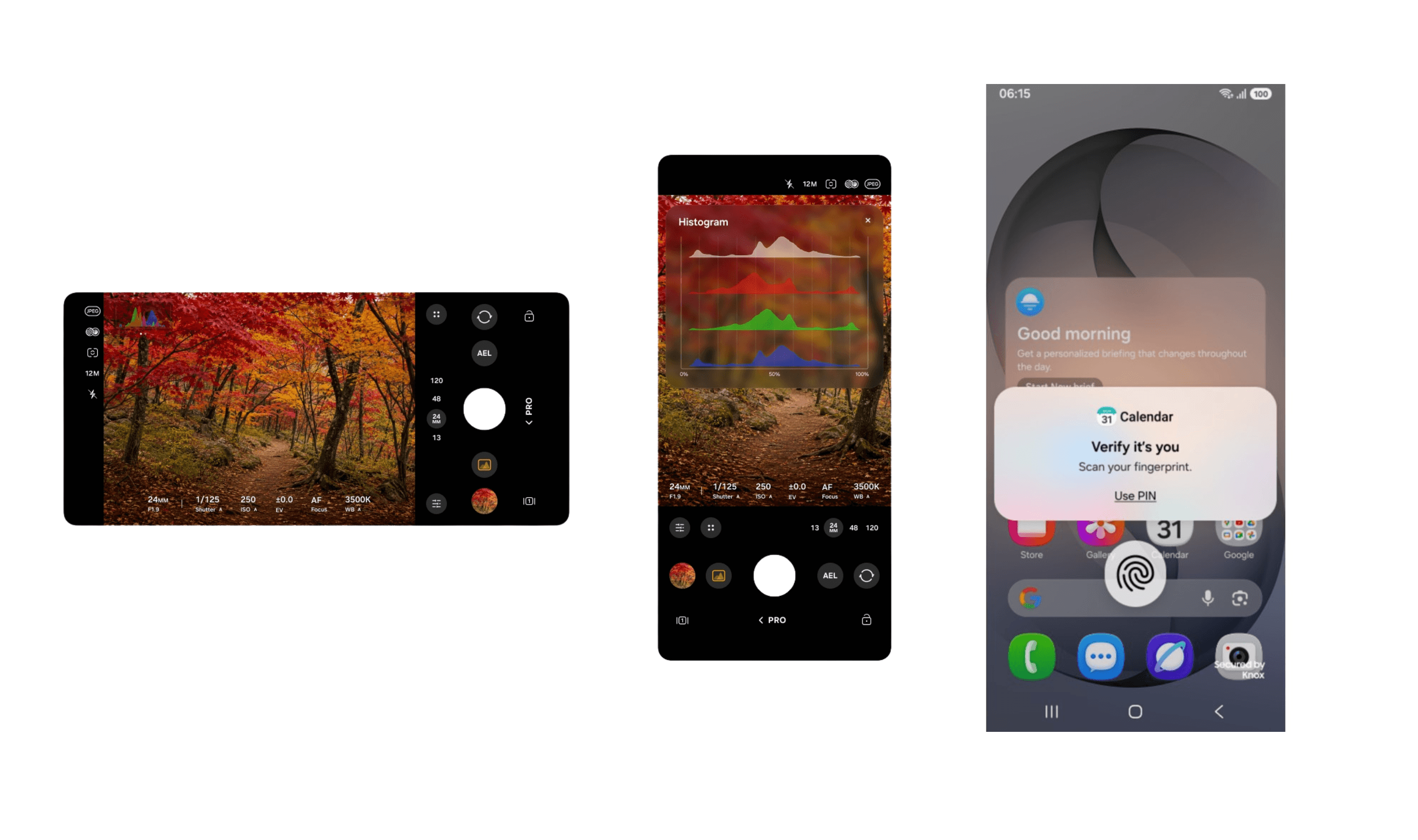
The login begins by choosing “Log in with passkey” in either supported Bitwarden interface. Windows or macOS then prompts the user to authenticate through Hello or Touch ID, such as by using a fingerprint reader. Completing that operating system check signs the user into Bitwarden and provides access to the encrypted vault.
The technical requirement is a passkey that supports the WebAuthn PRF extension, which Bitwarden uses for both authentication and vault decryption. Windows Hello and Apple Touch ID can now create suitable passkeys using the computer’s secure hardware storage. The operating system verifies identity through biometrics, a PIN or a password.
These passkeys remain on the computer where they were created, so the login credential does not travel to another device. The computer can take the place of a separate hardware security key for this workflow. Bitwarden recommends retaining securely stored backup security keys in case the computer needs replacing.
For businesses, Bitwarden presents the option as an alternative when SSO with trusted devices does not suit employees’ circumstances. It cites employees who use Bitwarden on only one device as an example, and says operating system authentication can simplify setup and reduce IT support requests.
Separately, Bitwarden has introduced integration with native Windows 11 and macOS passkey processes for creating and using passkeys in a Bitwarden vault. That integration addresses passkey creation and use across devices and platforms.