
Unlock your iPad from carrier restrictions to use any cellular network provider
What to Know
- Carrier Lock restricts your cellular iPad to one network, even with a paid-off installment plan.
- Contact your carrier first – they are legally required to unlock eligible devices for free.
- You need your IMEI to request an unlock. Find it in Settings > General > About.
- Third-party services are an option if your carrier refuses, but choose carefully.
- Wrong code attempts matter – entering an incorrect unlock code too many times can cause issues.
How Carrier Lock Works on iPad
When you buy a cellular iPad 10th Gen on an installment plan from a carrier, it's often locked to their network. This means the iPad's modem will only accept SIM or eSIM profiles from that specific company.
The lock is tied to the device's unique IMEI number, not your Apple ID or account. Unlocking it removes this software restriction, letting you pop in a SIM from any compatible carrier, which is great for travel or switching to a better plan.
Get Your Unlock from Your Current Carrier
This is almost always the best and safest first step. Major US carriers have specific policies, but the general process is similar.
First, make sure you're eligible. Your iPad usually needs to be fully paid off, not reported lost or stolen, and have been active on the carrier's network for a set period (often 60 days). If you bought it outright from Apple, it should come unlocked already.
Gather your info: you'll need the iPad's IMEI and your account details. Then contact your carrier. For AT&T and T-Mobile, you can often submit the unlock request right from their website or app. Verizon typically auto-unlocks devices after 60 days, but you can call to confirm.
Submit the request and wait. Carriers can take a few hours to several business days to process it. They won't give you a code. Instead, they'll update the unlock status on their server, which your iPad checks.
Check if Your iPad is Already Unlocked
The easiest way to check is with a different carrier's SIM card. Borrow a friend's active SIM from another network, power off your iPad, insert it, and power back on.
If you see signal bars and the new carrier's name in the status bar, you're unlocked. If you get an "Invalid SIM" or "SIM Not Supported" alert, it's still locked. You can also try contacting Apple Support with your IMEI; they can sometimes see the lock policy.
Using a Third-Party Unlocking Service
If your carrier won't cooperate, third-party services are an alternative. I'd use these only after exhausting the official route. They work by leveraging business accounts or other channels to submit unlock requests to carriers.
Choose a service with clear guarantees and reviews. You'll provide your iPad's IMEI number, model (iPad 10th Gen), and current carrier. They'll quote a price and timeframe, which can range from a day to a week.
Payment is upfront. If the unlock is successful, they'll notify you. There's no code to enter. You simply insert a new SIM card, and the iPad should connect. A reputable service will offer a refund if they can't unlock your specific device.
What to Do After Your iPad is Unlocked
Once unlocked, the restriction is permanently removed, even through future iPadOS updates. You can now use any compatible nano-SIM or set up an eSIM with a different provider.
For the best experience on the iPad 10th Gen, I'd recommend using a 20W or higher USB-C PD charger to keep up with battery demands during heavy cellular use. Also, if you use a 1st gen Apple Pencil, remember you'll need that USB-C adapter to charge it.
Troubleshooting Unlock Problems
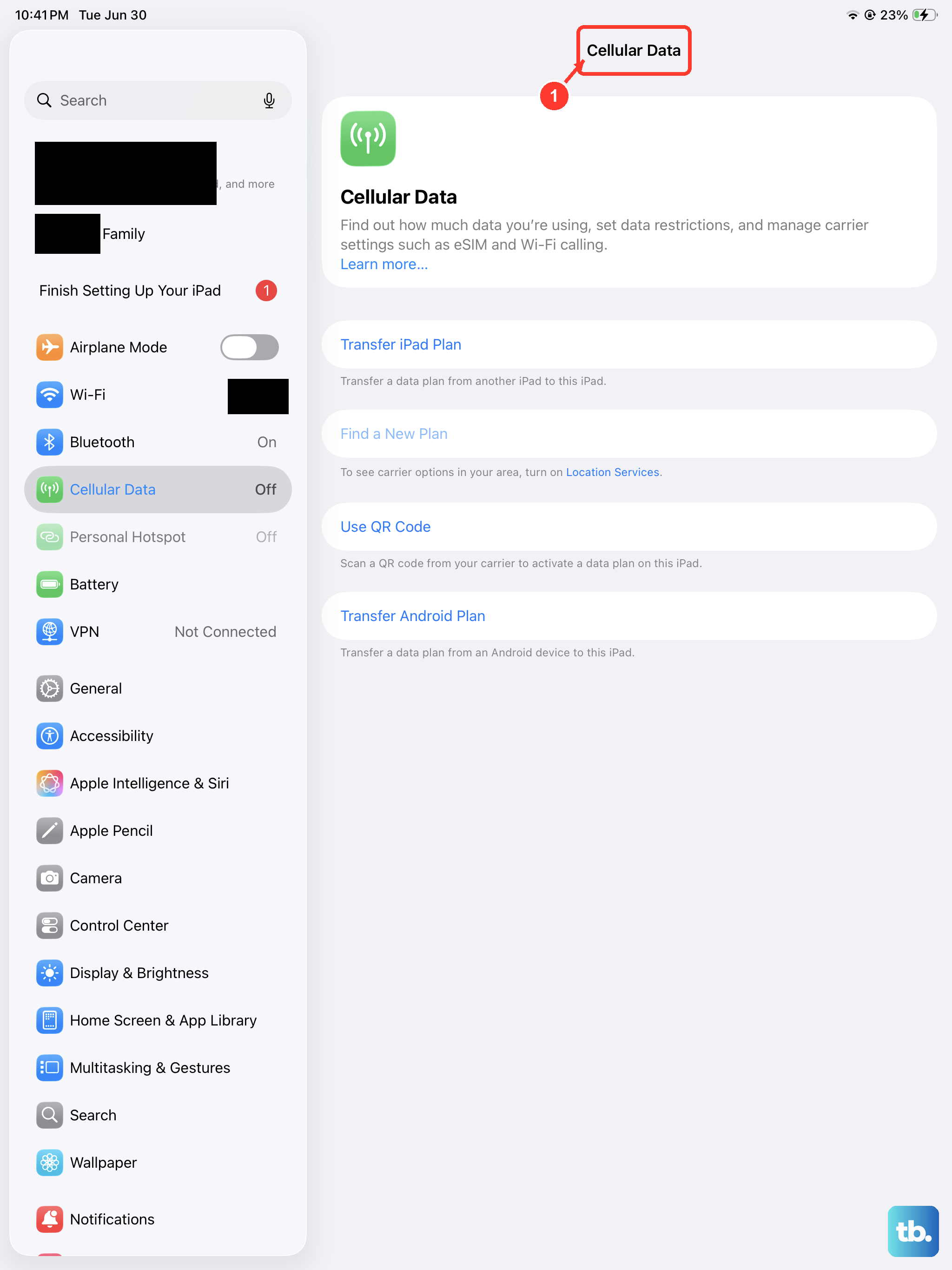
If you've been told your iPad is unlocked but a new SIM isn't working, try a forced restart. Quickly press and release the Volume Up button, then the Volume Down button, then press and hold the Top button until you see the Apple logo.
This can clear a temporary glitch. Also, ensure the new SIM is active and has a cellular data plan. Contact the new carrier to confirm the SIM is provisioned correctly for tablets.
For persistent "Invalid SIM" messages, double-check with your original carrier that the unlock was applied to the correct IMEI. Errors do happen. If you used a third-party service, contact them for support as the unlock might have failed or been reversed.